
By the FlowUP team, gaming PC builder in Genappe (Belgium) · Updated 26 October 2026
In short:
- A complete gaming PC is the tower, monitor, keyboard, mouse and headset. At FlowUP, the tower arrives pre-assembled and tested; the rest is chosen on the website.
- The workshop rule: tower first, monitor next, peripherals last. A good monitor will never save a graphics card that’s too weak.
- The classic trap: a gaming PC bundle that looks complete but hides a 60 Hz monitor or a supermarket membrane keyboard.
- Our advice: choose the graphics card based on your monitor’s resolution, not the other way around. On Steam, nearly one in two players is still gaming in 1080p.
“I want a complete gaming PC, with everything included, so I never have to think about it again.” This is a request you hear often, especially as Christmas approaches. And it’s a good request: buying a coherent setup from the same place avoids the hassle of missing cables and components that don’t work together.
The problem is that “complete” means nothing until you’ve talked about resolution, monitor refresh rate, and budget. So we wrote this guide the way we would in a shop: the tower first, then the screen, then the rest, with our clear choices and the classic mistakes to avoid.
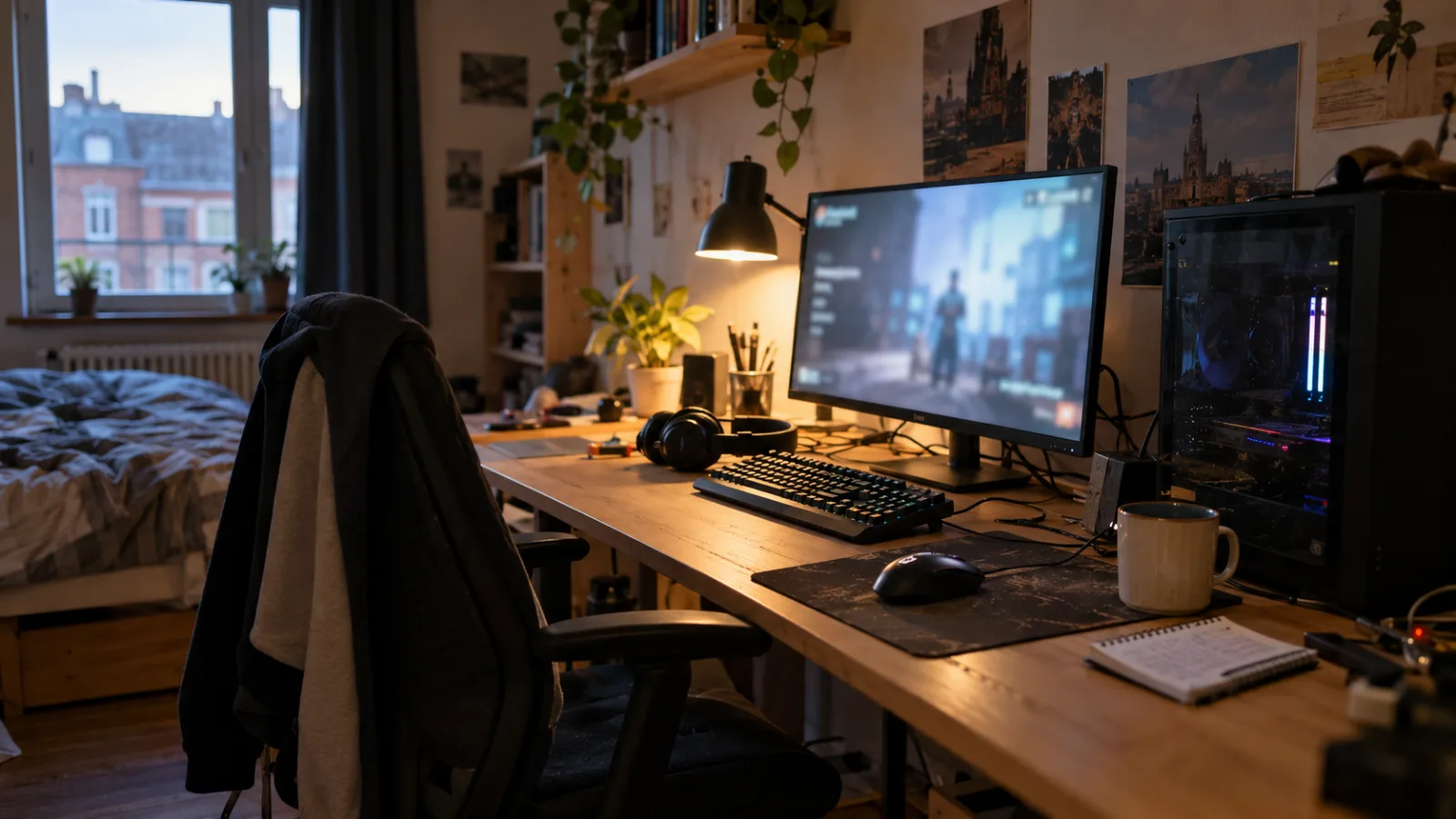
Tower, monitor, keyboard, mouse, headset: a complete setup is built in this order.
What exactly is a complete gaming PC?
A complete gaming PC includes the main unit (the tower) and everything you need to start playing straight out of the box: monitor, keyboard, mouse, headset. On flowup.shop, the tower is delivered pre-assembled, cabled, tested and ready with Windows 11 preinstalled (trial version, to be activated with your key). Peripherals and the monitor are added to the cart, or you can take them in a bundle.
- The tower: processor, graphics card, memory, SSD, power supply, cooling and case. It’s the one that determines performance.
- The gaming monitor: its resolution (1080p, 1440p, 4K) and refresh rate (144 Hz, 165 Hz, 240 Hz) determine the graphics card you need.
- Keyboard and mouse: what your hands touch for eight hours a day. We’ll come back to this lower down, because that’s where you can’t really save without regrets.
- The headset: essential for multiplayer, and often forgotten in bundles.
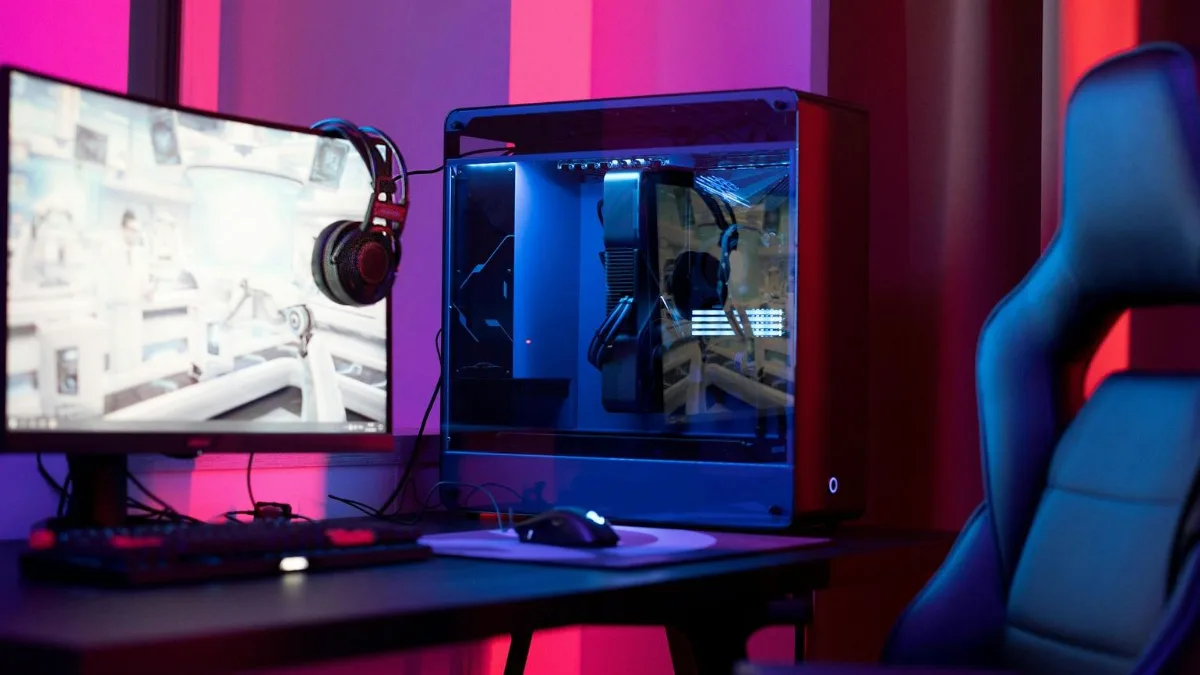
The headset and the mouse pad are part of the setup, you always forget them when budgeting.
Gaming PC bundle or separate purchases: what we recommend in the workshop
A gaming PC bundle has a real advantage: everything is thought through together, and the total price is often more pleasant than buying each part separately. It also has a drawback: you don’t choose every single element. Here’s how we decide.
| Criterion | Gaming PC bundle | Separate purchases |
|---|---|---|
| Tower / monitor compatibility | Warranty (we checked it ourselves) | To check yourself |
| Peripherals selection | Limited | Total |
| Budget | Often more cost-effective | Depends on your choices |
| Upgrade path | Same: the tower can be upgraded | Same |
| For who | The one who wants “everything included” without having to think about it | The one who already has a keyboard or a monitor they like |
Our honest answer: if you’re starting from scratch, go for the bundle. If you already have a decent screen (1440p, 144 Hz or higher), keep it and put the difference into the graphics card. An example of a bundle we really like, because the monitor is on par with the tower:
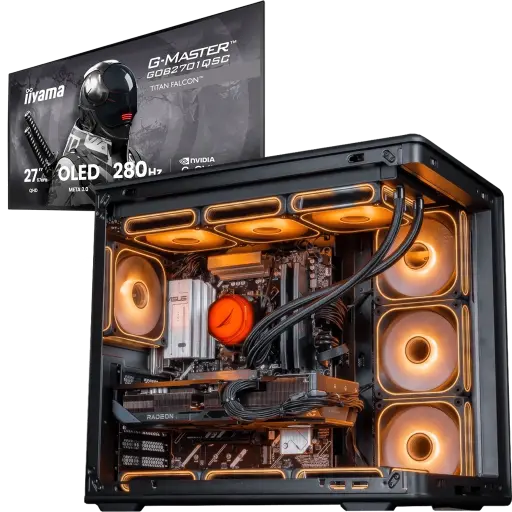
Master Pack: PC Apex V2 + 27" OLED monitor 280 Hz QHD
A Radeon RX 9070 XT 16GB and a Ryzen 7 7800X3D, paired with a QHD OLED 280 Hz monitor that really makes the most of the graphics card. This is the complete gaming PC with a monitor that we build for someone who wants fast 1440p, period.
The tower: the only part where you shouldn’t cut back
In a complete gaming PC with a tower, the tower makes up the biggest share of the budget, and that’s normal: it’s the one that creates the images. A monitor can be replaced in five minutes; a graphics card that’s too weak drags along for three years. In the workshop, we always reason starting from the resolution you’re targeting:
- 1080p: an RTX 5050, RTX 5060 or RTX 5060 Ti is more than enough, even at 144 Hz in competitive games.
- 1440p: aim for an RTX 5070, RX 9070 or RTX 5070 Ti to keep your settings high.
- 4K: RTX 5080 or RX 9070 XT, and a budget that matches.
To put this in context, the Steam hardware survey for September 2026 shows that 47.9% of players are on 1920 × 1080, 27% on 2560 × 1440 and 4.8% on 3840 × 2160. In other words, a complete 1080p or 1440p gaming PC is still the choice of the vast majority, and that’s also where the best value-for-money can be found.
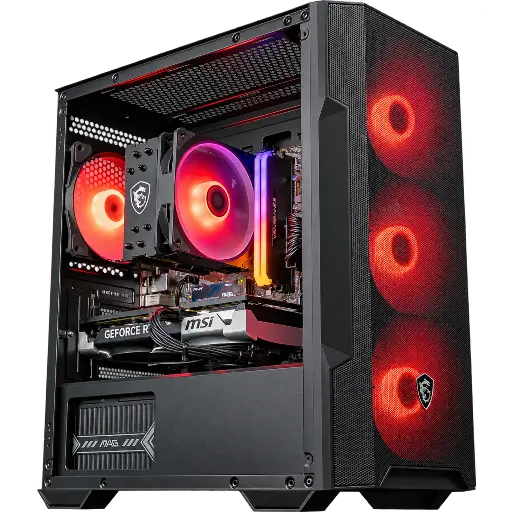
PC Savannah GeForce RTX 5060 Ti 8GB Powered by MSI
The tower most often paired with a 1080p 165 Hz screen: RTX 5060 Ti, Ryzen 5 5600, 16 GB DDR4 and a 1 TB SSD. Smooth, quiet, and there’s still budget left for a good monitor.
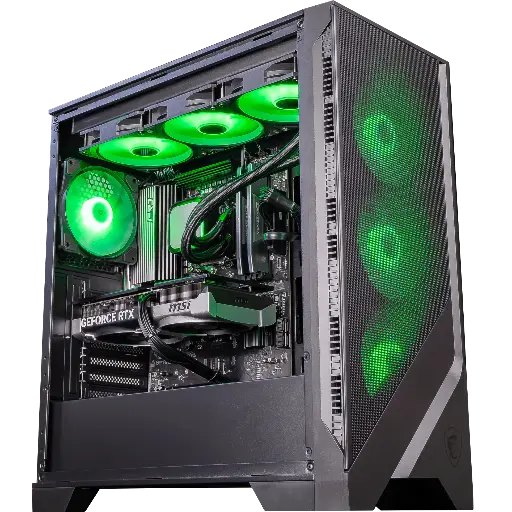
PC Spatium GeForce RTX 5070
Our pick for a 1440p monitor: RTX 5070 12GB, Ryzen 5 9600X on the AM5 platform and DDR5, with a 360 mm watercooling loop. A foundation that will last for several generations of games.
Which gaming monitor for a gaming PC with monitor?
The monitor should be chosen after the tower, and never below 144 Hz if you want to play. It’s the component we most often see as underpowered in the “complete bundles” from big retailers: a decent tower, then a 24-inch 75 Hz monitor that ruins everything.
- For a tower from RTX 5050 to RTX 5060 Ti: a 24- or 27-inch 1080p monitor, 144 to 180 Hz. The most balanced combo for a gaming PC with a screen.
- For an RTX 5070 or RX 9070 tower: a 27-inch 1440p monitor, 165 Hz or higher. Fast IPS panels are perfect; OLED is the luxury that changes the image.
- For an RTX 5080 tower: 1440p up to 240 Hz or 4K, depending on your games.
Two details we always check before approving a setup: the DisplayPort cable (supplied with the monitor, otherwise we add it) and compatibility with G-Sync or FreeSync, which eliminates screen tearing. All the details are in our guide which gaming monitor to choose in 2026, and our monitors are in the category gaming monitors.
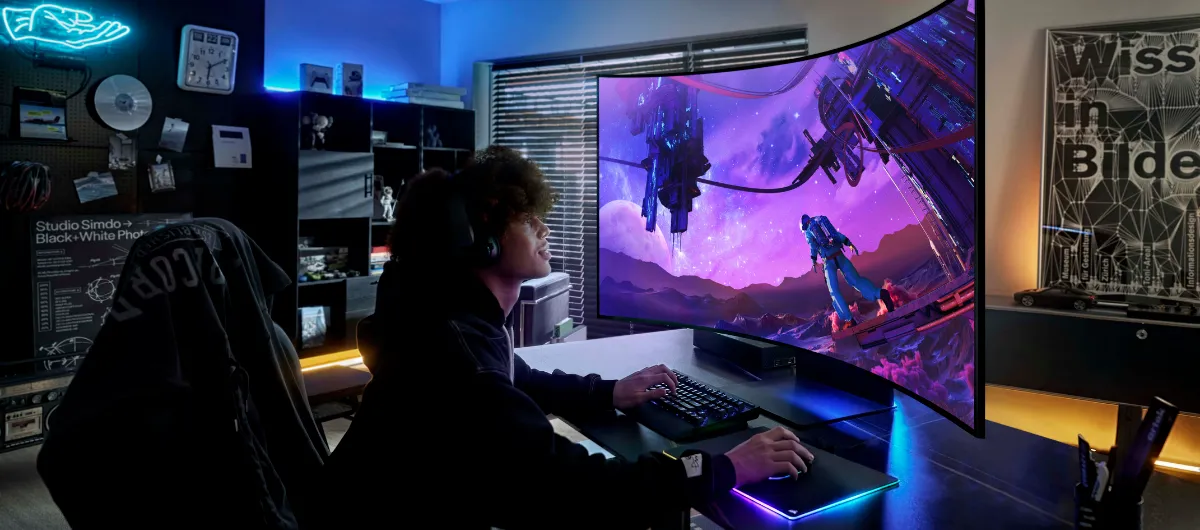
A 27-inch 1440p at 165 Hz: the natural match for an RTX 5070.
Gaming keyboard and mouse, headset: the peripherals that really change the game
A good gaming keyboard and mouse are recognisable by three things: mechanical switches, a reliable mouse sensor, and a cable (or a 2.4 GHz dongle) that doesn’t give up in the middle of a match. The rest, including RGB, is comfort.
- Keyboard: mechanical, TKL layout if you’re short on space. We explain the switches in our guide how to choose a gaming keyboard.
- Mouse: a recent optical sensor, weight suited to your hand, shape above all. See how to choose a gaming mouse.
- Headset: a decent mic is better than a “7.1” marketing claim. Our guide: gaming headset: how to choose one.
To get started quickly and well, a combo like Cougar Combat S keyboard + mouse does the job very nicely, and our keyboards and mice are sorted by use.
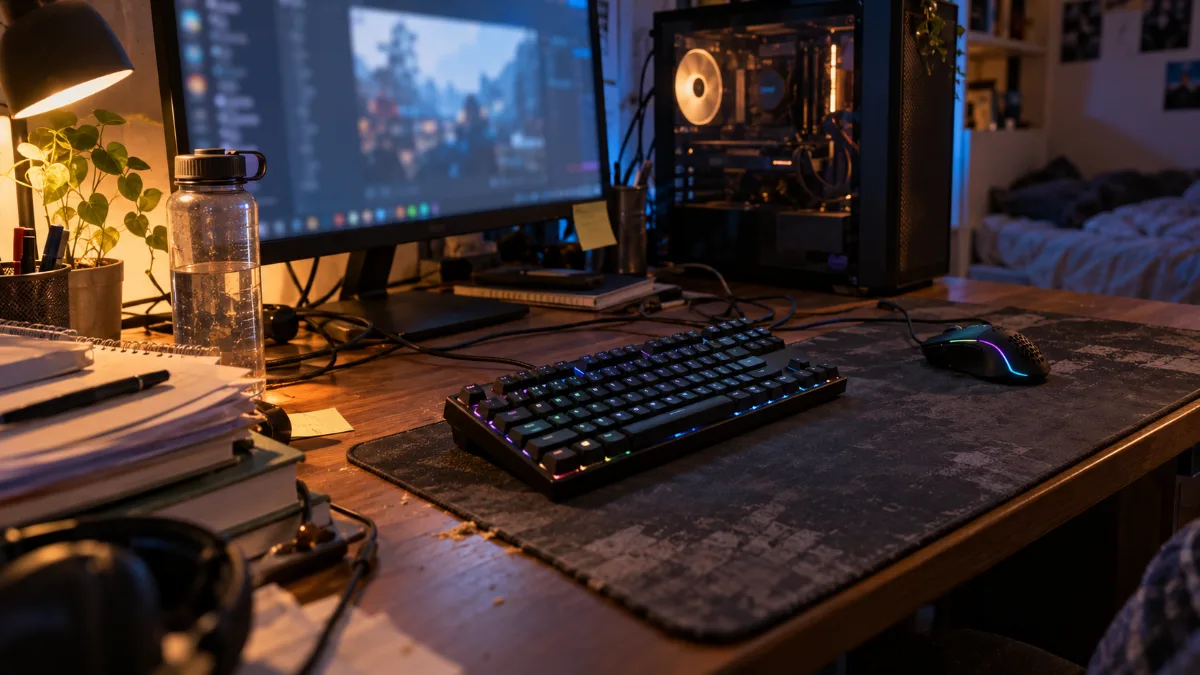
A coherent keyboard-and-mouse bundle prevents unpleasant surprises on day one.
A complete cheap gaming PC: our method to make sure you don’t get it wrong
A cheap complete gaming PC does exist, as long as you put the money in the right place first: the graphics card, then the monitor, and simple but solid peripherals. What we refuse to do in the workshop is to cut back on the tower to display a “bundle price”: a cheap complete gaming PC with a graphics card from four generations ago is a PC you’ll replace in two years.
- Stick with 1080p if the budget is tight: a 24-inch 144 Hz monitor is inexpensive, and an RTX 5050 or 5060 will run it without breaking a sweat.
- Don’t go below 16 GB of RAM and require an NVMe SSD: that’s what makes a complete cheap gaming PC pleasant to use every day.
- A decent membrane keyboard is better than a low-end mechanical one: cheap switches wear out quickly and the keys end up responding only every other time.
- Keep an eye on seasonal promotions: our Black Friday deals and our guide to find a cheap gaming PC without ending up with questionable refurbished items.
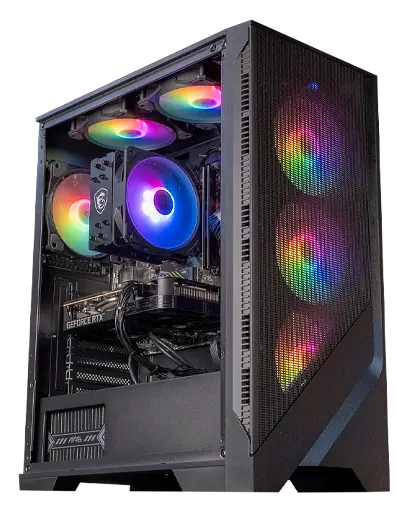
PC Corvus GeForce RTX 5050
The tower we recommend when the budget is tight and 1080p is enough: RTX 5050 8GB, Ryzen 5 5500, 16 GB of RAM and an NVMe SSD. Add a 144 Hz monitor and a keyboard-and-mouse combo, and your setup is complete.
Once the package arrives, set aside ten minutes to check that everything works as expected. FrenchHardware explains exactly what to look out for on a new PC:
FrenchHardware: how to test your new gaming PC (video in French).
The workshop’s verdict
A successful complete gaming PC is a case chosen for the screen it’s going to power, not a stack of promotions. If we had to summarise: 1080p with an RTX 5060 Ti and a 165 Hz display for competitive play, 1440p with an RTX 5070 and a 27-inch screen for everything else. And in both cases, a keyboard and a mouse you’ll actually want to use.
Also worth reading: the best gaming PC for your budget, how to choose your gaming PC in 5 steps and our ideas for gamer gifts for Christmas.
FAQ: complete gaming PC
What is a full gaming PC setup with a monitor?
It’s a ready-to-play bundle: the tower (system unit) plus the monitor, and generally the keyboard, mouse and sometimes the headset. At FlowUP, the tower is assembled and tested; the monitor and peripherals are chosen on the website or as part of a bundle.
Is a gaming PC bundle really cheaper?
Often yes, because the components are bought and assembled together. But always check the bundle’s monitor: below 144 Hz, it’s better to build it yourself with a tower and a monitor chosen separately.
What monitor for a complete gaming PC in 1080p?
A 24 or 27-inch 1080p display at at least 144 Hz, with FreeSync or G-Sync. It’s the ideal duo with an RTX 5050, an RTX 5060 or an RTX 5060 Ti.
Should you buy the keyboard and mouse with the tower, or a prebuilt gaming PC bundle?
If you’re starting from scratch: yes, you know you’ll have everything when it arrives. If you already have a mechanical keyboard and a mouse you like, keep them and invest the difference in the graphics card.
How do you put together a full gaming PC setup when you know nothing about it?
Start with the monitor resolution you want, then choose the tower that can run it (1080p: RTX 5060, 1440p: RTX 5070). Next, add a keyboard-and-mouse combo and a headset. If you’re unsure, our team can advise you by email or by phone before you place the order.
