
By the FlowUP team, gaming PC builder in Genappe (Belgium) · Updated 4 November 2026
In brief:
- Video memory first: the model must fit into the graphics card’s VRAM. 16GB is the real starting point in 2026.
- The big models: from 30 billion parameters, go for an RTX 5090 and its 32GB.
- RAM: at least twice the video memory, so 32GB with a 16GB card.
- Copilot+ PCs: their NPU chip is for Windows’ AI features, not for running a real language model.
A ChatGPT-style assistant that answers without a connection. Your contracts and notes never leave your drive. Images generated by the dozen, with no subscription or quota. That’s the promise of local AI, and it holds, on one condition: having the right pc for AI.
And then, the product listings from big retailers muddy everything. An “AI PC” isn’t necessarily a PC capable of running an AI. What matters is the graphics card and its video memory. Here’s how to size a setup, model by model, using the PCs we build in Genappe.

A tower PC and an AI assistant running locally: your data never leaves the office.
Which PC for local AI to choose in 2026?
A good PC for local AI combines an NVIDIA graphics card with 16GB of video memory or more, 32GB of RAM, and a fast NVMe SSD. The size of the model you want to run determines everything else.
| Use | Model size | Video memory | Graphics card |
|---|---|---|---|
| Discover, lightweight assistant | 8 billion parameters (Qwen3 8B: 5.2GB) | 8 to 12GB | RTX 5060, RTX 5060 Ti |
| Regular use: code, documents, images | 14 to 20 billion (Qwen3 14B: 9.3GB, gpt-oss 20B: 14GB) | 16GB | RTX 5060 Ti 16GB, RTX 5070 Ti, RTX 5080 |
| Big models, professional use | 30 to 32 billion (Qwen3 32B: 20GB) | 32GB | RTX 5090 |
Sources: download sizes published by the Ollama library, consulted in November 2026. Allow some headroom beyond the model’s file size for the conversation context.
Our view: the most balanced “PC for AI” configuration in 2026 pairs an RTX 5070 Ti 16GB and 32GB of DDR5. That’s the setup of the Requiem PC. If you’re aiming for 30-billion-parameter models, only an RTX 5090 offers enough memory.
Graphics card: VRAM first for a PC for AI
A model that fully fits in video memory responds quickly. A model that’s too large spills over into RAM and the processor, and the speed drops noticeably. That’s the rule that guides every choice.
- RTX 5060 Ti 16GB: the most affordable way to get 16GB of video memory.
- RTX 5070 Ti 16GB: the same memory, much faster at generation.
- RTX 5080 16GB: to chain images and handle long sessions.
- RTX 5090 32GB: the only GeForce with 32GB, the choice for the big models.
Why NVIDIA? According to Puget Systems, CUDA is still better supported by AI tools, and NVIDIA cards offer more computing power.
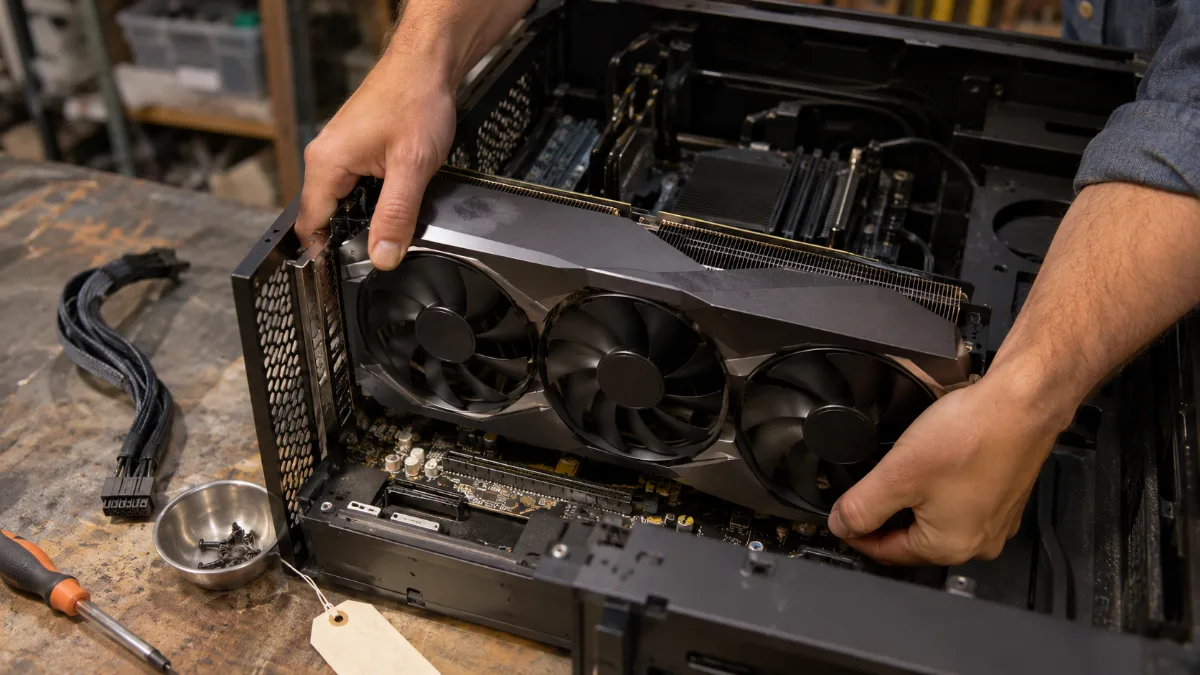
The graphics card and its video memory do most of the work in local AI.
Processor and RAM: the right balance for an AI computer
Puget Systems recommends at least twice as much RAM as video memory: 32GB with a 16GB card, 64GB with a 32GB card. The processor, on the other hand, matters far less.
- Processor: in Puget Systems’ tests, switching processors had no effect on image generation speed. A recent 8-core processor is more than enough.
- RAM: 32GB in DDR5 is the baseline. It prevents Windows and your software from struggling with the model.
- Budget: every euro you save on the processor is better spent on the graphics card.
Memory prices have risen sharply this year (why RAM costs more in 2026). Starting with 32GB at the time of purchase costs less than adding later.
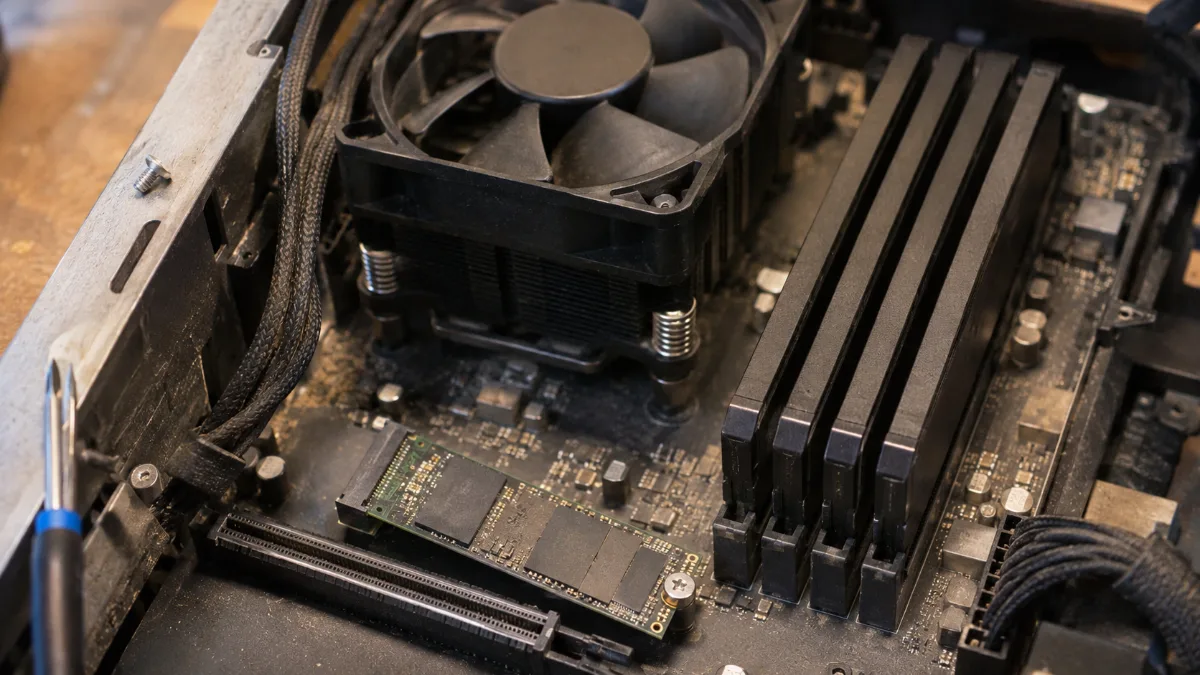
Plenty of RAM and a fast NVMe SSD: enough to load the models without waiting.
Generate images locally: what changes
For image generation, Puget Systems puts the RTX 5080 16GB and the RTX 5090 32GB at the top of the consumer cards. Three criteria matter: the amount of video memory, its bandwidth, and compute power.
- One card is enough: multiple cards don’t generate an image faster; they only produce several in parallel.
- The tools: ComfyUI for images, Ollama or LM Studio for language models. All are free.
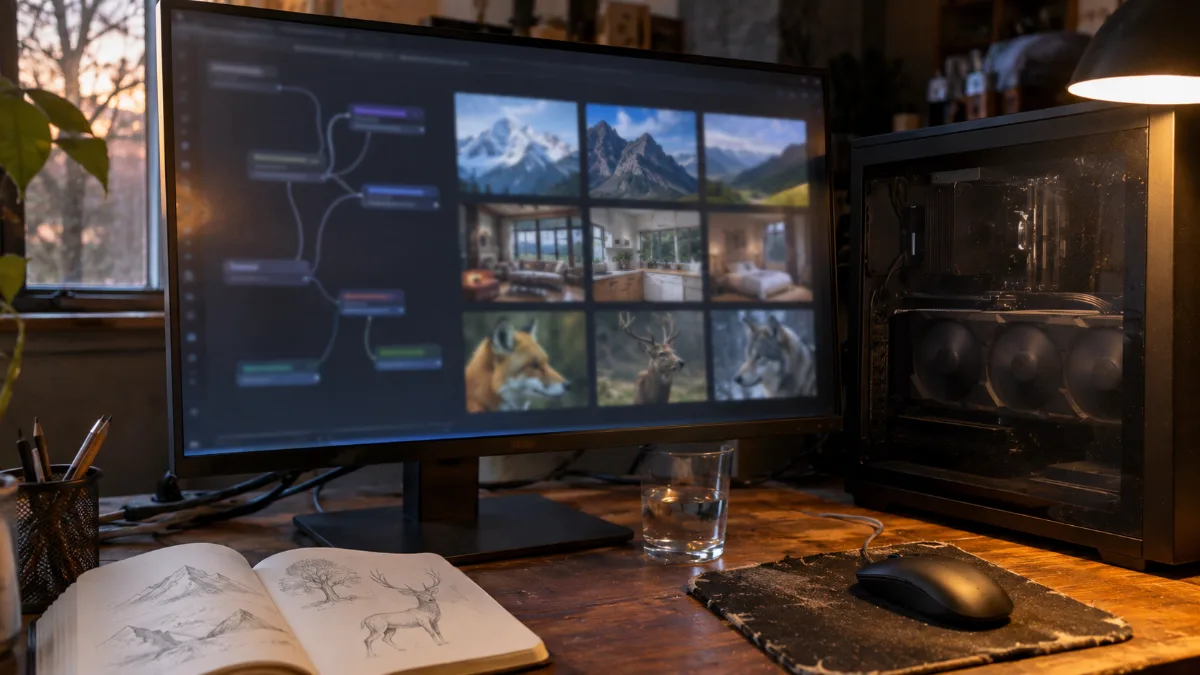
Local image generation: one well-equipped graphics card with enough memory is enough.
AI Copilot+ PC or PC with RTX: which should you choose?
A Copilot+ PC includes an NPU chip of over 40 TOPS, according to Microsoft. It’s used for Windows’ AI features. To run a full language model or generate images, it’s the graphics card that does the work.
- The best AI PC for local use remains a tower with an RTX and lots of video memory.
- Storage: each model weighs from 5 to 20GB. A 1TB NVMe SSD fills up quickly; 2TB leaves some breathing room.
- Privacy: locally, your data stays with you. A real argument for freelancers and SMEs.
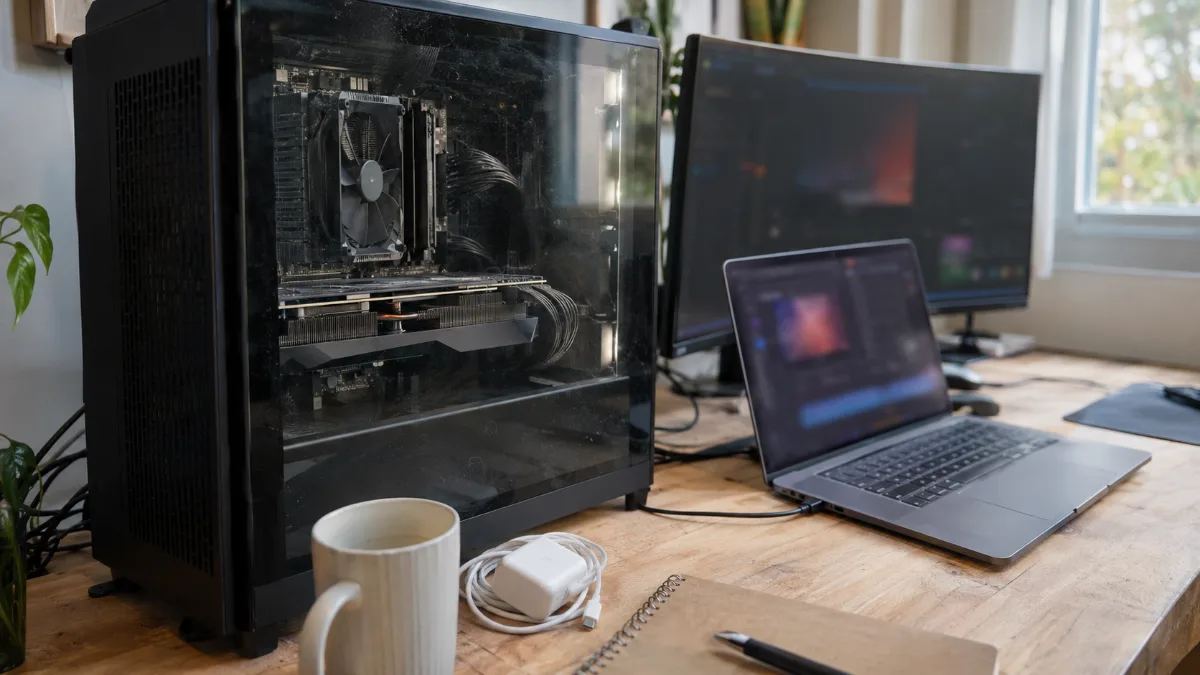
Laptop with an NPU chip or tower with RTX: for local AI, the graphics card makes the difference.
Our AI PCs: which one should you choose?
These PCs are assembled, wired and tested in Genappe before they leave. You receive them ready to install your tools. The current price and shipping lead time are listed on each product page.
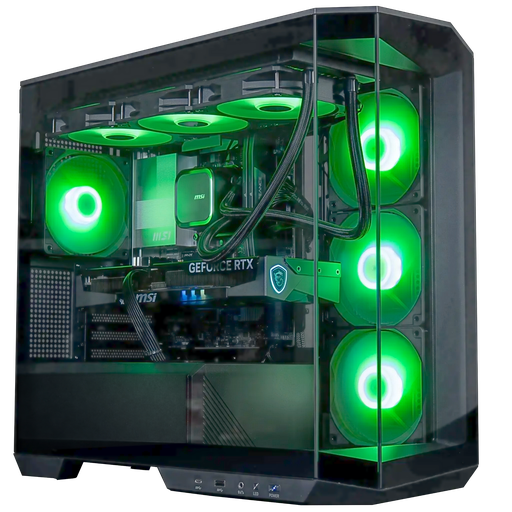
Angora GeForce RTX 5060 Ti 16GB PC
- Core Ultra 5 245KF, RTX 5060 Ti 16GB
- 16GB of DDR5 (optional 32GB on the spec sheet), 1TB SSD
- Arctic 360mm water cooling, panoramic case
The most affordable AI PC with 16GB of video memory. Choose the 32GB RAM option.
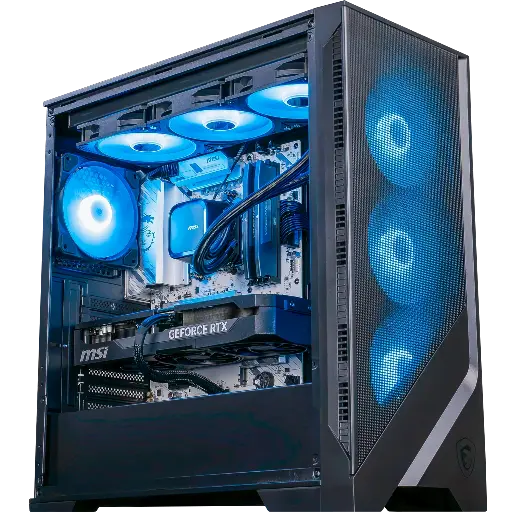
Requiem GeForce RTX 5070 Ti PC
- Ryzen 7 9700X, RTX 5070 Ti 16GB
- 32GB DDR5, 1TB SSD
- B850 motherboard with Wi‑Fi 6E
Our recommendation: 16GB fast video memory and 32GB of original RAM, ready for models with 14 to 20 billion parameters.
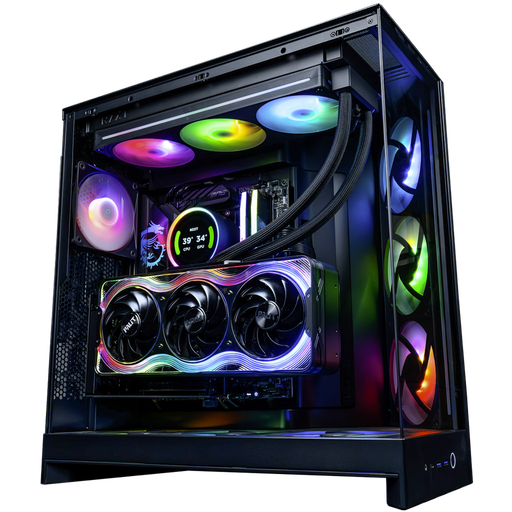
Kraken GeForce RTX 5090 PC
- Ryzen 9 9950X3D (16 cores), RTX 5090 32GB
- 32GB DDR5, Samsung 990 Pro 2TB SSD
- NZXT Kraken Elite 360 water cooling
For large models: 32GB of video memory and 2TB of storage for your model library.
The workshop’s opinion
- Discover local AI: the Angora PC, with the 32GB option.
- Everyday use, coding, image generation: the Requiem PC, the best balance.
- Models with 30 billion parameters and up: the Kraken PC and its RTX 5090.
- Have a precise configuration in mind? Build your custom PC.
- More than 50,000 PCs shipped from Genappe: each PC is tested before it leaves.
Also to read: RTX 5090 PC, PC for a graphic designer and RTX 5060 or 5060 Ti PC.
FAQ for an AI PC
Which local AI PC should you start with?
Start with 16GB of video memory, like on an RTX 5060 Ti, and 32GB of RAM. Qwen3 14B, gpt-oss 20B and image generation will then run without waiting.
How much video memory do you need for a language model locally?
Count at least the model’s weight plus some room for the context: 8GB for an 8B model, 16GB for a 14B to 20B model, 32GB for a 32B model.
Is a Copilot+ PC enough for local AI?
For Windows’ AI features, yes. To run a real language model or generate images, you need a dedicated graphics card with lots of video memory.
Can you do local AI with an AMD card?
Some tools make it possible. NVIDIA is still better supported thanks to CUDA, according to Puget Systems, and it’s the simplest choice.
Do you need a lot of RAM for an AI PC?
Aim for at least two times the video memory of your card: 32 GB with 16 GB of VRAM, 64 GB with an RTX 5090.
Sources
- Ollama: Qwen3 model sizes
- Ollama: gpt-oss model
- Puget Systems: hardware recommendations for generative AI
- Microsoft: guide to Copilot+ PCs
