
By the FlowUP team, gaming PC builder in Genappe (Belgium) · Updated 9 November 2026
In brief: A quiet gaming PC doesn’t depend on a magic part, but on five choices: a large radiator (or big tower air cooler) with slow fans, a well-cooled graphics card, a case that breathes, an oversized power supply, and only SSDs. Add tuned fan curves, and the PC is soon forgotten.
You start a game, and after ten minutes the PC starts blowing like a hairdryer. The headset hides part of the noise, but the rest of the house can hear it.
Good news: a quiet gaming PC isn’t anything out of the ordinary. The budget matters less than you might think: everything comes down to the choice of components and a few tweaks. Here’s what we look at when building a silent PC in Genappe.
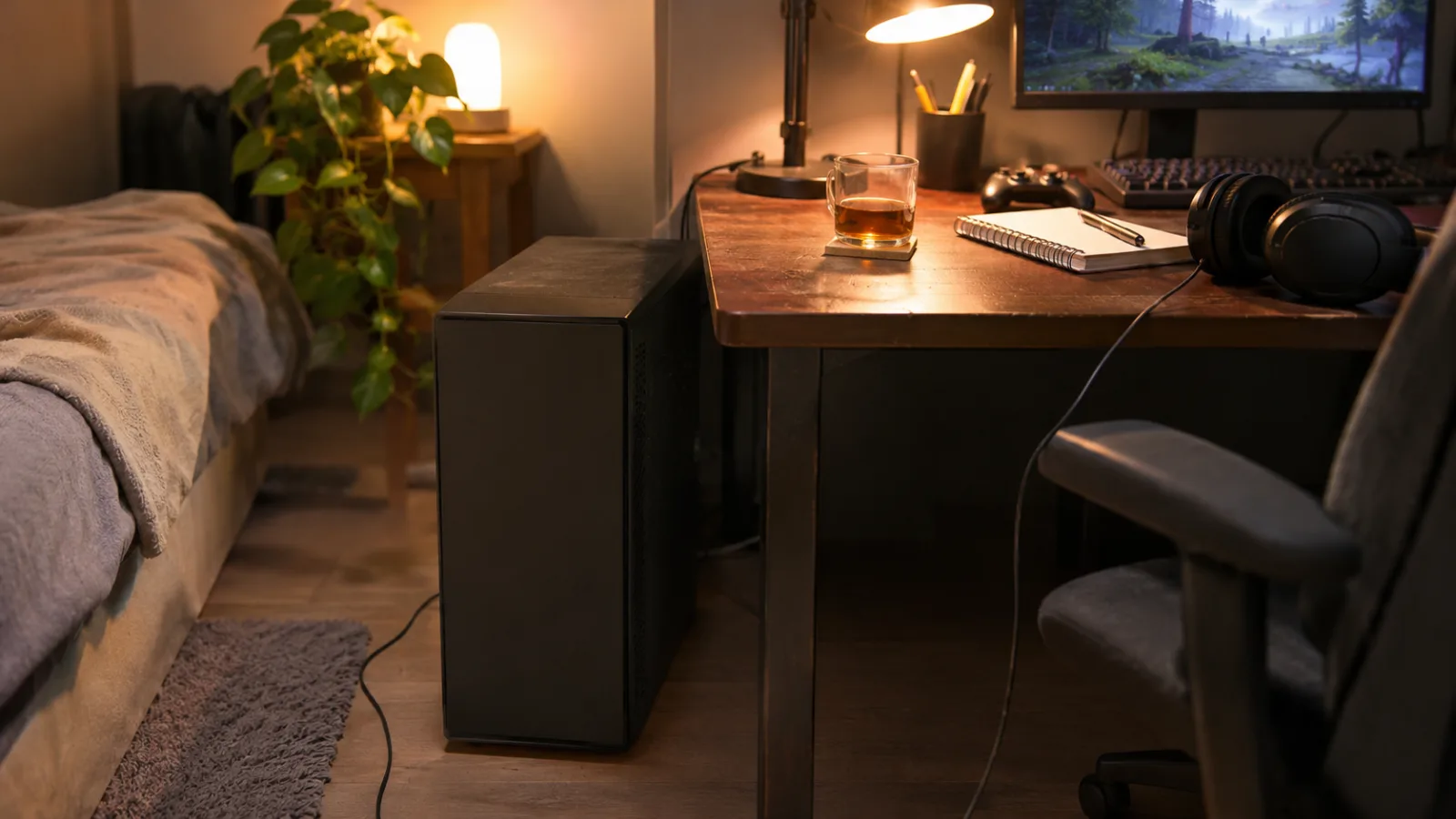
Quiet gaming PC: where does the noise really come from?
First step: spot what’s blowing air. In a gaming PC, it’s almost always the same culprits:
- The graphics card: it gets the hottest in games, and its fans ramp up with the load. It’s the first suspect when the noise only shows up during gaming.
- CPU cooling: a small cooler has to spin fast to get rid of the heat. A big radiator does the same job at a lower speed.
- The case fans: poorly tuned, they spin at full speed all the time, even in front of a web browser.
- The power supply: a model that’s too tight on wattage works near its limit and therefore ventilates more.
- The mechanical hard drive: clicking sounds and vibrations. An SSD, on the other hand, makes no noise.
- Coil whine: a high-pitched squeal from the graphics card coils at very high FPS. Annoying, but not a failure.
The 5 choices that make a PC silent
- A big radiator, slow fans. A 360 mm AIO watercooling or a large dual-tower air cooler spreads the heat over a larger surface. The fans can then spin gently. More surface, less speed, less noise.
- A graphics card with a big cooler. Triple-fan models spin slower than compact models with the same power. Most recent cards also stop their fans at idle: in front of a film or a document, they’re silent.
- A case that breathes. It sounds counterintuitive, but a closed case “to smother the noise” gets hot, and the fans compensate by speeding up.
- An oversized power supply and 80+ Gold. Used at mid-load, it runs cooler and its fan stays calm. Some even shut it off at low load.
- Only SSDs. No more mechanical drive, no more clicking.
Our take: if you only had to remember one thing, it’s the size of the radiators, both on the processor side and on the graphics card side. To the ear, no other option carries as much weight. We compare the two families in air cooler or water cooling.
Airflow case or soundproof: which one is quietest?
You often see “silent” cases with acoustic foam and a solid front panel. They filter a bit of the noise, but they also hinder airflow. With an RTX 5070 or RTX 5080 that gives off a lot of heat in games, the fans end up turning faster anyway.
- Our preference: a well-ventilated case, with lots of fans running slowly.
- Why: a slow fan produces a deep, steady airflow, far less annoying than a small fan that whistles at high speed.
- The soundproof case still makes sense for a low-power desktop PC, not for a gaming machine.
For the case choice itself, see how to choose a PC case.
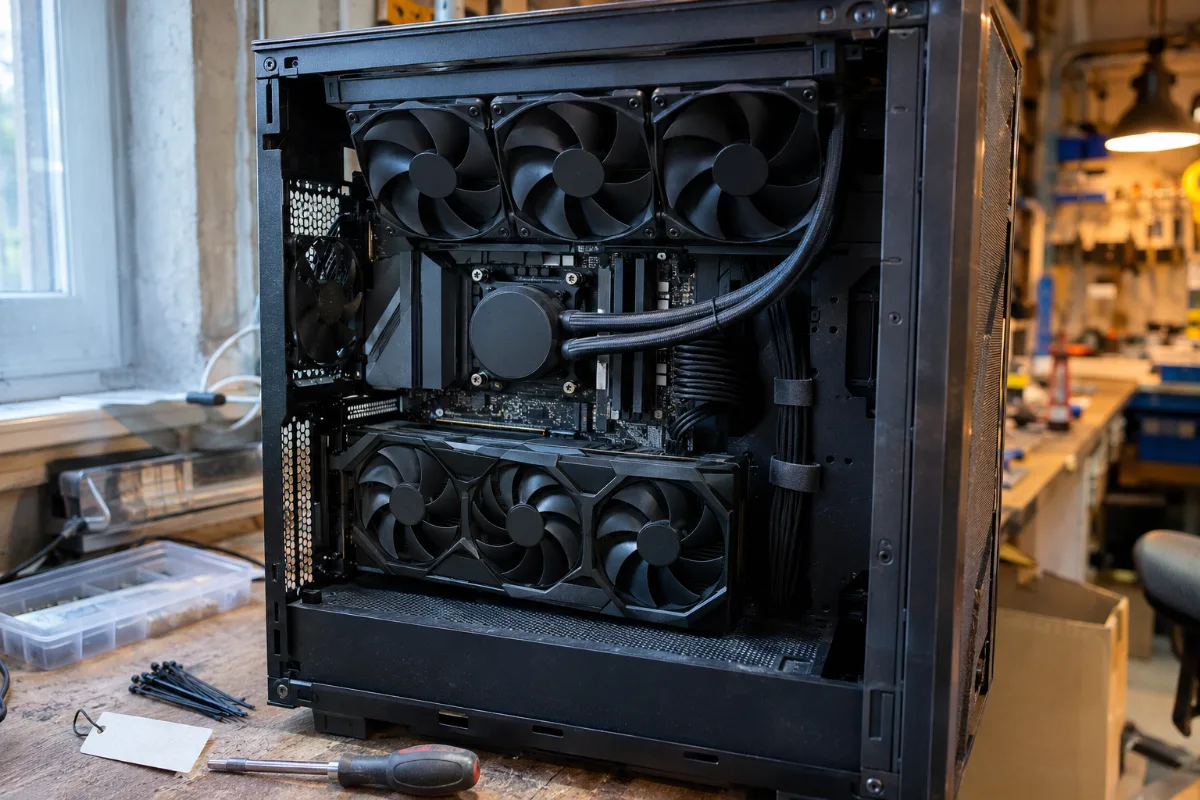
The settings that reduce noise without buying anything new
Even a well-chosen PC can be loud if it’s poorly set up. Here’s what we check before touching the hardware:
- Fan curves in the BIOS: fans that only ramp up in speed above a certain temperature, instead of running hard all the time.
- An FPS limit: if your monitor is 144 Hz, there’s no point in having the graphics card calculate 300. Limiting FPS reduces heat, noise and coil whine.
- Dust: clogged filters force the fans to spin faster for the same result. Cleaning every six months is enough.
- The PC’s placement: pushed up against a wall or tucked away in a cabinet, it doesn’t breathe well. Leave a few centimetres at the back.
If unusual noise persists (clicking, grinding), that’s a different issue: see my computer makes strange noises.
Our quiet gaming PCs: which one should you choose?
These three PCs are assembled, wired and tested in Genappe. All of them have a large custom watercooling loop, which keeps the fans running slowly even while gaming.
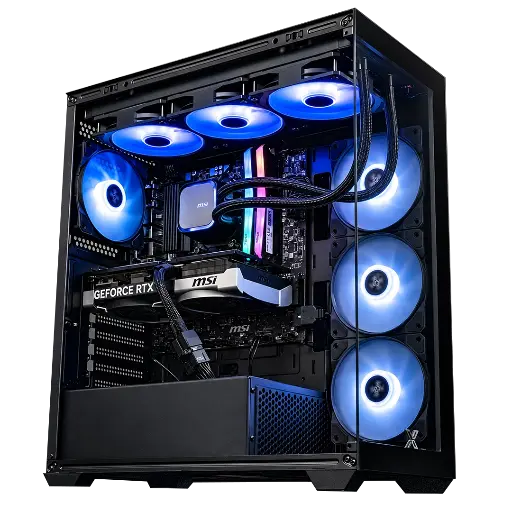
PC Rampage V2 GeForce RTX 5070
- Ryzen 7 5700X, RTX 5070 12 GB
- MSI MAG Coreliquid A13 360 mm watercooling
- Xigmatek Blast 4F case, 750 W power supply
The most affordable of the three: a 360 mm radiator for an 8-core processor, enough to keep the fans calm at 1440p.
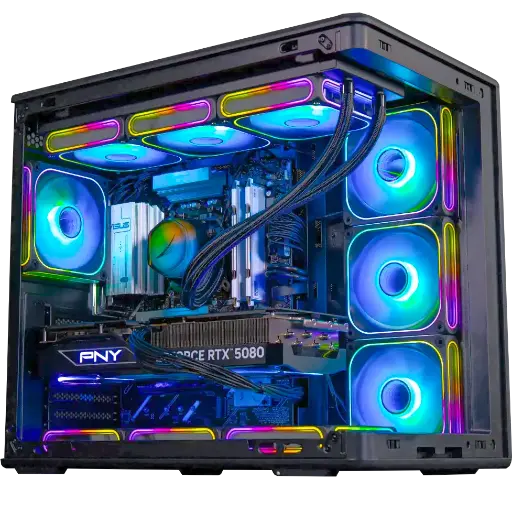
PC Solana GeForce RTX 5080
- Ryzen 5 7500X3D, RTX 5080 16 GB, 32 GB DDR5
- Cooler Master MasterLiquid Core II watercooling
- Cooler Master Elite 600 case, 850 W 80+ Gold power supply
An 80+ Gold power supply that works far from its limit, and an AIO for the processor. This is our Black Friday Outsider.
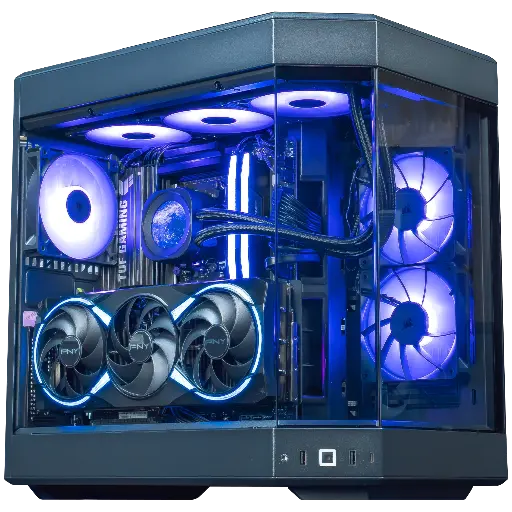
PC Orion GeForce RTX 5080
- Ryzen 7 9800X3D, RTX 5080 16 GB
- Corsair Nautilus 360 RS ARGB watercooling
- HYTE Y60 case, MSI 1000 W 80+ Gold power supply
The top-of-the-line option: a 1,000 W power supply that stays cool, plus a 360 mm radiator. It’s part of our Black Friday Top Player picks.
The workshop’s verdict
- For a quiet 1440p gaming PC without blowing the budget: the Rampage V2 PC.
- For 4K, with a power supply that never has to work hard: the Solana PC or the Orion PC.
- No matter which PC you choose, use progressive fan curves and an FPS limit set to your monitor.
More than 50,000 PCs have already left the Genappe workshop. A question about the noise of a configuration? Our team will get back to you before you buy.
Read also: gaming PC watercooling, how to choose PC fans and how to choose a power supply (PSU).
FAQ quiet gaming PCs
Can a gaming PC really be truly silent?
At idle and for office work, yes: with well-tuned fans and a graphics card that switches off its fans, you can barely hear it. In games, there will always be a slight whoosh, but a well-designed PC stays discreet, especially with a headset.
Is watercooling quieter than an air cooler?
Not necessarily. A large 360 mm radiator allows for slow fans, so there’s little noise. A big dual-tower air cooler can do just as well. What matters is the cooling surface, not the technology.
Why does my PC make noise in games but not at idle?
In games, the graphics card and the processor heat up, and their fans speed up. That’s normal. If the noise becomes annoying, check the dust, limit your FPS to your monitor’s refresh rate, and review your fan curves.
Is coil whine a failure?
No. It’s a vibration of the graphics card’s coils, especially noticeable at very high FPS. It damages nothing. Limiting FPS often reduces it a lot.
Do you need a soundproof case for a gaming PC?
We don’t recommend it for a powerful gaming machine. A well-ventilated case with slow fans usually gives better results than a closed case where the fans have to force the airflow.
