
By the FlowUP team, gaming PC builder in Genappe (Belgium) · Updated 26 October 2026
In brief:
- The GeForce RTX 5080: 16 GB of GDDR7, 10,752 CUDA cores, 360 W, 850 W power supply recommended by NVIDIA.
- In games: 11% better than an RTX 4080 Super in 4K across 17 games (TechSpot, January 2025). This is the 1440p card for 144 Hz and up, and for 4K with DLSS 4.
- The right processor: a Ryzen X3D (7500X3D, 7800X3D, 9800X3D) for pure gaming; a Ryzen 5 9600X or a Core Ultra 7 for a mix of gaming and creation.
- Our advice: an RTX 5080 gaming PC only makes sense with a 1440p 240 Hz or 4K monitor. At 1080p, an RTX 5070 Ti is enough.
When a customer asks us for "the PC that can run everything in ultra for five years", the workshop’s answer comes down to two words: RTX 5080. Not the RTX 5090 either, too expensive and built for 4K at 240 Hz. And not the RTX 5070 Ti either: it’s excellent, but starts to struggle in 4K.
We’ve been building RTX 5080 gaming PCs since the card’s release, with different processors and cases, and now we know exactly where the bottlenecks are. This guide covers it all: the figures measured by the press, the mistakes to avoid, and the configurations we genuinely recommend.
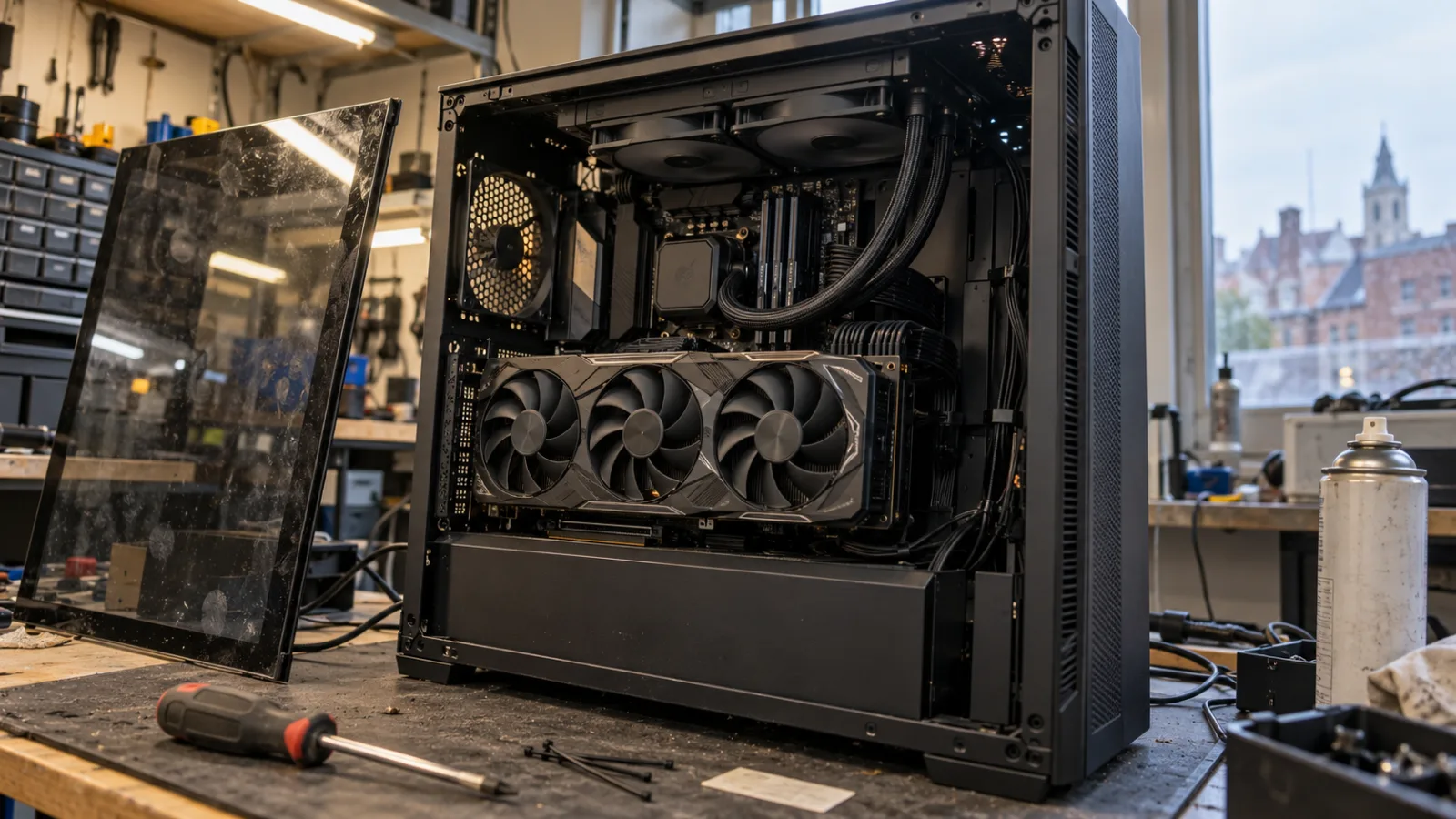
An RTX 5080 on the workbench, before moving to the test bench.
RTX 5080: what the card is really worth in games
The GeForce RTX 5080 is NVIDIA’s second card in the Blackwell generation, with 16 GB of GDDR7 on a 256-bit bus, 10,752 CUDA cores, a boost up to 2.62 GHz and power consumption of 360 W. It introduces DLSS 4 and its multi-image generation, which can produce up to five images for a single computed image.
| Measurement | RTX 5080 | Source |
|---|---|---|
| Average gain vs RTX 4080 Super, 17 games, 4K | +11% | TechSpot, January 2025 |
| Average gain vs RTX 4080 Super, 17 games, 1440p | +4 % | TechSpot, January 2025 |
| Dragon's Dogma 2, 1440p, rasterisation | 134 FPS | GamersNexus, January 2025 |
| Starfield, 1440p | 110 FPS | GamersNexus, January 2025 |
| Resident Evil 4, 4K ray tracing with upscaling | 136 FPS | GamersNexus, January 2025 |
| Black Myth: Wukong, 4K, rasterisation | 58 FPS | GamersNexus, January 2025 |
| GPU power consumption in games (F1 24, 4K RT) | 330 W | GamersNexus, January 2025 |
Tests carried out with a Ryzen 7 9800X3D. Sources at the end of the article.
What these numbers say in workshop terms: at 1440p, the RTX 5080 tops 100 FPS in almost all cases without upscaling, and at 4K it holds 60 FPS natively in the heaviest games, with an enormous buffer as soon as you enable DLSS. The only criticism levelled at it, its 16 GB compared with the 32 GB of the 5090, remains theoretical for the game: at 4K with high settings, the press tests mentioned below were not limited by memory.
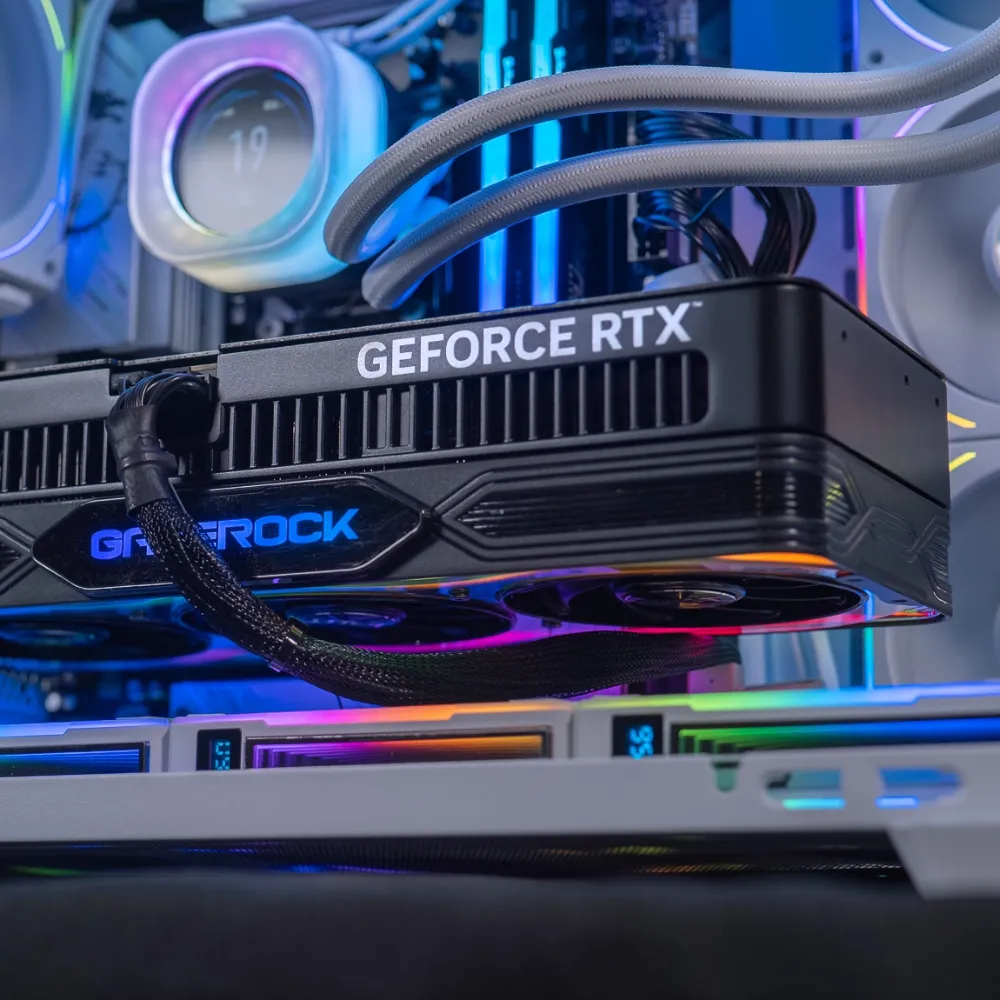
One RTX 5080 installed in an Orion PC: three fans, and space left around it to breathe.
RTX 5080 gaming PC: which processor should you pair it with?
With an RTX 5080, the processor becomes the limiting factor in 1440p at high frame rates: that’s where a Ryzen X3D makes the difference. In 4K, the graphics card takes the lead again, and a more versatile processor is enough. Here’s how we choose it in the workshop.
- Ryzen 5 7500X3D: the best price/FPS ratio for a 5080 gaming PC focused on gaming. Its 3D cache does the job in competitive 1440p.
- Ryzen 7 7800X3D and 9800X3D: kings of framerate. An RTX 5080 gaming PC with a Ryzen 7 9800X3D is the reference configuration used by the press to test the card.
- Ryzen 5 9600X or Ryzen 7 9700X: very strong for gaming, better than the X3D models for video editing and creation. Our pick for mixed use.
- Core Ultra 7 265KF and Core i7 14700KF: on the Intel side, lots of cores for streaming and multitasking, with excellent 4K performance.
Two things you should never overlook with these processors: 32 GB DDR5 in dual channel (the standard for all our RTX 5080 PCs) and liquid cooling, at least 240 mm, 360 mm for a 9800X3D or a Core i7 K. An entry-level air cooler will run the machine, but it will be noisy as soon as the game ramps up. To go deeper, read our comparison best CPU and GPU combo.
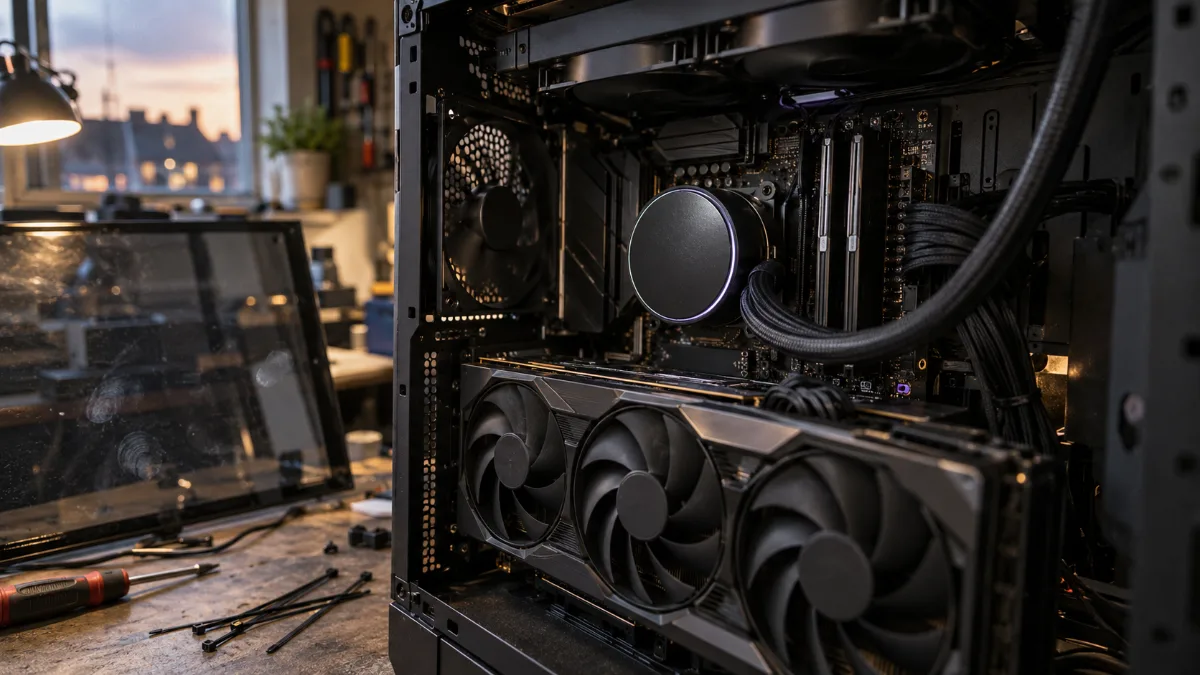
Water cooling and DDR5 in dual channel: the foundation of all our RTX 5080 PCs.
Our RTX 5080 PC range: which RTX 5080 gaming PC is made for you?
All our RTX 5080 PCs share the same base: 32GB DDR5, a 1TB NVMe SSD, and watercooling. They differ by the processor and the case. Each one is assembled, cabled and tested on the bench in Genappe before shipping. Here are the ones we recommend most often.
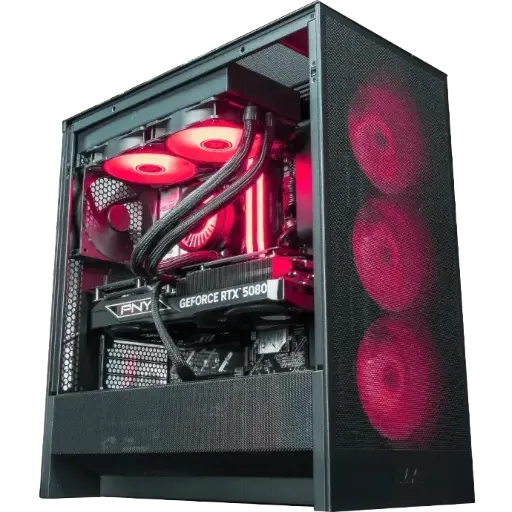
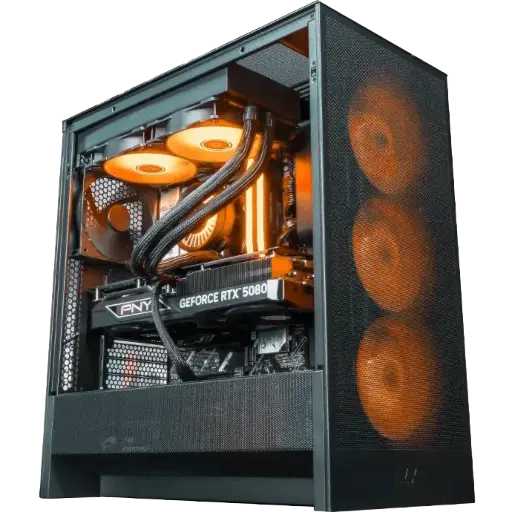
PC Taro GeForce RTX 5080 16GB
The first RTX 5080 gaming PC we recommend: Ryzen 5 7500X3D, 32GB DDR5, 1TB SSD, ARCTIC 240mm watercooling in an NZXT H5 Flow. 3D cache for framerate, the 5080 for ultra settings.
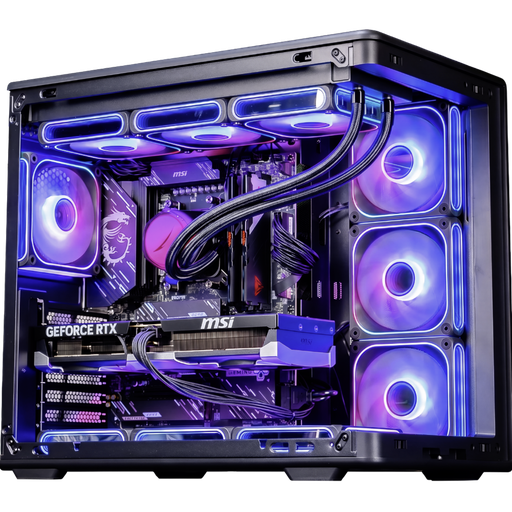
PC Riko GeForce RTX 5080 16GB
Same card, same memory, same watercooling, but a Ryzen 5 9600X (Zen 5): the 5080 PC to choose if you edit your videos or stream in addition to gaming.
PC Ascent X3D GeForce RTX 5080
RTX 5080 Ryzen 7 9800X3D gaming PC, simply: Ryzen 7 9800X3D, X870 motherboard, 32GB DDR5, and an 850W Gold power supply. The press configuration, built by us.
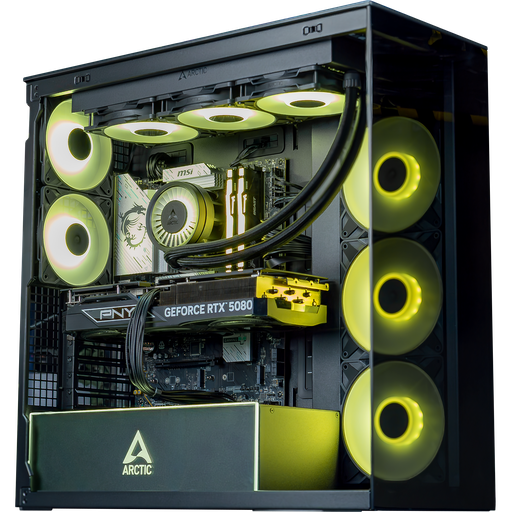
PC Arctic GeForce RTX 5080
The high-end white gaming PC: Core Ultra 7 265KF, 360mm watercooling and an ARCTIC Xtender white case. For those who want a tidy desk and plenty of cores for streaming.
Want to see an RTX 5080 FlowUP in action? We set our Orion PC (Ryzen 7 7800X3D and RTX 5080) up for the camera, without any filters:
FlowUP: we test the PC Orion RTX 5080 (video in French).
Power supply, case, cooling: what we check on every RTX 5080
NVIDIA recommends an 850W power supply for the RTX 5080, and that’s the minimum we install in the workshop, always with 80 Plus Gold certification. With an efficient X3D processor, the headroom is comfortable; with a Core i7 K or a Core Ultra, it becomes necessary.
- The 12V-2x6 connector: we use the power supply’s native cable when it includes one, and we check that the plug is fully pushed in. This is the number-one inspection point on a 360W card.
- Card length: three-fan models often exceed 30cm. The cases of our RTX 5080 PCs (NZXT H5 Flow, HYTE Y60, Cooler Master Elite 600, ARCTIC Xtender) leave room for it.
- Airflow: mesh front or grille, three intake fans, and the watercooling radiator exhausting. A RTX 5080 in a closed case means noise and lower boost frequencies.
For more on these three points, we wrote a dedicated guide: RTX 5090 and RTX 5080, 32 and 16GB of VRAM, and our article on how to choose your PC case.
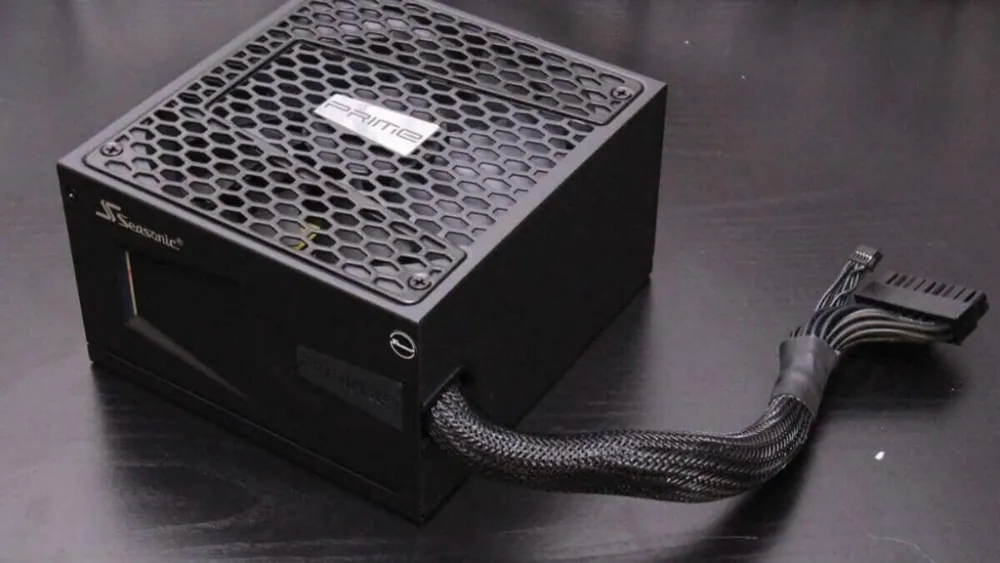
850W Gold and a properly seated 12V-2x6 cable: the workshop’s two reflexes for a 5080.
RTX 5080, RTX 5070 Ti or RTX 5090: which high end gaming PC has the best price/performance ratio?
The RTX 5070 Ti (16GB, 300W) is the card for 1440p, the RTX 5080 for 1440p at very high framerate and for 4K, and the RTX 5090 (32GB, 575W) for 4K at 240Hz and professional rendering. The choice depends on the monitor, not on ego.
| RTX 5070 Ti | RTX 5080 | RTX 5090 | |
|---|---|---|---|
| Memory | 16GB GDDR7 | 16GB GDDR7 | 32GB GDDR7 |
| CUDA cores | 8,960 | 10,752 | 21,760 |
| Power consumption | 300W | 360W | 575W |
| Recommended power supply | 750W | 850W | 1,000W |
| Ideal monitor | 1440p 144-165 Hz | 1440p 240 Hz, 4K 60-120 Hz | 4K 144-240 Hz |
Official NVIDIA specs, recommended power supply according to NVIDIA and Corsair (checked in October 2026).
Our take: an RTX 5070 Ti gaming PC is still the best buy for a standard 1440p monitor, and we’ll say it straight in our comparison RTX 5070, 5060 or 5070 Ti. But the moment you move to 4K, or to 1440p at 240 Hz, the 5080 is the point where comfort truly changes, for a fraction of the price of a 5090. It’s the card we would choose for ourselves.
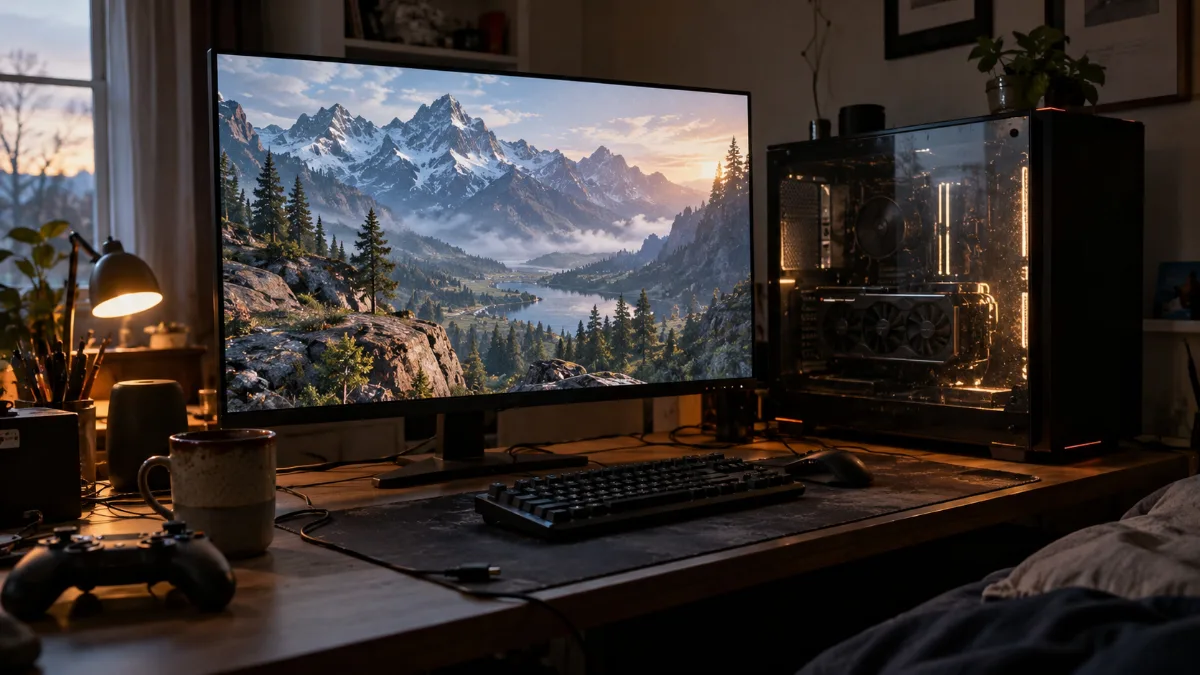
A 4K 32-inch monitor: the natural playground for a 4K gaming PC equipped with an RTX 5080.
Workshop verdict
If you’re playing in 4K or on 1440p at 240 Hz, the RTX 5080 is the choice we’d make for our own machine: performance that keeps up with yesterday’s RTX 4090, DLSS 4, and power draw that remains reasonable. Choose an X3D processor if gaming is your only use, a 9600X or a Core Ultra if you also create content, and never go below an 850 W Gold PSU. The rest, we’ll take care of during assembly.
Also to read: which PC to play in 4K, our review of the RTX 5070 and Black Friday graphics card 2026.
RTX 5080 gaming PC FAQ
Which processor for an RTX 5080 gaming PC?
An X3D Ryzen (7500X3D, 7800X3D or 9800X3D) for maximum framerate at 1440p, a Ryzen 5 9600X, a Ryzen 7 9700X or a Core Ultra 7 265KF for a mixed use of gaming and creation. At 4K, the gap between these processors becomes small.
What power supply for an RTX 5080?
Minimum 850 W according to NVIDIA, 80 Plus Gold, with a native 12V-2x6 cable. The card on its own can consume up to 330 W in-game according to GamersNexus measurements.
Is the RTX 5080 16GB enough for 4K?
Yes. Its 16 GB of GDDR7 are not saturated by today’s 4K games with high settings, and DLSS 4 provides plenty of headroom. Only the RTX 5090 offers 32 GB, which is especially useful for professional rendering.
RTX 5080 or RTX 5070 Ti gaming PC?
RTX 5070 Ti for a 1440p screen at 144 or 165 Hz, RTX 5080 for 1440p up to 240 Hz or for 4K. The performance gap measured by the press only justifies the 5080 if your monitor can actually make use of it.
Is a prebuilt gaming PC with an RTX 5080 loud?
Not if it’s built properly: 240 or 360 mm water cooling, a case with a ventilated front panel, and fans at the intake. That’s what we do on all our RTX 5080 PCs, which are tested on a test bench before shipping.
Sources
- NVIDIA, official GeForce RTX 5080 fact sheet (checked October 2026)
- NVIDIA, official GeForce RTX 5070 and 5070 Ti fact sheet (checked October 2026)
- Corsair, which power supply should I buy for an RTX 5000 (checked October 2026)
- TechSpot, Nvidia GeForce RTX 5080 Review, 17 games (January 2025)
- GamersNexus, NVIDIA GeForce RTX 5080 Founders Edition Review (January 2025)
