
By the FlowUP team, gaming PC builder in Genappe (Belgium) · Updated on 18 November 2026
In brief: Stellar Blade PC launches with a GTX 1060 6GB or an RX 580, a Core i5-7600K or a Ryzen 5 1600X, and 16GB of RAM, in 1080p and 60 FPS on the Low preset. For 4K at 60 FPS on Very High, Sony asks for a RTX 3080 or an RX 7900 XT. The port is light and well optimised: our pick for maximum 1440p and 4K with DLSS 4 is the PC Eclipsia (RTX 5070, 32GB of RAM).
A beach, ruins, and a first boss that doesn’t forgive missed dodges. Stellar Blade, Shift Up’s action game released on PS5 in April 2024, came to PC on 11 June 2025 with everything you expect from a solid port: DLSS 4, FSR 3, uncapped frame rate, and ultrawide screens.
Good news for your wallet: Stellar Blade on PC is a lightweight game. You don’t need an RTX 5090 to enjoy it. Here’s the required setup, the FPS measured card by card, and the PCs we build in Genappe to play it.

Stellar Blade PC required specs: Sony’s 4 tiers
Sony and Shift Up have published a detailed sheet with four tiers, each with a resolution and a 60 FPS target. That’s rare and it’s convenient: you know exactly where you stand. The final column shows the PC setup we recommend in the workshop.
| Component | Minimum | Recommended | High | Very high | Workshop tip |
|---|---|---|---|---|---|
| Target | 1080p, 60 FPS, Low | 1440p, 60 FPS, Medium | 1440p, 60 FPS, High | 4K, 60 FPS, Very high | 1440p Very high or 4K with DLSS |
| Processor | Core i5-7600K or Ryzen 5 1600X | Core i5-8400 or Ryzen 5 3600X | Core i5-8400 or Ryzen 5 3600X | Core i5-8400 or Ryzen 5 3600X | Recent Ryzen 7 or Core Ultra |
| Graphics card | GTX 1060 6GB or RX 580 8GB | RTX 2060 Super or RX 5700 XT | RTX 2070 Super or RX 6700 XT | RTX 3080 or RX 7900 XT | RTX 5070 or better |
| RAM | 16GB | 16GB | 16GB | 16GB | 32GB |
| Storage | 75GB, HDD possible (SSD recommended) | 75GB on SSD | 75GB on SSD | 75GB on SSD | 1TB NVMe SSD |
| System | Windows 10, 64-bit | Windows 10, 64-bit | Windows 10, 64-bit | Windows 10, 64-bit | Windows 11 |
Source: official configuration published on the PlayStation Blog (May 2025). Last column: FlowUP workshop pick.
- The processor hardly changes: from the Recommended tier to the Very high tier, Sony keeps the same Core i5-8400 or Ryzen 5 3600X. The game depends mainly on the graphics card.
- 16GB of RAM everywhere, even for 4K. It’s a sign that the port is well optimised.
- The SSD becomes mandatory starting from the Recommended tier. A hard drive is only tolerated at the very minimum.
Which graphics card for Stellar Blade in 1080p, 1440p and 4K?
The site Digit tested three recent cards at the maximum preset, with the 4K texture pack, in native rendering (no DLSS or FSR), on a Ryzen 9 7950X3D platform with 32GB of DDR5. These are averages taken from the prologue beach area.
| Graphics card | 1080p | 1440p | 4K |
|---|---|---|---|
| RTX 5070 Ti | 158 FPS | 122 FPS | 64 FPS |
| RX 9060 XT | 151 FPS | 112 FPS | 59 FPS |
| RTX 5060 Ti | 127 FPS | 92 FPS | 43 FPS |
Source: Digit, Stellar Blade on PC performance test (June 2025), settings at maximum, native rendering. Rounded averages.
- In 1080p and 1440p, even a mid-range card exceeds 90 FPS at maximum settings. A 144 Hz screen is used properly.
- The RX 9060 XT goes toe-to-toe with the RTX 5070 Ti in 1080p and stays above 110 FPS in 1440p: it’s the most cost-effective card for this game.
- In native 4K, only the RTX 5070 Ti and, by a small margin, the RX 9060 XT get close to 60 FPS. With DLSS or FSR in Quality, the three cards become comfortable again according to Digit.
To choose between the 8GB and 16GB versions of the RX 9060 XT, our comparison RX 9060 XT 8GB or 16GB details the differences. On the NVIDIA side, the match RTX 5070, RTX 5060 or RTX 5070 Ti helps you decide.
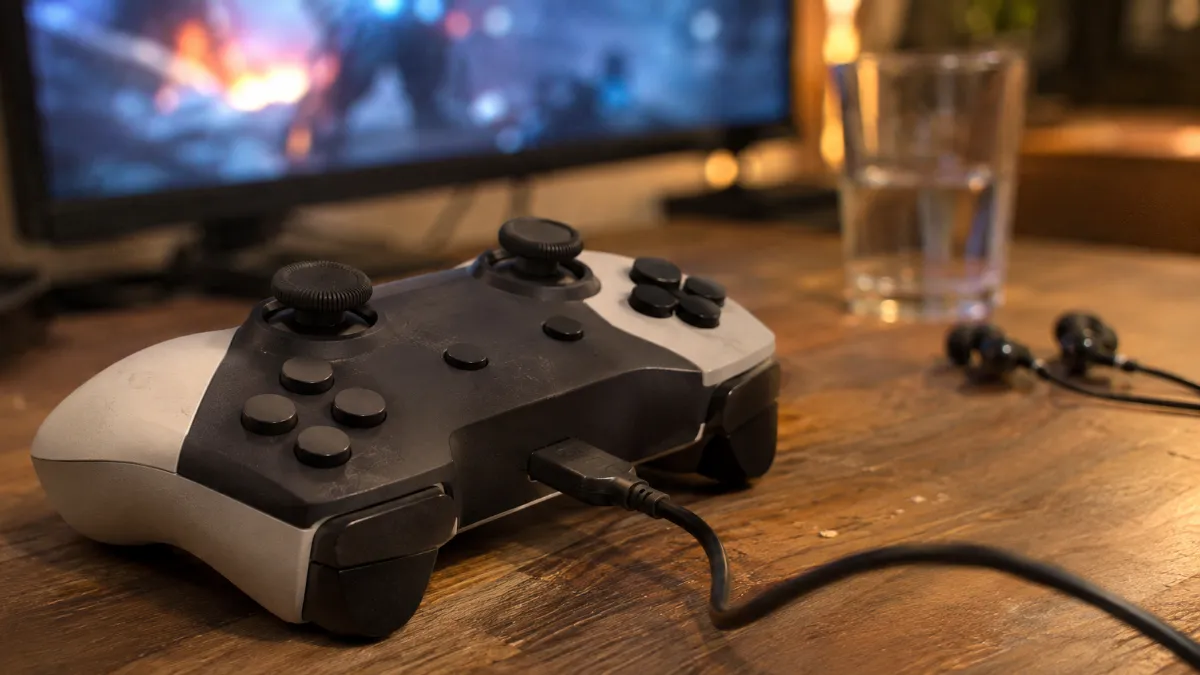
Stellar Blade plays really well with a controller on PC, thanks to the DualSense’s haptic vibrations in wired mode.
Stellar Blade in 4K: DLSS 4, FSR 3 and frame generation
The PC version of Stellar Blade includes the tools we like to see in a port:
- DLSS 4 on NVIDIA cards, with upscaling and frame generation, plus DLAA (anti-aliasing without reducing resolution) and Reflex to reduce latency.
- FSR 3 for AMD cards and other graphics cards.
- Unlocked frame rate: you’re no longer capped at 60 FPS like on console.
- 4K textures as an option for the environments: enable them if your card has video memory to spare.
Our take: at 1440p, play natively or with DLAA, you’ve got headroom. At 4K, switch to DLSS or FSR Quality: you keep a sharp image and you rise above 60 FPS again. Keep frame generation for a 144 Hz (or higher) display: on a 60 Hz screen, it adds nothing visibly. Our guide DLSS 4.5 and FSR Redstone explains what to enable and what to avoid.
Processor, RAM and SSD: a Stellar Blade setup without going overboard
- The processor: a 6-core CPU from 2019 is enough, according to the official specs. A Ryzen 5 5600 or a Ryzen 7 5700X will do the job easily. No need for an X3D for this game.
- RAM: 16 GB is enough for Stellar Blade. Still, you move up to 32 GB from mid-range, because Discord, the browser and a capture program often run at the same time. Our guide 16 GB or 32 GB of RAM sums it up.
- The SSD: 75 GB is reasonable. With an NVMe SSD, the loading times between areas are short.
- The first few minutes: Digit notices a few stutters on the first launch, but they disappear after about ten minutes, the time it takes to compile the shaders.
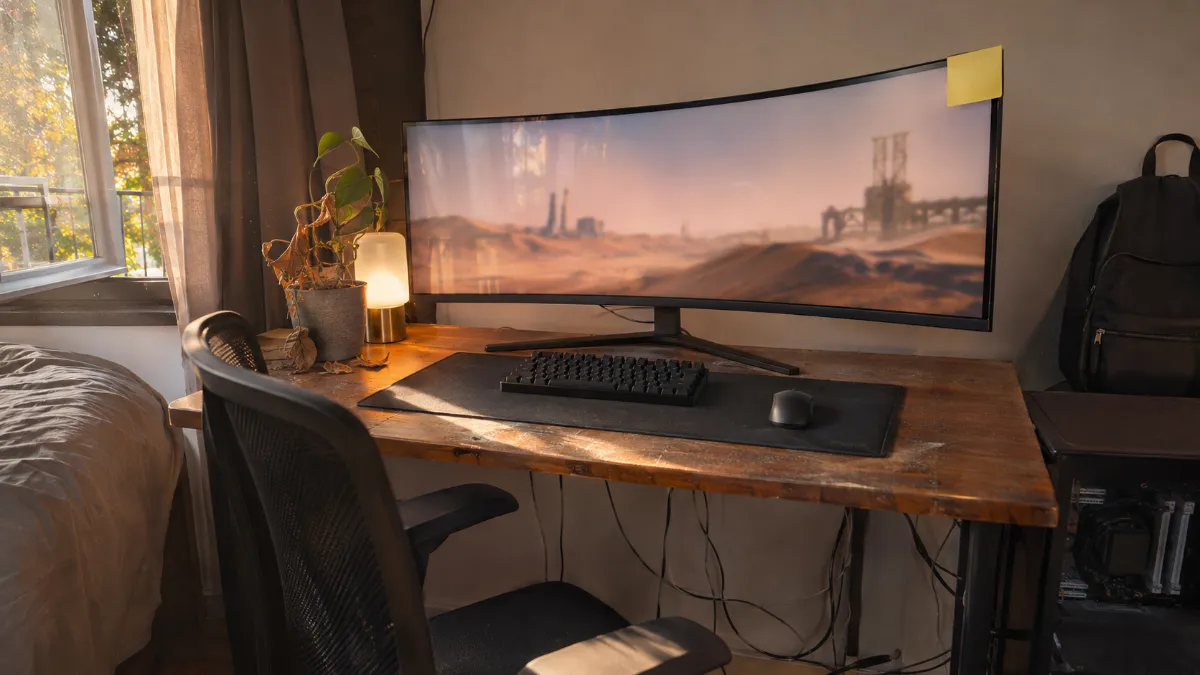
An ultra-wide 21:9 monitor is supported on PC, an option that’s missing on PS5.
Stellar Blade on PC or on PS5: which should you choose?
You already have the game on PS5 and you’re thinking about buying it again? Here’s what the PC version adds:
- More FPS: the frame rate is unlocked, whereas PS5 targets 60 FPS.
- 21:9 and 32:9: ultra-wide displays are supported, with aspect ratios ranging from 5:4 to 32:9.
- DLSS 4 and DLAA, for a sharper image at 1440p and 4K.
- The DualSense is still usable: haptic feedback and adaptive triggers work wired.
To build a Stellar Blade PC setup that also serves other games, and to compare the two platforms beyond just this title, read our comparison Gaming PC or PS5.
Our PCs for Stellar Blade: which one should you choose?
These three PCs are assembled, cabled and tested in Genappe, and they ship with Windows 11. Each one matches a specific Stellar Blade configuration, from 1080p up to 4K.
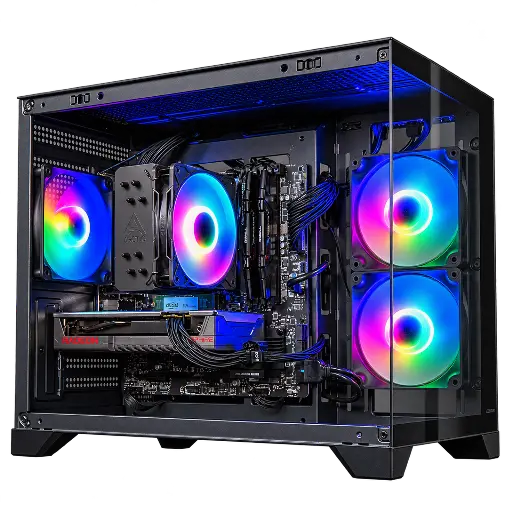
Toyger PC Radeon RX 9060 XT 8GB
- Ryzen 5 5600 (6 cores), RX 9060 XT 8 GB
- 16 GB DDR4, 1 TB SSD
- Mini-tower form factor
To play at maxed-out 1080p and at 1440p on the High preset, beyond what Sony asks for 60 FPS. The RX 9060 XT is the most cost-effective card in this test.
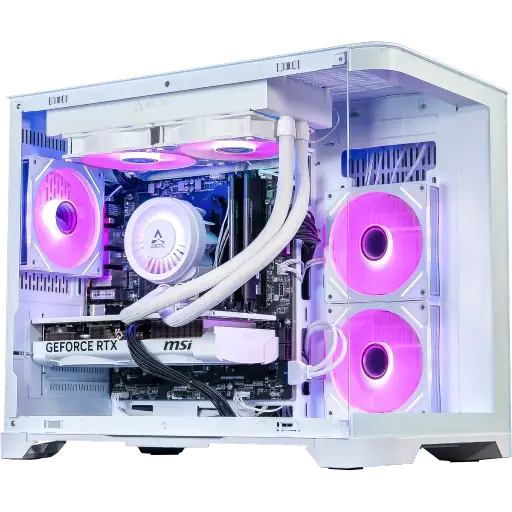
Eclipsia PC GeForce RTX 5070
- Ryzen 7 5700X (8 cores), RTX 5070 12 GB
- 32 GB of RAM, 1 TB SSD
- 240 mm water cooling, white design
Our pick for Stellar Blade: 1440p at maximum settings with plenty of headroom, and 4K at over 60 FPS with DLSS 4.
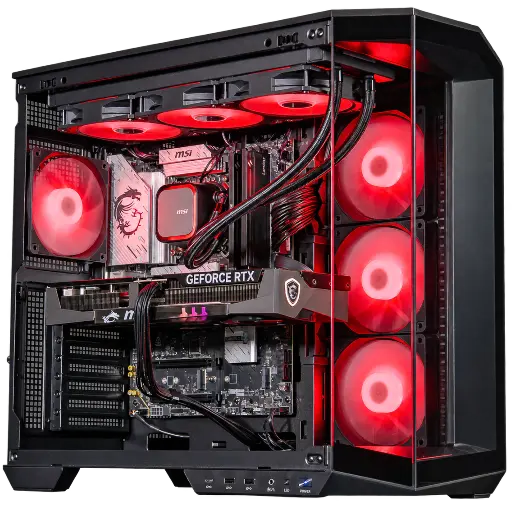
Abyssin PC GeForce RTX 5070 Ti
- Core Ultra 7 265KF, RTX 5070 Ti 16 GB
- 32 GB DDR5, 1 TB SSD
- 360 mm water cooling, 1000 W 80 Plus Gold power supply
For 4K: 64 FPS native in Digit’s test, and far more with DLSS 4. It’s part of our Outsider selection for Black Friday.
Workshop review
- For 1080p and 1440p on High: the PC Toyger.
- For maxed-out 1440p and 4K with DLSS: the PC Eclipsia.
- For native 4K and a 144 Hz monitor: the PC Abyssin.
- More than 50,000 PCs shipped from Genappe: if you’re torn between two configurations, the team replies before you buy.
Stellar Blade PC FAQ
What is the minimum configuration for Stellar Blade on PC?
An Intel Core i5-7600K or AMD Ryzen 5 1600X, a 6GB GTX 1060 or an 8GB RX 580, 16GB of RAM, 64-bit Windows 10, and 75GB of storage space. This minimum targets 1080p at 60 FPS on the Low preset.
Which graphics card for Stellar Blade in 4K?
For 4K at 60 FPS on Very High, Sony’s spec sheet cites a RTX 3080 or an RX 7900 XT. Among recent cards, an RTX 5070 with DLSS 4 or an RTX 5070 Ti in native mode also works.
Is Stellar Blade well optimised on PC?
Yes. Digit talks about a stable port with few bugs, and notes only a few stutters during the first ten minutes. Even an RTX 5060 Ti exceeds 90 FPS in 1440p at maximum settings.
Can you play Stellar Blade with a PS5 controller on PC?
Yes. The DualSense’s haptic feedback and adaptive triggers work in wired connection. Our guide for connecting a PS5 controller to a PC explains the steps to follow.
How much RAM do you need for Stellar Blade?
16GB at all tiers, including in 4K. We recommend 32GB if you play with other applications open.
