 Your PC in instalments (up to 12x)
By the FlowUP team, gaming PC builder in Genappe (Belgium) · Updated 29 September 2026
In short: Black Friday 2026 falls on Friday 27 November (Cyber Monday is on Monday 30 November). To avoid rushing your decision, here are the FlowUP gaming PCs to put on your list right now, sorted by your screen: 1080p, 1440p or 4K. To learn how to spot a real bargain on the day itself, also read our Black Friday gaming PC guide.
Prepare your list before Black Friday 2026
The classic Black Friday trap is to buy the most visible promotion instead of the PC that matches how you use it. The right approach has two steps: first choose the range that fits your screen and your games, then keep an eye on the offer for that specific model.
That’s why we grouped our PCs here by use case. Each product page details the components and options (memory, storage, processor): you can set up your configuration starting today.
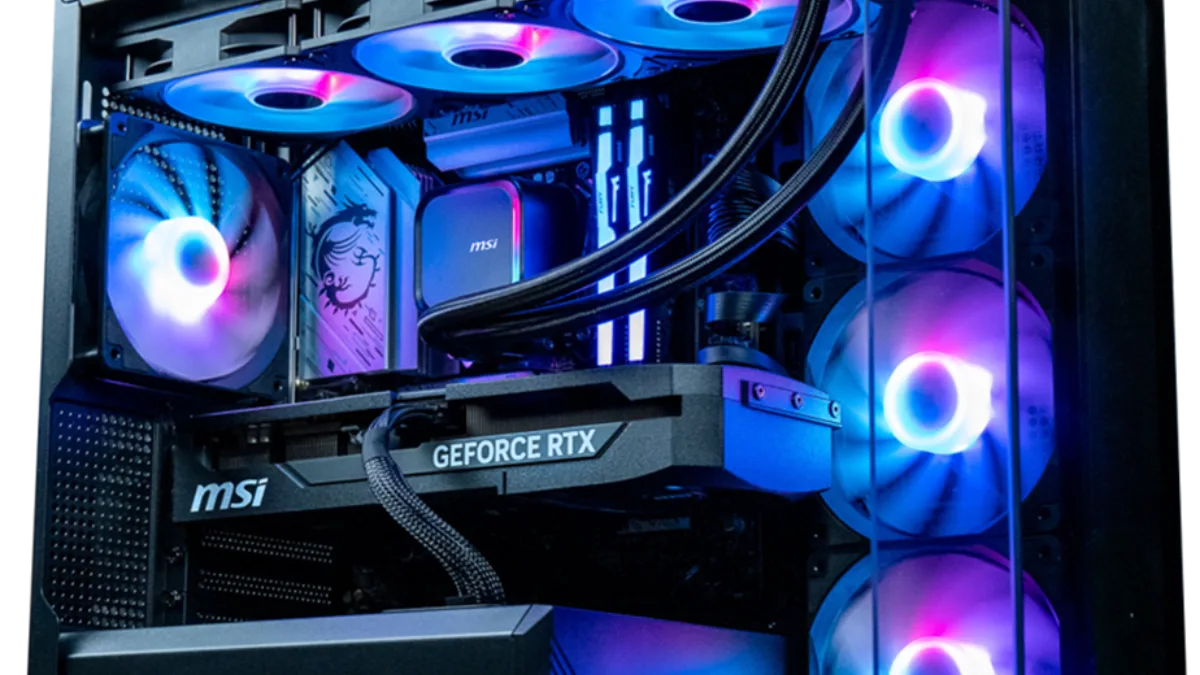
One of our PCs Powered by MSI: spot your model before the big day.
| Event | Date |
|---|---|
| Black Friday 2026 | Friday 27 November 2026 |
| Cyber Monday 2026 | Monday 30 November 2026 |
Black Friday is the day after Thanksgiving, celebrated in the US on the fourth Thursday of November (26 November in 2026).
For 1080p and 1440p: Rubis, Swift and Rift
If you play on a high-refresh 1080p screen or on 1440p, a 16GB video memory card is the right choice in 2026: it prevents you from running out of VRAM in recent games. All three models in this range have 16GB.
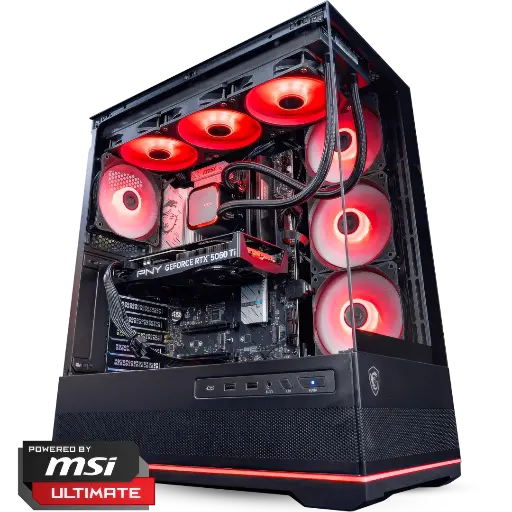
Rubis PC Powered by MSI: RTX 5060 Ti 16GB
RTX 5060 Ti 16GB, 16 or 32GB of DDR5, and an MSI panoramic case that really shows off the build.
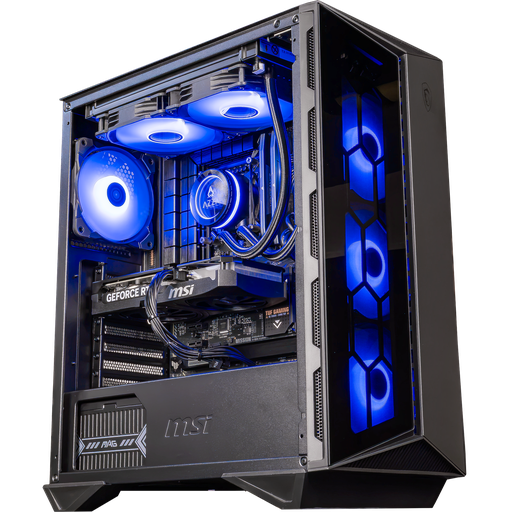
Swift PC: RTX 5060 Ti 16GB
The 16GB RTX 5060 Ti version, with DLSS 4: ultra settings at 1080p and full peace of mind at 1440p.
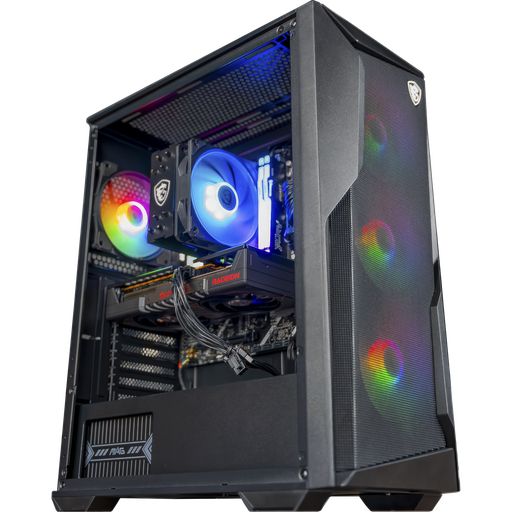
Rift PC: RX 9060 XT 16GB
Ryzen 5 7500F, RX 9060 XT 16GB and DDR5: the entry point to the RDNA 4 generation with FSR 4.
The Rift PC was tested in games by Mathis et Gauthier:
Mathis et Gauthier, test of the FlowUP Rift PC, September 2026.
For high-refresh 1440p: Cheetoh and Shadow V2
On a 1440p 144Hz screen or higher, you need to step it up. The RTX 5070 and RX 9070 XT handle 1440p at high settings in recent games, and the Ryzen X3D processors in these PCs give some headroom in competitive games where every frame counts.
Our advice: it’s the most well-balanced range for most players. If you’re undecided, look first at your screen: it determines the level of power you actually need. Our method is detailed in how to choose your PC screen.
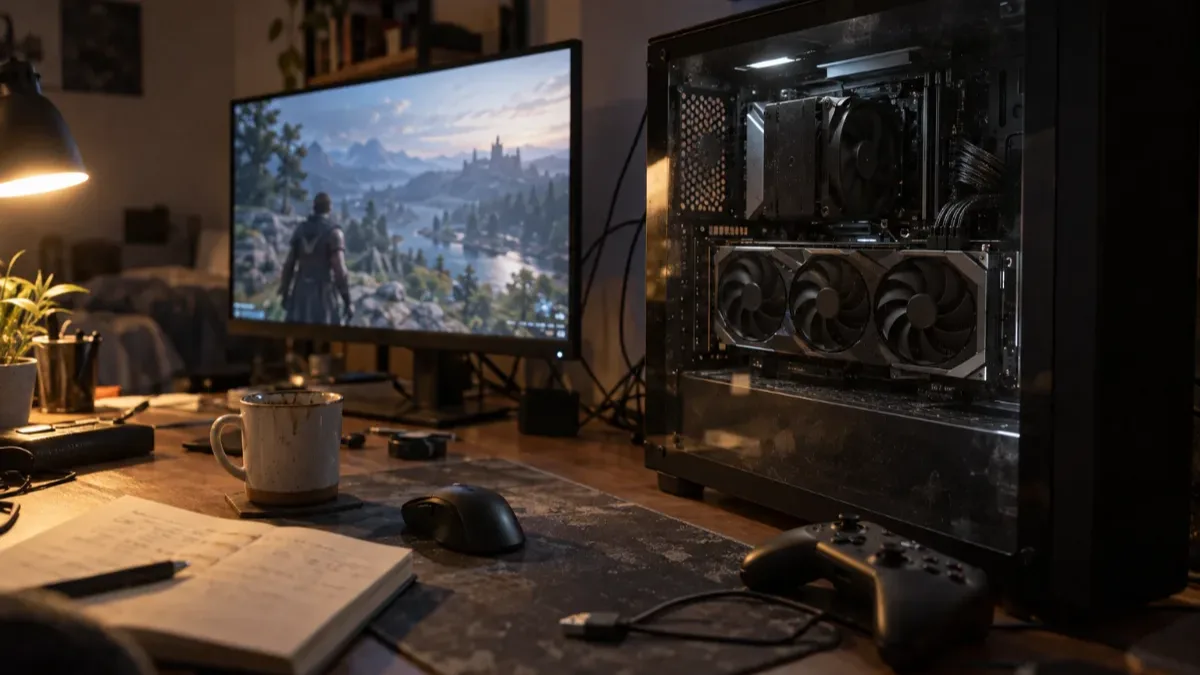
A 27-inch 1440p monitor: the perfect playground for the RTX 5070 and RX 9070 XT.
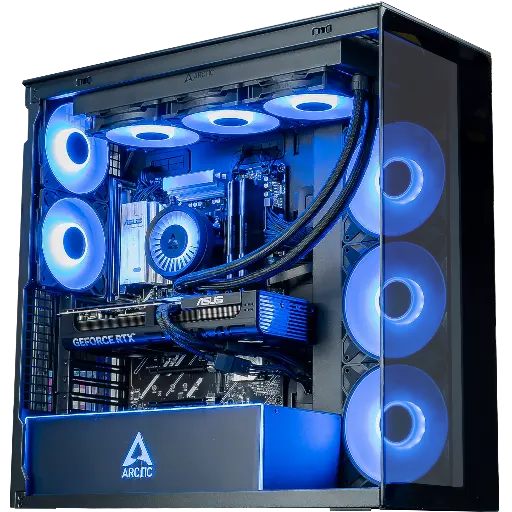
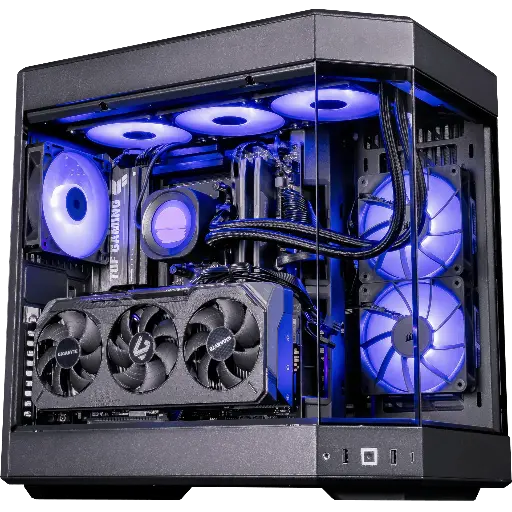
Shadow V2 PC: RX 9070 XT
Radeon RX 9070 XT 16GB and Ryzen 7 9800X3D: high-refresh 1440p and 4K with upscaling.
For 1440p ultra and 4K: Rainbow V2 and Orion
To push everything on ultra at 1440p, play in 4K or stream at the same time, go for the high end. These are also the models where a promotion gives the biggest absolute value: that’s where a list prepared in advance makes the difference.
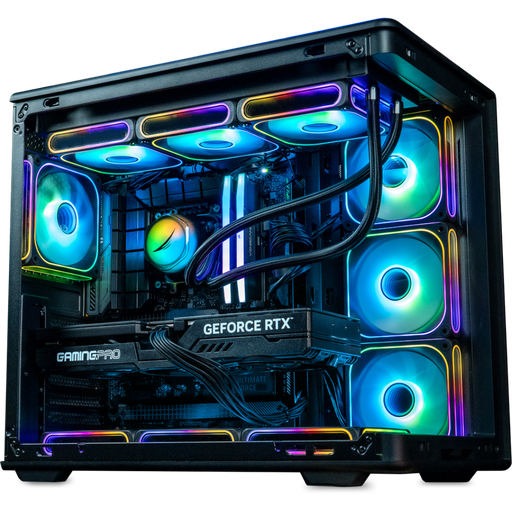
Rainbow V2 PC: RTX 5070 Ti
RTX 5070 Ti 16GB, available with either a Ryzen 7 7800X3D, a Ryzen 7 9800X3D or a Core i7 14700KF.
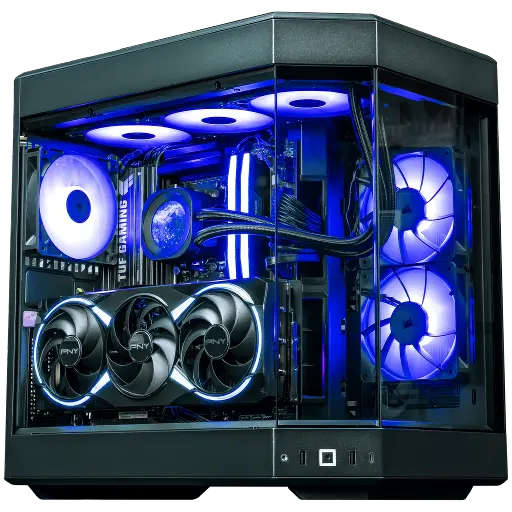
Orion PC: RTX 5080
RTX 5080, Ryzen 7 7800X3D or 9800X3D, HYTE Y60 case in three colours: 4K with DLSS 4.
Three quick checks before you order
- Start from your screen: a PC built for 4K is useless on a 1080p 60Hz monitor.
- Check the video memory: 16GB of VRAM for 1440p and 4K. Why? That’s explained in our article on the lack of VRAM.
- Compare with the same setup: same graphics card, same processor, same amount of memory. Our Black Friday guide lists the traps to avoid.
FAQ: Black Friday gaming PC 2026
When does Black Friday 2026 take place?
Friday 27 November 2026. Cyber Monday follows on Monday 30 November.
Which FlowUP gaming PC should you choose for Black Friday?
The one that matches your screen: Rubis, Swift or Rift for 1080p and 1440p, Cheetoh or Shadow V2 for 1440p at high refresh rates, Rainbow V2 or Orion for 1440p ultra and 4K.
How can I be notified about FlowUP offers?
Sign up for the FlowUP newsletter from the website: its subscribers get priority access to stock and great prices.
Do you need 16 GB of VRAM to play in 2026?
For 1440p and 4K, it’s recommended. For 1080p, 8 GB is still enough in many games, but 16 GB leaves some room.
