
By the FlowUP team, gaming PC assembler in Genappe (Belgium) · Updated 28 September 2026
ARC Raiders runs on a modest setup: according to Embark Studios, a GTX 1050 Ti, a Core i5-6600K and 12 GB of RAM are enough for 1080p on low settings at 60 frames per second. For comfortable play, aim for a RTX 5060 in 1080p, a RTX 5070 in 1440p and a RTX 5080 in 4K. In a PvPvE shooter where readability and stability matter as much as FPS, that margin makes all the difference. Here are the official configurations, followed by our recommendations.
In brief
- Official minimum: 1080p, low settings, 60 FPS with a GTX 1050 Ti or RX 580.
- Official recommended: 1440p, high settings, 60 FPS with an RTX 2070 or RX 5700 XT.
- Official « Epic »: 1440p, Epic settings, 90 FPS with an RTX 4070 Ti or RTX 5070.
- Our advice for 120 FPS and up: RTX 5060 in 1080p, RTX 5070 in 1440p, RTX 5080 in 4K.
- An SSD and at least 16 GB of RAM are still recommended for comfort.
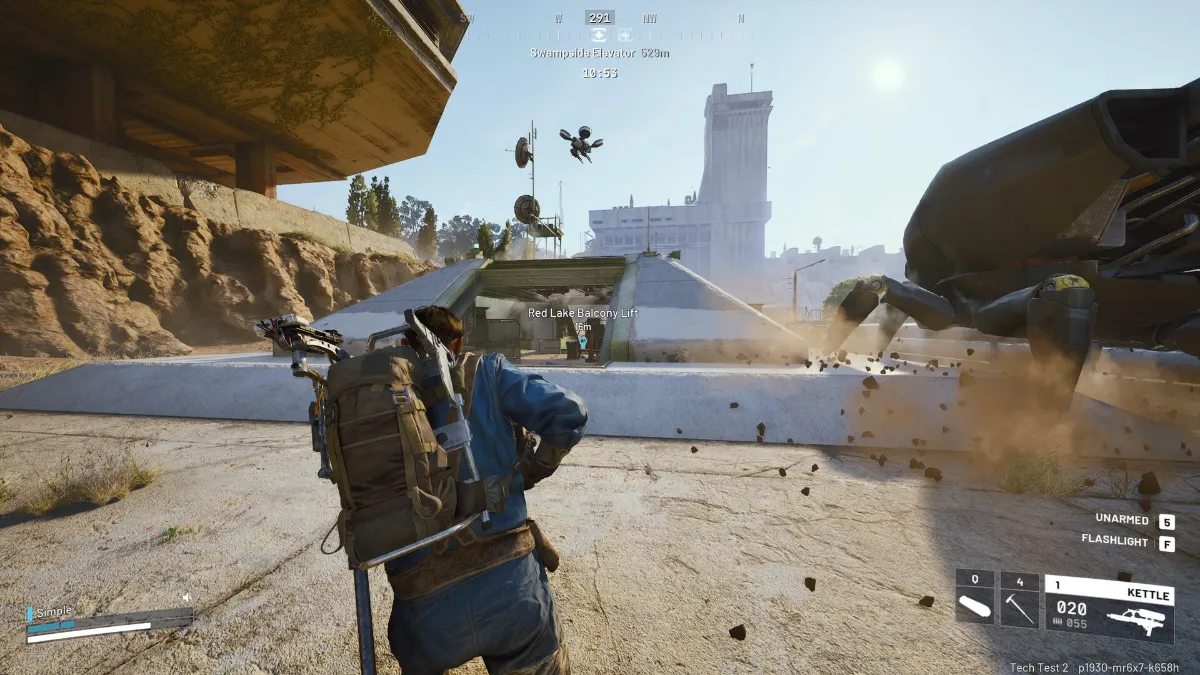
ARC Raiders: the official PC configuration
Embark Studios releases three tiers, each with a performance target:
| Minimum | Recommended | Epic | |
|---|---|---|---|
| System | Windows 10 or later, 64-bit | Windows 10 or later, 64-bit | Windows 10 or later, 64-bit |
| Processor | Intel Core i5-6600K or AMD Ryzen 5 1600 | Intel Core i5-9600K or AMD Ryzen 5 3600 | Intel Core i7-9700K or AMD Ryzen 7 3700X |
| Memory | 12 GB | 16 GB | 16 GB |
| Graphics card | GeForce GTX 1050 Ti, Radeon RX 580 or Intel Arc A380 | GeForce RTX 2070, Radeon RX 5700 XT or Intel Arc B570 | GeForce RTX 4070 Ti or RTX 5070, Radeon RX 7900 XTX |
| Target | 1080p, low settings, 60 FPS | 1440p, high settings, 60 FPS | 1440p, Epic settings with quality upscaling, 90 FPS |
Source: Official FAQ from Embark Studios on required configuration.
Our take: the setup for playing at 120 FPS and up
The official configurations aim for 60 to 90 frames per second. For an online shooter, we recommend aiming higher: fights stay smooth even in busy scenes, and the game keeps a buffer as updates roll out.
| Target | Processor (optional) | Graphics card (optional) | RAM | Our note |
|---|---|---|---|---|
| 1080p, high settings | Intel Core i5-12400F, AMD Ryzen 7 5700X | RTX 5060, RTX 5060 Ti 8 GB, RX 9060 XT 8 GB | 16 GB | 32 GB if you record or stream your matches |
| 1440p, high settings | Ryzen 5 7500X3D, Ryzen 5 9600X | RTX 5070, RX 9070 | 16 to 32 GB | The best compromise |
| 4K, high settings | Ryzen 7 9800X3D, Core Ultra 7 265K, Core i7-14700KF | RTX 5070 Ti, RX 9070 XT, RTX 5080 | 32 GB | In 4K, the graphics card comes first |
To understand why video memory matters so much depending on the resolution, read our guide on VRAM in 2026.
The 3 recommended FlowUP PCs for ARC Raiders
1080p: clearly exceed the minimum without blowing the budget
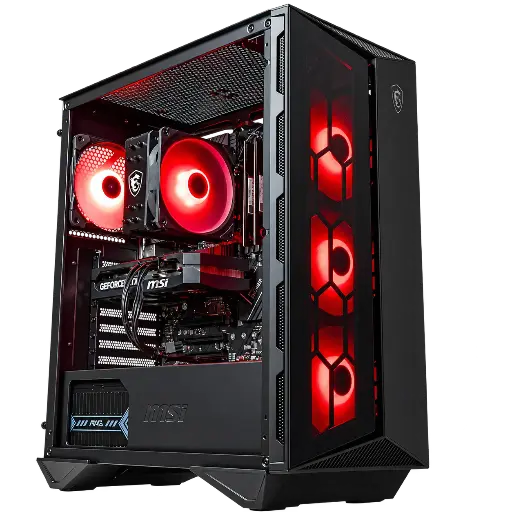
FlowUP Banger PC with GeForce RTX 5060
Intel Core i5-12400F and RTX 5060 with DLSS 4: ARC Raiders in 1080p, high settings.
1440p: the ideal compromise

FlowUP Novara PC GeForce RTX 5070
Ryzen 5 7500X3D and RTX 5070 12 GB, 16 GB DDR5 and a 1 TB M.2 SSD: beyond the official recommendations for 1440p.
4K: the graphics card comes first
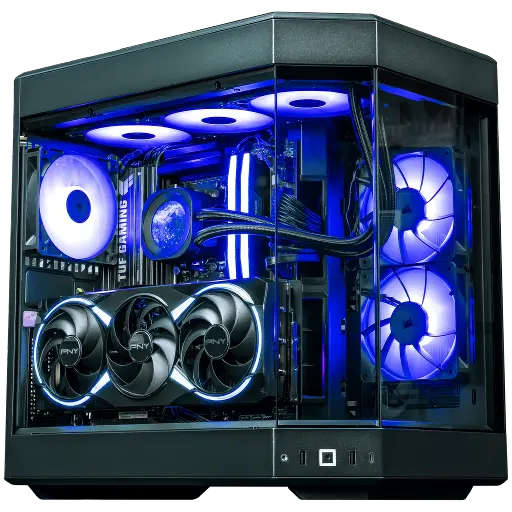
FlowUP Orion PC GeForce RTX 5080
RTX 5080 and Ryzen 7 X3D: plenty of headroom for big 4K scenes.
Quick settings to gain FPS without sacrificing image quality
- Start by lowering shadows, volumetric effects and particle effects: it’s often the best quality-to-performance trade-off.
- Enable DLSS or FSR in quality mode if your card supports it.
- Aim for stability: consistent 90 frames per second are more enjoyable than 120 with stutters.
- Close unnecessary overlays and keep your graphics drivers up to date.
Best settings for ARC Raiders, in video (FPS Capital channel)
FAQ
Does ARC Raiders run on a small setup?
Yes: Embark targets 1080p on low settings at 60 frames per second on the minimum configuration (GTX 1050 Ti or RX 580).
Why 12 GB of RAM for minimum?
That’s what the official configuration indicates: 12 GB minimum, 16 GB recommended. In practice, 16 GB is the right starting point.
Is the recommended configuration enough for 1440p?
Yes: for 1440p on high settings at 60 frames per second, that’s the official target for the recommended tier.
Do you need an internet connection to play?
Yes, the game is online: its Steam page requires a high-speed internet connection.
Is an SSD mandatory?
It’s not officially required, but strongly recommended for loading times and updates.
