 Your PC in instalments (up to 12x)
By the FlowUP team, PC gaming assembler in Genappe (Belgium) · Updated 28 September 2026
FPS stands for frames per second; in French images par seconde: it’s the number of frames your PC calculates and displays every second in a game. The higher it is, the smoother the image and the faster the game responds. Be careful not to confuse it with FPS “first person shooter”, the first-person shooter: here, we’re clearly talking about smoothness.
In short
- FPS = frames per second. 60 FPS means 60 frames displayed every second, one every 16.7 milliseconds.
- 30 FPS is a playable minimum, 60 FPS is the standard comfort, and 144 FPS and up is the goal in competitive gaming.
- FPS mainly depend on the graphics card, the processor, the resolution and the settings.
- To enjoy it, the display needs to keep up: beyond 60 FPS, you need a 144 Hz monitor or higher.
16.7 ms
between two images at 60 FPS
6.9 ms
between two images at 144 FPS
4.2 ms
between two images at 240 FPS
Contents
- FPS meaning: what are FPS in a game?
- How many FPS do you need to play well?
- FPS and Hz: the role of the screen
- How to display FPS in-game
- What FPS depend on and how to increase them
- FPS FAQ
FPS meaning: what are FPS in a game?
A video game isn’t a video: each frame is calculated in real time by your PC, based on your actions. The number of frames the machine manages to produce in one second is the number of FPS. At 30 FPS, a new frame arrives every 33 milliseconds; at 144 FPS, every ~7 milliseconds. Motion therefore looks more continuous, and what you do appears on screen faster.
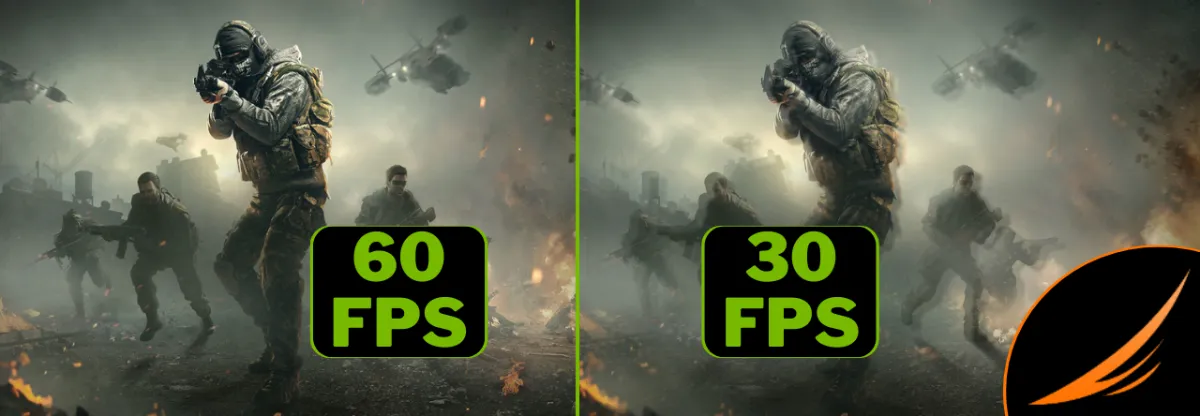
At 60 FPS, movement is twice as detailed as at 30 FPS.
Two measures complete this figure:
- Frame time: the time between two frames, in milliseconds. That’s the one you feel when the game “hitches”.
- 1% low: the average of the slowest frames. A game with an average of 100 FPS but 40 FPS in 1% low can still stutter.
| FPS | Time between two frames | Feel |
|---|---|---|
| 30 FPS | 33.3 ms | Playable, but clearly stuttery in the action |
| 60 FPS | 16.7 ms | Smooth, the standard for most games |
| 120 FPS | 8.3 ms | Very smooth, crisp in fast movements |
| 144 FPS | 6.9 ms | Comfort of 144 Hz gaming screens |
| 240 FPS | 4.2 ms | Esports, for every millisecond of responsiveness |
How many FPS do you need to play well?
Everything depends on the type of game:
- Single-player and adventure games (God of War, Cyberpunk 2077, Hogwarts Legacy): 60 FPS is enough for a smooth experience. Many players prefer increasing graphics settings rather than chasing FPS.
- Fast online games (Fortnite, Apex Legends, Call of Duty): aim for 120 to 144 FPS to keep up with the action without blur.
- Competitive esports (Valorant, CS2, Rainbow Six Siege): 240 FPS and up, with a monitor that can keep up.
- Strategy and management: 30 to 60 FPS remain comfortable; the pace is slower.
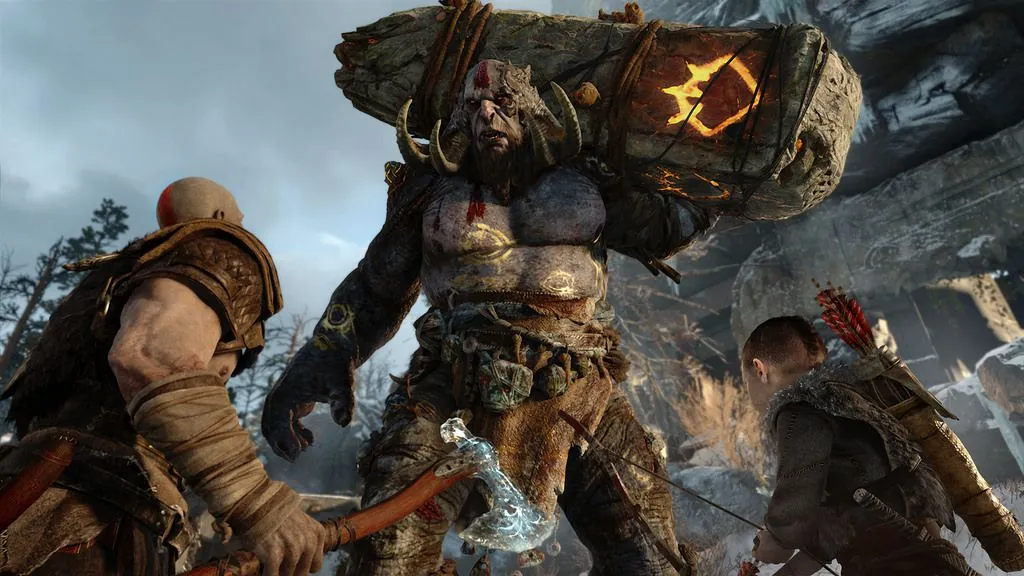
In single-player games like God of War, stable 60 FPS are better than 90 FPS that drop.
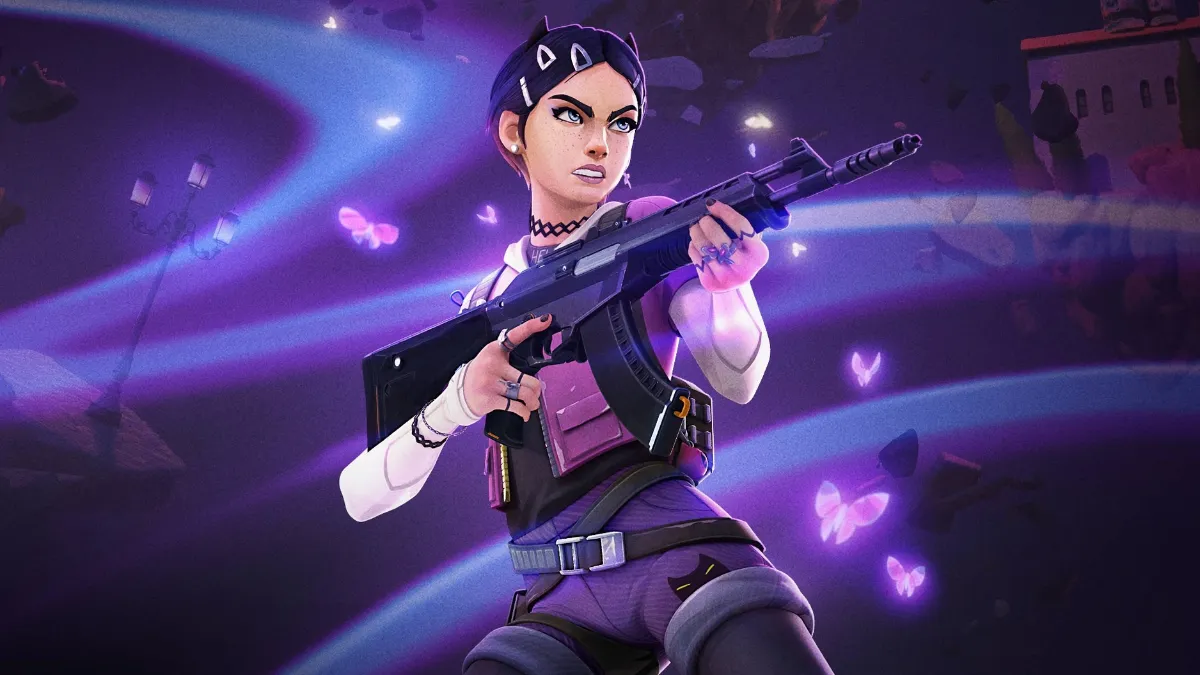
In Valorant or CS2, competitive players aim for 240 FPS and up.
Getting more FPS also reduces overall latency: the image that shows your action arrives on screen sooner. NVIDIA illustrates this link between FPS, monitor refresh rate and system latency:
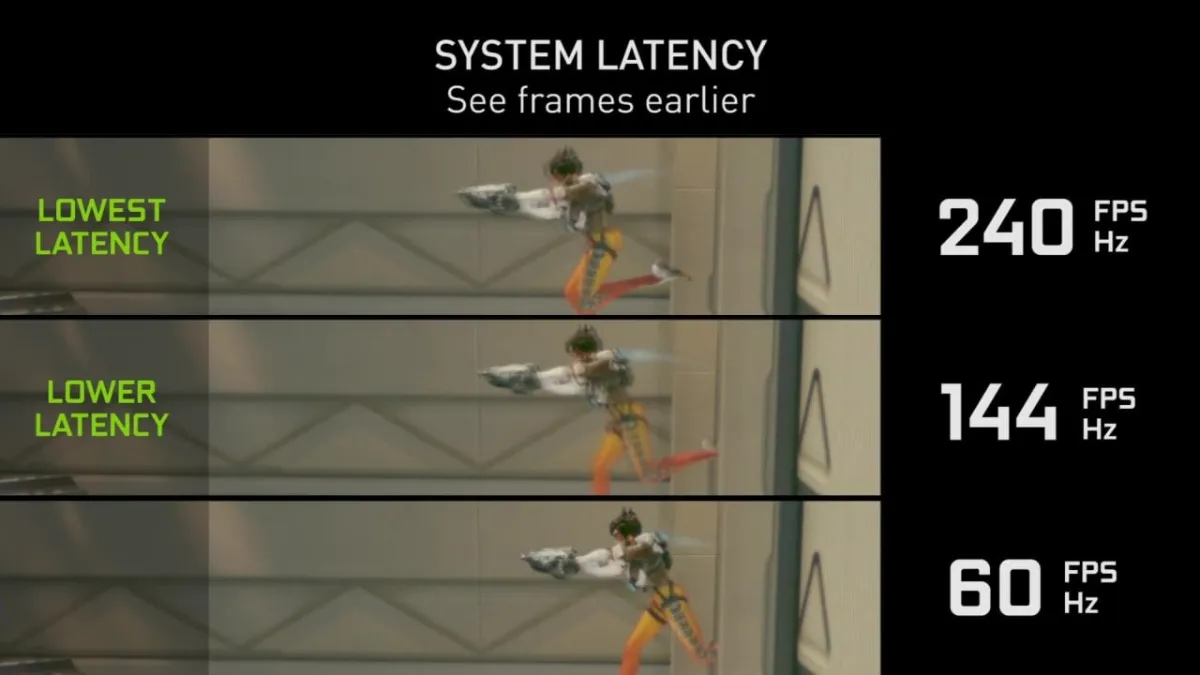
At 240 FPS and 240 Hz, the opponent appears earlier than at 60 FPS. NVIDIA illustration.
FPS and Hz: the role of the screen
FPS are produced by the PC; hertz (Hz) is the monitor’s refresh rate, the number of times per second it can display a new frame. A 60 Hz screen will never display more than 60 frames per second, even if your PC calculates 150. So to enjoy 144 FPS, you need a 144 Hz monitor or higher, ideally compatible with G-Sync or FreeSync to prevent image tearing.
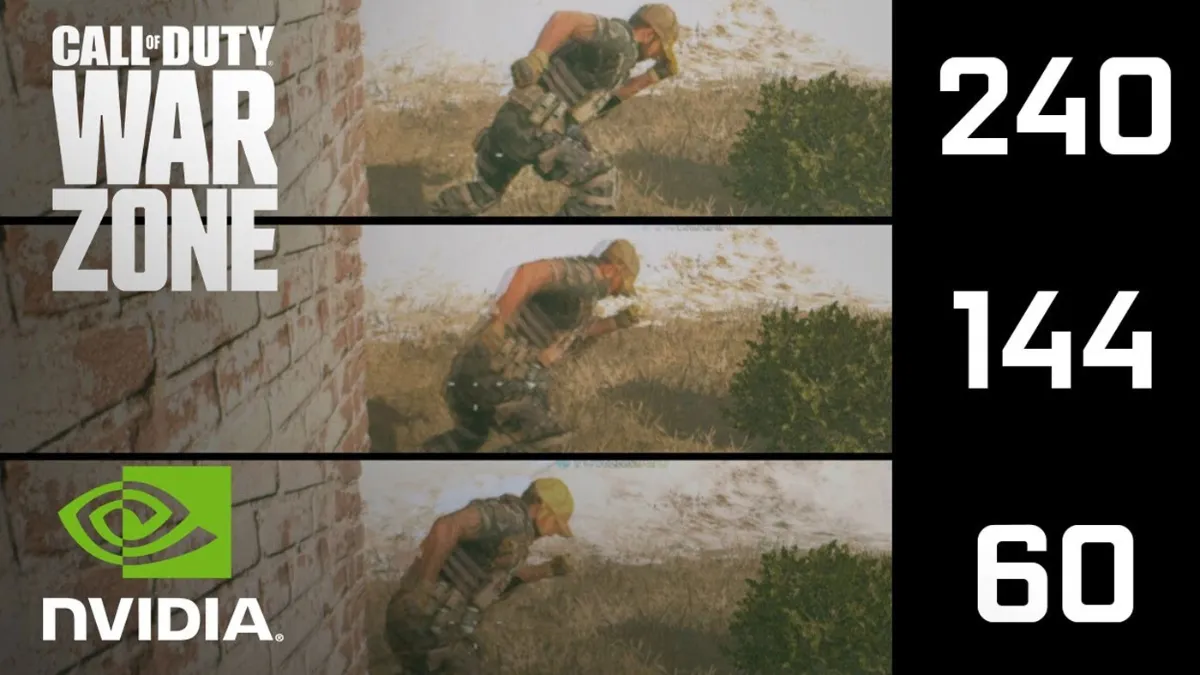
The same action at 240, 144 and 60 FPS: the more the screen keeps up, the sharper the motion. NVIDIA illustration.
To choose yours properly, read our guide which PC screen to choose.
InfoDigitaeFR explains in video the difference between FPS and Hz:
How to display FPS in-game
- NVIDIA card: in the NVIDIA app, enable the performance statistics overlay (Alt + R by default).
- AMD card: in the Adrenalin software, enable the performance overlay (Ctrl + Shift + O).
- Steam: Settings, In-game, In-game FPS counter.
- Windows: the Xbox Game Bar (Windows + G) displays a Performance widget with the FPS.
- Many games also offer their own counter in the display options.
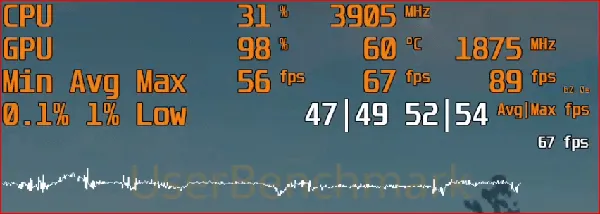
A good counter also shows the minimum and the 1% low, not just the average.
What FPS depend on and how to increase them
FPS depend first and foremost on the graphics card, then on the processor (especially in esports, where the game runs at very high frequency), on the resolution (1440p and 4K demand far more than 1080p) and on the graphics settings. To gain without changing hardware:
- Enable DLSS or FSR, which render the image at a lower resolution and then upscale it. See DLSS 4.5 vs FSR Redstone.
- Lower shadows, ray tracing and volumetric effects, often the most demanding.
- Update your drivers and check that the monitor is plugged into the graphics card.
Image generation (DLSS Frame Generation, AMD Fluid Motion Frames) boosts the displayed FPS by inserting AI-calculated frames, but it doesn’t improve responsiveness: it’s better suited to single-player games than esports. If your FPS drop for no reason, follow our guide lag in-game on PC and read why my PC lags when I play a game.
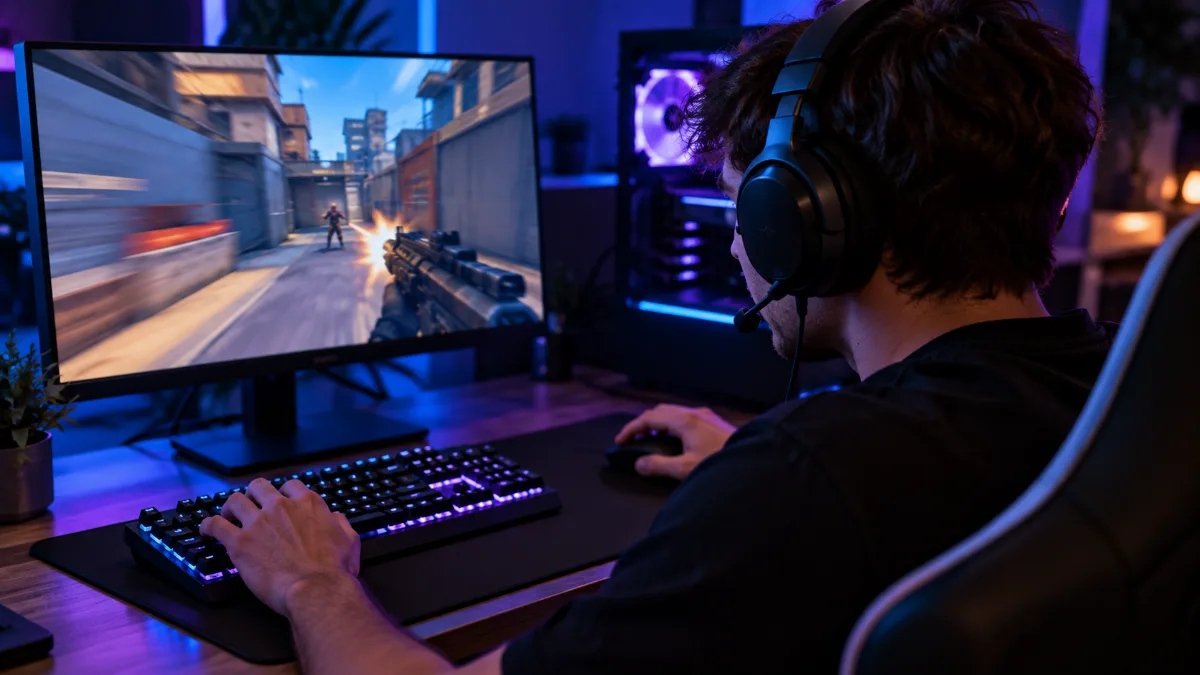
In esports, every frame counts: the graphics card, processor and monitor must keep up.
To target a specific FPS number, the safest option is a setup designed for it. Two PC examples we build in Genappe:
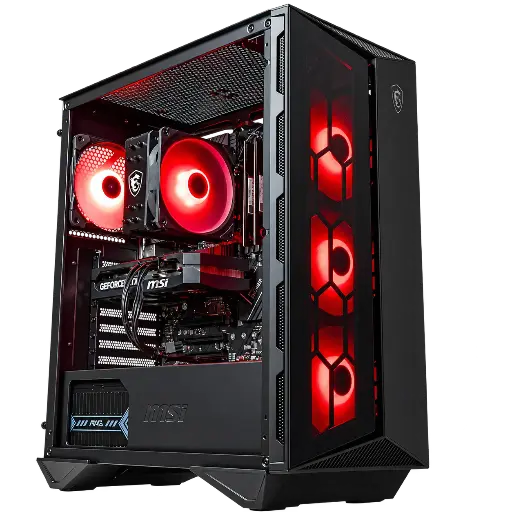
PC Banger GeForce RTX 5060
For 60 FPS and more in Full HD in recent games, and even much more in esports, with DLSS 4.
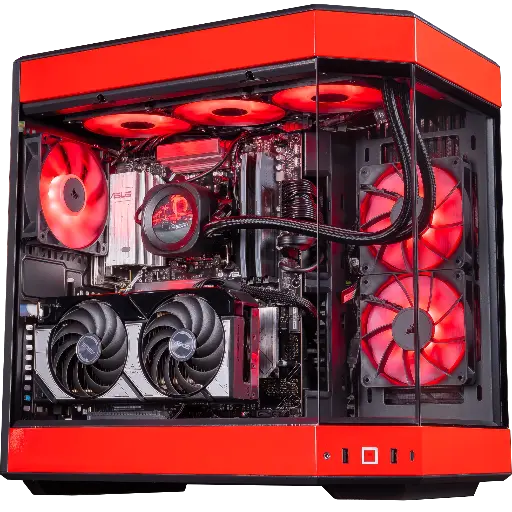
PC Rivals GeForce RTX 5070
Ryzen 7 9800X3D and RTX 5070: the duo we recommend to hit 240 FPS in esports and play at 1440p.
FPS FAQ
What does FPS mean in a game?
Frames per second, i.e. images per second: the number of frames your PC displays each second. In another context, FPS also refers to a first-person shooter game.
Is 60 FPS good?
Yes, stable 60 FPS provide a smooth experience in most games. In competitive play, 144 FPS or more with a suitable monitor brings a real advantage.
Can the human eye see more than 60 FPS?
Yes, in practice: most players clearly notice the difference between 60 and 144 FPS on a 144 Hz display, especially during fast motion.
Why do my FPS drop in the middle of a match?
The most common causes are overheating, background programs, outdated drivers or a heavier scene. Our overheating guide helps you find the cause.
Does getting more FPS than Hz serve any purpose?
A little: latency drops slightly. But the monitor doesn’t display more frames than its refresh rate, so most of the benefit is seen with a faster monitor.
