
By the FlowUP team, gaming PC builder in Genappe (Belgium) · Updated 6 October 2026
In short:
- An esports gaming PC targets stable FPS and responsiveness, not raw power for big single-player games.
- A fast processor, dual-channel RAM and an NVMe SSD matter more than the GPU for competitive Valorant, CS2 or Fortnite.
- A mid-range graphics card (RTX 5060 or RTX 5060 Ti) is more than enough for these games.
- The remaining budget goes to the monitor: at least 144 Hz, and 240 Hz if the budget allows.
Are you playing Valorant, CS2 or Fortnite in competitive mode, and does your PC start to struggle as soon as everything gets chaotic on screen? Before you go for the most expensive graphics card in the catalogue, here’s what you need to know: an esports gaming PC has almost nothing in common with a PC built for big single-player games. What matters isn’t raw power, it’s a high and stable number of frames per second (FPS), from the first shot to the last round.
In summary: for competitive play, go for a fast processor in single-thread, enough dual-channel RAM, and an NVMe SSD. A mid-range graphics card is more than enough. The rest of the budget should go to the monitor (at least 144 Hz, 240 Hz if you can afford it) rather than to an oversized GPU for games that hardly demand anything from it.
What exactly is an esports PC?
An esports PC isn’t a high-end PC with a marketing label stuck on it. It’s a machine configured for one goal: to display as many frames as possible, as consistently as possible, on games that aren’t demanding in terms of graphics.
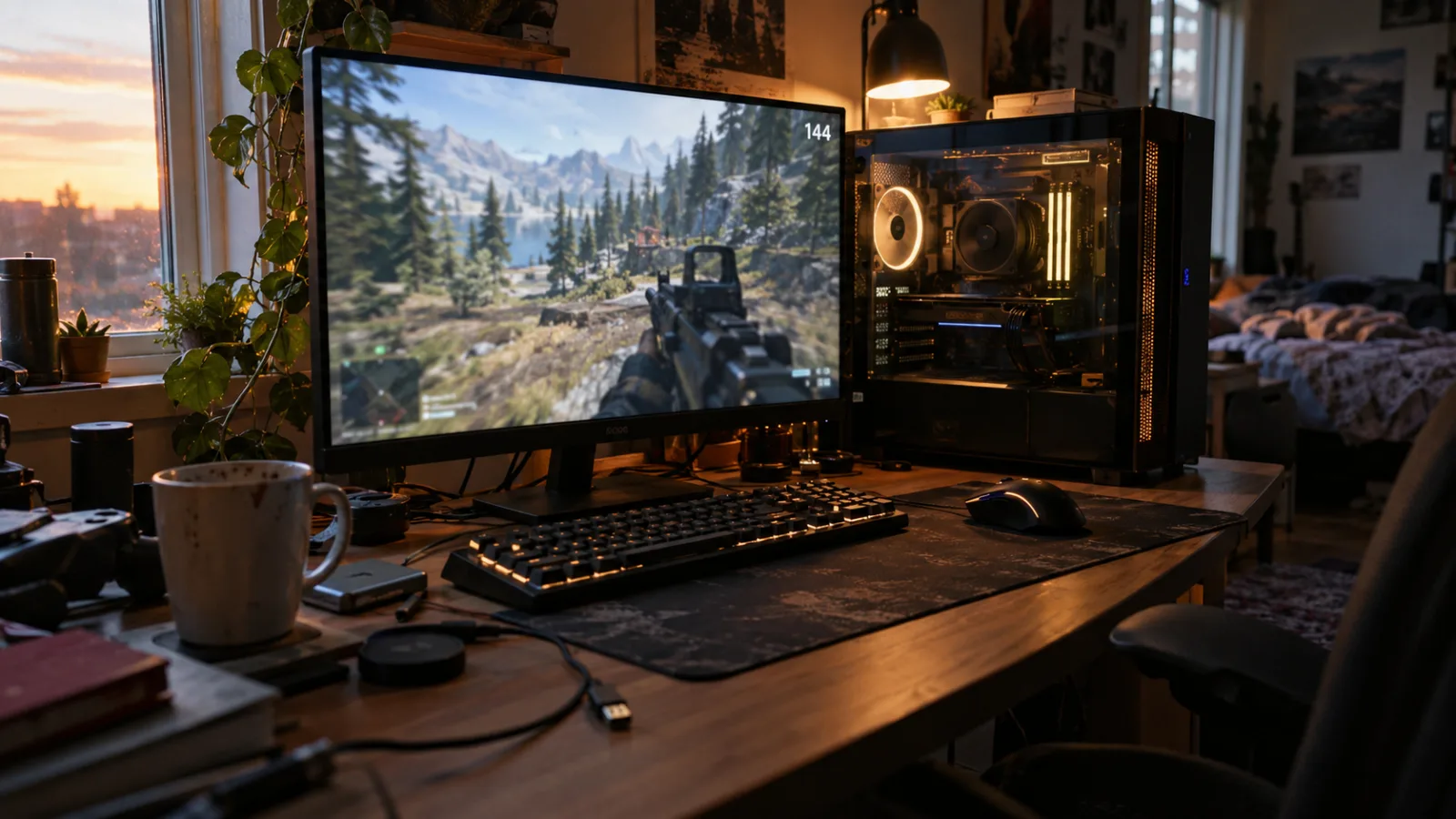
An esports setup prioritises smoothness over the latest high-end GPU.
Valorant, CS2, Fortnite in competitive mode, League of Legends or Rocket League don’t look like Cyberpunk 2077. Their environments are intentionally simple and their effects are limited, because studios know that their players prefer 240 frames per second over realistic reflections in the water. Riot Games says it themselves in its official specifications for Valorant : the most demanding tier, the one targeted to go beyond 144 FPS, only requires a GeForce GTX 1050 Ti, a card released in 2016. Any 2026 graphics card, even the most modest one, blows it away easily.
Many players get the budget wrong at that point: €600 for a graphics card that almost never runs at full power in these games, and nothing for the monitor or the processor, while those make all the difference between 90 and 240 frames per second on screen.
The components that really matter for an esports gaming PC
On an esports gaming PC, the priorities flip compared to a PC aimed at AAA games. Here’s what truly affects your FPS and in-game responsiveness.
The processor first. Competitive games mainly use one or two very fast cores, not twelve cores busy in parallel. A Ryzen 5 7500F or a recent Core i5, fed with fast RAM, easily handles 240 FPS in CS2 or Valorant. There’s no need to aim for a Ryzen 9 or Core i9 for this: that extra cost is meant for other uses, video editing or AAA games in 4K.
The RAM next, often overlooked. Two dual-channel memory sticks, at least 16 GB, with the XMP or EXPO profile enabled in the BIOS. At the workshop, it’s the step we see most often forgotten on PCs assembled by beginners, and it can cost dozens of FPS in the games that depend most on the processor.
Storage also matters, not so much for FPS, but for comfort: an NVMe SSD shortens loading times and reduces micro-stutter when launching a match. And when every second before getting into the game is lost, that really matters.
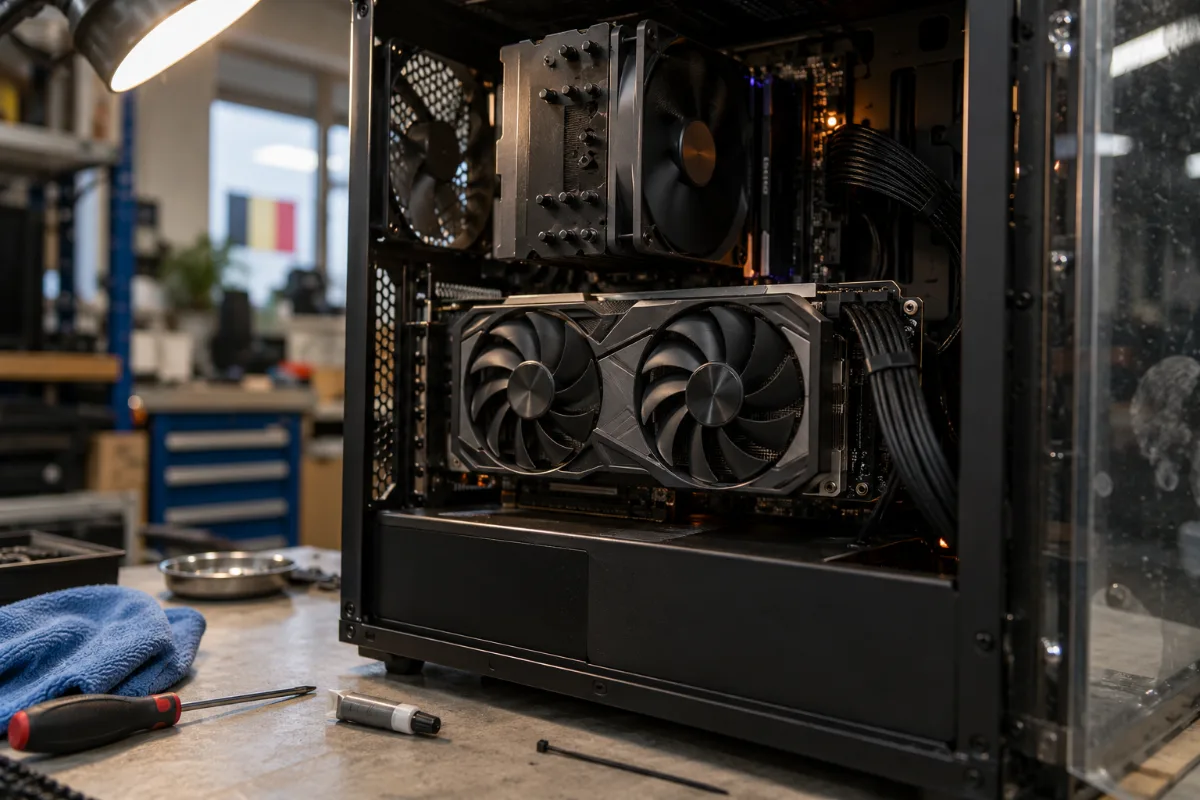
At the FlowUP workshop, an RTX 5060 or 5060 Ti is more than enough for most esports builds.
Why a mid-range GPU is enough for esports
This is the point that surprises our workshop customers the most: in CS2, a graphics card like the RTX 5060 Ti almost never drops below monitor performance. TechSpot tested the RTX 5060 Ti 16 GB in April 2025 with a Ryzen 7 9800X3D, a very fast processor: the measured average on CS2 at 1440p reaches 398 frames per second, well above what even a 240 Hz monitor offers.
Once your graphics card goes beyond your monitor’s refresh rate, the extra FPS don’t really matter on-screen, unless you also play AAA games from time to time. In that case, a more powerful card stays useful. But for pure esports, putting €900 into a high-end card just to gain FPS your monitor will never display is misplaced money. That’s why we build most of our esports PC configs around an RTX 5060 or an RTX 5060 Ti: they handle the high end on these titles, with a budget that still leaves room for a good monitor and fast RAM.
Screen and image refresh rate: how many FPS should you aim for
A PC that outputs 300 FPS on a 60 Hz monitor is a limited PC. The monitor is half of the equation in an esports setup, and it’s often the component people overlook the most.
144 Hz is the minimum to enjoy a more comfortable mainstream experience and really feel a difference in smoothness and responsiveness. 240 Hz becomes interesting once your graphics card can genuinely keep feeding that refresh rate, which is exactly the case in esports titles with a well-balanced setup. Beyond that, the improvement becomes more marginal for most players, except at the most demanding competitive level.
To dig deeper into panel choice (size, resolution, panel type), our complete guide to choosing a gaming monitor covers all the criteria, including Hz.
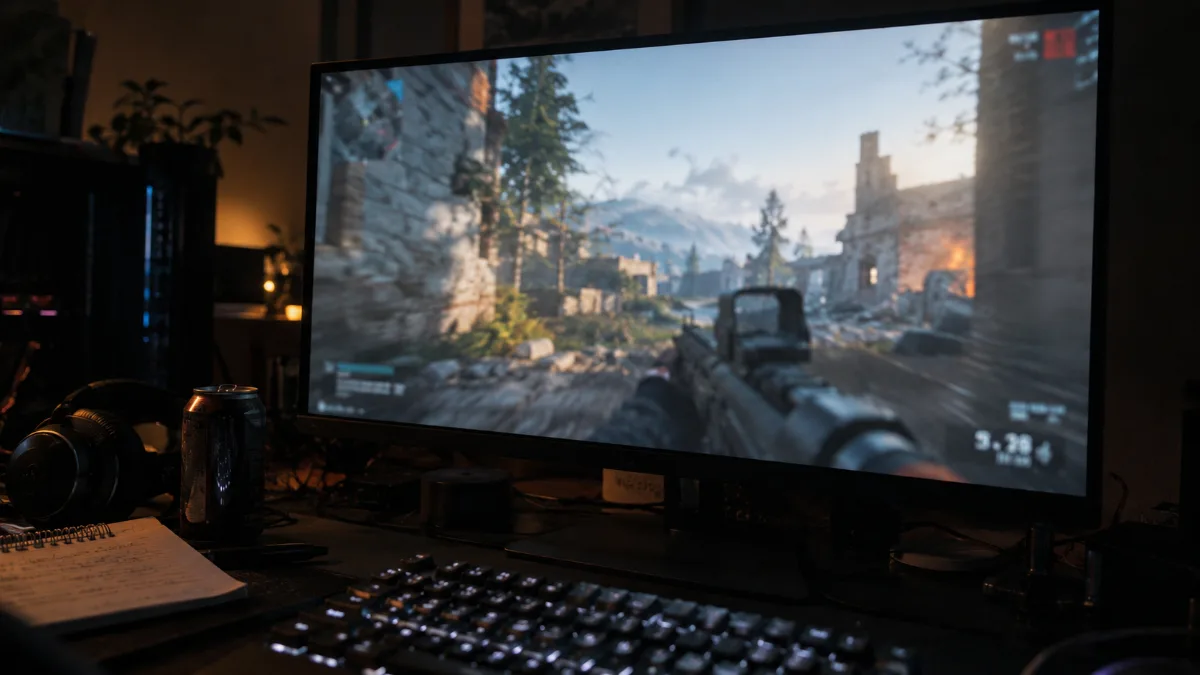
Minimum 144 Hz, 240 Hz for the most demanding players: the screen is half of the esports setup.
FlowUP setups tailored for esports, game by game
No need to aim for the top of the catalogue to play competitively under good conditions. Here’s how we advise our workshop customers, depending on the game they play.
A good example is better than a list of specs: here’s the FlowUP Rift PC, an esports setup with a reasonable price, tested by Mathis and Gauthier.
Mathis and Gauthier test the FlowUP Rift PC, an esports setup with a reasonable price.
On Valorant, CS2 or Fortnite in competitive mode, games among the least demanding on the market, a configuration with an RTX 5060 already delivers a very high FPS level. That’s the case with our Banger PC, designed for this entry-level budget without sacrificing smoothness: it’s the option we recommend for a first serious esports gaming PC.
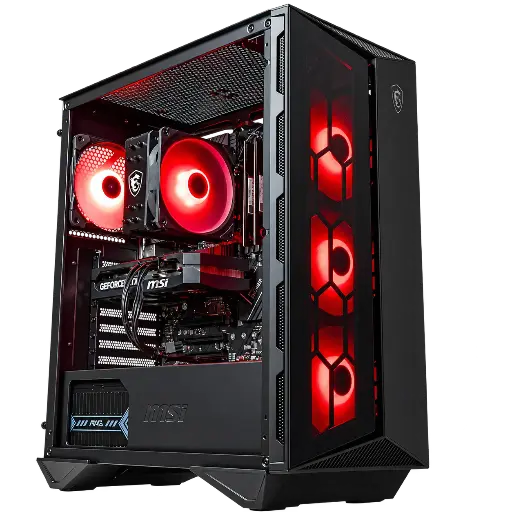
Banger PC
A RTX 5060, a Ryzen 5 and fast RAM: the configuration designed to get started in esports without going over your budget.
On League of Legends and Rocket League, still lighter games, the same logic applies: the processor and RAM make more of the difference than the graphics card.
If you also play AAA occasionally, or if you stream your matches (video encoding also puts extra load on the graphics card), we recommend stepping up to an RTX 5060 Ti 16 GB, our balance point you’ll find in our AQUA V2 PC: headroom for esports and for more demanding games, without blowing up the budget.
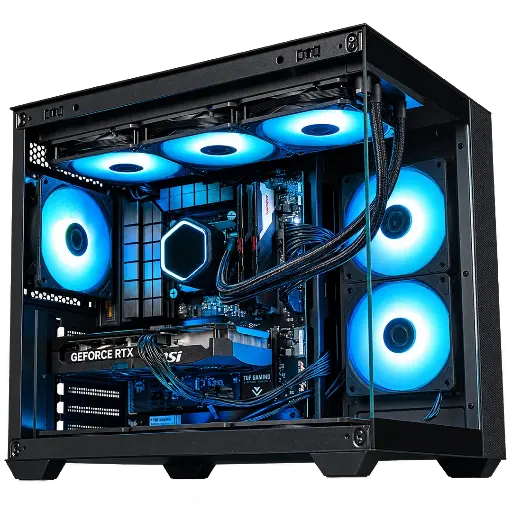
AQUA V2 PC
A RTX 5060 Ti 16 GB and a balanced platform to run esports and more demanding games, streaming included.
For players who want an all-round configuration, capable of targeting both competitive esports and the latest AAA games in 1440p with good settings, an RTX 5070 Ti like the one in our Abyssin PC remains a solid choice, without going pure esports overkill.
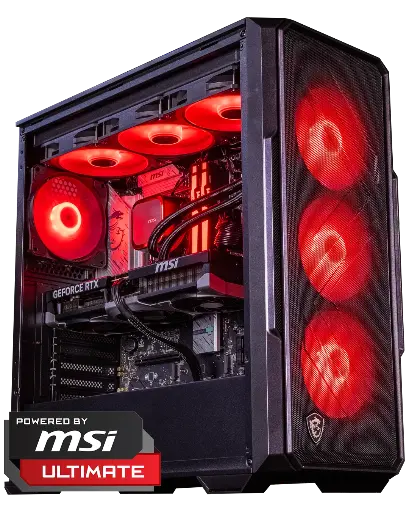
Abyssin PC
A RTX 5070 Ti to make no compromises, whether you’re targeting competitive esports or the latest AAA games in 1440p.
Keyboards, mice and headsets: the rest of the setup also matters
The PC is only part of the equation. In competitive play, a responsive gaming keyboard and mouse reduce the delay between your action and what appears on the screen, a factor that matters as much as a high FPS on paper.
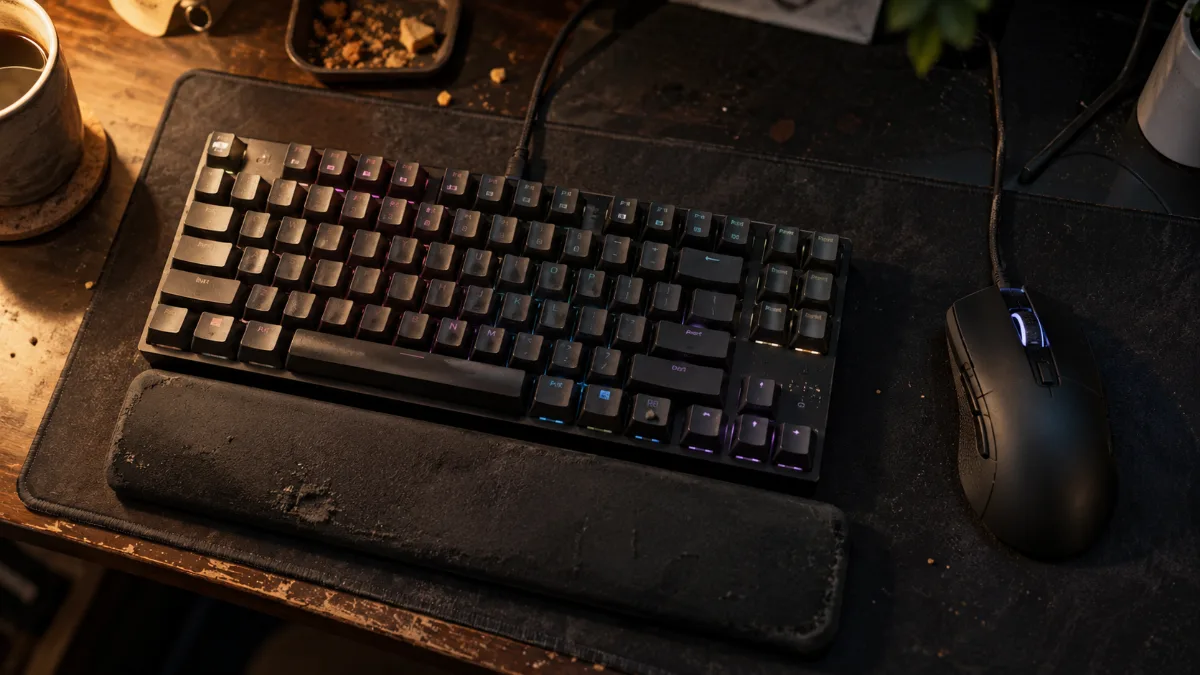
A responsive gaming keyboard and mouse matter almost as much as the PC for in-game responsiveness.
While you wait for a dedicated comparison, you can already check our guide to choosing a gaming mouse and our selection of gaming headsets to find what fits your budget and your play style.
FAQ
How many FPS should you aim for to play esports?
At minimum 144 stable FPS on a 144 Hz screen: that’s the realistic goal for most competitive players. 240 FPS on a 240 Hz screen brings an extra boost, especially noticeable at the highest game levels.
Do you need a 144 Hz or 240 Hz monitor for esports?
144 Hz is the minimum you need to move beyond mainstream comfort. 240 Hz becomes relevant if your graphics card can genuinely drive that refresh rate in your games, which is the case with a well-balanced esports PC setup.
What budget for a serious esports gaming PC?
The best esports PC isn’t the most expensive in the catalogue. For a well-balanced esports PC budget, put your money into the CPU, RAM and the monitor rather than a high-end graphics card that’s largely underused in these games.
Do the keyboard and mouse matter as much as the PC in esports?
Yes. A responsive gaming keyboard and mouse reduces the delay between your action and what it displays, an aspect that weighs just as heavily as raw FPS at a competitive level.
Does a high-end graphics card actually serve a purpose for an esports gaming PC?
It becomes useful if you also play AAA games, or if you stream your matches, two uses that are more demanding than pure esports. For competitive Valorant, CS2 or Fortnite only, a mid-range graphics card is more than enough.
Sources
- Riot Games, official Valorant system specifications (consulted in October 2026).
- TechSpot, review of the GeForce RTX 5060 Ti 16 GB, April 2025.
