
By the FlowUP team, gaming PC builder in Genappe (Belgium) · Updated 19 October 2026
In short:
- Minimum requirements: GTX 1660 or RX 5600 XT (6 GB), Core i7-8700K or Ryzen 5 1600X, 8 GB RAM and an SSD (1080p, 30 FPS, Low).
- Recommended requirements: RTX 3070 or RX 6800 XT, Core i7-12700K or Ryzen 5 5600X, 16 GB RAM (1080p, 60 FPS, High).
- Key point: it’s an Unreal Engine 5 game that’s very demanding on the graphics card. Aim for 12 GB of video memory and enable DLSS or FSR 4.
- Our advice: the Rampage V2 PC (RTX 5070, 12 GB) to enjoy the game in 1080p and 1440p.
There are games you start up out of curiosity and then can’t let go of. Clair Obscur: Expedition 33 is one of them. A French studio that’s almost unknown, a turn-based JRPG with real-time parries, an art direction inspired by the Belle Époque: on paper, nobody would have bet on it. And yet.
If you finally want to play it on PC, or replay it under better conditions, here’s what you need to know: the required configuration for Expedition 33, the real performance measured by the press, and the PC we recommend to get the most out of it.

Expedition 33 on PC: a magnificent game that deserves a graphics card to match.
Expedition 33, the French phenomenon that swept the awards
Released on 24 April 2025 for PC, PS5 and Xbox Series, Clair Obscur: Expedition 33 has become the most awarded game in the history of the Game Awards. The first game from Sandfall Interactive, a French studio founded in 2020, won 9 awards at the ceremony on 11 December 2025, including Game of the Year.
- Sales: over 8 million copies one year after launch.
- On PC: available on Steam and the Epic Games Store, and on Game Pass from day one.
- Steam Deck: verified since the December 2025 update 1.5.0.
Honestly, we understand the hype: it’s the kind of game that makes you want to crank the settings all the way up, just for the environments.
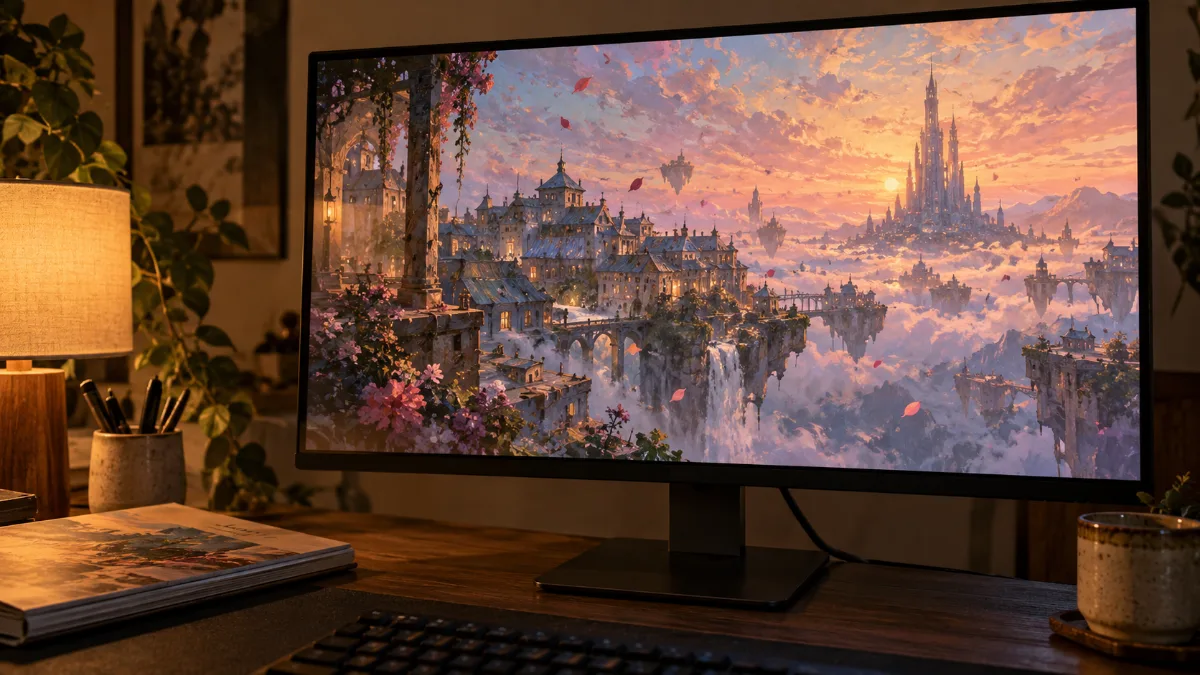
An art direction that makes you want to push the settings to the maximum.
Clair Obscur: Expedition 33 system requirements on PC
To play Expedition 33 on PC, you need at least a GTX 1660 or an RX 5600 XT, a Core i7-8700K or a Ryzen 5 1600X, 8 GB of RAM and an SSD. For 1080p at 60 FPS on High, the studio recommends an RTX 3070 or an RX 6800 XT, a Core i7-12700K or a Ryzen 5 5600X, and 16 GB of RAM.
| Expedition 33 | Minimum | Recommended |
|---|---|---|
| Target | 1080p, 30 FPS, Low | 1080p, 60 FPS, High |
| Graphics card | GTX 1660 / RX 5600 XT / Arc A380 (6 GB) | RTX 3070 (8 GB) / RX 6800 XT (16 GB) |
| Processor | Core i7-8700K / Ryzen 5 1600X | Core i7-12700K / Ryzen 5 5600X |
| RAM | 8 GB | 16 GB |
| Storage | 55 GB on SSD (required) | 55 GB on SSD |
| System | Windows 10 64-bit | Windows 11 64-bit |
Source: configuration published by Sandfall Interactive, taken up by Windows Central (April 2025). An earlier list cited a GTX 1070 Ti as the minimum. DirectX 12 required.
To get a successful Expedition 33 PC setup, pay attention to one detail: the SSD is mandatory, even for the minimum configuration. And the recommendation targets 1080p, not 1440p.
Why is Expedition 33 so demanding on PC?
Expedition 33 runs on Unreal Engine 5 with Lumen lighting in software mode: it’s the graphics card that does almost all the work. The processor matters little, while video memory matters a lot.
- Native: according to PCGH, you need an RTX 5070, an RTX 4070 Super or an RX 7800 XT to hit 60 FPS at 1080p without upscaling.
- With upscaling: an RTX 3070 or an RX 6700 XT reaches 60 FPS at 1080p.
- Video memory: PCGH advises at least 10 GB, ideally 12 GB. Cards with 8 GB suffer slowdowns at maximum details.
- RAM: the game uses 9 to 10 GB of RAM depending on GameGPU, which is why 16 GB are recommended.
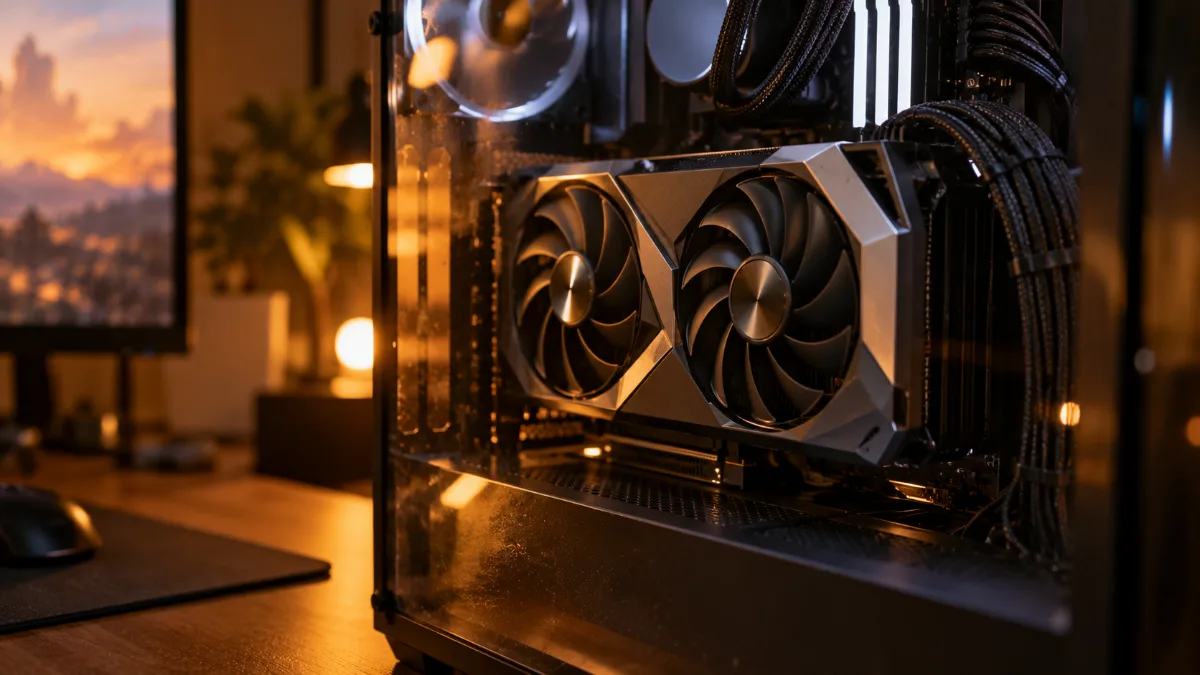
Unreal Engine 5 and Lumen: in Expedition 33, the graphics card does all the work.
How many FPS in Expedition 33 with an RTX 5060, 5070 or RX 9060 XT?
In native 1080p at the Epic preset, an RTX 5060 runs at around 48 FPS, while an RX 9060 XT or an RTX 5060 Ti 16 GB gets close to 60 FPS. For 60 FPS in native 1440p, you need an RTX 5070 Ti.
| Graphics card | Settings | Result | Source |
|---|---|---|---|
| RTX 5060 (8 GB) | 1080p Epic native | around 48 FPS, lacking VRAM | TechSpot |
| RX 9060 XT / RTX 5060 Ti 16 GB | 1080p Epic native | close to 60 FPS | TechSpot |
| RTX 4070 / RX 6950 XT | 1080p Epic native | 60 FPS | GameGPU |
| RTX 5070 Ti / RX 7900 XTX | 1440p native Epic | 60 FPS | GameGPU |
| RTX 5070 Ti / RX 9070 XT | 4K native Epic | around 35 FPS | TechSpot |
Measurements in native rendering, without upscaling or frame generation, taken for the most part before update 1.5.0. With DLSS or FSR 4, the FPS are significantly higher.
To see what a FlowUP PC with an RX 9060 XT 16GB looks like, Mathis and Gauthier tested our Rift PC in several recent games:
Mathis and Gauthier, testing the PC FlowUP Rift (video in French).
DLSS, FSR 4 and frame generation: the settings that change everything
Enable upscaling: it’s the setting that takes Expedition 33 from "decent" to "smooth". The game has improved a lot since launch.
- At launch: DLSS, XeSS and TSR, but no FSR or frame generation.
- Update 1.4.0 (July 2025): DLSS and XeSS frame generation.
- Update 1.5.0 (December 2025): FSR 4 and FSR frame generation, a photo mode and new content.
- Our setting: DLSS or FSR 4 in Quality mode at 1440p, with frame generation if your screen goes above 100 Hz.
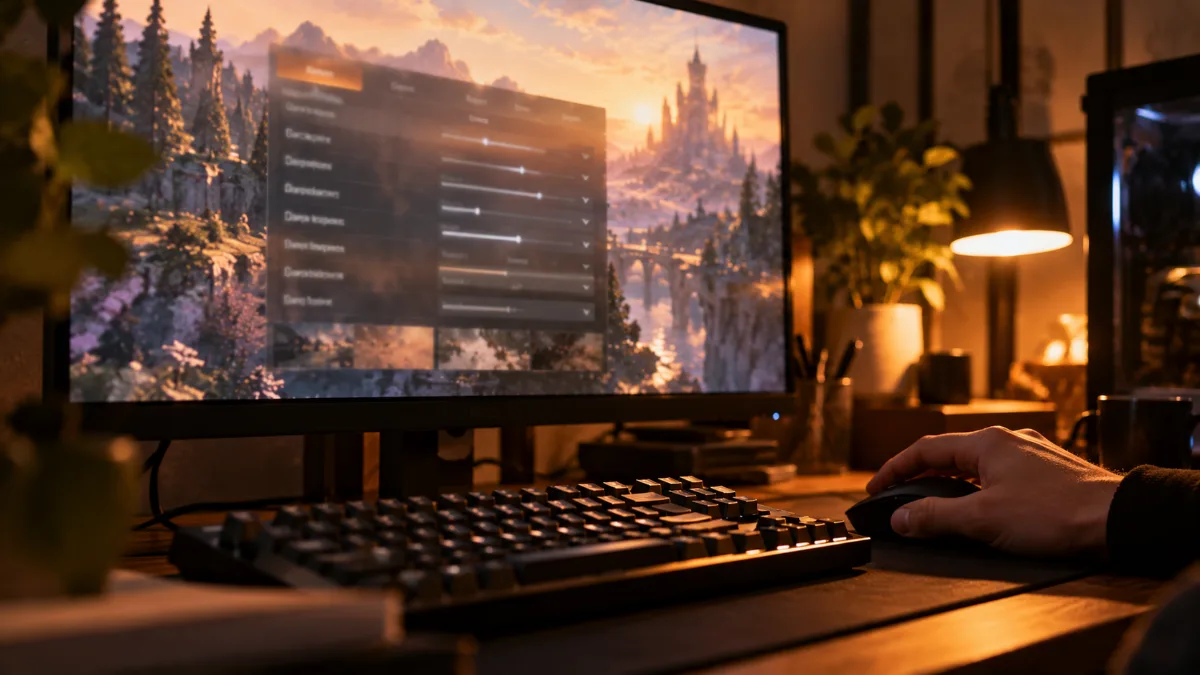
DLSS or FSR 4 in Quality mode: the right setting for Expedition 33 on PC.
Which PC to play Expedition 33 on?
To enjoy Expedition 33 in 1080p and 1440p, aim for a 12GB+ graphics card, such as the RTX 5070, with DLSS enabled. Here are our PCs based on your screen:
| Your goal | Our PC | Configuration | Why |
|---|---|---|---|
| 1080p and 1440p with DLSS | PC Rampage V2 | RTX 5070 (12GB), Ryzen 7 5700X, 32GB | our choice for Expedition 33 |
| 1080p, 16GB of VRAM | PC Rift | RX 9060 XT 16GB, Ryzen 5 7500F | close to 60 FPS at native, more with FSR 4 |
| 1440p native | PC Requiem | RTX 5070 Ti (16GB), Ryzen 7 9700X | 60 FPS in 1440p native Epic |
| 4K | PC Orion | RTX 5080 (16GB), Ryzen 7 9800X3D, 32GB | 4K with DLSS 4 |
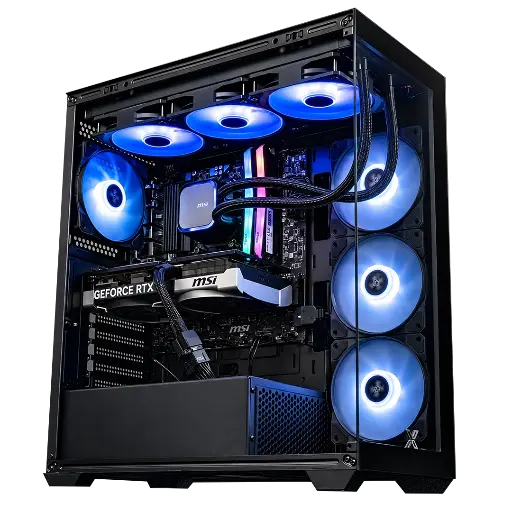
PC Rampage V2 RTX 5070
RTX 5070 with 12GB, the card PCGH cites for hitting 60 FPS at native 1080p, with Ryzen 7 5700X and 32GB of RAM: with DLSS 4, Expedition 33 switches to 1440p.
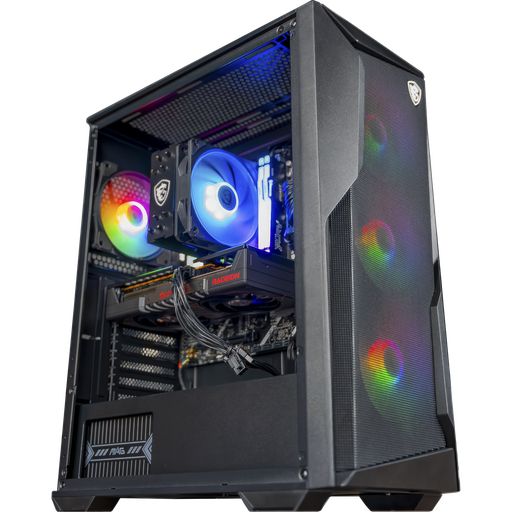
PC Rift Radeon RX 9060 XT 16GB
16GB of video memory and Ryzen 5 7500F: close to 60 FPS in native Epic 1080p according to TechSpot, and FSR 4 to go even further.
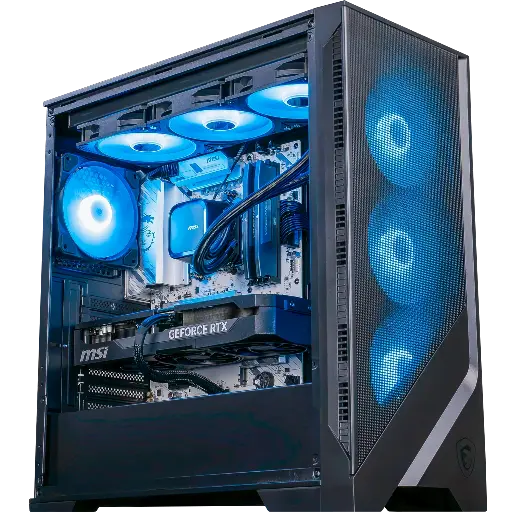
PC Requiem RTX 5070 Ti
RTX 5070 Ti 16GB and Ryzen 7 9700X: the card you need for 60 FPS in native 1440p Epic, according to GameGPU.
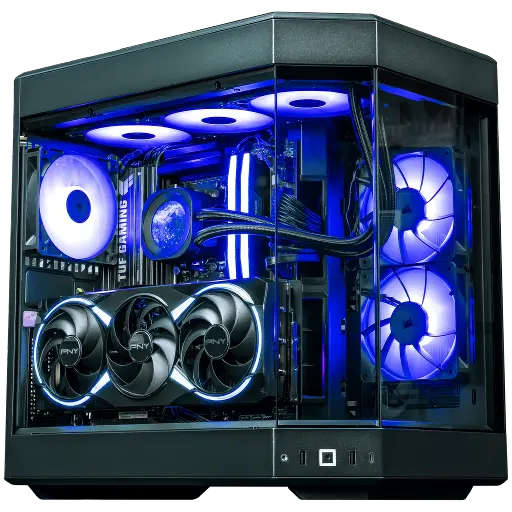
PC Orion RTX 5080
RTX 5080 and Ryzen 7 9800X3D: to discover the game’s environments in 4K with DLSS 4.
Workshop verdict
Expedition 33 is a game you watch as much as you play. Don’t discover it on an 8GB card on Low: with a Rampage V2 PC and DLSS 4, you get the environments just as the studio intended. And if you’re aiming for native 1440p, the Requiem PC does the job without compromise.
FAQ Expedition 33 PC
What are the minimum requirements for Expedition 33 on PC?
A GTX 1660, an RX 5600 XT or an Arc A380 (6GB), a Core i7-8700K or a Ryzen 5 1600X, 8GB RAM, Windows 10 64-bit and 55GB on SSD, for 1080p at 30 FPS on Low.
Expedition 33 PC: do you absolutely need an SSD?
Yes. An SSD is required starting from the minimum configuration, with 55GB of free space.
Does Expedition 33 run with an 8GB card?
Yes, but not at maximum settings: PCGH reports slowdowns on 8GB cards and recommends 10 to 12GB of video memory. With 8GB, lower the textures and enable DLSS or FSR.
Is Expedition 33 compatible with FSR 4?
Yes, since the December 2025 update 1.5.0, which added FSR 4 and FSR frame generation. DLSS and XeSS are available since launch.
Which PC for Expedition 33 in 1440p?
A RTX 5070 with DLSS, or an RTX 5070 Ti for native 1440p at 60 FPS. Our Rampage V2 PCs (RTX 5070) and Requiem PCs (RTX 5070 Ti) cover both use cases.
Sources
- Windows Central, Clair Obscur: Expedition 33 PC system requirements (April 2025)
- PCGH, Clair Obscur Expedition 33 benchmarks (April 2025)
- GameGPU, Clair Obscur: Expedition 33 test GPU/CPU (April 2025)
- TechSpot, test of the RTX 5060 (May 2025)
- TechSpot, test of the RX 9060 XT (June 2025)
- TechSpot, RTX 5070 Ti vs RX 9070 XT (May 2026)
- OC3D, patch 1.4.0 (July 2025)
- GamingOnLinux, update 1.5.0 and Steam Deck (December 2025)
- Windows Central, The Game Awards 2025 (December 2025)
- Push Square, 8 million sales (April 2026)
