
By the FlowUP team, gaming PC assembler in Genappe (Belgium) · Updated 28 September 2026
In brief: to improve at League of Legends, play a role and at most two or three champions, work on your farm, check the minimap every few seconds, place vision wards, play the objectives rather than chasing kills, and review your losses. The mechanics come with time; it’s the decisions that push your rank up.
1. Choose a role and 2 or 3 champions
The most common mistake is switching champions every single game. Each champion has its combos, matchups, and power spikes. By limiting yourself to a single main role (top, jungle, mid, ADC or support) and 2 or 3 champions, you genuinely learn how to play them.
Beginner? Prefer simple, solid champions that forgive mistakes, before moving on to very mechanical champions.

2. Work on your farm (minions)
Each minion you take down gives gold. It’s the first source of income, well before kills. Practice in the client’s training tool to land the last hit (last hit) without missing minions. A realistic goal to start with: 60 minions at 10 minutes, then progress to 70 and beyond.
3. Keep an eye on the minimap at all times
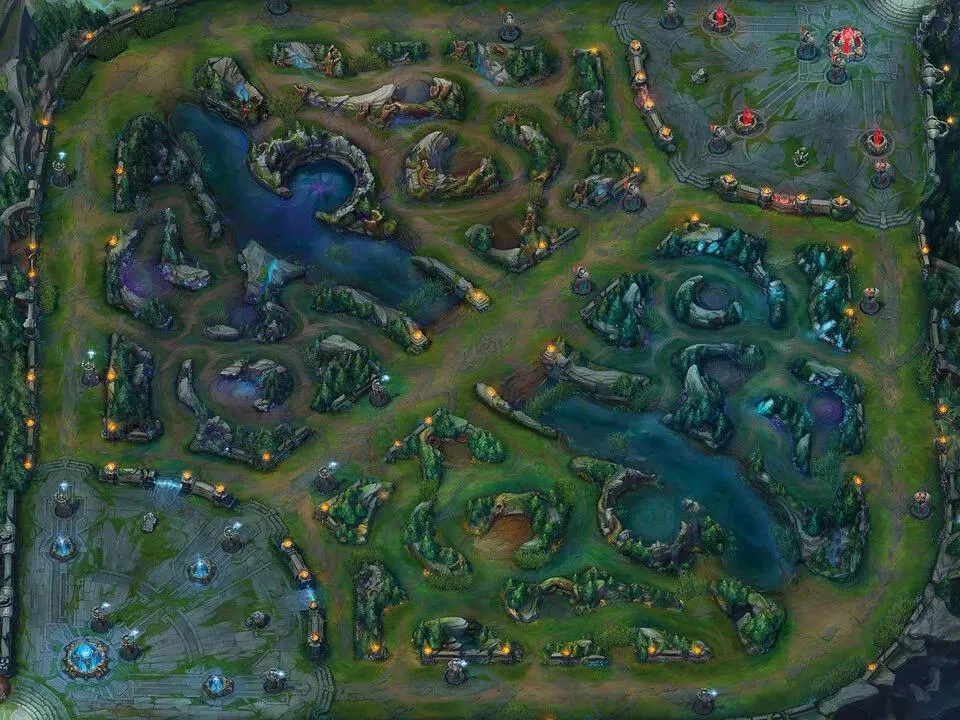
Get into the habit of checking the minimap every three to five seconds. An enemy jungler who disappears, three enemies missing from the map: those are the signals that help you avoid an ambush.
Also learn the enemy jungler’s usual paths and the dangerous areas of Summoner’s Rift, especially the river and the bushes around your lane.
4. Place wards and keep vision
A well-placed vision ward is sometimes worth more than a kill. Use your free ward as soon as it’s available, buy control wards, and place them on the entrances to the river and near objectives (dragons, Nashor) before they spawn.
5. Play the objectives, not the kills
Games are won by destroying turrets and taking dragons, Baron Nashor and the other epic monsters. After a good team fight, don’t go hunting a lone enemy: push the lane, take the turret, or take the closest objective.
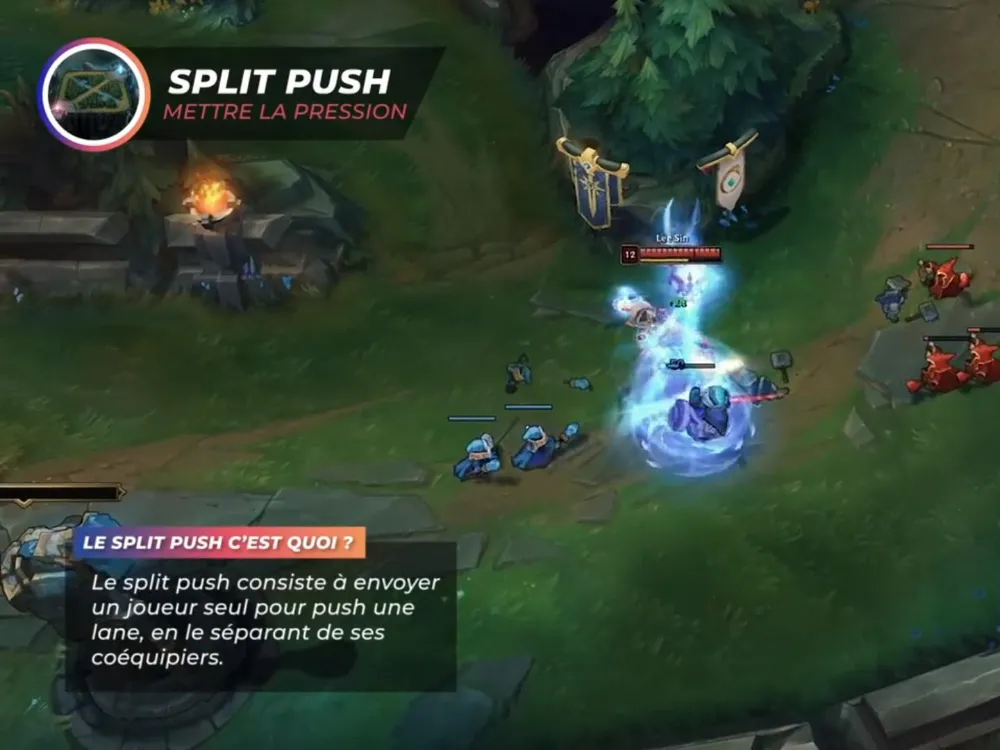
In the same logic, learn how to manage minion waves: push them before backing so you don’t miss anything, or keep them near your turret to stay safe. Split pushing, pushing a lane alone while your team keeps the enemy busy, is a formidable weapon when it’s well coordinated.
6. Practise your mechanics
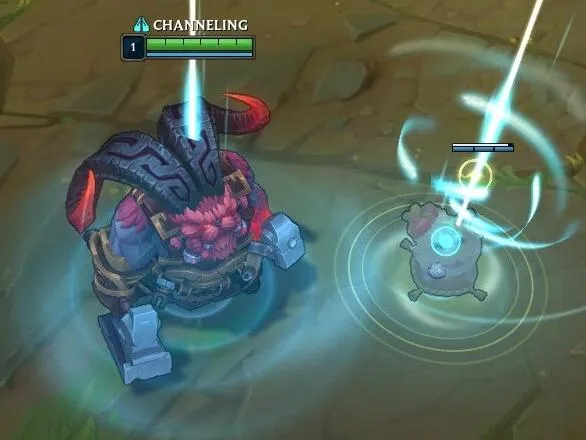
Dodging a spell, landing a combo, cancelling an animation: that’s something you work on. The training tool lets you repeat your sequences without pressure. Also move on to quick cast (quick cast) for spells: more demanding at the start, but far more responsive afterwards.
7. Communicate with pings
You don’t need to write novels in chat. Pings are enough: ‘enemy missing’ when your lane opponent leaves the map, ‘on the way’ to an objective, ‘danger’ to warn a teammate. If you play with friends, voice chat makes a huge difference for coordination.
8. Review your lost matches
The League of Legends client records your matches: download the replay of a defeat and watch it, focusing on your deaths. Where was the enemy jungler? Did you have vision? Should you have backed? It’s the most cost-effective exercise to improve, and also the least practised.
9. Keep a cool head
‘Tilt’ makes you lose more games than a lack of levels. Mute toxic players (command /mute all), take a break after two losses in a row and play shorter sessions. Every game matters less than your progress over a month.
Tips from a Challenger player on climbing in League of Legends, video by the Gaëthan channel.
10. A smooth PC and a good monitor really help
League of Legends is lightweight, but stable FPS and a fast screen make dodges and last hits much more precise. Here is the official setup requested by Riot:
| Component | Minimum | Recommended |
|---|---|---|
| Processor | Intel Core i3-530 / AMD A6-3650 | Intel Core i5-8250 / AMD Ryzen 3 1200 |
| RAM | 2 GB | 4 GB |
| Graphics card | GeForce 400 / Radeon HD 6570 / Intel HD 4600 (1 GB) | GeForce 560 / Radeon HD 6950 / Intel UHD 630 (2 GB) |
| Storage | 16 GB | 16 GB on SSD |
| System | Windows 10 (build 19041 or later) or 11 | Windows 11 |
Source: Riot Games support, consulted on 28 September 2026. The anti-cheat Vanguard requires TPM 2.0 enabled under Windows 11.
In practice, to target stable 144 to 240 images per second and enjoy it on a fast screen, a recent entry-level gaming PC is more than enough. Also check your connection: a high or unstable ping weighs more than FPS (see what to do in case of lag). To understand why a 144 Hz screen or higher is useful, read what is the FPS number and our gaming monitor guide.
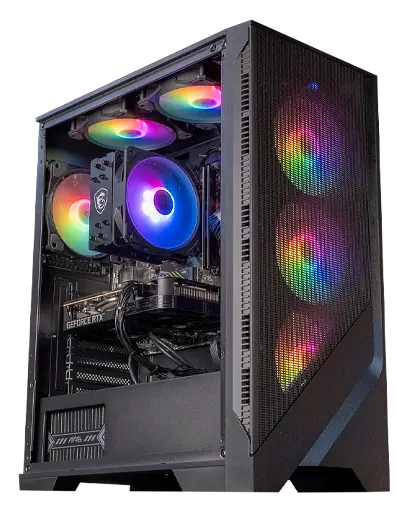
Corvus PC: RTX 5050
Ryzen 5 5500 and RTX 5050: more than enough for League of Legends at high frame rates, and for other games in 1080p.
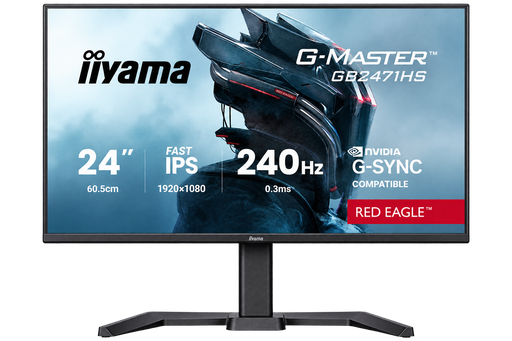
iiyama G-Master Red Eagle 24" 240 Hz
Full HD, Fast IPS and 240 Hz: the ideal screen for a competitive MOBA or FPS.
Frequently asked questions to improve at LoL
How to get good at League of Legends quickly?
Stick to one role and two or three champions, work on your last-hitting in the practice tool, keep an eye on the minimap at all times, and review your losses. Consistency pays off more than the number of games.
Which role should you choose to start on LoL?
Support and top are often recommended for beginners: you learn the game there with less pressure on farm. What matters most is choosing a role you enjoy and sticking with it.
How many minions should you have at 10 minutes?
First aim for 60, then 70 and up. The best players get close to 80 at 10 minutes. Farming is the foundation of your gold.
Do you need a powerful PC to play League of Legends?
No. Riot recommends a Core i5-8250 or a Ryzen 3 1200, 4 GB of RAM and a GeForce 560. A recent entry-level gaming PC runs at very high frame rates, ideal with a 144 Hz (or higher) screen.
How do you stop getting tilted on LoL?
Turn off chat with /mute all, take a break after two defeats, and set yourself a progression goal (farm, vision) rather than focusing on the match result.
