 Your PC in instalments (up to 12x)
Which component should you upgrade first on a gaming PC?
When a gaming PC starts to hit its limits, the first question that always comes up is simple: which component should you upgrade first? The graphics card? The processor? RAM? The SSD?
The real answer is that there isn’t a universal rule. The first genuinely useful upgrade mainly depends on what your PC is struggling with today. The official requirements for games like Fortnite, Warzone or Valorant clearly show that the needs vary a lot depending on the type of game.
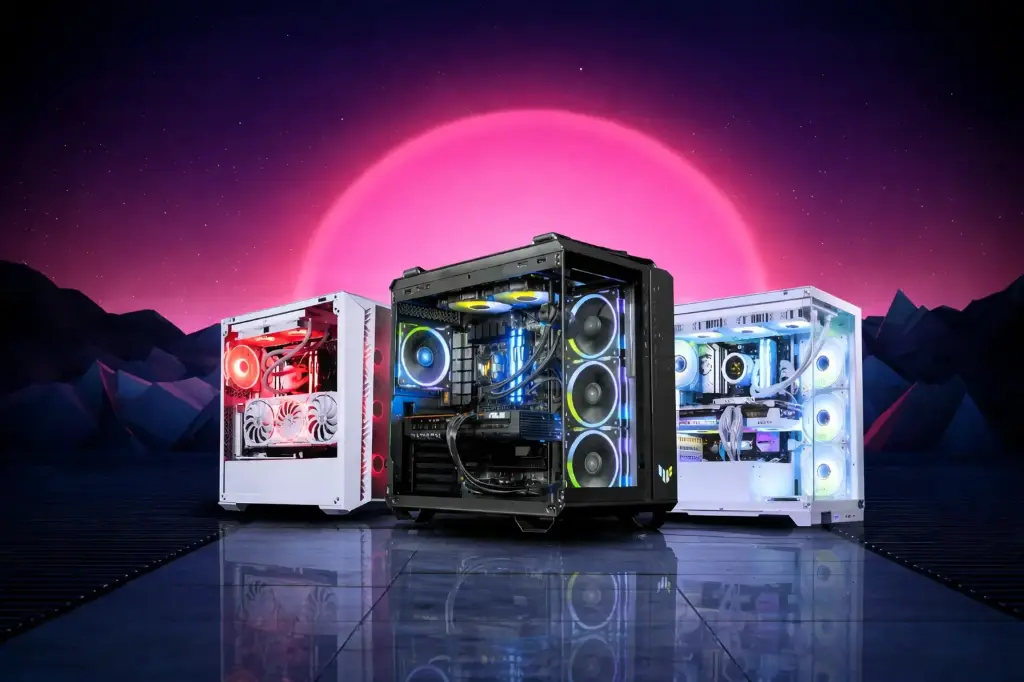
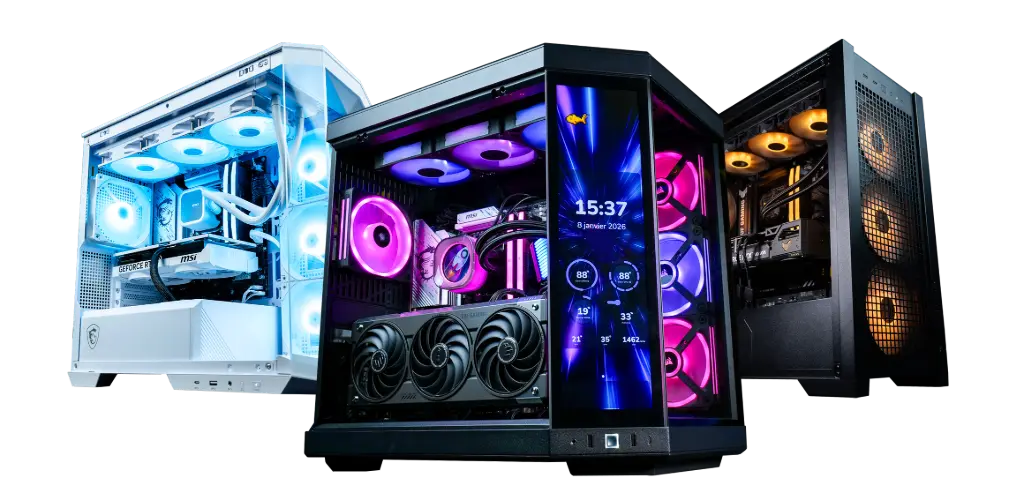
👉 If you want to already see FlowUP gaming PCs built with consistent, well-balanced configurations:
The real rule: upgrade the component that’s holding you back
Before you swap out a part, you need to avoid upgrading at random. Just because a component is easier to replace doesn’t mean it’s automatically the best priority.
In practice, the logic is often this:
- Not enough FPS in-game, the GPU is very often the priority
- A slow PC, the SSD can completely transform the experience
- If you play competitively with a 144 Hz / 240 Hz monitor, the CPU can become central
- If you’re stuck on 8 GB of RAM or you multitask a lot, RAM becomes a real issue
- If your power supply is too weak for a future GPU, the PSU can also become a necessary stop
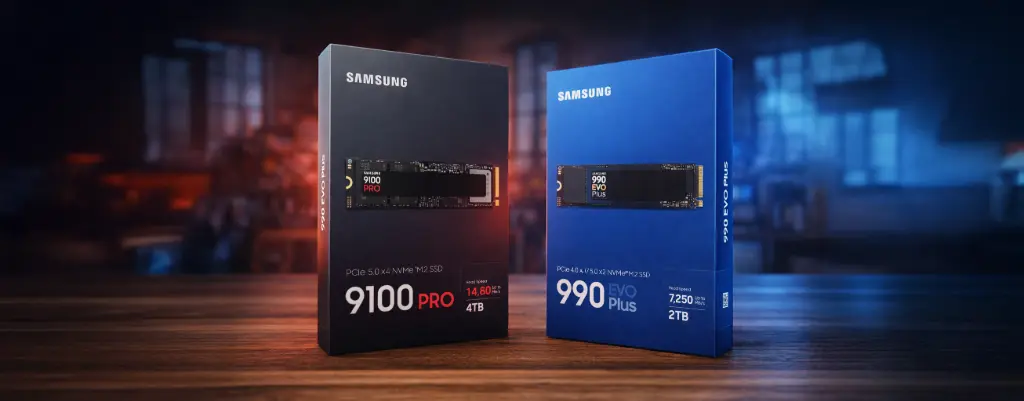
If your PC is slow, the first upgrade is often the SSD
If your PC is slow to start, if games take a long time to load, if Windows lacks responsiveness, or if everything feels sluggish, then the smartest first upgrade isn’t necessarily the graphics card. It’s often the SSD.
The official specs for Warzone already require an SSD even at minimum, with 116 GB available, and Fortnite even recommends an NVMe SSD to play in good conditions. This clearly shows that in 2026, the SSD is no longer just a comfort upgrade.
If your PC is still running with an old hard drive or storage that’s too slow, an SSD is often the first upgrade that really changes things.
👉 Discover: How to choose your SSD in 2026? (gamers and professionals)
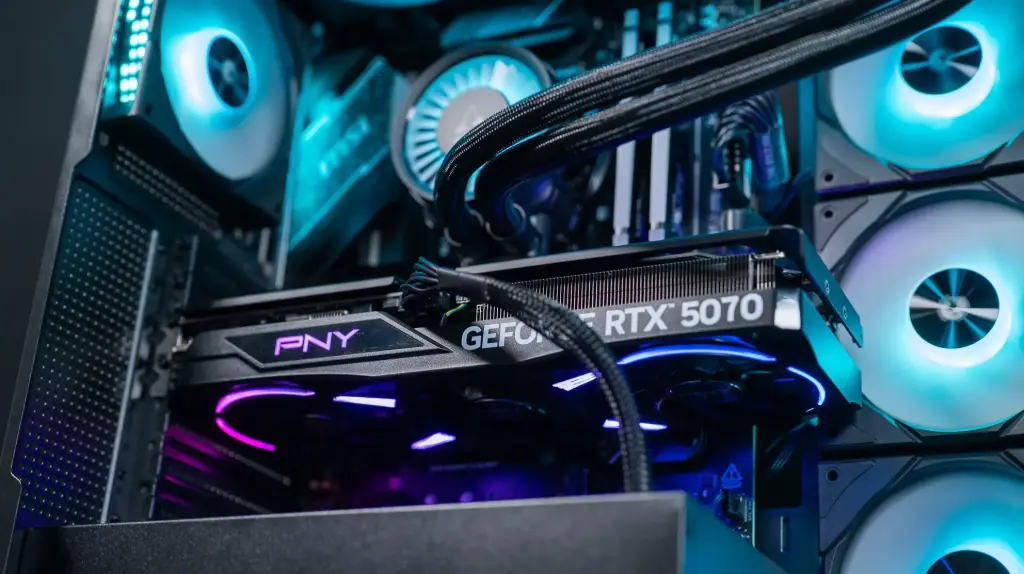
If you’re short on FPS in-game, the GPU is often the number one priority
The component most often responsible for a lack of gaming performance remains the graphics card. This is especially true if you’re playing recent AAA titles, if you’re increasing resolution, or if you want to raise the level of detail.
The official spec sheets make this very clear. Warzone already asks for a RTX 3060 / RX 6600 XT on the recommended level, then climbs in Competitive / Ultra 4K settings up to cards like RTX 5070 / RTX 4080 / RX 9070 XT, with 12 GB of VRAM at that level.
So if your PC is still running with a GPU that’s not quite good enough, the most cost-effective first upgrade for pure gaming remains very often the graphics card.
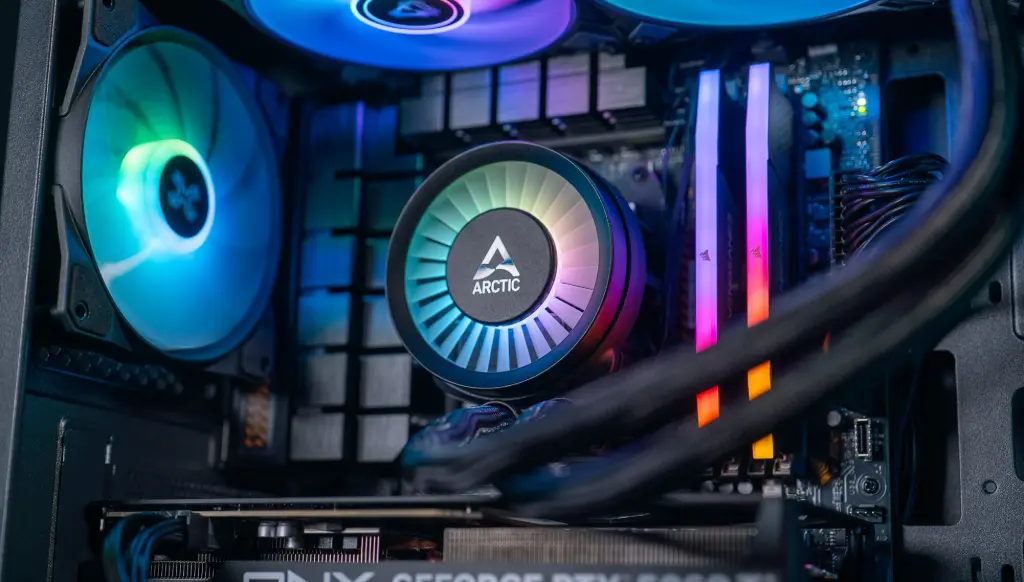
If you play at high FPS, the CPU could be the real priority
Many players automatically think of the GPU. However, if your goal is to target a 144 Hz 240 Hz or higher refresh rate on competitive games, the processor can become the most important component to upgrade.
The official Valorant sheet is very telling: Riot clearly distinguishes tiers of 30 FPS, 60 FPS and 144 FPS, with a sharp CPU step-up when you aim for higher refresh rates. For 144 FPS, Riot goes with an Intel i5-9400F or a Ryzen 5 2600X, paired with a GTX 1050 Ti on the GPU side. It really shows that in esports, the CPU can very quickly become the real limiting factor.
So if you mostly play Valorant, CS2, competitive Fortnite or other games of the same kind, and you want to chase very high FPS, the CPU can be the first component to change.
👉 Stuck on what to choose? Intel or AMD: which CPU should you choose for a gaming PC in 2026?
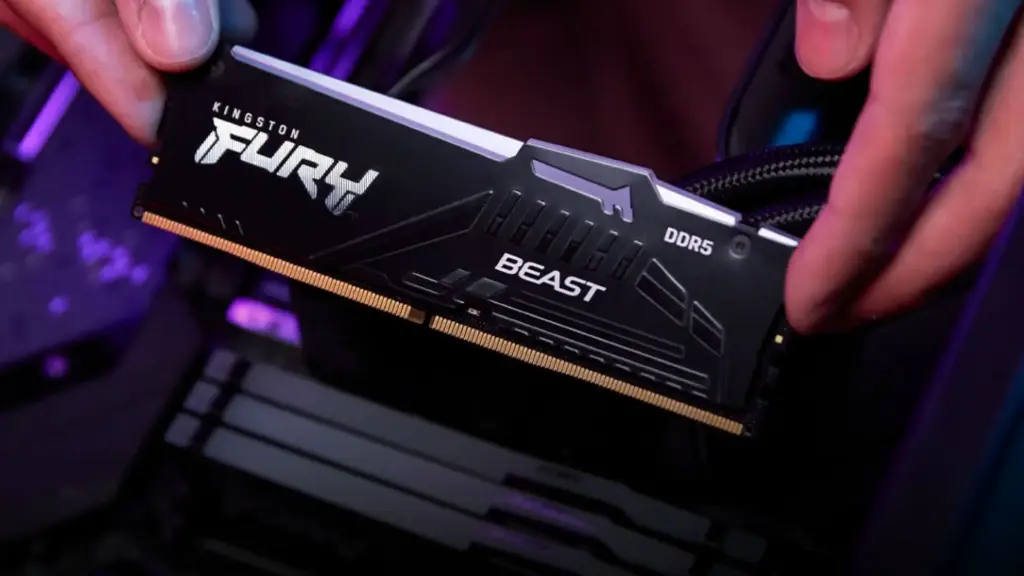
If you’re still on 8 GB of RAM, RAM can become urgent
RAM isn’t always the first upgrade to make, but in some cases it becomes a priority.
The official recommendations show that many modern games quickly ramp up system memory usage. Fortnite recommends 16 GB of RAM or more, Warzone goes up to 12 GB recommended and 16 GB for Competitive / Ultra 4K.
So if your PC is still on 8 GB, or if you’re using Discord, a browser, background apps or streaming at the same time, RAM can clearly become the most useful upgrade. On the other hand, if you already have 16 GB and you’re gaming normally, RAM isn’t necessarily the first part you need to change.
And what about the power supply, in all this?
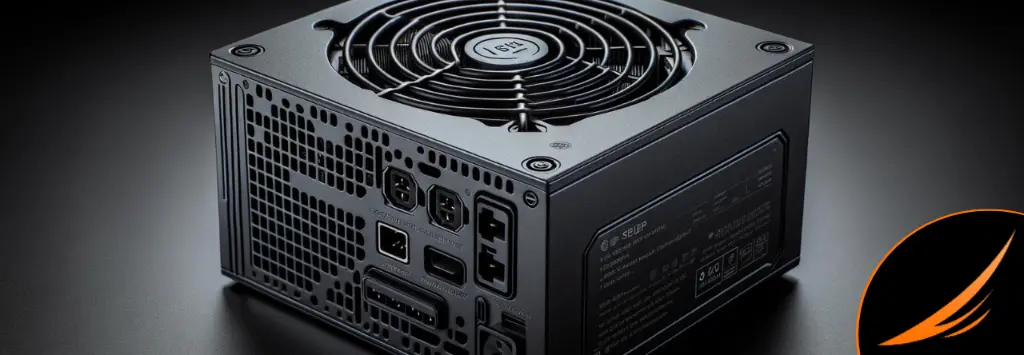
The power supply is almost never the upgrade that directly gives you more FPS. However, it can become necessary if you want to install a more ambitious graphics card, or if your current setup is too limited.
AMD’s official specs and modern game profiles clearly show that requirements ramp up quickly the higher you go on the GPU. In Warzone, the Competitive / Ultra 4K profile already targets cards like RTX 5070 / RTX 4080 / RX 9070 XT. In cases like this, if your power supply is too weak or poor quality, it can completely block your main upgrade.
So no, the PSU isn’t always the first component to change. But it can become the necessary condition to upgrade the rest properly.
So which component should you really upgrade first?
Upgrade the SSD first if:
- Your PC is slow
- Load times are endless
- Windows lacks responsiveness
- You’re still using an old hard drive
Upgrade the GPU first if:
- You’re missing FPS in-game
- You want to play with more detail
- You’re moving up in resolution
- Your main goal is pure gaming
Upgrade the CPU first if:
- You mostly play competitive games
- You want to aim for 144 / 240 FPS
- Your GPU is still fine, but you cap at high refresh rates
Upgrade the RAM first if:
- You’re still on 8 GB
- You multitask a lot
- You stream
- You play heavier titles like Flight Simulator 2024
Conclusion: your first upgrade depends on the real problem
The best first upgrade isn’t always the same one.
The official requirements for Fortnite, Valorant, Warzone and Microsoft Flight Simulator 2024 clearly show that needs change depending on the type of game and the goal you’re aiming for. That’s exactly why you shouldn’t look for an overly simple answer.
At FlowUP, the idea stays simple: offer coherent gaming PCs, where the components are chosen to work together, rather than unbalanced builds you have to fix too quickly after purchase.
FAQ Which component should you upgrade first?
What is the first component to upgrade on a gaming PC?
It depends on the problem. If you’re lacking FPS, the GPU is often the priority. If your PC is slow in general, the SSD often comes first. If you’re aiming for high competitive FPS, the CPU can become the real priority.
Is the SSD more important than the graphics card?
Not for pure FPS, but for overall responsiveness, yes, in some cases. Warzone already requires an SSD even at minimum, and Fortnite recommends a NVMe SSD.
When should you upgrade your RAM?
If you’re still on 8 GB, or if you multitask a lot. Fortnite recommends 16 GB, Warzone reaches 16 GB for Competitive / Ultra 4K, and Microsoft Flight Simulator 2024 recommends 32 GB.
Is the CPU important for competitive gaming?
Yes. Riot officially distinguishes 30 / 60 / 144 FPS profiles on Valorant, with a clear jump on the CPU when aiming for high refresh.
Should you upgrade the power supply first?
Not often for direct performance, but sometimes to enable a future GPU upgrade that’s clean and stable.
How do I know what’s limiting my PC?
By looking at the real symptoms: overall slowness, stutters, low FPS, complicated multitasking, or a high-FPS target. It’s the best way to know which component to upgrade first.
