
By the FlowUP team, PC gaming assembly in Genappe (Belgium) · Updated 28 September 2026
In short: a computer that makes noise almost always has an identifiable cause to the ear. A strong whoosh comes from the fans (dust or heat), a squeal or clicking from a worn-out fan, a high-pitched whistle in games from “coil whine” in the coils, and repeated tapping from a hard drive that’s nearing the end of its life. The last one is the only truly urgent case: back up your data right away.
A PC that starts making noise is annoying, and sometimes worrying. The good news is that every noise has its own “signature”. If you listen closely, you’ll know within a few minutes whether it’s just a matter of cleaning, a part that needs replacing, or a harmless phenomenon.
Start by identifying when it happens (at start-up, while gaming, all the time) and where it comes from (CPU, graphics card, power supply, hard drive).
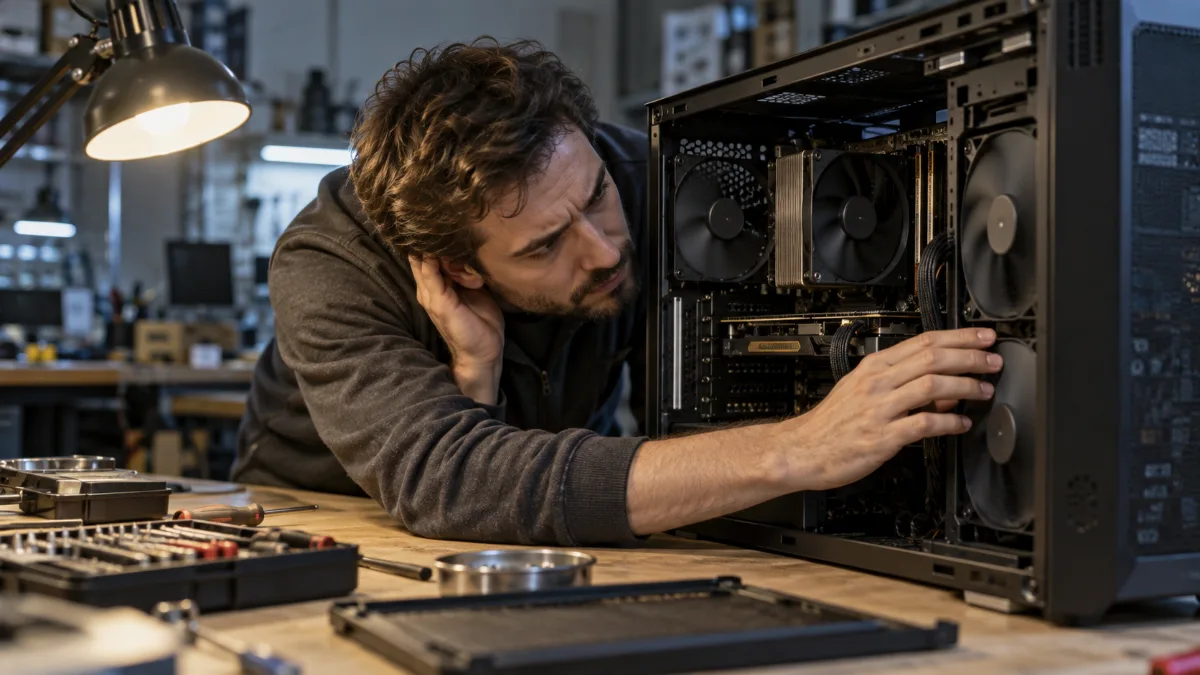
Identify the noise: the diagnostic table
| Noise type | Likely cause | Severity | What to do |
|---|---|---|---|
| Strong whoosh, especially while gaming | Fans speeding up due to heat or dust | Low | Clean it up, improve airflow |
| Squeal, rubbing, regular clicking | Worn fan bearing or a cable rubbing against a fan blade | Medium | Move the cable or replace the fan |
| High-pitched whistle while gaming or in menus | Coil whine (coil vibration on the graphics card or power supply) | None | Limit frames per second |
| Repeated ticking, “tac tac” | Mechanical hard drive about to fail | High | Back up immediately, replace the drive |
| Pumping hum | AIO watercooling pump or an air bubble | Low to medium | Check the radiator orientation and the pump speed |
| Vibration that resonates | Case, panel, or drive not securely mounted | Low | Tighten the screws, place the PC on a stable surface |
The sound of the fans blowing: the most common case
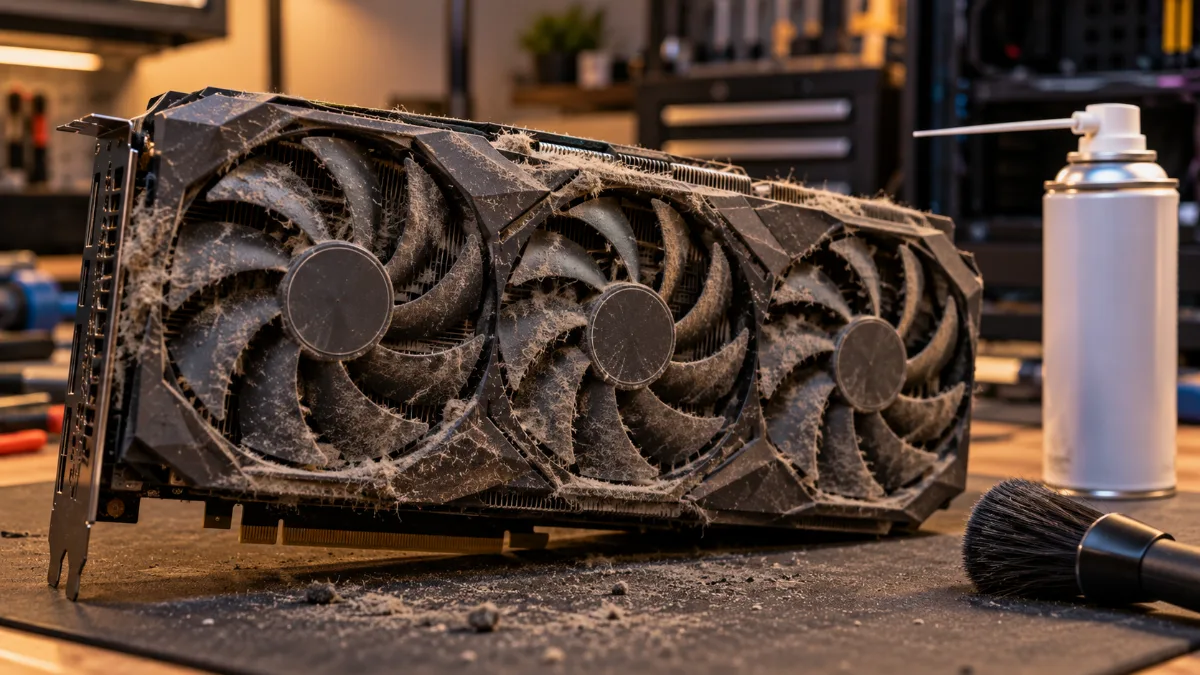
If your PC is blowing hard, its fans spin quickly to move heat out. In games, that’s normal up to a point. But if the noise has increased over time, dust is the number one suspect: it clogs filters and radiators, forcing the fans to compensate. Our guide for cleaning your PC of dust shows you how to do it.
Also check temperatures: our article Why does my gaming PC get hot when I play? gives you the normal values. Finally, an overly aggressive fan curve in the BIOS can make the fans run at full speed for no reason.
Squeal or clicking: a fan at the end of its life
To find the culprit, open the side panel, with the PC switched on, and listen closely. You can also unplug a case fan one at a time, with the PC switched off, then power back on: if the noise is gone, you’ve found it. Never run the processor or graphics card without their fans.
A cable rubbing against a fan blade can be fixed with a cable tie. A worn bearing, however, can’t be repaired: replace the fan. Our guide for choosing PC fans helps you pick the right size.
High-pitched whistle while gaming: coil whine
An electrical, high-pitched whine that changes pitch depending on what’s on screen and becomes very loud in the game menus? That’s coil whine: the coils on the graphics card (or power supply) vibrate slightly due to the current at audible frequencies. It’s harmless to the hardware.
It’s mainly present when the card is displaying hundreds of frames per second. The most effective solution: limit frames per second (V-Sync, frame limiter in the driver or the game, just slightly above your screen’s refresh rate). It also often fades over time. The video from The Pikafather shows how to reduce it.
Tapping: watch out for the hard drive
A mechanical hard drive that clicks, makes a “tac tac” at regular intervals, or emits an unusual whining noise may be on the verge of failing. This is the only really urgent sound: back up your data immediately, then replace it. Take the opportunity to switch to an SSD: completely silent and far faster. Our guide for initialising a hard drive or an SSD helps you install it.
Power supply, pump, and vibrations
- The power supply: a power supply fan that squeals can’t be replaced by yourself (never open a power supply, even if it’s unplugged). Replace the power supply.
- The pump of an AIO watercooling system: a gurgling sound at start-up is normal; an air bubble is usually vented on its own. A constant humming can come from a radiator placed lower than the pump. Our comparison air cooler vs watercooling explains the right placements.
- Vibrations: a loose screw, a poorly secured glass panel, or a hard drive that resonates are enough to amplify the noise. Tighten everything and place the PC on a stable surface rather than on the carpet.
And on a laptop PC?
A laptop that makes noise almost always has clogged fans or blocked vents: don’t use it on a bed or a sofa, and blow dry air into the grilles with the laptop turned off. When gaming, a gaming laptop is naturally louder: its fans are small and have to spin fast. The manufacturer’s power profiles (silent or balanced mode) noticeably reduce the noise, at the cost of a few frames per second.
Avoid false solutions
Slowing the fans down as much as possible or turning off a noisy fan makes the PC quieter, but lets the temperature rise. The noise goes away, but the problem remains. Address the cause: dust, a worn-out fan, or heat. And if your PC combines noise, sluggishness and crashes, our article How do you know if your computer is too old? will help you decide between repairing and replacing.
A silent PC right from the start
A PC’s silence is decided during assembly: a case that can breathe, quality fans, cooling sized for the processor, and neatly routed cables. Two configurations from our catalogue designed to stay calm while gaming:
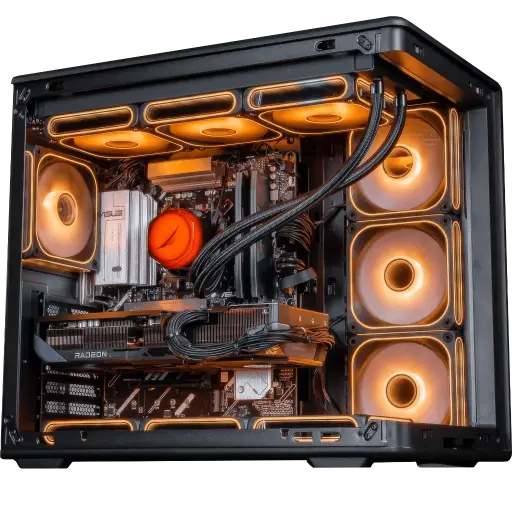
Apex V2 PC: Ryzen 7 7800X3D + RX 9070 XT
A very restrained X3D processor when gaming: less heat to expel, so quieter fans.
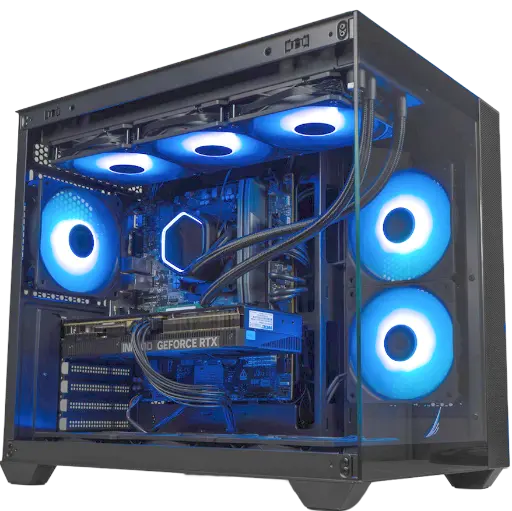
Umbra PC: GeForce RTX 5070 12 GB
A balanced configuration for 1440p, which doesn’t need to push its fans to stay cool.
Frequently asked questions
Why is my computer suddenly making noise?
Most of the time, a fan speeds up because of heat or dust, or it starts to wear out. A sudden clicking sound can also come from a hard drive: in that case, back up your data without waiting.
Is it serious if my PC is noisy?
A whoosh in games is normal. A squealing sound indicates a fan that needs replacing. A clicking hard drive sound is urgent. Coil whine, on the other hand, is harmless.
How can I make my PC quieter?
Clean it, set gentler fan curves in the BIOS, replace noisy fans and limit the frames per second while gaming.
Can coil whine damage my graphics card?
No. It’s a mechanical vibration of the coils, with no impact on the card’s lifespan. We’re talking about what really wears it out in our article on the lifespan of a graphics card.
Why does my laptop PC make noise?
Its fans are small and spin fast as soon as the processor is working. Clean the grilles, use it on a hard surface and switch to silent mode in the manufacturer’s utility.
