 Your PC in instalments (up to 12x)
By the FlowUP team, gaming PC builder in Genappe (Belgium) · Updated 29 September 2026
In brief: “Windows 10 trial version” simply means a Windows 10 installation that hasn’t been activated. There’s no time limit: the PC works, your games work too, but an “Activate Windows” watermark is displayed and personalisation is blocked. The real issue in 2026 is elsewhere: Microsoft stopped supporting Windows 10 on 14 October 2025. If your PC is compatible, switch to Windows 11. Already on Windows 11? Read our guide Windows 11 trial version.
Windows 10 trial version: what it really means
Microsoft doesn’t offer a “trial version” of Windows 10 for private users in the sense of software that stops after 30 days. When a PC shows this message, or the “Activate Windows” message at the bottom right of the screen, it means Windows was installed without a valid licence key, or the licence wasn’t recognised after a hardware change.
This unactivated Windows doesn’t expire. It continues to boot, install your games and your software. It simply reminds you, clearly, that it’s waiting for a licence.
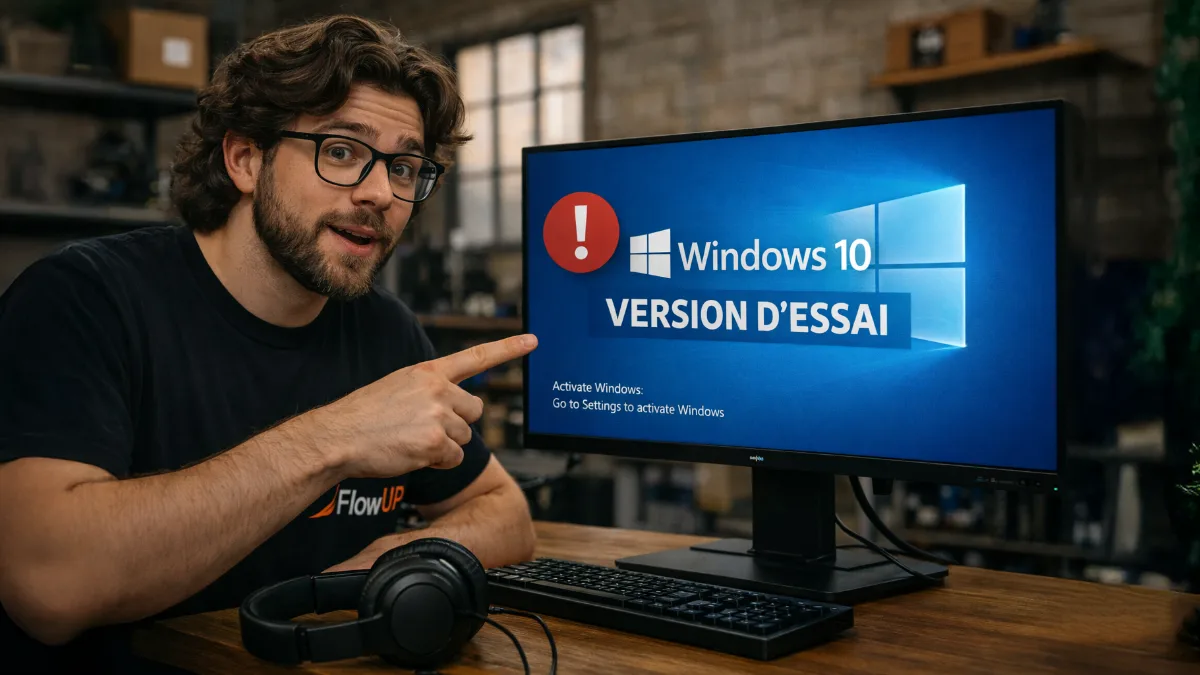
An unactivated Windows 10 works, but the reminder stays on permanently.
Limitations of an unactivated Windows 10
| Feature | Unactivated Windows 10 | Activated Windows 10 |
|---|---|---|
| Boot, software, games | Work normally | Work normally |
| “Activate Windows” watermark | Displayed bottom right | Absent |
| Wallpaper, colours, themes, lock screen | Blocked in Settings | Available |
| Security updates | Ended since 14 October 2025, except ESU programme | Same |
| Free upgrade to Windows 11 | No, you need a licence | Yes, if the PC is compatible |
FlowUP summary based on Microsoft (end of support for Windows 10 and ESU programme).
“You need to activate Windows to be able to personalise your PC”
This is the message shown at the top of the Personalisation page in Settings, with the options greyed out. You can still change your wallpaper another way: right-click an image in File Explorer, then “Choose as desktop background”. But this workaround doesn’t change the underlying issue: the licence is still missing.
End of support for Windows 10: what really changes
Since 14 October 2025, Microsoft no longer releases free security updates or technical support for Windows 10. The PC keeps running, but every newly discovered vulnerability remains open.
To give people time to migrate, Microsoft offers the ESU programme (Extended Security Updates). For private users, it now covers security updates until 12 October 2027. Sign-up is free if you synchronise your settings with Windows Backup, possible with 1,000 Microsoft Rewards points, or paid (30 dollars in the United States, local pricing elsewhere). Microsoft states that the conditions may vary in the European Economic Area.
A PC running Windows 10 still works, but it no longer receives patches without the ESU programme.
This French video explains the ESU programme step by step and how to sign up (recorded in October 2025, before the extension until 2027):
Seniors et Informatique, “End of Windows 10 support: the free solution” (October 2025).
Warning: ESU is intended for PCs running Windows 10 version 22H2, and the sign-up conditions are detailed on the Microsoft page for the programme. An unactivated Windows remains limited anyway: that’s yet another reason to regularise the licence or switch to Windows 11.
Activate Windows 10 or switch to Windows 11?
To activate Windows 10, open Settings > Update & Security > Activation and enter a valid product key, or sign in with the Microsoft account to which your digital licence is linked. But in 2026, buying a Windows 10 licence makes little sense: it’s better to go straight for Windows 11.
- Your PC is compatible with Windows 11 (processor from the official list, TPM 2.0, Secure Boot) and Windows 10 is activated: upgrading to Windows 11 is free, via Windows Update.
- Your PC is compatible but Windows isn’t activated: you need a Windows 11 licence, bought from Microsoft or a reputable reseller.
- Your PC isn’t compatible: ESU gives you until 12 October 2027 to switch machines.
To play online, Windows 11 has become the standard: some games require TPM 2.0 and Secure Boot.
Beware of Windows keys sold for just a few euros on resale sites: their origin is often questionable and they can be deactivated. We cover this point, and the activation of Windows 11, in Windows 11 trial version: what does that mean?. And if your PC is too old for Windows 11, our guide to upgrade your gaming PC or buy a new one will help you decide.
Gaming PCs ready for Windows 11
These three configurations are based on the AM5 platform, compatible with Windows 11:
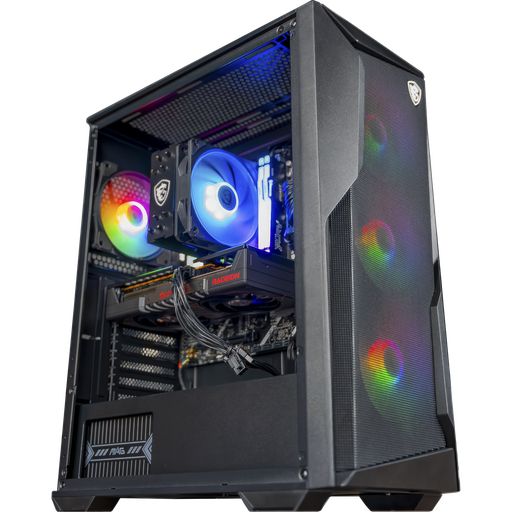
Rift PC, Radeon RX 9060 XT 16 GB
Radeon RX 9060 XT 16 GB, Ryzen 5 7500F and 16 GB of DDR5: an AM5 base for 1080p and 1440p.
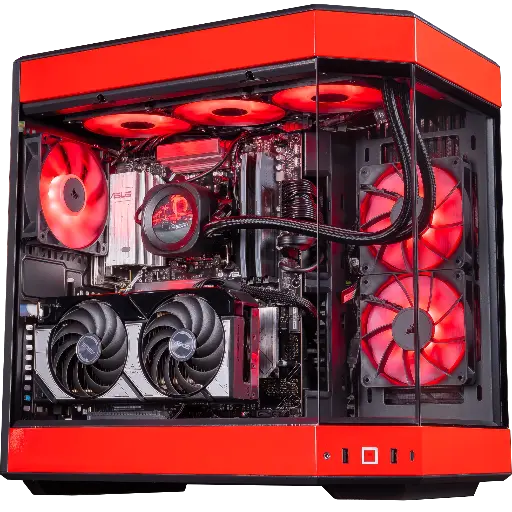
Rivals PC, GeForce RTX 5070
RTX 5070, Ryzen 7 9800X3D and 32 GB of DDR5: built for 1440p and high FPS in competitive play.
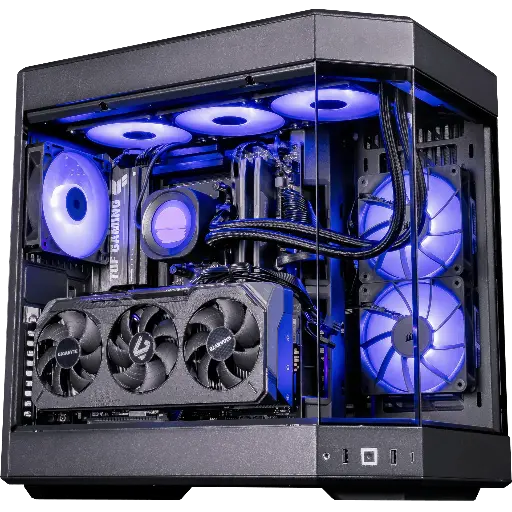
Shadow V2 PC, Radeon RX 9070 XT
Radeon RX 9070 XT 16 GB, Ryzen 7 9800X3D and 32 GB of DDR5: for QHD Ultra and 4K.
FAQ: Windows 10 trial version
How long does the trial version of Windows 10 last?
There is no time limit. An unactivated Windows 10 works indefinitely, with a watermark and blocked customisation.
Can you play with unactivated Windows 10?
Yes, games work. But Windows 10 no longer receives free security updates from 14 October 2025, and some online games now require Windows 11 or TPM 2.0 and Secure Boot.
How do I remove “Activate Windows” in the bottom-right corner?
The only proper method is to activate Windows with a valid licence, in Settings > Update and security > Activation.
Will Windows 10 still be updated in 2026?
Only via the ESU programme, which extends security updates until 12 October 2027 for private users, on Windows 10 version 22H2.
Is upgrading to Windows 11 free?
Yes, as long as you have Windows 10 activated on a compatible PC (processor from the official list, TPM 2.0, Secure Boot).
