
By the FlowUP team, gaming PC builder in Genappe (Belgium) · Updated 28 September 2026
In short: the best place for a gaming PC is a hard, stable surface, next to or under the desk, with 5 to 10 cm of free space around the air inlets and outlets. On the desk, you get easier access and a cleaner setup, but you lose space and you hear the PC more. On the floor, raise it on a stand, never on the carpet. In a cabinet, keep the back open and let the warm air escape.
Where to put your gaming PC: the short answer
A gaming PC draws in fresh air, sends it over the CPU and graphics card, then blows the hot air back out. The whole challenge of placement boils down to this: let air in, let it out, and prevent it from sucking up too much dust as it passes.
A very well-built PC can lose a good part of its cooling performance for a very simple reason: a case pushed up against the wall, enclosed in a compartment, or placed on a thick carpet. In those cases, there’s nothing wrong with the hardware, it’s the placement.
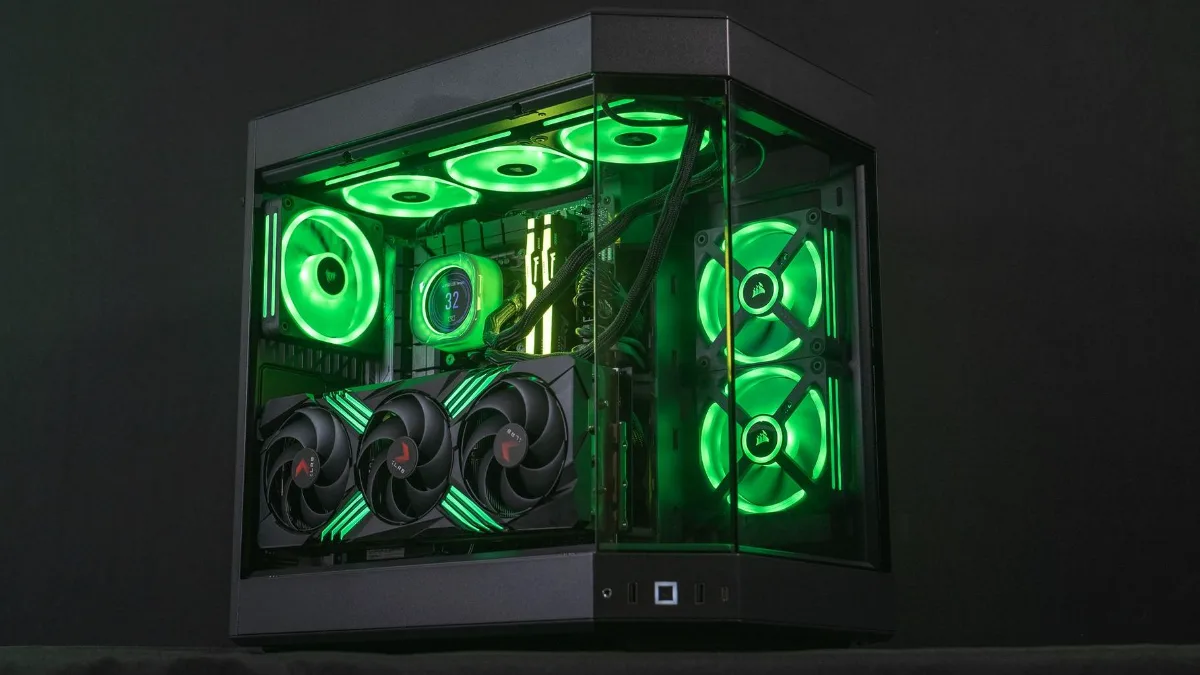
A tempered-glass case with multiple fans needs air in front, above and at the back.
Why the PC’s position really makes a difference
Four things depend directly on where you place your tower:
- Temperatures: a PC that recirculates its own hot air increases the temperature of the CPU and graphics card, which then lower their frequencies to protect themselves.
- Dust: the closer the tower is to the floor, the more dust, hair and carpet fibres it pulls in.
- Noise: on the desk, the PC is about 50 cm from your ears. Underneath, it’s noticeably more discreet.
- Access: USB ports on the front, the power button, the headphone jack. A PC you have to reach around on all fours eventually gets annoying.
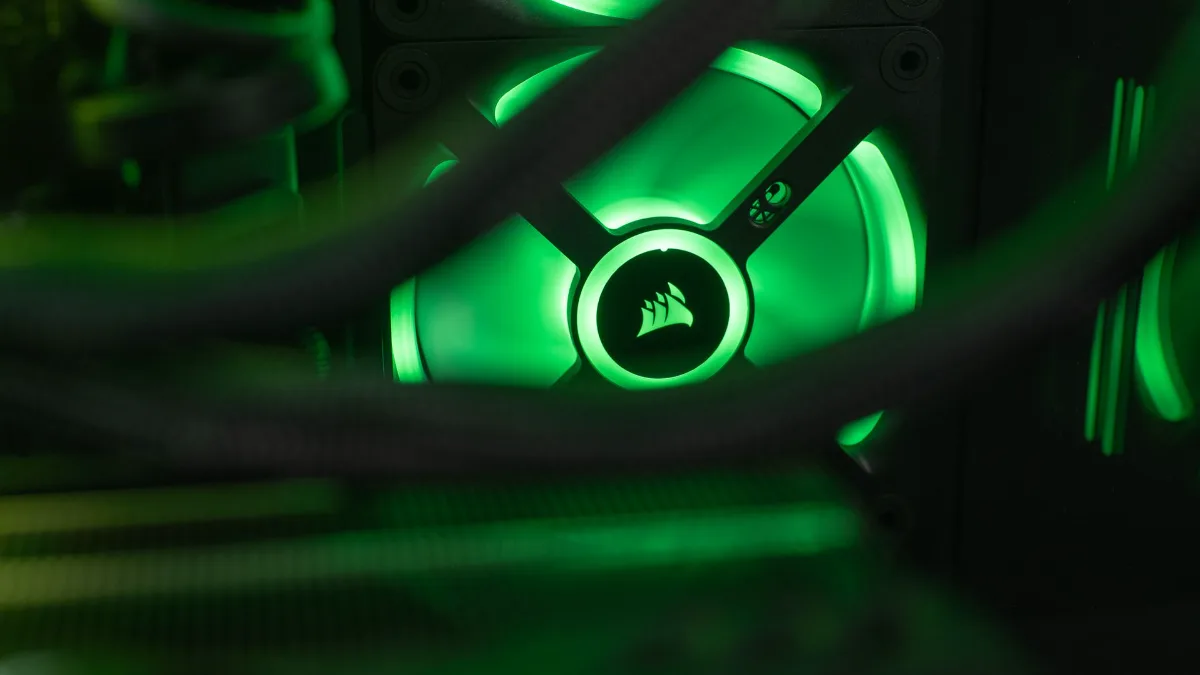
Each fan needs a clear air intake to do its job.
If the idea of airflow (the airflow) feels a bit unclear, this video shows it very clearly, using smoke to visualise the air’s path inside the case:
Mr Matt Lee, “PC case airflow: a visual guide for optimal cooling”.
Desk, under the desk, cabinet or floor: the comparison
| Placement | Cooling | Dust | Perceived noise | Port access | For whom? |
|---|---|---|---|---|---|
| On the desk | Good | Low | More noticeable | Excellent | Small cases, deep desk |
| Next to or under the desk, raised | Very good | Average | Discreet | Good | Most setups |
| In a cabinet with an open back | Fair | Low | Discreet | Middling | Living room, tidy setup |
| In a closed compartment | Poor | Low | Discreet | Middling | To be avoided |
| Directly on the floor or on carpet | Medium to poor | High | Discreet | Low | To be avoided without a stand |
FlowUP summary. Recommended clearance around vents: at least 5 to 10 cm (darkFlash, September 2026).
Put your gaming PC on the desk
That’s the option that best shows off a tempered-glass case, and the one that keeps the PC the cleanest: dust builds up mainly near the floor. The front ports are right within reach, handy for a USB stick or a controller.
The downside: a typical mid-tower case easily takes up 25 cm in width and 45 cm in depth, and you’ll hear it more when it’s under load. Place it to the side, not in front of the screen, and keep at least 5 to 10 cm of free space behind and above. On a 60 cm deep desk pushed right against the wall, it’s often just too tight for a big tower.
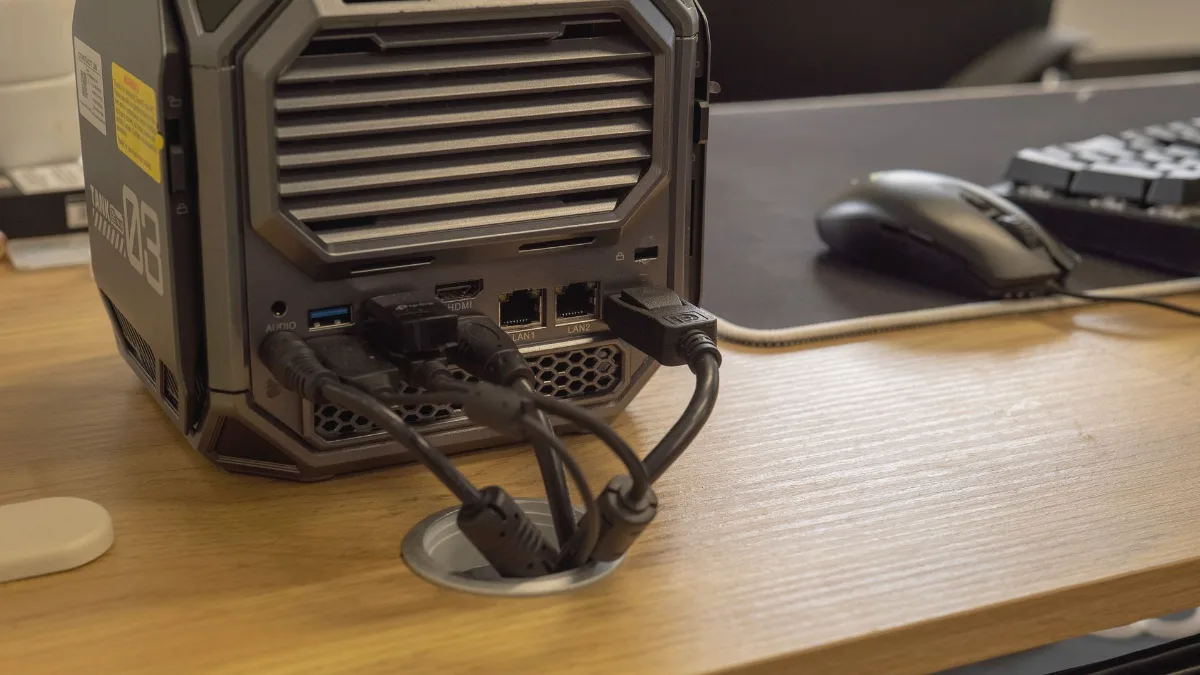
On the desk, leave space behind it: both the cables and the hot air need it.
Under the desk or to the side: the right compromise
For most players, this is our recommendation: place the tower next to your legs, under the desktop or to the side, with a gap from the wall. The desk stays clear for the screen, keyboard and mouse mat, and the noise moves away.
Two traps to avoid. First, the enclosed corner under a compartment or up against a drawer, where hot air just circulates in circles. Next, the foot that bumps the case every time you change position. A PC tower stand with castors solves both: it raises the PC by a few centimetres and lets you pull it out to access the back.
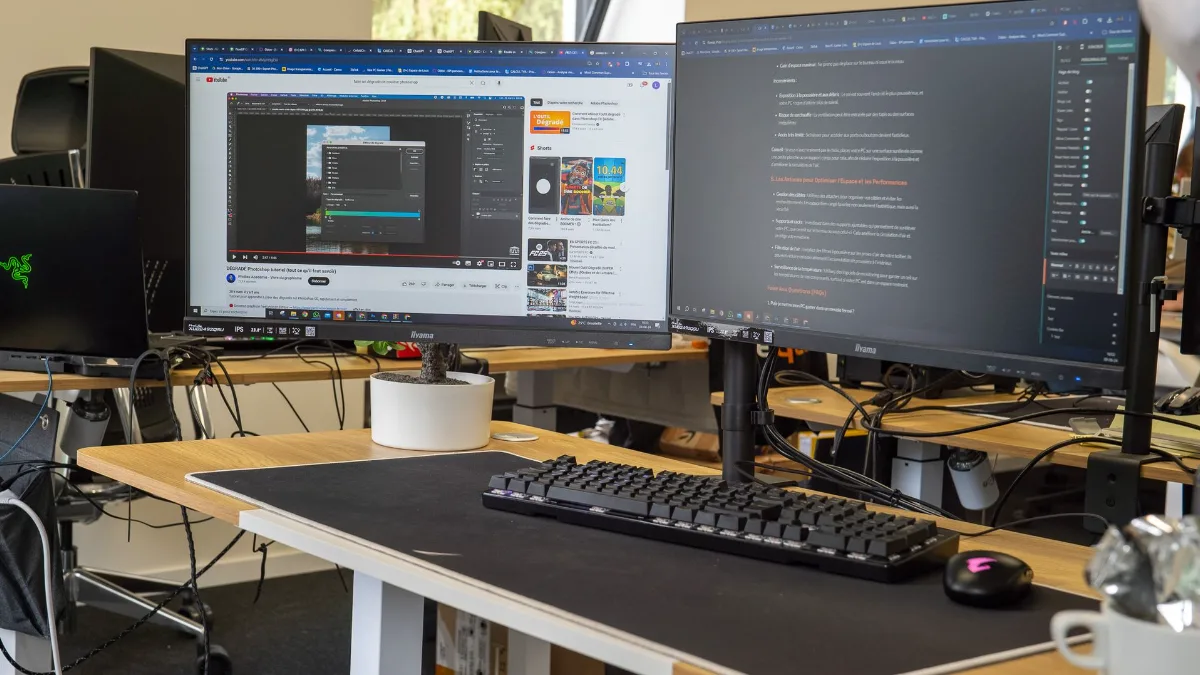
With the tower underneath, the desktop stays free for screens and peripherals.
PC on the floor: under what conditions?
Putting your PC on the floor isn’t forbidden, but the floor is the dustiest spot in the room. Many cases also draw air in from underneath, especially for the power supply. On carpet or a thick rug, this air intake is simply blocked, and the fibres end up in the filter.
The rule: a hard surface, ideally with a few centimetres of height. A tower stand, a plank or even the original feet of the case on a parquet floor is enough. If you have pets, plan to clean the filters more often: a bit of cat hair passes through a grille really well.
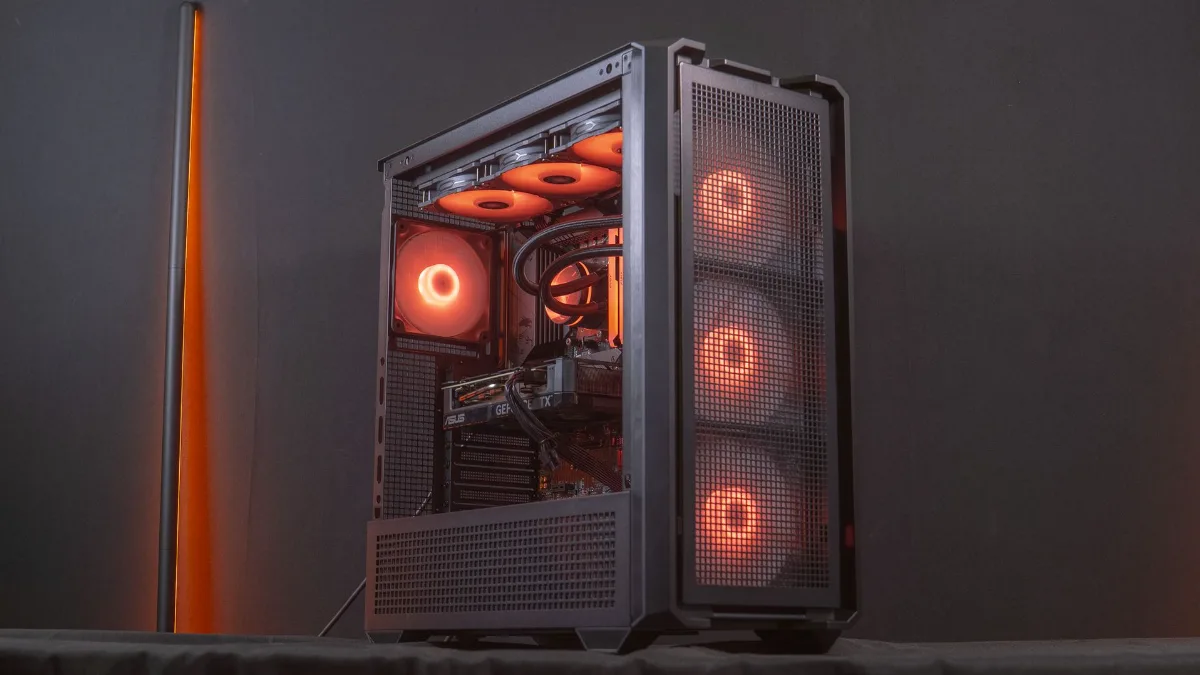
On a hard, clear surface, the underside air intake stays unobstructed.
A cabinet for your gaming PC: yes, but an open one
A tower PC stand or a gaming desk with a dedicated compartment gives a neat result, especially in a living room. The problem is the door and the back. A closed cabinet with just a simple hole for the cables traps hot air: the temperature rises inside, and the PC draws in the air it just rejected.
If you want this kind of furniture, choose one that’s open at the front and back, or remove the back panel. Leave 5 to 10 cm behind the air outlet, and monitor temperatures in-game during the first few days. If they rise noticeably compared with a PC placed in the open air, then the furniture is the issue.
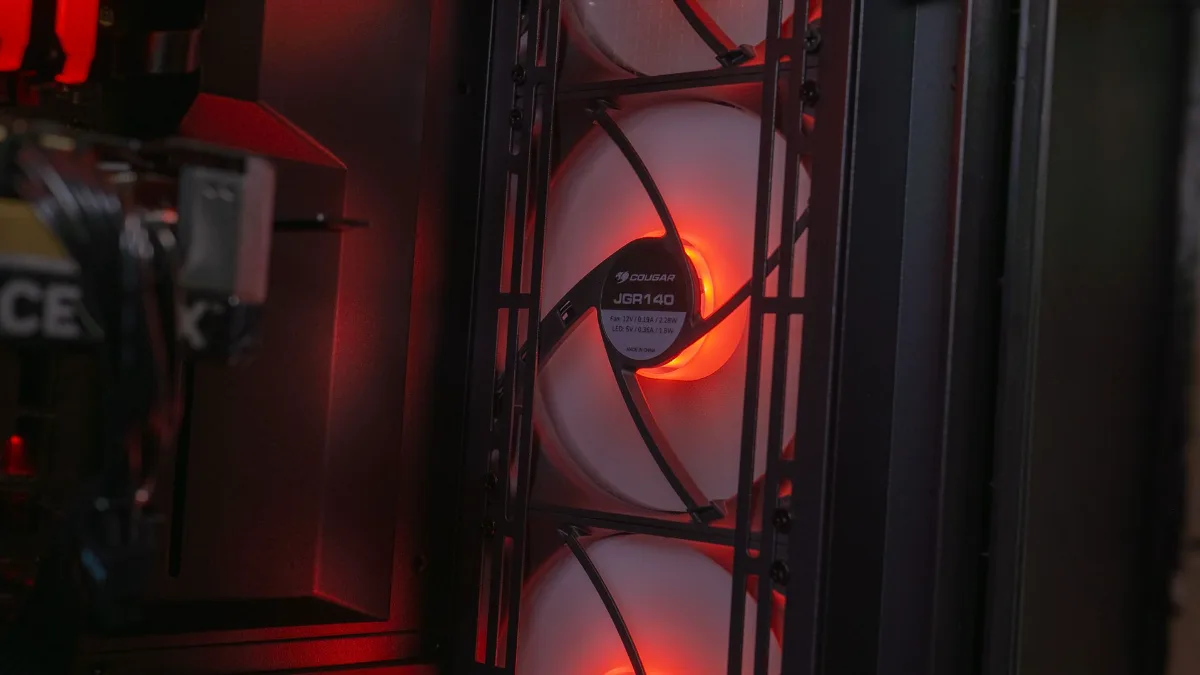
The fans move a lot of hot air: in a cabinet, it needs a way out.
The right habits, whatever the placement
- 5 to 10 cm free around the air intakes and outlets, more for a high-end setup.
- A hard, stable surface, never carpet or a bed.
- Away from heat sources: radiator, a south-facing window in summer, console vent.
- Dust filters cleaned every one to three months, depending on the room.
- Organised cables: a cable channel or a monitor arm prevents them from hanging in front of the air intakes.
- Monitored temperatures with HWiNFO or your graphics card’s software after every placement change.
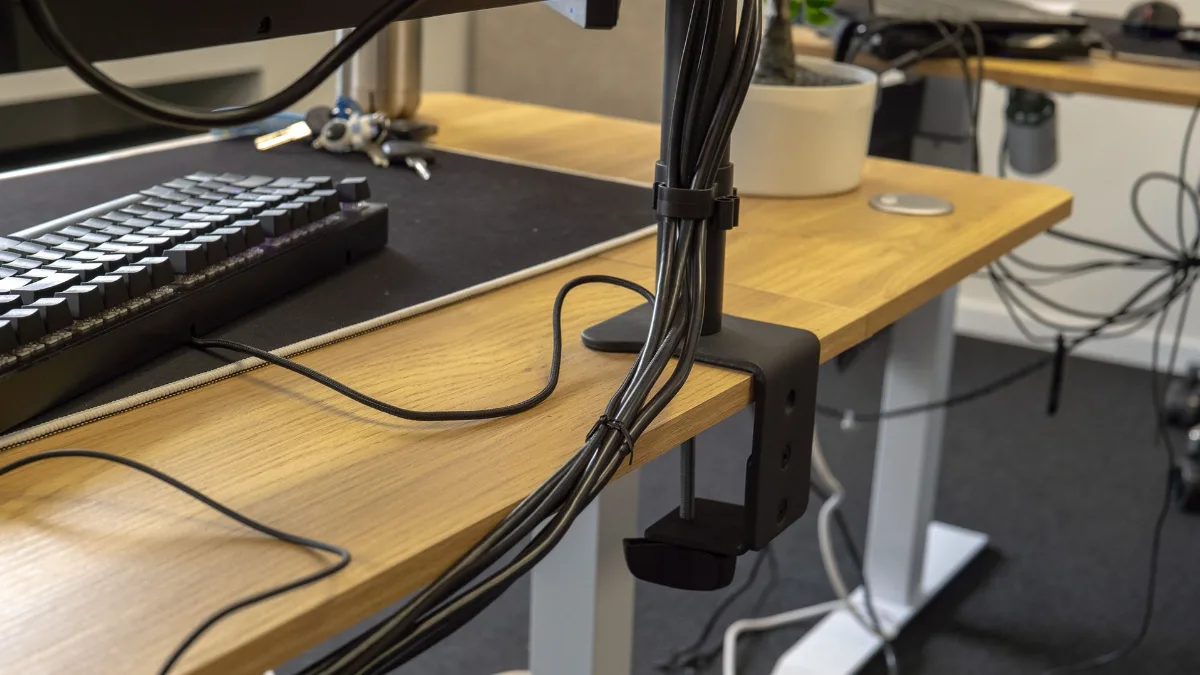
Cables routed along the monitor arm: the desk stays neat and nothing obstructs the airflow.
If your PC is already getting hot, read our guide PC overheating: causes and solutions. A PC that turns off by itself in the middle of a game or whose fans have stopped spinning also deserves a check of its placement.
And the ports on the front?
That’s a criterion people forget when choosing where to place the PC. Headset, controller, USB key: if the ports are on the top of the case, a PC under a low desktop becomes annoying to use. If they’re on the lower front, like on this case, a PC on the floor will force you to bend over every time. Check where the ports on your case are before deciding, or plan for a USB hub on the desk.
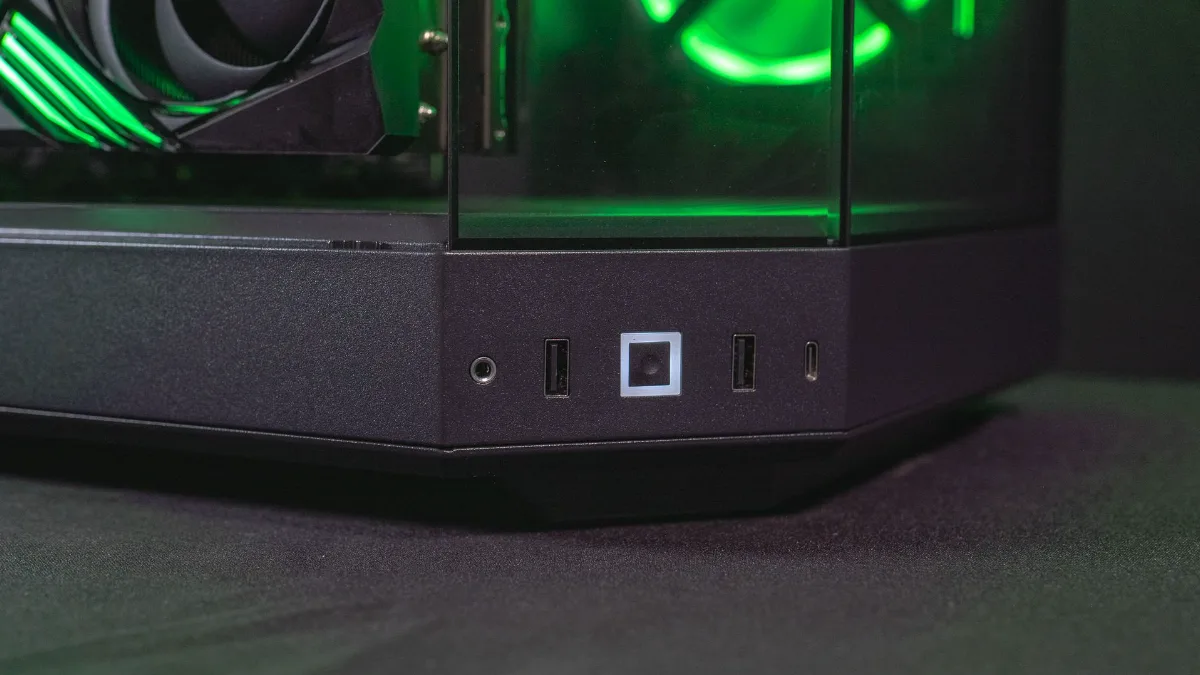
Lower-front ports: handy on the desk, less so on the floor.
All our gaming PCs, ready to play
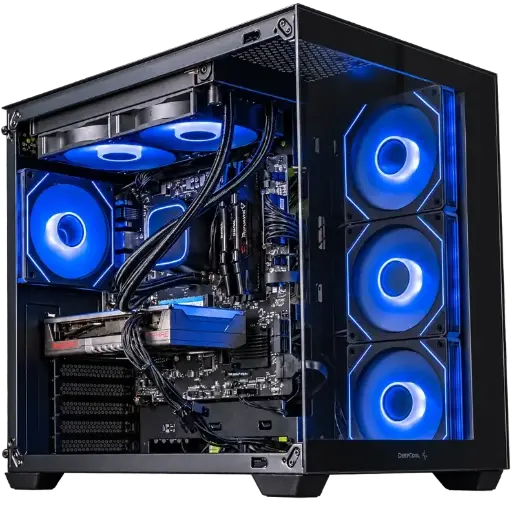
Spike PC, Radeon RX 9060 XT
Ryzen 7 5700X, Radeon RX 9060 XT and 16 GB of DDR4: a balanced setup for gaming in 1080p with high settings.

Novara PC GeForce RTX 5070 12GB
Ryzen 5 7500X3D, RTX 5070 12GB, 16 GB DDR5 and a 1 TB M.2 SSD: a configuration ready to play straight out of the box.
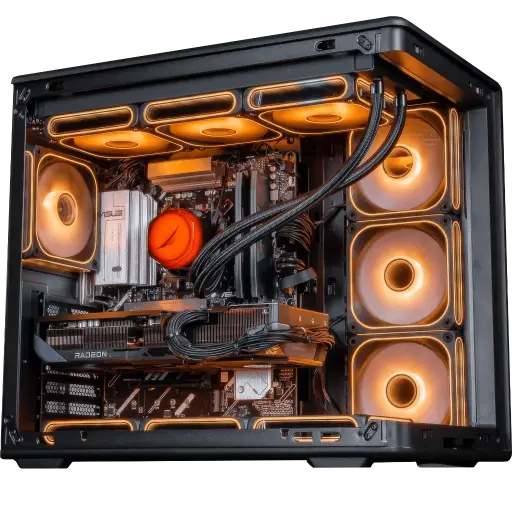
Apex V2 PC, Radeon RX 9070 XT
RX 9070 XT 16 GB, Ryzen 7 7800X3D and 32 GB of DDR5: for demanding 1440p and big AAA games.
All our PCs are visible in the category FlowUP gaming PC.
FAQ: where to place your gaming PC
Is it better to put your PC on the desk or on the floor?
On the desk, it collects less dust and the ports are accessible, but it’s noisier and takes up space. On the floor, it’s more discreet, provided it’s on a hard surface and ideally raised. For most setups, next to or under the desk on a stand is the best compromise.
Can you place a gaming PC on carpet?
Better to avoid it: carpet blocks the air intake under many cases and sends fibres into the filters. Slide a plank or a tower stand between the PC and the floor.
Is a tower stand useful?
Yes if the PC is on the floor: it keeps it away from dust, frees up the underside air intake and, with wheels, makes it easier to access the cables and for cleaning.
Can you put your PC in a closed cabinet?
Not in a closed cabinet. An open unit at the front and back is suitable, with 5 to 10 cm free behind the air outlet. Check temperatures during gaming after installation.
What distance should you leave between the PC and the wall?
At least 5 to 10 cm behind the rear air outlet, and more for a high-end setup that dumps a lot of heat.
Should the PC be to the left or to the right of the desk?
On the side where the case’s glass is visible if you want to enjoy the lighting, but above all on the side where the hot air isn’t blown towards you or towards a nearby wall.
Sources
- darkFlash, How Much Space Does a Gaming PC Case Need Around the Wall? (September 2026)
- Mr Matt Lee, PC case airflow: a visual guide (YouTube)
