
By the FlowUP team, gaming PC builder in Genappe (Belgium) · Updated 29 September 2026
In brief: 1000 Hz displays have moved from prototype to product. In May 2024, TCL CSOT showed a 4K 1000 Hz panel at the Display Week trade show. In May 2026, LG announced the UltraGear 25G590B, presented as the first native 1000 Hz gaming monitor: a 24.5-inch IPS panel in Full HD, expected in the second half of 2026. At 1000 Hz, an image lasts 1 millisecond. To take advantage of it, you need a very lightweight e-sport game, a very fast processor, and a recent DisplayPort connection; at 4K, no graphics card keeps up at that pace in today’s games.
Where do 1000 Hz displays stand in 2026?
When TCL CSOT unveiled its UHD panel (3,840 x 2,160) at 1000 Hz at the May 2024 Display Week, the best gaming monitors topped out at around 240 Hz in 4K and 540 Hz in 1080p. It was a proof of feasibility, not a product. To our knowledge, no 4K monitor at 1000 Hz is available on the market as of 29 September 2026.
The first consumer 1000 Hz arrives from the other end: Full HD resolution, the one used by e-sport players. LG presents its UltraGear 25G590B as the first native 1000 Hz gaming monitor in 1080p, with an IPS panel and a backlight motion blur reduction system (MBR Pro). Availability is announced for the second half of 2026.
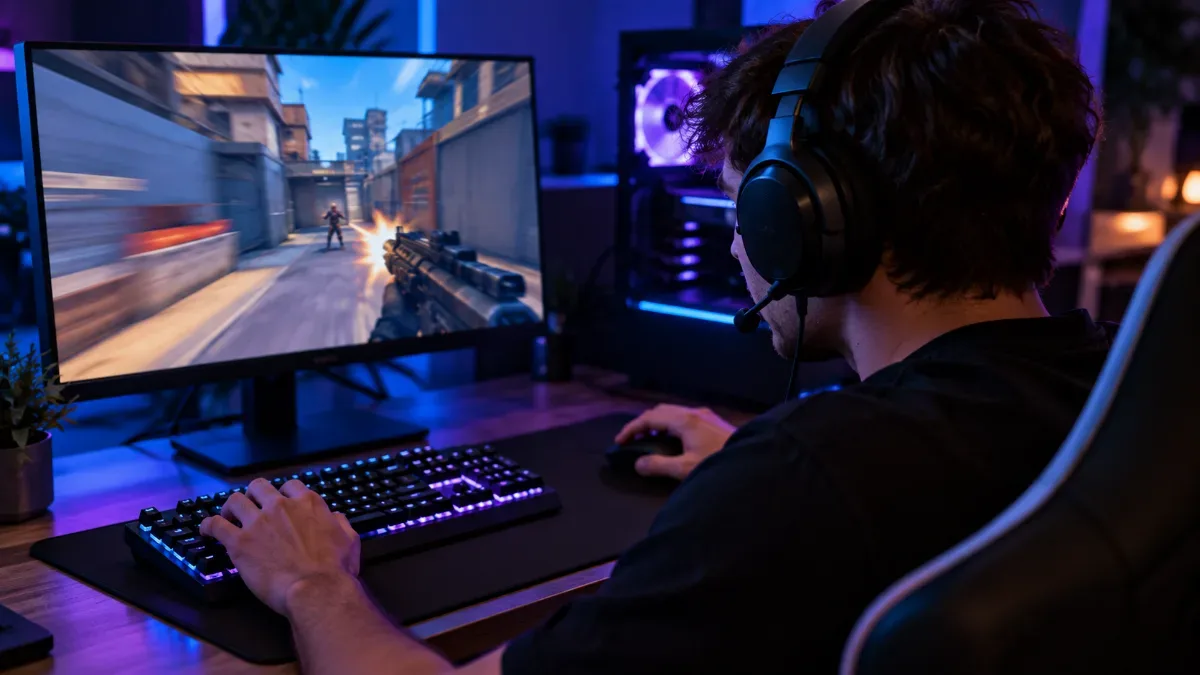
1000 Hz displays are aimed first at e-sport players in 1080p.
LG presents the UltraGear 25G590B in video:
LG USA, “LG UltraGear 25G590B | World's First Full HD 1080p native 1000Hz Gaming Monitor”, 2026.
1000 Hz, what changes?
The refresh rate determines how many frames the screen can display per second, and therefore the time between two frames. The shorter it is, the sharper the motion looks and the more recent the displayed image is when you react.
| Refresh rate | Duration of an image | For whom? |
|---|---|---|
| 60 Hz | 16.7 ms | Office work, older consoles |
| 144 Hz | 6.9 ms | The comfortable minimum for gaming on PC |
| 240 Hz | 4.2 ms | Competitive gaming, good compromise in 1440p |
| 500 Hz | 2 ms | High-level e-sport, in 1080p or 1440p |
| 1000 Hz | 1 ms | Extreme e-sport, in 1080p |
Calculation: 1 second divided by the refresh rate.
The gain becomes smaller and smaller as you go up: moving from 60 to 144 Hz gives you nearly 10 ms less per image, going from 500 to 1000 Hz gives you 1 ms. The difference remains visible in the sharpness of fast motion, especially in shooter games, but it’s aimed at highly trained players. For most of us, a good 240 Hz monitor already provides the essentials. Our guide for choosing your monitor details the right compromise based on your use.
What PC for a 1000 Hz screen?
A 1000 Hz screen only makes sense if the PC can produce a number of frames close to it. And here it’s not usually the graphics card that’s the limiting factor, it’s the processor. In 1080p with low settings, only very lightweight e-sport games get close to these refresh rates, and only with a very fast processor, typically a Ryzen X3D.
- Processor: a Ryzen 7 9800X3D or equivalent, with the 3D cache helping a lot in these games.
- Graphics card: an RTX 5070 or better is enough for 1080p e-sport; raw power matters less than the processor.
- Memory: DDR5 in dual-channel, 32 GB to have some breathing room.
- Settings: low settings, reduced shadows, and an FPS limiter set just below the screen’s refresh rate if you use G-SYNC or FreeSync.
In AAA games, forget 1000 FPS: even frame generation doesn’t replace frames that are actually calculated for responsiveness.
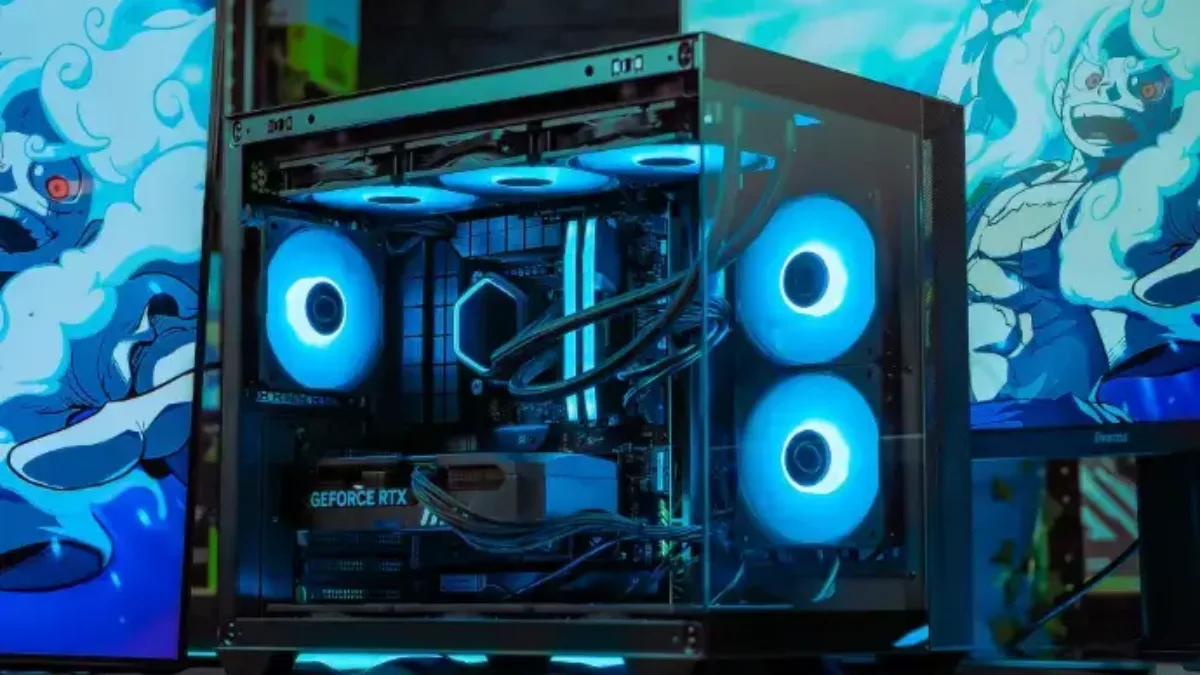
To aim for hundreds of FPS in e-sport, the processor matters more than the graphics card.
Are HDMI 2.1 and DisplayPort 2.1 enough?
The required bandwidth depends on the resolution. In 8 bits per colour, without compression, a 1080p image at 1000 Hz represents about 50 Gbit/s of image data; at 4K, about 200 Gbit/s. This is our calculation, before synchronisation data.
| Connection | Maximum bandwidth | For a 1000 Hz display |
|---|---|---|
| HDMI 2.1 | 48 Gbit/s | Insufficient without compression, even in 1080p; possible with DSC compression |
| DisplayPort 2.1 UHBR20 | 80 Gbit/s | Enough for 1080p; at 4K and 1000 Hz, only with aggressive DSC compression |
Maximum data rates of the HDMI 2.1 standards (HDMI Forum) and DisplayPort 2.1 (VESA). FlowUP calculation: width x height x refresh rate x 24 bits.
Contrary to what people were reading in 2024, the current standards are therefore not “obsolete”: thanks to DSC compression, a 1000 Hz screen in 1080p can work over a recent connection. GeForce RTX 50 and Radeon RX 9000 cards support DisplayPort 2.1. For 4K at 1000 Hz, the real bottleneck is the PC, not the cable.
Our high-FPS e-sport PCs
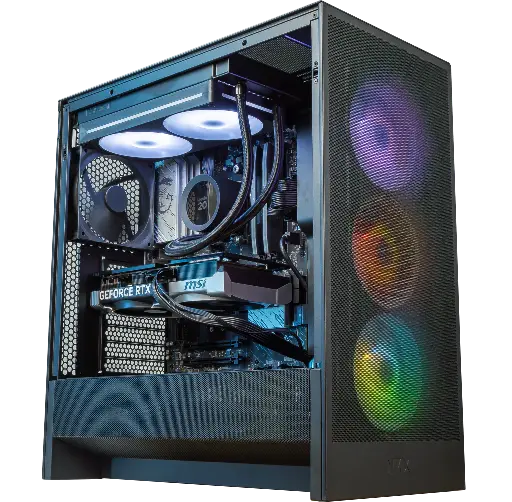
Velaris PC: the X3D for e-sports
Ryzen 5 7500X3D and RTX 5070: the 3D cache for high and stable competitive 1080p FPS.

Velaris GeForce RTX 5070 12GB PC
Ryzen 5 7500X3D, RTX 5070 12GB, 16 GB DDR5 and 1 TB M.2 SSD: a ready-to-play setup straight out of the box.
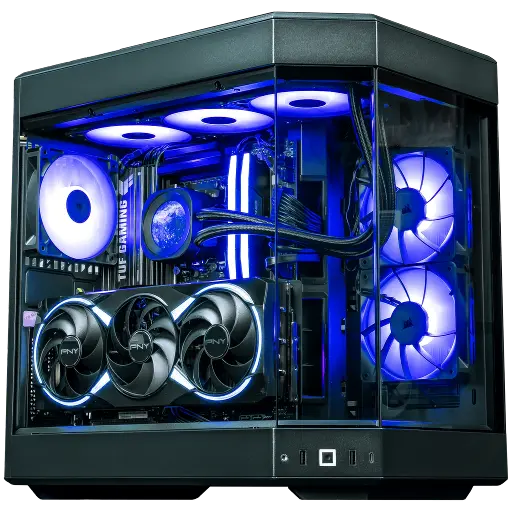
Orion PC: high FPS in 1440p
RTX 5080 and Ryzen 7 X3D: high FPS in 1440p, with room for heavier games.
FAQ: 1000 Hz screen
Is there a 1000 Hz screen?
Yes. In May 2026, LG announced the UltraGear 25G590B, a 24.5-inch Full HD monitor with 1000 Hz native refresh rate, expected in the second half of 2026. TCL CSOT had shown a 4K panel at 1000 Hz in 2024, with no commercial product since, to our knowledge.
What is a 1000 Hz screen for?
To display an image every millisecond, for sharper movement and a more up-to-date image. The benefit is real in high-level e-sports, but far less for everyday use.
Which graphics card for 1000 FPS?
In 1080p e-sport, it’s mainly the processor that limits performance. An RTX 5070 or better, paired with a recent Ryzen X3D, is the baseline. In AAA games, 1000 FPS remain out of reach.
Do you need a special cable for a 1000 Hz screen?
You need a recent connection: preferably DisplayPort 2.1, with DSC compression handled by both the graphics card and the screen. Use the included cable or a certified cable.
1000 Hz or 500 Hz, do you notice the difference?
You can notice it in the sharpness of very fast movements, but the time gain per frame is just one millisecond. For most players, a good 240 Hz or 360 Hz is a better investment.
