 Your PC in instalments (up to 12x)
By the FlowUP team, gaming PC builder in Genappe (Belgium) · Updated 29 September 2026
In brief: Intel Core 13th- and 14th-generation desktop processors (65 W and up) were affected by a problem of too-high voltage, the “Vmin Shift”, which caused crashes and CPU degradation. Intel fixed this with a series of microcodes, including the 0x12B (September 2024) and then the 0x12F (May 2025), to be installed via a BIOS update. These fixes protect healthy processors, but they do not repair a CPU that has already been damaged: it must be replaced under warranty, which Intel has extended by two years.
Instability in Intel 13th- and 14th-generation chips: what happened?
From late 2023, many players reported crashes on PCs equipped with Core i9-13900K, i9-14900K and, more broadly, Intel 13th- and 14th-generation processors (Raptor Lake). Errors on game launch, blue screens, failed shader compilation: the symptoms looked like a failing graphics card or faulty memory.
Intel eventually identified the cause: in certain situations, the processor was requesting a voltage that was too high. Over time, this overvoltage degrades the processor and raises the minimum voltage it needs to operate. This is what Intel calls the Vmin Shift.
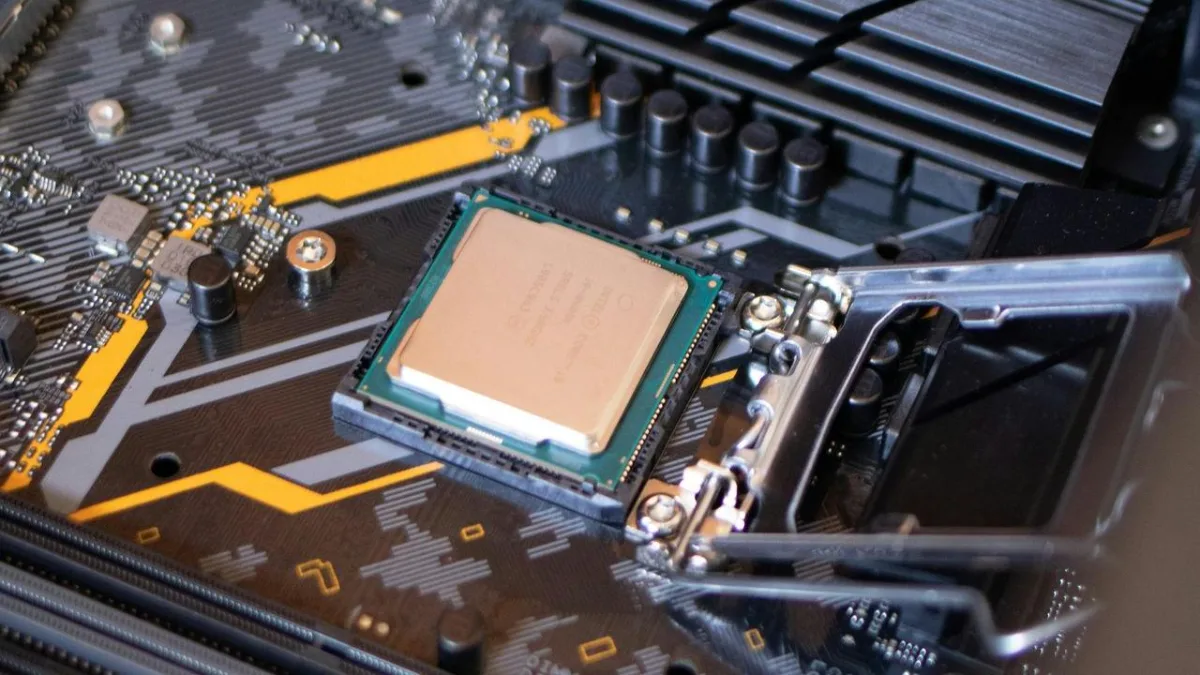
The fix involves the processor’s microcode, delivered with the motherboard’s BIOS.
Corrective microcodes, step by step
| Fix | Date | What it addresses |
|---|---|---|
| Intel default settings | Spring 2024 | Motherboard power settings beyond Intel’s recommendations |
| 0x125 | June 2024 | eTVB algorithm that allowed the processor to run too high even at high temperatures |
| 0x129 | August 2024 | Requests for voltages that were too high (SVID algorithm) |
| 0x12B | September 2024 | Overvoltage at idle and light load, presented as the main cause |
| 0x12F | May 2025 | Rare cases of PCs left on for several days at idle or under light load |
Sources: Intel Community (official announcements for 0x12B and 0x12F), TechSpot (8 May 2025).
In 2024, Intel presented 0x12B as the last update that was needed. The manufacturer ultimately released 0x12F in May 2025 for rare cases, with no measured performance loss, according to them. So this microcode, or a newer one, is what your BIOS needs to include.
Which processors are affected?
- Core 13th- and 14th-generation desktop processors, 65 W and up: Core i5, i7 and i9, K, KF and KS versions and 65 W models without K.
- Portable (laptop) processors are not affected.
- The following generations, Core Ultra 200S (Arrow Lake), are not affected according to Intel. We cover them in Intel 15th generation: the Core Ultra 200S.
What should you do if you have a 13th- or 14th-generation Intel?
- Check your microcode version: HWiNFO shows it in the processor section. It should indicate 0x12F or a newer version.
- Update the BIOS from the website of your motherboard manufacturer (ASUS, MSI, Gigabyte, ASRock…) if you haven’t already.
- Keep Intel’s default profile (“Intel Default Settings”) in the BIOS, without aggressive overclocking.
- If the PC stays unstable after the update, the processor may already be degraded: the microcode doesn’t fix it. Contact the seller or Intel for a replacement.
Intel extended the warranty of the affected boxed processors by two years. For a prebuilt PC, contact its seller first.
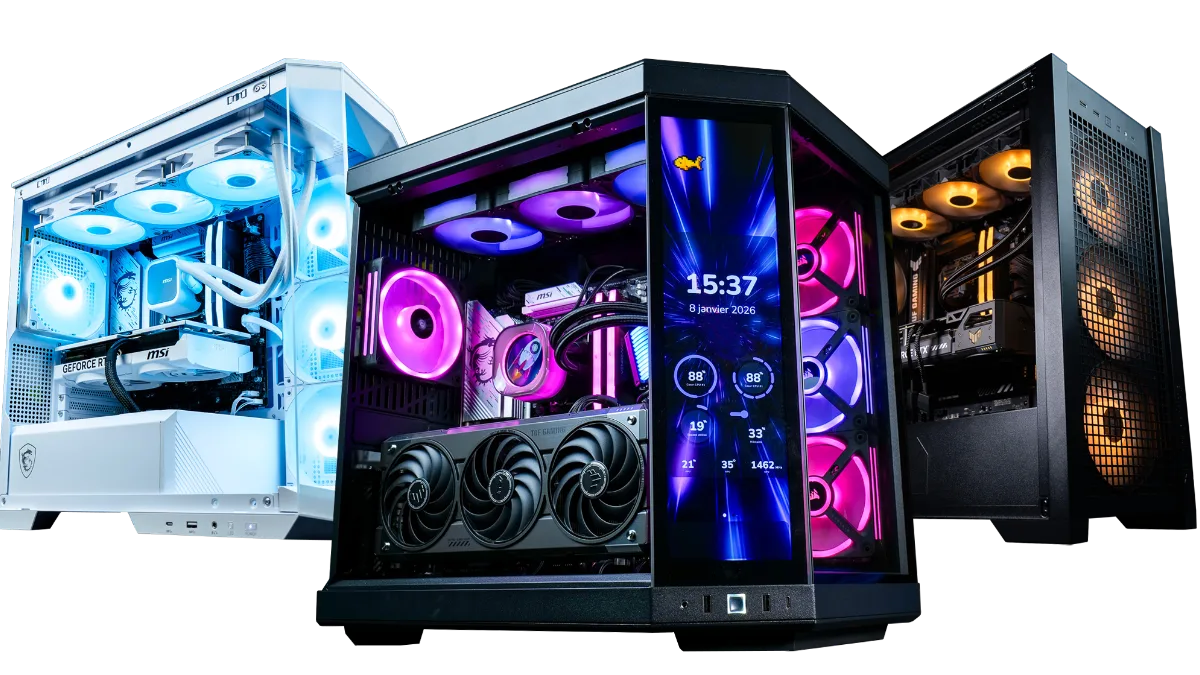
A BIOS update is enough to protect an otherwise healthy processor.
We detail every step, brand by brand, in our tutorial update the BIOS of an Intel from the 13th or 14th generation.
This video shows how to check and update the BIOS for these processors:
ConCon, “Required updates for Intel 13th- and 14th-generation processors”.
Symptoms that should alert you
A processor that’s affected won’t fail all at once: the instability sets in gradually. Watch out for crashes when launching games, errors during shader compilation, random blue screens, or decompression errors when installing a game. These signs can have other causes too, also check why does my computer shut down by itself and why my PC lags during games.
Is Intel still a good choice in 2026?
Yes, as long as you choose with your eyes open. A 14th-generation Core with the 0x12F microcode up to date is stable. Core Ultra 200S are not affected, and for a 100% gaming PC, AMD’s Ryzen X3D models stay ahead. We cover the whole question in Intel or AMD: which processor for a gaming PC in 2026.
Our gaming PCs with Core Ultra or Ryzen
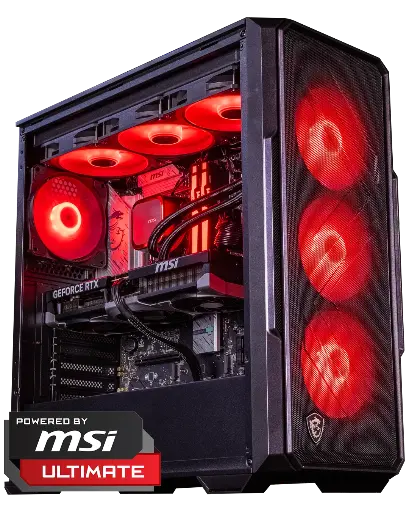
Abyssin PC, Core Ultra 5 245KF
Core Ultra 5 245KF (not affected by Vmin Shift) and RTX 5070 Ti 16 GB, for demanding 1440p.
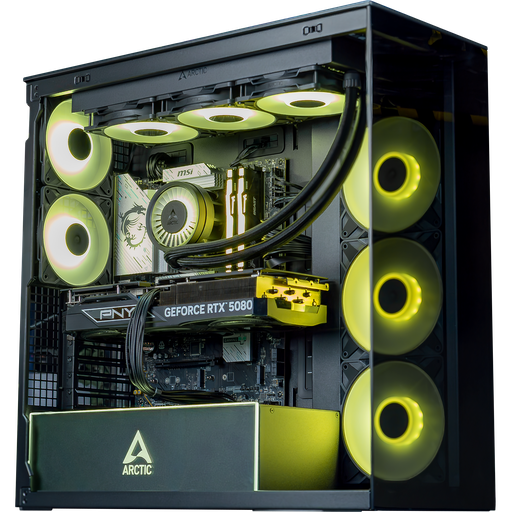
Arctic PC, Core Ultra 7 265KF
Core Ultra 7 265KF and GeForce RTX 5080: for ultra 1440p, 4K and content creation.

Novara PC GeForce RTX 5070 12GB
Ryzen 5 7500X3D, RTX 5070 12GB, 16 GB DDR5 and 1 TB M.2 SSD: a ready-to-play setup straight out of the box.
FAQ: instability in Intel 13th and 14th generation
What is microcode 0x12B?
An update published by Intel in September 2024, distributed via the BIOS of motherboards, which corrects excessive voltage requests at idle and during light load on 13th- and 14th-generation Core processors.
Is 0x12B enough?
No, install 0x12F (May 2025) or newer. It fixes rare cases where PCs were left powered on for several days.
Does the microcode update repair a processor that is already unstable?
No. It prevents a healthy processor from degrading, but a processor that is already damaged must be replaced.
Are Intel laptop processors affected?
No, the issue affects 13th- and 14th-generation desktop processors rated at 65 W and above.
Are the Core Ultra 200S affected?
No, according to Intel, the Core Ultra 200S (Arrow Lake) are not affected by this issue.
