 Your PC in instalments (up to 12x)
By the FlowUP team, gaming PC builder in Genappe (Belgium) · Updated 28 September 2026

In brief: before installing a GeForce RTX 5000, check three things. The power supply: NVIDIA recommends 650 W for an RTX 5070, 750 W for an RTX 5070 Ti, 850 W for an RTX 5080 and 1,000 W for an RTX 5090. The case: the card length, especially for custom models. The motherboard: one PCIe x16 slot is enough, even on PCIe 4.0, performance loss is minimal.
Which power supply for an RTX 5070, 5070 Ti, 5080 or 5090?
This is the most common, and the most important, question. The RTX 5000 cards consume more than their predecessors at the high end. Here are NVIDIA’s official figures:
| Graphics card | Power consumption (TGP) | Power supply recommended by NVIDIA |
|---|---|---|
| RTX 5070 | 250 W | 650 W |
| RTX 5070 Ti | 300 W | 750 W |
| RTX 5080 | 360 W | 850 W |
| RTX 5090 | 575 W | 1,000 W |
Source: NVIDIA datasheets for the GeForce RTX 50, consulted on 28 September 2026.
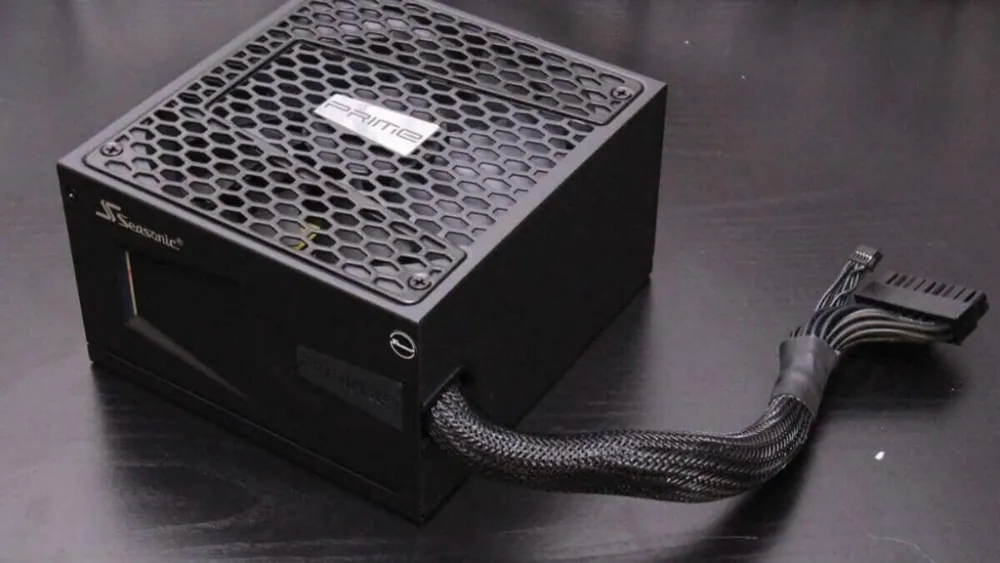
These recommendations are deliberately broad: they cover a complete PC with a power-hungry processor. An online calculator like OuterVision can help estimate the real power draw of your setup. In most cases, a good power supply that’s slightly below the recommendation works, except with an RTX 5090, where you shouldn’t cut corners.
More than raw wattage, look at quality: a recognised brand, an 80 Plus Gold certification, and ideally a native 12V-2x6 connector (ATX 3.1 standard), rather than an adapter with multiple 8-pin cables. Details in our guides choose your power supply and know whether your power supply is sufficient.
For the RTX 5070 in particular, including real power draw and performance, read our full review of the RTX 5070.
Can your case fit an RTX 5000?
NVIDIA’s Founders Edition models are surprisingly compact for their power:
| Model | Length | Height | Thickness |
|---|---|---|---|
| RTX 5070 Founders Edition | 242 mm | 112 mm | 2 slots |
| RTX 5080 Founders Edition | 304 mm | 137 mm | 2 slots |
| RTX 5090 Founders Edition | 304 mm | 137 mm | 2 slots |
Watch out for custom models (ASUS, MSI, Gigabyte, Palit...): their coolers may exceed 330 mm in length and take up three slots or more. Check the maximum graphics card length supported by your case in its technical specifications, and leave some room for the power cables, they shouldn’t be bent right at the connector’s exit.
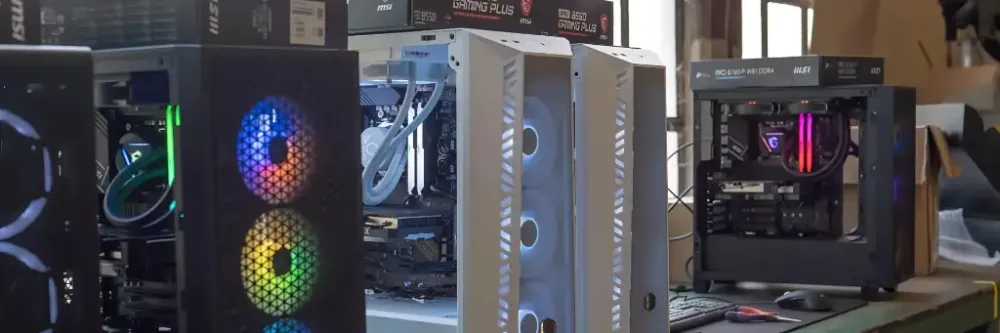
To choose a well-ventilated and large enough case, see our guide how to choose your PC case.
Is your motherboard compatible with RTX 5000?
Yes, in almost all cases. The RTX 5000 uses PCI Express 5.0, but remains compatible with PCIe 4.0 and 3.0 ports. You just need a free PCIe x16 slot.
Performance loss is low: in PCIe 4.0 x16, TechPowerUp they measure only around a 1% average difference with an RTX 5090. The gap grows in PCIe 3.0, and especially on entry-level cards like the RTX 5060 and 5060 Ti, which are wired with only 8 PCIe lanes: on an older PCIe 3.0 motherboard, they lose more.
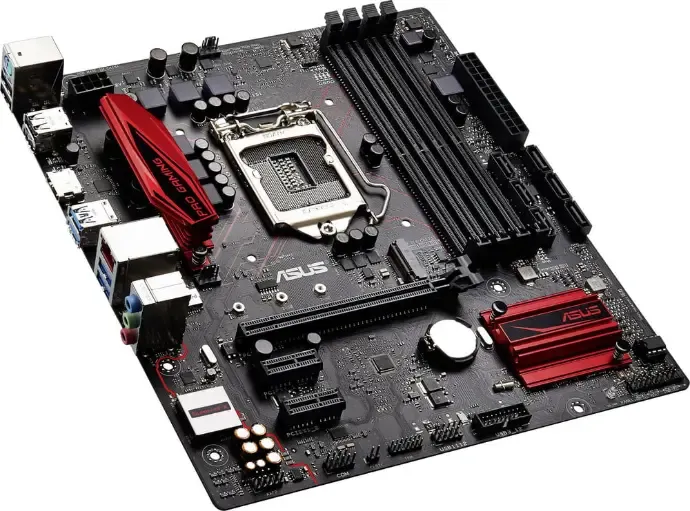
More important than the PCIe: the processor. A RTX 5080 paired with a processor from several generations back will be bottlenecked at 1080p and 1440p. Our guide choosing your motherboard in 2026 covers the AM5 and LGA 1851 platforms.
The Orion PC: a build designed around the RTX 5080
For the release of the RTX 5000, we designed the PC Orion around an RTX 5080 and a Ryzen 7 9800X3D, with a power supply and cooling sized to handle the load. We tested it in video:
The PC Orion RTX 5080 tested in video on FlowUP’s YouTube channel.
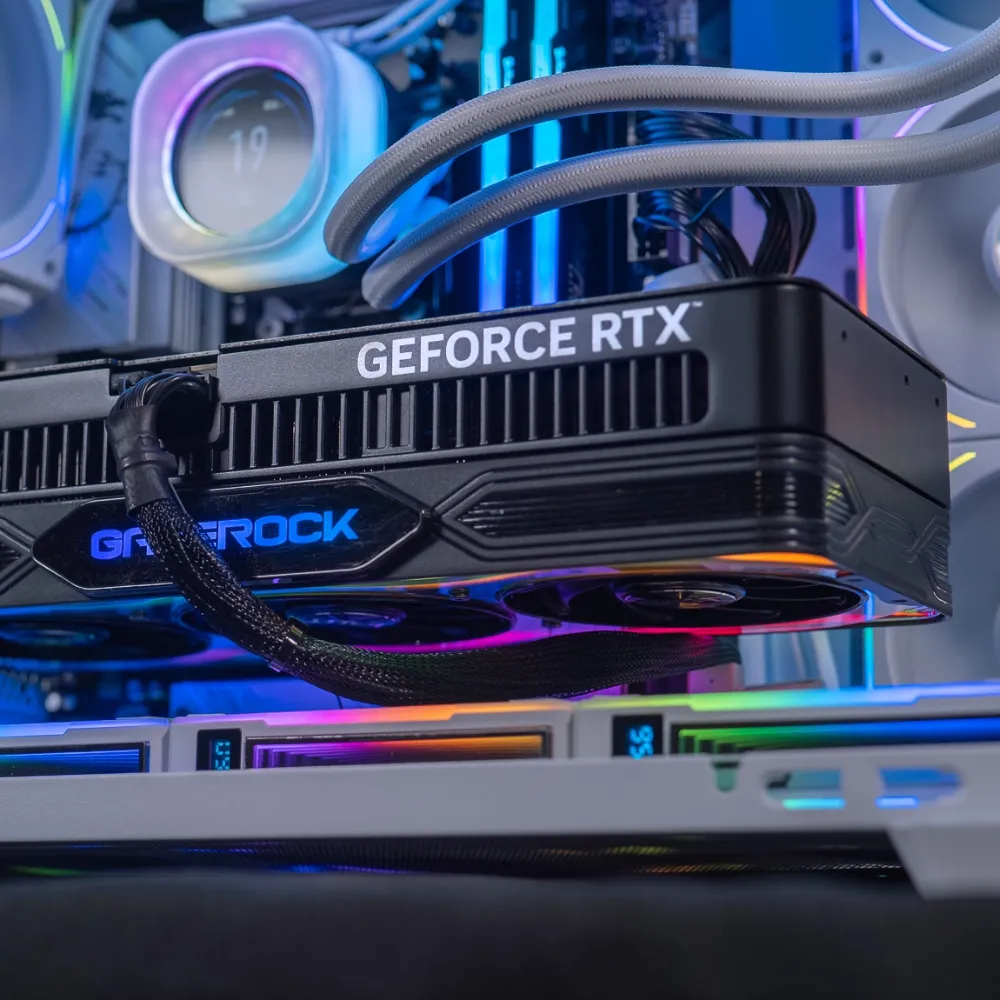
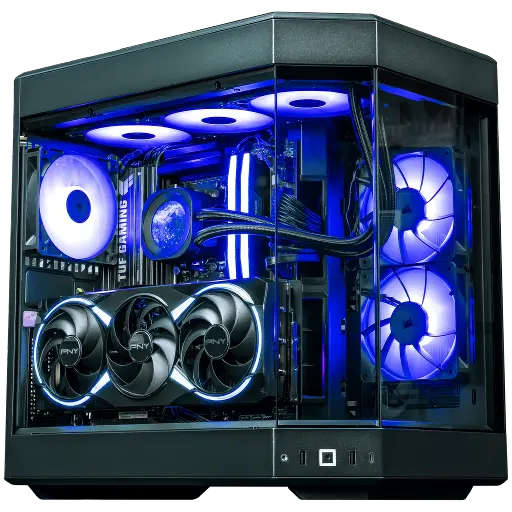
Orion PC: RTX 5080 and Ryzen 7 9800X3D
A balanced setup around the RTX 5080: 3D V-Cache processor, power supply and cooling engineered for 4K.
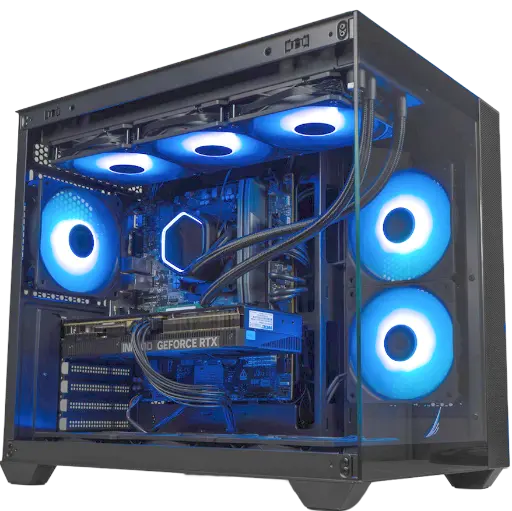
Umbra PC: RTX 5070 12 GB
Ryzen 5 7500F and RTX 5070: the entry into the 5000 series for gaming in 1440p.
Frequently asked questions about RTX 5000 compatibility
What power supply for an RTX 5070?
NVIDIA recommends a 650 W power supply for a PC equipped with an RTX 5070, whose power consumption (TGP) is 250 W. A good 650 W 80 Plus Gold-certified unit is enough with a mid-range processor.
What power supply for an RTX 5070 Ti?
750 W according to NVIDIA, for a card that consumes 300 W. A quality 750 W unit with a native 12V-2x6 connector is the right choice.
What power supply for an RTX 5080 and an RTX 5090?
850 W for the RTX 5080 (360 W of TGP) and 1,000 W for the RTX 5090 (575 W of TGP). For the 5090, don’t go below the recommendation.
Does an RTX 5000 work on PCIe 4.0 or 3.0?
Yes. On PCIe 4.0 x16, the difference is about 1% with an RTX 5090, according to TechPowerUp. On PCIe 3.0, it increases, especially for the RTX 5060 and 5060 Ti that are wired in x8.
How much VRAM do the RTX 5000 have?
12 GB for the RTX 5070, 16 GB for the RTX 5070 Ti and 5080, 32 GB for the RTX 5090. All the details in our article on the VRAM of the RTX 5090 and 5080.
Want to keep up with the latest hardware updates and our new configurations? Sign up for our newsletter:
