
By the FlowUP team, gaming PC builder in Genappe (Belgium) · Updated 16 November 2026
In short: To run Borderlands 4, Gearbox requires an 8-core processor, a graphics card with 8 GB of video memory, 16 GB of RAM and 100 GB free on an SSD. For Gearbox’s target, 1440p at 60 FPS on Medium settings, you’ll need 12 GB of video memory and 32 GB of RAM. Our pick: the PC Good Deal (Ryzen 7 9700X, RX 9070 XT 16 GB, 32 GB DDR5).
Borderlands was for a long time the series you could launch on any PC. Black borders, bold colours, it ran. Borderlands 4 is more demanding: released on 12 September 2025 on Unreal Engine 5, it sends the Vault Hunters to Kairos with an open world with no loading screens, and it needs a recent gaming PC.
At launch, the forums filled up with complaints about performance. Since then, Gearbox has released several patches. Here’s what you really need for a Borderlands 4 setup that holds 60 FPS, and the settings that matter.
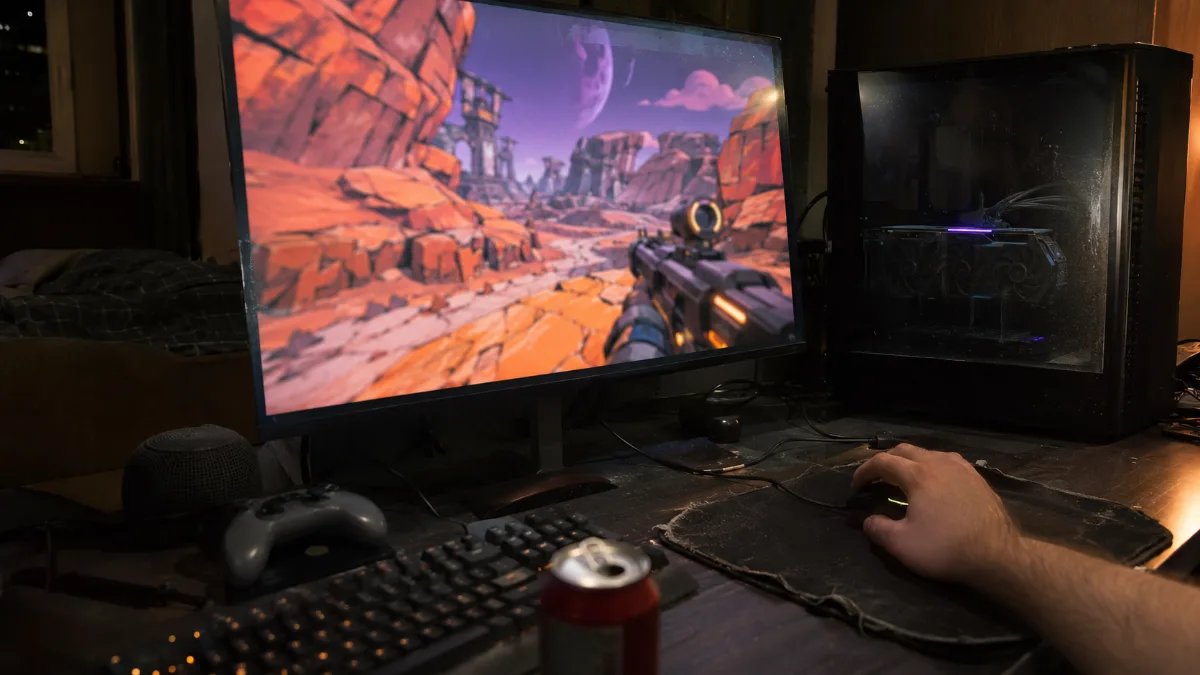
Borderlands 4: the official required specs
Gearbox sets two tiers. The minimum targets the 1080p at 30 FPS on Low settings. The recommended targets the 1440p at 60 FPS on Medium settings. The last column is what you assemble in the workshop to play without thinking about it.
| Component | Minimum (1080p, 30 FPS) | Recommended (1440p, 60 FPS) | Workshop tip |
|---|---|---|---|
| Processor | Core i7-9700 or Ryzen 7 2700X (8 cores) | Core i7-12700 or Ryzen 7 5800X | Ryzen 7 9700X or 7800X3D |
| Graphics card | RTX 2070, RX 5700 XT or Arc A580 | RTX 3080, RX 6800 XT or Arc B580 | RX 9070 XT or RTX 5070 Ti |
| Video memory | 8 GB | 12 GB or more | 16 GB |
| RAM | 16 GB | 32 GB | 32 GB of DDR5 |
| Storage | Required SSD, 100 GB | Required SSD, 100 GB | 1 TB NVMe SSD or more |
| System | Windows 10 or 11, 64-bit | Windows 10 or 11, 64-bit | Windows 11 |
Source: official Borderlands support (Gearbox / 2K). Last column: FlowUP workshop choice.
- The SSD is mandatory, not just recommended: on a hard drive, the open world loads far too slowly.
- The minimum targets 30 FPS. For a shooter, it’s a threshold to check that your PC can launch the game, not a target for playing all evening long.
- The recommended tier corresponds to graphics cards from 2020. A newer 16 GB card performs better and lasts longer.
Video memory: 8 GB, the real trap in Borderlands 4
It’s often the deciding factor between a smooth game and a stuttery one. TechSpot tested over 40 graphics cards at the game’s launch, showing clear differences depending on the amount of video memory.
- On maximum settings (Badass) at 1080p, the RTX 5060 Ti 16 GB was 73% faster than the same card with 8 GB. The 8 GB cards were clearly struggling.
- On Medium settings, the 8 GB and 16 GB versions of the RTX 5060 Ti and RX 9060 XT performed evenly, because this preset significantly reduces video memory usage.
- Our take: with 8 GB, stick to Low or Medium. To increase details, you need at least 12 GB, and 16 GB to be comfortable.
We covered this topic in our guide 8, 12 or 16 GB of VRAM, and in the comparison RX 9060 XT 8 GB or 16 GB.
Which graphics card for Borderlands 4 in 1080p and 1440p?
The figures below come from TechSpot’s test (Ryzen 7 9800X3D, no upscaling), done at the game’s launch. They give a ballpark between the cards you can build today.
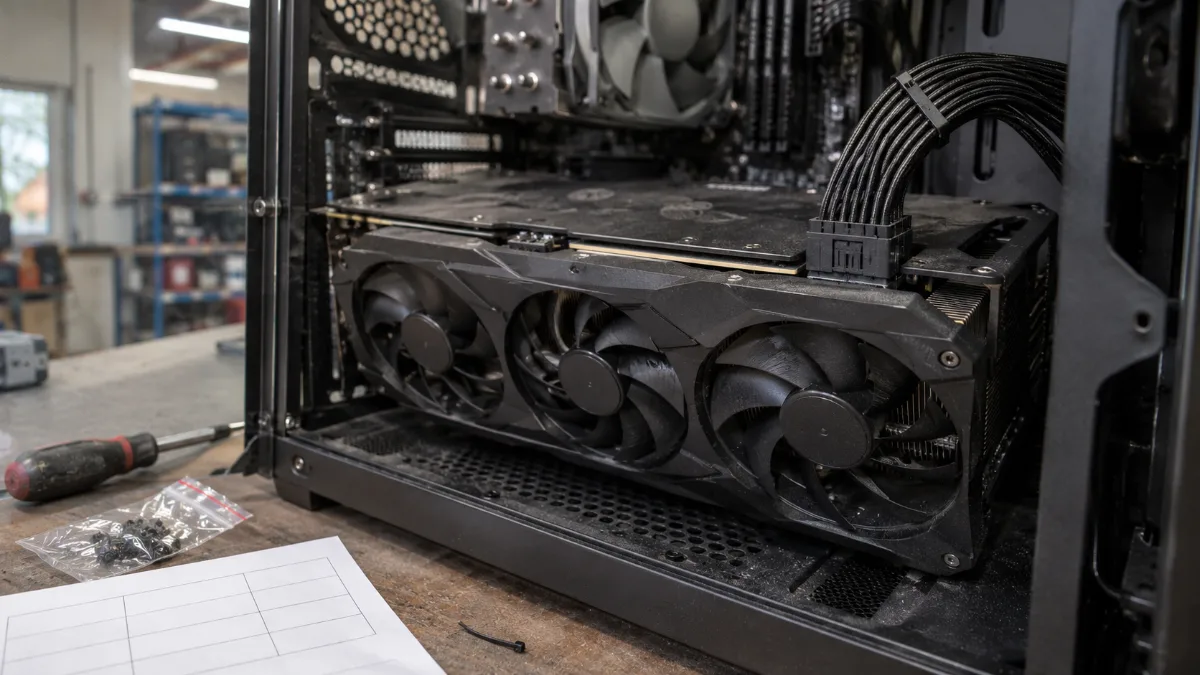
In Borderlands 4, the amount of video memory matters as much as the graphics card’s power.
| Graphics card | 1080p, Medium settings | 1440p, Medium settings |
|---|---|---|
| RTX 5090 | 143 FPS | 119 FPS |
| RX 9070 XT | 115 FPS | 86 FPS |
| RTX 5070 | 85 FPS | around 60 FPS |
| RTX 5060 | around 60 FPS | around 30 FPS |
Source: TechSpot, Borderlands 4 GPU Benchmark (September 2025). Rounded averages, before performance patches.
- The RX 9070 XT is the card we recommend for 1440p: 86 FPS on Medium straight from launch, and 16 GB of video memory to boost the details.
- The RTX 5070 handles 1080p without any trouble and hits 60 FPS on Medium 1440p.
- Since, Gearbox is announcing around 20% more average FPS across all configurations, and fewer stutters thanks to improved shader compilation.
To compare PCs equipped with this card, see our RX 9070 XT gaming PC.
Processor and RAM: 8 cores and 32 GB, really?
The official spec asks for an 8-core processor, even at the minimum. That’s rare for a shooter, and it got people talking.
- PC Gamer thought this requirement was harsher than reality: a recent 6-core CPU runs the game.
- TechSpot still found around 60% utilisation of a Ryzen 7 9800X3D in a calm scene. The processor is doing a lot of work.
- Our view: a recent 6-core CPU will do 1080p, but for 1440p we go up to 8 cores, like a Ryzen 7 9700X or a 7800X3D.
- RAM: the game starts with 16 GB. The recommended goes up to 32 GB, and that’s what we advise if you keep Discord and a browser open.
The settings that really boost FPS
- Medium preset instead of Badass: on an RX 9060 XT at 1440p, TechSpot measured 62 FPS on Low, 50 on Medium, 41 on High, and under 30 on Badass.
- DLSS or FSR in Quality mode: +74 to +76% at 1440p at the maximum setting in the same test. It’s the most effective lever.
- Image generation: useful when you’re above about 50 to 60 FPS baseline. Below that, latency is noticeable in a shooter.
- First launch: let shader compilation run all the way through before you play; otherwise the first few minutes stutter.
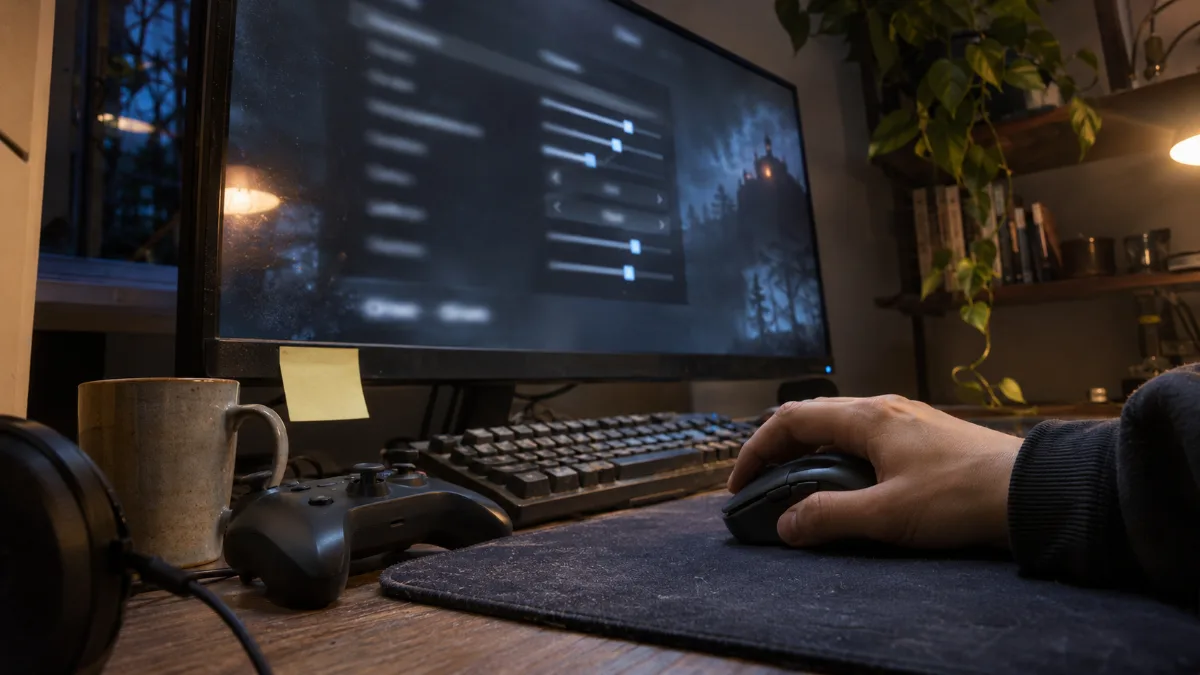
If you’re discovering these options, our guide DLSS 4.5 and FSR Redstone explains what to enable and what to avoid. Same logic for another recent game on Unreal Engine 5: our ARC Raiders PC setup.
Our PCs for Borderlands 4: which one should you choose?
These three PCs are assembled, cabled and tested in Genappe, and they ship with Windows 11. They all have a 16 GB graphics card, our threshold for playing Borderlands 4 without having to wrestle with the settings.
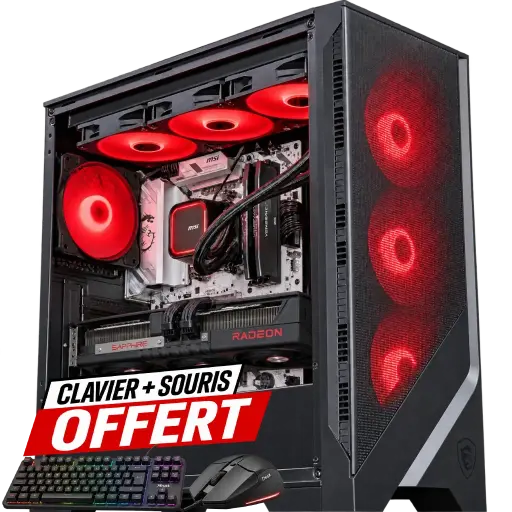
Good Deal PC Radeon RX 9070 XT
- Ryzen 7 9700X (8 cores), RX 9070 XT 16 GB
- 32 GB of DDR5 6000 MHz
- MSI B850 Gaming Plus motherboard
Our pick for Borderlands 4: 8 cores, 32 GB of RAM and 16 GB of video memory, well above the recommended column for 1440p.
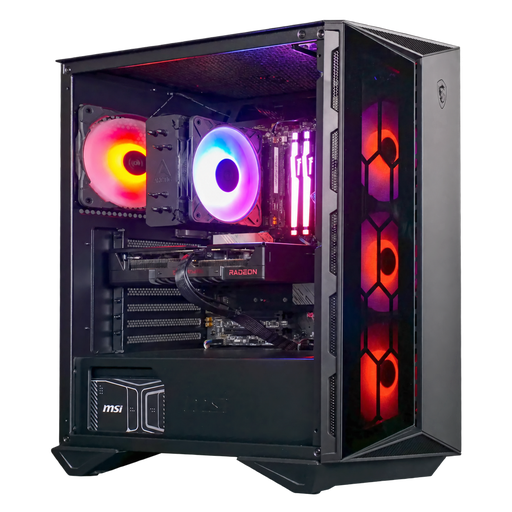
Moll-E PC Radeon RX 9060 XT 16GB
- Ryzen 5 7500F (6 cores), RX 9060 XT 16 GB
- 16 GB of base DDR5, 32 GB option, 1 TB SSD
- MSI 750 W 80 Plus Gold power supply
The PC for gaming in 1080p with higher details thanks to its 16 GB of video memory. We recommend the 32 GB option to match the recommended spec.
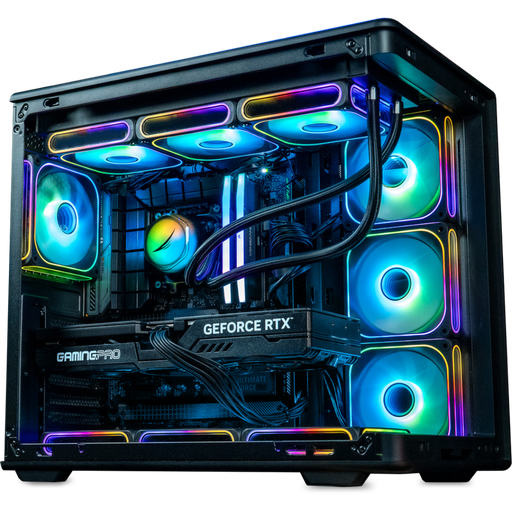
Gamora PC GeForce RTX 5070 Ti 16GB
- Ryzen 7 7800X3D, RTX 5070 Ti 16 GB
- 32 GB of DDR5, 2 TB SSD
- MSI B850 Gaming Plus WiFi motherboard
For 1440p on High settings with NVIDIA DLSS and image generation, and 2 TB to keep your other games installed.
Workshop verdict
- For playing at 1080p: the Moll-E PC with the 32 GB option.
- For 1440p at 60 FPS and above: the Good Deal PC.
- For 1440p on High with DLSS: the Gamora PC.
- More than 50,000 PCs shipped since Genappe: if you’re torn between two configurations, the team will reply before you buy.
Borderlands 4 configuration FAQ
What is the minimum Borderlands 4 configuration?
An Core i7-9700 or a Ryzen 7 2700X, an RTX 2070, an RX 5700 XT or an Arc A580 with 8 GB of video memory, 16 GB of RAM, Windows 10 or 11 in 64-bit, and an SSD with 100 GB free. This minimum targets 1080p at 30 FPS on Low settings.
Does Borderlands 4 run with an 8 GB graphics card?
Yes, on Low or Medium settings. On the maximum setting, TechSpot measured a 16 GB RTX 5060 Ti that’s 73% faster than the 8 GB version. To increase the details, aim for 12 to 16 GB.
Do you need 32GB of RAM for Borderlands 4?
The official minimum is 16 GB, and the game starts with that. The recommended goes up to 32 GB, and that’s what we recommend for playing at 1440p with apps open in the background.
Is Borderlands 4 better optimised today than it was at launch?
Yes. Gearbox says it’s around 20% higher in average FPS since launch, with better minimums and fewer crashes. The game is still demanding: a 16GB card and upscaling remain our recommendations.
What PC for Borderlands 4 at 1440p?
An 8-core processor, 32GB of RAM and a 16GB graphics card like the RX 9070 XT, which delivered 86 FPS at 1440p Medium in TechSpot’s test. That’s the basis of our Good Deal PC.
