
By the FlowUP team, gaming PC builder in Genappe (Belgium) · Updated 26 October 2026
In short:
- Build your gaming PC means choosing every component yourself: graphics card, processor, motherboard, memory, SSD, power supply, case, and cooling.
- The order that avoids mistakes: monitor and games first, then the graphics card, then the processor, and only afterwards everything else.
- Three compatibility rules: socket and motherboard, DDR4 or DDR5, and a power supply with the wattage recommended by the graphics card manufacturer (650 W for an RTX 5070, 850 W for an RTX 5080).
- Our tip: start with a FlowUP configuration and tailor it (memory, storage, graphics card), or ask for a custom PC from A to Z. We’re the ones who check compatibility, assemble, and test it. You keep the choice, no guesswork on the risks.
There are two ways to end up with a gaming PC that disappoints: buying whatever’s on offer, or building your gaming PC with good parts that don’t work well together. The second option is the most frustrating, because you’ve spent evenings tinkering with it.
In the workshop, we see both scenarios. So we’ve written down the method we use when a customer asks us for a custom gaming PC: where to start, what needs to be compatible with what, how our custom PC service works, and in which cases we honestly recommend an already-built PC.
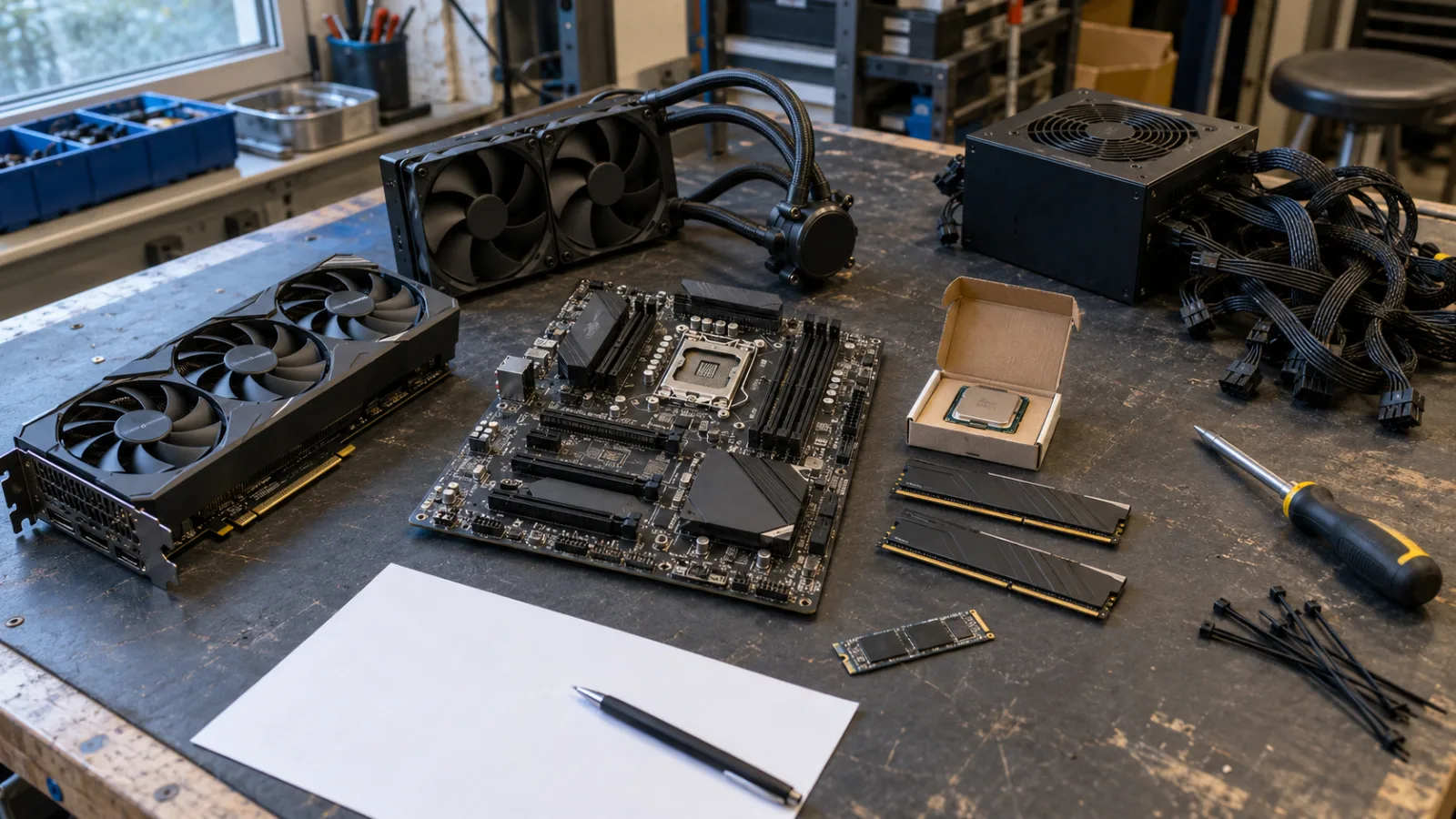
The components of a custom configuration, placed on the workbench before assembly.
Build your own gaming PC: where do you start?
Start with how you’ll use it, not with the components: your screen resolution and the games you play determine the graphics card, and the graphics card decides almost everything else. Doing the opposite means buying a high-performance processor and then bottlenecking it with a low-end graphics card.
- 1080p, competitive gaming: an RTX 5060 or RTX 5060 Ti, a Ryzen 5, 16 GB of memory.
- 1440p, newer games on high settings: an RTX 5070, an RX 9070 or an RTX 5070 Ti, a Ryzen 5 9600X or a Ryzen 7, 32 GB.
- 4K or 1440p at 240 Hz: an RTX 5080 or an RX 9070 XT, a Ryzen 7 X3D, 32 GB.
- Gaming and creation (editing, 3D, streaming): more cores (Ryzen 7 or 9, Core Ultra 7), at least 32 GB, and a second SSD.
To set the budget before choosing your PC parts, our guide how to choose your gaming PC configuration provides pointers by use case.
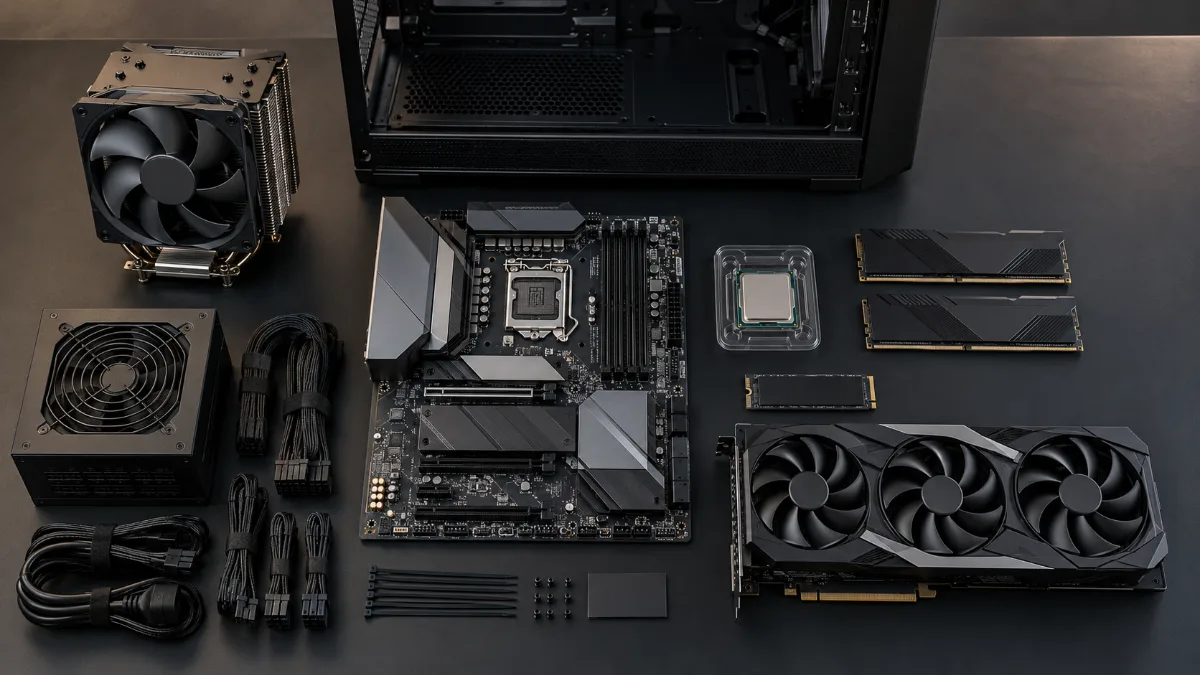
Graphics card, processor, memory, SSD, power supply: everything is chosen in this order.
The gaming PC parts in the right order: graphics card, processor, motherboard, memory, SSD, power supply
A custom gaming PC is assembled in a specific order, because each part imposes constraints on the next. Here are the rules we apply to every configuration that comes through the workshop.
| Component | What it depends on | The workshop rule |
|---|---|---|
| Graphics card | Power supply, case length, playable resolution | Chosen for the screen. NVIDIA recommends 650 W for an RTX 5070, 750 W for an RTX 5070 Ti, 850 W for an RTX 5080. |
| Processor | Motherboard socket, memory type, cooling | Ryzen 5 for gaming, Ryzen 7 X3D for very high frame rates, Ryzen 7 or 9 and Core Ultra 7 for creation. |
| Motherboard | Socket (AM4, AM5, LGA1851), DDR4 or DDR5, number of M.2 ports, Wi‑Fi | AM5 and DDR5 for a configuration that must be upgradeable; AM4 and DDR4 remain an excellent price/performance choice for 1080p. |
| Memory | Frequency supported by the motherboard | 16 GB for 1080p, 32 GB from 1440p onwards, always in two sticks (dual channel). |
| SSD | Available M.2 ports | NVMe with at least 1 TB. A second SSD for creators. |
| Power supply | Everything else | Power recommended by the graphics card manufacturer, at least 80 Plus Bronze, Gold from 750 W, native 12V-2x6 cable for RTX 50 models. |
| Case and cooling | Graphics card length, radiator size | Airy front panel, three intake fans, 240 or 360 mm watercooling beyond a Ryzen 5. |
Power supply wattages: official NVIDIA recommendations (sources at the end of the article).
The most common trap when you want to set up your gaming PC on your own: an AM5 processor with an AM4 motherboard, or DDR5 memory on a DDR4 motherboard. It doesn’t fit, and you only notice it when the package arrives. The second trap is a “750 W” power supply with no certification, whose real output is much lower. Our articles on the CPU socket and on how to choose a power supply cover these two points in detail.
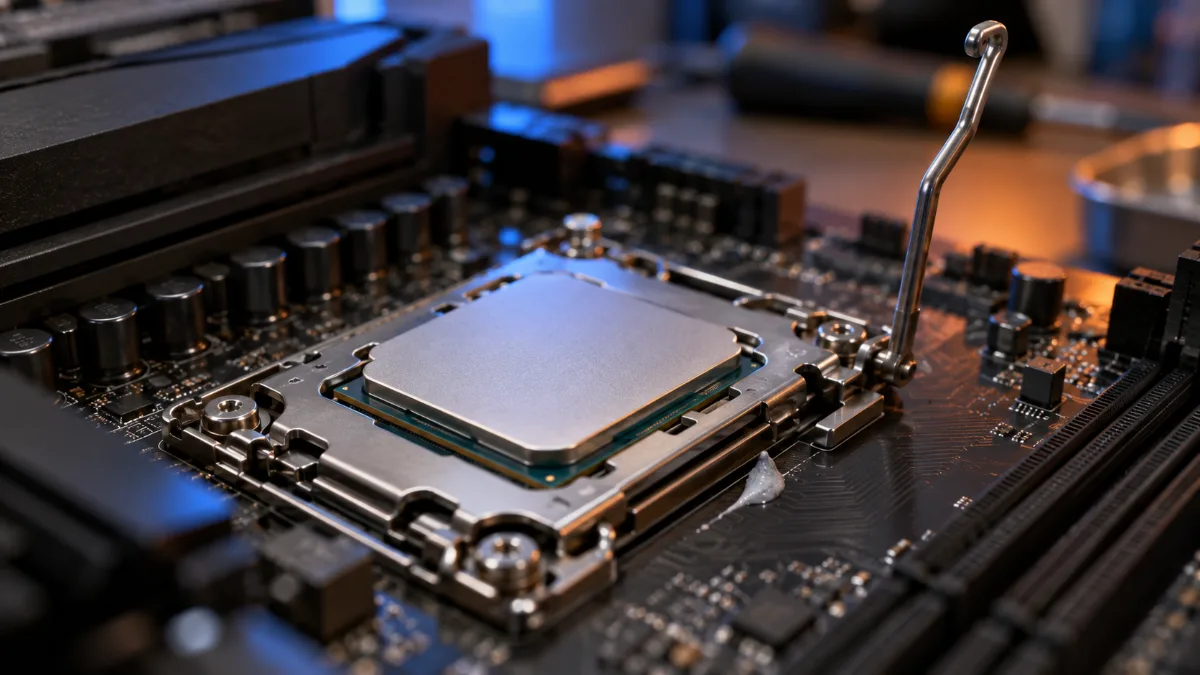
AM5 socket and DDR5: the platform we recommend for a configuration that should last.
FlowUP custom PC builder service: how it works
At FlowUP, a custom PC is built in two ways: by adapting an existing configuration from the site, or starting from scratch with our team. In both cases, the workshop checks compatibility, assembles the system, updates the BIOS, and tests the machine before shipping it.
- Based on a PC from the site: you start from a FlowUP configuration and you adjust, directly on the product page, the memory, storage, or graphics card. It’s the simplest PC configurator: the base is already consistent, and you only change what you’re interested in.
- 100% custom: you describe how you use it and your budget, you choose each component with us, and you receive a quote, for gaming, multitasking, or content creation.
- Custom water cooling: for a spectacular, silent machine, with a cooling loop designed for your components.
You request a custom quote from your customer account, in just a few lines: your usage, what you want, and your budget. A personalised gaming PC is something you discuss, and that’s exactly what we like to do. Go to the PC on maat page to choose your option.

Every custom gaming PC is assembled and tested in the workshop before being sent out.
Custom built gaming PC or prebuilt gaming PC? Our take
Assembling your PC yourself makes sense if you have a specific part in mind (a white graphics card, a particular case, a second SSD) or if you have an unusual use case. For everything else, a pre-built PC that’s been assembled and tested is safer, is often cheaper at the same performance level, and comes with a single warranty.
- Go for custom if: you want a specific component, a particular case, custom water cooling, or a machine focused on creation.
- Choose a pre-built PC if: you game at 1080p or 1440p with a defined budget, you don’t want to make a mistake, or you want the machine next week.
- In both cases: assembly, the BIOS update, and the bench test are done in the workshop. We don’t ship a configuration that we haven’t seen running.
Our built configurations already cover the essentials of what most people need. Three examples we often offer as a base for customisation:
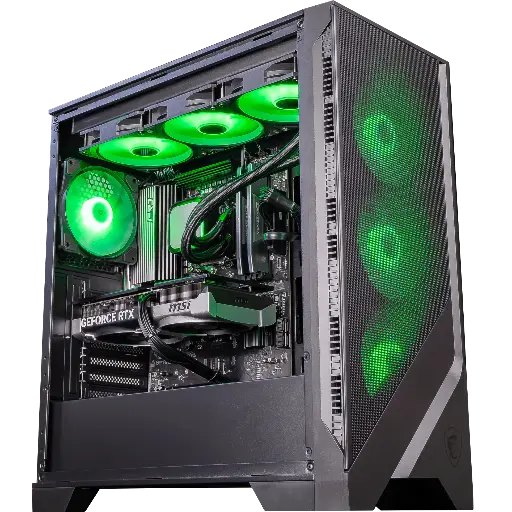
PC Spatium GeForce RTX 5070
RTX 5070 12GB, Ryzen 5 9600X, AM5 and DDR5 platform: the most upgrade-friendly base for 1440p. We often add 16 GB of memory or a second SSD.
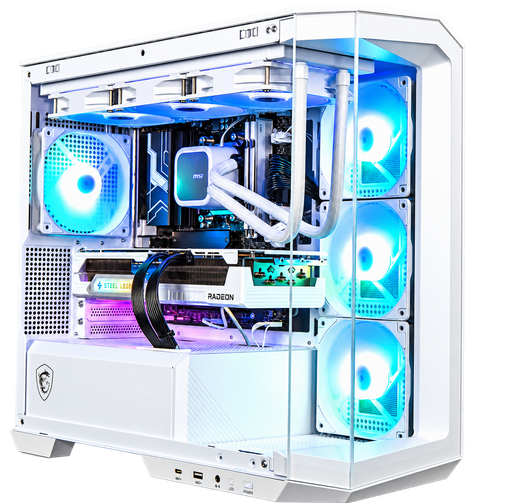
PC Polaris Radeon RX 9070 16GB
A white configuration with RX 9070 16GB, Ryzen 7 7800X3D, 32 GB of DDR5, and 360 mm water cooling. The typical example of a custom gaming PC that’s already well-balanced, just adjust it.
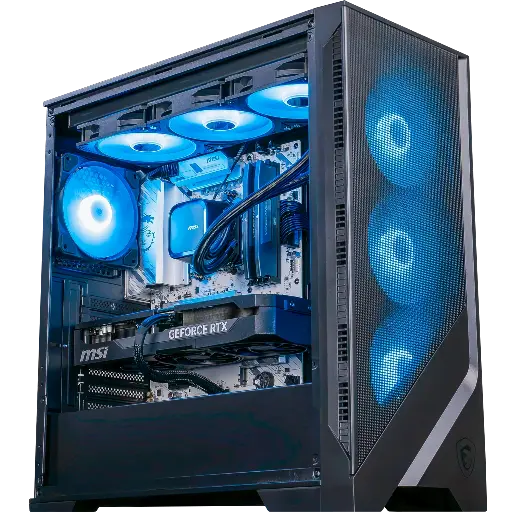
PC Requiem GeForce RTX 5070 Ti
RTX 5070 Ti 16GB, Ryzen 7 9700X, 32 GB of DDR5 and 750 W Gold power supply: the base we recommend for people who both game and create on the same machine.
And if you want to see what a full build involves before you get started, FrenchHardware has filmed it from A to Z:
FrenchHardware: how to build your gaming PC in 2026 (video in French).
The mistakes we see most often in home-built configurations
When a customer sends us a list of components for a quote, the same mistakes keep coming back. Here they are, so you can avoid them even before you write to us.
- Undersized power supply: 550 W for an RTX 5070 Ti, because “it starts”. It starts, and then it restarts by itself during a full game session.
- Single memory stick: 16 GB in one stick instead of 2 × 8 GB. Single-channel memory makes you lose performance on all recent processors.
- CPU and graphics card imbalance: a Ryzen 9 with an RTX 5050, or the other way around. Our guide on the bottleneck between CPU and GPU explains how to avoid it.
- The too-short case: a 32 cm graphics card in a case that supports 30 cm. It happens more often than you’d think.
- Forgotten cooling: a Ryzen 7 with the stock heatsink, or a case with a solid front panel. It works, but it makes noise and limits performance.

In the workshop, every custom configuration goes through the same checks as a pre-built PC.
The workshop’s view
Building your own gaming PC is great when you know what you’re doing, and a headache when you’re guessing. Our position is simple: choose what matters most to you, graphics card, processor, look, and let us check the rest, assemble, test and guarantee the full setup. That’s exactly what our custom PC service offers.
Also worth reading: build your PC or buy it pre-assembled, step-by-step how to build a gaming PC and a gaming PC ready to play: what to check before buying.
FAQ custom gaming PC
How do I put together a gaming PC without making mistakes?
Start with your screen and your games to choose the graphics card, then the processor, then a motherboard with the right socket, two memory sticks, an NVMe SSD, and a power supply rated at the power recommended by the graphics card manufacturer. If you’re unsure, request a quote: we check everything.
Does a custom gaming PC configurator check compatibility?
On flowup.shop, the options offered on each product page (memory, storage, graphics card) are already compatible with the basic configuration. For a 100% custom PC, our team validates each component before the quote.
Does a custom gaming PC cost more than a pre-built one?
Not necessarily: assembly and testing are included in the quote. The price depends mainly on the components you choose, and a suitable stock-style configuration remains the most cost-effective solution.
What power supply for a custom gaming PC with an RTX 5070?
NVIDIA recommends 650 W for the RTX 5070, 750 W for the RTX 5070 Ti and 850 W for the RTX 5080, with at least an 80 Plus Bronze certification, Gold is preferred.
How long does it take to receive a custom PC?
The lead time depends on the selected components and their availability. It’s stated on the quote, after our team has validated the configuration.
