
By the FlowUP team, gaming PC builder in Genappe (Belgium) · Updated 29 September 2026
In brief: technically, any recent processor is compatible with any recent graphics card: AMD with NVIDIA, Intel with Radeon, everything works. The real question is the balance: a processor that’s too slow holds back the graphics card (the bottleneck), which you can spot when the GPU stays below 95% utilisation while gaming. Also check three practical points: the motherboard’s PCIe port (important for cards in x8 like the RTX 5060), the power supply and its connectors, and the space inside the case.
Processor and graphics card: compatible or not?
Good news: there’s no such thing as a “bad match” between brands. A graphics card plugs into the motherboard’s PCI Express x16 slot, and that slot has been standard for years. A Ryzen works perfectly with a GeForce, an Intel Core with a Radeon.
When we talk about processor/graphics-card compatibility, we’re really talking about two things: the performance balance (the bottleneck) and a few hardware constraints (PCIe, power supply, dimensions). Both are easy to check.
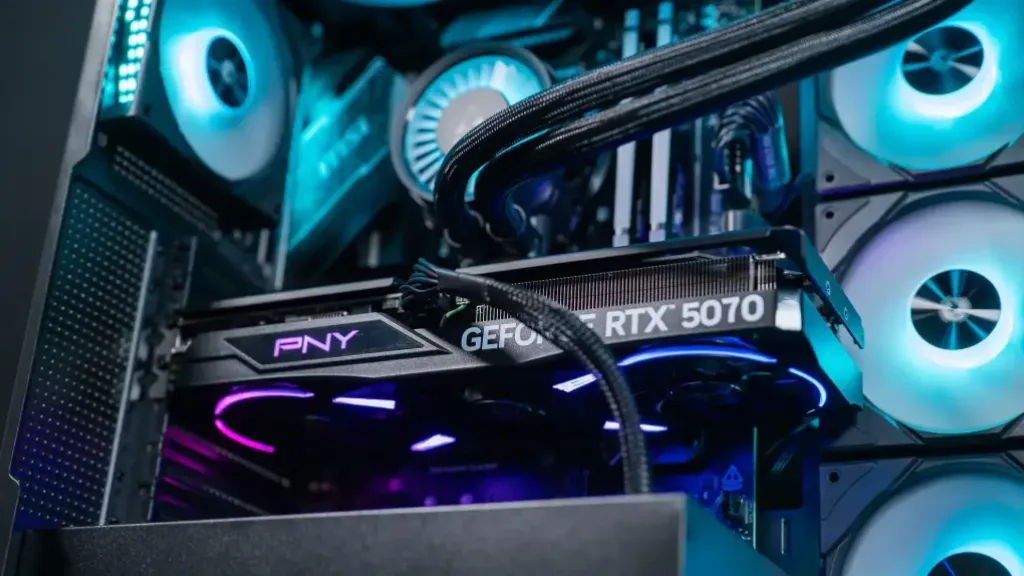
The graphics card plugs into the PCIe x16 slot: the standard is the same for AMD, Intel and NVIDIA.
The bottleneck: when the processor holds back the graphics card
A bottleneck is a component that limits the others. There’s always one: in a well-balanced gaming PC, it’s the graphics card, and that’s what you’re looking for. The problem appears when the processor caps things, while the graphics card still has headroom.
| What you measure in-game | What it means | What should you do? |
|---|---|---|
| GPU at 95% or more | The graphics card is the limiting factor | Normal: your combo is well balanced |
| GPU between 80% and 95% | The processor limits it slightly | Acceptable, especially at high FPS |
| GPU under 80% | Processor strongly limits performance | Change the processor, or increase the resolution |
Thresholds according to PCWorld (June 2023), measured with MSI Afterburner’s in-game display
Two factors shift this bottleneck. The resolution: in 4K, the graphics card has so many pixels to calculate that it almost always becomes the limiter, whereas at 1080p the processor is more often the culprit. The number of frames targeted: aiming for 240 FPS in competitive play demands far more from the processor than targeting 60 FPS in a single-player game.
And what about the online “bottleneck calculators”? They give a tempting percentage, but they don’t know your games, your resolution, or your settings. Hardware Archive put them to the test in this video:
Hardware Archive, “Are CPU bottleneck calculators reliable?” (September 2023).
For step-by-step diagnostics on your own PC, follow our guide which component to upgrade first.
The hardware constraints to check
The PCIe slot and x8 cards
The newest cards use PCIe 5.0 and remain compatible with motherboards that support PCIe 4.0 or 3.0. But some entry-level cards, such as the RTX 5060 Ti and 5060, use only 8 PCIe lanes instead of 16. On an older PCIe 3.0 motherboard, and especially with only 8 GB of video memory, the losses can be very significant: TechSpot measured an RTX 5060 Ti 8 GB on PCIe 3.0 running up to twice as slow as the 16 GB version in certain games.
If your motherboard is PCIe 3.0, choose a card in x16 or, at minimum, a 16 GB version.
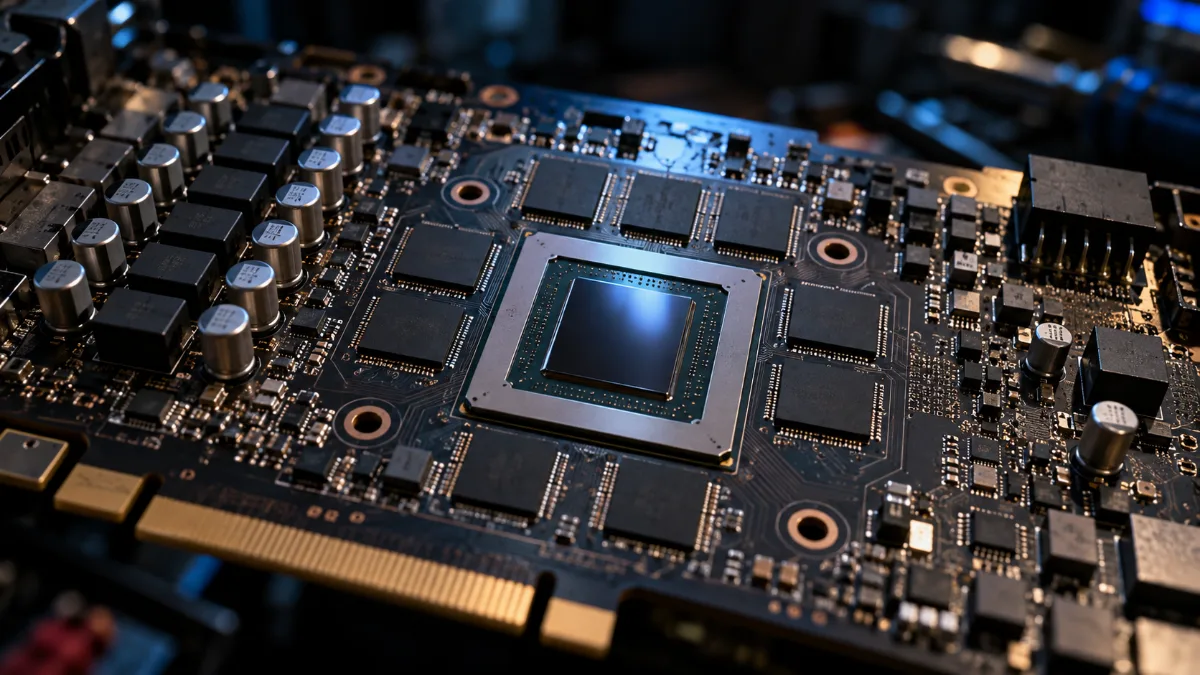
When the VRAM overflows, the card falls back on the PCIe bus: this is where x8 cards suffer.
- Power supply: check the power rating recommended by the card manufacturer (750 W for an RTX 5070 Ti according to NVIDIA) and make sure you have the right connector (12V-2x6 or 8-pin).
- Dimensions: the card’s length and thickness versus the space inside the case. Everything is explained in choosing your PC case.
- Resizable BAR: enable it in the BIOS; it’s almost essential for Intel Arc cards and useful for the others.
- “F” processors (Ryzen 5 7500F, Core Ultra 7 265KF) don’t have integrated graphics: you must have a dedicated graphics card to get an image.
And processors with integrated graphics?
Processors with integrated graphics (Ryzen 8000G, most Intel Core models without “F”) allow you to use a PC without a graphics card, for office work or very light games. For serious gaming, they don’t replace a dedicated card.
Their use in a gaming PC: a fallback if the graphics card fails, or, on the Intel side, use Quick Sync for certain video-editing software. If that’s not your situation, an “F” model often costs a little less, for the same gaming performance.
To play, a dedicated graphics card is still essential.
Well-balanced combos, already put together
To avoid having to ask all these questions, here are configurations where the CPU, graphics card and power supply are already matched. The full list of the best budget duos is at Best CPU / graphics card combo in 2026.
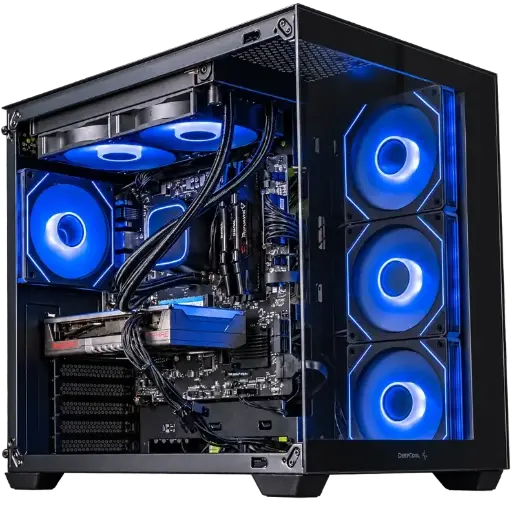
Spike PC: Ryzen 7 5700X + RX 9060 XT
A well-balanced AM4 combo for 1080p at high settings, with 16 GB of DDR4.
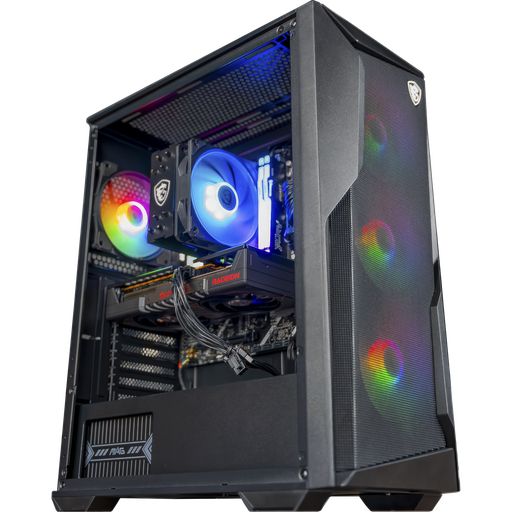
Rift PC: Ryzen 5 7500F + RX 9060 XT 16 GB
The 1080p and 1440p combo on AM5, with 16 GB VRAM and 16 GB DDR5.

PC Novara GeForce RTX 5070 12GB
Ryzen 5 7500X3D, RTX 5070 12GB, 16GB of DDR5 and 1TB M.2 SSD: a ready-to-play setup straight out of the box.
FAQ: CPU and graphics card compatibility
Is an AMD processor compatible with an NVIDIA graphics card?
Yes, with no restrictions. All recent graphics cards work with all recent processors, regardless of the brand.
How can I tell if my processor is compatible with my graphics card?
When it comes to connecting, you just need a PCIe x16 slot on the motherboard. For performance, check in-game that the graphics card runs at 95% or more; otherwise, the processor is holding it back.
Are bottleneck calculators reliable?
Not really: they ignore your games, your resolution and your settings. Measuring GPU usage while gaming is far more reliable.
Does a PCIe 5.0 graphics card work on a PCIe 3.0 motherboard?
Yes, but with reduced bandwidth. That mainly affects cards in x8 mode with 8 GB of VRAM, such as the RTX 5060 Ti 8 GB.
Do you need a processor with integrated graphics?
No, if you have a dedicated graphics card. It’s useful for troubleshooting or for Quick Sync in video editing; otherwise, an “F” model is enough.
