
By the FlowUP team, gaming PC builder in Genappe (Belgium) · Updated 9 November 2026
In brief: Star Citizen requires at least 16 GB of RAM, a 4-core processor compatible with AVX2, a 4 GB graphics card and an SSD with 150 GB free. For a comfortable experience, aim for 32 GB of RAM, a X3D processor and a graphics card with 12 to 16 GB. Our choice: the PC Apex (Ryzen 7 7800X3D, 32 GB DDR5).
First landing in Lorville. The ship touches down, you go down the ramp, and the image starts to stutter. Yet the PC isn’t old: it runs Cyberpunk 2077 without breaking a sweat. Star Citizen isn’t like other games, and that’s the first thing you need to know before choosing a Star Citizen setup.
The game loads an entire universe without a loading screen: planets, stations, other players’ ships. It puts much more strain on the processor, the RAM and the SSD than most games. Here’s how we build a PC for Star Citizen at our Genappe workshop, and what we recommend you avoid.
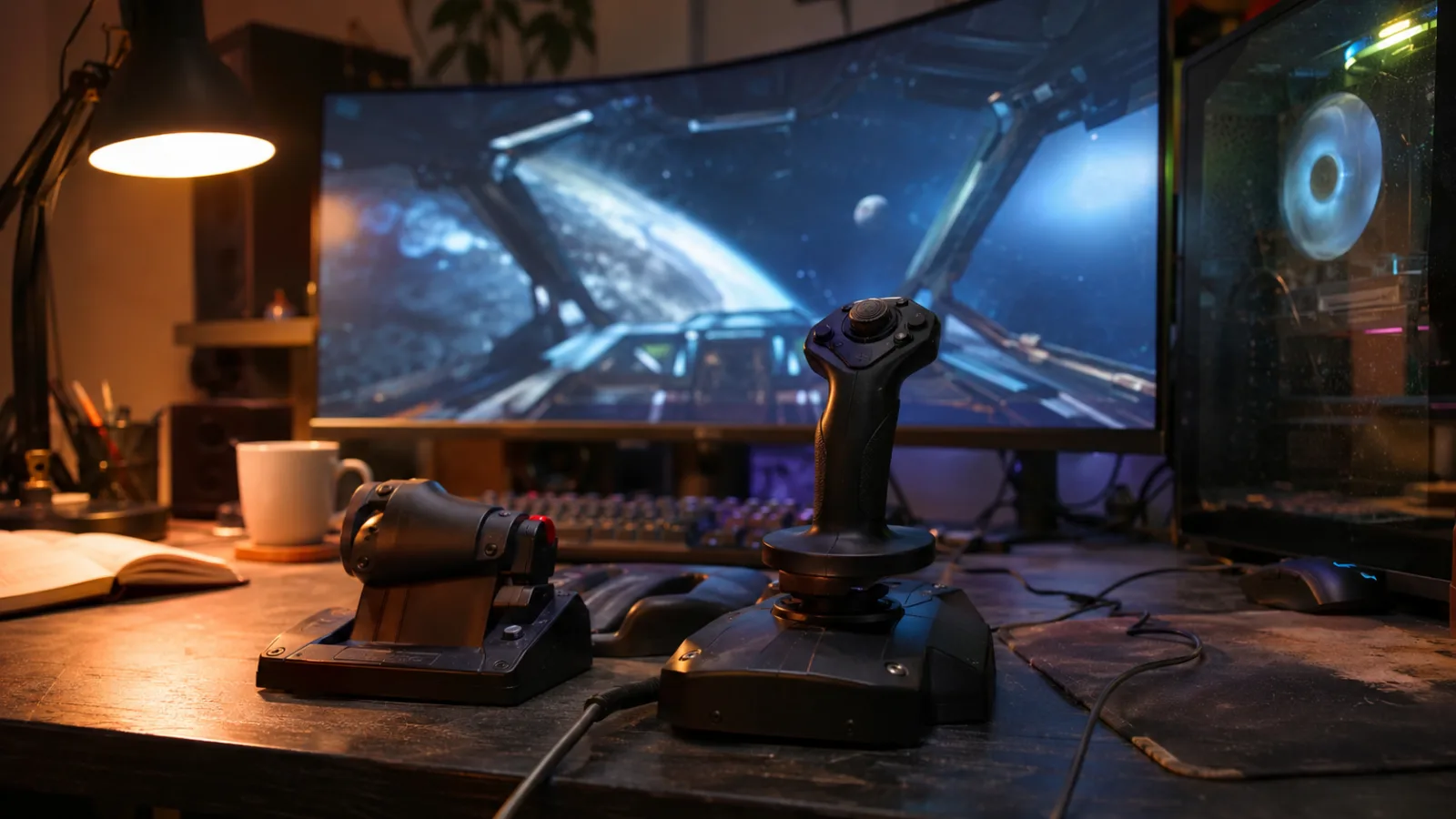
Star Citizen configuration: the official minimum and what we recommend
If you searched for “star citizen config” before landing here, here’s the answer in a table. The official datasheet from Cloud Imperium, the studio behind the game, sets the minimum quite low. It lets you run the game, not enjoy it.
| Component | Official minimum | Official recommended | Workshop tip |
|---|---|---|---|
| Processor | 4 cores compatible with AVX, AVX2 and FMA3 (Intel Core i7 4th gen, recent AMD) | 4 to 8 cores, Intel Core i7 or newer AMD Ryzen 5 and up | Ryzen 7 7800X3D or Ryzen 5 7500X3D |
| RAM | 16 GB | 32 GB | 32 GB of DDR5 in dual-channel |
| Graphics card | 4 GB video memory, DirectX 11.1 and Vulkan | 8 GB video memory, DirectX 12 | 12 to 16 GB: RTX 5070, RX 9070 XT, RTX 5080 |
| Storage | SSD, 150 GB free | SSD, 150 GB free | 1 TB NVMe SSD |
| System | Windows 10 64-bit | Windows 10 or 11 | Windows 11 |
Sources: Cloud Imperium’s required configuration sheet (Roberts Space Industries), reproduced by Top Achat and PC Gamer. Last column: FlowUP workshop choice.
- The minimum is there to check that your PC can start the game, nothing more.
- For normal use (cities, combat, ships with multiple players), go straight to the last column.
- That’s what you’ll find in the PCs shown further down.
Processor: why an X3D makes the difference in Star Citizen
In most games, the graphics card determines your FPS. In Star Citizen, it’s often the processor. The game is constantly tracking hundreds of objects: ships, NPCs, cargo crates, vehicle physics. When you enter a crowded city or station, it’s the processor that gets saturated first.
- Cache matters more than clock speed. AMD’s X3D processors stack a large amount of cache memory on the chip (96 MB of L3 cache for the Ryzen 7 7800X3D). Games that process lots of data benefit directly.
- 8 cores is the right balance. Beyond that, the gain becomes small for pure gaming.
- AVX2 is mandatory. All recent processors handle it. It’s mainly a trap for people who salvage a very old used PC.
An honest point: some of the issues in cities (lag, objects that jump, temperamental elevators) come from the game servers, not from your machine. A good processor improves your FPS, but it won’t fix a saturated server. For more on these chips, read our guide Ryzen 7 gaming PC.
32 GB of RAM: the real threshold for Star Citizen
16 GB is the official minimum, and that’s where many gaming PCs stop. In Star Citizen, that’s no longer enough. The game keeps a large part of the loaded universe in memory around you, and with Windows, Discord and a browser running alongside it, 16 GB fills up quickly.
- With 16 GB: the game runs, but Windows moves part of the data to the drive. Result: micro-stutters in cities and textures that arrive late.
- With 32 GB: that’s the official recommendation, and what we build by default for this game.
- With 64 GB: useful only if you stream or leave other heavy software running.
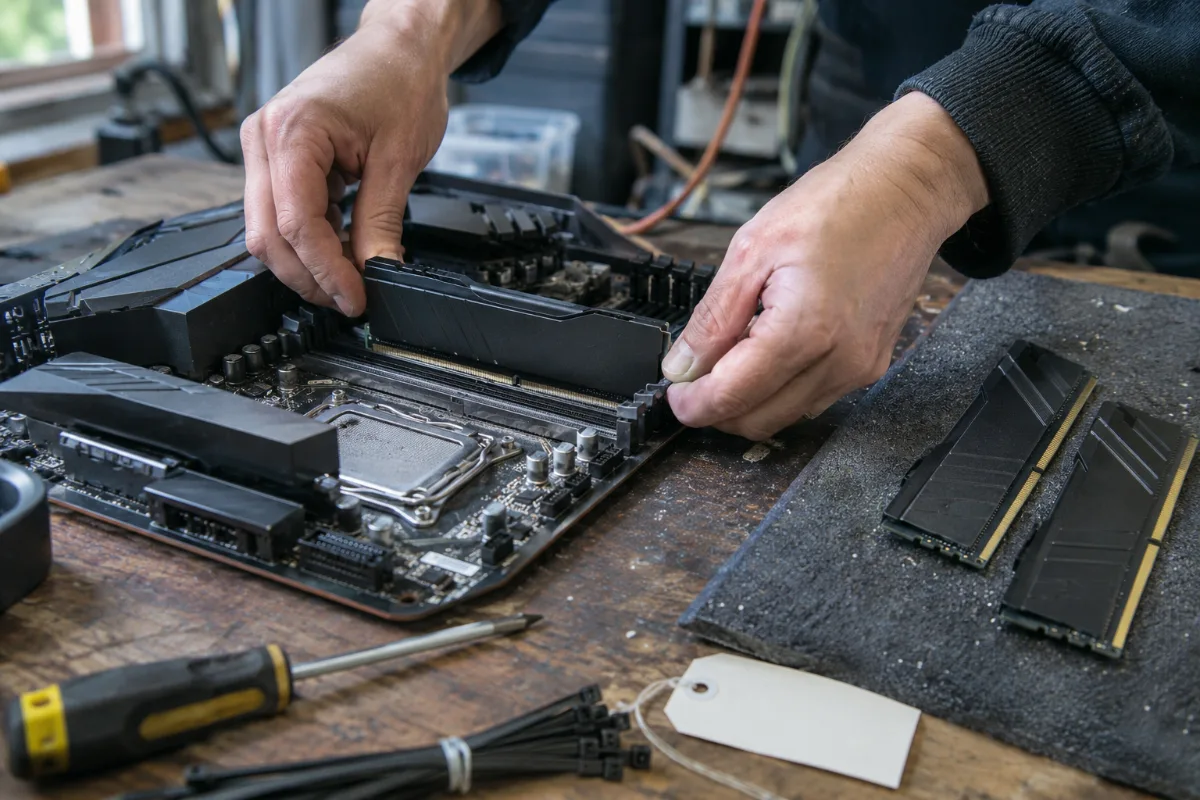
Always use dual channel (two memory sticks), never a single stick: you’d lose a big chunk of bandwidth. We break down this choice in 16 GB or 32 GB of RAM.
NVMe SSD: 150 GB, and not a single byte on a hard drive
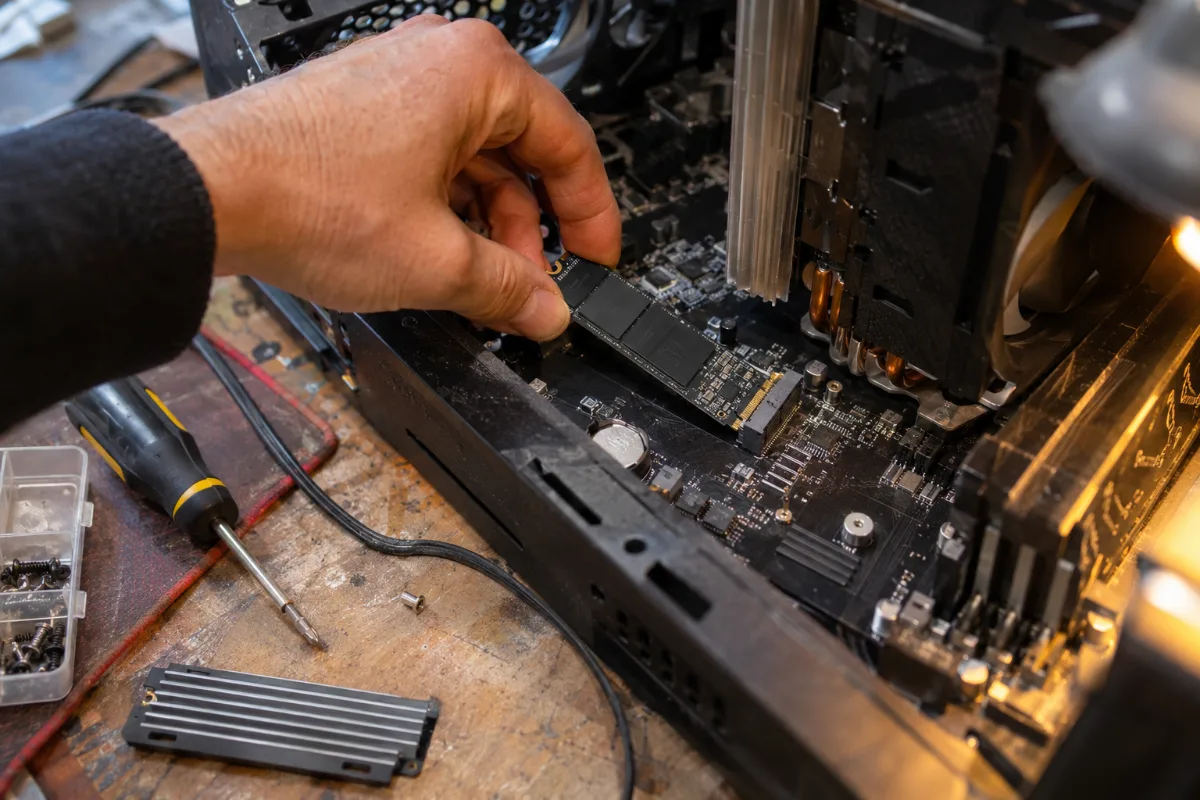
An NVMe M.2 SSD screws directly onto the motherboard: this is where you install Star Citizen.
Star Citizen has almost no loading screens: it streams its data continuously while you’re flying. On a hard drive, it’s simply not playable, and the official spec requires a SSD.
- At least 150 GB free, and the game grows with every major update. Keep some headroom.
- An NVMe SSD rather than a SATA SSD: quantum leaps and city arrivals load faster.
- The test server (PTU) needs its own full installation: plan for that if you test new features.
- 1 TB total, the right format if Star Citizen shares the PC with two or three other big games.
All the PCs on this page come with a 1 TB NVMe M.2 SSD. More details in how to choose your SSD.
Graphics card: 1080p, 1440p or 4K?
The graphics card is still important, especially at high resolutions. But an RTX 5080 paired with a struggling processor is money badly spent in a Star Citizen PC. Here are our reference points:
- At 1080p: 8 GB is enough, as long as you have the right processor and 32 GB of RAM.
- At 1440p: aim for 12 to 16 GB of video memory, such as RTX 5070 or RX 9070 XT. This is the best compromise for this game.
- At 4K or on an ultrawide screen: an RTX 5080 and its 16 GB, with tuned settings in the city.
- On controls: a HOTAS (joystick and throttle) makes space combat far more precise, but a gamepad or keyboard-and-mouse are enough to get started.
Our Star Citizen PCs: which one should you choose?
These three PCs are assembled, cabled and tested in Genappe, and they ship with Windows 11. They all have a X3D processor, which we consider the real foundation of a Star Citizen gaming PC.
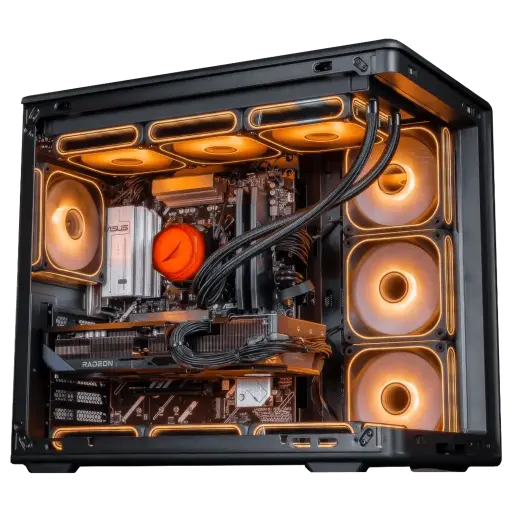
Apex PC Radeon RX 9070 XT 16GB
- Ryzen 7 7800X3D (8 cores, 96 MB L3 cache), RX 9070 XT 16 GB
- 32 GB DDR5, 1 TB M.2 SSD
- ASUS Prime B850-Plus WiFi motherboard
Our choice for Star Citizen: 8 X3D cores, 32 GB RAM and 16 GB of video memory to play in 1440p. It’s part of our Black Friday Top Player picks.
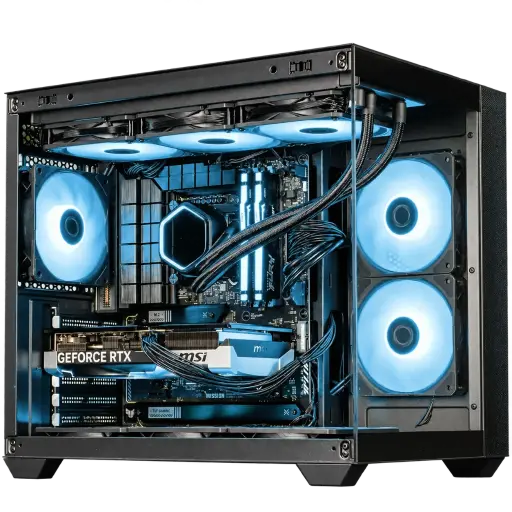
AQUA PC GeForce RTX 5070
- Ryzen 5 7500X3D, RTX 5070 12 GB
- 16 or 32 GB DDR5 depending on the selected option, 1 TB M.2 SSD
- MSI B850 Gaming Plus WiFi 6E motherboard
The entry-level option we approve for this game, on one condition: choose the 32 GB option at checkout.
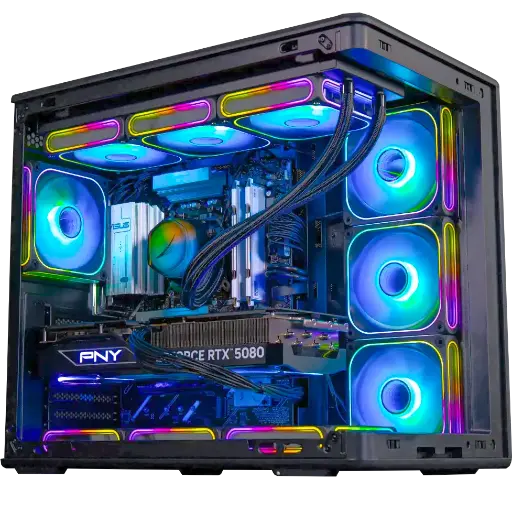
Solana PC GeForce RTX 5080
- Ryzen 5 7500X3D, RTX 5080 16 GB
- 32 GB DDR5
- Kingston NV3 1 TB SSD
For 4K, ultrawide screens and big fleet battles. This is our Black Friday Outsider.
The workshop’s verdict
- To discover the game: the AQUA PC with the 32 GB option.
- To play often at 1440p: the Apex, the most balanced choice for Star Citizen.
- For a 4K or ultrawide screen: the Solana PC.
More than 50,000 PCs have already left the Genappe workshop. Not sure about your Star Citizen setup? Our team will answer you before you buy.
Read also: our Black Friday gaming PCs, simracing PCs and VR PCs.
Star Citizen config FAQ
What is the minimum Star Citizen setup?
A 4-core processor compatible with AVX2 (Intel Core i7 4th generation or a recent AMD), 16 GB of RAM, a 4 GB graphics card compatible with DirectX 11.1 and Vulkan, Windows 10 64-bit and an SSD with 150 GB free. This minimum will launch the game. For comfortable play, 32 GB of RAM and an X3D processor are recommended.
Does Star Citizen run with 16 GB of RAM?
Yes, it boots and stays playable in space. In cities and in stations, 16 GB often causes micro-stutters, because Windows moves part of the data to the drive. The studio itself recommends 32 GB, and that’s what we install for this game.
Can you install Star Citizen on a hard drive?
No. The official specs require an SSD, and the game reads its data continuously during flights and when arriving in cities. On a hard drive, textures arrive late and loading takes forever. A 1 TB NVMe SSD is the right choice.
Intel or AMD for a PC for Star Citizen?
Both work, but we recommend an AMD Ryzen X3D, like the 7800X3D or the 7500X3D. Their large cache helps in games that handle lots of objects at the same time, and Star Citizen is one of those.
Why do I get low FPS in the cities of Star Citizen?
Cities are the heaviest areas of the game for the processor and memory. Part of the issues can also come from the game servers when they’re overloaded. With 32 GB of RAM, an NVMe SSD and an X3D processor, you rule your PC out as the cause.
