
By the FlowUP team, gaming PC builder in Genappe (Belgium) · Updated 6 November 2026
In brief:
- Meta’s minimum: a Core i5-4590 or a Ryzen 5 1500X, 8 GB of RAM, and a card supported by Link, such as a GTX 1060 6 GB.
- Meta’s recommendation: Core i7 or Ryzen 7, GeForce RTX 20-series or Radeon RX 6000-series, 16 GB of RAM.
- Our target for a VR PC in 2026: an RTX 5070 or an RX 9070 XT, with 16 to 32 GB of DDR5.
- Wireless: the PC on Ethernet to the router, the headset alone on Wi‑Fi.
We remember the first leap into Half-Life: Alyx. The first stutter, too: the image hesitating when you turn your head, and your stomach following. In virtual reality, a PC that’s too underpowered doesn’t just show fewer details, it can make you nauseous. Choosing a VR PC means, first and foremost, choosing a machine that can keep the pace.
Good news: a VR-ready PC is nothing exotic. It’s a well-balanced gaming PC, with a solid graphics card and a good connection for the headset. Here’s how we choose it in the workshop in Genappe, whether you’re gaming on a Meta Quest 3 in Link mode, wirelessly, or with a SteamVR headset.
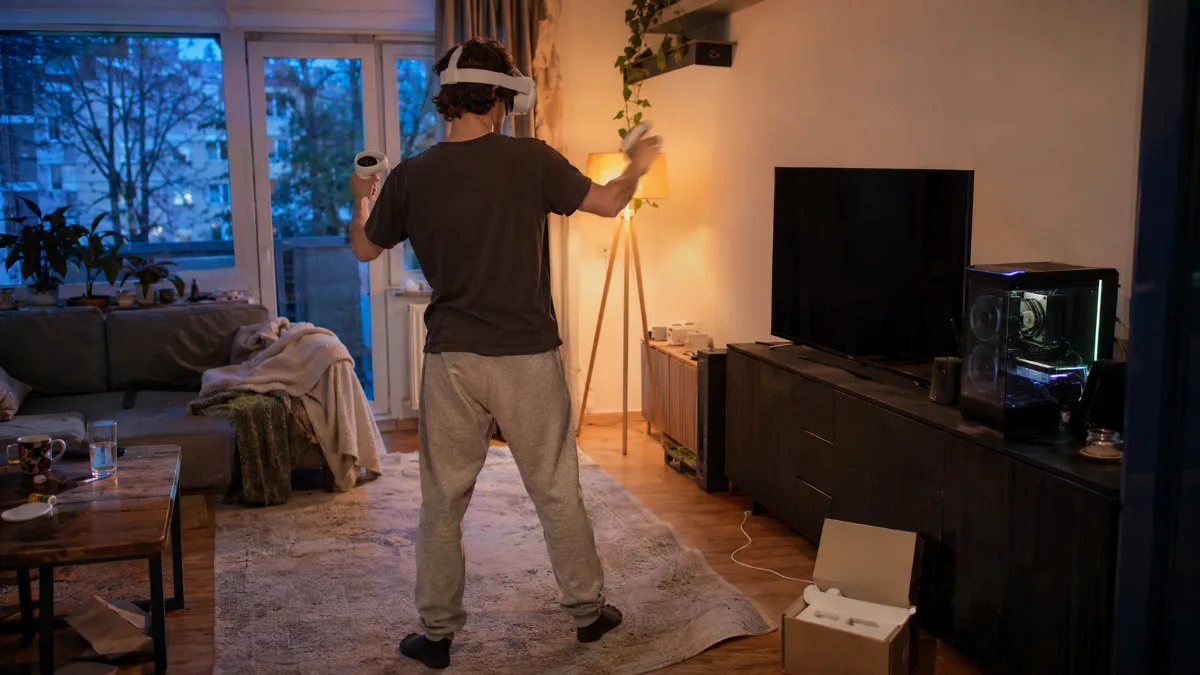
A clear living room, a headset and a gaming PC next to the TV: VR at home, without a console.
Which VR PC should you choose in 2026?
A good PC for VR combines a recent mid-range graphics card, a 6 to 8 core processor, and at least 16 GB of RAM. Meta publishes two tiers for connecting a Quest to a PC. Add our 2026 target to that:
| Tier | Processor | Graphics card | RAM | Connection |
|---|---|---|---|---|
| Meta minimum (Link) | Core i5-4590 or Ryzen 5 1500X | GTX 1060 6 GB, GTX 1070 or better | 8 GB | 1 USB port |
| Recommended by Meta | Core i7 or Ryzen 7 | RTX 20-series or RX 6000-series | 16 GB DDR4 | 1 USB-C port |
| Our target for 2026 | Ryzen 5 7500X3D or Ryzen 7 7800X3D | RTX 5070 or RX 9070 XT | 16 to 32 GB DDR5 | USB-C and Ethernet |
Sources: required configurations for Meta Horizon Link (Meta, consulted November 2026). Last line: recommendation from the FlowUP workshop.
Our take: Meta’s minimum requirements date back to the Quest 2 era. The Quest 3 shows significantly more pixels, and that’s where an RTX 5070 makes the difference compared to an older GTX. This is the AQUA PC, and it’s the VR PC configuration we most often recommend to get started without compromises.
Graphics card: the centrepiece of a VR PC
In VR, the graphics card renders two images, one per eye, without ever dropping below the headset’s refresh rate. It’s the part that separates smooth immersion from a cut short experience.
- What Link accepts: Meta supports a wide range of cards, from older GTX 970 and 1060 6 GB up to RTX 50-series. The RTX 2050 and the GTX 1650 are excluded.
- RTX 5070 or RX 9070 XT: our target for a Quest 3. Enough headroom to push the rendering resolution beyond the default setting.
- RTX 5080: for flight and racing simulators, with settings at the maximum. Our guide to the PC simracing covers this scenario in detail.
- Video memory: aim for 12 GB or more. The headset’s high resolution and the textures in recent games fill it up quickly.
To compare cards in this range, also see our guide to the RX 9070 XT gaming PC.
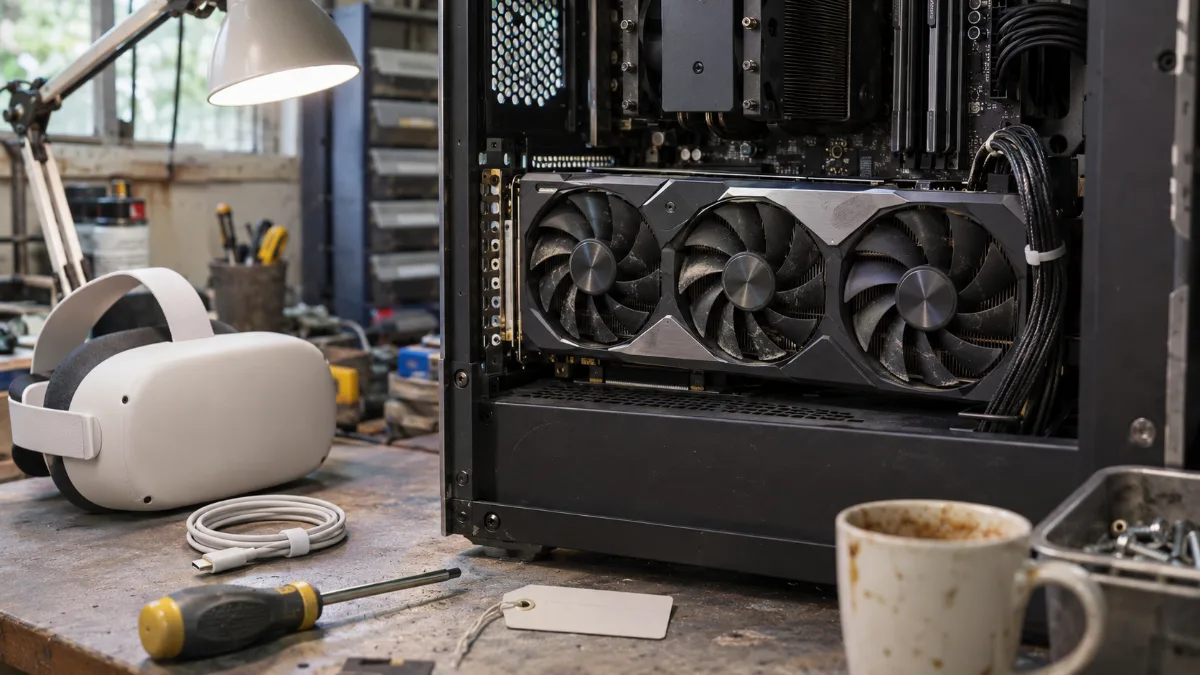
A three-fan graphics card and the headset side by side: the duo that determines smoothness in VR.
Processor, RAM and Windows: the rest of a VR PC setup
The processor prepares each image before the graphics card. If it lags, the VR stutters, even with a powerful card.
- The processor: Meta recommends a Core i7 or a Ryzen 7. Ryzen X3D’s such as the 7500X3D and 7800X3D shine in games thanks to their large 3D V‑Cache, which is why we build them into our VR PCs.
- RAM: 16 GB is Meta’s recommendation. Go up to 32 GB for simulators, or if Discord, the browser and a streaming application stay open during the session.
- Windows: Link works only on Windows 10 or Windows 11.
- Storage: recent VR games are heavy. Go for a 1 TB NVMe SSD.
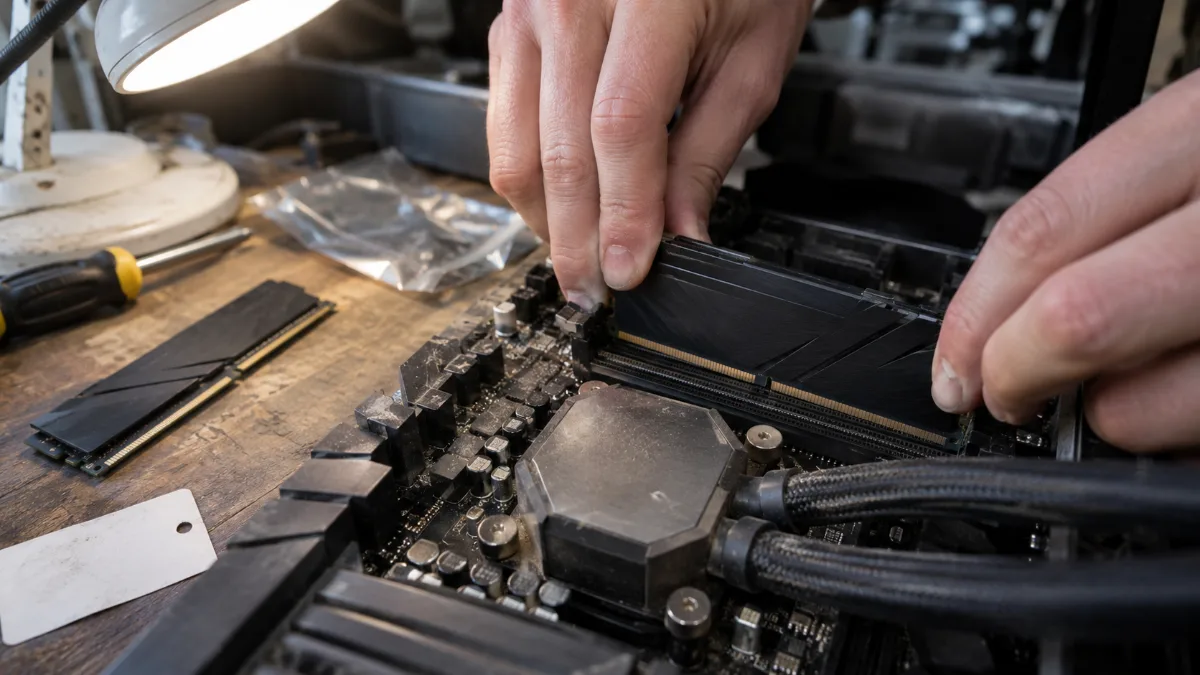
Two dual-channel DDR5 sticks: at least 16 GB for VR, 32 GB for simulators.
Link, Air Link or Steam Link: how to play VR on PC
A standalone headset like the Quest 3 needs a PC to run SteamVR games. There are two ways to do VR on PC with it, plus connecting native PC headsets.
- By cable (Link): a USB-C cable connects the headset to the PC. Meta recommends a USB-C port. It’s the most stable image, at the cost of a cable behind your head.
- Wireless (Air Link or Steam Link): our advice, connect the PC to the router via Ethernet and keep only the headset on Wi‑Fi, on 5 GHz or Wi‑Fi 6. Avoid routing the PC itself over Wi‑Fi.
- Native PC headsets: a Valve Index connects directly to the graphics card, via DisplayPort, and to a USB port.
According to Steam’s hardware survey from October 2026, 1.75% of Steam players use a VR headset, and the Meta Quest 3, Quest 2 and Quest 3S account for over 60% together. Valve’s Steam Frame enters at 4.13%.
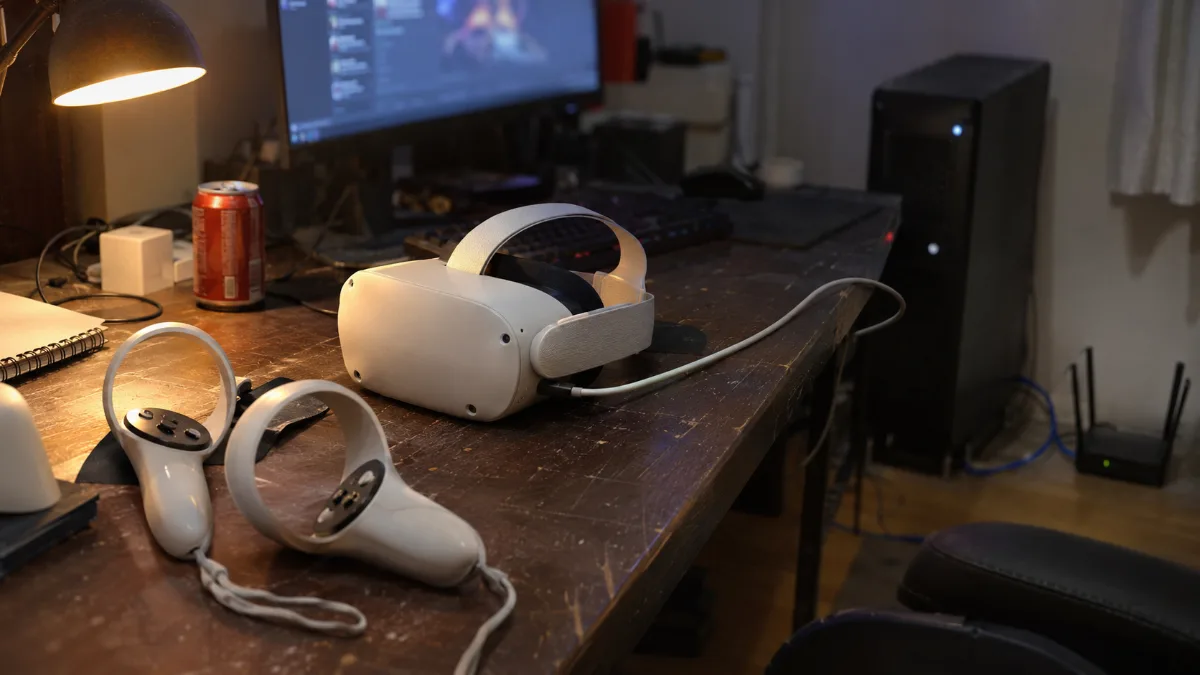
USB-C cable for Link, Ethernet-connected router for wireless: the two ways to connect a headset to your PC.
Play space and PC VR headset: the final settings
The best VR PC is useless if you bump into the sofa.
- The space: around 2 m by 2 m clear space to play standing up, with no coffee table or lamp within reach of the controller.
- Distance: with Link, the cable length determines how far from the PC you can be. For wireless, place the router in the same room.
- Refresh rate: in the headset settings, choose the one your PC can run without dropping frames. It’s better to have stable 90 Hz than 120 Hz that stutter.
- A headset under the Christmas tree: our gift guide for gamers has more ideas for Christmas.
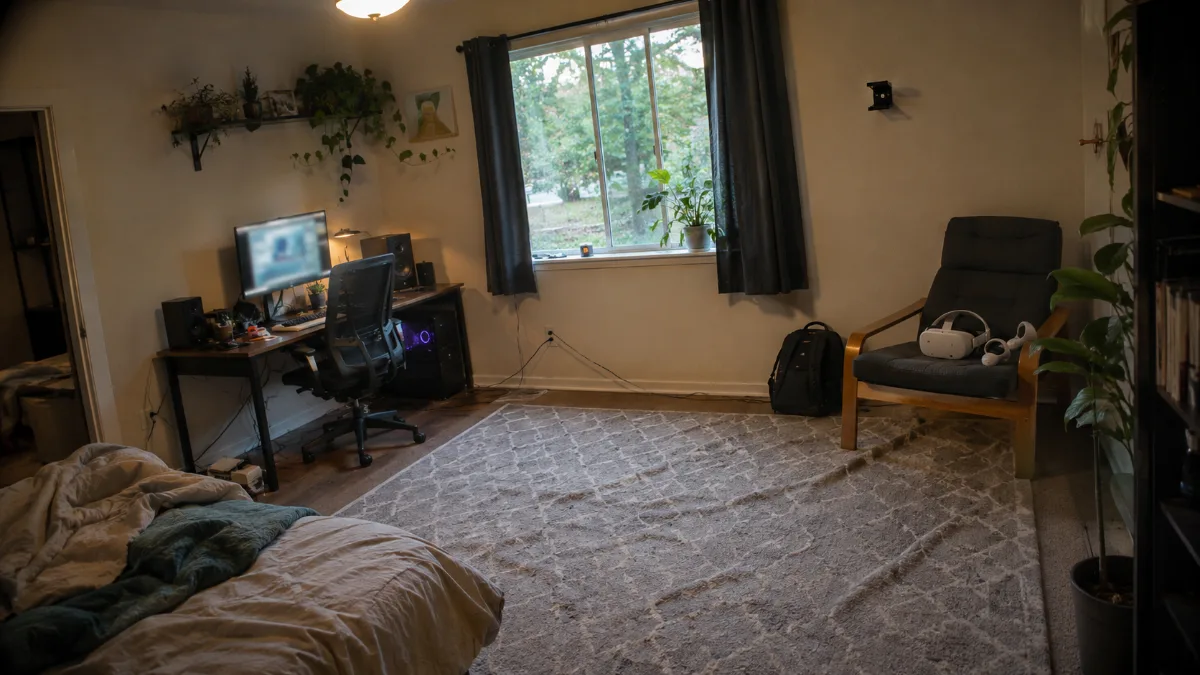
A clear mat, the PC in the corner, and the headset within reach: the ideal play space for VR.
Our VR-ready PCs: which one should you choose?
These PCs are assembled, cabled and tested in Genappe before they leave. Each one is a ready-to-use VR gaming PC: you install SteamVR or the Meta Horizon Link app, connect the headset and you’re ready to play. The current price and shipping lead time are shown on each product page.
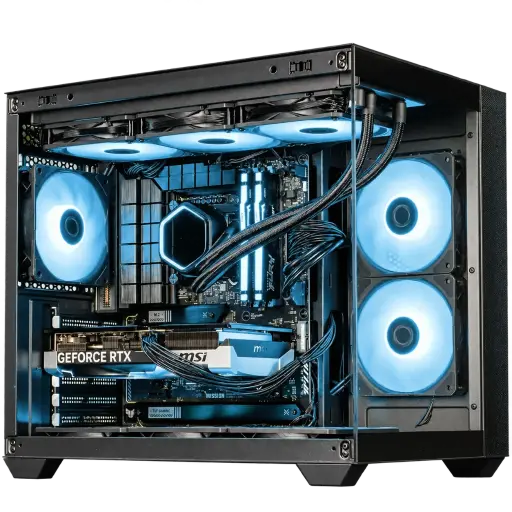
PC AQUA GeForce RTX 5070
- Ryzen 5 7500X3D, RTX 5070 12 GB
- 16 GB DDR5, 1 TB M.2 SSD
- MSI B850 Gaming Plus WiFi 6E motherboard
The VR-ready PC we recommend for a Quest 3: an RTX 5070 and an X3D processor built for gaming.
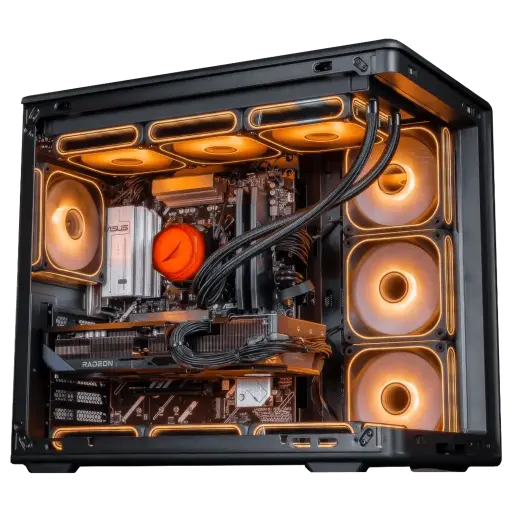
PC Apex Radeon RX 9070 XT 16GB
- Ryzen 7 7800X3D (8 cores, 96 MB L3 cache), RX 9070 XT 16 GB
- 32 GB DDR5, 1 TB M.2 SSD
- ASUS Prime B850-Plus WiFi motherboard
More room to push the render resolution, 16 GB of video memory and 32 GB of RAM. It’s part of our Black Friday Top Player picks.
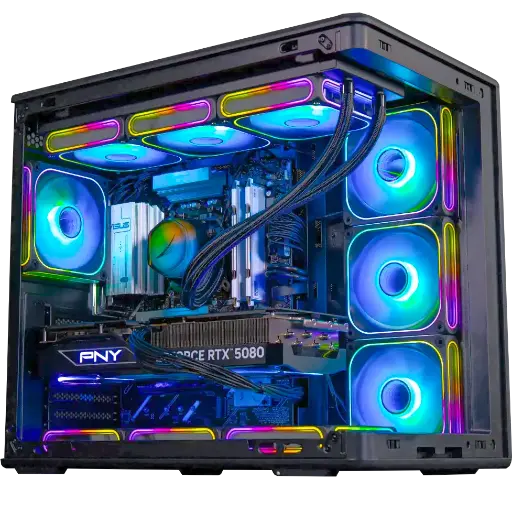
PC Solana GeForce RTX 5080
- Ryzen 5 7500X3D, RTX 5080 16 GB
- 32 GB DDR5
- Kingston NV3 1 TB SSD
For flight and racing simulators in VR and with the settings at maximum. It’s our Black Friday Outsider.
The workshop’s verdict
- First steps in VR, Quest 3 in Link: the PC AQUA.
- Pushed resolution, big VR games: the PC Apex.
- Simulators and settings at maximum: the PC Solana.
- Want a specific setup? Build your custom PC.
- More than 50,000 PCs shipped from Genappe: each PC is tested before it leaves.
You may also like: RTX 5080 gaming PC, RTX 5060 or 5060 Ti gaming PC and how to choose a graphics card.
VR PC FAQ
What is the minimum VR PC setup for a Meta Quest 3?
Meta requires at least an Intel Core i5-4590 or AMD Ryzen 5 1500X, 8 GB of RAM, Windows 10 or 11, and a supported graphics card, such as a GTX 1060 6 GB. For comfortable play, aim for an RTX 5070 and 16 GB of RAM.
Is a gaming PC always VR ready?
Almost always, as long as it has a recent graphics card. All GeForce RTX cards from the 20 to 50 series are supported by Link, except for the RTX 2050.
Do you need a cable to do VR on PC?
No. Air Link and Steam Link let you play wirelessly, as long as you have a good network: PC via Ethernet, headset on 5 GHz Wi‑Fi or Wi‑Fi 6.
How much RAM do you need for a VR PC?
16 GB is Meta’s recommendation. Go up to 32 GB for simulators or if you stream while playing.
Can you play VR on a laptop PC?
Yes, if its graphics card is supported. Meta does, however, advise against certain mobile chips, such as the portable RTX 3050. A desktop tower still has the advantage for cooling.
