
By the FlowUP team, gaming PC builder in Genappe (Belgium) · Updated 29 September 2026
In short: for a first gaming PC, start by setting your budget including the screen, keyboard, mouse and headset, then choose between a built PC (ready to play, guaranteed as a whole) and a PC to build yourself (cheaper if you know how to do it, but you handle any breakdowns on your own). Before paying, check five points: the full specification sheet (exact model of the graphics card, CPU, and power supply), the video memory (avoid 8 GB if you’re targeting 1440p), the branded power supply, the warranty and the Windows status (activated or trial version). In the European Union, you have 14 days to withdraw after an online purchase and at least 2 years of statutory warranty.
The first gaming PC is above all a question of method
A first gaming PC often means a lot of money and a lot of jargon. Good news: you don’t need to understand everything about the components to buy well. Just know what you want to do, how much you want to spend in total, and what questions to ask the seller.
This guide is the buyer’s checklist. For the detailed component choice, our guide how to choose your gaming PC in 2026 takes over.
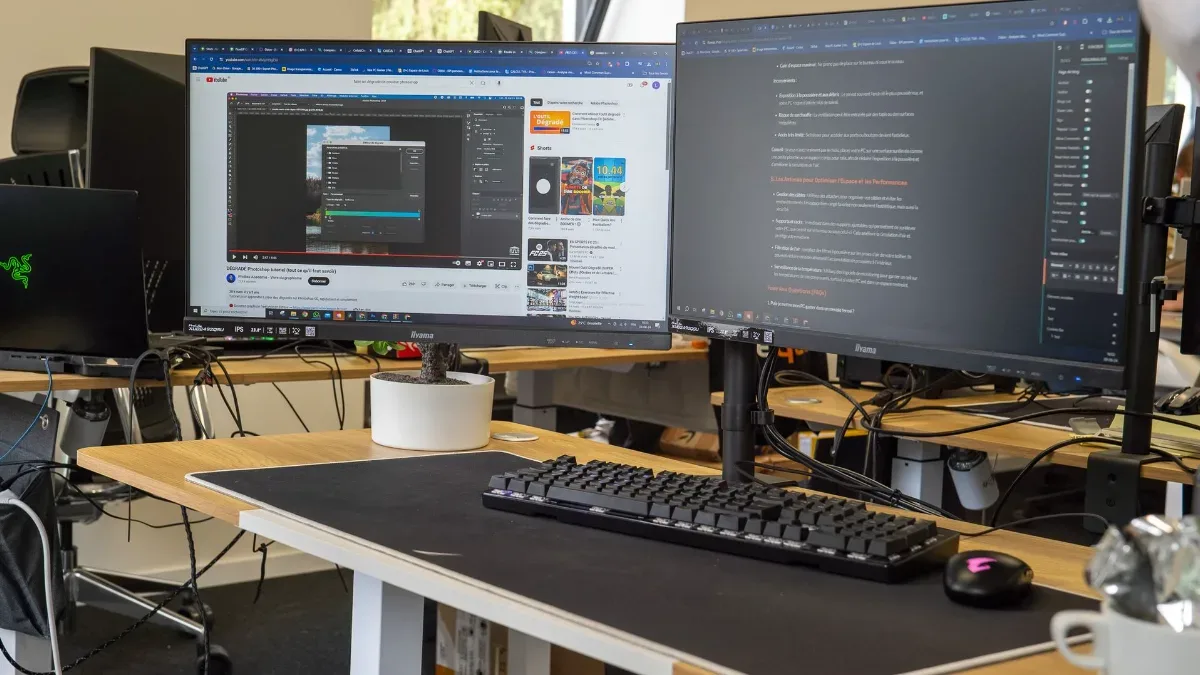
The PC is only part of the budget: the screen, keyboard, mouse and headset count too.
Step 1: a budget that includes the whole setup
The most common mistake for a first purchase: put the entire budget into the tower, then play on an old 60 Hz screen. A PC capable of displaying 144 FPS on a 60 Hz screen is wasted power. Plan from the start:
| Item | What you need to know | Our guide |
|---|---|---|
| Screen | Most important after the PC: start with 1080p 144 Hz; 1440p at 144 to 180 Hz for most players | Which gaming monitor should you choose |
| Keyboard and mouse | A mechanical keyboard isn’t required; a good mouse is almost essential | Mechanical keyboard or membrane |
| Headset or earphones | Indispensable for online play | |
| Connection | Ethernet cable if possible, otherwise built-in Wi‑Fi or a Wi‑Fi dongle |
On the PC side, read our selection best gaming PC in 2026 for your budget to know what each budget tier allows.
Step 2: built PC or PC to build yourself?
| Criteria | Built PC | PC to build |
|---|---|---|
| Ready to play | Yes, Windows and drivers installed | No, assembly and setup need to be done |
| Warranty | One warranty for the whole PC, one point of contact | A warranty per part, which you’ll need to claim yourself |
| Diagnosing a breakdown | Handled by the seller | For you to do: find the component that’s at fault |
| Price | Assembly and testing are included | Often cheaper if you can build it yourself and you don’t break anything |
| Learning | Limited | You understand your machine |
For your first PC, we recommend going for a pre-built one: the day something doesn’t work, you’re not alone with a pile of parts. If you want to build it yourself, the FrenchHardware channel shows the step-by-step assembly of a gaming PC:
FrenchHardware, “How to build your gaming PC in 2026” (video in French).
Step 3: the 5 checks before you pay
- A complete specification sheet. The exact model of the graphics card (RTX 5060 Ti 16 GB, not just “RTX 5060 Ti”), the processor, the motherboard, the memory and the power supply. An advert that stays vague (“gaming graphics card”, “32 GB RGB”) often hides low-end parts.
- Video memory. In 2026, 8 GB of video memory already limits several recent games in 1440p. If you’re aiming for that resolution, take 12 to 16 GB.
- The power supply. It’s the part where people quietly cut costs. Demand a brand and an 80 Plus certification: our guide How to choose a power supply? explains why.
- Warranty and after-sales service. Who repairs, how long it takes, and who pays for shipping?
- Windows status. Many PCs are delivered with Windows installed but in a trial version, to be activated with a licence. It’s not a trap, but it’s worth knowing: everything is explained in Windows 11 trial version: what does that mean?
Step 4: your rights when you buy online
In the European Union, two rules protect you, in France as in Belgium:
- 14 days to withdraw after receiving an online purchase, without having to justify yourself.
- At least 2 years of statutory warranty for conformity: if the product breaks down or doesn’t match what was advertised, the seller must repair or replace it.
At FlowUP, all our assembled PCs are covered by this 2-year statutory warranty, and every PC is assembled, configured and tested before shipping.
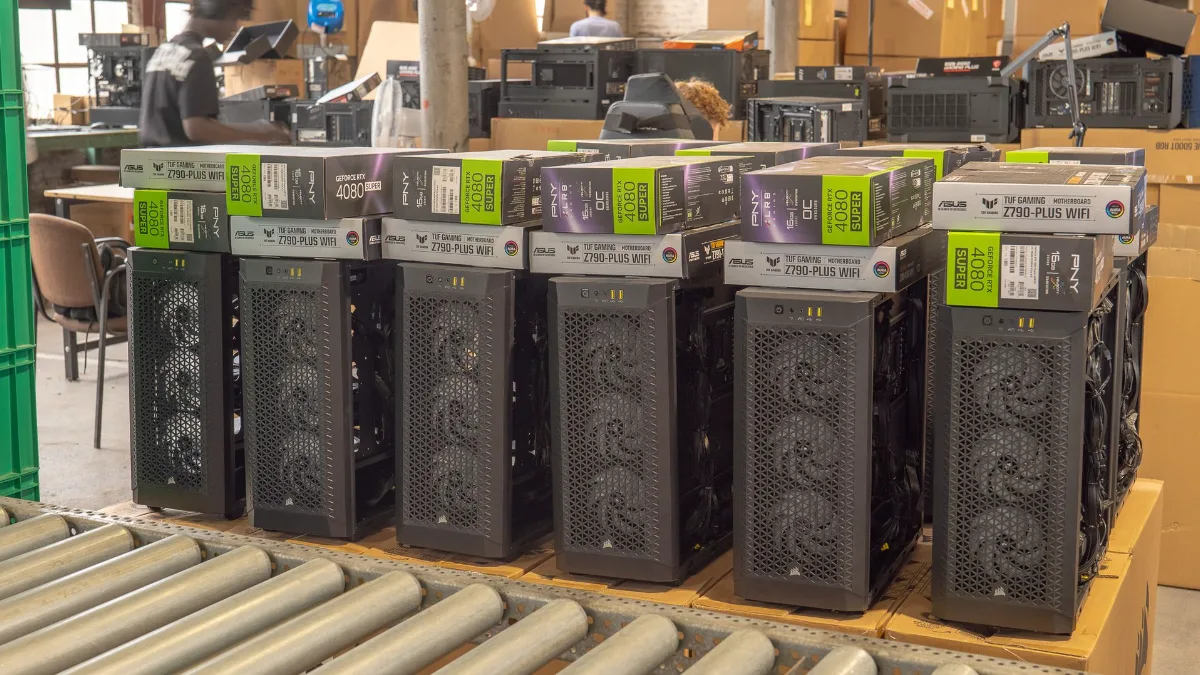
Tested and packed PCs, ready to ship.
Source: European Commission, Your Europe portal (right of withdrawal and guarantees).
The most common beginner mistakes
- An overkill processor and a graphics card that’s a bit too limited. For gaming, the graphics card matters more: see the right processor and graphics card combos.
- Buying for the RGB. The lighting doesn’t give any FPS. It’s not forbidden to like that, but not at the expense of the graphics card.
- Forgetting about upgrades. A recent platform (AM5 from AMD) lets you change your processor later without changing the motherboard.
- Plugging the monitor into the motherboard. The cable goes into the graphics card, otherwise you’ll be gaming on the processor’s integrated graphics (if it has one).
- Leaving the monitor at 60 Hz. A 144 Hz monitor is often set to 60 Hz on delivery: check in Windows’ display settings.
Three PCs to get started
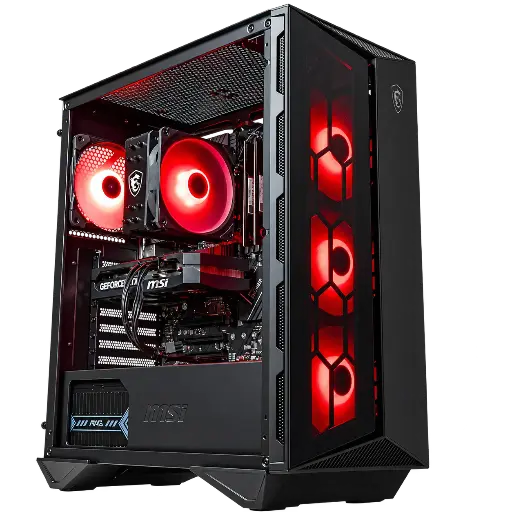
Banger PC: to get started on 1080p
RTX 5060 8 GB, Core i5-12400F, 16 GB DDR4 and Wi-Fi included: the essentials for playing in Full HD.
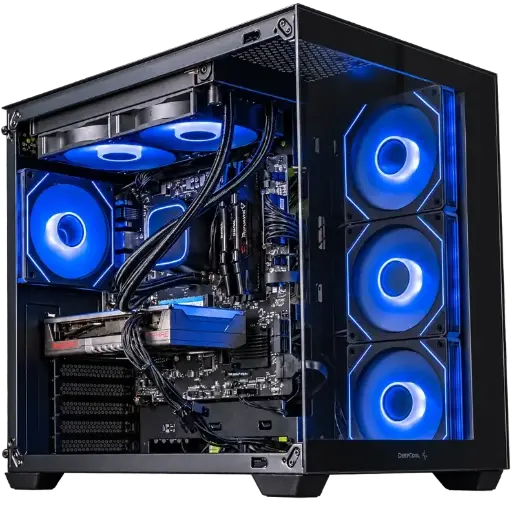
Spike PC: Ultra 1080p and 1440p
RX 9060 XT in 8 or 16 GB and Ryzen 7 5700X: choose the 16 GB option if you’re aiming for 1440p.

PC Novara GeForce RTX 5070 12GB
Ryzen 5 7500X3D, RTX 5070 12GB, 16GB DDR5 and 1TB M.2 SSD: a ready-to-play setup straight out of the box.
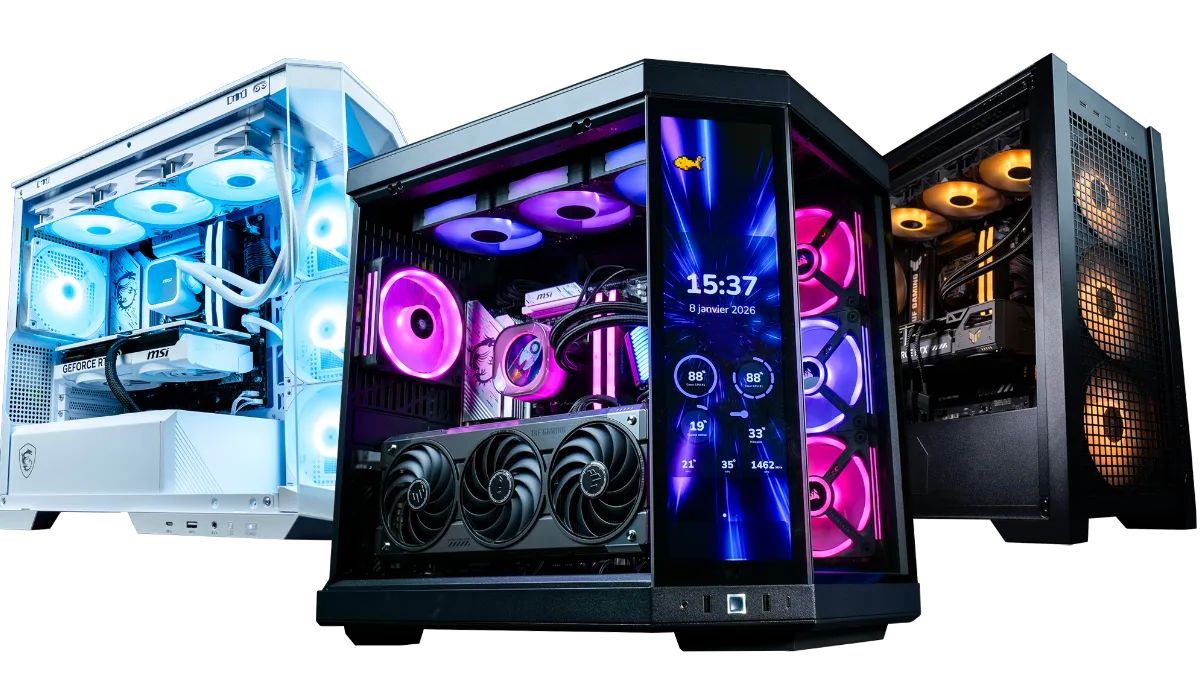
The full range is in this category FlowUP gaming PCs, with the indicative FPS per game on each product page.
FAQ: first gaming PC
What budget for a first gaming PC?
It all depends on the screen and the games you’re aiming for. Add the PC and peripherals together, and check our configuration guide by budget to see what each tier offers.
Is it better to buy a pre-built gaming PC or build one yourself?
For a first PC, a pre-built one is safer: it arrives ready to play, and a single warranty covers everything. Building it yourself makes sense if you know how to do it and want to save money.
How long does a gaming PC last?
A well-chosen PC will run new games for several years, gradually reducing a few settings. A recent platform then lets you upgrade it part by part.
Can I return a gaming PC bought online?
Yes: in the European Union, you have 14 days after receiving it to withdraw, according to the seller’s return conditions.
8 GB of video memory, is that enough to get started?
For 1080p, yes in most games. For 1440p and the latest, heavier games, 12 to 16 GB prevents FPS drops.
