
By the FlowUP team, gaming PC builder in Genappe (Belgium) · Updated 29 September 2026
In short: to choose the right gaming PC, start with your monitor (resolution and refresh rate) and your games. Put most of the budget into the graphics card, with at least 12 GB of video memory, ideally 16 GB. Pair it with a processor that won’t hold it back, 32 GB of RAM if you stream or play AAA titles, a minimum 1 TB NVMe SSD, a quality power supply and a well-ventilated case. Finally, check the real FPS figures advertised for your games before buying.
How to choose a gaming PC: the 5-step method
Choosing a gaming PC seems complicated because you often start at the end: the processor brand, the number of cores, the RGB. The right approach starts from how you’ll use it, and everything else follows.
- Your screen: 1080p, 1440p or 4K, and how many Hz.
- Your games: competitive (high FPS) or AAA (great visuals).
- The graphics card / processor duo that fits.
- RAM, storage, power supply and case, so everything keeps up.
- Real FPS, to check before buying.
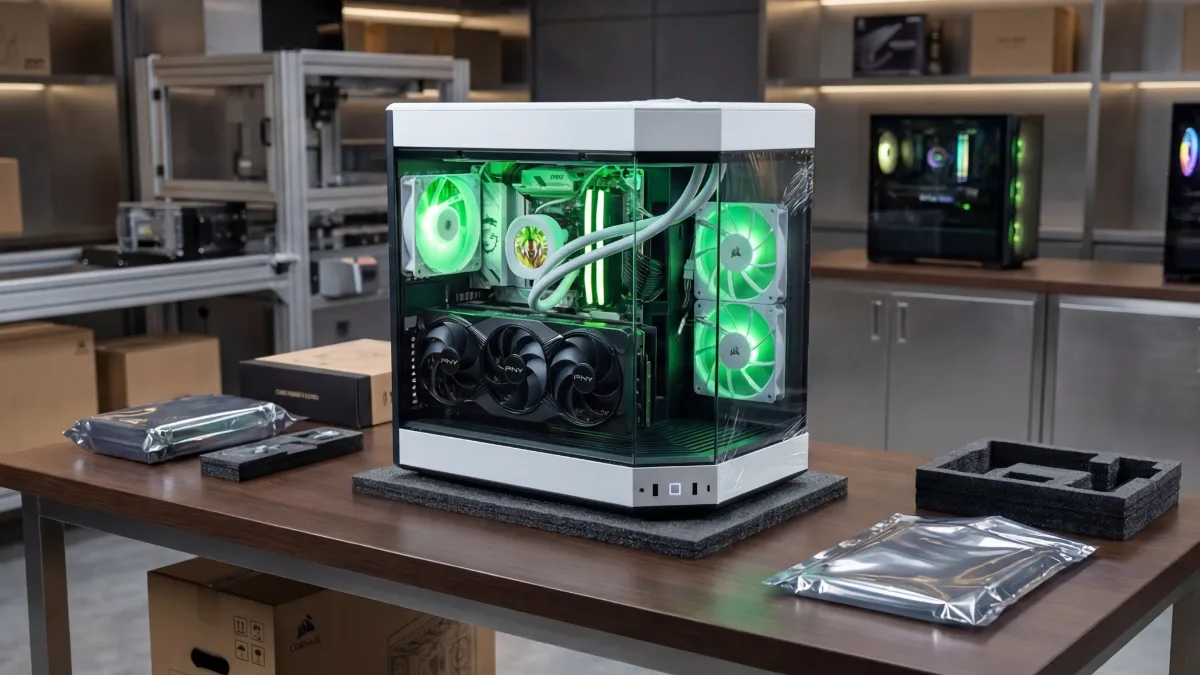
A good gaming PC is first and foremost a balanced setup designed for your screen and your games.
Step 1: start with your screen and your games
The monitor determines the level of power you need. A PC capable of 200 FPS won’t bring anything on a 60 Hz screen, and an entry-level card will struggle on a 4K screen. If you don’t have a monitor yet, our guide which gaming monitor to choose in 2026 will help you decide.
| Your profile | Recommended screen | Priority | Why |
|---|---|---|---|
| Competitive (Valorant, CS2, Fortnite) | 1080p or 1440p, 144 to 360 Hz | Fast processor (ideally an X3D) + mid-range graphics card | High FPS put the processor under the most strain |
| AAA (Cyberpunk 2077, Black Myth, GTA) | 1440p or 4K, 120 to 165 Hz | Big graphics card, 16 GB of VRAM | Resolution puts the most strain on the graphics card |
| Game + streaming / creation | 1440p | Processor with 8 cores or more, 32 GB of RAM | Multitasking requires headroom everywhere |
FlowUP summary.
Step 2: choose the graphics card and the processor
The graphics card is the most important component for gaming: it deserves the largest share of the budget. In 2026, aim for at least 12 GB of video memory and 16 GB for demanding 1440p and 4K. In Tom’s Hardware’s ranking (June 2026), an RX 9070 XT or RTX 5070 Ti averages over 115 FPS in 1440p Ultra, an RTX 5070 averages 96, and an RTX 5060 Ti 16 GB is around 73.
The processor just needs to be fast enough not to bottleneck it. For gaming, the Ryzen X3D CPUs (7500X3D, 7800X3D, 9800X3D) are the reference thanks to their large cache. The combinations that work are detailed in best CPU / GPU combo in 2026.
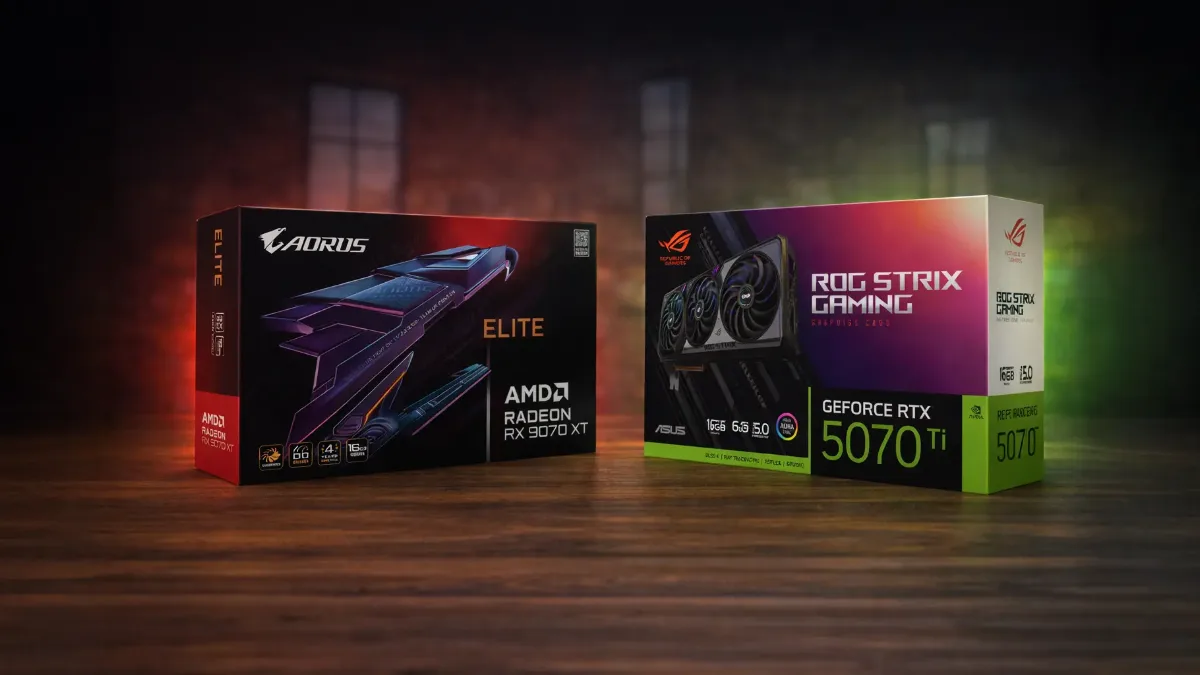
The graphics card determines your FPS: that’s where the biggest share of the budget should go.
Not sure between brands? Read AMD vs NVIDIA in 2026 for the graphics card, and Intel or AMD for the processor. When it comes to video memory, it all comes down to how much VRAM in 2026.
Step 3: RAM, storage, power supply, cooling and case
| Component | The minimum in 2026 | To go further | Our guide |
|---|---|---|---|
| RAM | 16 GB DDR5 | 32 GB for AAA, mods or streaming | 16 or 32 GB of RAM |
| Storage | 1 TB NVMe SSD | 2 TB if you install lots of games | choose your SSD |
| Power supply | Recommended power by the graphics card manufacturer | 80 Plus Gold certification, reputable brand | choose your power supply |
| Cooling | A good air cooler | 240 or 360 mm water cooling for power-hungry processors | air cooler or water cooling |
| Case | Mesh front, 3 fans or more | Space for the graphics card and the radiator | choose your case |
These components don’t directly give you FPS, but they determine stability, noise and the PC’s lifespan. That’s where the false economies of poorly thought-out builds hide: a budget power supply or a suffocating case ends up costing you in the long run.
To see one of our PCs in real-world use, here’s the test of our Orion PC (GeForce RTX 5080) on our YouTube channel:
FlowUP, test of the Orion RTX 5080 PC, January 2025.
Step 4: check the real FPS before buying
Specs don’t tell the whole story: two PCs with the same graphics card can perform differently depending on the processor, RAM and cooling. The right habit is to look at FPS measured in your games, at your resolution.
On our product sheets, you’ll find an estimate of FPS per game in 1080p and 1440p, for guidance only. For more detail, major review sites (Tom's Hardware, TechPowerUp) publish regularly updated graphics card rankings.
The FPS you measure in your games are better than any spec sheet.
Step 5: Pre-built PC, or build it yourself?
Building your own PC is still the cheapest option if you have the time and a bit of experience. Buying a pre-built PC avoids compatibility issues, assembly, BIOS updates and testing, and gives you a warranty covering the entire machine. For the budget to allow, read Best gaming PC in 2026 for your budget, and for the moment you’re buying, when to buy your gaming PC. And if you already have a PC, start by upgrading or buying again.
If you choose to assemble it yourself, our guide to building your gaming PC step by step covers each stage in detail.
Which gaming PC should you choose based on your budget and use?
Here are four FlowUP configurations following this method, from entry-level to 4K:
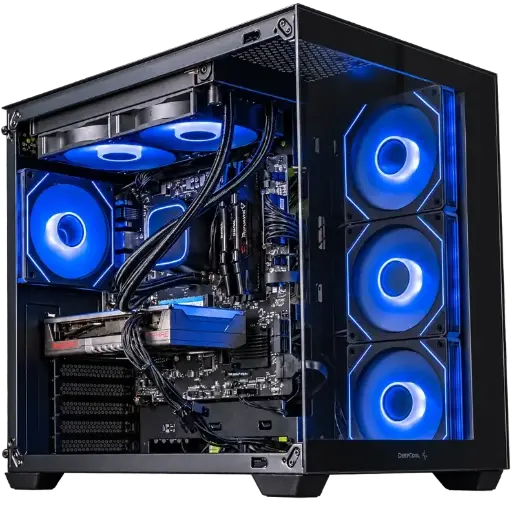
Spike PC: for 1080p
Ryzen 7 5700X, Radeon RX 9060 XT and 16 GB of DDR4: 1080p at high settings.

Novara GeForce RTX 5070 12GB PC
Ryzen 5 7500X3D, RTX 5070 12GB, 16GB DDR5 RAM and a 1TB M.2 SSD: a plug-and-play setup ready to play right out of the box.
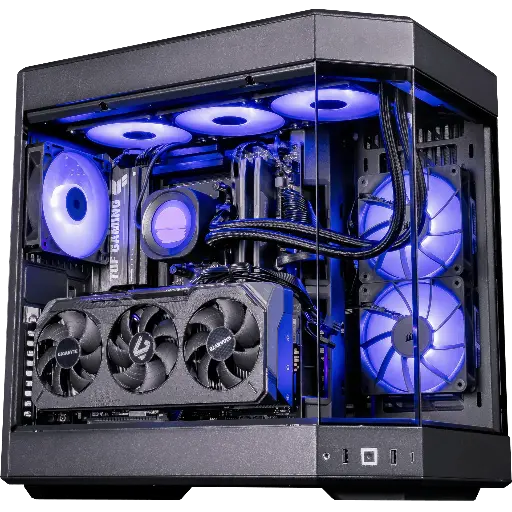
Shadow V2 PC: demanding 1440p
RX 9070 XT 16 GB, Ryzen 7 9800X3D and 32 GB of DDR5, in a HYTE Y60.
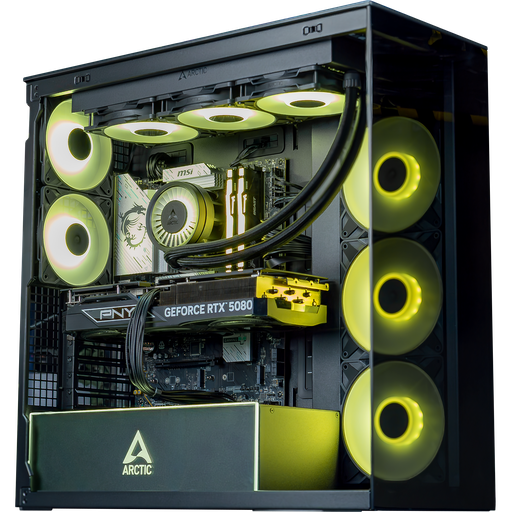
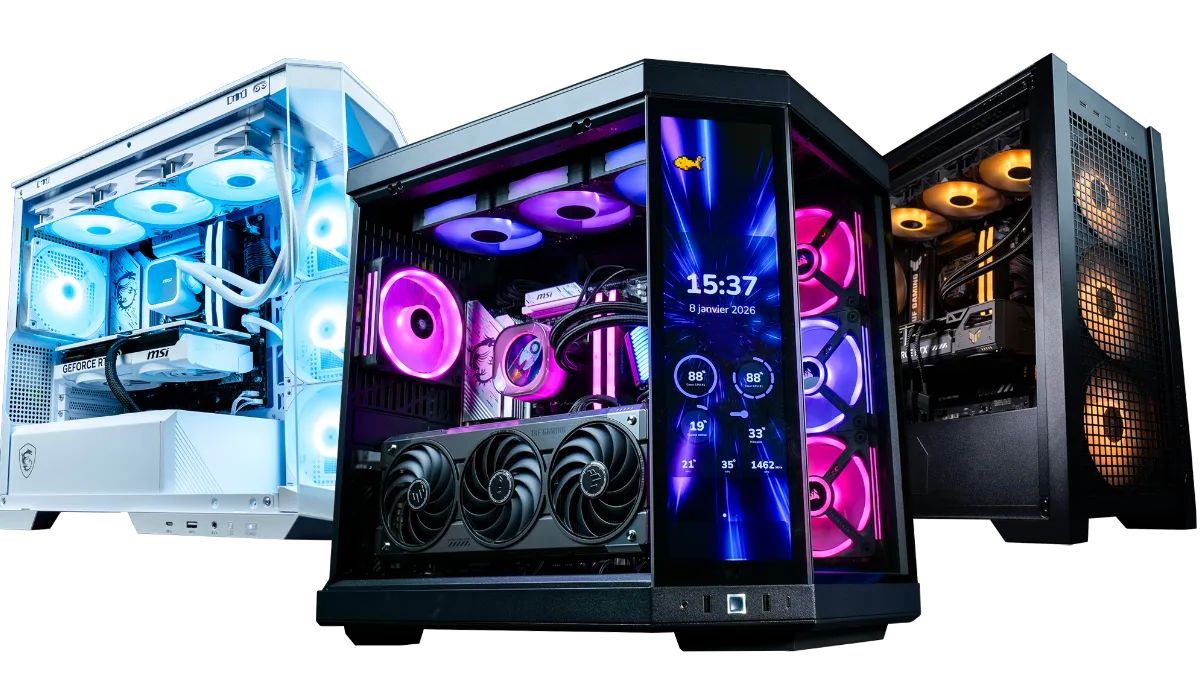
The entire range is in the category FlowUP gaming PC.
FAQ: how to choose your gaming PC
Which gaming PC should you choose in 2026?
One that matches your monitor and your games: an RX 9060 XT or an RTX 5060 Ti 16 GB for 1080p, an RTX 5070 or an RX 9070 for 1440p, an RX 9070 XT or an RTX 5070 Ti for demanding 1440p, an RTX 5080 for 4K.
What is the most important component in a gaming PC?
The graphics card, which calculates the images. The processor mainly matters for very high FPS in competitive play.
16 or 32 GB of RAM for a gaming PC?
16 GB is enough to play; 32 GB is the right choice if you play recent AAA games with open applications, if you stream, or if you use mods.
How much VRAM do you need in 2026?
At least 12 GB, 16 GB for demanding 1440p and 4K. 8 GB cards start to fall short in the latest big games.
Is it better to have an Intel or AMD processor for gaming?
For pure gaming, AMD’s Ryzen X3D chips are the benchmark in 2026. Intel’s Core Ultra is interesting if you also do a lot of content creation.
What SSD size for a gaming PC?
At least 1 TB NVMe; newer games often exceed 100 GB. Plan for 2 TB if you install lots of games.
