 Your PC in instalments (up to 12x)
By the FlowUP team, gaming PC builder in Genappe (Belgium) · Updated 2 October 2026
In short: A prebuilt gaming PC is a ready-to-play machine that a builder has already assembled, set up and tested: you plug it in and you play. Before you buy, check five things: the power supply, dual-channel memory, storage, cooling, and the test carried out before shipping.
A prebuilt gaming PC (also written pre built) arrives assembled, up to date and tested: you plug it in, you start your game. That’s the promise. The catch is that two PCs announced with the same graphics card can behave very differently, because the power supply, memory or cooling have nothing to do with each other from one machine to the next. Here’s what we look at at FlowUP before we approve a built gaming PC, and what you can check yourself before buying a gaming PC.
What is a prebuilt gaming PC?
A prebuilt gaming PC is a complete computer assembled by a professional, with Windows and the drivers installed, tested and then guaranteed. You’re not buying parts, you’re buying a machine that has already proven it boots, that it holds up under load, and that its components work well together.
Against a PC you build yourself, the advantage is mainly time and peace of mind. With a prebuilt PC without a proper method, everything comes down to the choice of components and the seriousness of the checks. Our comparison build your own PC or buy a prebuilt one goes through this choice point by point.
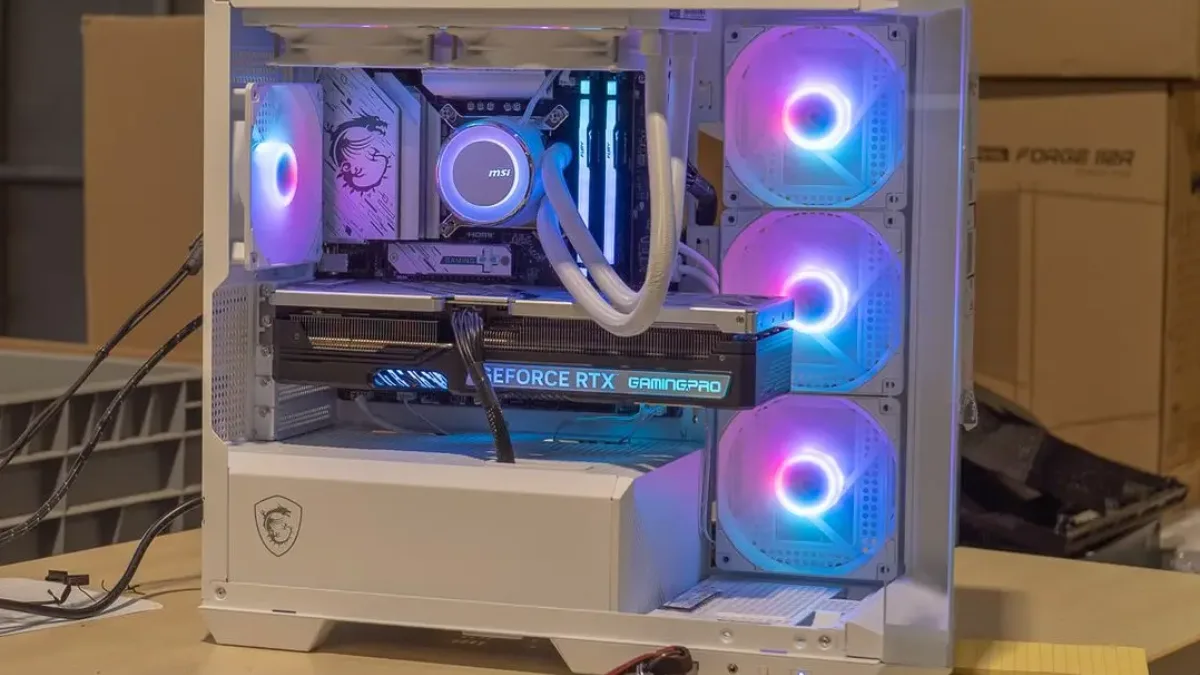
A FlowUP PC in the workshop, before its validation benchmark.
| Criteria | Prebuilt gaming PC | PC you build yourself |
|---|---|---|
| Before playing | You unbox and plug it in | Assembly, Windows and driver installation |
| Component compatibility | Verified by the assembler | To be checked by yourself, part by part |
| Warranty | One point of contact | A warranty per component |
| Choice of components | Configurations offered by the seller | Completely your choice |
The power supply: the component most product pages overlook
Check the brand and model of the power supply, its wattage, and its 80 PLUS rating. It’s the least visible part, and the one everything else depends on for stability.
The 80 PLUS rating measures efficiency: the share of electricity from the mains that is actually delivered to the PC, while the rest is turned into heat. The baseline level requires 80% efficiency at 20%, 50% and 100% load. On the 115 V table, a Bronze model targets 82%, 85% and 82%, while a Gold model targets 87%, 90% and 87%. The exact values vary with the mains voltage, but the logic stays the same: the higher the level, the less the power supply heats up for the same useful power.
Two simple rules of thumb. A spec sheet that says “80 PLUS power supply” without any brand or model tells you nothing. And a wattage that’s only just equal to the power draw of the graphics card and the processor leaves no room to spare. Ask for the exact model: a serious seller will give it to you in one line.
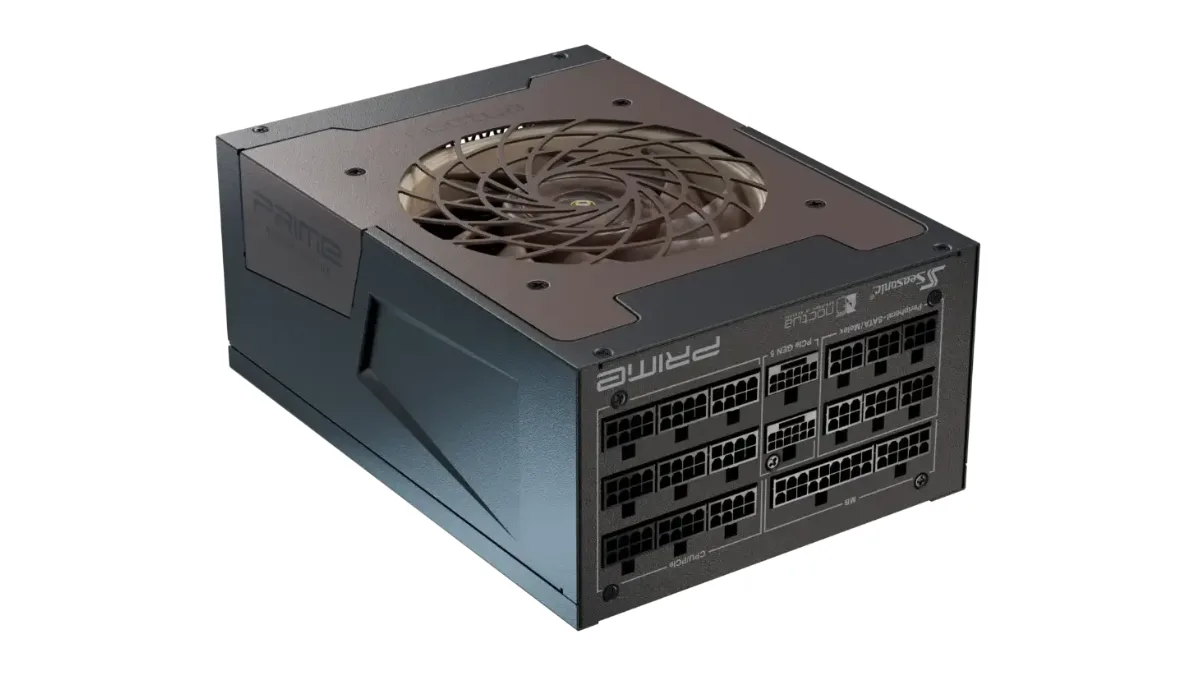
A modular power supply: the model and the 80 PLUS rating level must be shown on the product page.
RAM: dual channel changes how smooth things feel
Two identical sticks in the right slots are better than one big stick. In dual channel, the processor reads and writes to memory over two parallel channels. With a single stick, it only uses one channel, and some games, especially those that rely heavily on the processor, feel that difference.
So check two things: the number of sticks and their position on the motherboard. The motherboard manual indicates which slots to use for dual channel, often the second and the fourth from the processor. As for capacity, 16 GB of DDR5 is enough for gaming, like on the PC Cheetoh. The 32 GB of DDR5 in the PC Rivals give you some breathing room if you keep a browser, Discord and a stream open at the same time.
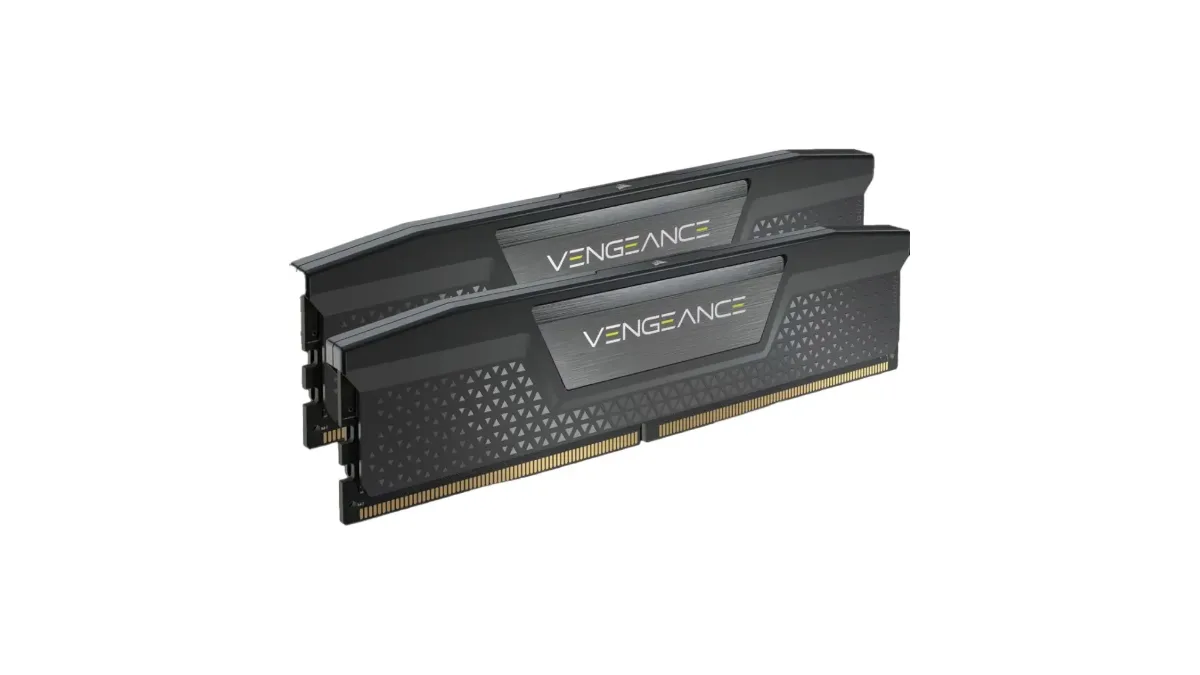
A two-stick DDR5 kit: the foundation of dual channel.
Storage, motherboard, cooling: the details that determine longevity
Look for a well-known brand of NVMe SSD, a motherboard whose chipset is clearly listed, and cooling that’s suited to the processor. These three points are often summarised in one word on the product page, even though they decide how well the machine holds up over time.
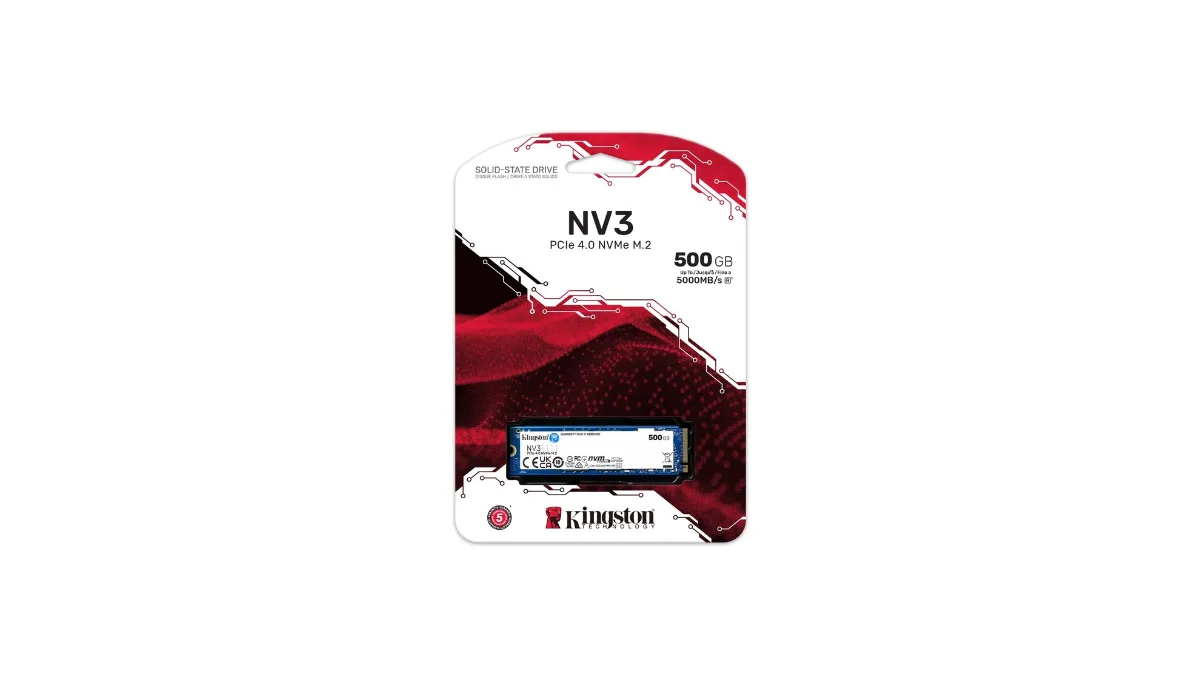
A Gen4 NVMe SSD: demand the brand, model and capacity.
| Component | What you need to find on the spec sheet | Warning sign |
|---|---|---|
| Storage | NVMe SSD with its generation (Gen4, for example), its brand, and its capacity | “Fast SSD” without a model; capacity is too small for more than two or three recent games |
| Motherboard | Chipset stated and matched to the processor, front ports, Wi‑Fi if you need it | No mention of the motherboard |
| Cooling | Type (air cooler or water cooling) and size, for example 360 mm | “High-performance cooling” without any further details |
| Case | Front panel that lets air through, intake and exhaust fans | Solid front panel and a single fan |
A concrete example: the PC Rivals lists a Kingston NV3 Gen4 1 TB SSD and a Corsair 360 mm watercooling unit with an LCD screen. You know exactly what you’re buying, and that’s the level of detail you should demand from any seller. To match the right processor with the right graphics card, our guide to the best CPU and GPU pairings by budget does the sorting.
Tested before shipping: what that should mean
A real test before shipping is done under load, over a sustained period, with zero tolerated errors. Seeing Windows boot up proves nothing. Instability often only shows up when the processor, memory and graphics card are all working together.
At FlowUP, every PC goes through a benchmark in six steps, detailed on the page how FlowUP tests and validates your gaming PC: preparing Windows and the drivers, inspecting the build, checking all functions, 20 minutes of stress testing with OCCT, checking the connections, then validation. A single error is enough for the PC to go back to the workshop and redo the entire benchmark. Count up to a total of one hour of checks per machine.

A FlowUP technician checks a PC before it’s shipped.
To see what a FlowUP PC is like on the bench, watch the test video of the Orion PC.
Test of the Orion PC, a FlowUP PC.
The test doesn’t replace the warranty; it complements it: every PC bought from FlowUP comes with a statutory 2-year warranty, and the after-sales service can be contacted from the website.
Three prebuilt FlowUP gaming PCs to start with
To play at 1440p, three FlowUP PCs cover most needs: the Cheetoh, the Rivals and the Abyssin. All are delivered assembled and go through the benchmark described above.
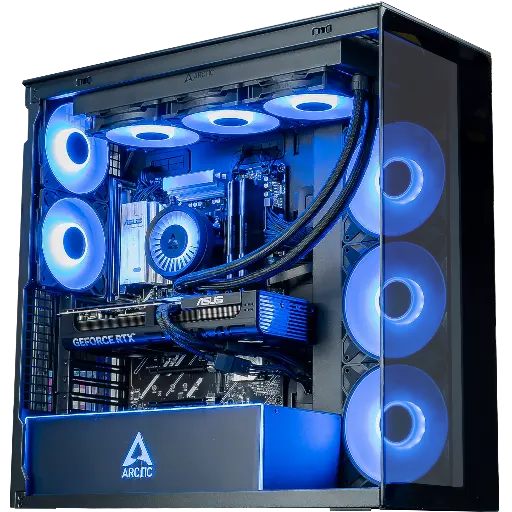
PC Cheetoh: RTX 5070 and Ryzen 7 7800X3D
A Ryzen 7 7800X3D, 16 GB of DDR5, and a Gen4 SSD: a foundation designed for competitive games and high-end graphics performance at 1440p Ultra.
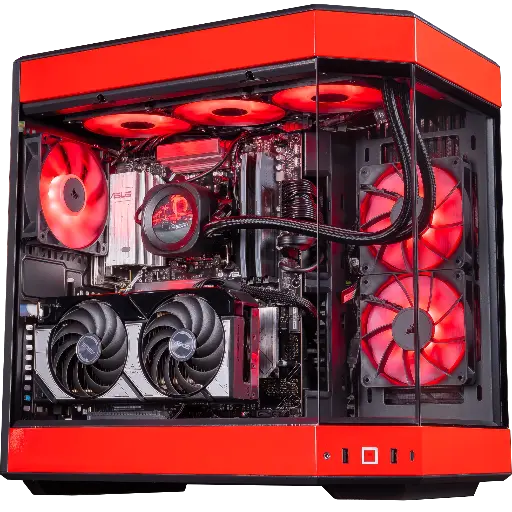
PC Rivals: RTX 5070 and Ryzen 7 9800X3D
An RTX 5070 12 GB, 32 GB of DDR5 and Corsair 360 mm watercooling: smooth performance for competitive 1440p and extra headroom on memory.
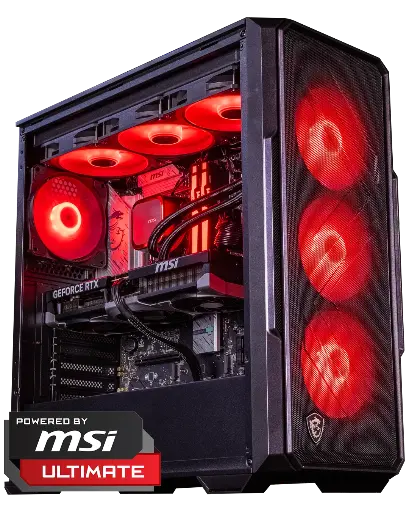
PC Abyssin: RTX 5070 Ti and Core Ultra 5 245KF
An RTX 5070 Ti 16 GB and 360 mm liquid cooling: comfortable for 1440p Ultra and ready for 4K.
To understand what the RTX 5070 changes in this trio, read our review of the RTX 5070. To compare the entire range, head to the FlowUP gaming PC category.
The checklist before clicking “Buy”
Six questions are enough to tell two sellers apart. Ask them, or look for the answers on the product page.
| Questions to ask | Good answer |
|---|---|
| What is the exact model of the power supply? | Brand, model, wattage, and 80 PLUS rating shown |
| How many memory sticks, and in which slots? | Two identical sticks in dual-channel configuration |
| Which SSD, which generation, which capacity? | Named NVMe model, capacity suited to your games |
| What cooling comes with this processor? | Type and size specified |
| What do you test before shipping, and for how long? | Stress test over time, zero errors allowed |
| What warranty is offered, and who should you contact in case of an issue? | Clear warranty and after-sales service that you can reach |
A seller who answers these six questions without hesitation will already spare you most of the unpleasant surprises. To set your budget before comparing, our guide how to choose a gaming PC in 2026 picks up from there.
Frequently asked questions
Is a prebuilt gaming PC less powerful than a PC you build yourself?
No. With identical components, the performance is the same. The difference comes down to the choice of parts and the quality of the assembly, not to the fact that the PC arrives already built.
Is Windows activated on a FlowUP PC?
Windows 11 Pro is installed in trial mode. You still need to activate it with a licence.
What warranty applies to a FlowUP gaming PC?
No mystery about the warranty on a FlowUP gaming PC: 2 years of legal warranty from the date of purchase, covering hardware defects and defects of conformity. In the event of a problem, FlowUP repairs or replaces the product, and the after-sales service can be contacted via the website.
Can you upgrade a prebuilt gaming PC?
Yes, most parts in a gaming PC are standard components. Check the motherboard form factor and the power supply wattage before adding a more power-hungry graphics card.
Where can you buy a gaming PC in Belgium that is already built?
From a builder who lists their components, their test protocol and their warranty. FlowUP assembles gaming PCs in Genappe, Belgium, and sells them on flowup.shop.
Sources
- 80 PLUS programme, efficiency levels (table 115 V non-redundant): Wikipedia, 80 Plus, consulted on 2 October 2026.
- FlowUP: how FlowUP tests and validates your gaming PC and warranties, consulted on 2 October 2026.
