 Your PC in instalments (up to 12x)
By the FlowUP team, gaming PC assembler in Genappe (Belgium) · Updated 28 September 2026
Intel Core i5-14400F, Core Ultra 7 265K, Core Ultra 9 275HX: the name of an Intel processor reads like an ID card. It tells you the range, the generation, the position within the range and, thanks to the ending letters, the intended use. Here’s how to decode any Intel processor in just a few seconds, with a list of generations and examples taken from the PCs we build.
In brief
- Structure: brand (Core, Core Ultra), series (i3, i5, i7, i9 or 5, 7, 9), generation, number, then letters.
- Core i5-14400F: i5 series, 14th generation, number 400, no integrated graphics (F).
- Since late 2023, Intel uses the Core Ultra name, without the “i”: Core Ultra 7 265K = Ultra 7 series, series 2.
- Letters: K = unlocked, F = dedicated graphics card required, KF = both, H and HX = high-performance laptops, U = power-efficient laptops.
- For gaming, a Core i5 or Core Ultra 5 is enough in most setups; i7 and Ultra 7 target streaming and content creation.
Contents
- How do you read an Intel processor name?
- Core i3, i5, i7, i9: which range should you choose?
- Intel processor generation: the list
- Intel Core Ultra: what changes in the name
- The letters K, F, KF, H, HX, U: what they mean
- Our PC processors, decoded
- Which Intel processor should you choose for gaming in 2026?
- FAQ about Intel processors
How do you read an Intel processor name?
An Intel processor name is read left to right: the brand (Intel Core or Intel Core Ultra), the range, the generation, the model number and the letters. Let’s take the Core i5-14400F, built into our Swift PC.
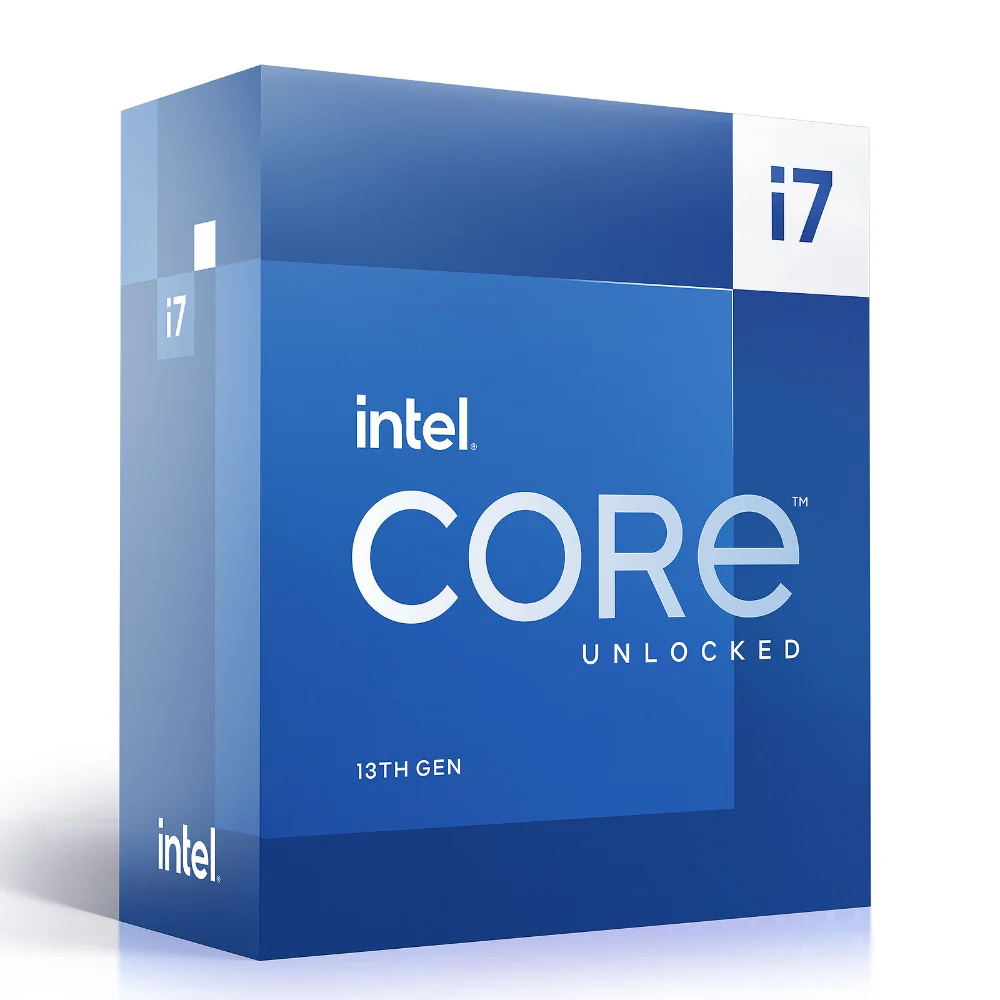
| Element | In “Core i5-14400F” | What it means |
|---|---|---|
| Brand | Core | Intel’s mainstream family |
| Range | i5 | Mid-range, between i3 and i7 |
| Generation | 14 | 14th generation (late 2023) |
| Number | 400 | Position in the range: the higher it is, the more capable the model |
| Letter | F | No integrated graphics: a dedicated graphics card is required |
Intel sums it up on its official page like this: within the same class, a higher number indicates more cache, higher frequency, or more features.
Core i3, i5, i7, i9: which range should you choose?
The range indicates the performance level. The Core i3 targets office use, the Core i5 is the heart of the market for gaming, the Core i7 adds cores for streaming and creation, and the Core i9 targets workstations and the most demanding gamers.
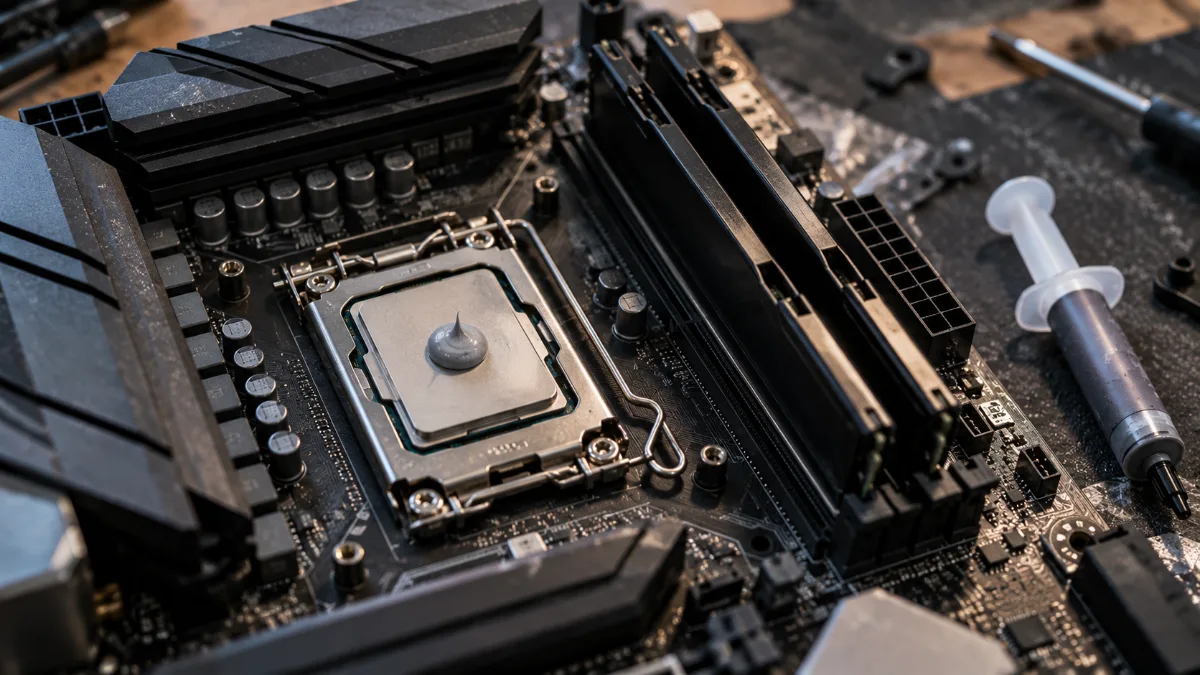
The higher the range, the more cores and cache the processor has.
Intel Core i5 or i7 for gaming?
For gaming, a recent Intel Core i5 is enough in the vast majority of cases: it’s the graphics card that determines the number of frames per second. An Intel Core i7 is most worthwhile if you stream while gaming, edit videos, or aim for a very high-refresh-rate display with a high-end graphics card.
Intel processor generation: the list
The first one or two digits indicate the generation. Here are the still common generations in PCs on sale in 2026.
| Generation | Code name | Release | Example |
|---|---|---|---|
| 12th generation | Alder Lake | Late 2021 | Core i5-12400F |
| 13th generation | Raptor Lake | October 2022 | Core i7-13700K |
| 14th generation | Raptor Lake Refresh | October 2023 | Core i5-14400F |
| Core Ultra series 1 | Meteor Lake (laptops) | December 2023 | Core Ultra 7 155H |
| Core Ultra series 2 | Arrow Lake (desktop and laptops) | October 2024 | Core Ultra 7 265K, Core Ultra 9 275HX |
This list of Intel processors by generation helps you compare two PCs: at the same range, a newer generation is faster.
Intel Core Ultra: what changes in the name
With Intel Core Ultra, the “i” disappears. In “Core Ultra 7 265K”, Ultra 7 is the series (5, 7 or 9), the first digit 2 indicates the series, 65 the position within the series and K the unlocked variant. Intel states that this first digit, 1 or 2, corresponds to the generation.
The same logic applies to laptops: the Core Ultra 9 275HX that comes with the MSI Vector 16 is an Ultra 9 from series 2; in HX form, it’s the most powerful option for laptops.
For a video explanation, the Tech Notice Français channel details Intel processors, their cores and their naming, Core Ultra included:
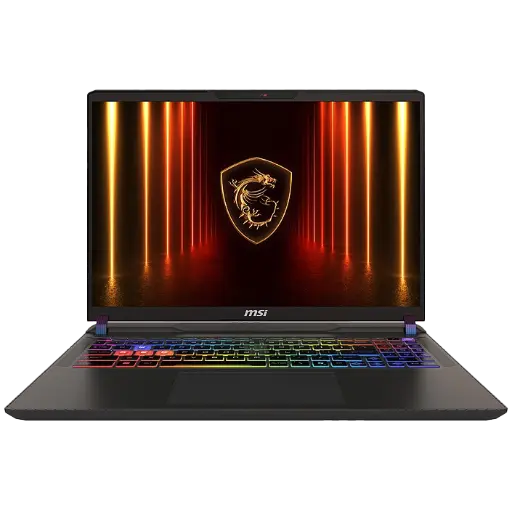
MSI Vector 16 RTX 5070
Intel Core Ultra 9 275HX, RTX 5070, 16 GB DDR5, 1 TB SSD and QHD 240 Hz display.
The letters K, F, KF, H, HX, U: what they mean
The final letter specifies the intended use of the processor. Here are the suffixes described by Intel:
| Letter | Meaning | For whom |
|---|---|---|
| K | Unlocked for overclocking | Desktop, gamers and enthusiasts |
| F | No integrated graphics: dedicated graphics card required | Gaming PC with graphics card |
| KF | Unlocked and without integrated graphics | High-performance gaming PC |
| T | Reduced power consumption | Compact and quiet PCs |
| H | High performance | Gaming laptops |
| HX | Maximum performance, all unlocked | High-end gaming laptops |
| U | Low power consumption | Slim laptops, office use |
A Core “F” processor doesn’t have a usable video output: on a PC with a graphics card, it’s not an issue, but you need to plug the monitor into the graphics card. It’s also a common cause of black screen on a PC.
Our PC processors, decoded
Let’s put the method into practice on processors we build or sell.
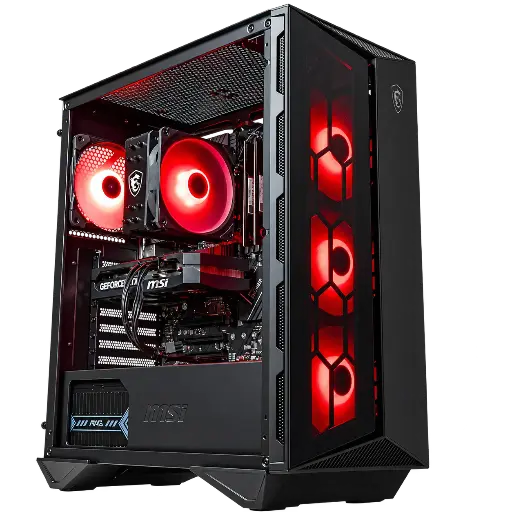
PC Banger GeForce RTX 5060
Core i5-12400F: i5 range, 12th generation, model number 400, no integrated graphics (F). Paired with a RTX 5060 for Full HD gaming.
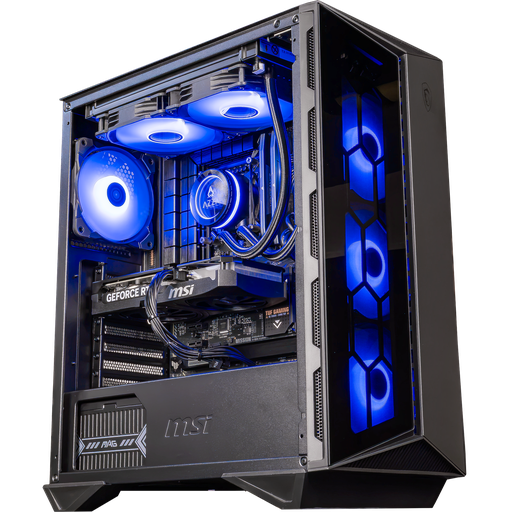
PC Swift GeForce RTX 5060 Ti 16GB
Core i5-14400F: same range, two generations newer (14th). Paired with a 16 GB RTX 5060 Ti for Full HD and 1440p.
On laptops, the MSI Cyborg 15 comes with an i5-13420H: i5 range, 13th generation, model number 420, and the H suffix for high-performance laptops. The MSI Vector 16’s Core Ultra 9 275HX belongs to the 2nd generation of Core Ultra, in the HX version. All our laptops fall under the gaming laptops category.

Which Intel processor should you choose for gaming in 2026?
For a gaming PC, aim for a 12th-generation Core i5 or newer, or a Core Ultra 5: it’s the best balance of price and performance. Move up to an i7 or an Ultra 7 if you stream or create content. On the AMD side, the Ryzen 7 9800X3D remains the reference for pure gaming; our comparison Intel or AMD helps you decide.
Workshop take
Don’t be swayed by an i9 or an Ultra 9: in games, spending the same budget on the graphics card almost always delivers more frames per second. A recent Core i5 paired with a good graphics card remains the winning formula.
Can’t decide between Intel’s two high-end ranges? Our comparison Core i7 or i9 shows you the gap at stake in performance and what it means for your setup.
FAQ about Intel processors
What does the letter F mean on an Intel processor?
F means the processor doesn’t have an integrated graphics part: you need a dedicated graphics card. KF combines this lack with the unlocked overclocking capability.
How can I find out which generation my Intel processor is?
Open Settings, System, System Information: the full processor name will be shown. The one or two digits after the dash (14 in i5-14400F) indicate the generation; for a Core Ultra, it’s the first digit of the model number.
What is the latest generation of Intel processor?
For desktop PCs, the Core Ultra 200S series (Arrow Lake), launched in October 2024, with models such as the Core Ultra 7 265K and the Core Ultra 9 285K.
Intel Core Ultra 7 or Core i7: which is better?
The Core Ultra 7 belongs to a newer generation than the 14th-generation Core i7. Always compare at the same level: for gaming, the difference depends mainly on the graphics card you pair it with.
