 Your PC in instalments (up to 12x)
By the FlowUP team, gaming PC builder in Genappe (Belgium) · Updated 30 September 2026
In brief: for gaming, a Core i7 is enough: according to Tom's Hardware, the Core i9-14900K only has a 2% lead over the Core i7-14700K in games, and the gap is the same between the Core Ultra 9 285K and Core Ultra 7 265K. The Core i9 makes sense for editing, 3D rendering or streaming: with 4 more cores, it gains 9 to 12% in multithreading. The two are equal in maximum power draw (253 W on 14th gen, 250 W on Core Ultra 200S).
Core i7 or i9: the difference, in brief
With Intel, the Core i7 and Core i9 from the same generation share the same architecture. The i9 adds power-efficient cores (E-cores), a bit of cache and a few hundred megahertz in maximum clock speed. Both have 8 performance cores (P-cores), the ones that run games.
That’s why the gap is small in games and clearer in software that uses all the cores: video export, 3D rendering, compilation, compression.
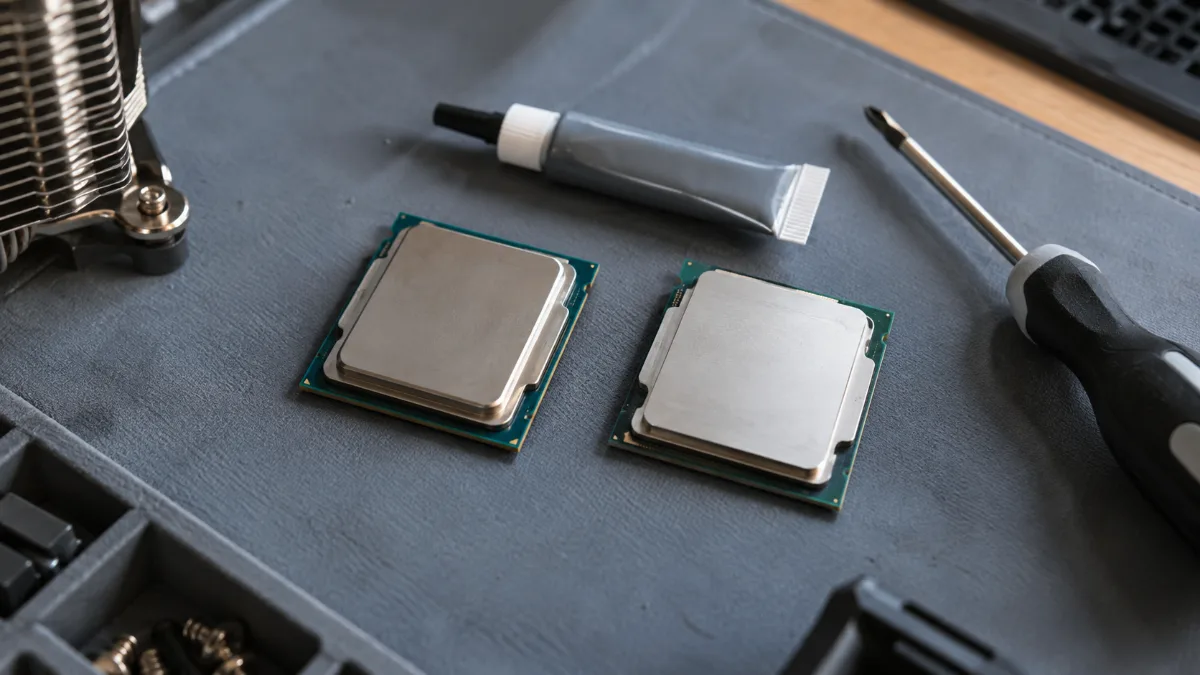
Same architecture, same number of P-cores: the i9 stands out thanks to its extra E-cores.
Specs: 14th gen and Core Ultra 200S
| Processor | Cores | Threads | Max frequency | Cache | Base / max power |
|---|---|---|---|---|---|
| Core i7-14700K | 20 (8P + 12E) | 28 | 5.6 GHz | 33 MB | 125 W / 253 W |
| Core i9-14900K | 24 (8P + 16E) | 32 | 6.0 GHz | 36 MB | 125 W / 253 W |
| Core Ultra 7 265K | 20 (8P + 12E) | 20 | 5.5 GHz | 30 MB | 125 W / 250 W |
| Core Ultra 9 285K | 24 (8P + 16E) | 24 | 5.7 GHz | 36 MB | 125 W / 250 W |
Source: Intel, ARK specs sheets for the processors.
The “KF” versions (i7-14700KF, i9-14900KF, Ultra 7 265KF) have the same specifications, but without an integrated graphics chip. With a dedicated graphics card, that changes nothing in games. The Core Ultra 200S models no longer have Hyper-Threading, which is why the number of threads equals the number of cores.
In gaming: 2% difference
| Processor | Gaming score (1080p) |
|---|---|
| Ryzen 7 9800X3D | 97 % |
| Core i9-14900K | 78.2 % |
| Core i7-14700K | 76.4 % |
| Core Ultra 9 285K | 71.8 % |
| Core Ultra 7 265K | 70.3 % |
Source: Tom's Hardware, gaming processor ranking, updated 26 August 2026 (100% = Ryzen 7 9850X3D).
Less than 2 points separate each i7 from its i9. At 1440p and in 4K, the graphics card limits even earlier, and the gap becomes invisible. For a gaming PC, the i9’s budget is better spent on a better graphics card. And if gaming is your only priority, the Ryzen X3D models remain ahead, as explained in Intel or AMD in 2026.
For content creation: up to 12% for the i9
In software that uses all the cores, the i9’s 4 extra E-cores are noticeable. According to Tom's Hardware, the Core i9-14900K performs 12% better than the Core i7-14700K in multithreading, and the Core Ultra 9 285K is about 9% better than the Core Ultra 7 265K.
- Video editing and export: the i9 saves you time with every render.
- 3D rendering (Blender, Cinema 4D): same observation, every core counts.
- Streaming with CPU encoding: the i9 leaves more headroom, but NVENC on a GeForce does the job very well without taxing the processor.
Our builder’s take: if you edit videos every week, the i9 is a good investment. For a few videos per month, an i7 is more than enough. Everything is detailed in our guide to the PC for video editing.
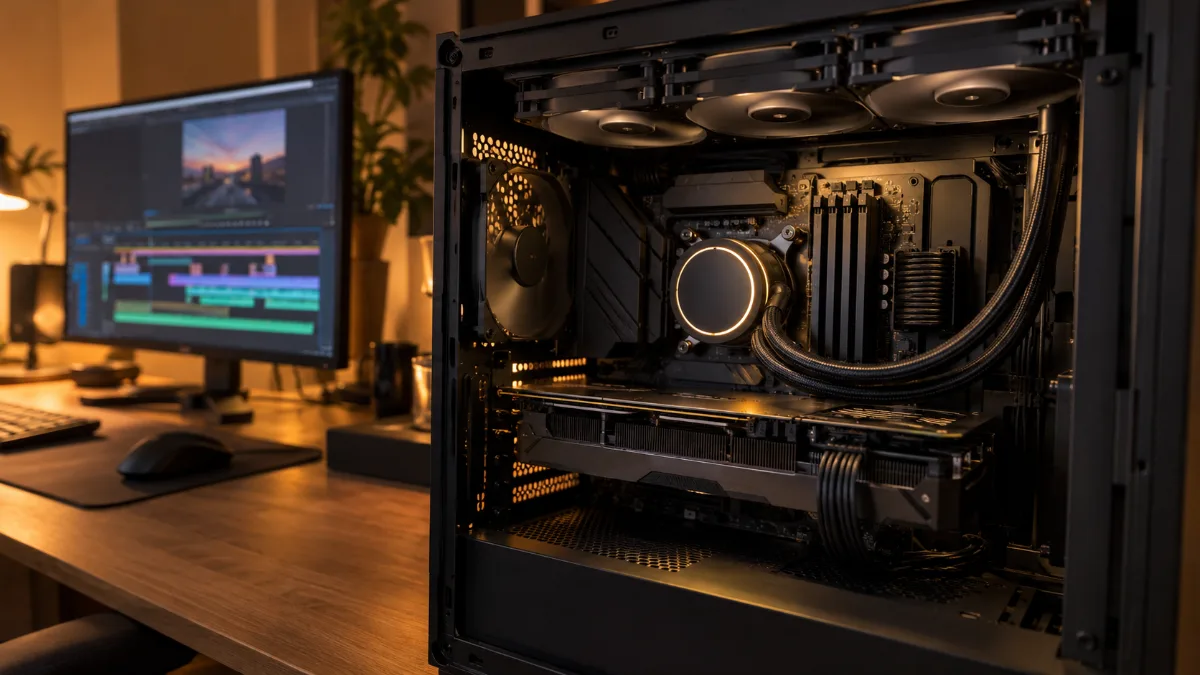
For export and 3D rendering, the i9’s extra cores make the difference.
Cooling, motherboard and power supply
The i7 and i9 “K” and “KF” models consume up to 250 or 253 W at peak. A 360 mm watercooling unit or a large dual-tower air cooler is the right choice to keep frequencies high. For overclocking, you need a Z790 motherboard (14th gen) or Z890 (Core Ultra): we explain this in our article about the chipset of the motherboard. And to understand Intel’s naming system, read how to understand the name of Intel processors.
Our gaming PCs with Core i7 and Core i9
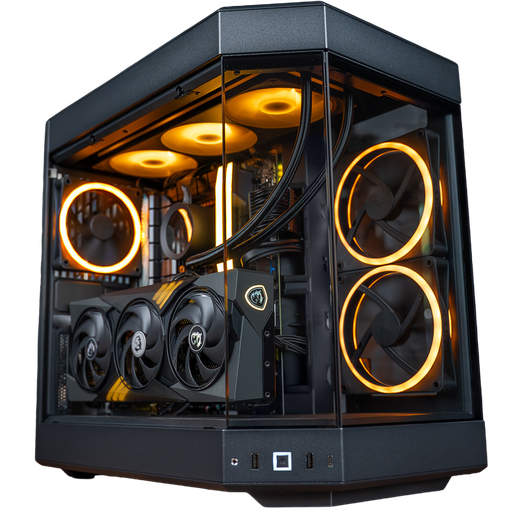
Nightmare PC: Core i7-14700KF
Core i7-14700KF with 20 cores, RTX 5070 Ti 16 GB, 32 GB of DDR5 and 360 mm watercooling: a well-rounded i7 for gaming in 1440p.
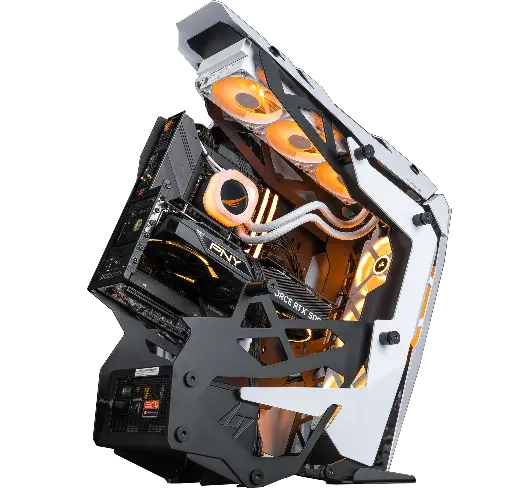
Optimus PC: Core i9-14900KF
Optimus PC: Core i9-14900KF with 24 cores, RTX 5080 16 GB, 32 GB DDR5 and 2 TB SSD: to play in 4K and create.
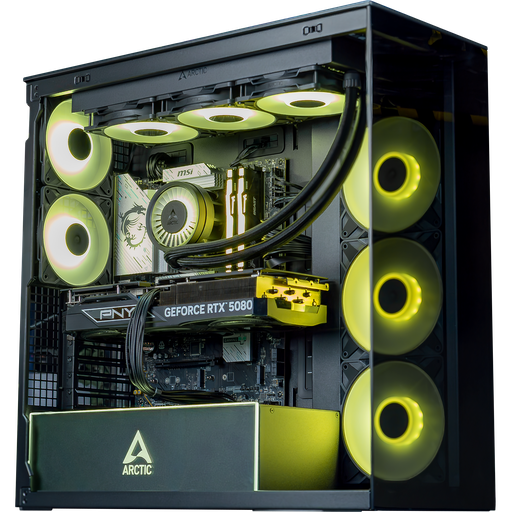
Arctic PC: Core Ultra 7 265KF
Core Ultra 7 265KF, RTX 5080 16 GB and 32 GB DDR5 on a B860 motherboard: Intel’s latest platform.
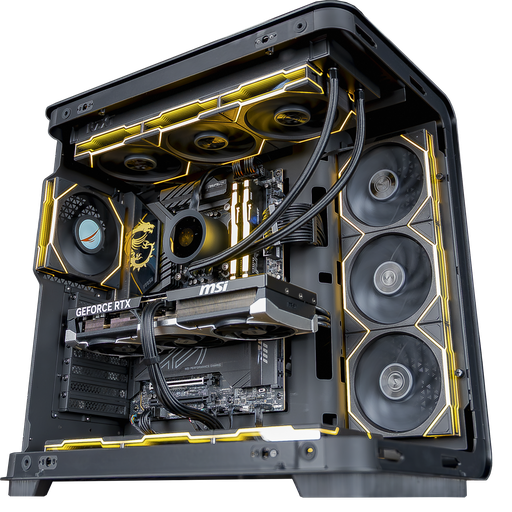
Carbon X PC: Core Ultra 9 285K
Core Ultra 9 285K with 24 cores on a Z890 motherboard, RTX 5080 16 GB and a 2 TB SSD: Intel at the top end.
FAQ: Core i7 or i9
Core i7 or i9 for gaming?
A Core i7. In games, the i9 only has about a 2% lead, according to Tom’s Hardware. Better to put the difference into the graphics card.
What’s the difference between an i7 and an i9?
The i9 has 4 more power-efficient cores (24 vs 20), a bit more cache and a higher maximum clock speed. Both have 8 performance cores.
Is the Core i9 worth it for video editing?
Yes, if you edit often: it gains 9 to 12% in multitasking, according to Tom’s Hardware, which shortens every export.
Does a Core i9 run hotter than an i7?
Their maximum power is identical (253 W in 14th gen, 250 W on Core Ultra 200S). Both need good cooling, ideally 360 mm watercooling.
Core Ultra 7 or Core i7 from the 14th generation?
In games, the Core i7-14700K stays slightly ahead of the Core Ultra 7 265K, according to Tom’s Hardware. The Core Ultra 7 uses, however, a newer platform (LGA1851).
