 Your PC in instalments (up to 12x)
By the FlowUP team, gaming PC builder in Genappe (Belgium) · Updated 30 September 2026
In brief: the chipset is the motherboard chip that handles everything the processor doesn’t connect to directly: USB ports, SATA, additional PCIe and M.2 slots, networking. It also determines what the motherboard allows, such as overclocking. In 2026, the main ones are B840, B850, X870 and X870E for AMD (AM5), B860 and Z890 for Intel (LGA1851) and B760 and Z790 on LGA1700. For gaming, a mid-range chipset (B850, B860, B760) is enough in the vast majority of cases.
What is the chipset on a motherboard?
On a motherboard, the CPU can’t connect everything by itself. It directly connects the graphics card, the memory and the first NVMe SSD. Everything else goes through the chipset: the USB ports, the SATA ports, the secondary M.2 and PCIe slots, often the network card and Wi‑Fi.
Intel describes it as the chip that relays communications between the processor and the many storage and expansion devices. Concretely, it acts like a switch: it receives a single fast link from the processor and shares it between all these ports. It’s located under a small heatsink, usually at the bottom right of the motherboard.
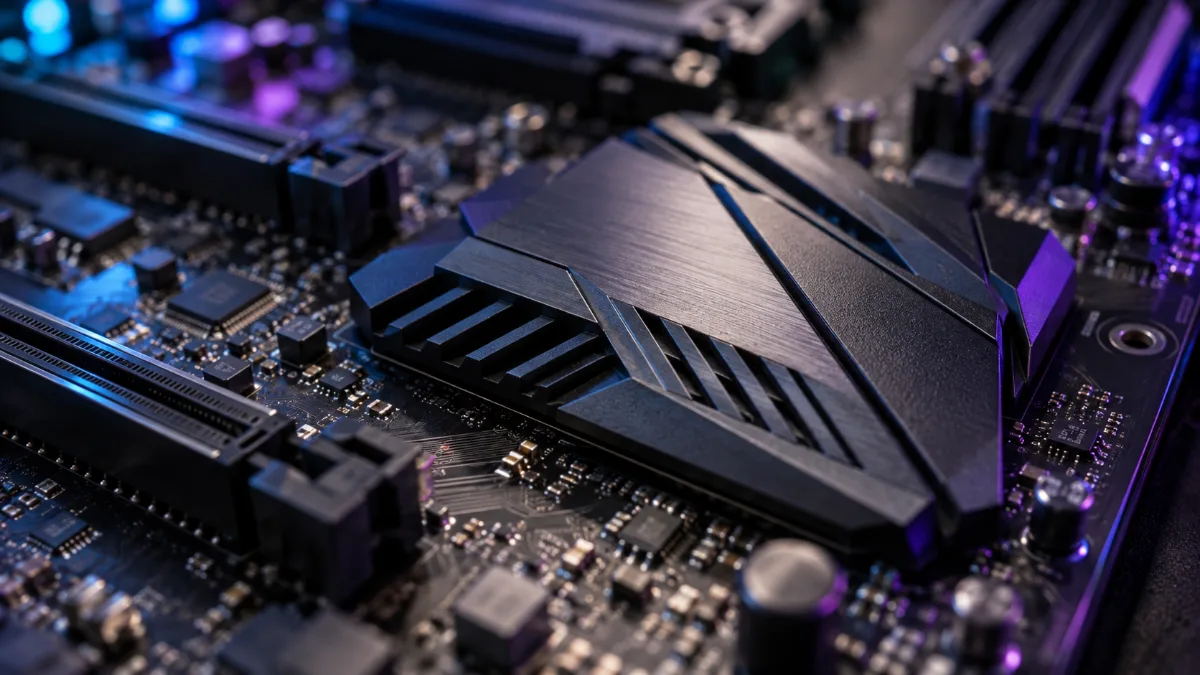
The chipset is hidden under a small heatsink, at the bottom of the motherboard.
What the chipset changes for you
The chipset doesn’t increase frames per second. Two PCs with the same processor and the same graphics card will play just as fast on a B850 as on an X870E. What it changes is what the motherboard can do:
- Overclocking: some chipsets lock the CPU’s overclocking, sometimes also the memory overclocking.
- The number of ports: more USB, SATA and M.2 ports on higher-end chipsets.
- The PCIe generation: PCIe 5.0 for the graphics card or the SSD on certain models only.
- Modern connectivity: USB4, for example, is required on the X870 and X870E.
AMD AM5 chipsets in 2026
| Chipset | Range | CPU overclocking | PCIe and connectivity | For whom? |
|---|---|---|---|---|
| A620 | Entry-level | No | PCIe 4.0 | Small budget, entry-level processor |
| B840 | Recent entry-level | No | No PCIe 5.0 | Affordable gaming PC without overclocking |
| B850 | Mid-range | Yes | PCIe 5.0 SSD, graphics card at least PCIe 4.0 | The majority of players |
| X870 | High-end | Yes | PCIe 5.0 for the graphics card and SSD, USB4 | Full connectivity |
| X870E | Ultra high-end | Yes | The most PCIe 5.0 lanes, USB4 | Big processor, lots of storage |
Sources: AMD, AM5 chipset chart; GamersNexus (August 2024); TechSpot, AM5 chipset guide (February 2025).
The B650 and X670 from the previous generation are still around: they support the same Ryzen 7000, 8000 and 9000 processors, sometimes after a BIOS update.
Intel chipsets in 2026
| Chipset | Socket | CPU overclocking | Memory overclocking | For whom? |
|---|---|---|---|---|
| H810 | LGA1851 | No | No | Core Ultra 200S, small budget |
| B860 | LGA1851 | No | Yes | The majority of Core Ultra configurations |
| Z890 | LGA1851 | Yes | Yes | “K” processors, maximum connectivity |
| H610 | LGA1700 | No | No | 12th to 14th gen Core, small budget |
| B760 | LGA1700 | No | Yes | The right choice for a Core i5 or i7 without a “K” |
| Z790 | LGA1700 | Yes | Yes | Overclock a Core i7 or i9 “K” |
Sources: Intel, H610, B760 and Z790 chipset spec sheets; Puget Systems, Z890 vs B860 vs H810 comparison (March 2025).
And on AM4, still very common: the A520 stays on PCIe 3.0 without overclocking, the B550 lets the graphics card and the main SSD run on PCIe 4.0, and the X570 offers PCIe 4.0 across the board. To find out which processors go with which motherboard, read our article on the CPU socket.
Which chipset should you choose for a gaming PC?
Our assembler’s take: pay for the chipset based on what you’re going to plug in, not on the name. In most of our builds, an AMD B850 or B840, or an Intel B760 or B860, does the job perfectly.
- You play, without overclocking: B840 or B850 on AM5, B760 or B860 on Intel.
- You want a Ryzen X3D and want some headroom: B850, with overclocking and the SSD on PCIe 5.0.
- You’re using an Intel “K” CPU to overclock: Z790 or Z890; otherwise you’re paying for an unlock that the motherboard can’t enable.
- You connect lots of SSDs, USB4, a capture card: X870 or X870E.
For the rest of the choices (format, VRM, connectivity), our guide how to choose your motherboard in 2026 covers everything step by step.
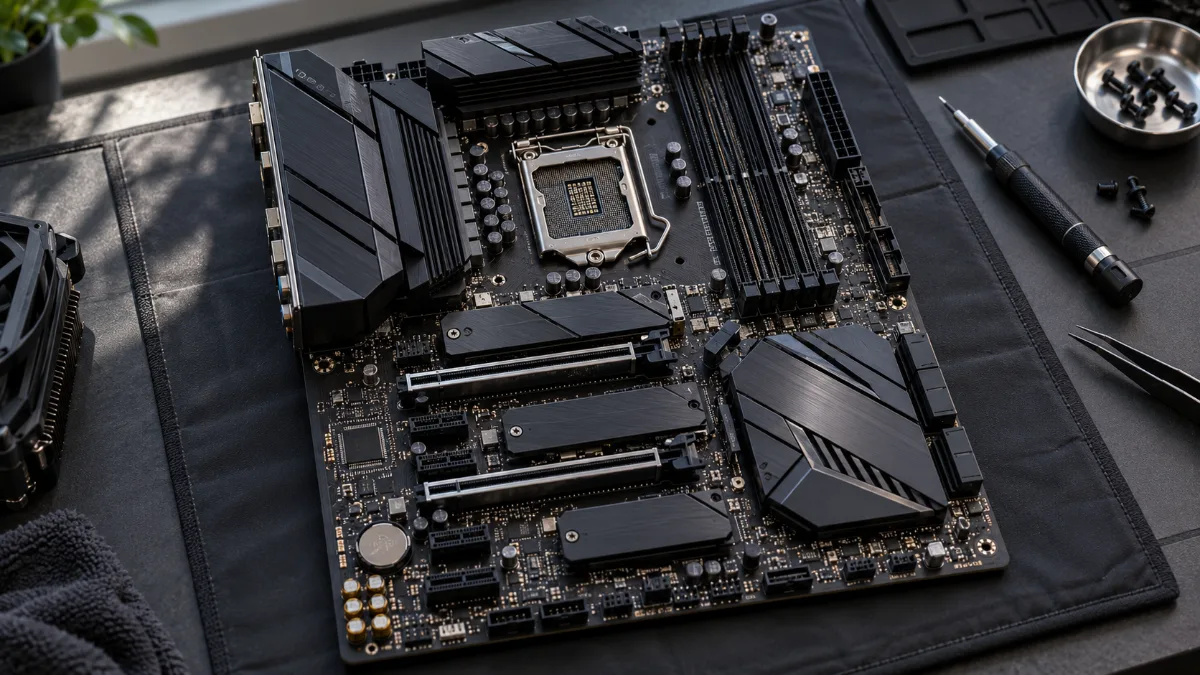
The processor handles the graphics card and the first SSD, while the chipset takes care of everything else.
How do I find out the chipset of my motherboard?
- With CPU-Z (free): the Mainboard tab shows the motherboard model and the chipset.
- In Windows: type “System Information” in the search; the line “Baseboard Product” gives the model. The chipset is often in the name (B850, Z790…).
- On a FlowUP PC: the exact motherboard model is written on the product sheet.
Our gaming PCs and their chipset
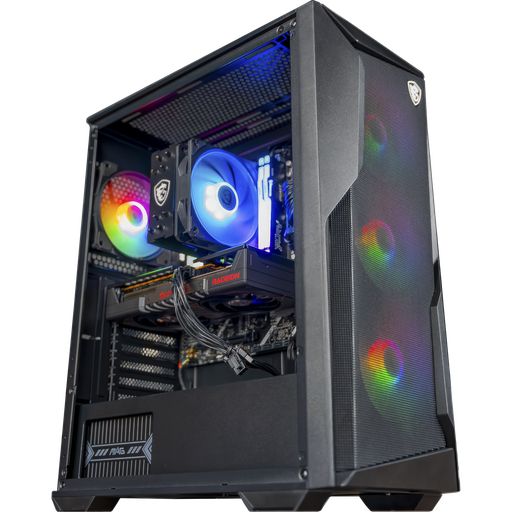
Rift PC: chipset B840
MSI B840 Gaming Plus WiFi, Ryzen 5 7500F and RX 9060 XT 16 GB: the AM5 mid-range that’s perfectly balanced without paying for overclocking you don’t need.
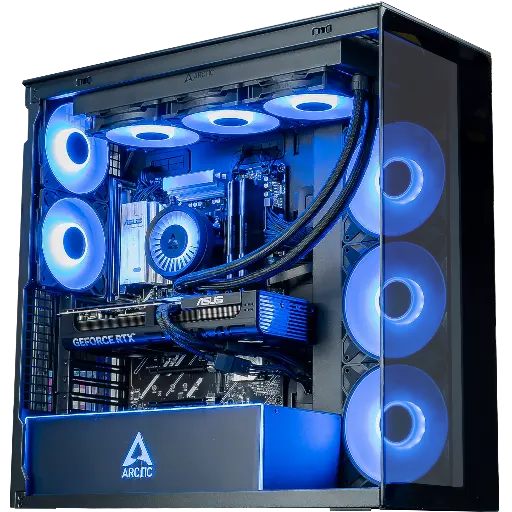
Cheetoh PC: chipset B850
MSI B850 Gaming Plus WiFi 6E, Ryzen 7 7800X3D and RTX 5070: the most balanced AM5 mid-range.
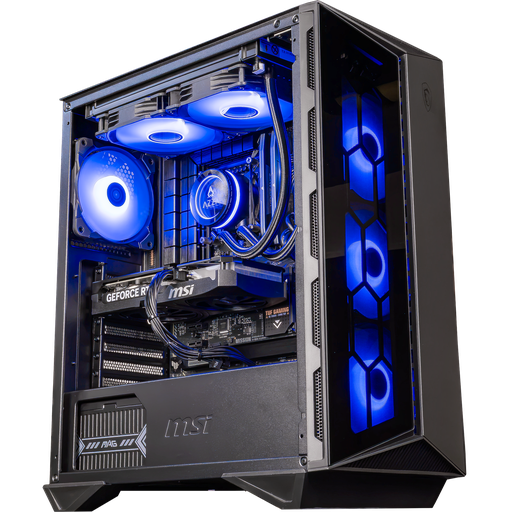
Swift PC: chipset B760
ASUS TUF Gaming B760-Plus WiFi, Core i5 14400F and RTX 5060 Ti 16 GB: no “K”, so no need for Z790.
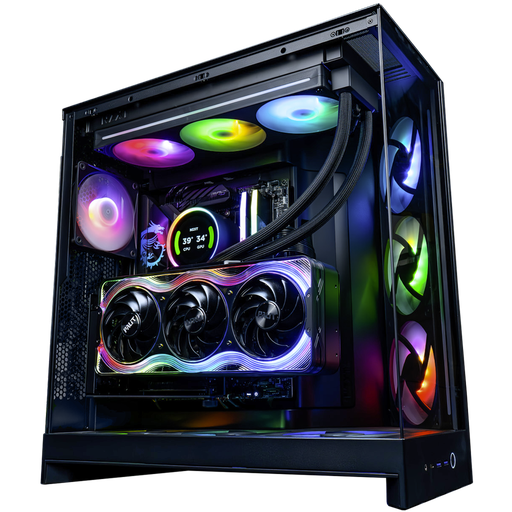
Kraken PC: chipset X870E
MSI X870E Gaming Plus WiFi, Ryzen 9 9950X3D and RTX 5090: the most complete chipset for the most powerful build.
FAQ: the motherboard chipset
What is the purpose of a motherboard chipset?
It connects to the processor everything that isn’t directly plugged in: USB and SATA ports, secondary M.2 and PCIe slots, and the network. It also sets motherboard options, such as overclocking.
Does the chipset influence gaming performance?
No. With the same processor, memory and graphics card, gaming performance is the same on an entry-level chipset and on a high-end chipset.
B850 or X870, which one should you choose?
The B850 is enough for gaming and supports overclocking. The X870 adds the mandatory USB4 and PCIe 5.0 for the graphics card, useful if you need those connections.
Do you need a Z chipset for an Intel processor?
Only if you want to overclock a “K” processor. For a Core i5 14400F or a Core Ultra without overclocking, a B760 or B860 is enough.
Which chipset for a Ryzen 7 9800X3D?
A B850 is the most logical choice: it supports the processor, allows overclocking, and offers a PCIe 5.0 SSD. A B840 also works, without overclocking.
