 Your PC in instalments (up to 12x)
By the FlowUP team, gaming PC builder in Genappe (Belgium) · Updated 29 September 2026
In brief: choose the platform first (the socket), which determines the compatible processors and memory: in 2026, AM5 is the best choice for a new AMD gaming PC (DDR5 only, compatible with the future Ryzen Zen 6). AM4 is still an option for a tight budget in DDR4. For Intel, it’s LGA1851 (Core Ultra 200S) or LGA1700. Next, pick the matching chipset (B850 on AM5, B860 on LGA1851 for most gamers), the form factor (ATX by default), and then check the connectivity: M.2 slots, USB-C, 2.5 GbE, Wi‑Fi.
Why the motherboard matters in 2026
A motherboard doesn’t give you FPS. But it does determine which processors you’ll be able to install tomorrow, what type of memory, how many SSDs, the USB and network connectivity, and stability with a high-end processor. Choosing the wrong motherboard means a PC you can’t upgrade.
The method comes down to four steps: the platform, then the chipset, then the form factor, and finally the connectivity.
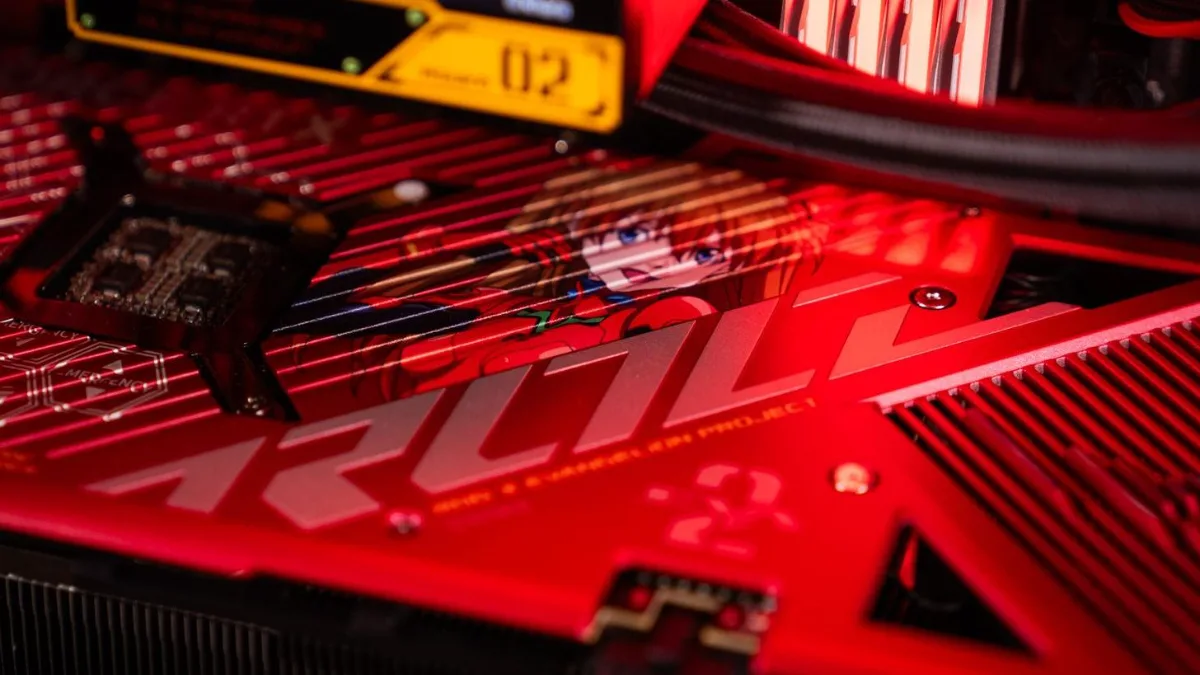
A high-end Intel Z790 motherboard, mounted in one of our PCs. Photo FlowUP.
Step 1: choose the platform (the socket)
| Platform | Processors | Memory | Upgradeability |
|---|---|---|---|
| AMD AM5 | Ryzen 7000, 8000 and 9000 (Zen 6 announced as compatible) | DDR5 only | Excellent: the current AMD platform |
| AMD AM4 | Up to the Ryzen 5000 (including 5700X3D, 5800X3D) | DDR4 | Limited: no new processors |
| Intel LGA1851 | Core Ultra 200S | DDR5 | Limited: Nova Lake switches to LGA1954 (leak) |
| Intel LGA1700 | 12th, 13th and 14th Gen Core | DDR4 or DDR5 depending on the motherboard | Dead end: a BIOS update is essential for 13th/14th Gen |
Sources: AMD (AM5 compatibility for Zen 6, confirmed in 2026), Tom’s Hardware (Nova Lake schedule, September 2026).
AM4 or AM5 in 2026?
For a new PC, AM5 without hesitation: it’s the platform that will support the next Ryzen chips, giving you real room to upgrade. AM4 only makes sense if your budget is tight, or if you’re upgrading an existing PC with a Ryzen 5000. And no, an AM5 motherboard doesn’t accept DDR4: DDR5 is mandatory.
On the Intel side, the situation is less favourable for upgrading: LGA1700 won’t get any new processors, and according to a rumour reported by Tom’s Hardware, the next Nova Lake generation will use a new socket, the LGA1954. If you switch to an Intel 13th or 14th Gen platform, follow our guide BIOS update for Intel 13th and 14th Gen processors.
Step 2: choose the chipset
| AM5 chipset | Range | CPU overclocking | PCIe | For whom? |
|---|---|---|---|---|
| A620 | Entry-level | No | PCIe 4.0 | Minimum budget |
| B840 | Recent entry level | No | No PCIe 5.0 | Affordable gaming PC without overclocking |
| B850 | Mid-range | Yes | M.2 on PCIe 5.0 | Most gamers |
| X870 | High-end | Yes | PCIe 5.0 for graphics card and M.2, USB4 | Complete connectivity |
| X870E | Very high-end | Yes | More PCIe 5.0 lanes, USB4 | Powerful processor, lots of storage |
Sources: TechSpot, AM5 chipset guide (February 2025); VideoCardz (B840 without overclocking or PCIe 5.0).
On the Intel side, the logic is the same. On LGA1851, the B860 is enough for most setups; the Z890 is for overclocking and maximum connectivity. On LGA1700, B760 for most people, Z790 for overclocking a “K” processor.
On AM4, the B550 remains the right baseline: SSDs on PCIe 4.0 and good compatibility with Ryzen 5000 (after a BIOS update if the board is older).
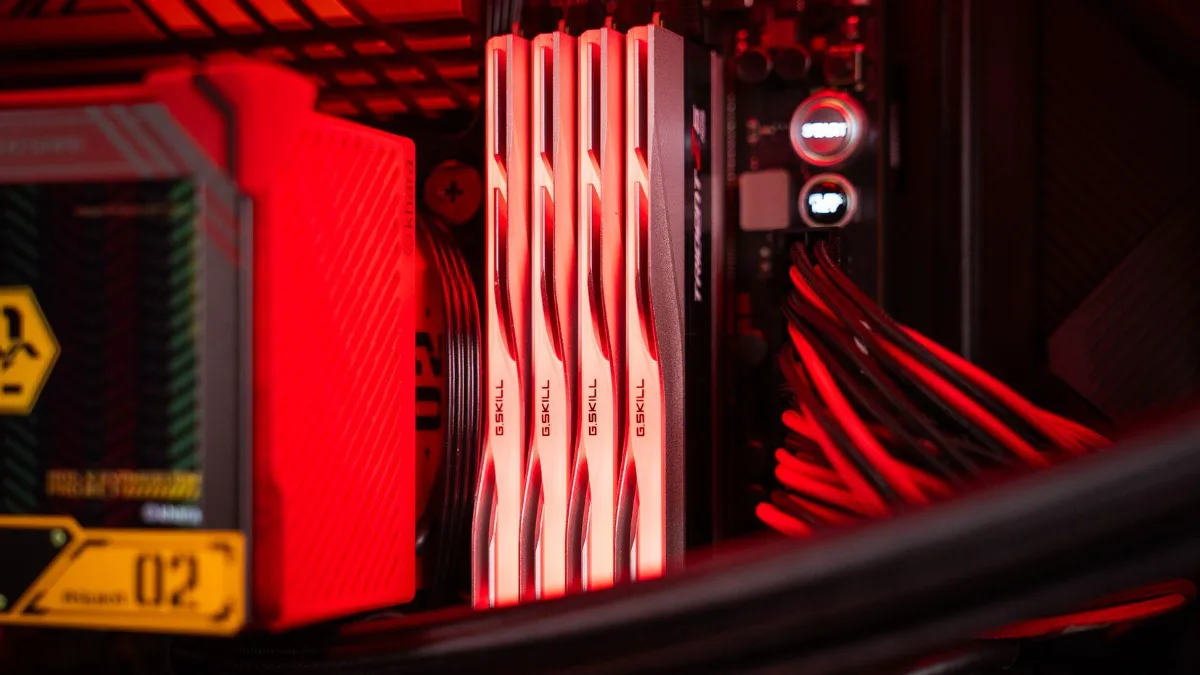
The chipset determines the connectivity: number of SSDs, USB ports, and the overclocking options. Photo FlowUP.
To see where the motherboard sits in a complete PC, the FrenchHardware channel shows the step-by-step assembly of a gaming PC:
FrenchHardware, “How to build your gaming PC in 2026” (video in French).
Step 3: choose the form factor
| Form factor | Size | What you gain or lose | For whom? |
|---|---|---|---|
| E-ATX | Very large | The maximum number of slots, M.2 drives and power stages | Workstations, very large PCs |
| ATX | Standard | The best balance | The vast majority of gaming PCs |
| Micro-ATX | Compact | Fewer slots, often cheaper | Small cases, tight budget |
| Mini-ITX | Very compact | One slot, limited storage, often more expensive | Living room PC, mini PC |
The motherboard’s form factor must match the case: everything is explained in how to choose your PC case.
Step 4: check the connectivity
- Storage: at least two M.2 slots with heatsinks; a PCIe 5.0 slot if your budget allows it.
- USB: USB‑C ports on the back and an internal USB‑C connector for the front of the case.
- Network: at least 2.5 GbE, Wi‑Fi 6E or 7 if you play without a cable.
- Internal connectors: enough fan headers, a pump header if you use a watercooling system, ARGB 5V connectors.
- Memory: four slots so you can go up to 64 GB later, and support for EXPO (AMD) or XMP (Intel) profiles.
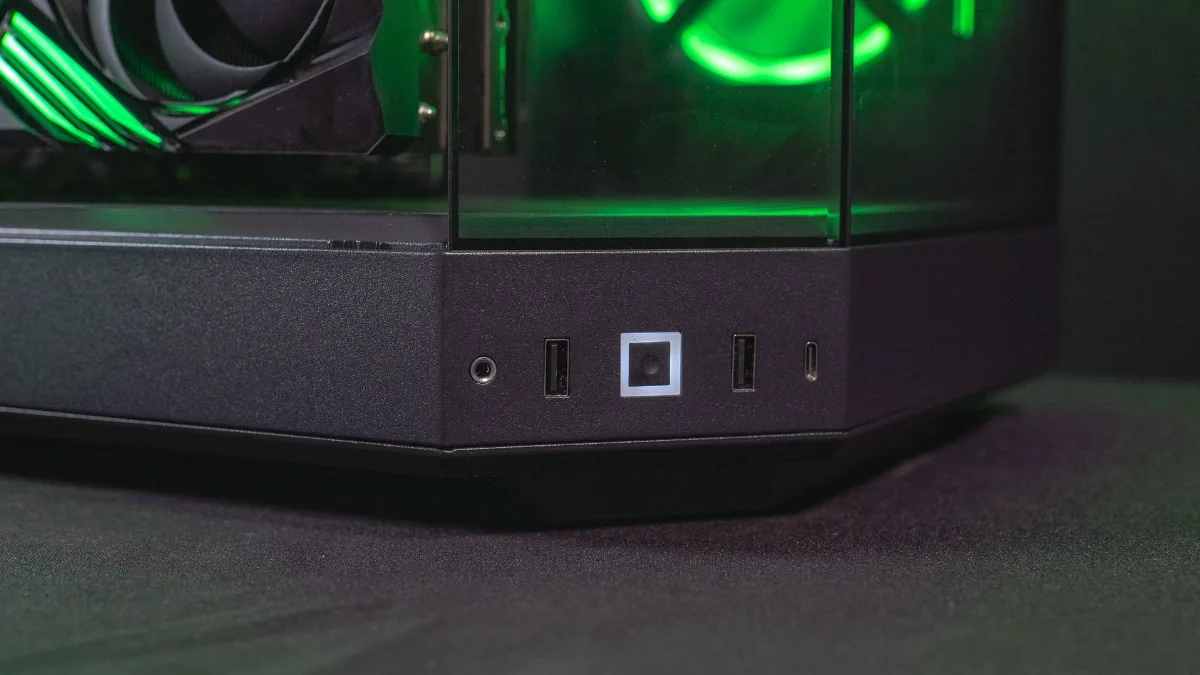
The front USB-C port can only be used if the motherboard has the corresponding internal connector.
PCIe 4.0 or 5.0: does it matter?
For the graphics card, PCIe 4.0 x16 is more than enough for gaming in 2026. Just watch out for entry-level cards running at x8 on an older PCIe 3.0 motherboard: we explain it in processor and graphics card compatibility. For SSDs, PCIe 5.0 delivers huge speeds, but the difference is mostly noticeable with large file transfers, much less when loading games.
The power stage (VRM): do you need a high-end board?
Not for a Ryzen 5, Core i5 or Core Ultra 5: most decent boards power them without any issues. For a Ryzen 9, Core i9 or Core Ultra 9 that holds high frequencies for long periods, a better-built board (more power stages, proper heatsinks) prevents VRM overheating and drops in performance.
Our 2026 recommendations
| Your situation | Our choice | Find out more |
|---|---|---|
| New AMD gaming PC | AM5 + B850 | X870 if you want USB4 and more PCIe 5.0 |
| Small AMD budget | AM5 + B840, or AM4 + B550 | AM4 if you reuse DDR4 |
| New Intel PC | LGA1851 + B860 | Z890 for overclocking |
| Existing Intel upgrade | LGA1700 + B760 | Z790 for a “K” processor |
PCs built on recent motherboards
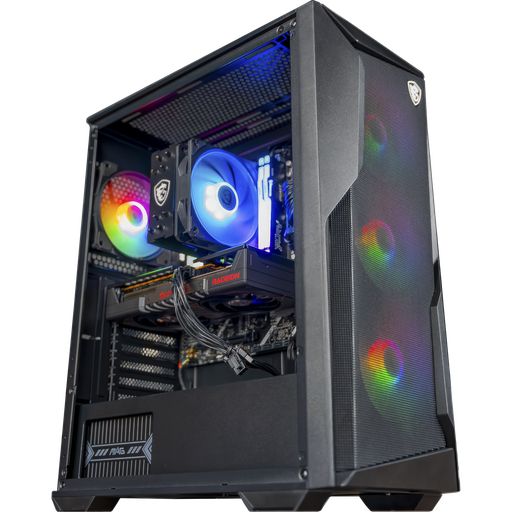
Rift PC: AM5, B840 motherboard
Ryzen 5 7500F, RX 9060 XT 16 GB and 16 GB of DDR5 on MSI B840 Gaming Plus WiFi: an upgradeable AM5 base.

Novara PC: AM5, B840 motherboard
Ryzen 5 7500X3D, RTX 5070 and 16 GB of DDR5 on MSI B840 Gaming Plus WiFi.
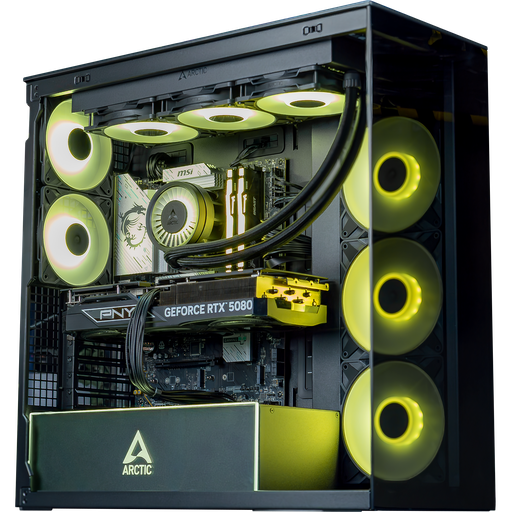
For the rest of the build, follow our guide how to choose your gaming PC in 2026.
To understand what the chipset does and compare B840, B850, X870, B760 or Z890, read our article motherboard chipset: what it is and which one to choose.
FAQ: choosing your motherboard
AM4 or AM5 in 2026?
AM5 for a new PC: this is AMD’s current platform, compatible with future Ryzen Zen 6 CPUs. AM4 is still interesting for a small budget or to upgrade an existing PC with a Ryzen 5000.
Does an AM5 motherboard support DDR4?
No. The AM5 platform works only with DDR5.
Which AM5 chipset should you choose?
The B850 for most players. The B840 and A620 for a tight budget without overclocking, the X870 or X870E for maximum connectivity (USB4, more PCIe 5.0).
What is the best gaming motherboard in 2026?
There isn’t one single model: for most players, a B850 (AMD) or B860 (Intel) board in ATX format, with at least two M.2 slots and 2.5 GbE, offers the best balance.
Do you need PCIe 5.0 on the motherboard?
Not essential for gaming. A PCIe 5.0 M.2 slot is a plus for the future, but the graphics card works perfectly well on PCIe 4.0.
