 Your PC in instalments (up to 12x)
By the FlowUP team, gaming PC builder in Genappe (Belgium) · Updated 28 September 2026
In short: for a 100% gaming PC, AMD keeps the edge thanks to its Ryzen X3D (Ryzen 7 9800X3D, 9850X3D): Tom's Hardware still measures a Ryzen 7 7800X3D that is 10.4% ahead of the Core Ultra 7 270K Plus on average in games (April 2026). Intel is a very good choice for an all-round PC (gaming + creation, multitasking) and often offers a better performance-to-price ratio. In 4K, the CPU brand matters much less: it’s the graphics card that decides.
Intel or AMD: the quick answer
The Intel vs AMD debate has long resembled a clan war. In 2026, both make excellent CPUs, but they don’t shine in the same places. And more often than not, the graphics card, the resolution and the screen matter more for your FPS than the CPU brand.
Remember three cases: pure high-refresh gaming, go for a Ryzen X3D; gaming and creation, Intel Core Ultra or Ryzen 9 depending on your software; tight budget, choose the cheapest platform with the same performance.
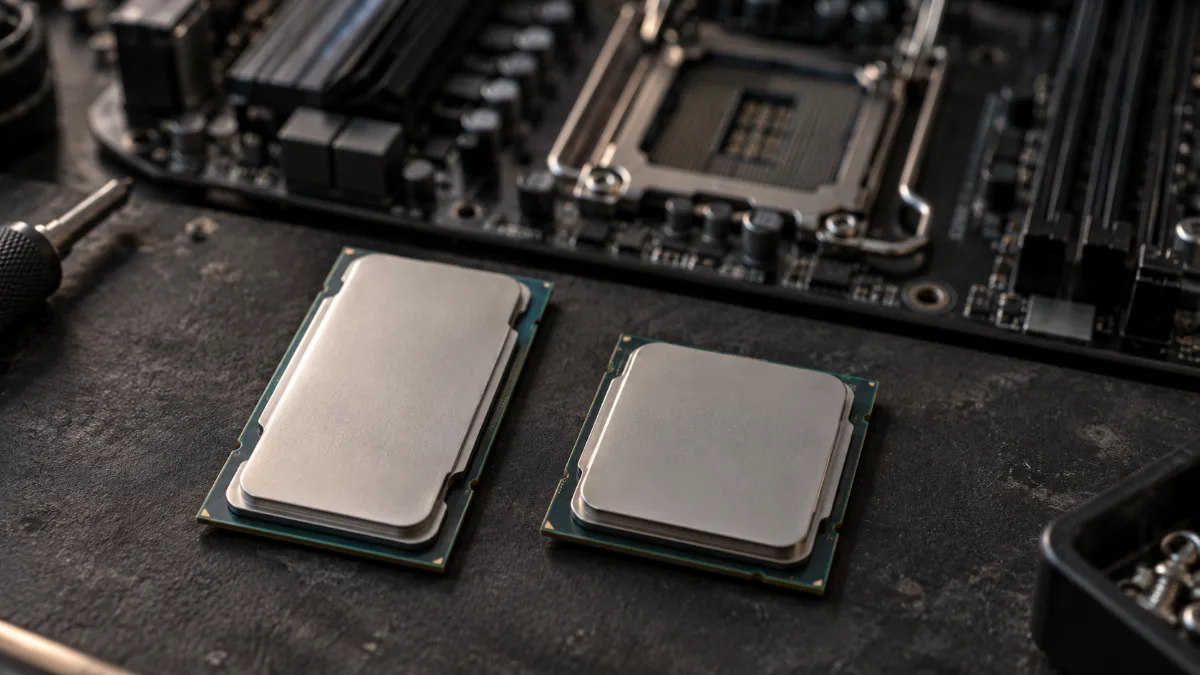
Two architectures, two strengths: pure gaming for the X3D, versatility for Intel.
Intel vs AMD: a quick choice table
| Your goal | The right instinct in 2026 | Why |
|---|---|---|
| Max FPS in competitive gaming (1080p/1440p, 240 Hz screen and up) | AMD Ryzen X3D | 3D V-Cache boosts FPS and 1% low in many games |
| Gaming + creation (editing, rendering, 3D) | Intel Core Ultra 7/9 or AMD Ryzen 9 | Lots of cores for heavy multitasking |
| A balanced PC for doing everything | AM5 (Ryzen 7) or LGA1851 (Core Ultra 7) | Choose based on price and platform, not the brand |
| Tight budget | AM4 (Ryzen 5 5600, Ryzen 7 5700X) or LGA1700 (Core i5) | Mature platforms, cheaper motherboards and DDR4 |
| Gaming in 4K | Both | The graphics card makes the difference, not the processor |
Pure gaming: why Ryzen X3D remains the benchmark
AMD’s X3D processors stack a large amount of cache (3D V-Cache) directly on the chip. Games, which are extremely sensitive to memory access, benefit massively: more FPS, and above all less pronounced dips (1% low), resulting in a more stable image.
Even the latest Intel generation can’t close the gap: in its April 2026 comparison, Tom's Hardware places the Ryzen 7 7800X3D 10.4% ahead of the Core Ultra 7 270K Plus on average in the tested games, and the Ryzen 7 9800X3D and 9850X3D go even further. Intel catches up on price: the same comparison gives the 270K Plus a better FPS-per-euro ratio.
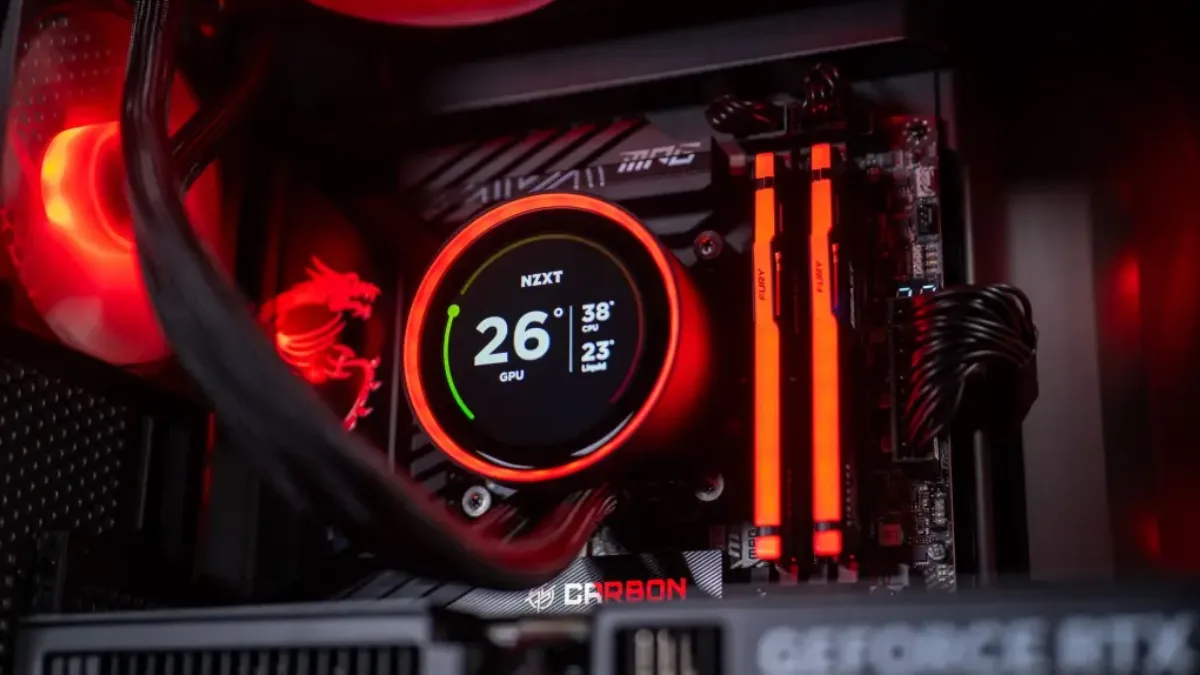
At high refresh rates in 1080p and 1440p, the processor matters a lot.
Intel in 2026: when it’s the best choice
Intel is very interesting in three situations:
- An all-round PC: the Core Ultra 200S (LGA1851 platform, B860 and Z890 chipsets) have a lot of cores, an advantage for video editing, rendering or streaming alongside gaming.
- Performance-to-price ratio: the Core Ultra 200S Plus, like the 270K Plus, are specifically aimed at the best FPS per euro.
- A controlled budget: the Core i5 models on the LGA1700 platform are still good gaming CPUs, compatible with DDR4 depending on the motherboard.
In terms of upgradeability, keep in mind that Intel is preparing its next generation (Core Ultra 400, Nova Lake) on a new socket. AMD, for its part, has promised to keep the AM5 platform going: that’s an argument if you plan to switch CPUs without changing your motherboard.
The real question: what resolution do you play at?
The higher the resolution goes, the more the graphics card becomes the limiting factor, and the less the choice between Intel or AMD will affect your FPS:
| Resolution | What matters most | Intel vs AMD consequence |
|---|---|---|
| Competitive 1080p | Processor, latency, 1% low | Clear advantage with Ryzen X3D |
| 1440p | Processor and graphics card | Smaller gap: choose the best CPU + platform combo |
| 4K | Graphics card (video memory, upscaling) | The processor becomes secondary, as long as it’s solid |
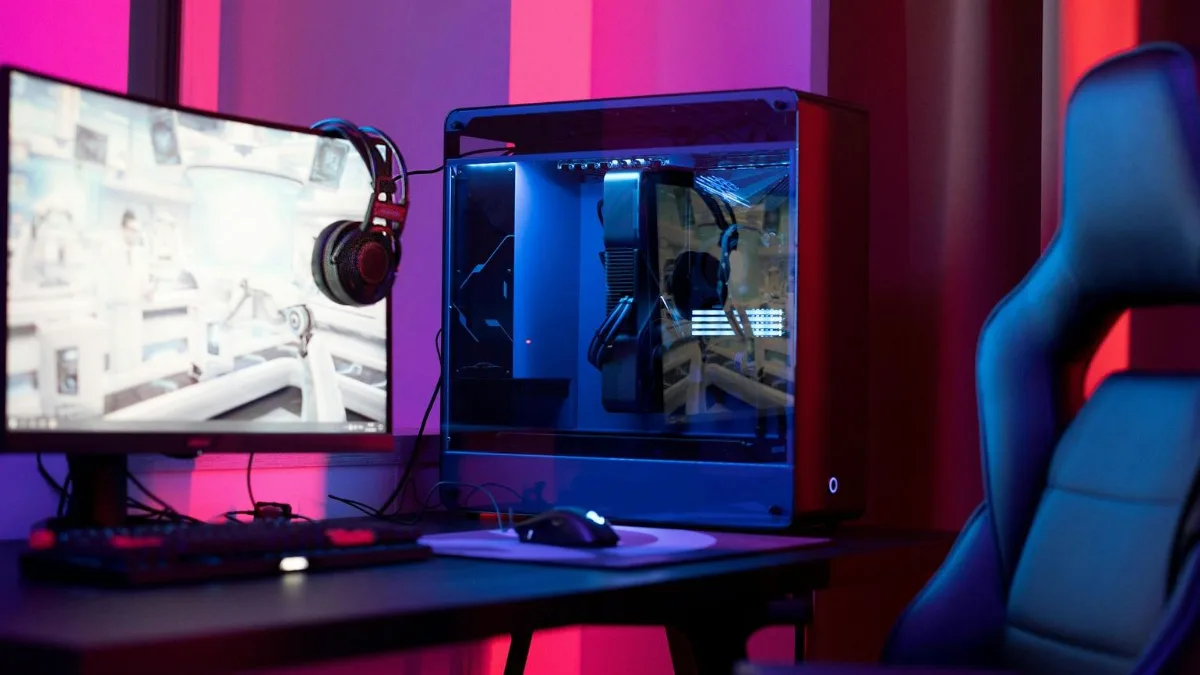
Your screen and its resolution matter as much as the processor brand.
The platform: what you forget too often
In 2026, you don’t just choose a CPU, you choose an entire ecosystem: motherboard, memory type and upgrade options.
| Platform | Memory | Processors | To know |
|---|---|---|---|
| AM5 (AMD) | DDR5 only | Ryzen 7000 and 9000, including X3D models | Platform backed for the long term by AMD |
| LGA1851 (Intel) | DDR5 only | Core Ultra 200S and 200S Plus | B860 and Z890 chipsets |
| AM4 (AMD) | DDR4 | Ryzen 5000, including the 5700X3D | Cheap, limited upgrade path |
| LGA1700 (Intel) | DDR4 or DDR5 depending on the motherboard | 12th to 14th gen Core processors | Good value for money, end-of-life |
For everything you need to know about memory, see 16 or 32 GB of RAM in 2026And whatever you choose, don’t forget to enable the profile XMP or EXPO of RAM in the BIOS.
For a quick video overview of today’s processors, Mathis and Gauthier published their top 10 gaming processors in May 2026:
Mathis and Gauthier, “Top 10 gaming processors in 2026”, May 2026.
Our simple recommendations
- The best PC for gaming (FPS, 1% low): a Ryzen X3D.
- Lots of creation or multitasking: a Core Ultra 7 or 9, or a Ryzen 9, compare based on your software.
- 4K gaming: invest first in the graphics card; a good mid-range processor is enough.
- Balanced and upgradable PC: AM5 or LGA1851, depending on the current price.
To match the graphics card, read how to choose a graphics card in 2026, and for a complete build based on your budget, best gaming PC 2026.
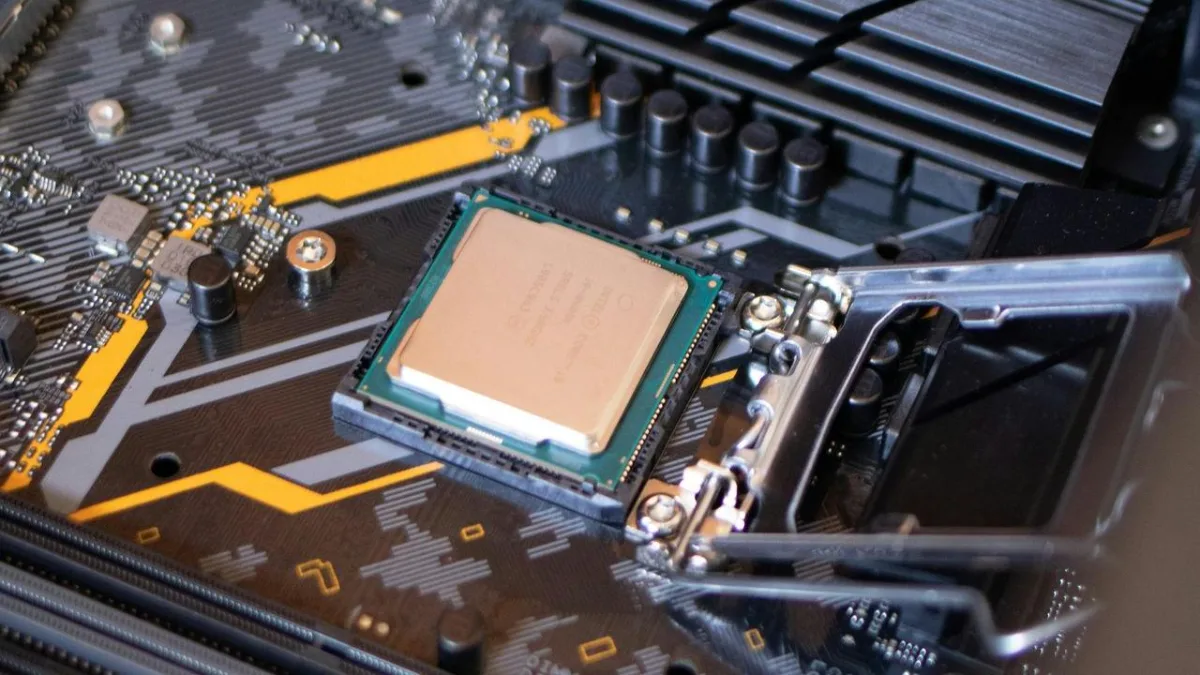
The processor and its platform are chosen together.
Our Intel and AMD gaming PCs
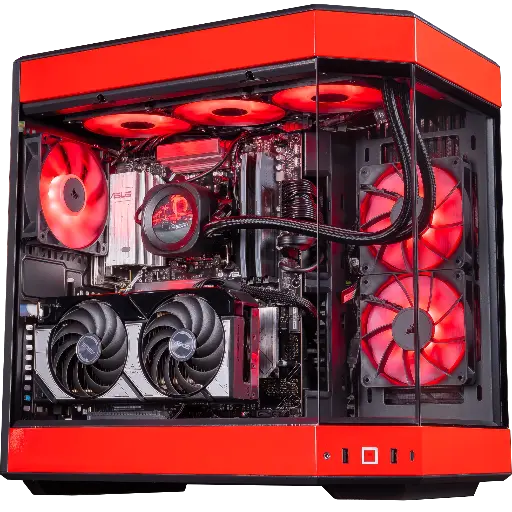
Rivals PC, Ryzen 7 9800X3D and RTX 5070
The Ryzen 7 9800X3D, a benchmark for competitive gaming, with an RTX 5070 and 32 GB of DDR5: built for 1440p at high refresh rates.
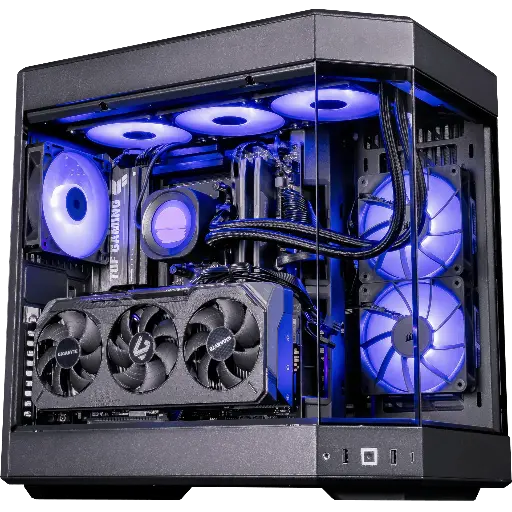
Shadow V2 PC, Ryzen 7 9800X3D and RX 9070 XT
Ryzen 7 9800X3D, Radeon RX 9070 XT 16 GB and 32 GB of DDR5: a 100% AMD setup for demanding 1440p.
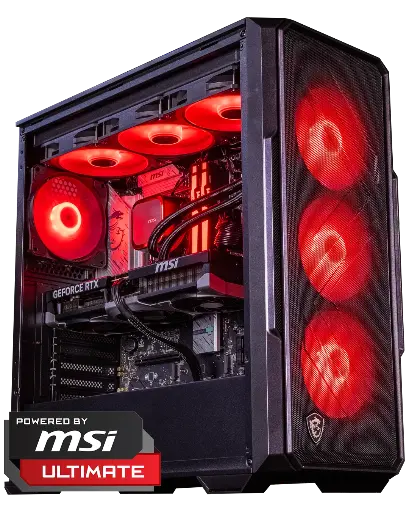
Abyssin PC, Core Ultra 5 245KF and RTX 5070 Ti
An Intel Core Ultra 5 245KF with a 16 GB RTX 5070 Ti: a modern Intel base on LGA1851, strong for both gaming and versatility.
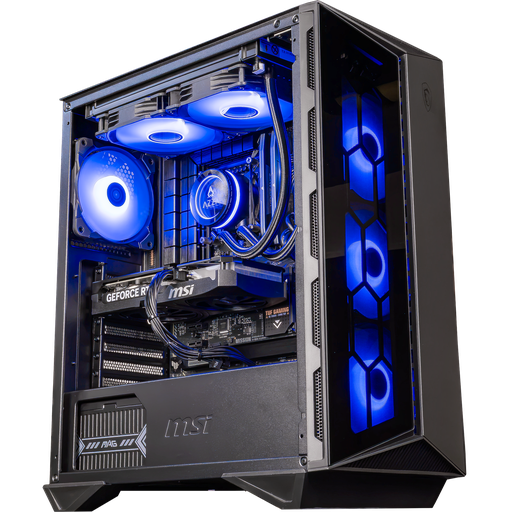
Swift PC, Core i5-14400F and RTX 5060 Ti
Core i5-14400F and RTX 5060 Ti 16 GB: an efficient Intel PC for 1080p and 1440p.
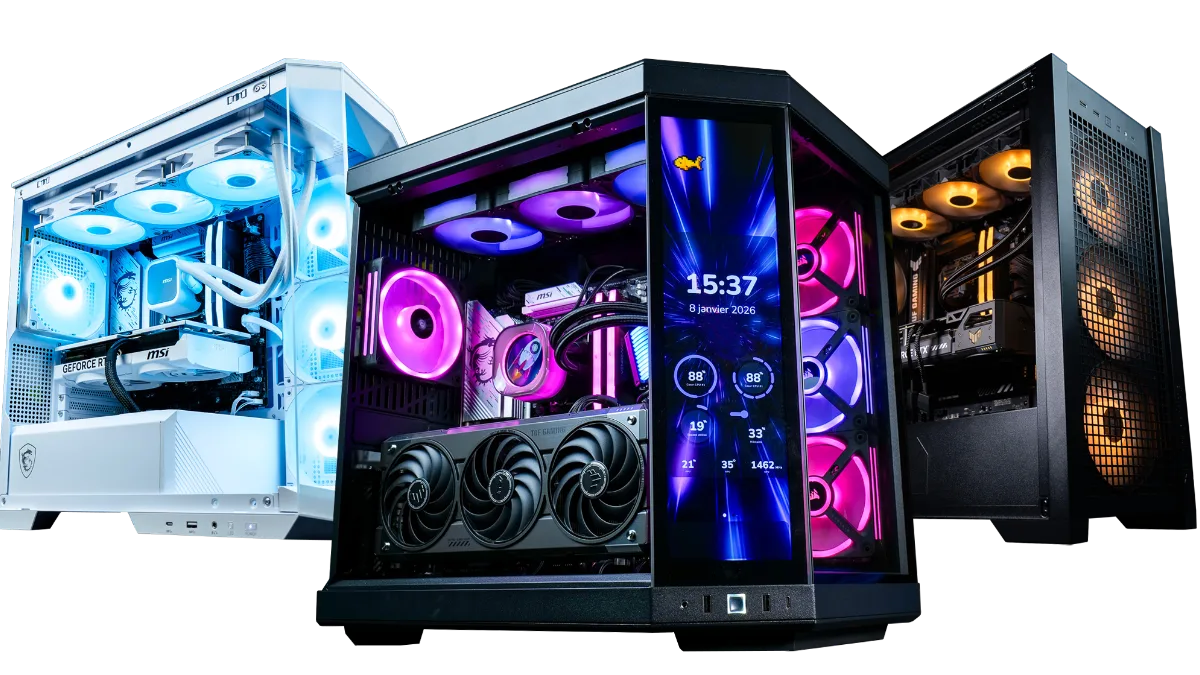
All our Intel and AMD configurations are in the category Gaming PC FlowUP.
Before choosing, also check the platform’s socket: our guide processor socket: AM4, AM5, LGA1700 and LGA1851 explains what changes so you can upgrade your PC.
Going for Intel? To choose between a Core i7 and a Core i9, read our comparison Core i7 or i9.
Intel or AMD FAQ
Intel or AMD: which is best for gaming in 2026?
For pure gaming, AMD with its Ryzen X3D. Tom’s Hardware finds a Ryzen 7 7800X3D that is 10.4% ahead of the Core Ultra 7 270K Plus on average in games (April 2026).
Is Intel better for video editing and streaming?
Often, thanks to its large number of cores in the Core Ultra 7 and 9. A Ryzen 9 is also very strong, compare based on your software.
Does the processor matter in 4K?
Much less than in 1080p. In 4K, the graphics card almost always limits the FPS: a good mid-range processor is enough.
AM5 or LGA1851: which platform should you choose?
AM5 if you’re aiming for a Ryzen X3D or a future CPU upgrade on the same motherboard. LGA1851 for a modern, versatile Intel PC.
Is a Ryzen 7 9800X3D useful with an entry-level graphics card?
Rarely. With a modest graphics card, it’s the graphics card that limits the FPS, better balance your budget between the two.
Should you wait for the next generation?
There’s always a new generation in the works. If your current PC no longer satisfies you, the processors available today will easily do the job for several years.
