 Your PC in instalments (up to 12x)
By the FlowUP team, gaming PC builder in Genappe (Belgium) · Updated 29 September 2026
In brief: the PSU (Power Supply Unit) is the power supply for your PC: it converts mains electricity from the wall into DC voltages for all components. To choose it, start from the power recommended by your graphics card manufacturer (650 W for an RTX 5070, 750 W for an RTX 5070 Ti or an RX 9070 XT, 850 W for an RTX 5080, 1000 W for an RTX 5090), go for a 80 Plus Gold certification or better, an ATX 3.1 model with a native 12V-2x6 cable if your card needs it, and a recognised brand. It’s the component that protects everything else: never buy it on the cheap.
PSU: what is it, and why is it so important?
The power supply converts the AC power from the wall into DC power (12 V, 5 V, 3.3 V) for the motherboard, the CPU, the graphics card and storage. It must deliver stable voltages, handle the brief power spikes of modern graphics cards, and shut down quickly if there’s a problem thanks to its protections.
A poor power supply doesn’t usually show on day one. You notice it through game crashes, random reboots, noise, and in the worst case, damaged components.
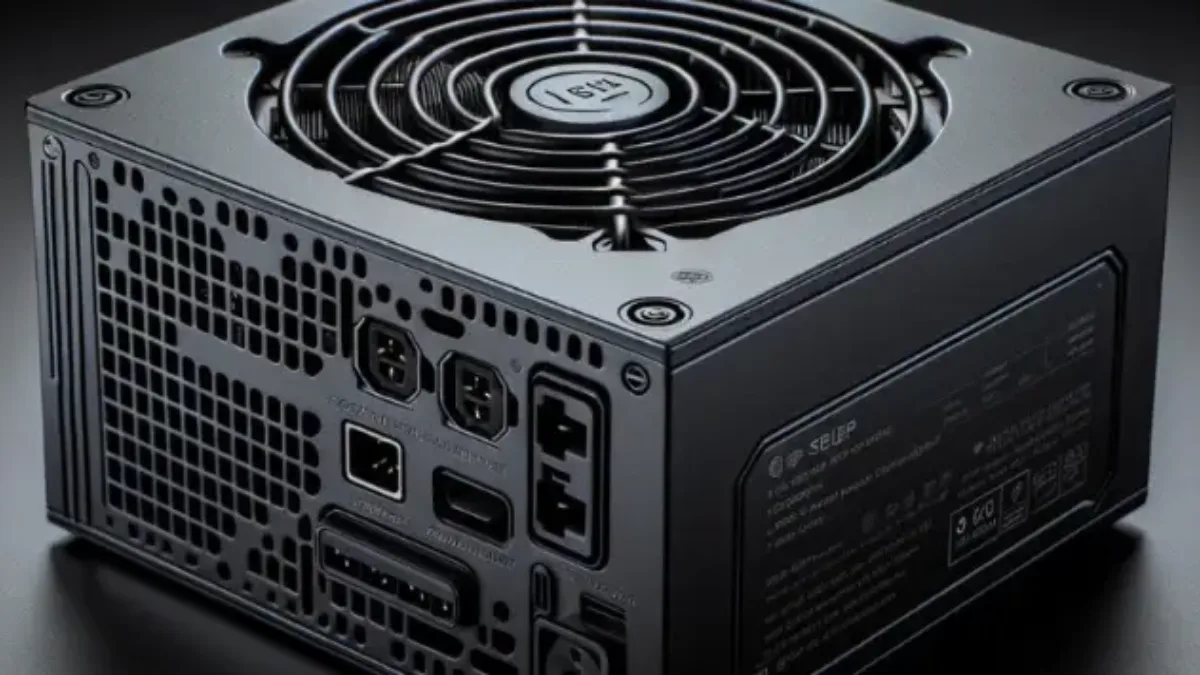
A modular power supply: you only plug in the cables you actually need.
How many watts? Start with the graphics card
The graphics card is the component that uses the most power. Its manufacturers publish a recommended PSU wattage for the entire PC, including a safety margin:
| Graphics card | Card consumption | Recommended power supply |
|---|---|---|
| RTX 5090 | 575 W | 1000 W |
| RTX 5080 | 360 W | 850 W |
| RTX 5070 Ti | 300 W | 750 W |
| RX 9070 XT | 304 W | 750 W |
| RTX 5070 | 250 W | 650 W |
| RX 9070 | 220 W | 650 W |
| RTX 5060 Ti | 180 W | 600 W |
| RX 9060 XT 16 GB | 160 W | 450 W |
| RTX 5060 | 145 W | 550 W |
Sources: NVIDIA and AMD datasheets, consulted on 29 September 2026. NVIDIA states that a higher wattage may be required depending on the rest of the configuration.
These figures assume a standard processor. With a very power-hungry CPU (Core i9, Ryzen 9) or lots of accessories, go one step up. And aiming a bit higher than what’s strictly necessary also has benefits: a PSU that runs at around half its capacity is often more efficient and quieter. For a more precise calculation, power-supply manufacturers’ calculators (be quiet!, Seasonic) do the work.
80 Plus: Bronze, Gold, Platinum, what should you choose?
The 80 Plus certification guarantees a minimum efficiency: the share of the electricity drawn from the wall that actually reaches the components. The rest is lost as heat. Official thresholds for an internal 230 V power supply (European grid):
| Certification | 20% load | 50% load | 100% load |
|---|---|---|---|
| Bronze | 85 % | 88 % | 85 % |
| Silver | 87 % | 90 % | 87 % |
| Gold | 90 % | 92 % | 89 % |
| Platinum | 92 % | 94 % | 90 % |
| Titanium | 93 % | 95 % | 91 % |
Source: CLEAResult, the organisation that manages the 80 Plus programme (the Titanium level also requires 90% at 10% load).
Our advice: 80 Plus Gold for a gaming PC is the right balance between price, heat and noise. Bronze is still acceptable for an entry-level build, as long as the power supply is from a reputable brand. Platinum and Titanium mainly target low noise and systems that stay on all day. There is also the Cybenetics certification (ETA for efficiency, LAMBDA for noise), measured across the entire load range and considered stricter.
ATX 3.1 and 12V-2x6 connector: what changes
Recent graphics cards, such as the RTX 50 series and some RX 9070 XT models, use a 16-pin connector, the 12V-2x6, which replaces the 12VHPWR. Its sense pins are shorter: if the plug isn’t pushed all the way in, the card cuts power instead of overheating. The ATX 3.1 standard (September 2023) includes this connector.
Cases of melted connectors were reported in 2025, especially with RTX 5090s, due to poorly balanced current between the wires. Best practices: use a native 12V-2x6 cable from the power supply rather than an adapter, make sure the connector is fully pushed in, and don’t tightly bend the cable right at the exit of the connector.
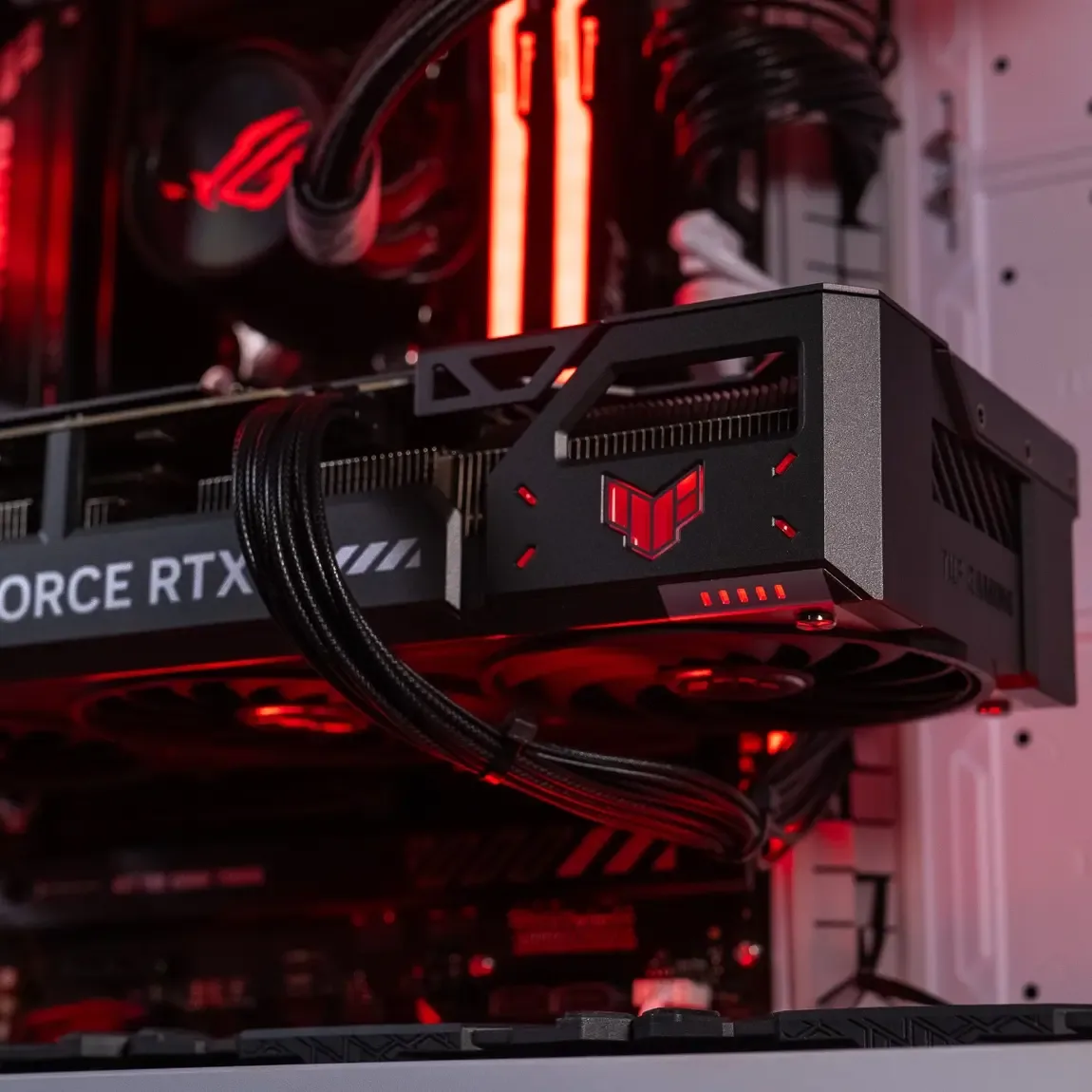
The graphics card connector: a native cable, pushed fully in.
Modular, semi-modular, or fixed?
| Type | Principle | Who is it for? |
|---|---|---|
| Non-modular | All cables are fixed | Cheaper, but you have to hide the cables you don’t need |
| Semi-modular | Main cables fixed, the rest detachable | Good compromise |
| Modular | All cables are detachable | The tidiest, ideal for a glass case |
Warning: modular cables aren’t standardised between brands, and sometimes not even between models from the same brand. Never reuse cables from another power supply.
Other criteria
- Protections: OVP (overvoltage), UVP (undervoltage), OPP (overpower), SCP (short circuit), OTP (overheating). A proper power supply unit lists all of them.
- Silence: a semi-passive mode stops the fan at low load, ideal on a desk.
- Form factor: ATX for the vast majority of PC cases, SFX or SFX-L for compact cases. Also check the power supply’s length on the case’s specifications sheet.
- Brand and platform: prioritise well-known brands and look at reviews/tests. The community ranking “SPL's PSU Tier List” helps you spot the good platforms.
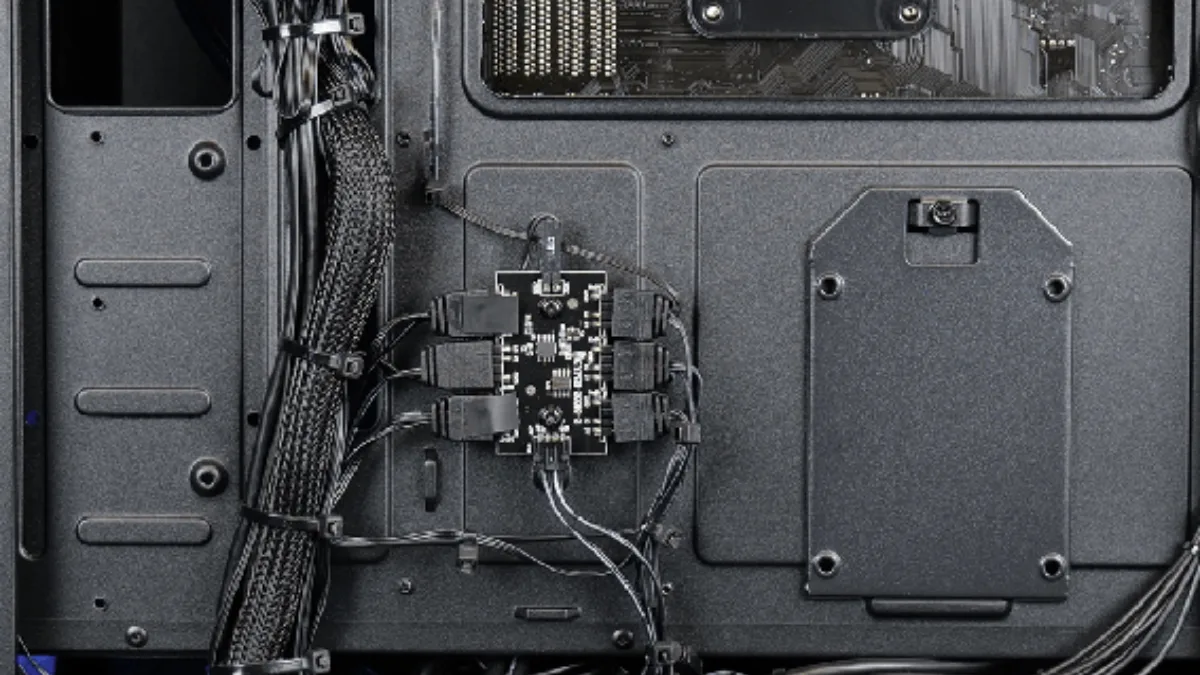
Well-organised cables behind the motherboard, easier with a modular power supply
To see a recent power supply up close, Mathis et Gauthier present one in this video:
Mathis et Gauthier, ‘The PC power supply of the future!’, May 2025.
The 5-point rule
- Check the recommended wattage from your graphics card manufacturer.
- Add some headroom if your processor is very power-hungry.
- Go for at least 80 Plus Gold (Bronze is possible in entry-level models, from a reputable brand).
- Choose ATX 3.1 with a native 12V-2x6 cable if your card uses it.
- Check the form factor and length against your case.
For the rest of the PC, follow our guide how to choose a gaming PC in 2026, and for the case, how to choose a PC case. On our product pages, the exact power supply model is given, for example, an MSI MAG A550BN 80 Plus Bronze in the Banger PC with an RTX 5060, matching the 550 W recommended by NVIDIA for this card.
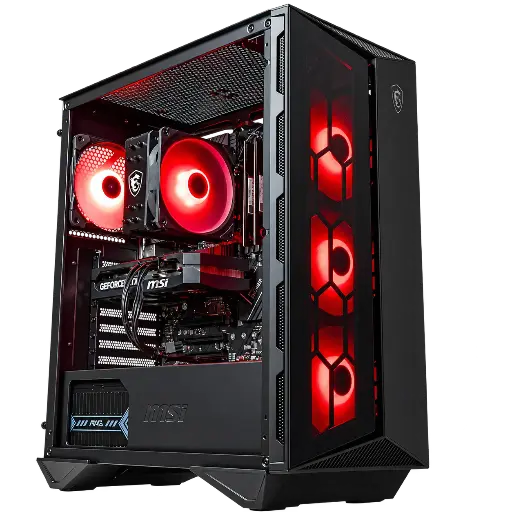
Banger PC: RTX 5060, 550 W power supply
RTX 5060, Core i5-12400F and MSI MAG A550BN 80 Plus Bronze power supply: the wattage recommended by NVIDIA for this card.
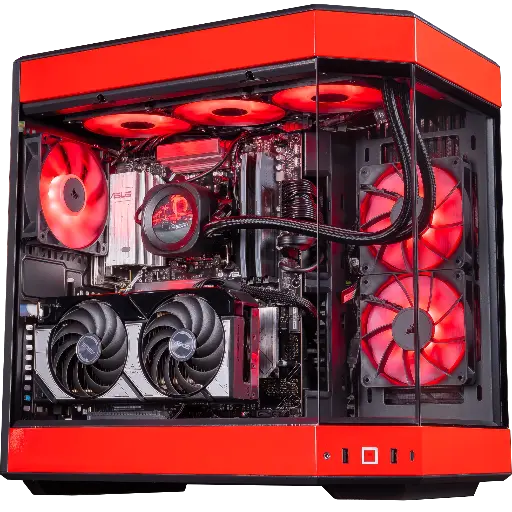
Rivals PC: RTX 5070
RTX 5070, Ryzen 7 9800X3D and 32 GB of DDR5; the power supply model is detailed on the page.
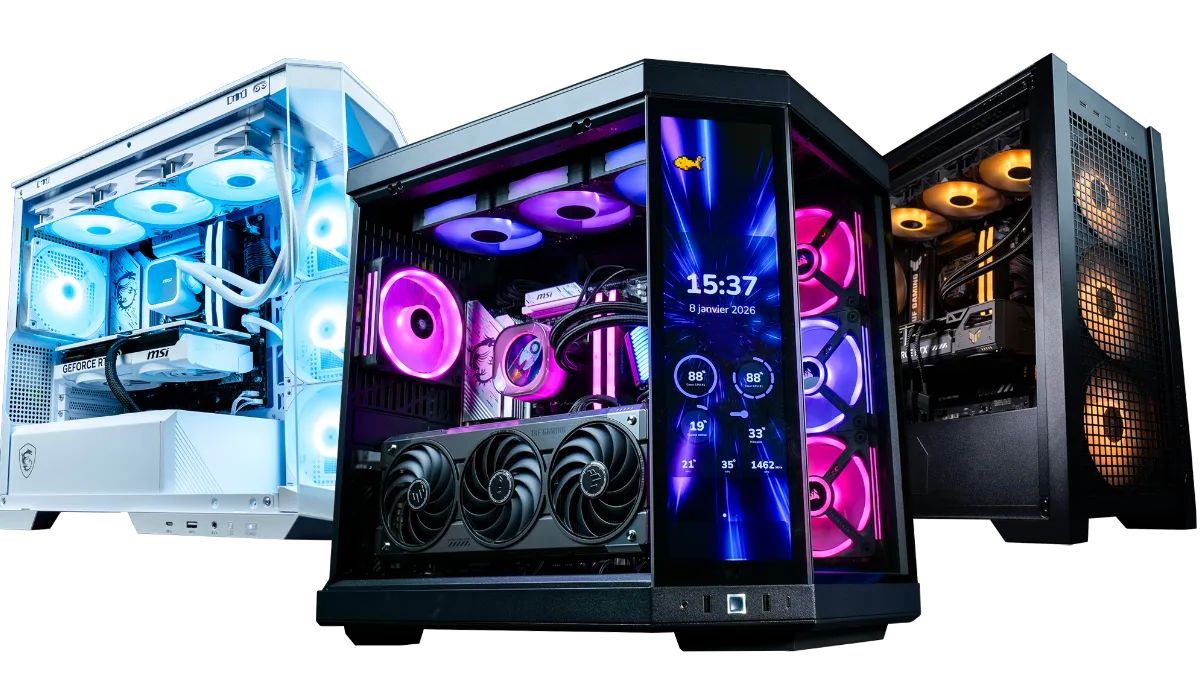
All our builds are in the category FlowUP gaming PCs.
For everything about the standards, power excursions and the 12V-2x6 connector, read our article ATX 3.0 vs ATX 3.1: the differences.
FAQ: PC power supply
PSU, what does it mean?
Power Supply Unit: it’s the PC power supply, the unit that converts the mains power from the wall outlet for all components.
What power supply for an RTX 5070?
650 W according to NVIDIA, 750 W for an RTX 5070 Ti and 850 W for an RTX 5080.
What power supply for an RX 9070 XT?
Minimum 750 W according to AMD, 650 W for an RX 9070.
80 Plus Bronze or Gold?
Gold for a gaming PC: better efficiency, less heat and less noise. Bronze remains acceptable for entry-level builds, if the power supply comes from a reputable brand.
Do you need an ATX 3.1 power supply?
It’s recommended for cards that use the 12V-2x6 connector (RTX 50, some RX 9070 XT): you plug in a native cable instead of an adapter.
Does an overpowered power supply consume more?
No: the PC only draws what it needs. A heavily oversized power supply simply costs more and may be a little less efficient at very low load.
