 Your PC in instalments (up to 12x)
By the FlowUP team, gaming PC builder in Genappe (Belgium) · Updated 28 September 2026
A PC is made up of eight main components that work together: the processor calculates, the graphics card creates the images, the RAM keeps at hand what’s needed right now, storage keeps everything else, the motherboard connects it all, the power supply provides the energy, cooling removes the heat, and the case protects everything. This is what’s called hardware, the computer’s physical components, as opposed to software (Windows, games, and applications). Here’s the role of each part, explained simply and illustrated with photos of our builds.
In brief
- Processor (CPU): the brain, which carries out calculations.
- Graphics card (GPU): calculates the images displayed on your screen, decisive for gaming.
- RAM (working memory): temporary working memory, emptied every time you shut down.
- Storage (SSD or hard drive): keeps Windows, your games and your files.
- Motherboard, power supply, cooling and case: they connect, supply power, cool and protect the whole system.
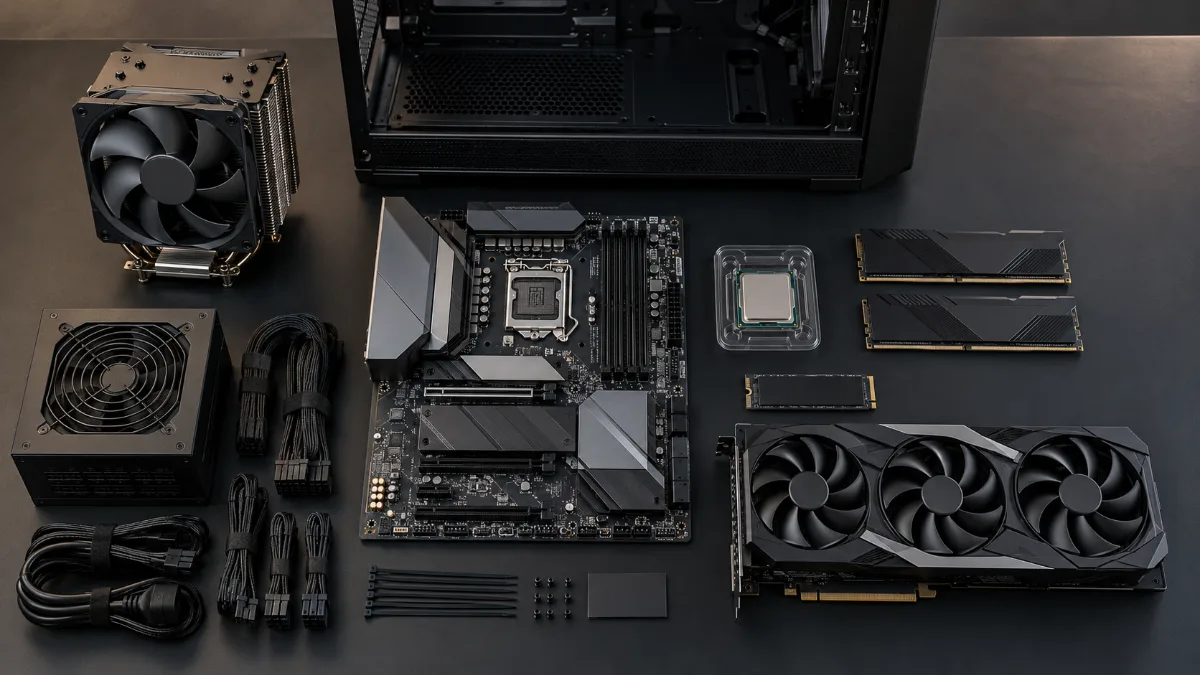
Motherboard, processor, RAM, SSD, graphics card, power supply, cooling: the parts of a PC before assembly.
PC components at a glance
| Component | Its role | To keep it simple | What matters for gaming |
|---|---|---|---|
| Processor (CPU) | Executes calculations and the logic of programs | The brain | Number of cores, clock speed, cache memory |
| Graphics card (GPU) | Calculates the images shown | The artist | Computing power, amount of video memory (VRAM) |
| RAM (working memory) | Keeps data you’re using close at hand | The workbench | Capacity (minimum 16 GB, 32 GB is comfortable) |
| Storage (SSD, HDD) | Keeps files even when the PC is turned off | The cabinet | An NVMe SSD for Windows and games |
| Motherboard | Connects and helps all components communicate | The nervous system | Socket compatible with the processor, connectivity |
| Power supply | Converts the mains power to what the components need | The heart | Enough power, good certification |
| Cooling | Evacuates heat from the processor | The air conditioning | Designed for the heat produced by the CPU |
| Case and fans | Protects components and guides airflow | The skeleton | A good airflow |
The processor (CPU): the brain
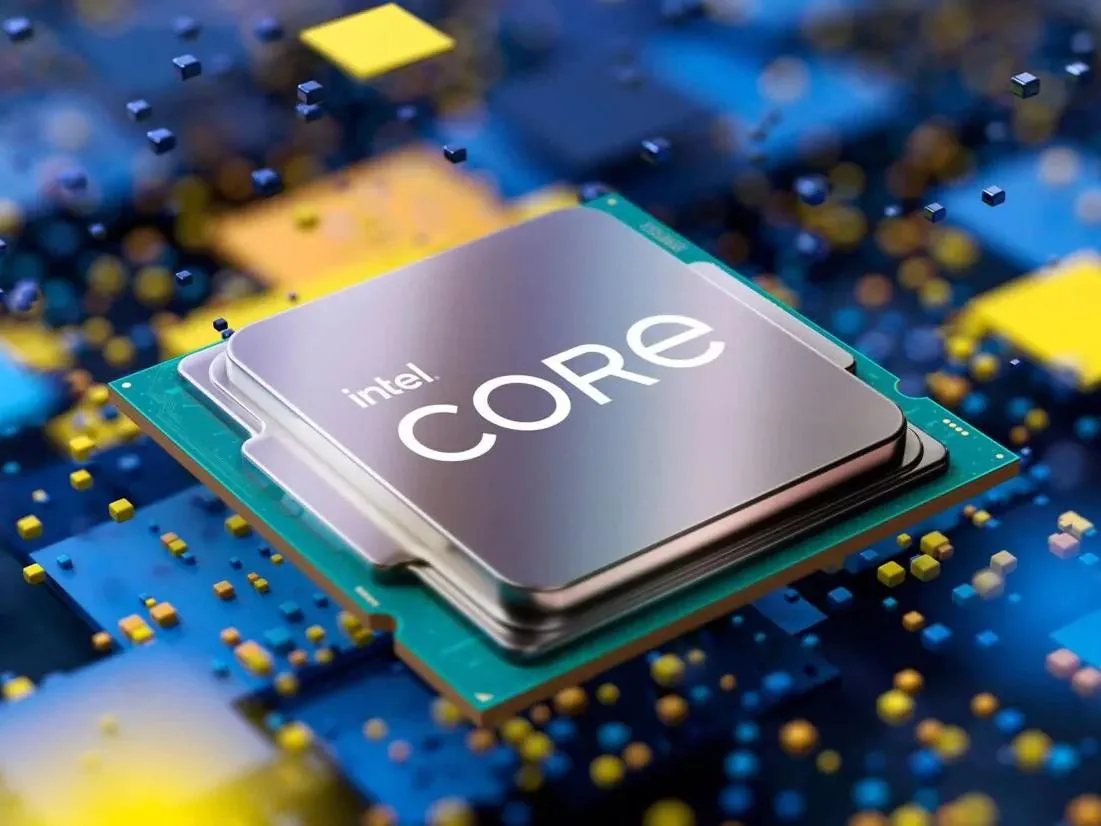
The processor runs the instructions of Windows and applications. In games, it handles the logic: character movement, physics, artificial intelligence, and it prepares work for the graphics card.
Two manufacturers share the PC market: Intel and AMD. The more cores a processor has, the more tasks it can run in parallel; the higher its clock speed, the faster each task runs. To decode the references, read our guide on the names of Intel processors.
Graphics card (GPU): the artist
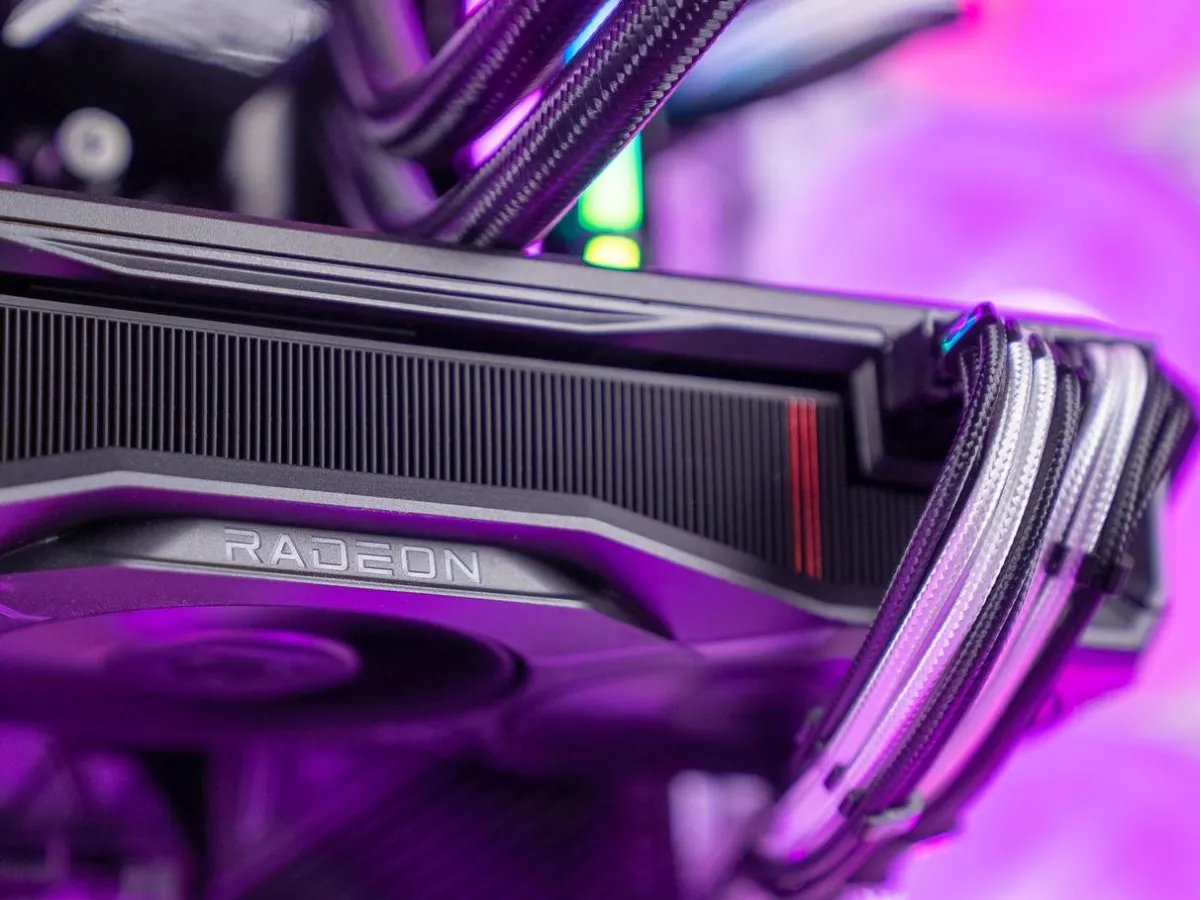
The graphics card calculates every image you see on your screen. In games, it’s the component that has the biggest impact on the number of frames per second (<FPS) and on the graphics quality that’s possible.
It has its own memory, VRAM, measured in gigabytes: 8 GB on entry-level models, 12 to 16 GB and more on more powerful models. NVIDIA (GeForce) and AMD (Radeon) are the two major manufacturers.
RAM (working memory): the workbench
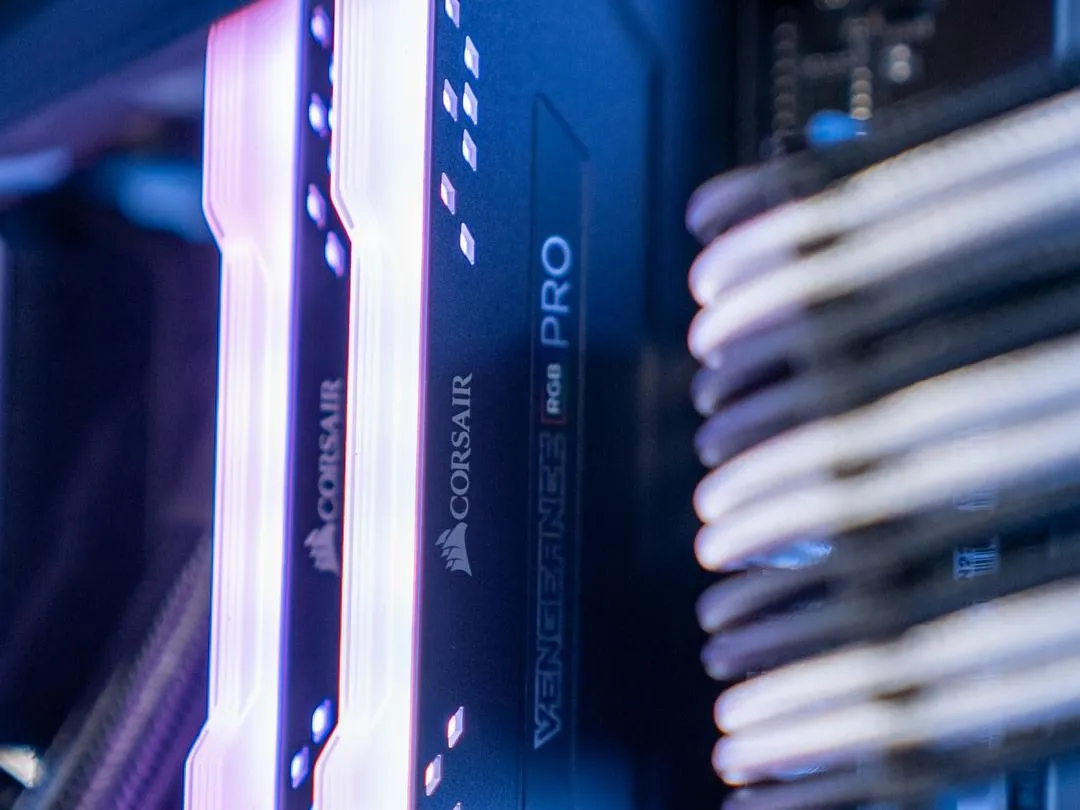
RAM keeps close to hand the data the processor needs right away: the game you’re currently playing, open tabs, Discord. It’s very fast, but it’s emptied as soon as the PC is turned off.
It’s measured in gigabytes (GB). For gaming in 2026, 16 GB is the minimum, and 32 GB gives you some breathing room for gaming, streaming or editing video. The type (DDR4 or DDR5) depends on the motherboard.
Storage (SSD and hard drive): the cabinet
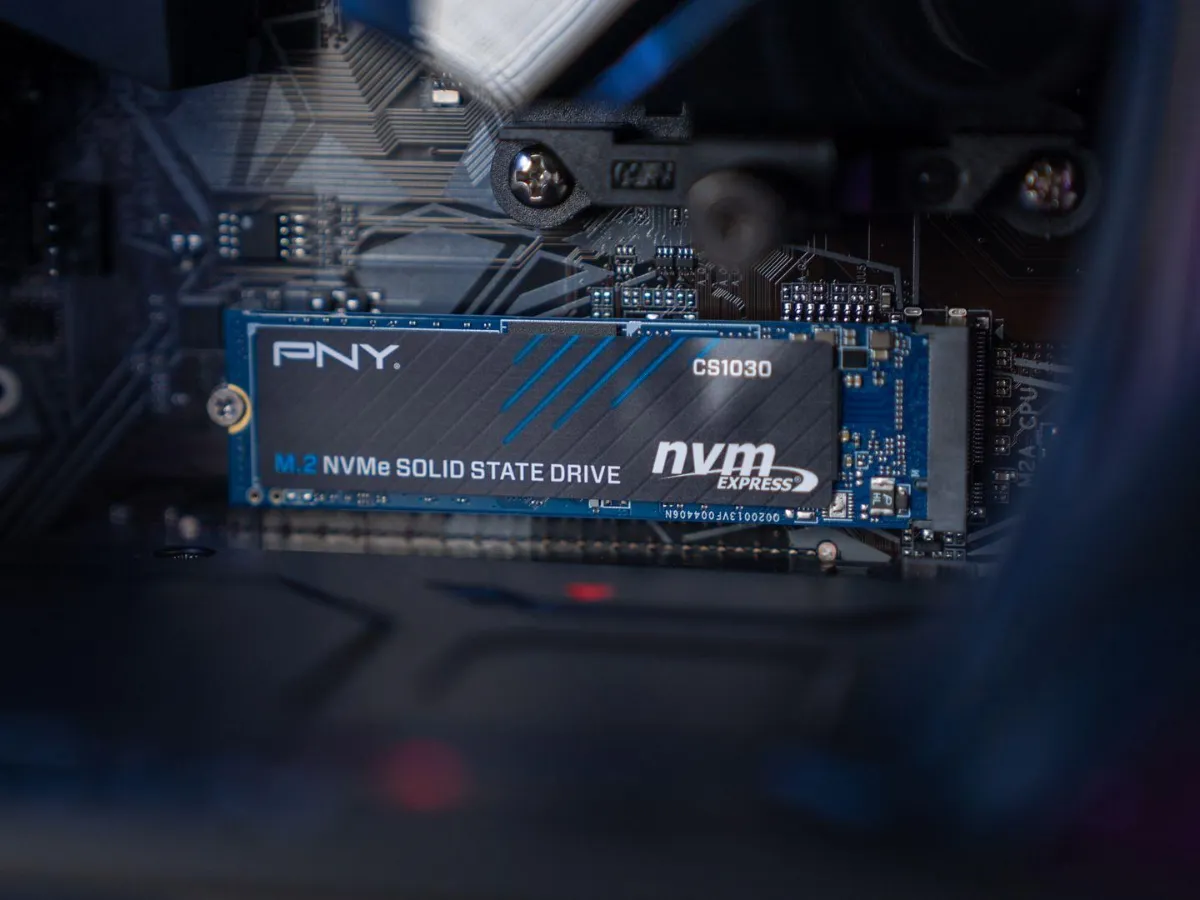
Storage keeps Windows, your games and your files, even when the PC is off. Two technologies coexist: the SSD, using flash memory, very fast, and the hard drive (HDD), mechanical, slower but cheaper per gigabyte.
On a gaming PC, Windows and games go on an NVMe SSD, which plugs directly into the motherboard. A hard drive can be used as extra storage for photos or videos.
SSD storage explained in a video (FrenchHardware).
The motherboard: the nervous system
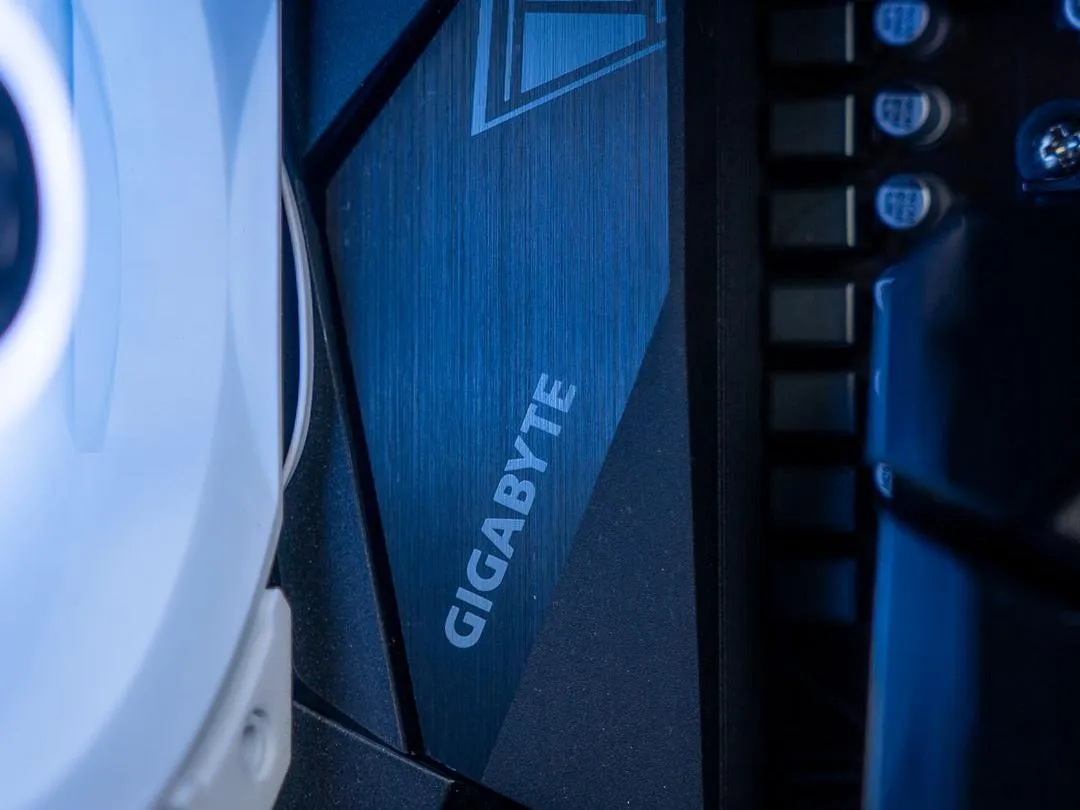
The motherboard is the circuit everything plugs into: processor, RAM, SSD, graphics card, power supply, USB and network ports. It lets the components communicate with each other.
Its key point is the socket, the CPU slot: it must match the processor you’ve chosen (AM5 for recent Ryzen CPUs, LGA1851 for Intel Core Ultra, for example). The chipset then determines which options are available, such as the number of ports or whether overclocking is possible.
Power supply: the heart
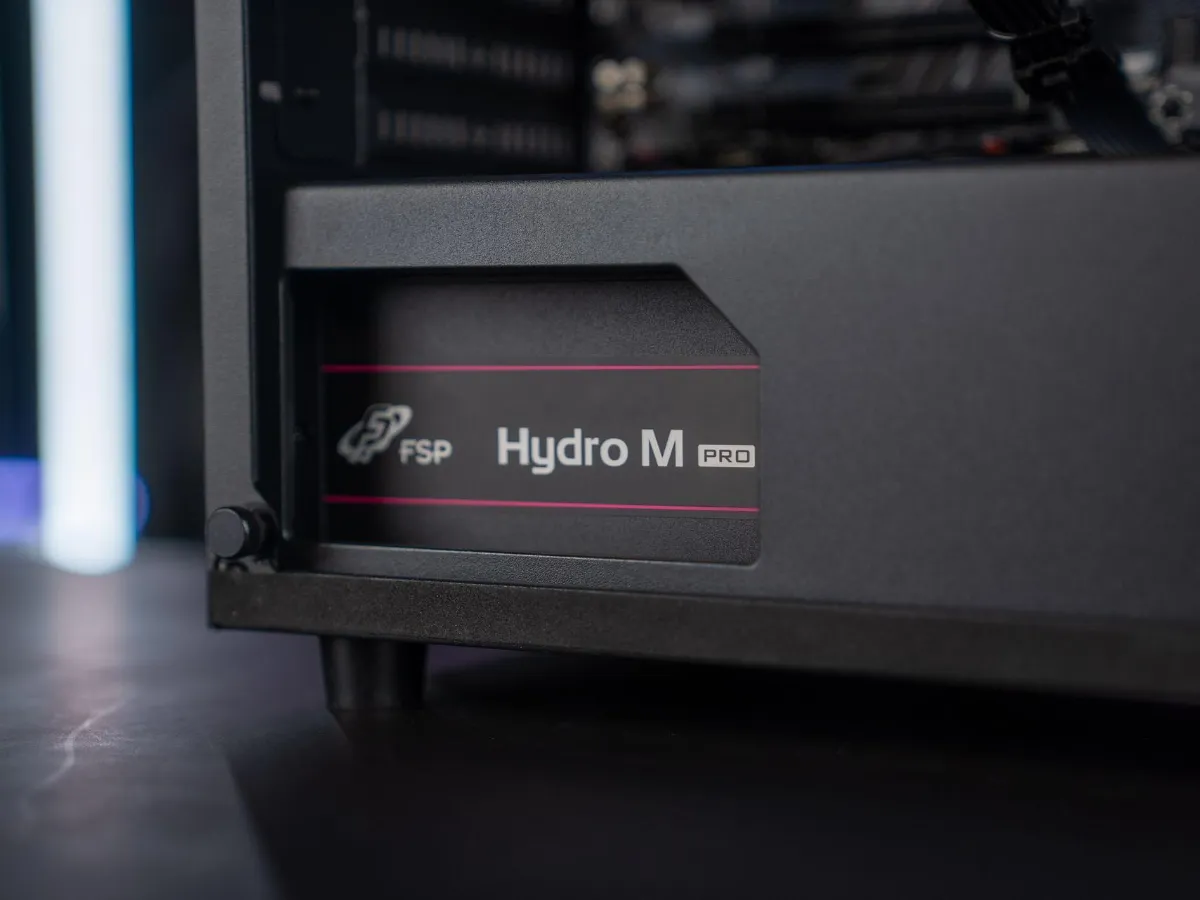
The power supply converts the current from the mains into voltages usable by the components. Its wattage is measured in watts and it should cover the consumption of the processor and graphics card, with some headroom.
This is the part you should never skimp on: a low-end power supply can make the PC unstable, or even damage other components. The 80 PLUS certification (Bronze, Gold, Platinum) indicates its efficiency.
Cooling: the air conditioning
The processor and the graphics card heat up while working. Cooling removes that heat so they can keep delivering full power.
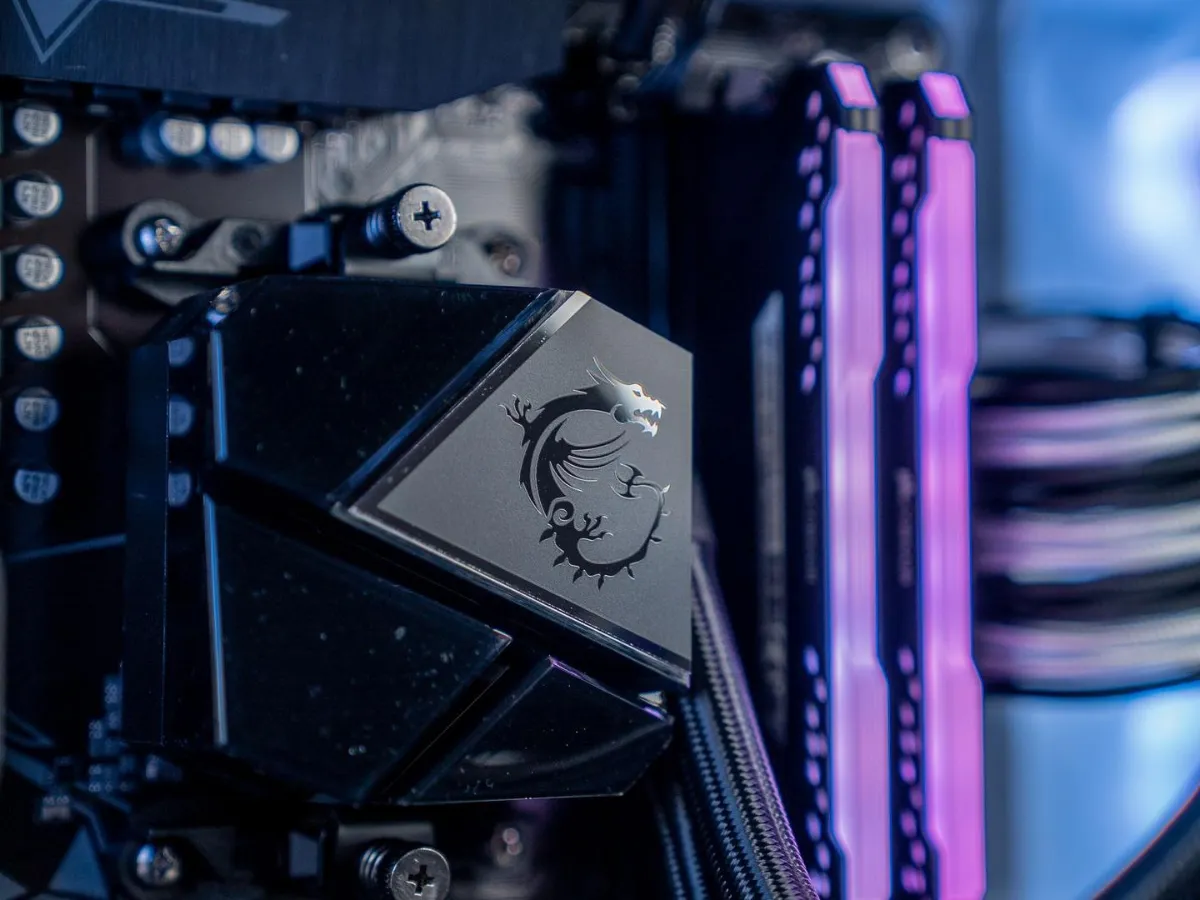
For the processor, there are two options: the air cooler (a heatsink and a fan) and the watercooling AIO (a liquid carries the heat to a fan-cooled radiator). The graphics card, meanwhile, has its own built-in cooling system.
The case and fans: the skeleton
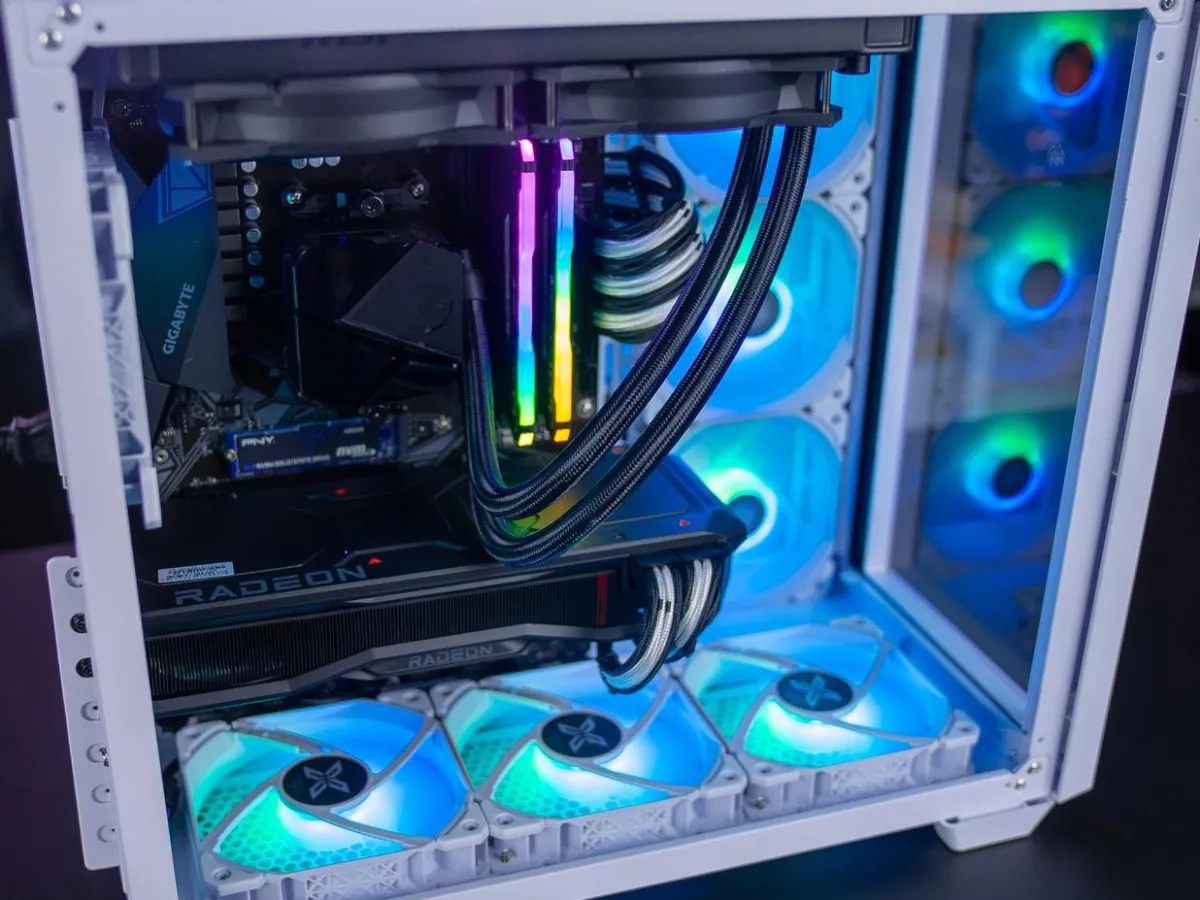
The case protects the components and manages airflow: cool air comes in from the front, while hot air exits at the back and the top. A meshed front panel (mesh) and well-placed fans help reduce temperatures across the whole PC.
Its form factor (mid-tower, mini-ITX, and so on) determines the size of the motherboard and the graphics card it can accommodate.
How the components work together
Let’s take a concrete example: you launch a game.
- The SSD loads the game files into the RAM.
- The processor runs the game logic (your actions, the enemies, physics) and sends its instructions to the graphics card.
- The graphics card calculates the image and sends it to the screen, dozens or hundreds of times per second.
- Meanwhile, the power supply provides the energy, the motherboard routes the data, and the cooling removes the heat.
If one link is significantly weaker than the others, it slows down the entire PC: this is called a bottleneck. For example, a very powerful graphics card paired with an old processor will never deliver its full potential. That’s why a balanced configuration is so important.
PC components explained in a video (Microsoft ExpertZone France).
Build your own PC or choose a pre-built PC?
Knowing the components helps you choose, even if you don’t build your PC yourself. On our FlowUP PCs, each configuration is designed to stay balanced, from the processor to the cooling. Three examples based on your budget:
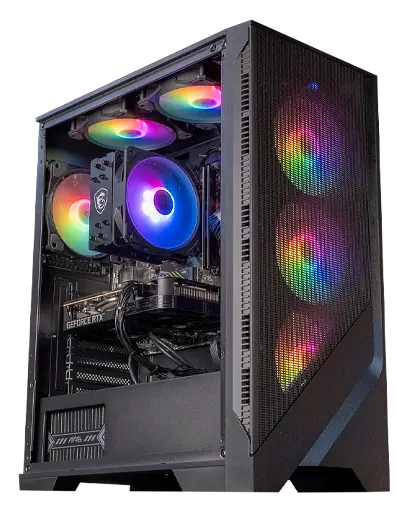
Corvus GeForce RTX 5050 PC
RTX 5050, Ryzen 5 5500 and SSD storage: the essentials to get started with gaming in Full HD.

Novara GeForce RTX 5070 PC
RTX 5070 12 GB, Ryzen 5 7500X3D, 16 GB DDR5, 1 TB M.2 SSD and NZXT Kraken Plus 240 RGB watercooling, for 1440p.
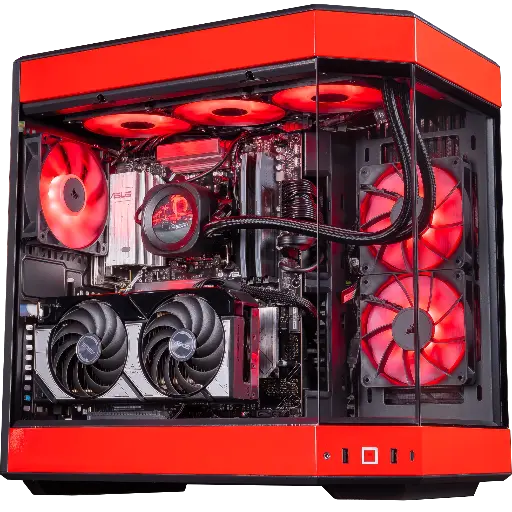
Rivals GeForce RTX 5070 PC
Ryzen 7 9800X3D, RTX 5070, 32 GB DDR5, 1 TB Kingston NV3 SSD and 360 mm Corsair watercooling.
FAQ
What’s the difference between hardware and software?
Hardware is the physical equipment you can touch: processor, graphics card, RAM, SSD. Software refers to the programmes that run on it: Windows, games, drivers.
Which component is most important for gaming?
The graphics card, in most games. But it needs a matching processor, at least 16 GB of RAM and an SSD to reach its full potential.
How much RAM do you need in 2026?
16 GB for gaming, 32 GB if you stream, edit videos or keep lots of apps open while gaming.
Can you change just one component?
Yes, one of the great advantages of a tower. Just check compatibility: the motherboard socket for the processor, the power supply’s wattage, and the space available in the case for a graphics card.
What is a bottleneck?
It’s a component that’s too weak and limits the performance of the others, for example, an old processor that prevents a newer graphics card from producing all the images it would be capable of.
