
By the FlowUP team, gaming PC builder in Genappe (Belgium) · Updated 29 October 2026
In brief:
- A gaming PC without an OS is delivered without an operating system: you don’t pay for a licence, but you install Windows or Linux yourself.
- The savings are only real if you already have a Windows licence or you switch to Linux.
- For gaming, Windows remains the norm: 93.85% of Steam players use it (Steam survey from May 2026), and Fortnite, Valorant or Warzone don’t run on Linux.
- At FlowUP, our PCs arrive with Windows 11 Pro already installed, ready to be activated with your licence: no licence is imposed, and the PC is ready to game.
On retail sites, the “no OS” filter catches the eye: the same PC, a little cheaper, without Windows. For a player who already has a licence, or who wants to give Linux a try, that idea holds up.
Before you tick the box, it’s better to know what a gaming PC without an OS involves at first boot. We explain what you’re saving, what you’ll have to do yourself, and why, at our Genappe workshop, we chose a middle path.
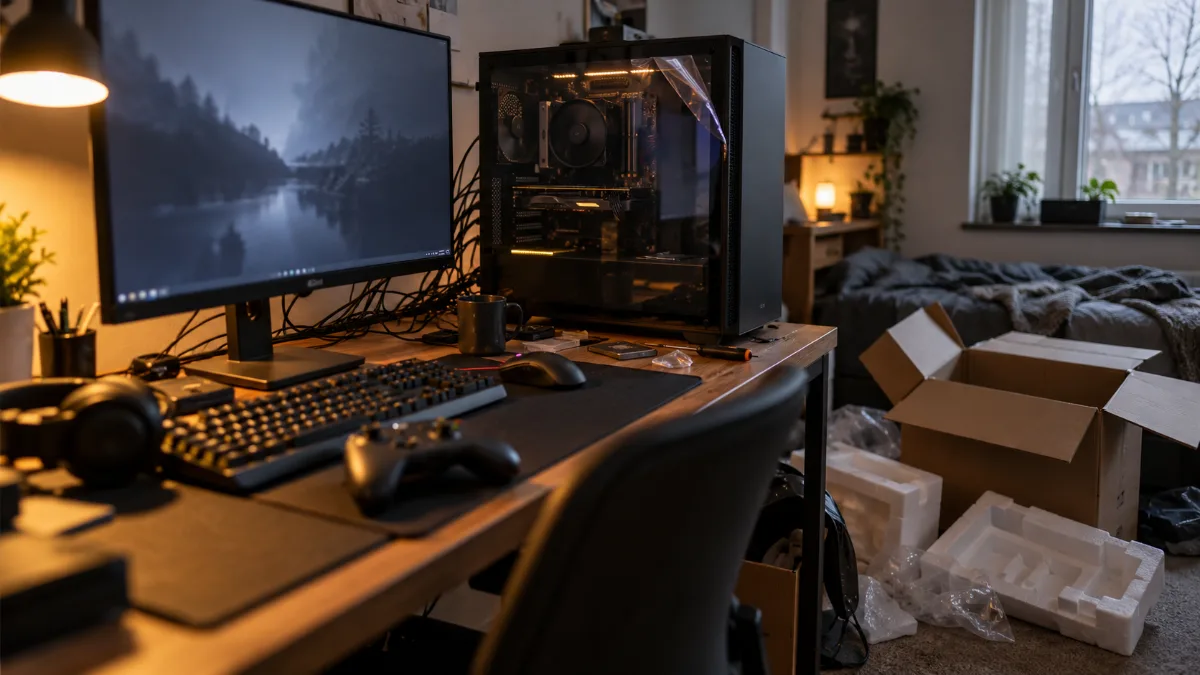
A gaming PC that boots straight to the desktop: that’s what a PC without a system doesn’t offer.
Gaming PC without an OS: what does it mean?
A PC without an OS is a computer delivered without an operating system: neither Windows nor Linux. On first power-on, it stops at the BIOS or shows a message saying that no boot drive was found.
Sellers offer it for two reasons:
- Lower the displayed price: the Windows licence isn’t charged for.
- Let people choose if they already have a licence or prefer Linux.
You’ll also see talk of PCs without Windows or computers without an OS: it’s the same thing. Watch out for product listings that advertise “FreeDOS”: again, no Windows is provided.
| PC without an OS | FlowUP PC (Windows installed, to be activated) | PC with included licence | |
|---|---|---|---|
| On first boot | BIOS screen, nothing to launch | Windows 11 Pro ready on the desktop | Windows ready on the desktop |
| Windows licence paid at purchase | No | No | Yes |
| What’s left to do | USB stick, installation, drivers, activation | Activate Windows with your licence | Nothing |
| Personalising Windows | Depends on the installed system | Locked until activation | Available |
Comparison compiled by FlowUP. The limitations of an unactivated version are described by Microsoft in its help page on activation.
How much do you save with a gaming PC without Windows?
You save the price of a Windows 11 licence, and nothing more: the components, the assembly and the tests remain the same. Everything therefore depends on your situation.
- If you already have a retail licence (Windows 10 or 11), then the savings are real: you reuse it on the new PC.
- If you don’t have one: you’ll have to buy it anyway, and the savings disappear.
- Your licence comes from an old branded PC (OEM licence): in principle it remains tied to that machine.
- You switch to Linux: you don’t need any licence.
Retail licence or licence tied to an old PC: it’s what determines whether a PC without an OS really saves you money.
An official Windows 11 Pro licence is bought from Microsoft or from an authorised reseller. Avoid keys sold for a few euros: they’re often volume or misused licences that can be disabled without warning. We explain activation step by step in our guide Windows 11 trial version, what does it mean.
Installing your own system: what to expect
- Prepare an installation USB stick of at least 8 GB using Microsoft’s media creation tool, on another computer.
- Boot the PC from that USB stick, via the boot menu or the BIOS (see how to easily access your PC’s BIOS).
- Install Windows, then add the motherboard and GPU drivers (our guide updating your drivers).
- Enable XMP or EXPO in the BIOS so the RAM runs at its advertised speed (enable the XMP profile).
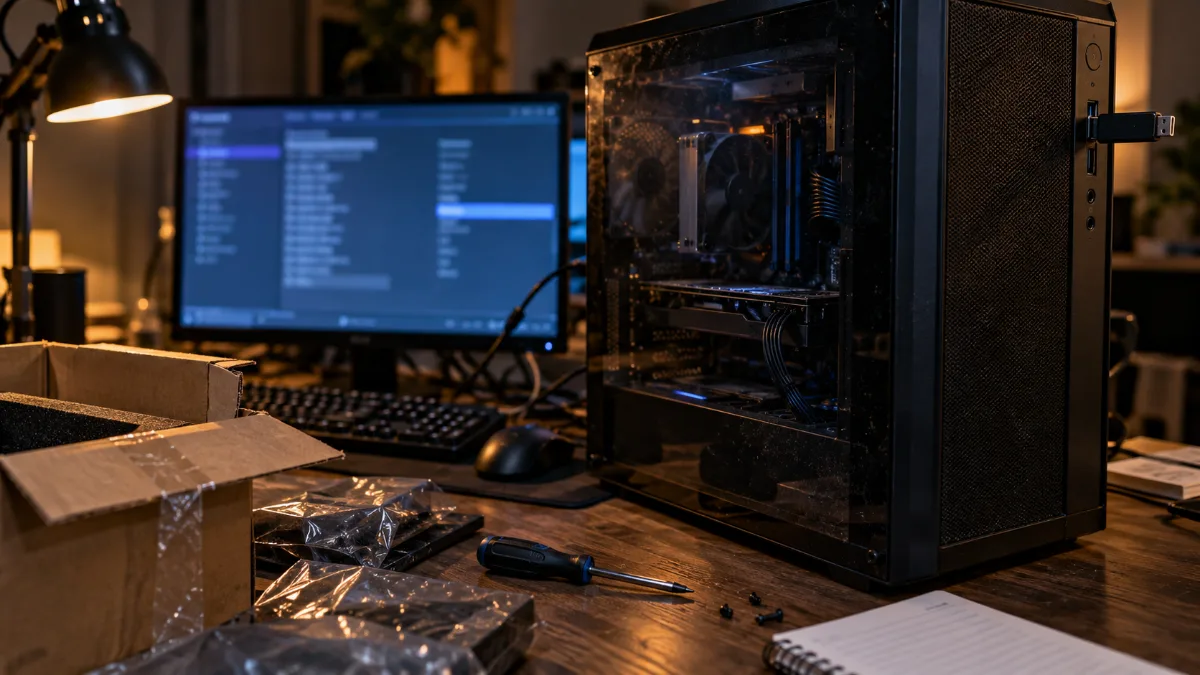
USB drive plugged in and BIOS on screen: the starting point for a PC delivered without an operating system.
Nothing insurmountable, but for a first test, plan a calm evening rather than fifteen minutes. That’s exactly the step we handle for you in the workshop.
Linux or SteamOS gaming PC: a real alternative for playing?
For many single-player games, yes. For the big competitive titles, not yet. Proton, the compatibility tool that Valve integrated into Steam, allows you to launch under Linux a large part of the games planned for Windows. The sticking point is the anti-cheat systems of some online games.
| Game | On Linux and SteamOS |
|---|---|
| Counter-Strike 2 | Works |
| ARC Raiders | Works |
| Marvel Rivals | Works |
| Fortnite | Blocked by the anti-cheat |
| Valorant | Blocked by the anti-cheat |
| Call of Duty: Warzone | Blocked by the anti-cheat |
Source: GamingOnLinux, anti-cheat compatibility guide updated 23 June 2026.
- Linux’s share on Steam: 3.99% in May 2026, versus 93.85% for Windows, according to the Steam survey relayed by GamingOnLinux.
- A home living-room steamos PC is getting people talking thanks to Valve’s Steam Machine: we compared it to a real gaming PC in our article Steam Machine, price and alternative.
Our take: Linux gaming is a very good option for tinkering and for single-player games. A Linux gaming PC is still for the informed enthusiast: if you play online with friends, Windows is the safe choice.
Our solution: an installed Windows 11 gaming PC, just needs turning on
At FlowUP, we chose a middle path. Our PCs arrive with Windows 11 Pro already installed, in trial version: the PC boots straight to the desktop, and you activate it with your licence whenever you want.
- No licence imposed: if you already have one, you use it.
- No installation to do: the PC is assembled, tested, and ready to play from the very first boot.
- Activation in a few clicks: Settings, System, Activation, then your key or your Microsoft account.
- Feel like trying Linux? Nothing stops you from installing a distribution later, for example, on a second SSD.
In short, it’s a Windows 11 gaming PC that keeps the advantage of an OS-free gaming PC (you don’t pay for a licence twice) without the hassle of installation. More than 50,000 PCs have already left our workshop in Genappe.
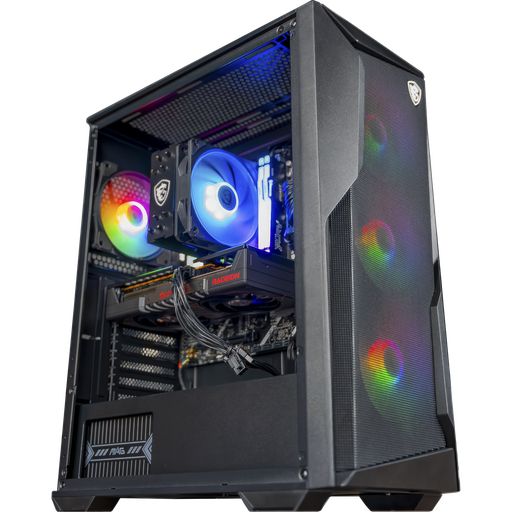
PC Rift (Ryzen 5 7500F, RX 9060 XT 16 GB)
Ryzen 5 7500F, Radeon RX 9060 XT 16 GB and 16 GB of DDR5: a gaming PC ready for high settings 1080p and 1440p, delivered with Windows 11 Pro installed.
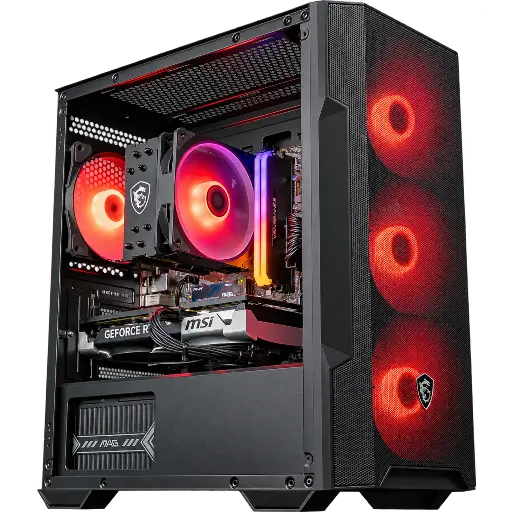
PC Savannah Powered by MSI (RTX 5060 Ti)
Ryzen 5 5600, RTX 5060 Ti 8 GB, 16 GB DDR4 and 1 TB SSD: a PC designed for Full HD, assembled and tested in Genappe.
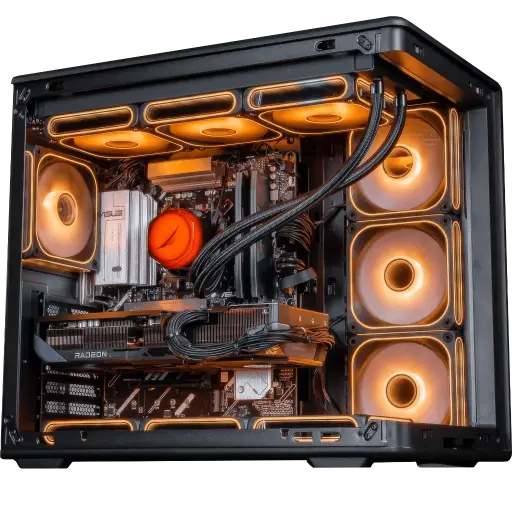
PC Apex V2 (Ryzen 7 7800X3D, RX 9070 XT)
Ryzen 7 7800X3D and Radeon RX 9070 XT 16 GB: our AMD gaming PC for demanding 1440p, ready to play from the very first boot.
FAQ gaming PC without OS
Is an OS-free gaming PC cheaper?
Yes, compared to the Windows licence price. The savings are only real if you already have a transferable licence or if you switch to Linux.
Can you play on a PC without Windows?
Yes, on Linux or SteamOS, thanks to Proton. But some online games protected by an anti-cheat, like Fortnite, Valorant or Warzone, don’t work on Linux.
How do you install Windows on an OS-free PC?
From another computer, prepare a USB drive with Microsoft’s tool, boot the new PC from it and follow the installation, before adding the drivers. Then activate Windows with your licence.
Are FlowUP PCs delivered without an OS?
No. They arrive with Windows 11 Pro installed, in trial version. The PC is ready to play; you just need to activate it with your licence to remove the “Activate Windows” watermark and unlock customisation.
Can my Windows licence carry over to a new PC?
A boxed (retail) version licence can be transferred to a new PC. An OEM licence, provided with an old branded computer, remains in principle tied to that one.
Sources
- GamingOnLinux, Steam survey for May 2026 (June 2026)
- GamingOnLinux, competitive games and anti-cheat under Linux and SteamOS (June 2026)
- Microsoft, Turn on Windows (support)
- Microsoft, Download Windows 11
