
By the FlowUP team, gaming PC builder in Genappe (Belgium) · Updated 12 November 2026
In brief: An ASUS gaming PC can be two things: a ROG pre-built system, sold by ASUS in a fixed configuration, or a PC built with ASUS components (graphics card, motherboard, water cooling, case). The first one is reassuring because of the brand; the second lets you choose each part. In the workshop, we build Powered by ASUS PCs around the RTX 5060 and RTX 5060 Ti, tested in Genappe before they go out.
When you’re looking for a branded gaming PC, you quickly think of ROG, ASUS’s gaming range. That makes sense: ASUS is among the biggest manufacturers of motherboards and graphics cards, and the ROG logo has become a reference point for many gamers.
But an asus gaming PC isn’t necessarily a PC sold by ASUS. At FlowUP we build PCs with ASUS components chosen one by one. Here’s how to make sense of the ranges, and what we recommend depending on your budget.
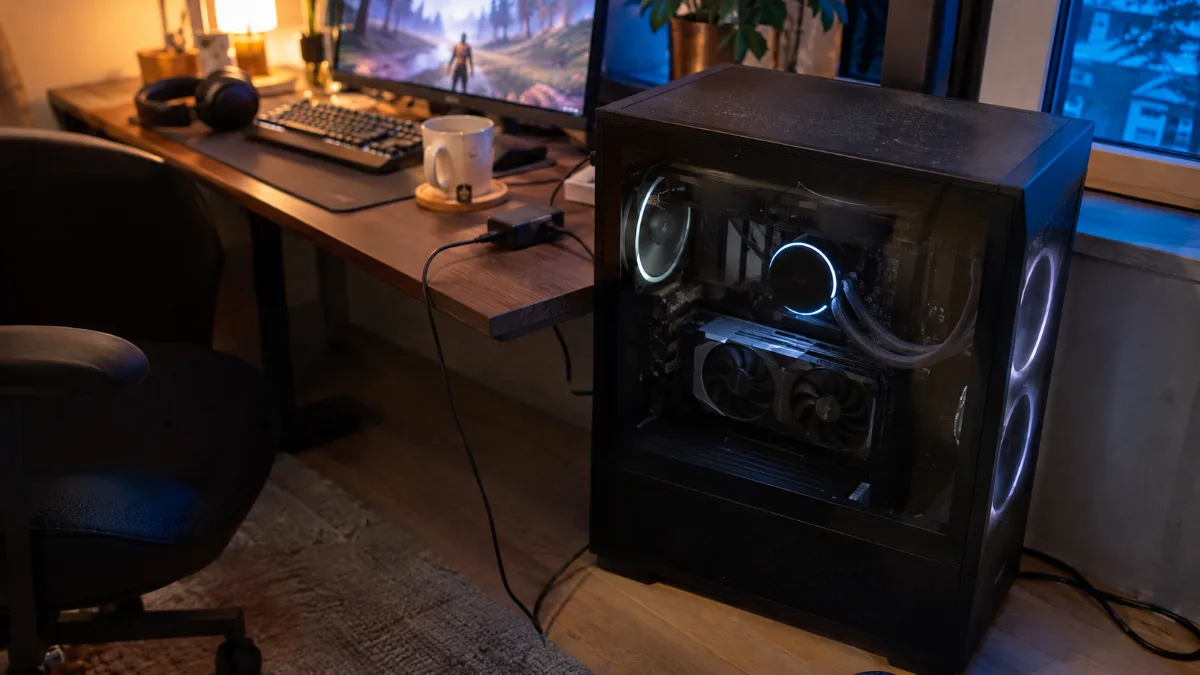
ASUS gaming PC: fully built ROG or a PC assembled with ASUS parts?
There are two ways to have a gaming ASUS PC on your desk, and they’re not aimed at the same buyer.
- The ready-to-use ROG PC, like the ROG Strix G16CH series: ASUS chooses the case, the motherboard, the power supply, and the CPU and graphics card pairings. You buy a fixed configuration.
- The PC built with ASUS components: a builder like FlowUP chooses each part, mixes brands when that’s more relevant, and adjusts the RAM or storage based on your needs.
Our take: the brand matters mainly for the graphics card and the motherboard, the two components where ASUS is strongest. For the power supply, SSD, or case, we take the best component for the same budget, whatever the logo says.
ASUS ranges at a glance: ROG, TUF Gaming, Prime and Dual
ASUS breaks its graphics cards down into five families. Here’s how the brand positions them itself:
| Range | Positioning | Cooling | Who it’s for |
|---|---|---|---|
| ROG Astral | Absolute high-end | 4 fans, vapor chamber | Enthusiasts, RTX 5080 and RTX 5090 |
| ROG Strix | Premium, striking design | Large heatsink, 0 dB mode | Gamers who want style and RGB |
| TUF Gaming | Built tough, great value for money | 3 fans, dual BIOS | A solid ASUS TUF gaming PC, without paying for the ROG logo |
| Prime | The essentials, understated | 3 fans, 2.5-slot form factor | Budget under control, mid-sized cases |
| Dual | Compact | 2 fans | Built PCs and small cases |
Source: ASUS ROG, “ROG Astral vs Strix vs TUF vs Prime”.
On the motherboard side, the logic is the same: ROG for high-end, TUF Gaming for toughness, Prime for the essentials. A full ASUS ROG gaming PC therefore costs noticeably more than a PC equipped with a Dual or Prime card, with gaming performance that’s often very similar at the same GPU chip level.
What ASUS Dual cards are worth in a gaming PC
The Dual range is the one you’ll find most often in assembled PCs, and for good reason: two fans, a compact form factor, and cooling designed for an RTX 5060 or an RTX 5060 Ti.
- Short form factor: it fits easily in a mid tower, as well as in a compact case.
- Discretion: on chips that draw little power, two fans are more than enough for gaming.
- OC version: OC Edition models gain a few factory MHz, without changing the card class.
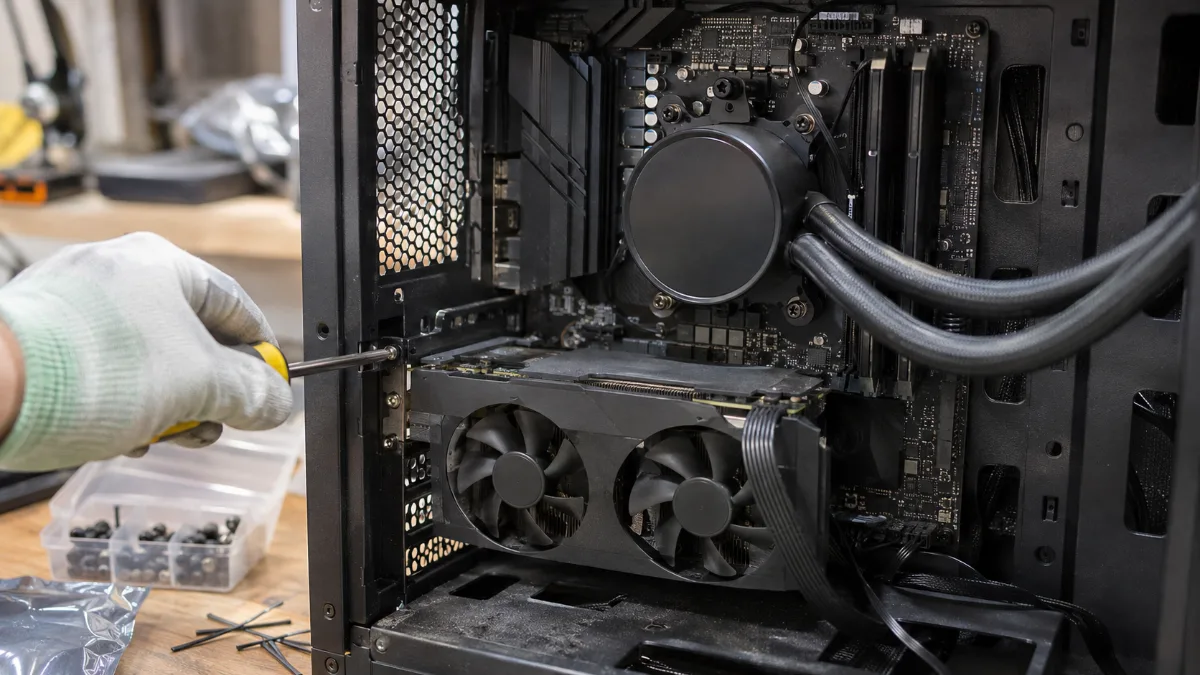
Assembly in the workshop: compact dual-fan graphics card and AIO water cooling
To compare the two chips we build with these cards, read our guide RTX 5060 or 5060 Ti gaming PC. And if you’re tempted by liquid cooling, our article water-cooled gaming PC explains when a 240 mm AIO is actually worth it.
Our Powered by ASUS gaming PCs built in Genappe
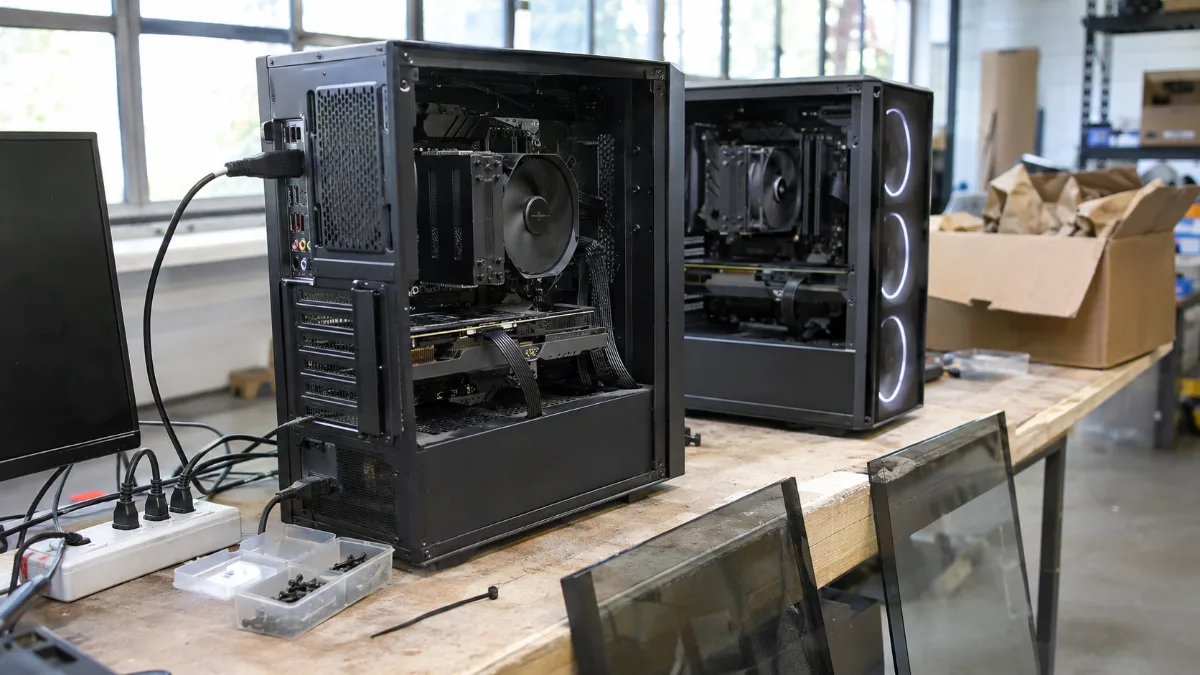
Two PCs ready for testing in the Genappe workshop, before packaging
More than 50,000 PCs have left our workshop in Genappe. Our “Powered by ASUS” PCs focus on what matters: an ASUS graphics card, and depending on the model, a motherboard, a watercooling setup, or an ASUS case. Like every ASUS gaming PC we build, they’re assembled, cabled up, and then tested under OCCT before shipping.
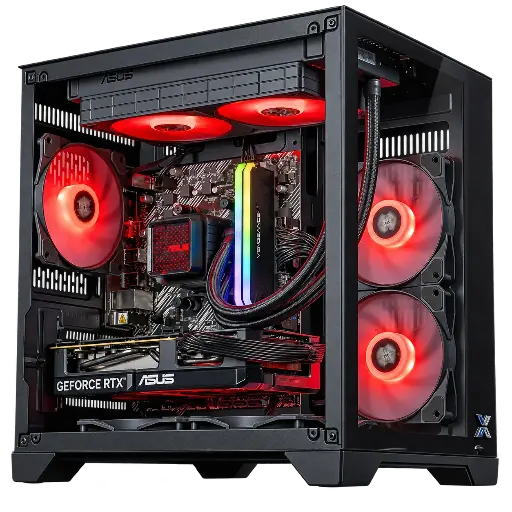
Banger PC: the RTX 5060 Powered by ASUS
Ryzen 5 5600, ASUS Dual RTX 5060 8 GB OC, ASUS Prime A520M-R motherboard, ASUS Prime LC II 240 ARGB watercooling, 16 GB DDR4 and 1 TB SSD: an ASUS desktop PC to play in 1080p with DLSS 4.
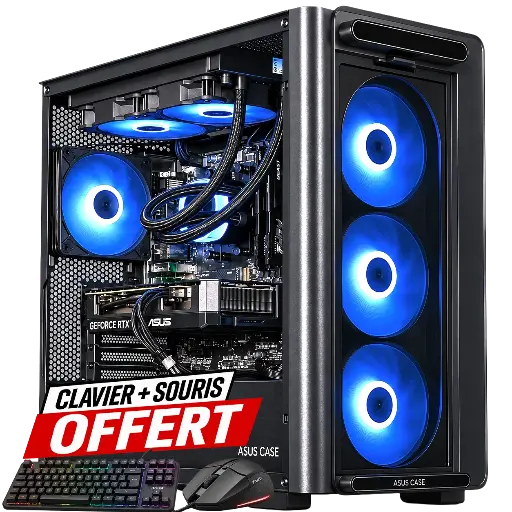
Mirage PC: the RTX 5060 Ti 16 GB in an ASUS case
Ryzen 7 5700X, ASUS Dual RTX 5060 Ti 16 GB, ASUS A23 Plus TG ARGB case, 16 GB DDR4 (32 GB optional), 1 TB SSD and Wi‑Fi 6E: an ASUS desktop PC designed for 1440p, with 8 cores to play and stream.
The workshop’s take
- Tight budget, 1080p: the Banger PC, the ASUS essentials with 240 mm watercooling.
- 1440p and memory-hungry games: the Mirage PC, thanks to the 16 GB of its RTX 5060 Ti.
- Not sure about AMD? Our RX 9060 XT gaming PC plays in the same league.
- Want to choose every component yourself? Our configurator for a custom PC starts from scratch.
Black Friday is on 27 November: our gaming PCs on promotion for Black Friday are already online. All our builds are in the FlowUP gaming PC category. And for the record, we also built a very special ASUS PC: the ASUS x Evangelion EVA-02 gaming PC.
ASUS or another brand: what really matters
- The graphics chip first: an RTX 5060 Ti is still an RTX 5060 Ti, whatever the brand of the graphics card. The manufacturer plays with noise, temperatures and the form factor.
- The motherboard: the chipset and connectivity matter more than the logo. We break everything down in How to choose a motherboard.
- Assembly and testing: neat cabling, adjusted fan curves, verified stability. Two PCs with the same technical specs can perform very differently depending on how carefully they’re assembled.
- Warranty: at FlowUP, you get 2 years of legal seller warranty, and there’s a workshop in Belgium where you can talk to someone.
Still torn between building it yourself and buying it already assembled? Our comparison Build your own PC or buy it pre-built covers the question thoroughly. And for another big brand, read our guide MSI gaming laptop.
FAQ: ASUS gaming PC
Which is the best ASUS gaming PC in 2026?
It all depends on the screen. In 1080p, an RTX 5060 with a Ryzen 5 is enough, just like in our Banger PC. In 1440p, we aim for an RTX 5060 Ti 16 GB and an 8-core processor, like in the Mirage PC.
Which ASUS gaming computer should you choose to get started?
An entry-level ASUS gaming computer with an RTX 5060, 16 GB RAM and a 1 TB SSD runs all the latest games in 1080p. That’s the baseline we recommend for your first PC.
Is a ROG gaming PC worth the extra cost?
A ROG gaming PC offers premium finishing, more RGB and more generous cooling. With the same graphics chip, the FPS gap stays small: if your budget is tight, it’s better to get a more powerful graphics card than a more prestigious logo.
Is an ASUS desktop better than a PC put together by a builder?
Not necessarily. An ASUS desktop is delivered with a fixed configuration, whereas a PC assembled by a system builder can combine ASUS parts with the best components from other brands. The quality of the assembly and the testing matters just as much as the brand.
ASUS TUF or ASUS Dual?
The TUF Gaming has three fans and a dual BIOS, for a cooler and quieter card on power-hungry chips. The Dual, more compact, is enough for an RTX 5060 or an RTX 5060 Ti.
Sources
FlowUP team, Genappe.
