
By the FlowUP team, gaming PC builder in Genappe (Belgium) · Updated 3 November 2026
In brief:
- The processor: clock speed first. Revit and AutoCAD mainly model on a single core; additional cores are used for rendering and exports.
- The graphics card: 8 GB of video memory for modelling, 16 GB for real-time rendering (Twinmotion, Enscape, Lumion).
- RAM: 32 GB is the baseline for an architect’s PC in 2026. 64 GB for large BIM projects.
- GeForce or professional card: a GeForce is enough for the vast majority of firms and students.
A Revit plan that takes ten seconds to regenerate every time a wall is moved. A Twinmotion view that stutters the moment the vegetation arrives. If you’re looking for a pc for architects, it’s often because your current machine is costing you seconds like this, a hundred times a day.
The good news: a computer for architects isn’t something exotic. It’s a well-balanced creation PC, and the components that run today’s games are exactly what speeds up 3D. Here’s what really matters for Revit, AutoCAD, ArchiCAD, SketchUp and real-time rendering, and the configurations we assemble in Genappe for this profession.
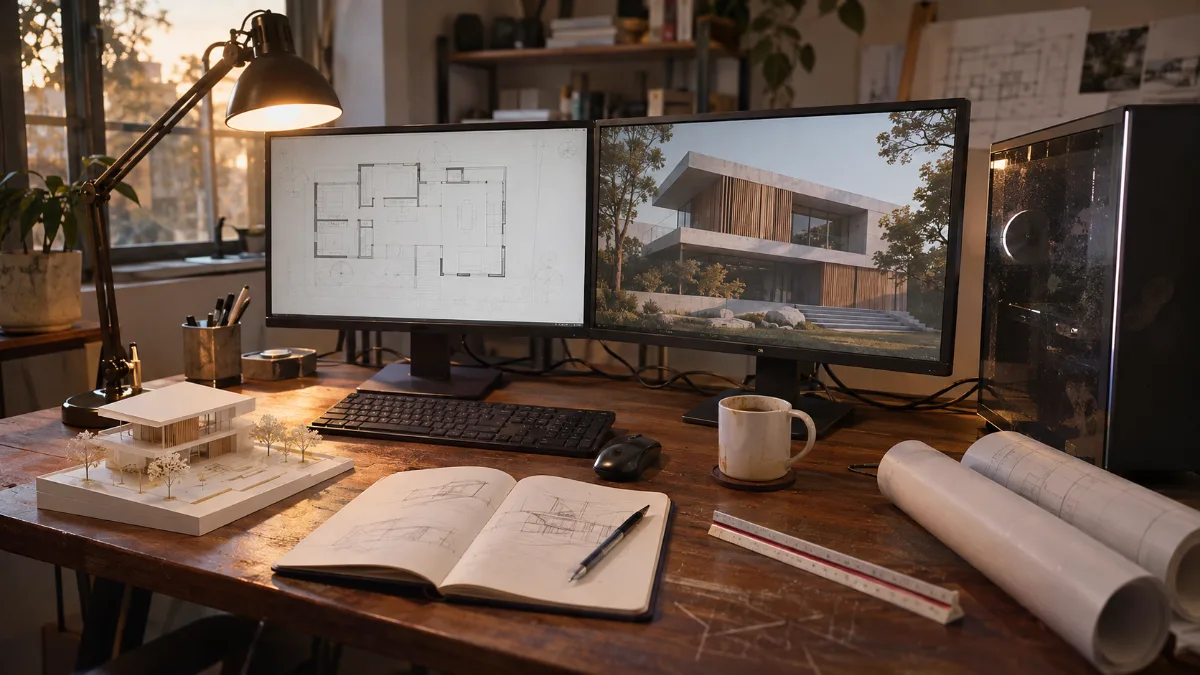
A typical architect workstation: the plan on the left, the 3D model on the right.
What PC for an architect in 2026?
The right architect PC combines a high-clock processor, a graphics card with 12 to 16 GB of video memory, 32 GB of RAM and at least a 1 TB NVMe SSD. The mix depends on your software: a drafter working in AutoCAD 2D doesn’t have the same needs as an agency that produces competition images with Twinmotion.
| Usage | Processor | Graphics card | RAM |
|---|---|---|---|
| 2D drawing, AutoCAD, SketchUp | High clock speed, 6 to 8 cores | 8 GB of video memory | 16 to 32 GB |
| BIM: Revit, ArchiCAD | High clock speed, 8 cores or more | 8 GB or more | 32 GB, 64 GB for large models |
| Real-time rendering: Twinmotion and the rest | 8 to 16 fast cores | 12 to 16 GB, up to 32 GB for heavy scenes | 32 to 64 GB |
Sources: recommended configurations by Autodesk for Revit 2027 and AutoCAD 2026, hardware recommendations from Puget Systems for Twinmotion, consulted in November 2026.
Our take: for a firm doing BIM and a bit of visualization, the ideal target in 2026 is an RTX 5070 Ti 16 GB with an 8-core fast processor and 32 GB of DDR5. That’s the configuration of the PC Requiem, and it’s the one we most often recommend over the phone.
Processor: clock speed or number of cores for a CAD PC?
For modelling, clock speed is king. Autodesk itself recommends a high single-core frequency for Revit. The extra cores pay off for rendering, IFC exports and the printing of plan sheets.
- Ryzen 7 9700X (8 cores, up to 5.5 GHz): excellent for modelling, efficient and quiet.
- Core i7-14700KF (20 cores, up to 5.6 GHz): versatile, fast at modelling and strong for CPU rendering.
- Ryzen 9 9950X3D (16 cores, up to 5.7 GHz): for long CPU renders and very large projects.
A CAD PC doesn’t need 24 cores. A fast 8-core processor is more pleasant day-to-day in Revit than a wider but slower CPU.
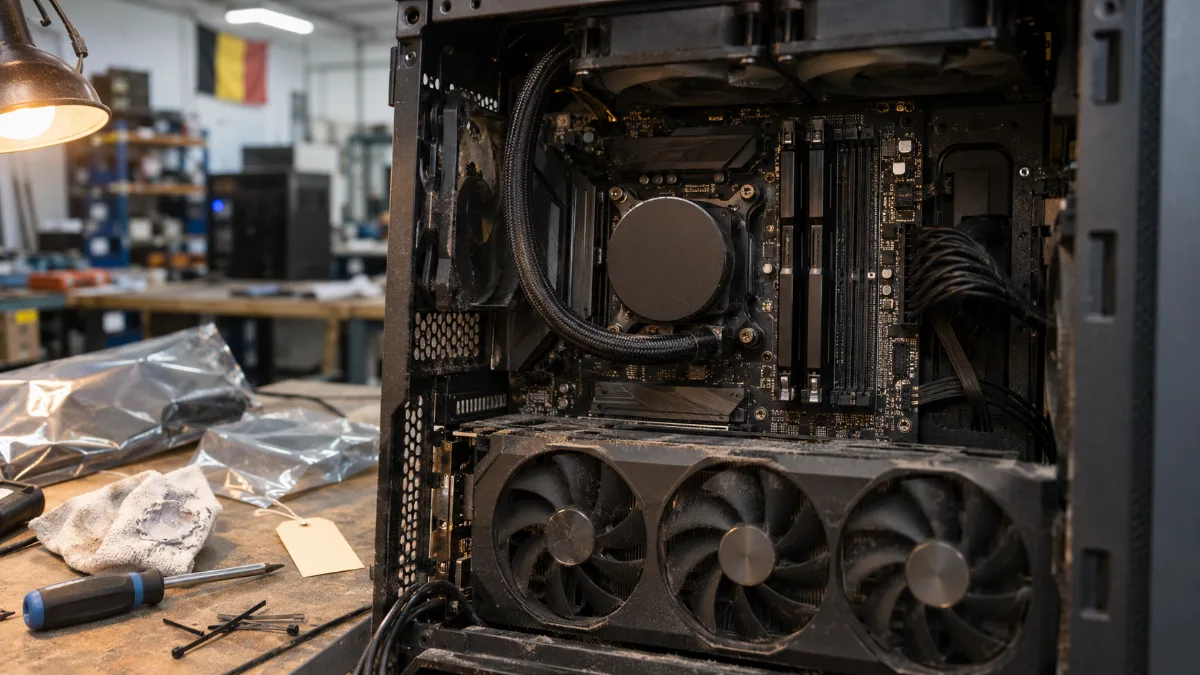
Processor under water cooling and DDR5: the duo that delivers smooth modelling.
Which graphics card for a CAD computer and rendering?
For modelling, 8 GB of video memory is enough. For real-time rendering, video memory becomes the first criterion: 16 GB is the right target in 2026. The more loaded the scene is (vegetation, furniture, night lighting), the more it consumes.
- RTX 5060 Ti 16 GB: a serious entry-level option, rare at this level with that much video memory.
- RTX 5070 Ti 16 GB: the best performance-to-price ratio for real-time rendering.
- RTX 5080 16 GB: smooth virtual tours in 4K and faster renders.
- RTX 5090 32 GB: the fastest card for Twinmotion according to Puget Systems, and the only GeForce with 32 GB.
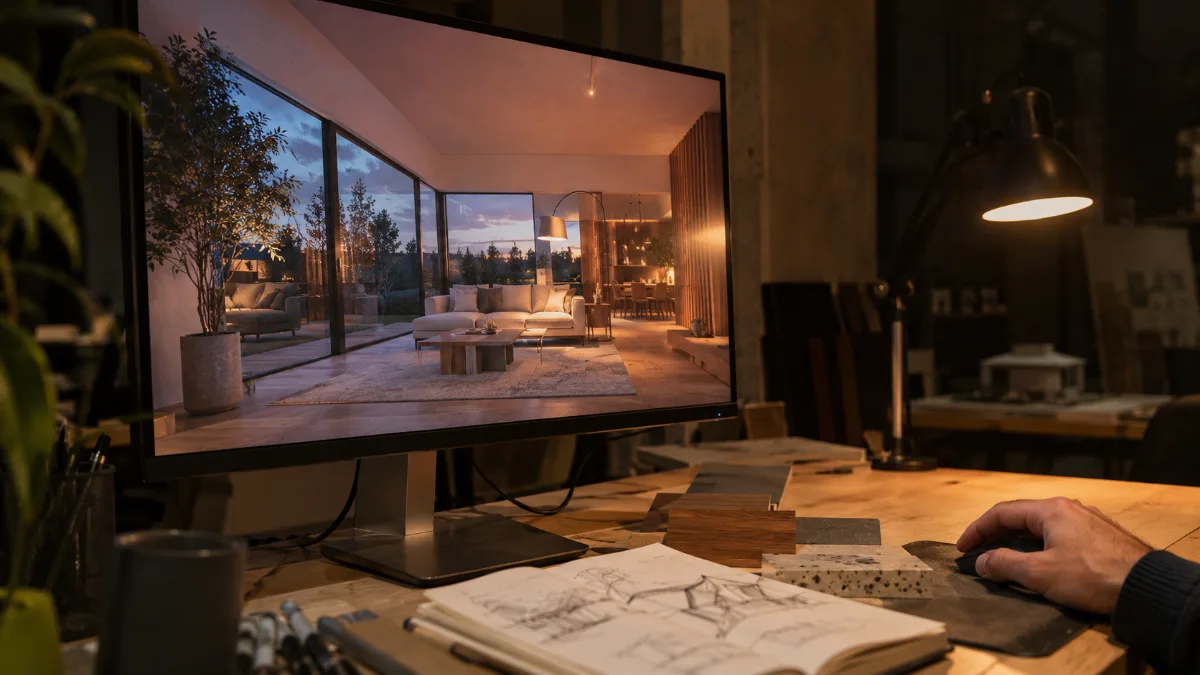
In real-time rendering, video memory determines smoothness as soon as the scene loads with vegetation and furniture.
GeForce or a professional graphics card? Professional cards (RTX PRO series) offer more video memory and drivers certified by the software publishers. They’re worth it if your agency requires certified hardware for its Autodesk support. For everyone else, a GeForce delivers far better performance per euro, with NVIDIA Studio drivers designed for creative software.
How much RAM for a PC for Revit and rendering?
32 GB is a good starting point. Autodesk recommends 32 GB or more for everyday Revit use, and 64 GB or more for large, complex models.
- Student, AutoCAD, PC for SketchUp: 16 GB is enough to get by; 32 GB prevents slowdowns. Autodesk also recommends 32 GB for AutoCAD 2026.
- Office, Revit every day: 32 GB DDR5.
- Large BIM projects, Revit and Twinmotion open together: 64 GB.
- Storage: a minimum 1 TB NVMe SSD. Projects, object libraries and textures grow fast.
The price of memory has risen sharply this year (why RAM costs more in 2026): starting with 32 GB at the time of purchase is cheaper than adding more later.
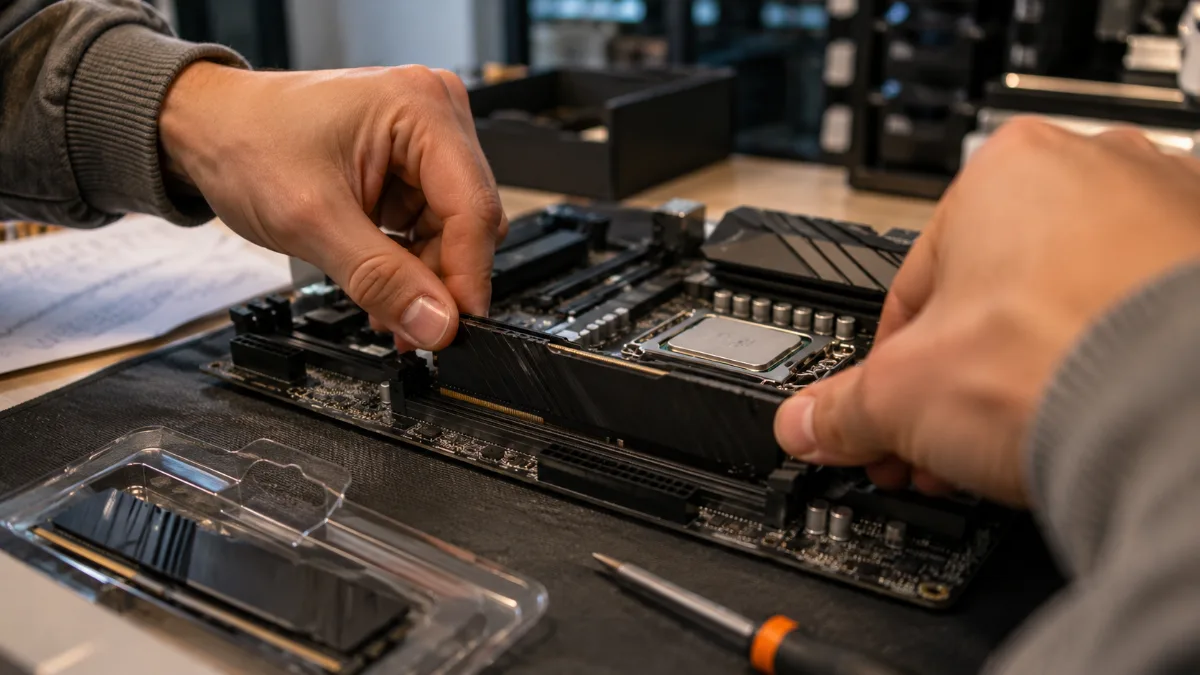
Two DDR5 modules in dual-channel: the foundation of a modern workstation.
Laptop or desktop PC for an architect?
For working in the office, the desktop wins: more power for the same budget, cooling that lasts through long rendering sessions, and components you can upgrade. The laptop has its place on site and for client meetings.
- Our recommendation: a tower for modelling and rendering in the office, and a lightweight laptop for presenting.
- Need more power when on the move: take a look at our comparison of the MSI Cyborg and Stealth laptops.
- Mac: ArchiCAD and SketchUp run on Mac, but Revit is only available on Windows. For a BIM Revit agency, the PC is the obvious choice.
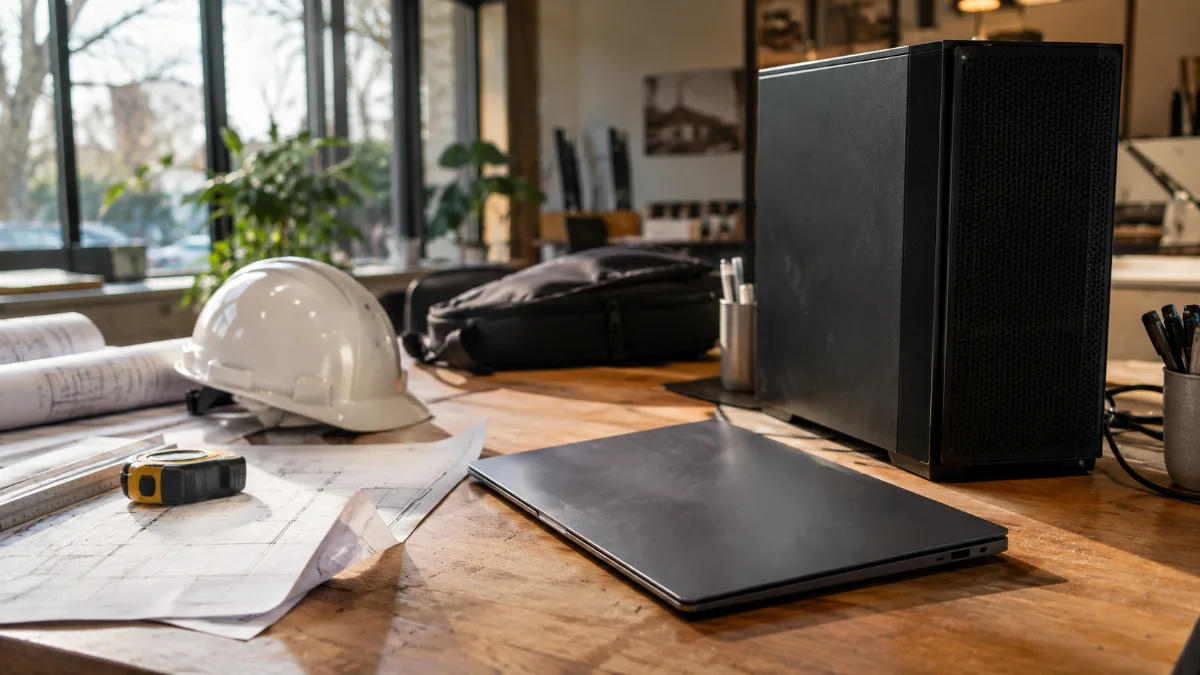
The tower stays in the office for modelling and renders, while the laptop goes to meetings.
Our PCs for architects: which one should you choose?
These PCs are assembled, cabled and tested in Genappe before they leave. You receive them ready to install your software. The current price and shipping lead time are shown on each product page.
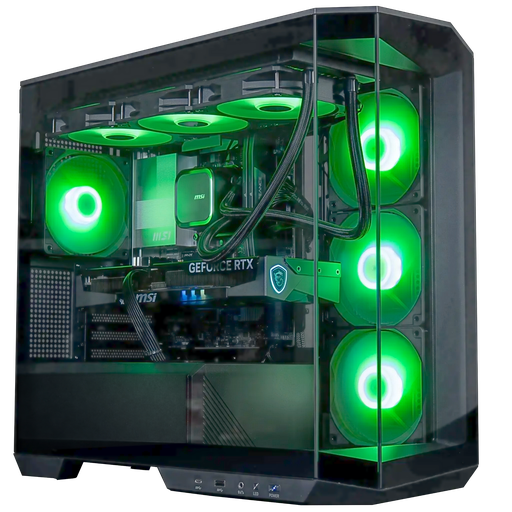
Angora GeForce RTX 5060 Ti 16GB PC
- Core Ultra 5 245KF, RTX 5060 Ti 16 GB
- 16 GB DDR5 (32 GB option on the spec sheet), 1 TB SSD
- Arctic 360 mm liquid cooling, panoramic case
The entry-level PC for architects: 16 GB of video memory to get started with real-time rendering. For Revit, choose the 32 GB option.
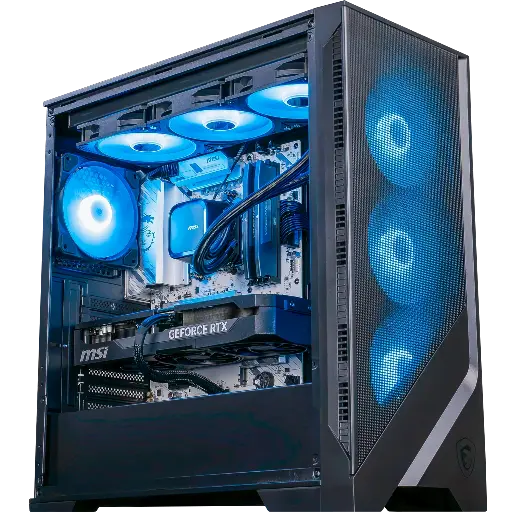
Requiem GeForce RTX 5070 Ti PC
- Ryzen 7 9700X, RTX 5070 Ti 16 GB
- 32 GB DDR5, 1 TB SSD
- B850 motherboard with Wi‑Fi 6E
Our recommendation for an office: fast at modelling, comfortable in Twinmotion and Enscape.
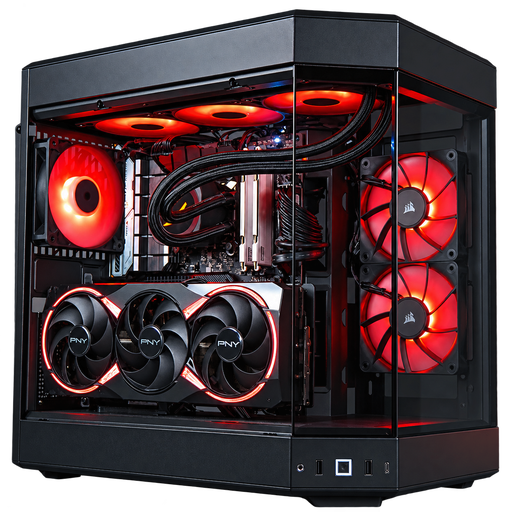
Sunfire GeForce RTX 5080 PC
- Core i7-14700KF (20 cores), RTX 5080 16 GB
- 32 GB DDR5, 1 TB SSD
- Z790 motherboard with Wi‑Fi
For heavier renders: 20 cores for computation and an RTX 5080 for smooth virtual visits.
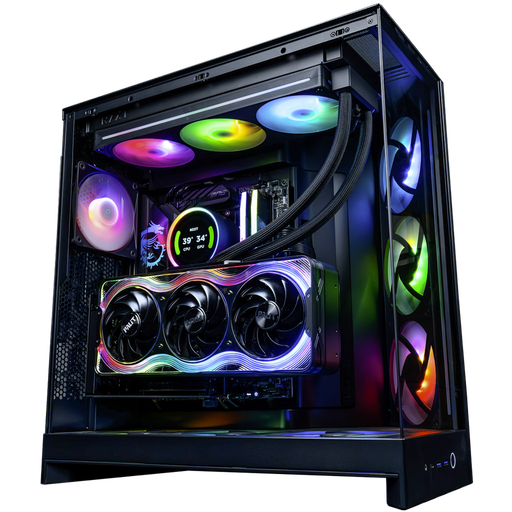
Kraken GeForce RTX 5090 PC
- Ryzen 9 9950X3D (16 cores), RTX 5090 32 GB
- 32 GB DDR5, Samsung 990 Pro 2 TB SSD
- NZXT Kraken Elite 360 liquid cooling
A no-compromise workstation: 32 GB of video memory for the heaviest scenes.
The workshop’s opinion
- Student or AutoCAD 2D: the Angora PC, with the 32 GB option if you switch to Revit.
- BIM firm with visualisation: the Requiem PC, the best balance.
- Competition images, heavy rendering: the Sunfire PC, or the Kraken PC for 32 GB of video memory.
- A precise configuration in mind? Build your custom PC.
- More than 50,000 PCs shipped from Genappe: each PC is tested before it leaves.
Also read: PC for video editing, 16 GB or 32 GB of RAM and RTX 5090 PC.
Architect PC FAQ
What computer for an architecture student?
A desktop PC with a 16 GB graphics card like the RTX 5060 Ti, a recent processor, and 32 GB of RAM covers AutoCAD, SketchUp, Revit and the first renders. Also check your school’s list of software.
Is a GeForce card enough for Revit and AutoCAD?
Yes, for the vast majority of uses. A professional card is mainly worth it if your agency or Autodesk support requires a certified configuration.
Does Revit work on Mac?
No, Revit is only available on Windows. ArchiCAD and SketchUp are available on Mac.
Do you need a workstation for an architect?
Not necessarily. A workstation with a pro card is mainly for large agencies with certification requirements. For a freelancer or an office, a well-balanced PC offers more power for the same budget.
What 3D PC for Twinmotion?
Aim for at least 16 GB of video memory and 32 GB of RAM. Puget Systems even recommends 64 GB of RAM for most Twinmotion projects; 32 GB is enough for the smaller ones.
