 Pay for your PC in installments (up to 12 payments)
Gaming PC components: the complete guide to everything in 2026
You want to buy a gaming PC, but you don’t really understand what “RTX 5080”, “Ryzen 7”, “32GB DDR5” or “NVMe” mean? Or do you just want to know why one PC costs £800 and another £2,000 for machines that “seem to do the same thing” at first glance?
This guide is made for you. We’ll break down every gaming PC component, what it does, what it changes in your gaming experience in practice, and how to identify it in a spec sheet.
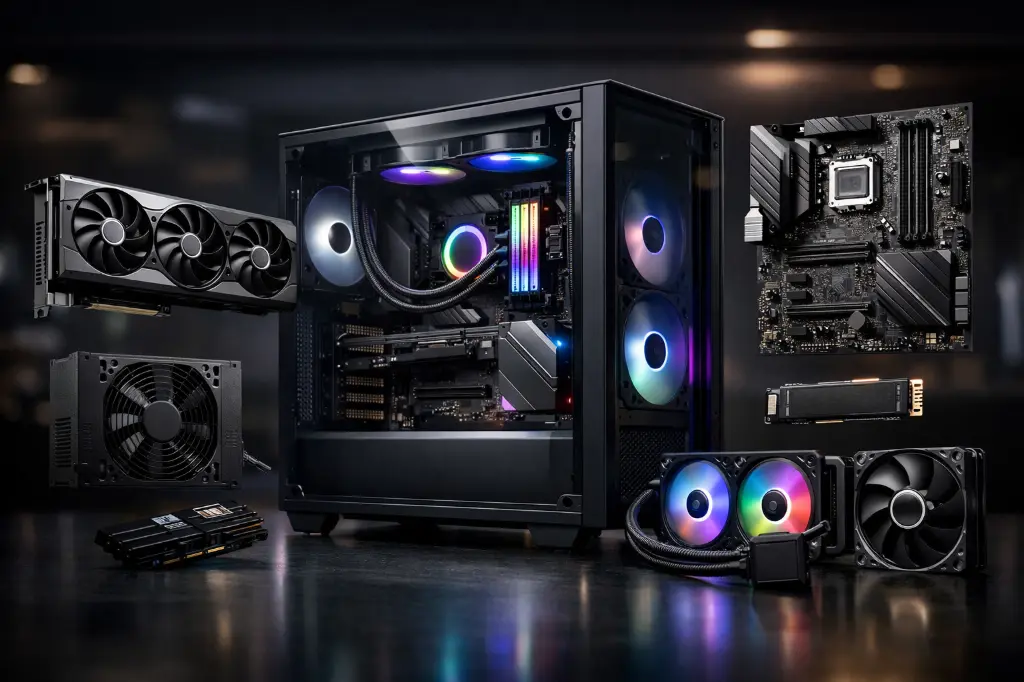
The graphics card (GPU) - the most important component for gaming
The graphics card, also known as the GPU (Graphics Processing Unit), is the number one component in a gaming PC. It calculates and renders every image you see on your screen. The more powerful it is, the higher the resolution you can play at, with detailed graphics and a high FPS rate.
There are two main families of graphics cards for gaming PCs: NVIDIA GeForce RTX (30 to 50 series) and AMD Radeon RX (6000 to 9000 series). Both are excellent; the difference comes down to specific features and the value for money depending on the model.
| NVIDIA (RTX 5000) | AMD (equivalent RX) |
|---|---|
| RTX 5050 | RX 9060 |
| RTX 5050 Ti | RX 9060 XT |
| RTX 5060 | RX 9060 |
| RTX 5060 Ti | RX 9060 XT |
| RTX 5070 | RX 9070 |
| RTX 5070 Ti | RX 9070 XT |
| RTX 5080 | RX 9070 XT |
| RTX 5090 | No direct equivalent (≈ RX 7900 XTX, but far behind) |
What to remember: the higher the number, the more powerful the graphics card, but it also uses more electricity and costs more. The goal isn’t to have the most powerful one, but the one that matches your screen resolution and the games you play.
VRAM is the memory built into the graphics card (measured in GB). In 2026, 12GB of VRAM is the minimum for comfortably playing recent games at 1080p/1440p. 16GB is recommended if you play at 4K or if you do content creation.
📌To go further: 8GB, 12GB or 16GB of VRAM: how much do you need in 2026? and How to choose your graphics card in 2026?
The processor (CPU) - the conductor of your gaming PC
The processor, or CPU (Central Processing Unit), handles the logic of the game: the enemies’ AI, physics, collisions and network multiplayer. It then sends instructions to the graphics card so it can display the result.
An underpowered CPU compared to your GPU will hold it back—that’s what’s called a bottleneck (a bottleneck). You can have the best graphics card in the world, but if your processor doesn’t keep up, your FPS will be limited.
The two processor manufacturers for gaming PCs are Intel (Core i5, i7, i9) and AMD (Ryzen 5, Ryzen 7, Ryzen 9).
| Level | Intel | AMD |
|---|---|---|
| Entry-level | Core i5 (14th/15th gen) | Ryzen 5 7500F / 5500 |
| Mid-range | Core i7 (14th/15th gen) | Ryzen 7 8700F / 9700X |
| High-end gaming | Core i9 (14th gen) | Ryzen 7 9800X3D |
The AMD Ryzen 7 9800X3D deserves a special mention: thanks to its 3D V-Cache technology, it’s considered today as the best gaming processor on the market in terms of raw FPS in games. It’s the CPU you’ll find in FlowUp high-end builds.
📌Also read: Intel or AMD: which CPU should you choose for a gaming PC in 2026? and Ryzen 7 9800X3D: the new king of gaming
RAM - the live memory of your gaming PC
RAM (Random Access Memory) is your PC’s working memory. It temporarily stores the data the processor is using right now: loaded textures, elements from the game you’re playing, and open applications running in the background.
Contrary to what people often think, RAM doesn’t directly improve FPS, but when you don’t have enough of it, performance can collapse completely.
In 2026, 16GB of RAM is the minimum for comfortable gaming. If you stream or create content alongside your gaming sessions, 32GB is really recommended.
DDR5 is the current generation—faster than DDR4—and is now standard on new Intel platforms (LGA 1851) and AMD platforms (AM5).
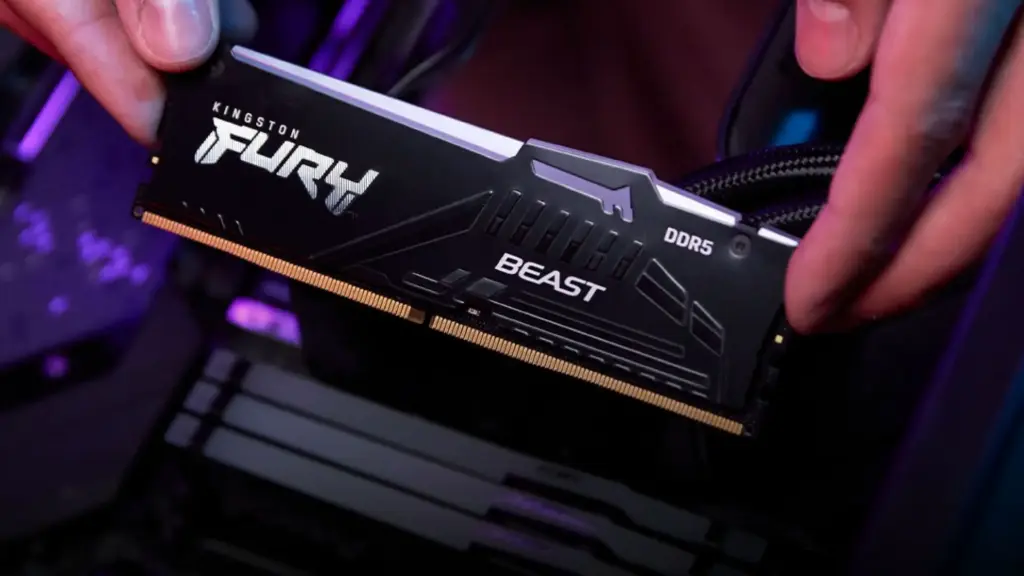
📌To understand everything about RAM: 16GB or 32GB of RAM in 2026: what do you really need to game? and How to choose your RAM in 2026?
The motherboard - the skeleton that connects everything
The motherboard is the core component of a gaming PC. It houses and connects all the other parts together: the processor, RAM, graphics card, SSDs, and the power supply. Without it, nothing works.
What you need to know about the motherboard:
The socket : this is the physical connector that receives the processor. Each CPU generation has its own socket: AM5 for AMD Ryzen 7000/9000, and LGA 1851 for Intel Core Ultra 200. An AM5 CPU can’t be installed on an LGA 1851 motherboard, and vice versa.
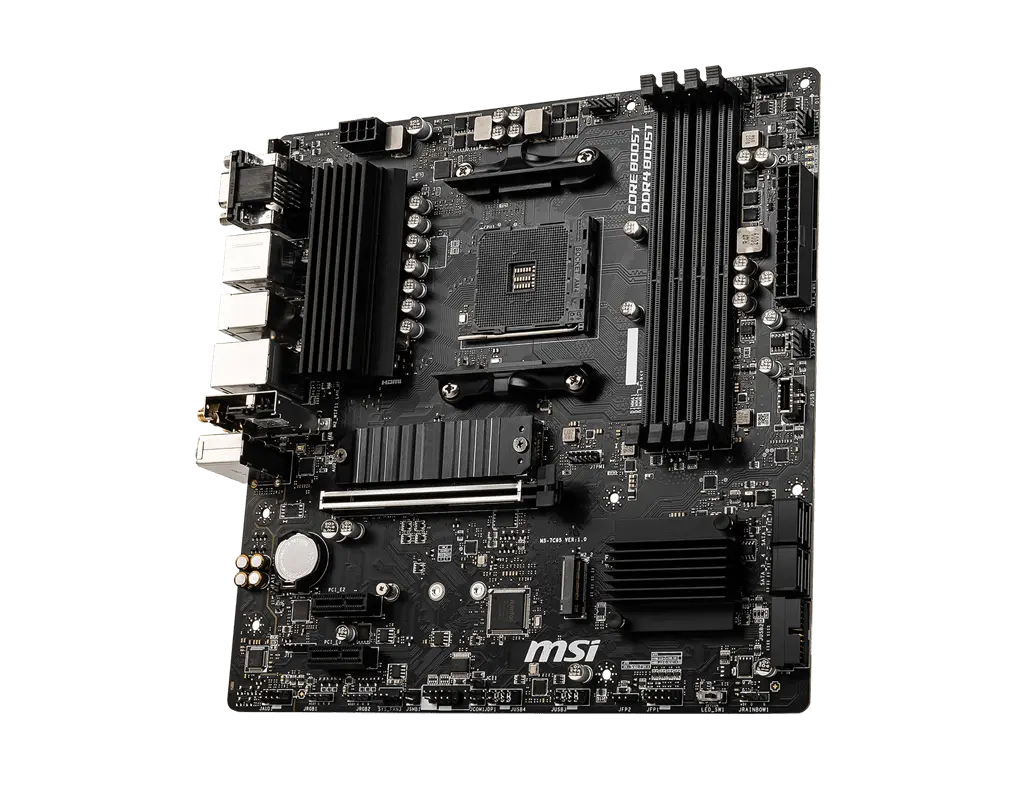
The chipset : it determines the features available (number of USB ports, PCIe lanes, possible overclocking, etc.). High-end chipsets (X870, Z890) offer more flexibility; entry-level chipsets (B760, B850) are enough for the vast majority of gaming uses.
The form factor : ATX (large), Micro-ATX (mid-size), Mini-ITX (compact). The form factor must match the size of your gaming PC case.
📌Also read: How to choose your motherboard in 2026?
Storage (SSD) - fast loading speeds
Ten years ago, PCs ran on HDDs (mechanical hard drives). Today, the SSD (Solid State Drive) is the must-have standard in any gaming PC worth the name.
The difference is dramatic: where an HDD takes 2 to 3 minutes to boot Windows, an NVMe SSD does it in 10 to 15 seconds. Game loading times are cut by 3 to 5 times.
| Type | Read speed |
|---|---|
| HDD (hard drive) | ~150 MB/s |
| SATA SSD | ~550 MB/s |
| NVMe PCIe 4.0 SSD | ~7,000 MB/s |
| NVMe PCIe 5.0 SSD | ~12,000 MB/s |
What capacity? In 2026, 1TB is a reasonable average for a gaming PC. Newer games weigh in at between 50 and 150GB, so a library of 10 games can easily exceed 500GB. That’s why we recommend 1TB if you have a large game library or if you do content creation.
📌Also read: How to choose your SSD in 2026?
The power supply (PSU) - the energy heart of your PC
The PC power supply, or PSU (Power Supply Unit), converts the mains alternating current into direct current to power all your components. It’s the component people forget most often—and that’s a mistake.
A poor-quality or underpowered power supply can cause sudden reboots, instability, and even damage your components.
Key points to understand:
Power (in Watts) : it needs to cover the consumption of all your components with a safety margin. A setup with an RTX 5080 and a Ryzen 7 9800X3D needs at least 850W. A mid-range setup with an RTX 5070 or RX 9070 is fine with a quality 750W power supply.
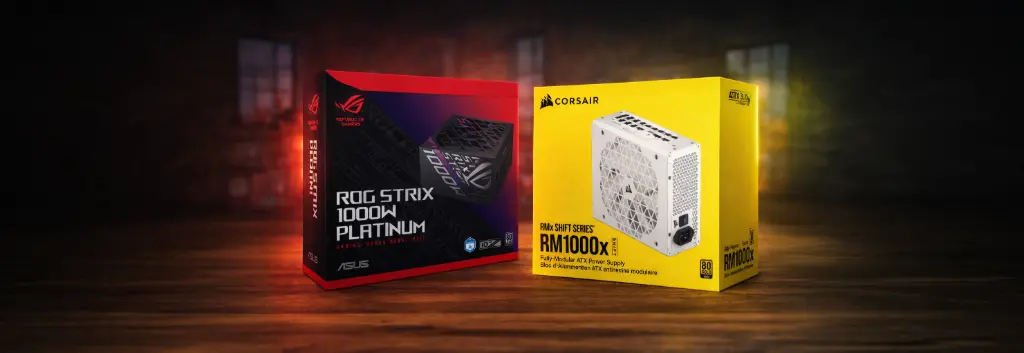
80 Plus certification : this indicates the power supply’s energy efficiency. The higher it is (80+ Bronze → Silver → Gold → Platinum → Titanium), the more efficient the PSU is and the less it heats up. We recommend at least the 80+ Gold for a gaming PC.
Modular cabling : a modular PSU lets you plug in only the cables you actually need, making assembly easier and improving airflow inside the case.
📌 Find out more: How to choose your power supply (PSU) in 2026? and How can you tell if your PC power supply is sufficient?
The gaming PC case - far more than just looks
The case (case) is the structure that houses all your components. Beyond its visual appearance, it plays a key role in the thermal performance of your gaming PC: a case with good airflow keeps your components at lower temperatures, which preserves their performance and their lifespan.
What to check on a gaming PC case:
Form factor : it must be compatible with your motherboard’s form factor (ATX, Micro-ATX, Mini-ITX). An ATX case accepts all form factors; a Mini-ITX case only accepts Mini-ITX motherboards.
Airflow : the more perforated panels and included fans the case has, the better the air circulates. Good airflow = lower temperatures = stable performance.
Supported GPU length : high-end graphics cards often exceed 35cm. You need to check that the case can accommodate them.
Cable management : a good case provides space behind the motherboard tray to route cables neatly, which improves airflow and visual appearance.
📌 Also read: How to choose your PC case in 2026?
Cooling: air cooler or water cooling?
All components in a gaming PC produce heat when they’re running, especially the CPU and GPU. The cooling system’s job is to keep them at acceptable temperatures to prevent throttling (automatic performance reductions) and breakdowns.
There are two main approaches:
The air cooler (air cooling): a metal heatsink mounted on the CPU with one or two fans. Quiet, reliable, no leak risk, and cheaper. High-end air coolers go head-to-head with entry-level watercooling setups.
The AIO watercooling (All-In-One): a closed system made up of a CPU block, a radiator (120mm, 240mm, or 360mm) and tubes. More effective for very powerful CPUs, more aesthetic (ideal if you want to see your components through a glass panel), but more complex and with an extremely small leak risk.
| Criterion | Air cooler | AIO watercooling |
|---|---|---|
| Price | Cheaper | More expensive |
| Performance on demanding CPUs | Good | Excellent |
| Noise level | Variable | Generally quieter |
| Reliability | Very high | High (minimal leak risk) |
| Installation | Easy | Slightly more complex |
| Aesthetics | Understated | Premium |
📌 Also read: How to choose your cooling in 2026? (Air cooler vs Watercooling)
Why consistency between components in a gaming PC is crucial
You now know the role of each component in a gaming PC. But here’s what you’re not told often enough: a PC’s performance is about the whole setup, not just one part.
A RTX 5090 graphics card paired with a 2017 Intel Core i5 processor is like a Ferrari with a Fiat engine. The processor will bottleneck the graphics card, and you’ll lose a large part of its performance. The same goes for RAM: a setup with 8GB of RAM on a RTX 5080 will freeze mid-game because the system memory is saturated.
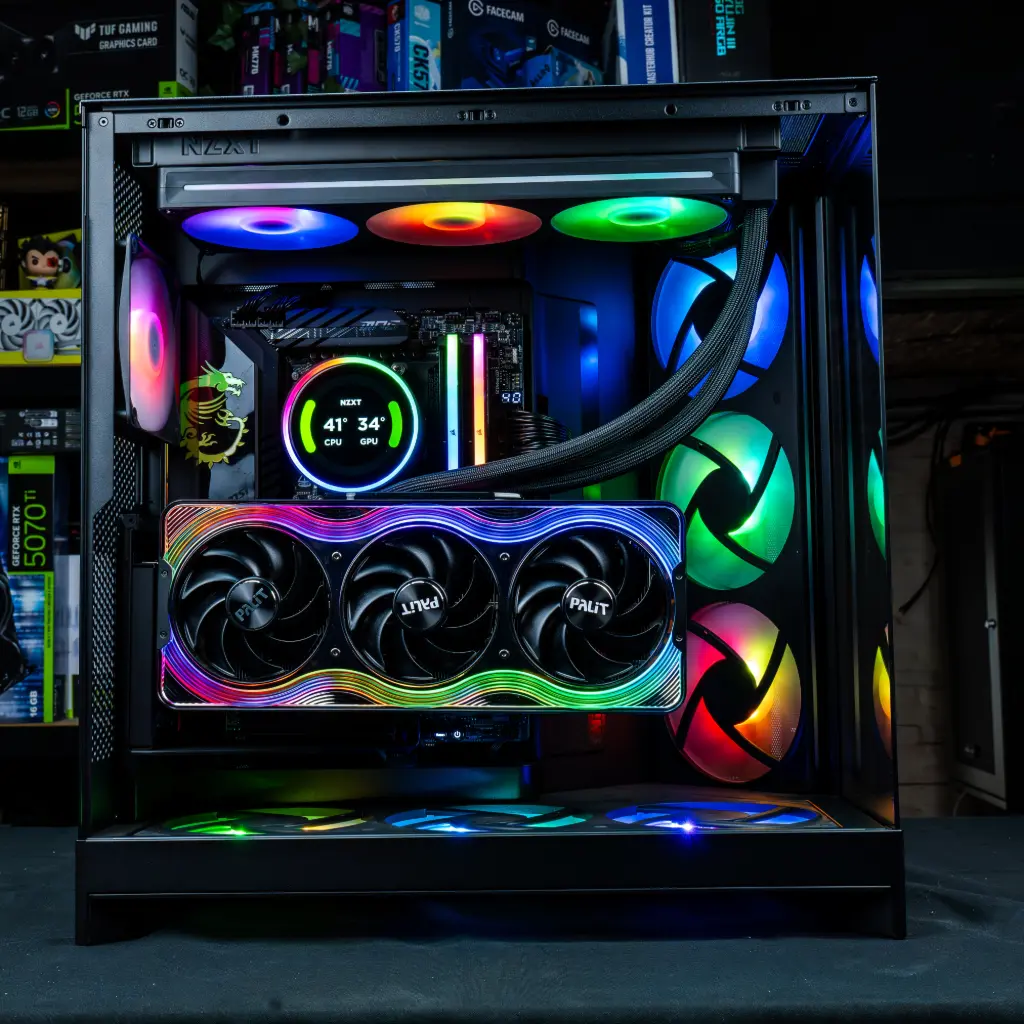
That’s why a pre-built gaming PC has a real advantage over a rushed build: each component is chosen based on the others, to create a coherent, optimised configuration.
At FlowUp, every gaming PC is assembled with next-generation components, selected to work together without any bottlenecks.
Want to see setups where all the components are already optimised together?
Key takeaway
Understanding the components in a gaming PC helps you know why you’re paying what you’re paying and make an informed choice. The golden rule is always the same: it’s not the most powerful component that matters, it’s the consistency of the whole setup.
A well-balanced gaming setup for £1,200 will always outperform a poorly assembled one for £1,800, where one component bottlenecks the others.
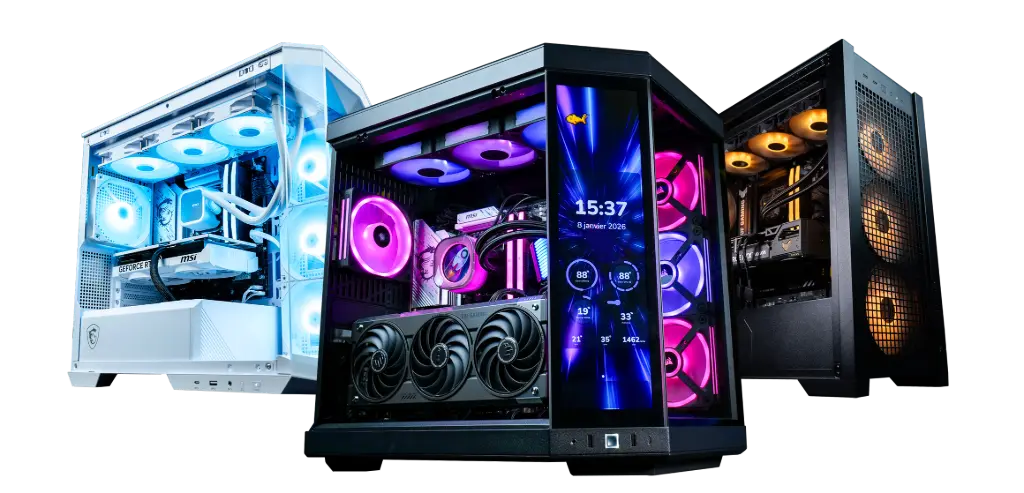
At FlowUp, every gaming PC is designed to deliver this consistency: graphics card, processor, RAM, SSD, power supply and cooling are selected to work together, without compromise, with a 2-year warranty.
FAQ - Gaming PC components
What is the most important component in a gaming PC?
The graphics card (GPU) is generally the most important component for gaming. It largely determines the resolution, the level of detail, and the number of FPS you can achieve in-game.
What is the processor used for in a gaming PC?
The processor (CPU) handles game logic: artificial intelligence, physics, collisions, background calculations, and overall instruction management. A CPU that’s too weak can bottleneck a good graphics card.
16GB or 32GB of RAM for a gaming PC in 2026?
In 2026, 16GB of RAM remains the baseline for comfortable gaming. 32GB becomes worthwhile if you also do streaming, multitasking, or content creation.
What’s the difference between DDR4 and DDR5?
DDR5 is the most recent generation of RAM. It’s faster than DDR4 and is becoming the standard on modern platforms. DDR4 is still viable on some builds, but DDR5 is more future-proof.
Why is an SSD mandatory in a gaming PC?
A SSD massively improves PC responsiveness: faster Windows boot times, quicker load times in games, and a smoother system for everyday use. In 2026, a gaming PC without an SSD no longer really makes sense.
What SSD capacity do you need for a gaming PC?
1 TB is today a logical baseline for a gaming PC. Modern games are getting heavier and heavier, so this capacity lets you keep multiple titles installed without running into limits too quickly.
What is the motherboard for?
The motherboard connects all the components together: the CPU, RAM, graphics card, SSD, power supply, fans, etc. It also determines compatibility with the CPU, the RAM and certain features.
What is the socket on a motherboard?
The socket is the connector the processor slots into. It must be compatible with the CPU you choose. For example, an AMD AM5 processor can’t be installed on an Intel LGA 1851 motherboard.
Why is the power supply so important?
The power supply (PSU) supplies power to all the components. If it’s poor quality or underpowered, you can experience crashes, restarts, or an unstable system.
What does 80 Plus Gold mean on a power supply?
The 80 Plus Gold certification indicates good energy efficiency. In practice, it means a more efficient PSU that runs cooler and operates under better conditions.
Does the case really affect performance?
Yes. A good case with good airflow helps cool the components better. The result: lower temperatures, more stable performance, and potentially a longer lifespan.
Air cooler or liquid cooling: which should you choose?
The air cooler is often simpler, more reliable and more cost-effective. Liquid cooling AIO is better suited to powerful processors, and usually has a more premium look. The right choice depends on the CPU, your budget, and the configuration style you’re after.
Why is component compatibility so important?
Because a powerful gaming PC isn’t just a big graphics card or a big processor. If one component is too weak compared with the others, it can create a bottleneck and limit the performance of the whole setup.
Why can two gaming PCs with the same price be very different?
Because the price depends on the overall balance of the machine: GPU, CPU, RAM, SSD, motherboard, power supply, cooling, and the general quality of the build. Two PCs can look similar on paper, but deliver very different real-world performance.
Why can a pre-built gaming PC be a good idea?
Because it gives you a well-matched, coherent configuration that’s tested and designed to work properly from the start. You avoid compatibility mistakes, poor component pairings, and choices that don’t really make sense.
