
By the FlowUP team, gaming PC builder in Genappe (Belgium) · Updated 29 September 2026
In brief: for Black Ops 7, Activision recommends at least an RTX 3060 or RX 6600 XT (8GB video memory), 12GB of RAM and an SSD with 116GB free space, and an RTX 5070, RTX 4080 or RX 9070 XT for high-refresh-rate competitive play or 4K. TPM 2.0 and Secure Boot are mandatory. In this Call of Duty, Radeon cards are clearly ahead at equivalent prices, and 12GB of video memory is recommended for 1440p. For Modern Warfare 4 (out on 23 October 2026), the recommended configuration steps up to an RTX 3060 Ti or RX 6700 XT and 16GB of RAM.
Two Call of Duty titles to run in 2026
Black Ops 7 launched on 14 November 2025 for PC (Battle.net, Steam, Xbox on PC, and on PC Game Pass from launch). Its successor, Modern Warfare 4, developed by Infinity Ward with a PC port handled by Beenox, arrives on 23 October 2026. A well-chosen PC today will run both, and the sequel too.
Good news: Call of Duty isn’t the heaviest game around at the moment. But it has two requirements that often trip players up: strict hardware security, and a taste for video memory.
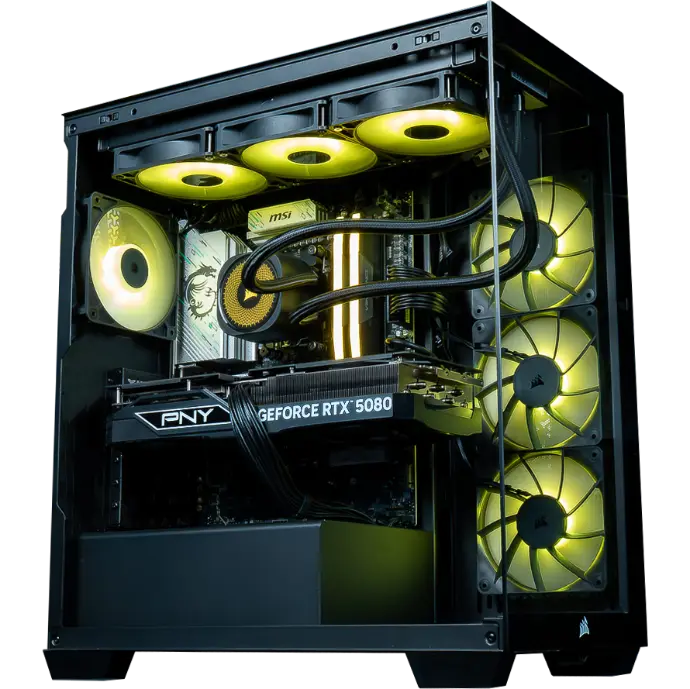
A gaming PC assembled by FlowUP. Photo: FlowUP.
Official system requirements for Black Ops 7
| Component | Minimum | Recommended | Competitive and 4K |
|---|---|---|---|
| System | Windows 10 64-bit | Windows 11 64-bit | Windows 11 64-bit |
| Processor | Ryzen 5 1400 or Core i5-6600 | Ryzen 5 1600X or Core i7-6700K | Ryzen 5 5600X or Core i7-10700K |
| Graphics card | RX 470, GTX 970/1060 or Arc A580 | RX 6600 XT, RTX 3060 or Arc B580 | RX 9070 XT, RTX 4080 or RTX 5070 |
| Video memory | 3GB | 8GB | 12 to 16GB according to Activision’s source |
| RAM | 8GB | 12GB | 16GB |
| Storage | SSD, 116GB | SSD, 116GB | SSD, 116GB |
Sources: Call of Duty blog (4 November 2025) and Activision support page. The blog mentions 16GB of video memory for the competitive and 4K tier, the support page 12GB.
TPM 2.0 and Secure Boot: check first
This is the number one trap. The anti-cheat Ricochet requires that TPM 2.0 and Secure Boot are enabled, whatever the level of your PC. To check under Windows: type msinfo32 in the search, then look at “Secure Boot State”; for the TPM, type tpm.msc. If they’re disabled, it’s fixed in your motherboard’s BIOS. Our PCs ship with Windows 11, which already requires TPM 2.0; for everything about Windows activation, read Windows 11 trial version: what does that mean?
Performance: in Call of Duty, Radeon is ahead
As with the previous episodes, Black Ops 7 strongly favours AMD cards. The ComputerBase measurements, in multiplayer, with DLSS 4 or FSR 4 in Quality mode:
| Graphics card | 1440p | 4K |
|---|---|---|
| RX 9070 XT | 199 FPS | 109 FPS |
| RTX 5080 | 161 FPS | 99 FPS |
| RTX 5070 Ti | 147 FPS | 87 FPS |
| RX 9060 XT | 120 FPS | 60 FPS |
| RTX 5070 | 120 FPS | 67 FPS |
| RTX 5060 Ti | 92 FPS | 50 FPS |
| RTX 5060 | 83 FPS | Not tested |
| RTX 4060 | 69 FPS | Not tested |
Source: ComputerBase, Black Ops 7 test (18 November 2025). Quality preset, upscaling in Quality mode, Ryzen 7 9800X3D, Toshin multiplayer map. Average FPS rounded.
Three takeaways. A RX 9070 XT performs better than an RTX 5080 in this game. The RX 9060 XT matches the RTX 5070 in 1440p. And according to ComputerBase, 8GB of video memory is not enough to play comfortably in 1440p: aim for at least 12GB. Ray tracing, meanwhile, costs more than 60% of your FPS; the site considers it impractical in multiplayer.
On the settings side, Mythiix goes through the PC parameters he uses on Warzone and Black Ops 7:
Mythiix, “Les meilleurs paramètres PC pour Warzone BO7”, January 2026.
Modern Warfare 4: what we know about the PC configuration
| Component | Minimum | Recommended (60 FPS) |
|---|---|---|
| System | Windows 10 | Windows 11 |
| Processor | Ryzen 5 1600 or Core i5-8400 | Ryzen 5 3600 or Core i7-8700 |
| Graphics card | RX 470, GTX 970/1060 or Arc A580 | RX 6700 XT, RTX 3060 Ti or Arc B580 |
| Video memory | 3GB | 8GB |
| RAM | 12GB | 16GB |
| Storage | SSD, 70GB | SSD, 70GB |
Source: Activision support page (20 August 2026), configuration published for the beta. The competitive and 4K tiers have not yet been published as of 29 September 2026.
What changes compared to Black Ops 7: 16GB of RAM recommended instead of 12, a graphics card one step higher, but a lighter installation. TPM 2.0 and Secure Boot remain mandatory. MW4 releases on 23 October 2026 for PC (Battle.net, Steam, Xbox on PC), with DLSS 4.5 support announced.
What PC for Call of Duty, depending on your screen
| Your screen | Recommended setup | Settings |
|---|---|---|
| 1080p, 144Hz | RX 9060 XT 16GB or RTX 5060 Ti 16GB, recent 6 cores, 16GB RAM | Quality upscaling, ray tracing disabled |
| 1440p, 144Hz and above | From RX 9060 XT 16GB to RX 9070 XT, 16 to 32GB RAM | FSR 4 or DLSS 4 Quality |
| Competitive 1440p, 240Hz | RX 9070 XT or RTX 5070 Ti, fast processor | Lightened settings, no frame generation in multiplayer |
| 4K | RX 9070 XT or RTX 5080, 32GB RAM | Upscaling: Quality or Balanced |
Why no frame generation in multiplayer? It increases the number of frames displayed, but adds latency: in competitive play, we prefer “real” FPS. For the rest of the setup, follow our guide how to choose your gaming PC in 2026. And if the game stutters despite a good setup, take a look at why is my PC lagging in games.
Our PCs for playing Call of Duty
Since Radeon shines in Call of Duty, our selection gives it pride of place. Each PC is delivered with Windows 11, assembled and tested before shipping.
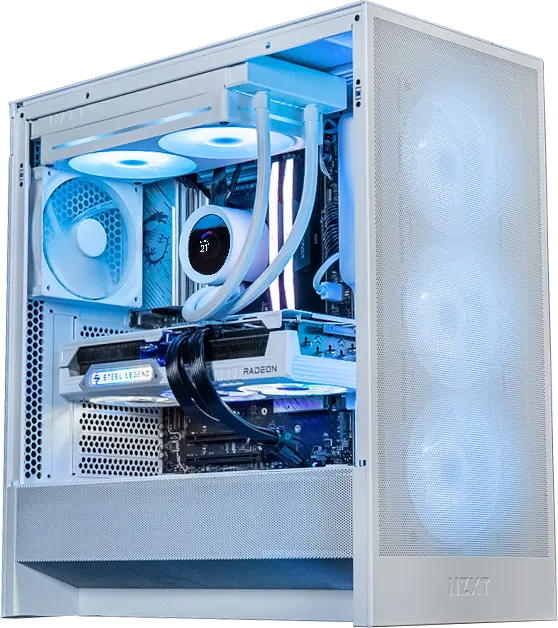
White gaming PC built by FlowUP. Photo: FlowUP.
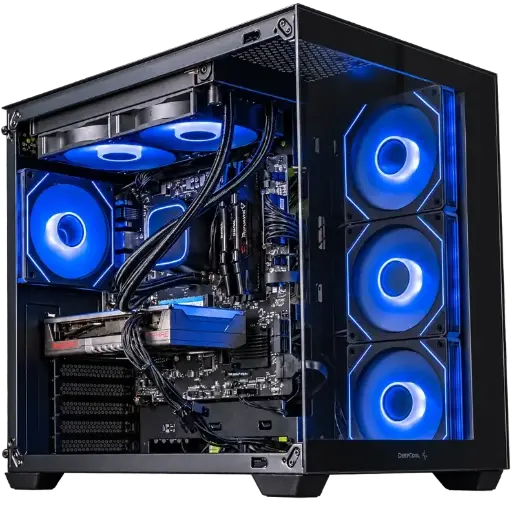
Spike PC: Call of Duty in 1080p and 1440p
Radeon RX 9060 XT in 8 or 16 GB and Ryzen 7 5700X: choose the 16 GB option to play in 1440p.
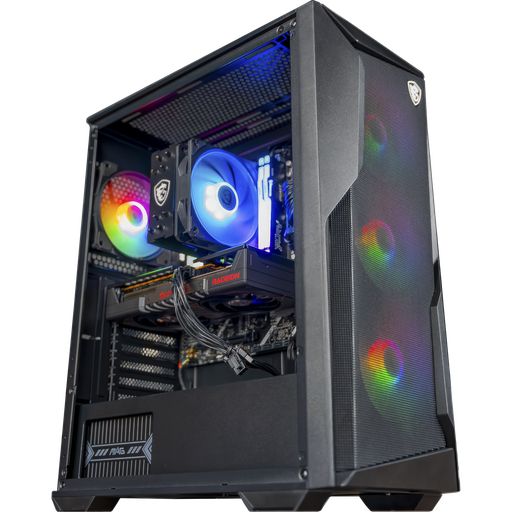
Rift PC: RX 9060 XT 16 GB on AM5
Ryzen 5 7500F, RX 9060 XT 16 GB and DDR5: more than the 12 GB of video memory recommended for 1440p.
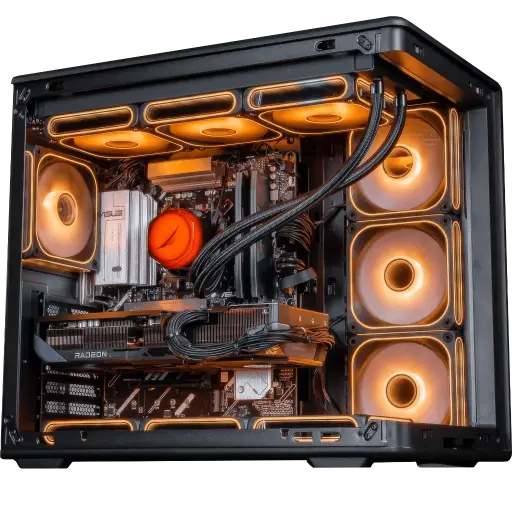
Apex V2 PC: competitive 1440p and 4K
RX 9070 XT 16 GB, Ryzen 7 7800X3D, 32 GB DDR5 and 1 TB SSD.
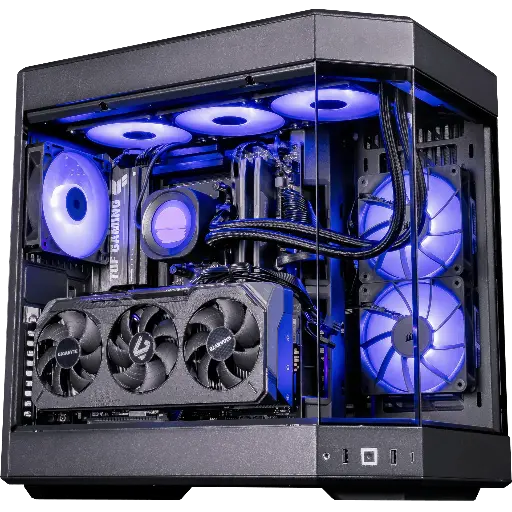
Shadow V2 PC: top-of-the-range Radeon
RX 9070 XT 16 GB, Ryzen 7 9800X3D and 32 GB DDR5 in a HYTE Y60 case.
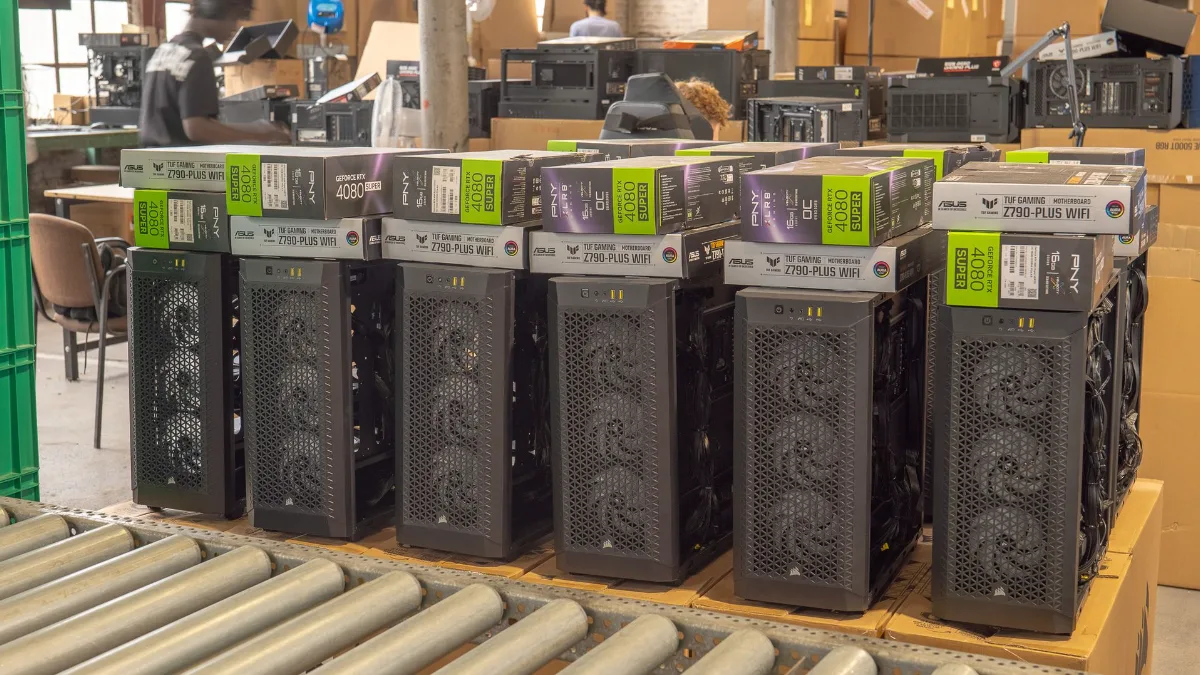
All our PCs are in the category FlowUP gaming PC, with indicative FPS per game.
Also read: Battlefield 6 PC: system requirements and which PC to play it on in 2026
FAQ: PCs for Call of Duty
Which graphics card for Black Ops 7?
An RTX 3060 or RX 6600 XT minimum is recommended. For comfortable 1440p, an RX 9060 XT 16 GB or better; for competitive high-refresh-rate play or 4K, an RX 9070 XT, an RTX 5070 or an RTX 4080 according to Activision.
Is Black Ops 7 better on AMD or NVIDIA?
On AMD. In ComputerBase’s test, the RX 9070 XT beats the RTX 5080, and the RX 9060 XT matches the RTX 5070 in 1440p.
Do I need TPM 2.0 to play Call of Duty?
Yes. TPM 2.0 and Secure Boot are mandatory for Black Ops 7 and Modern Warfare 4, on all configuration levels.
How much space does Black Ops 7 take up?
116 GB on SSD, according to Activision. Modern Warfare 4 requires 70 GB.
When does Modern Warfare 4 release on PC?
23 October 2026, on Battle.net, Steam and Xbox on PC, as well as on PS5, Xbox Series X|S and Switch 2.
Is 8 GB of video memory enough for Black Ops 7?
In 1080p, yes; for 1440p, ComputerBase estimates you need 12 GB to play without hassle.
Sources
- Call of Duty, Black Ops 7 PC configuration (4 November 2025)
- Activision, Black Ops 7 system requirements
- Xbox Wire, release and Game Pass (10 November 2025)
- ComputerBase, Black Ops 7 test (18 November 2025)
- Call of Duty, announcement of Modern Warfare 4 (28 May 2026)
- Activision, Modern Warfare 4 system requirements (20 August 2026)
