 Your PC in instalments (up to 12x)
By the FlowUP team, gaming PC builder in Genappe (Belgium) · Updated 29 September 2026
In short: check before you buy. In-game, if your graphics card is running at 95% or more, that’s the one you should upgrade first. If it stays well below while your FPS are low, then it’s the processor. A slow PC everywhere (boot times, load times) calls first for a SSD; a PC with 8 GB needs RAM. The power supply, however, doesn’t give you FPS, it’s often what makes a graphics card upgrade possible.
The rule: upgrade what’s limiting you, not what’s easiest to upgrade
You often see the same scenario: a PC that lacks FPS, and an owner who adds 16 GB of RAM because that’s the cheapest and easiest upgrade to install. Result: nothing changes. The right first upgrade isn’t the easiest one, it’s the one that targets the component that’s capping performance.
The good news is that you can spot this component within a few minutes, without any special equipment. Start with the diagnostic below, then jump straight to the section that applies to you.
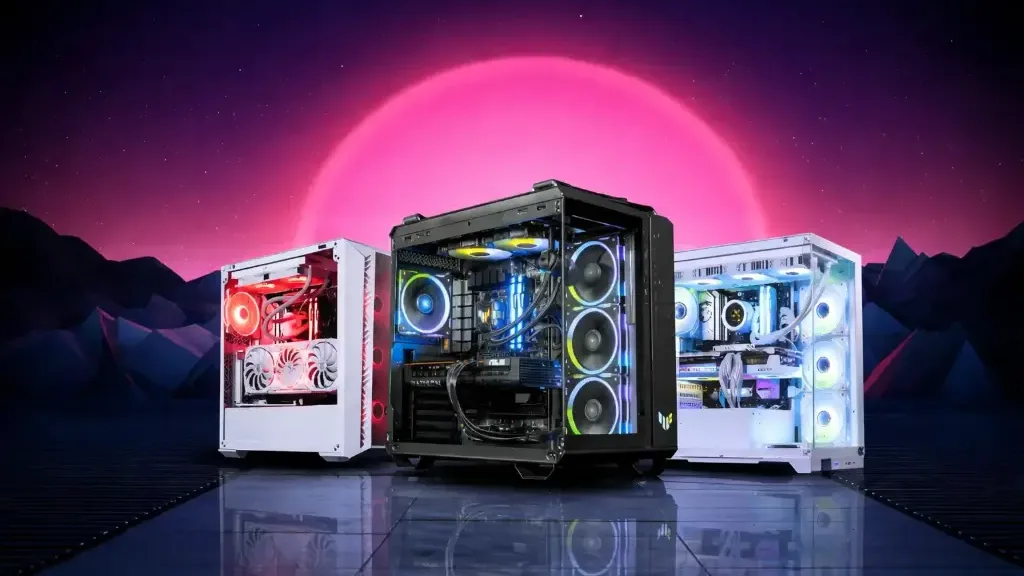
Before replacing a part, identify the one that is really holding your PC back.
Diagnose in 5 minutes: what’s limiting your FPS?
Install MSI Afterburner (with RivaTuner Statistics Server, installed at the same time) and enable the in-game display of GPU usage, per-core CPU usage, VRAM and RAM. Then launch the game that’s causing the problem, in a heavy scene, with your usual settings.
- GPU at 95% or more: the graphics card is working at full capacity, so it’s the limiting factor. According to PCWorld, it’s a sign of a “GPU-limited” PC.
- GPU well below 95% while FPS are disappointing: the processor can’t keep up. Below 80%, the CPU bottleneck is severe (PCWorld).
- VRAM full and stutters: the card doesn’t have enough video memory, lower the texture quality or choose a card with more VRAM.
- RAM above 90% and the disk is working: you’re running short on system memory (RAM).
| Symptom | What the diagnostic shows | First upgrade |
|---|---|---|
| FPS too low in recent games | GPU at 95-100% | Graphics card |
| FPS capped in competitive play (144 Hz, 240 Hz) | GPU below 90%, one or two CPU cores maxed out | Processor |
| Endless booting and loading | Disk at 100% in Task Manager | SSD |
| Stutters with Discord, the browser and a game open | RAM above 90% | RAM |
| PC shuts off mid-game after upgrading the graphics card | No indicator, sudden shutdown | Power supply |
FlowUP summary. GPU usage thresholds according to PCWorld (June 2023).
This video in French shows how to spot a CPU bottleneck, and what you can tweak before upgrading:
Hardware Archive, “How to detect a CPU bottleneck and reduce its impact”.
If your PC lags for no clear reason, also take a look at our guide why my PC lags when gaming : overheating or a driver can mimic a lack of power.
What games really demand in 2026
The official spec sheets from publishers provide a good idea of the part that matters depending on the game. Here are the recommended configurations for the most played games, gathered from the publishers’ websites:
| Game (recommended profile) | Graphics card | Processor | RAM | Storage |
|---|---|---|---|---|
| Call of Duty: Warzone | RX 6600 XT / RTX 3060 / Arc B580 (8 GB) | Ryzen 5 1600X / Core i7-6700K | 12 GB | SSD required, 116 GB |
| Fortnite (Epic quality) | RX 6700 XT / RTX 3070 (8 GB) | Ryzen 7 3700X / Core i7-8700 | 16 GB | Recommended NVMe SSD |
| Valorant (144 FPS and up) | GTX 1050 Ti / Arc A310 | Ryzen 5 2600X / Core i5-9400F | 4 GB | Not specified |
| Microsoft Flight Simulator 2024 | RX 5700 XT / RTX 2080 (8 GB) | Ryzen 7 2700X / Core i7-10700K | 32 GB | 50 GB |
Sources: Activision (Warzone, March 2026), Epic Games (Fortnite), Riot Games (Valorant, May 2026), Microsoft (Flight Simulator 2024, March 2025).
Three lessons stand out. Warzone requires an SSD from the minimum configuration, and its “Competitive / Ultra 4K” profile goes up to an RX 9070 XT or an RTX 4080 / 5070 with 12 GB of VRAM. Valorant, on the other hand, is played at 144 FPS with a small graphics card: it’s the processor that makes the difference. And Flight Simulator 2024 recommends 32 GB of RAM, or 64 GB in the ideal configuration.
Graphics card: the #1 upgrade to gain FPS
If the diagnostic shows your GPU is at full load, no other upgrade will give you as many frames per second. This is especially true if you play recent AAA games, switch to 1440p, or want to raise your settings.
Two checks before you buy: the length of the graphics card compared to your case, and the power supply wattage with the right connectors. For choosing the model, read which GPU to buy in 2026 and, for video memory, how much VRAM in 2026.
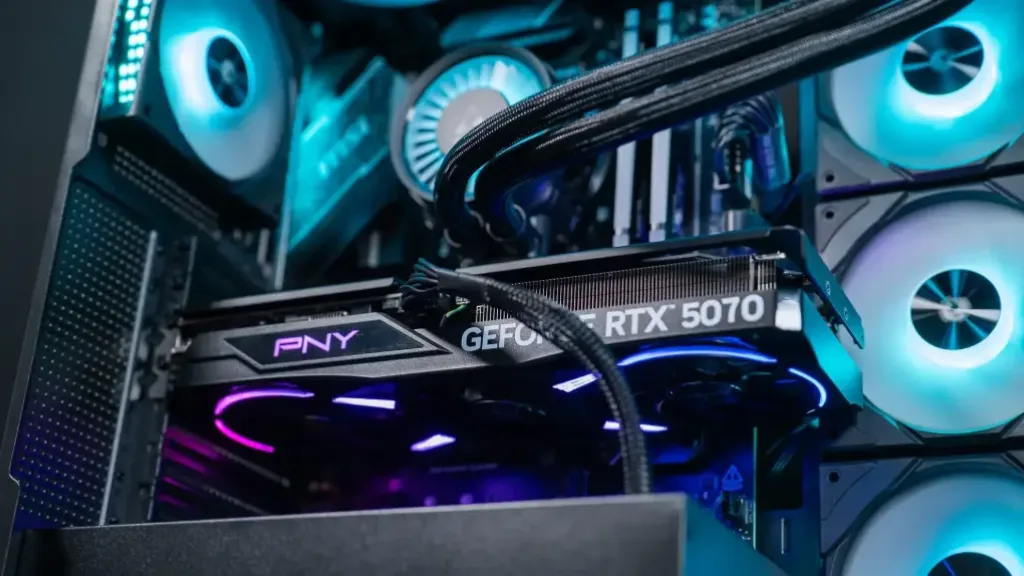
The graphics card is the upgrade that delivers the most FPS when it’s running at 100%.
One thing to keep in mind: a powerful graphics card on an older CPU can end up bottlenecked. If your current GPU isn’t already maxed out, switching cards will almost do nothing, the CPU comes first.
Processor: prioritised for high FPS in competitive play
In Valorant, CS2 or Fortnite on competitive settings, the graphics card is often only half loaded: it’s the processor that determines whether you hit 144, 240 or 360 FPS. Riot shows this in its charts, with the step-ups mainly on the CPU side.
Upgrading the CPU is simple if your motherboard supports it. On AM4, a Ryzen 7 5700X3D can replace an older Ryzen on many motherboards after a BIOS update (check the manufacturer’s compatibility list). On LGA1700 (Intel 12th to 14th gen), think of the BIOS update for the 13th and 14th generations. If your platform is older, changing the CPU means changing the motherboard as well, and often the RAM: that’s another budget.
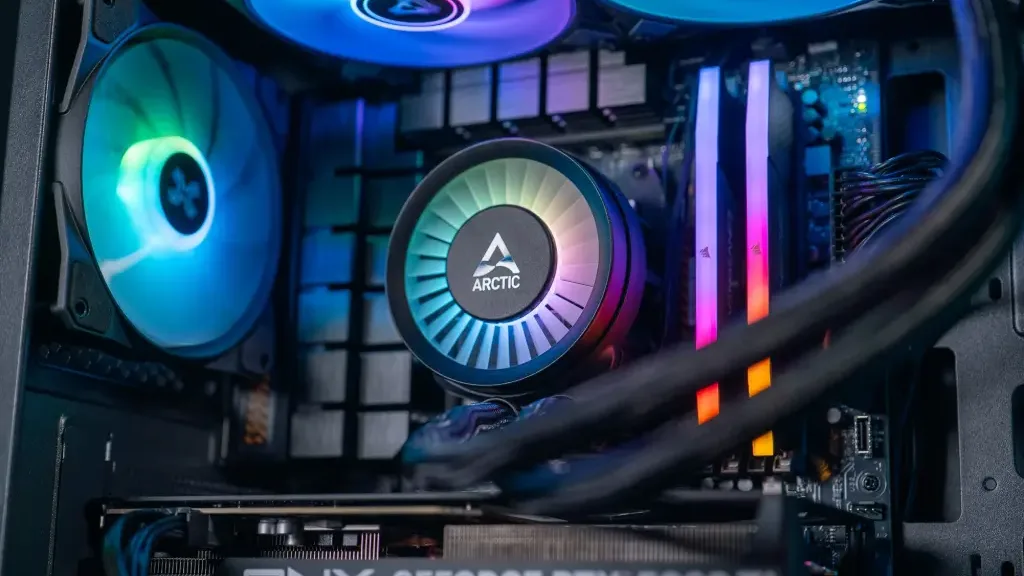
A CPU change is also a good opportunity to check your cooling.
To choose between the two brands, see Intel or AMD: which CPU for a gaming PC in 2026.
SSD: the upgrade that completely changes an old PC
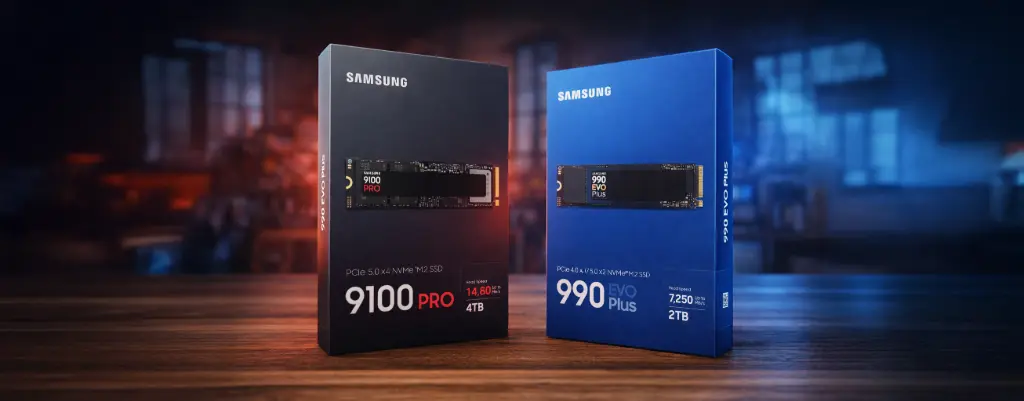
An NVMe SSD doesn’t add FPS, but it transforms boot times and loading screens.
If your PC takes a minute to boot, Windows takes ages to respond, and games take forever to load, the first upgrade isn’t the graphics card: it’s the storage. Swapping a hard drive for an SSD is the most dramatic upgrade you can make on an old machine, and Warzone officially requires an SSD, even in the minimum configuration.
If your motherboard has an M.2 slot, choose an NVMe SSD: Epic recommends it for Fortnite. Reinstall Windows on it, or clone your drive, then keep the old one for your files. All the criteria are in our guide how to choose your SSD in 2026.
RAM: urgent if you’re still on 8 GB
RAM doesn’t increase FPS once you have enough of it. But when you don’t have enough, the PC starts swapping to the drive and stutters appear. Fortnite recommends 16 GB, Warzone 12 GB (16 GB in “Competitive / Ultra 4K”) and Flight Simulator 2024 32 GB.
On 8 GB, go to at least 16 GB, 32 GB if you stream or keep lots of applications open. Buy a kit of two identical sticks to benefit from dual-channel, rather than adding a random stick to what you already have. The details are in 16 GB or 32 GB of RAM in 2026.
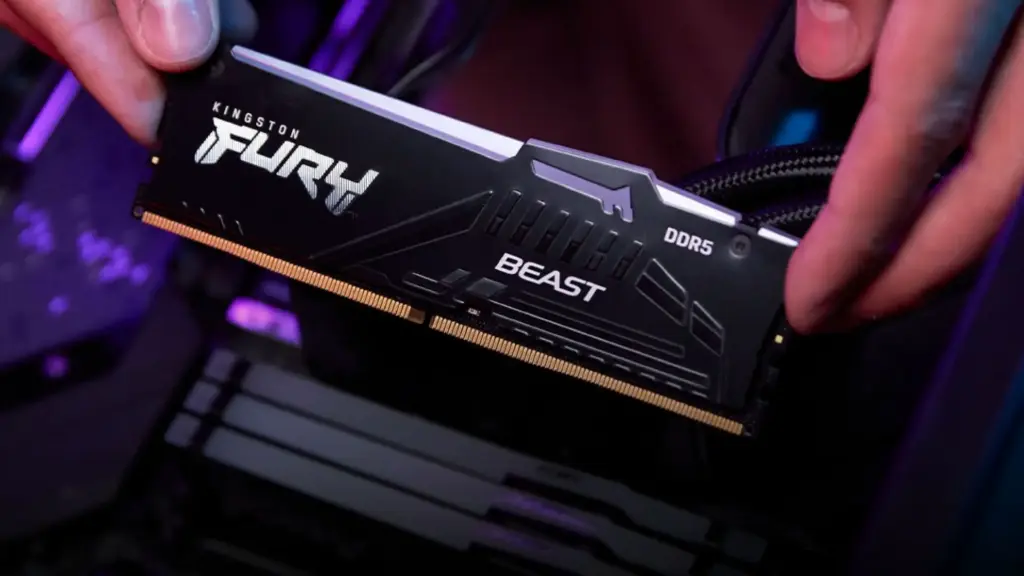
A kit of two identical sticks is better than adding a module at random.
Power supply: rarely a performance gain, often a requirement
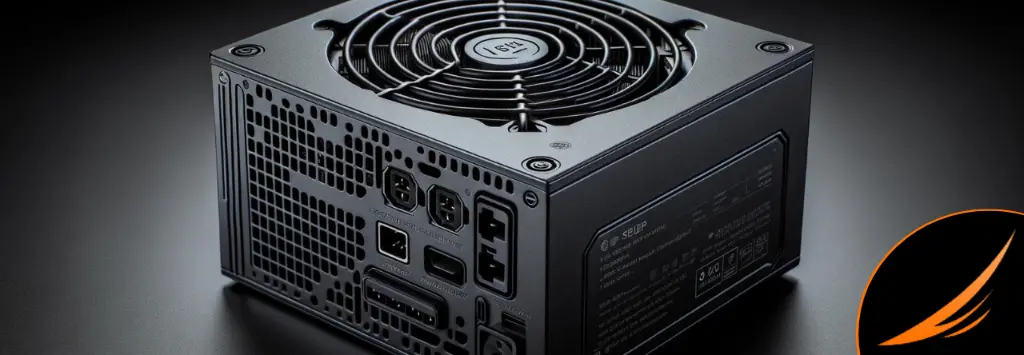
The power supply doesn’t add FPS, but it determines which graphics card you can install.
Changing the power supply won’t make a PC faster. On the other hand, it’s often the one that blocks the main upgrade: a newer graphics card needs more power and connectors that older PSUs don’t have. If your PC shuts down mid-game after swapping your graphics card, that’s the first suspect. So before you buy a graphics card, check the wattage recommended by the manufacturer and read how to choose your power supply in 2026.
Summary: which component should you upgrade first?
| Your situation | First upgrade | To check before |
|---|---|---|
| You’re missing FPS in newer games | Graphics card | Power supply and length inside the case |
| You’re aiming for 144 FPS and more in competitive play | Processor | Motherboard socket, BIOS |
| Everything is slow, even Windows | NVMe SSD | Free M.2 slot |
| You’re on 8 GB or you stream | RAM (16 or 32 GB) | DDR4 or DDR5 type, a kit of two sticks |
| You’re changing the graphics card | Power supply if needed | Wattage and connectors |
Upgrade or buy a new PC?
When the diagnosis points to two or three components at the same time, or when upgrading the CPU requires a new motherboard and DDR5, the upgrade quickly costs almost as much as a brand-new machine, without the guarantee of a tested set. We broke down this calculation in should you upgrade your gaming PC or buy a new one. If you’re going for brand new, here are three balanced configurations:
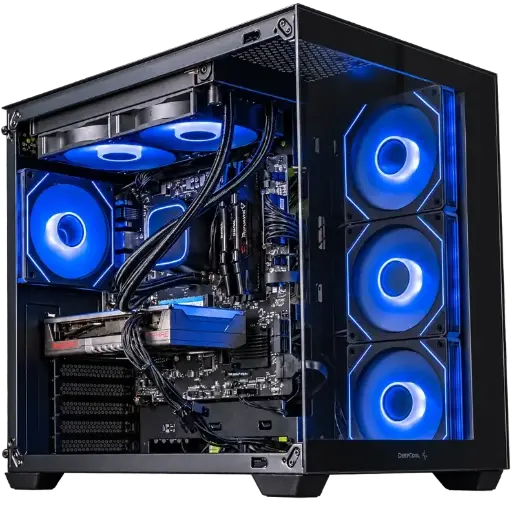
Spike PC, Radeon RX 9060 XT
Ryzen 7 5700X, Radeon RX 9060 XT and 16 GB of DDR4: a balanced setup for gaming at 1080p with high settings.
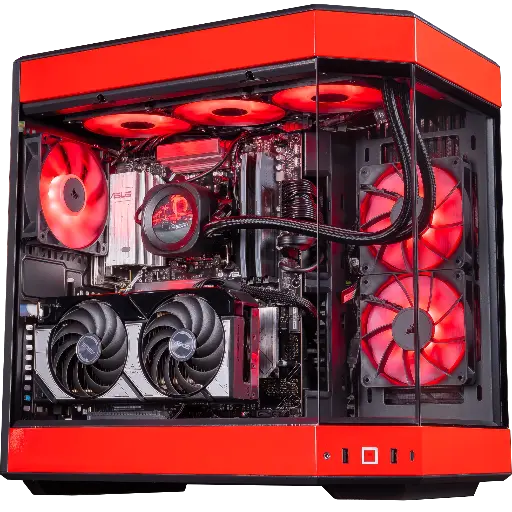
Rivals PC, GeForce RTX 5070
RTX 5070, Ryzen 7 9800X3D and 32 GB of DDR5: built for 1440p and high FPS in competitive play.
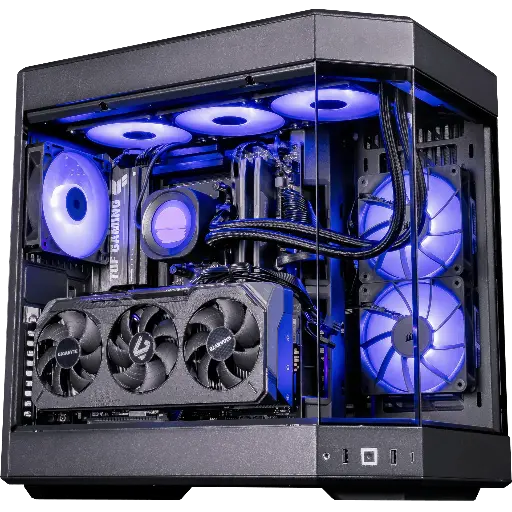
Shadow V2 PC, Radeon RX 9070 XT
RX 9070 XT 16 GB, Ryzen 7 9800X3D and 32 GB of DDR5: for Ultra QHD and 4K.
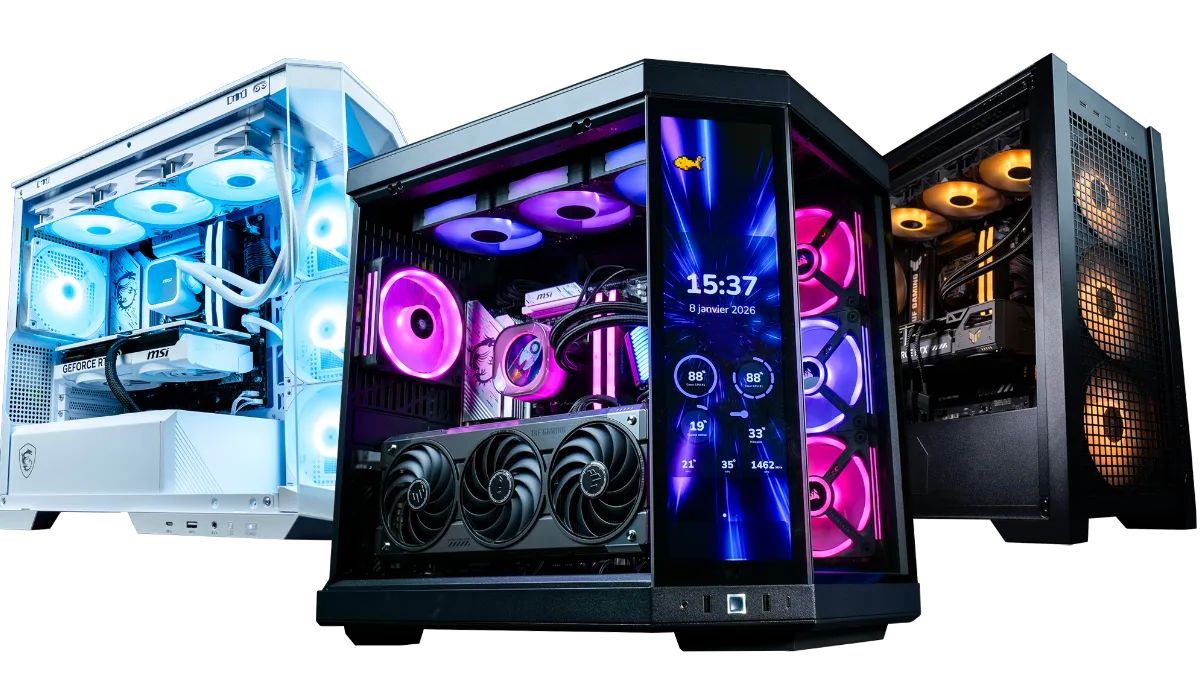
The entire range is in the category FlowUP gaming PC.
FAQ: which component should you upgrade first?
Which component should you upgrade first on a gaming PC?
The one that’s limiting your PC. If the graphics card runs at 95% or more while gaming, it’s the culprit. If it stays well below that with low FPS, it’s the processor. If the PC is slow across the board, start with an SSD.
How can I tell if my processor is bottlenecking my graphics card?
Show the GPU usage in-game with MSI Afterburner. A graphics card that stays clearly below 95% while the FPS are disappointing points to a processor bottleneck, especially if one or two cores are at their maximum.
Is it better to upgrade the RAM or the graphics card?
The graphics card, unless you still have 8 GB of RAM, or your RAM exceeds 90% usage while gaming. Beyond 16 GB, adding more RAM almost never gives extra FPS.
Does an SSD increase FPS?
No, not directly. It speeds up boot times, loading, and reduces certain texture-streaming stutters. But it has become mandatory for some games, such as Warzone.
Should you change the power supply before the graphics card?
Only if it doesn’t have the power or the connectors required by the new card. Check the recommended power from the card manufacturer before buying.
When is it better to buy a new PC?
When you need to replace the processor, motherboard and RAM all at once, or more than two major components. The upgrade then costs almost as much as a brand-new PC.
Sources
- PCWorld, PC bottlenecks explained (June 2023)
- Activision, Warzone PC system requirements (March 2026)
- Epic Games, Fortnite system requirements for PC
- Riot Games, recommended specs for Valorant (May 2026)
- Microsoft Flight Simulator 2024, official FAQ (March 2025)
- Hardware Archive, how to detect a CPU bottleneck (YouTube)
