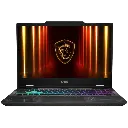
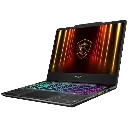
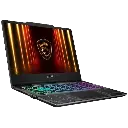
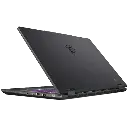
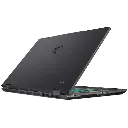
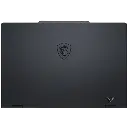
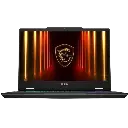
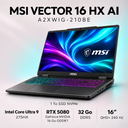
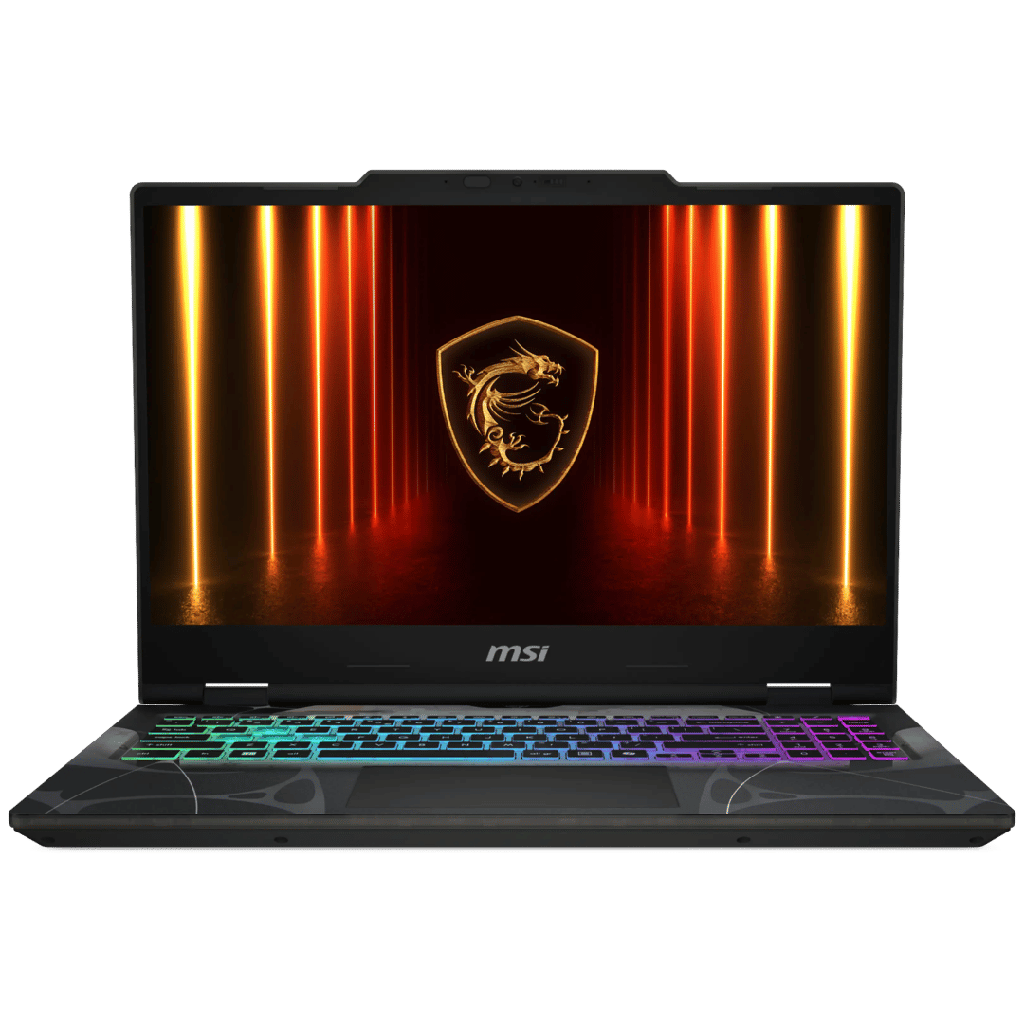
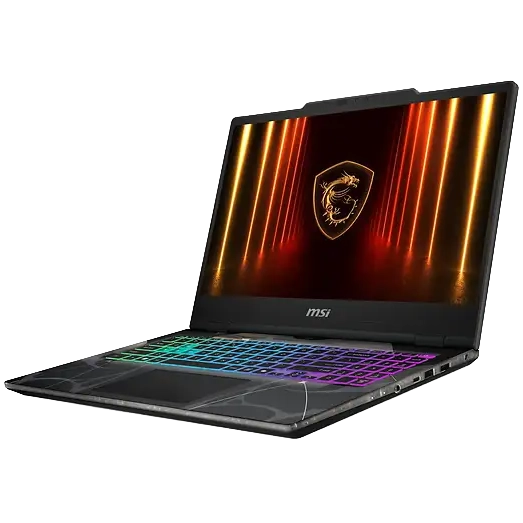
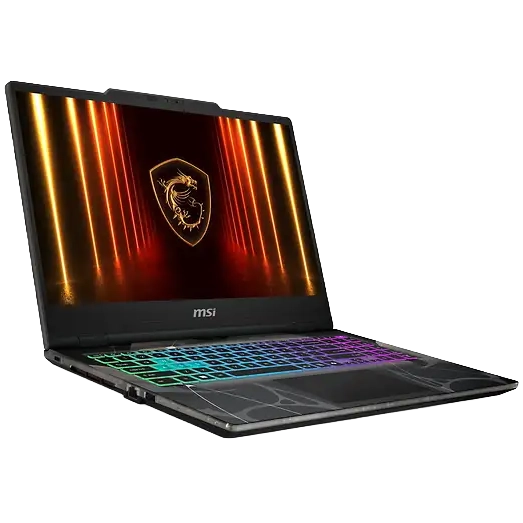
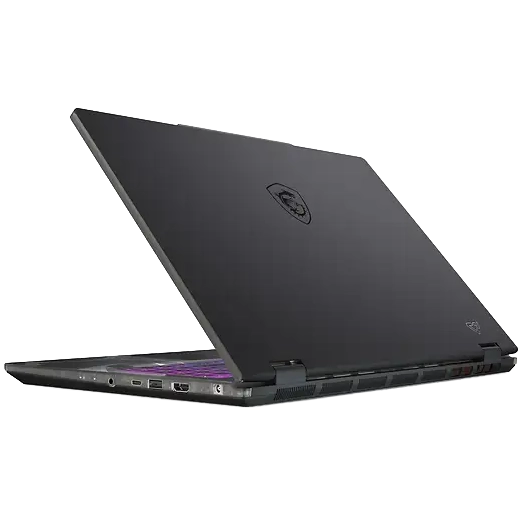
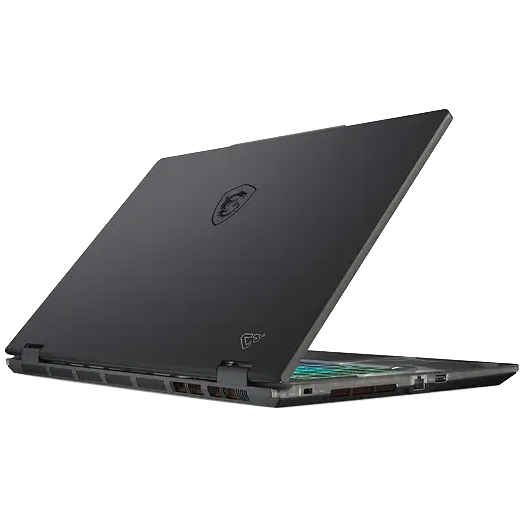
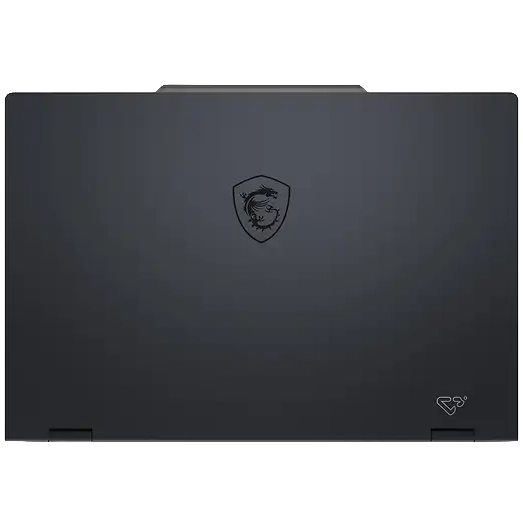
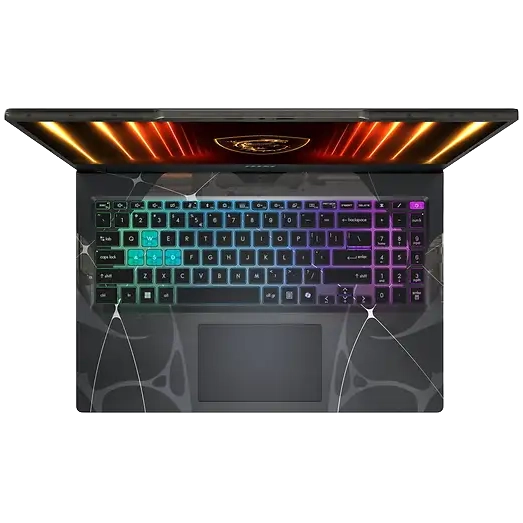
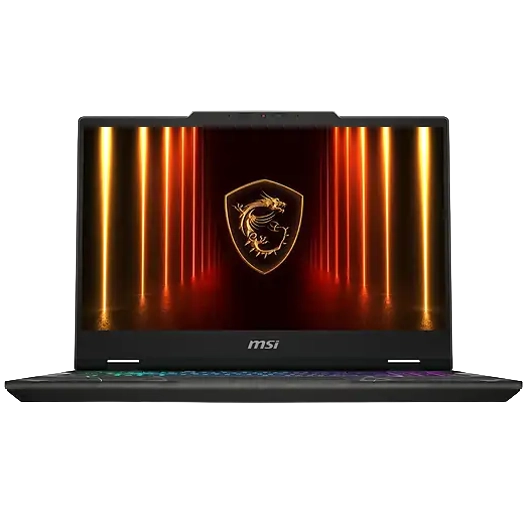
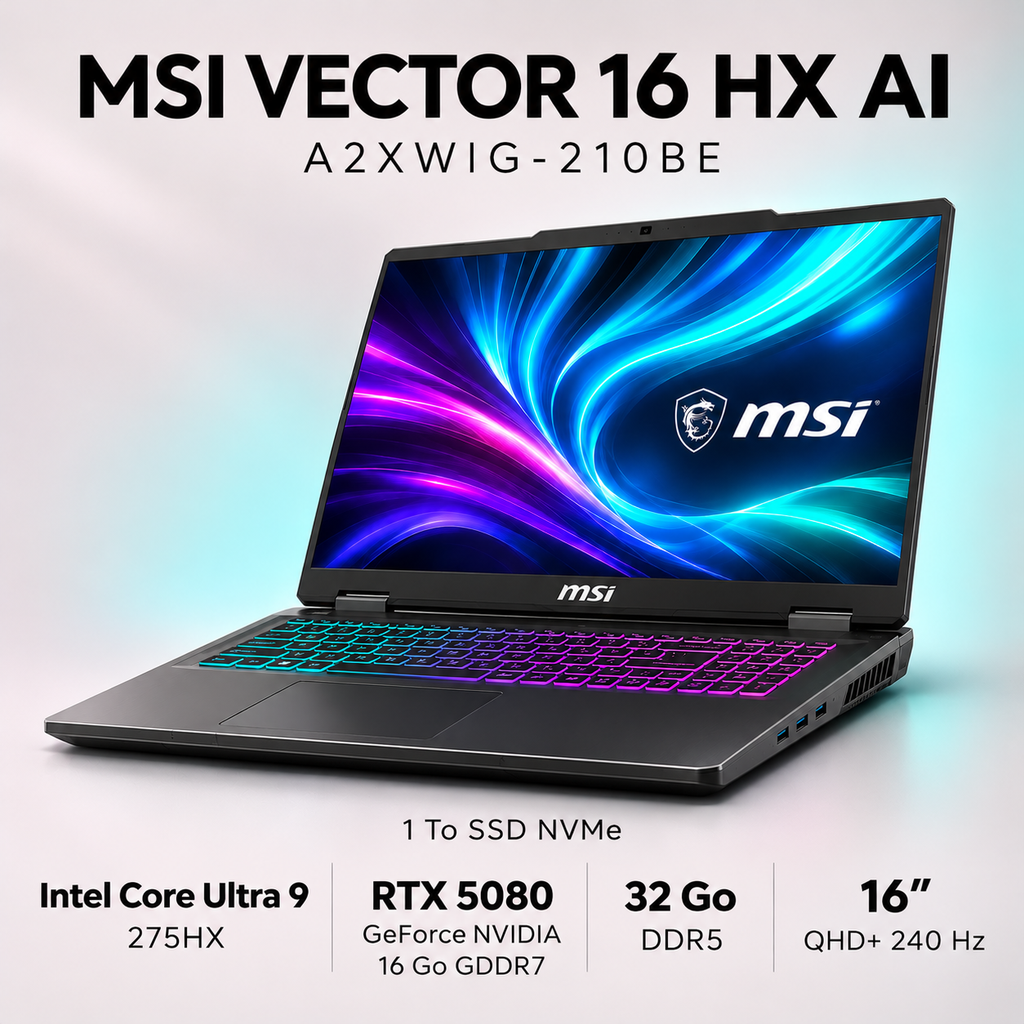







Portable PC, MSI Vector 16 HX AI A2XWIG-210BE | Core Ultra 9 275HX – RTX 5080 16 GB – 16 GB DDR5 – SSD 1 TB – 16" QHD+ 240 Hz

https://www.flowup.shop/web/image/product.template/7196/image_1920?unique=b6c1bbc

The MSI Vector 16 HX AI A2XWIG-210BE is a high-end gaming laptop designed for demanding gamers, creators and professionals looking for a high level of performance. Its power allows it to handle not only recent AAA games, but also streaming, video editing, 3D, or heavy professional applications.

HIGHLIGHTS: 

 Premium gaming : enjoy the latest games with a high level of detail and smooth performance.
Ultra responsive : ideal for FPS games and competitive titles.
Intensive creation : suited to video editing, 3D and complex projects.
Advanced multitasking : play, stream and work comfortably at the same time.
Detailed imagery : enjoy crisp, immersive display.
16:10 format : more vertical space to work and create.
Ready for AI : a modern platform for applications accelerated by artificial intelligence.
Mobile station : near-desktop power in a portable format.
Fast connection : designed for online gaming and heavy transfers.
Complete ecosystem : easy to integrate with multiple displays and peripherals.
Professional use : powerful for engineering, creation and demanding software.
Built to last : a high-end base designed for future games and software.

Shipped within 3 business​ days​

2,923.15 € 2923.15 EUR 2,923.15 €

2,415.83 €

Or 12x 243.60 € *
Carte Graphique NVIDIA® GeForce RTX™ 5080 Laptop GPU
Processeur Intel® Core™ Ultra 9 275HX
Mémoire 16GB DDR5
Stockage SSD 1To M.2
taille de l'écran 40.64cm (16 pouces)
QHD 2560 X 1600
240 Hz
Layout Azerty
Connexion Wifi Wi-Fi 6E
Connexion Bluetooth Bluetooth 5.3
Système d'exploitation Windows 11 Pro (version d'essai)

This combination does not exist.

Portable PC, MSI Vector 16 HX AI A2XWIG-210BE | Core Ultra 9 275HX – RTX 5080 16 GB – 16 GB DDR5 – SSD 1 TB – 16" QHD+ 240 Hz

Portable PC, MSI Vector 16 HX AI A2XWIG-210BE | Core Ultra 9 275HX – RTX 5080 16 GB – 16 GB DDR5 – SSD 1 TB – 16" QHD+ 240 Hz

2,923.15 € 2,923.15 €

Or 12x 243.60 € *

GET YOUR GAMING PC READY TO USE

A PC assembled by experts, rigorously tested and ready to accompany you on all your gaming adventures. You handle the game— we’ll take care of the rest. Assembled, tested and ready to play: we take care of the rest.

WINDOWS 11 PRO

Windows 11 Pro is already preinstalled on your PC. All that’s left is to activate it with a licence. Windows installed. Activation required.

Learn more
Ready to use

Your Windows 11 Pro system is already installed and ready to run. All you need to do is finish its configuration and activate it with a licence so you can enjoy all its features.

ASSEMBLED AND TESTED

Every PC is assembled by our experts and put through rigorous tests before shipping. Assembled and tested by our experts.

Discover the tests
Checked before shipping

Each build is carefully checked by our experts. Your PC then undergoes a series of precise stability tests, following a rigorous protocol, to ensure the proper functioning of its components before shipping.

READY TO PLAY

Your PC arrives fully assembled, tested and ready to host your favourite games. Plug in your accessories and install your games.

How does it work?
Simple and quick

Just connect your screen, your keyboard and your mouse. Sign in to your gaming accounts, install your favourite games and jump in!

3, 2, 1… GO!

Your new setup is ready. Thousands of hours of gaming are waiting for you! Your setup is ready for gaming.

Final step
Your turn

Make the most of your new setup for years to come. No FlowUP subscription to worry about: your PC is yours and you’re free to install and play the games of your choice—free or paid.

often bought together🔥

Your dynamic snippet will be displayed here... This message is shown because you have not set the filter and the model to use.

THE PERFORMANCE OF YOUR LAPTOP

Its components, its uses, and its approximate FPS in your favourite games.

Your laptop PC: Reading the product sheet…

View the laptop specifications
Graphics: reading… Processor: reading… Memory: reading…

Reading the product sheet…

The right laptop for you? Show Hide

Usage cues based on the components. Software, settings and cooling influence the outcome.

Office work & studies To be specified Documents, browsing and video calls.
Gaming To be specified The game and the settings make the difference.
Creation & editing To be specified Photo, video and creative software.

Performance at stake

Estimated FPS based on the laptop’s components. The settings and indicative ranges are shown on each card.

Cyberpunk 2077
Calculating… Estimated FPS
Cyberpunk 2077 View details +
Estimation in progress

Reading the laptop’s specifications…

GTA V Enhanced
Calculating… Estimated FPS
GTA V Enhanced View details +
Estimation in progress

Reading the laptop’s specifications…

Call of Duty: Black Ops 6
Calculating… Estimated FPS
Call of Duty: Black Ops 6 View details +
Estimation in progress

Reading the laptop’s specifications…

Fortnite
Calculating… Estimated FPS
Fortnite View details +
Estimation in progress

Reading the laptop’s specifications…

Counter-Strike 2
Calculating… Estimated FPS
Counter-Strike 2 View details +
Estimation in progress

Reading the laptop’s specifications…

Valorant
Calculating… Estimated FPS
Valorant View details +
Estimation in progress

Reading the laptop’s specifications…

Compare in-game FPS Show Hide

Calculating estimates…

Understanding FPS estimates

A laptop GPU and a desktop GPU with a similar name do not deliver the same performance. On a laptop, the TGP, cooling, memory and power mode also matter. The power rating shown on the charger is not the same as the graphics card’s power.

Values preceded by « ≈ » are indicative estimates calculated based on the components and the resolution. They assume use on mains power, a high-performance power mode and normal cooling. Settings are shown by game and can differ on a dedicated GPU and an integrated chip. The suggested ranges are not test results or measured confidence intervals. Actual performance may fall outside these ranges.

Updates, drivers, the game scene, shared memory and the temperature can change FPS. An estimate does not guarantee a game’s compatibility, especially on a small integrated graphics circuit. When an exact reading is available, it replaces the estimate and is labelled “Measured average”.

Upscaling and image generation are distinguished from native rendering. The FPS shown with image generation do not replace FPS rendered natively to assess responsiveness. DLSS, FSR or XeSS compatibility depends on the game, its version and the hardware. The screen refresh rate, expressed in Hz, is not a measure of FPS.

MSI Vector Series

A2XWIG-210BE

An RTX 5080 at 175 W. A Core Ultra 9. A QHD+ 240 Hz display. A machine designed to go after maximum performance.

The MSI Vector 16 HX AI combines a Intel Core Ultra 9 275HX with a NVIDIA GeForce RTX 5080 Laptop GPU equipped with 16 GB of GDDR7. A configuration designed for demanding gaming, content creation, 3D rendering and heavy professional workloads.

RTX 5080 175 W 240 Hz Thunderbolt 5
MSI Vector 16 HX AI A2XWIG-210BE
Processor Core Ultra 9 275HX 24 cores · up to 5.4 GHz
Graphics GeForce RTX 5080 16 GB GDDR7 · 175 W
Display 16" QHD+ · 240 Hz 2560 × 1600 · 100 % DCI-P3
Storage 1 TB SSD NVMe PCIe Gen4 · second slot Gen5
Performance first

Far more than just a gaming laptop.

The Vector 16 HX AI has been designed with one clear priority: to get the very most out of the power of its components. The Intel HX processor, the GeForce RTX 5080 and its cooling system enable it to target a high level of performance in today’s latest games.

But its power isn’t limited to gaming. Video editing, 3D rendering, graphic creation, development, accelerated computing or artificial intelligence: the Vector can also become a true mobile workstation.

Hardware

Three components. One single priority: performance.

01 — PROCESSOR

Intel Core Ultra 9 275HX

The Core Ultra 9 275HX features 24 cores, with 8 Performance-cores and 16 Efficient-cores.

Its maximum Turbo frequency reaches 5.4 GHz and it has 36 MB of cache.

This architecture allows it to handle demanding games efficiently, multitasking and heavy software.

02 — GRAPHICS

GeForce RTX 5080 Laptop

The RTX 5080 Laptop comes with 16 GB of GDDR7 memory.

On the Vector 16 HX AI, it can reach 175 W with Dynamic Boost.

It features the NVIDIA Blackwell architecture, ray tracing, NVIDIA Reflex and DLSS technologies.

03 — MEMORY

Scalable DDR5

The system comes with 16 GB of DDR5-5600.

Two SO-DIMM slots make it easy to upgrade the memory.

The platform supports up to 96 GB of RAM.

MSI OverBoost Ultra

Up to 240 W of combined power.

A RTX 5080 only makes sense if the laptop can truly supply it with enough power.

MSI OverBoost Ultra enables the Vector to reach up to 240 W combined CPU + GPU.

The RTX 5080 Laptop can run up to 175 W with Dynamic Boost. The Vector therefore prioritises performance rather than an aggressive power limit intended purely to reduce the chassis thickness.

MSI Vector 16 HX AI high performance
QHD+ Gaming Display

A RTX 5080 deserves more than just a Full HD display.

The panel 16 inches adopts a 16:10 aspect ratio and a resolution of QHD+ 2560 × 1600.

This resolution delivers more clarity than a Full HD screen, while remaining perfectly aligned with the performance of the RTX 5080 Laptop.

Its 240 Hz refresh rate provides excellent smoothness when the number of frames generated by the game is high enough.

The 100 % DCI-P3 coverage also makes the panel appealing for visual creation, photography and video.

240 Hz Refresh rate
2560×1600 QHD+ resolution
100 % DCI-P3
MSI Vector 16 HX AI QHD+ 240 Hz display
NVIDIA GeForce RTX 50 Series

Blackwell. DLSS. Ray tracing.

The GeForce RTX 5080 Laptop is built on the NVIDIA Blackwell architecture.

In supported games, DLSS technologies use artificial intelligence to enhance performance and smoothness.

Dedicated RT cores accelerate ray tracing effects, while NVIDIA Reflex can help reduce system latency.

CUDA and Tensor capabilities also make the RTX 5080 particularly interesting for 3D rendering, video, certain AI applications and professional GPU-accelerated software.

GeForce RTX 5080 Laptop MSI Vector
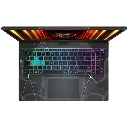
24-Zone RGB

Gaming whenever you want. Understated whenever you want.

The Vector 16 HX AI features 24-zone RGB backlighting.

The WASD keys are highlighted to make them easier to spot during gaming sessions.

The numeric keypad remains available for work, for study and for professional applications.

This model comes with a Belgian AZERTY keyboard.

MSI Vector 16 HX AI RGB keyboard
Cooler Boost 5

Such power needs room to breathe.

An HX processor paired with an RTX 5080 can generate a lot of heat when running at full load.

The system MSI Cooler Boost 5 uses two fans and multiple heat pipes to efficiently dissipate the heat generated by the CPU and GPU.

The large openings located under and behind the chassis help supply cool air to the fans.

Cooler Boost 5 cooling MSI Vector 16 HX AI
Connectivity

You don’t have to choose between a laptop and a desktop setup.

The Vector 16 HX AI has connectivity that’s comprehensive enough to become the core of a real workstation.

2 × Thunderbolt 5 DisplayPort + Power Delivery
2 × USB-A Gen2 Up to 10 Gbit/s
HDMI 2.1 8K 60 Hz / 4K 120 Hz
RJ45 2.5 GbE High-speed Ethernet
SD Express Photos and video
Audio combo Headset + microphone
MSI Vector 16 HX AI connectivity
1 TB NVMe

Plenty of space to game.

The PCIe Gen4 NVMe SSD offers a comfortable capacity for Windows, software and multiple AAA games.

A second M.2 slot is available and can take an SSD compatible with PCIe Gen5.

96 GB MAX

Plenty of room to upgrade.

The two SO-DIMM slots make it easy to increase the DDR5 memory.

The platform supports up to 96 GB.

Wi‑Fi 6E

Wireless or Ethernet 2.5 Gb/s.

Wi‑Fi 6E enables you to use the 6 GHz band with a compatible router.

The 2.5 GbE RJ45 port also lets you prioritise stability and bandwidth.

90 Wh BATTERY

A large battery for a big GPU.

The 4-cell battery has a capacity of 90 Wh.

To get the most out of the RTX 5080 and the Core Ultra 9, the 330 W charger is naturally recommended.

AI Ready

CPU, GPU and NPU: three compute engines.

The Core Ultra 9 275HX includes a dedicated unit Intel AI Boost for certain AI workloads.

For heavier workloads, the Tensor Cores of the GeForce RTX 5080 bring an additional level of acceleration.

The Vector can also run in hybrid graphics mode or in dedicated GPU mode thanks to the MUX Switch.

MSI Center

It’s up to you to choose how to use the power.

MSI Center lets you adjust different performance profiles, the cooling behaviour and the graphics mode.

Dedicated GPU mode lets you prioritise graphics performance.

Hybrid mode is better suited when energy efficiency becomes the priority.

1080p IR

Full HD webcam.

The Full HD webcam records up to 30 frames per second and features an infrared sensor.

A physical shutter also lets you auto-hide the camera.

Nahimic 3

Sound designed for gaming.

Two 2 W speakers with Nahimic 3 take care of the phone’s audio output.

The system can be adapted depending on use: games, music, movies, or voice communication.

2.7 KG

A portable machine.

The Vector 16 HX AI weighs about 2.7 kg.

It’s not an ultraportable, but its size is still portable thanks to the onboard power.

16″ 16:10

More space, without going up to 18 inches.

The 16-inch format offers a large display area while keeping a more compact chassis than an 18-inch gaming laptop.

The 16:10 aspect ratio also provides more vertical space in productivity applications.

Technical Specifications

MSI Vector 16 HX AI A2XWIG-210BE

Model MSI Vector 16 HX AI A2XWIG-210BE
Manufacturer reference 9S7-15M352-210
EAN 4711377311090
Processor Intel Core Ultra 9 275HX
CPU architecture 8 Performance-cores + 16 Efficient-cores
Cores / Threads 24 cores · 24 threads
Maximum Turbo Frequency Up to 5.4 GHz
Processor cache 36 MB
NPU Intel AI Boost
Chipset Intel HM870
Graphics card NVIDIA GeForce RTX 5080 Laptop GPU
Graphics memory 16 GB GDDR7
Maximum GPU power Up to 175 W with Dynamic Boost
CPU + GPU power Up to 240 W with MSI OverBoost Ultra
Integrated GPU Intel Graphics
RAM 16 GB DDR5-5600
Memory configuration 2 × 8 GB
Memory slots 2 × SO-DIMM
Maximum memory Up to 96 GB
Storage 1 TB SSD NVMe PCIe Gen4
SSD slots 1 × M.2 Gen4 + 1 × M.2 compatible with Gen5
Display 16″ IPS-Level
Format 16:10
Resolution QHD+ 2560 × 1600
Refresh rate 240 Hz
Colour coverage 100% DCI-P3 typical
Keyboard Belgian AZERTY · RGB 24-zone · numeric keypad
Webcam Full HD 1080p · IR · HDR · 3DNR+
Audio 2 × 2 W speakers · Nahimic 3 · Hi-Res Audio
Thunderbolt 2 × Thunderbolt 5 with DisplayPort and Power Delivery
USB-A 2 × USB 3.2 Gen2
HDMI HDMI 2.1 · up to 8K 60 Hz / 4K 120 Hz
Card reader SD Express
Ethernet RJ45 2.5 GbE
Wi-Fi Wi-Fi 6E
Bluetooth Bluetooth 5.3
Battery 4 cells · 90 Wh
Charger 330 W
Cooling MSI Cooler Boost 5
MUX switch Yes · dedicated GPU mode / hybrid mode
Operating system Windows 11 Home
Dimensions 357 × 284 × 22.2–28.55 mm
Weight About 2.7 kg
Colour Cosmos Gray

THE FLOWUP. KEY

FLOWUP INSIDE · BELGIAN WORKSHOP
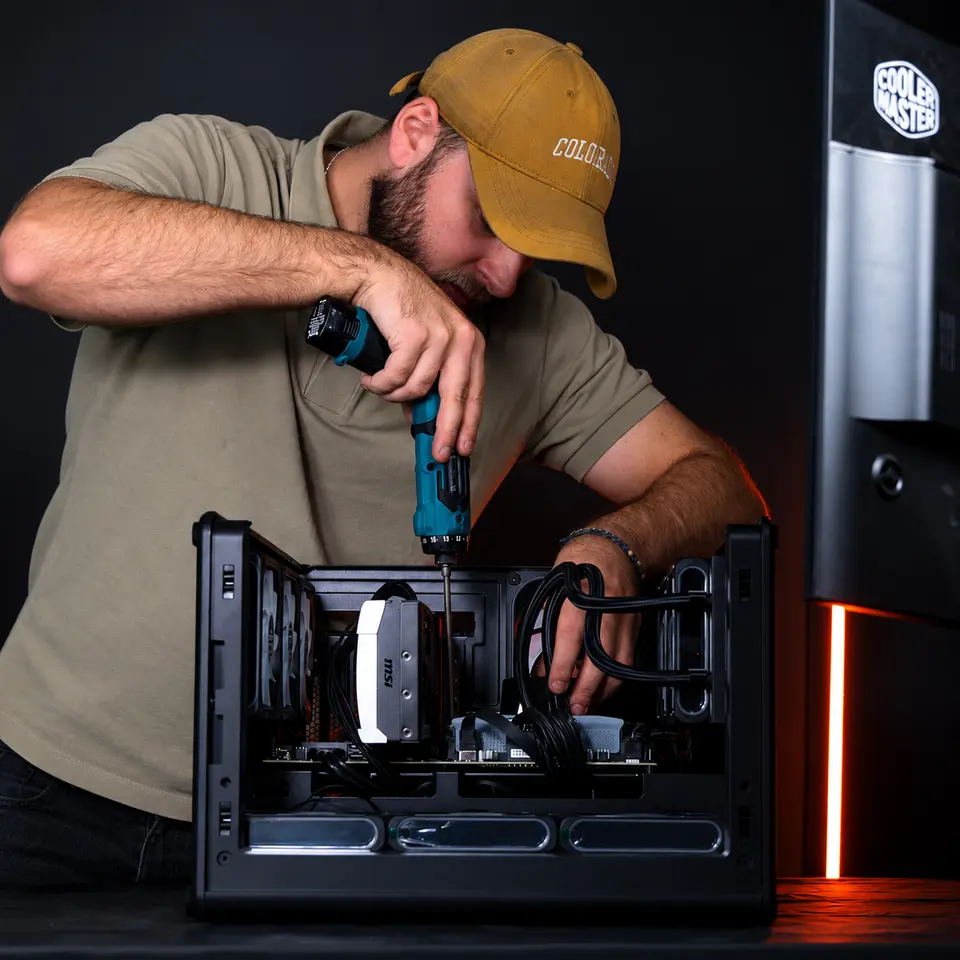
FlowUP technician assembling a gaming PC
01 / 06 · ASSEMBLY

ENTRE DE BONNES
HANDS.

In our Belgian workshop, enthusiasts bring your setup to life. Each component is installed with care so that, the day you switch it on, you think about your next sessions, not about the assembly.

Assembled with care in our Belgian workshop, by enthusiasts.

FlowUP technician checking inside a gaming PC
02 / 06 · CHECK

NOTHING IS LEFT
TO CHANCE.

Fixings, connections, cooling, boot-up and connectivity: the details you might never notice are precisely the ones our team checks before your PC is sent off.

Every connection and every detail are checked before shipping.

FlowUP technician working on a gaming PC in the workshop
03 / 06 · STRESS TESTS

MADE TO PLAY.
PROVEN IN THE WORKSHOP.

Before your first sessions, we put CPU, graphics card and memory through their paces. Load tests monitor stability, temperatures and errors: if anything goes wrong, the machine comes back into the hands of our technicians.

CPU, graphics card and memory tested to check stability and temperatures.

FlowUP technician arranging the cables of a gaming PC
04 / 06 · CABLE MANAGEMENT

PRETTY IN FRONT.
NEAT BEHIND.

Open the glass panel: you can see your setup. Behind it, the cables are organised and secured with care. Enjoying a great-looking PC also means knowing it has been thought through down to the invisible details.

Well-organised cables, even in the PC’s invisible areas.

FlowUP technician protecting a computer package before shipping
05 / 06 · PROTECTION

THE JOURNEY MATTERS
TOO.

Your PC leaves the sheltered workshop with an inner air cushion and a second reinforced carton. Because the moment you finally open your parcel should be a discovery, not a cause for worry.

Inner air cushion and reinforced carton to protect your PC during shipping.

FlowUP collaborator presenting an MSI parcel
ready to ship
06 / 06 · SHIPPING

FROM OUR HANDS
TO YOUR SETUP.

Once your PC has been checked, approved and protected, it hits the road with delivery tracking. From our workshop to your office, we prepare this moment when you plug in your machine for the very first time.

PC checked, protected and shipped with delivery tracking.

100% PCs TESTED Before shipping
MINIMUM 1 HOUR OF CHECKS Across the entire process
0 ACCEPTED ERROR Before validation

Our customers say it better than we do.

A real team behind every PC. And customers who share their experience.

Cable management, you can tell.

FlowUP technician in the workshop assembling an open gaming PC
Assembly and precision in our workshop
★★★★★

“The assembly is ultra clean (perfect cable management), and the components are high quality.”

Walid Farah 13 February 2026

Assembled with care. Tested before shipping.

FlowUP technician checking the results from a gaming PC test bench
Verification and quality control
★★★★★

“Perfectly packed, protected in two boxes. No issues when starting up.”

Lina Saadi 19 February 2026

And after you order? We stay by your side.

FlowUP collaborator in the office working on his computer
Human, responsive support
★★★★★

“The stated delivery time is respected and the customer support quality is top-notch.”

Maxime Lefebvre 15 February 2026
1 / 3
★★★★★

Your PC. Your rules.

Start with a FlowUP PC and customise the graphics card, the processor, the RAM or the storage to suit your tastes.

Create a configuration that fits you, component by component, with tips from our specialists.

Go further with a custom liquid-cooling loop and exceptional finishes.

Build my custom PC

Find the laptop that suits you.

Compare the FlowUP laptops in the catalogue: screen, components and budget. Find the differences that matter for your use.

Slide to compare the laptops →

View all laptops →

STILL HERE?

NOT CONVINCED?

We get it— a PC is a real investment.

At FlowUP, we offer you configurations that are tested, approved and reliable, a customer service that listens, and above all a community of enthusiasts who support us every day.

Want the latest updates?

Keep farming
FlowUP technician assembling a gaming PC in the workshop