



★★★★★
“The assembly is super neat (perfect cable management), and the components are high quality.”
Walid Farah
13 February 2026
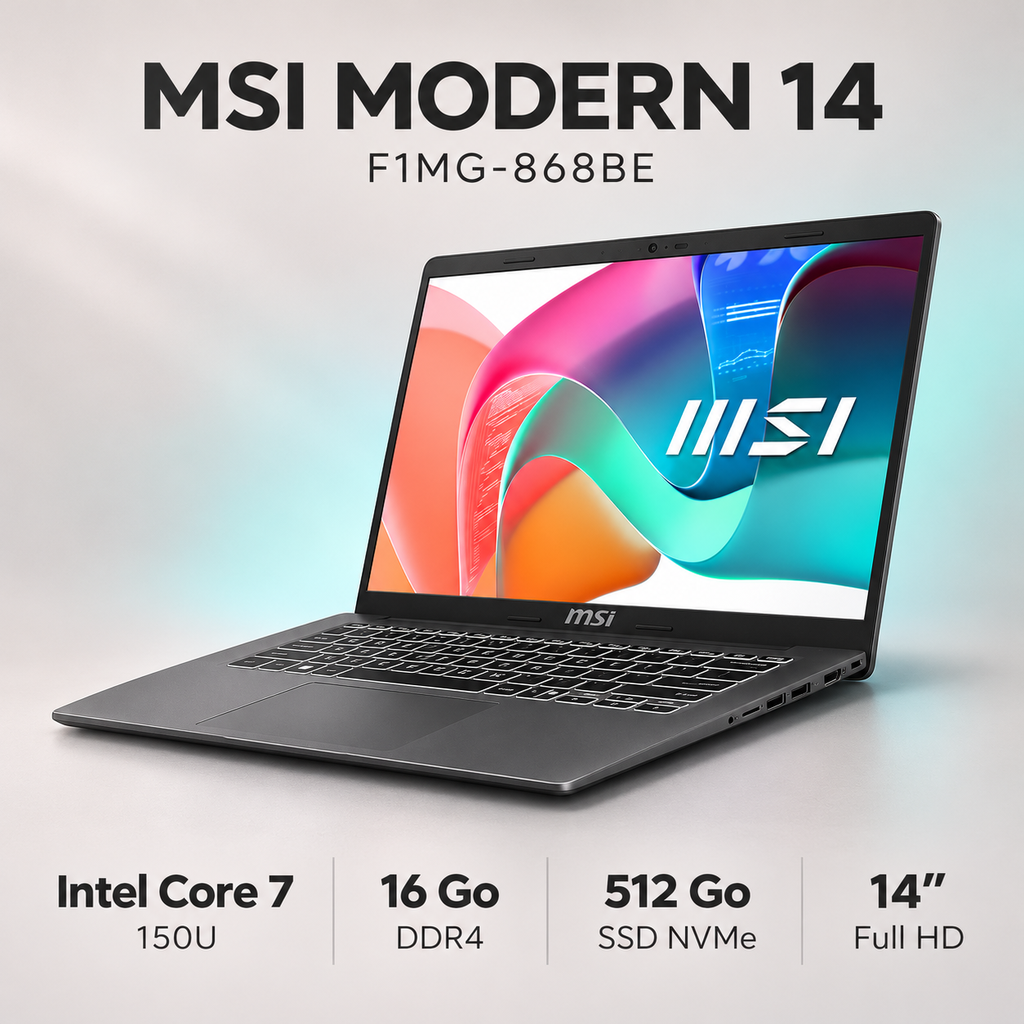
The MSI Modern 14 combines a compact format with a responsive configuration to accompany you in your studies, your work and your everyday activities.
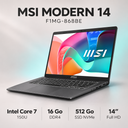
Equipped with an Intel Core 7 150U, 16 GB of DDR4 memory and a 512 GB NVMe SSD, this laptop lets you work comfortably on your documents, browse with multiple tabs and switch easily between applications.
Ideal for studies, office work, remote working and multimedia.
Intel Core 7 150U processor and 16 GB of RAM for comfortable multitasking.
512 GB NVMe SSD for fast boot-ups and responsive access to your files.
14-inch Full HD screen and compact format, easy to carry.
Integrated Wi-Fi 6E and Bluetooth 5.3 for your wireless connections.
USB-C, USB-A, HDMI, Ethernet and a microSD card reader to connect your devices.


Its components, its use cases, and its approximate FPS in your favourite games.
Your laptop: Loading product details…
Loading product details…
Usage indicators based on the components. Software, settings and cooling affect the result.
Estimated FPS based on the laptop’s components. The settings and indicative ranges are shown in each card.

Reading the laptop specifications…

Reading the laptop specifications…

Reading the laptop specifications…

Reading the laptop specifications…

Reading the laptop specifications…

Reading the laptop specifications…
A laptop GPU and a desktop GPU with a similar name do not deliver the same performance. On a laptop, the TGP, cooling, memory and power mode also matter. The charger’s displayed power is not the same as the graphics card’s power.
Values preceded by « ≈ » are indicative estimates calculated based on the components and the resolution. They assume use while plugged in, a high-performance power mode, and normal cooling. The settings are shown by game and may differ on a dedicated GPU and an integrated chip. The proposed ranges are not test results nor measured confidence intervals. Actual performance may fall outside these ranges.
Updates, drivers, the game scene, shared memory and the temperature can change the FPS. An estimate does not guarantee a game’s compatibility, especially on a small integrated graphics circuit. When an exact reading is available, it replaces the estimate and is labelled « Measured average ».
Upscaling and image generation are separated from native rendering. The FPS shown with image generation do not replace the rendered FPS when assessing responsiveness. DLSS, FSR or XeSS compatibility depends on the game, its version and the hardware. The screen refresh rate, expressed in Hz, is not an FPS measure.
Its components, its use cases, and its approximate FPS in your favourite games.
Your laptop: Loading product details…
Loading product details…
Usage indicators based on the components. Software, settings and cooling affect the result.
Estimated FPS based on the laptop’s components. The settings and indicative ranges are shown in each card.
Reading the laptop specifications…
Reading the laptop specifications…
Reading the laptop specifications…
Reading the laptop specifications…
Reading the laptop specifications…
Reading the laptop specifications…
A laptop GPU and a desktop GPU with a similar name do not deliver the same performance. On a laptop, the TGP, cooling, memory and power mode also matter. The charger’s displayed power is not the same as the graphics card’s power.
Values preceded by « ≈ » are indicative estimates calculated based on the components and the resolution. They assume use while plugged in, a high-performance power mode, and normal cooling. The settings are shown by game and may differ on a dedicated GPU and an integrated chip. The proposed ranges are not test results nor measured confidence intervals. Actual performance may fall outside these ranges.
Updates, drivers, the game scene, shared memory and the temperature can change the FPS. An estimate does not guarantee a game’s compatibility, especially on a small integrated graphics circuit. When an exact reading is available, it replaces the estimate and is labelled « Measured average ».
Upscaling and image generation are separated from native rendering. The FPS shown with image generation do not replace the rendered FPS when assessing responsiveness. DLSS, FSR or XeSS compatibility depends on the game, its version and the hardware. The screen refresh rate, expressed in Hz, is not an FPS measure.
Laptop · 14 inches
A compact laptop for classes, office work and getting things done while you’re on the move. Its Intel Core 7, 16 GB of RAM and a 512 GB SSD power your everyday applications.
Write a document, prepare a presentation, join a meeting or find your content again: the Modern 14 brings what matters most together in an easy-to-carry format. Its Full HD display and many connectors also let you set it up at a workstation with a monitor and peripherals.
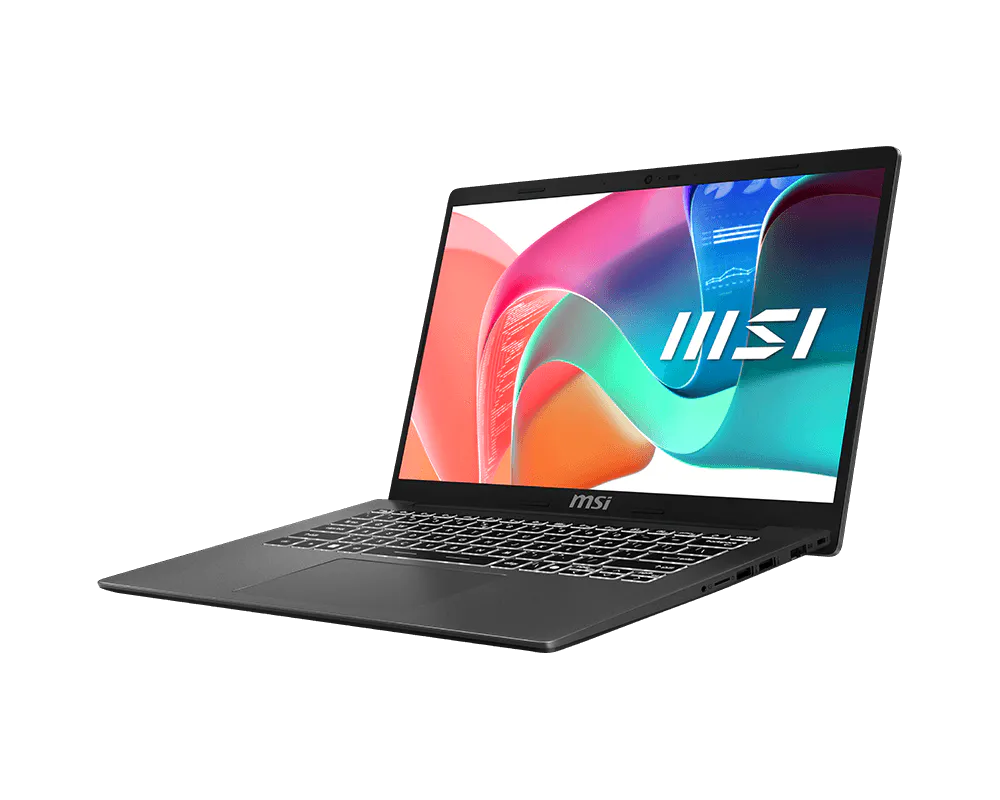
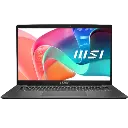
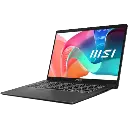
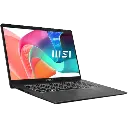
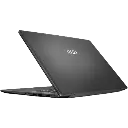
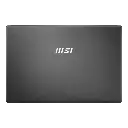
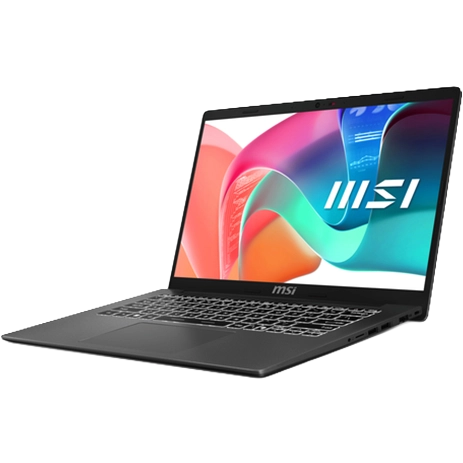
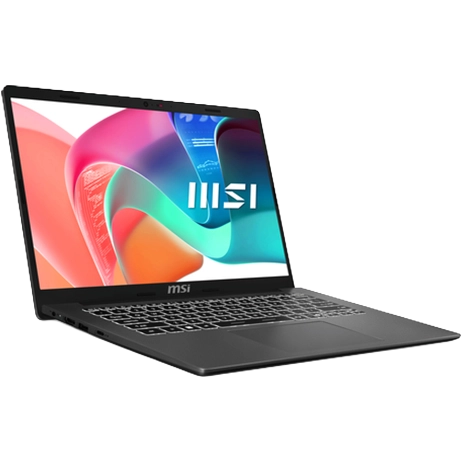
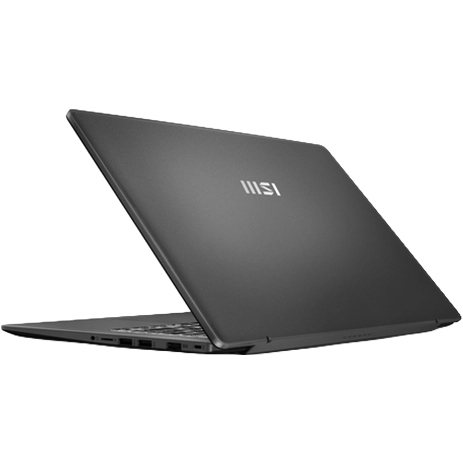
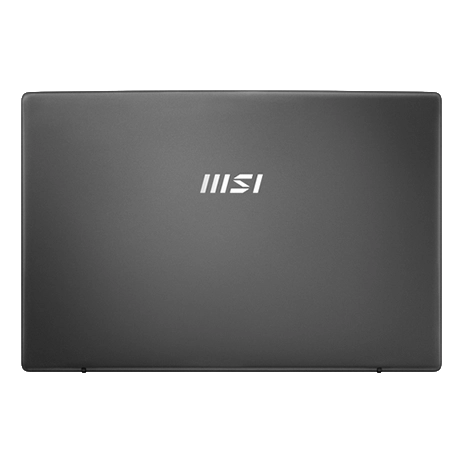
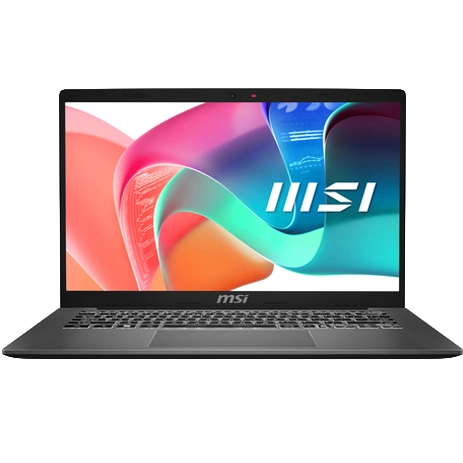
The Platinum Gray colour gives the laptop a restrained finish, suitable for the office as well as for study. The lid, the keyboard and the edge of the chassis are shown here through four close-up views.


This configuration combines a versatile processor, upgradable memory, and SSD storage. Each component plays its part to move from a browser to your documents, keep several tools open, and access your files.
The processor combines 10 cores and 12 threads, with 2 Performance cores and 8 Efficient cores. This architecture distributes processing according to application needs, from foreground tasks to background activities.
It has 12 MB cache and reaches up to 5.4 GHz in Turbo. This maximum frequency varies depending on workload, temperature and power; it isn’t maintained continuously across all cores at all times.
The 16 GB of DDR4-3200 handle the data from the software you’re actively using. This way you can keep your documents, your browser, and your communication tools open throughout the day.
The laptop features two SO-DIMM slots and supports up to 64 GB of RAM. Upgrading remains possible with compatible modules, taking into account the memory already installed.
The SSD NVMe PCIe 4.0 supports Windows, your software, and your files. Its fast access helps improve responsiveness when launching applications and when opening documents.
The 512 GB capacity can be supplemented with external storage. To increase internal storage, you need to replace the SSD: the only M.2 slot is already occupied. Backing up your data is recommended before carrying out this operation.
The integrated graphics circuit in the processor supports display output, video playback, and application interfaces. It includes 96 execution units and uses part of the system’s RAM. Compatible software can also take advantage of Intel Quick Sync Video for certain video processing.

The 14-inch display shows a resolution of 1920 × 1080 pixels on an IPS-Level 60 Hz panel. Its anti-glare processing helps limit reflections when you view documents or watch a video.
The hinge opens up to 180° to present content to someone sitting directly in front of you. The screen remains non-touch.
The backlit Belgian AZERTY keyboard in white features a key travel of 1.7 mm. The large touchpad makes it easy to navigate when you’re working without a mouse; in this 14-inch format there is no separate numeric keypad.

The Modern 14 keeps a variety of ports for your accessories, your network, and your screens. You can connect common peripherals directly to the laptop and arrange your space according to your needs.

Weighing about 1.5 kg and measuring 323.9 × 217.2 × 19.9 mm, the Modern 14 is easy to carry from one workplace to another. Its 46.8 Wh battery provides battery life that varies depending on the applications, brightness, and power settings.
Wi‑Fi 6E and Bluetooth 5.3 complete the Ethernet connection. The Wi‑Fi 6 GHz band requires a compatible network; Bluetooth lets you pair a mouse or headset without occupying a USB port.
Windows 11 Home is installed on this setup. Window layouts and virtual desktops help you organise your documents and separate the activities of your day.
The HD webcam 720p, microphones and the two 2 W speakers accompany remote meetings. A physical cover lets you hide the lens between two calls. The laptop also includes a TPM 2.0 and a notch for a Kensington anti-theft cable.
| Model | MSI Modern 14 F1MG-868BE · Platinum Gray |
|---|---|
| Processor |
Intel Core 7 150U · 10 cores · 12 threads · Turbo up to 5.4 GHz |
| Graphics circuit | Integrated Intel Graphics · Shared memory |
| Memory |
16 GB DDR4-3200 · 2 SO-DIMM slots · Up to 64 GB |
| Storage |
512 GB NVMe PCIe 4.0 SSD · 1 M.2 slot, occupied |
| Screen |
14″ · Full HD 1920 × 1080 · IPS-level · 60 Hz · Anti-glare · 250 cd/m² |
| Keyboard and hinge |
Belgian AZERTY · White backlighting · Opening to 180° · Non-touch screen |
| USB |
3 USB-A 3.2 Gen 1 · 1 USB-C 3.2 Gen 2 with DisplayPort and Power Delivery 3.0 |
| Other connectors |
4K HDMI at 30 Hz · RJ45 · microSD · Headset/microphone jack |
| Network | Wi‑Fi 6E · Bluetooth 5.3 · Gigabit Ethernet |
| Webcam and audio |
HD 720p with physical cover · 2 x 2 W speakers |
| Battery | 46.8 Wh · 3 cells |
| Dimensions and weight | 323.9 × 217.2 × 19.9 mm · Approx. 1.5 kg |
| System | Windows 11 Home |
| References | 9S7-14S111-868 · EAN 4711377453202 |
Images
MSI :
the photos may show an international keyboard.
This reference features a Belgian AZERTY keyboard.
Laptop · 14 inches
A compact laptop for classes, office work and getting things done while you’re on the move. Its Intel Core 7, 16 GB of RAM and a 512 GB SSD power your everyday applications.
Write a document, prepare a presentation, join a meeting or find your content again: the Modern 14 brings what matters most together in an easy-to-carry format. Its Full HD display and many connectors also let you set it up at a workstation with a monitor and peripherals.
The Platinum Gray colour gives the laptop a restrained finish, suitable for the office as well as for study. The lid, the keyboard and the edge of the chassis are shown here through four close-up views.
This configuration combines a versatile processor, upgradable memory, and SSD storage. Each component plays its part to move from a browser to your documents, keep several tools open, and access your files.
The processor combines 10 cores and 12 threads, with 2 Performance cores and 8 Efficient cores. This architecture distributes processing according to application needs, from foreground tasks to background activities.
It has 12 MB cache and reaches up to 5.4 GHz in Turbo. This maximum frequency varies depending on workload, temperature and power; it isn’t maintained continuously across all cores at all times.
The 16 GB of DDR4-3200 handle the data from the software you’re actively using. This way you can keep your documents, your browser, and your communication tools open throughout the day.
The laptop features two SO-DIMM slots and supports up to 64 GB of RAM. Upgrading remains possible with compatible modules, taking into account the memory already installed.
The SSD NVMe PCIe 4.0 supports Windows, your software, and your files. Its fast access helps improve responsiveness when launching applications and when opening documents.
The 512 GB capacity can be supplemented with external storage. To increase internal storage, you need to replace the SSD: the only M.2 slot is already occupied. Backing up your data is recommended before carrying out this operation.
The integrated graphics circuit in the processor supports display output, video playback, and application interfaces. It includes 96 execution units and uses part of the system’s RAM. Compatible software can also take advantage of Intel Quick Sync Video for certain video processing.
The 14-inch display shows a resolution of 1920 × 1080 pixels on an IPS-Level 60 Hz panel. Its anti-glare processing helps limit reflections when you view documents or watch a video.
The hinge opens up to 180° to present content to someone sitting directly in front of you. The screen remains non-touch.
The backlit Belgian AZERTY keyboard in white features a key travel of 1.7 mm. The large touchpad makes it easy to navigate when you’re working without a mouse; in this 14-inch format there is no separate numeric keypad.
The Modern 14 keeps a variety of ports for your accessories, your network, and your screens. You can connect common peripherals directly to the laptop and arrange your space according to your needs.
Weighing about 1.5 kg and measuring 323.9 × 217.2 × 19.9 mm, the Modern 14 is easy to carry from one workplace to another. Its 46.8 Wh battery provides battery life that varies depending on the applications, brightness, and power settings.
Wi‑Fi 6E and Bluetooth 5.3 complete the Ethernet connection. The Wi‑Fi 6 GHz band requires a compatible network; Bluetooth lets you pair a mouse or headset without occupying a USB port.
Windows 11 Home is installed on this setup. Window layouts and virtual desktops help you organise your documents and separate the activities of your day.
The HD webcam 720p, microphones and the two 2 W speakers accompany remote meetings. A physical cover lets you hide the lens between two calls. The laptop also includes a TPM 2.0 and a notch for a Kensington anti-theft cable.
| Model | MSI Modern 14 F1MG-868BE · Platinum Gray |
|---|---|
| Processor |
Intel Core 7 150U · 10 cores · 12 threads · Turbo up to 5.4 GHz |
| Graphics circuit | Integrated Intel Graphics · Shared memory |
| Memory |
16 GB DDR4-3200 · 2 SO-DIMM slots · Up to 64 GB |
| Storage |
512 GB NVMe PCIe 4.0 SSD · 1 M.2 slot, occupied |
| Screen |
14″ · Full HD 1920 × 1080 · IPS-level · 60 Hz · Anti-glare · 250 cd/m² |
| Keyboard and hinge |
Belgian AZERTY · White backlighting · Opening to 180° · Non-touch screen |
| USB |
3 USB-A 3.2 Gen 1 · 1 USB-C 3.2 Gen 2 with DisplayPort and Power Delivery 3.0 |
| Other connectors |
4K HDMI at 30 Hz · RJ45 · microSD · Headset/microphone jack |
| Network | Wi‑Fi 6E · Bluetooth 5.3 · Gigabit Ethernet |
| Webcam and audio |
HD 720p with physical cover · 2 x 2 W speakers |
| Battery | 46.8 Wh · 3 cells |
| Dimensions and weight | 323.9 × 217.2 × 19.9 mm · Approx. 1.5 kg |
| System | Windows 11 Home |
| References | 9S7-14S111-868 · EAN 4711377453202 |
Images
MSI :
the photos may show an international keyboard.
This reference features a Belgian AZERTY keyboard.

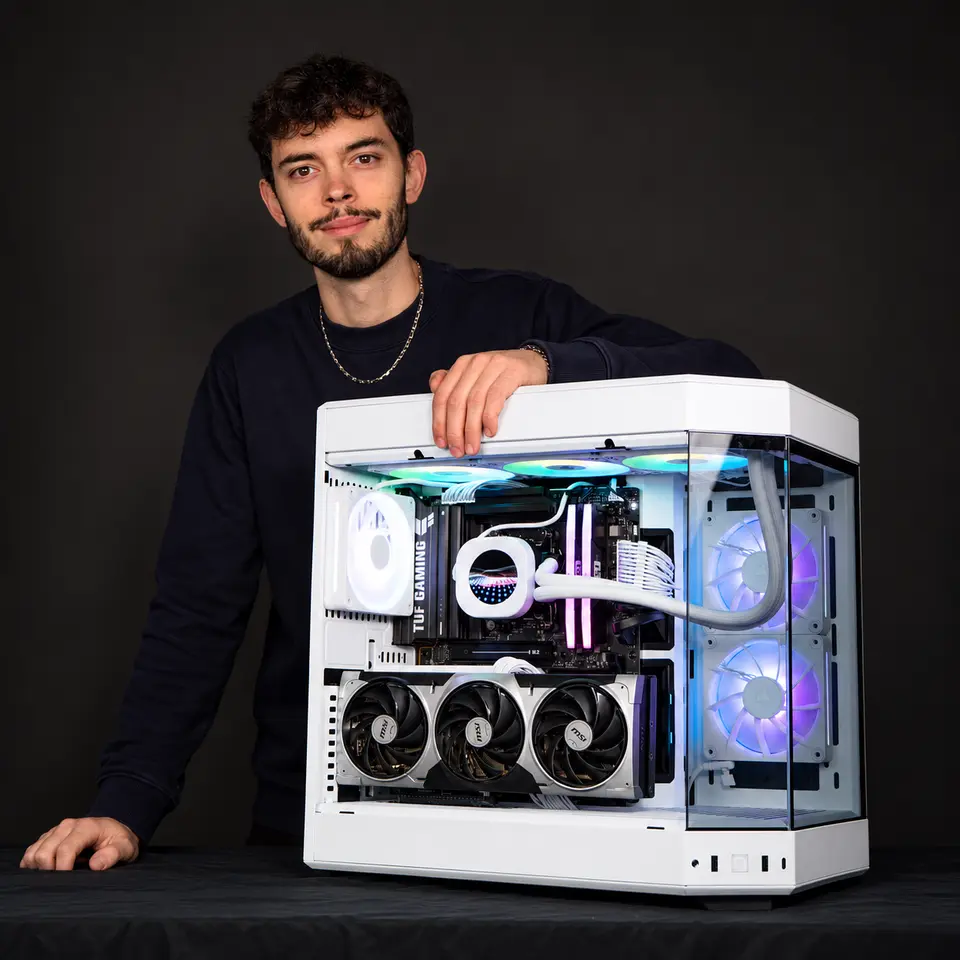
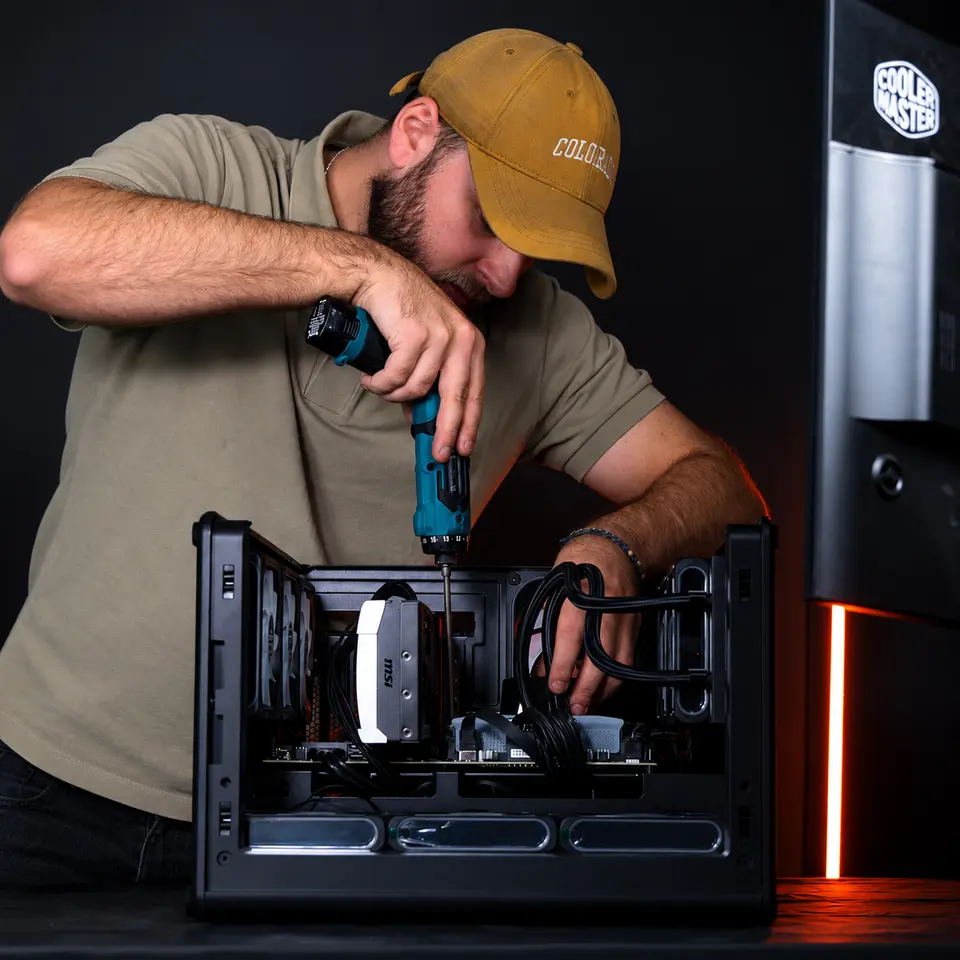
In our Belgian workshop, enthusiasts bring your setup to life. Every component is installed with care so that, the day you switch it on, you think about your next gaming sessions, not about the assembly.
Assembled with care in our Belgian workshop, by enthusiasts.

Fixings, connections, cooling, boot-up and connectivity: the details you might never even notice are precisely the ones our team checks before sending your PC on its way.
Every connection and every detail is checked before shipping.

Before your first sessions, we put the CPU, graphics card and memory to the test. Stress tests monitor stability, temperatures and errors: if anything goes wrong, the machine returns to our technicians’ hands.
CPU, graphics card and memory tested to check stability and temperatures.

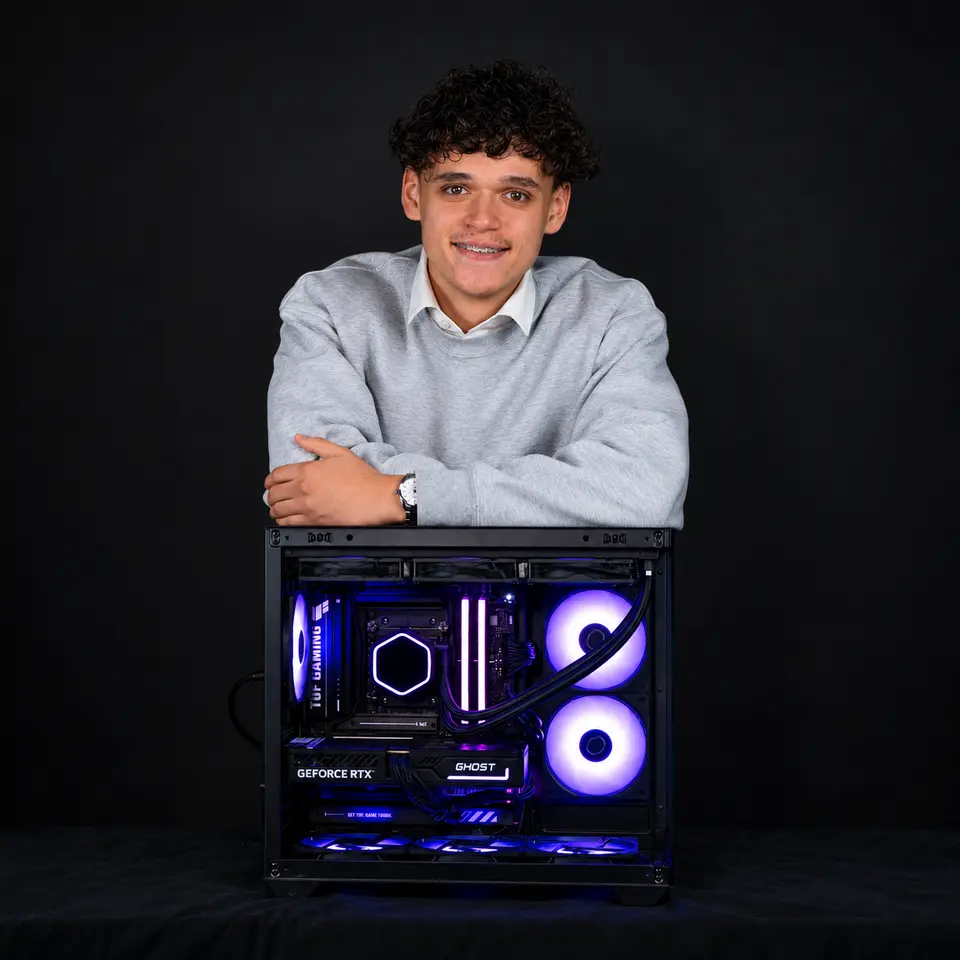
Open the glass panel: you can see your setup. Behind it, the cables are organised and secured with care. Enjoying a great-looking PC also means knowing it has been thought through down to the invisible details.
Well-organised cables, even in the parts of the PC you can’t see.

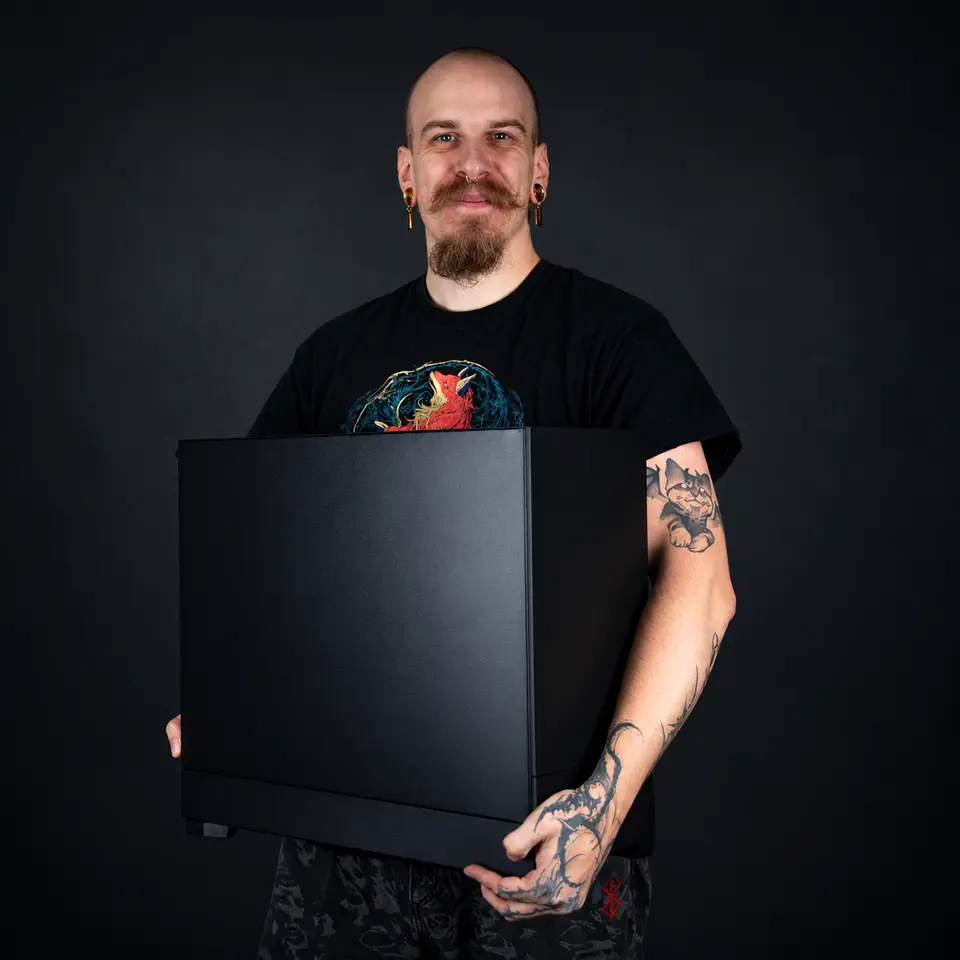
Your PC leaves the workshop protected by an internal air cushion and a second reinforced cardboard box. Because the moment you finally open your parcel should be an adventure, not an anxious wait.
Internal air cushion and reinforced box to protect your PC during shipping.

Once your PC has been checked, approved and protected, it sets off with delivery tracking. From our workshop to your desk, we prepare the moment when you plug in your machine for the first time.
PC checked, protected and dispatched with delivery tracking.
In our Belgian workshop, enthusiasts bring your setup to life. Every component is installed with care so that, the day you switch it on, you think about your next gaming sessions, not about the assembly.
Assembled with care in our Belgian workshop, by enthusiasts.
Fixings, connections, cooling, boot-up and connectivity: the details you might never even notice are precisely the ones our team checks before sending your PC on its way.
Every connection and every detail is checked before shipping.
Before your first sessions, we put the CPU, graphics card and memory to the test. Stress tests monitor stability, temperatures and errors: if anything goes wrong, the machine returns to our technicians’ hands.
CPU, graphics card and memory tested to check stability and temperatures.
Open the glass panel: you can see your setup. Behind it, the cables are organised and secured with care. Enjoying a great-looking PC also means knowing it has been thought through down to the invisible details.
Well-organised cables, even in the parts of the PC you can’t see.
Your PC leaves the workshop protected by an internal air cushion and a second reinforced cardboard box. Because the moment you finally open your parcel should be an adventure, not an anxious wait.
Internal air cushion and reinforced box to protect your PC during shipping.
Once your PC has been checked, approved and protected, it sets off with delivery tracking. From our workshop to your desk, we prepare the moment when you plug in your machine for the first time.
PC checked, protected and dispatched with delivery tracking.
A real team behind every PC. And customers who share their experience.

“The assembly is super neat (perfect cable management), and the components are high quality.”

“Perfectly packed, protected in two boxes. No issues when starting up.”

“The delivery time stated is met, and the quality of customer support is excellent.”
A real team behind every PC. And customers who share their experience.
“The assembly is super neat (perfect cable management), and the components are high quality.”
“Perfectly packed, protected in two boxes. No issues when starting up.”
“The delivery time stated is met, and the quality of customer support is excellent.”
Compare the FlowUP laptop PCs in the catalogue: screen, components and budget. Find the differences that matter for your use.
Swipe to compare laptops →
View all gaming laptops →Compare the FlowUP laptop PCs in the catalogue: screen, components and budget. Find the differences that matter for your use.
Swipe to compare laptops →
View all gaming laptops →