











 Add to cart
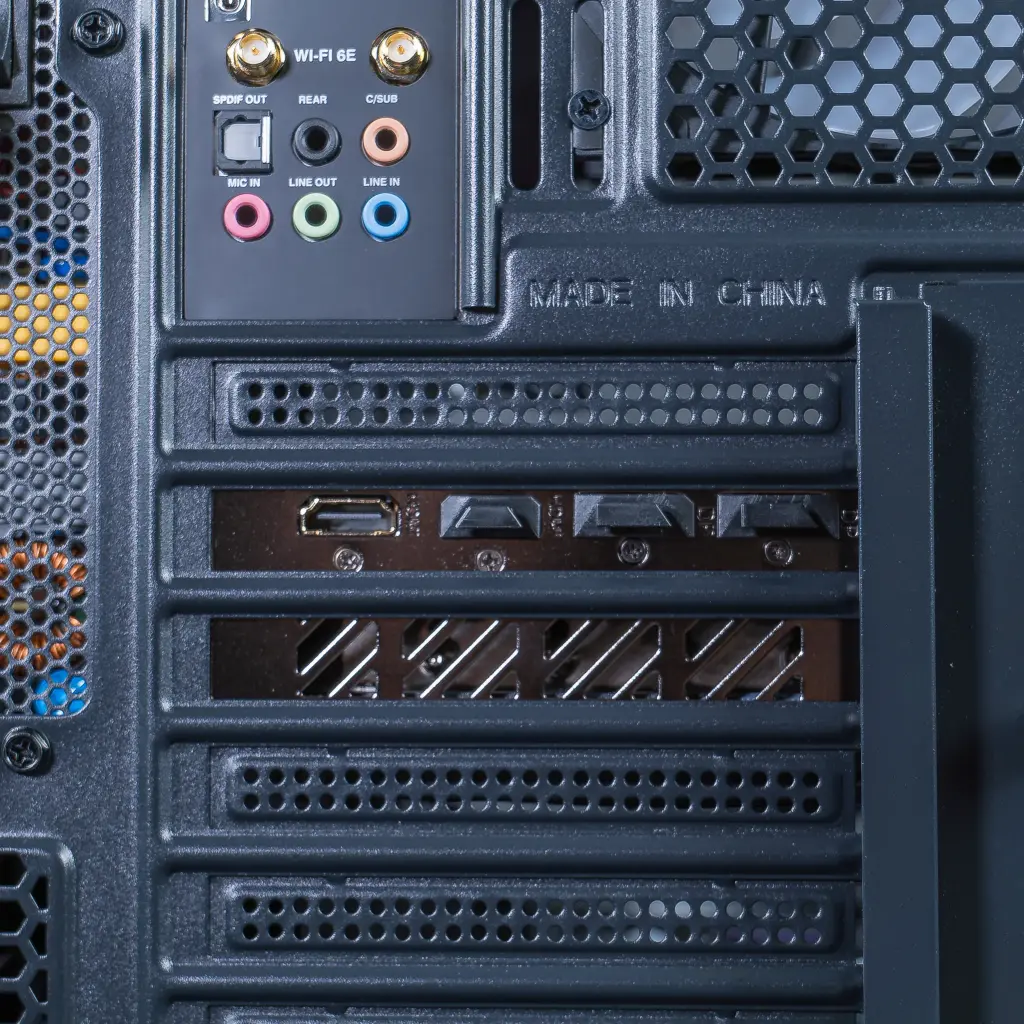
Installed graphics card
Graphics card reference
Understand this component
What this reference brings to the PC
Specific features only when they can be identified.
Gaming PC 9070 XT Phantom: the details of every component
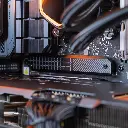
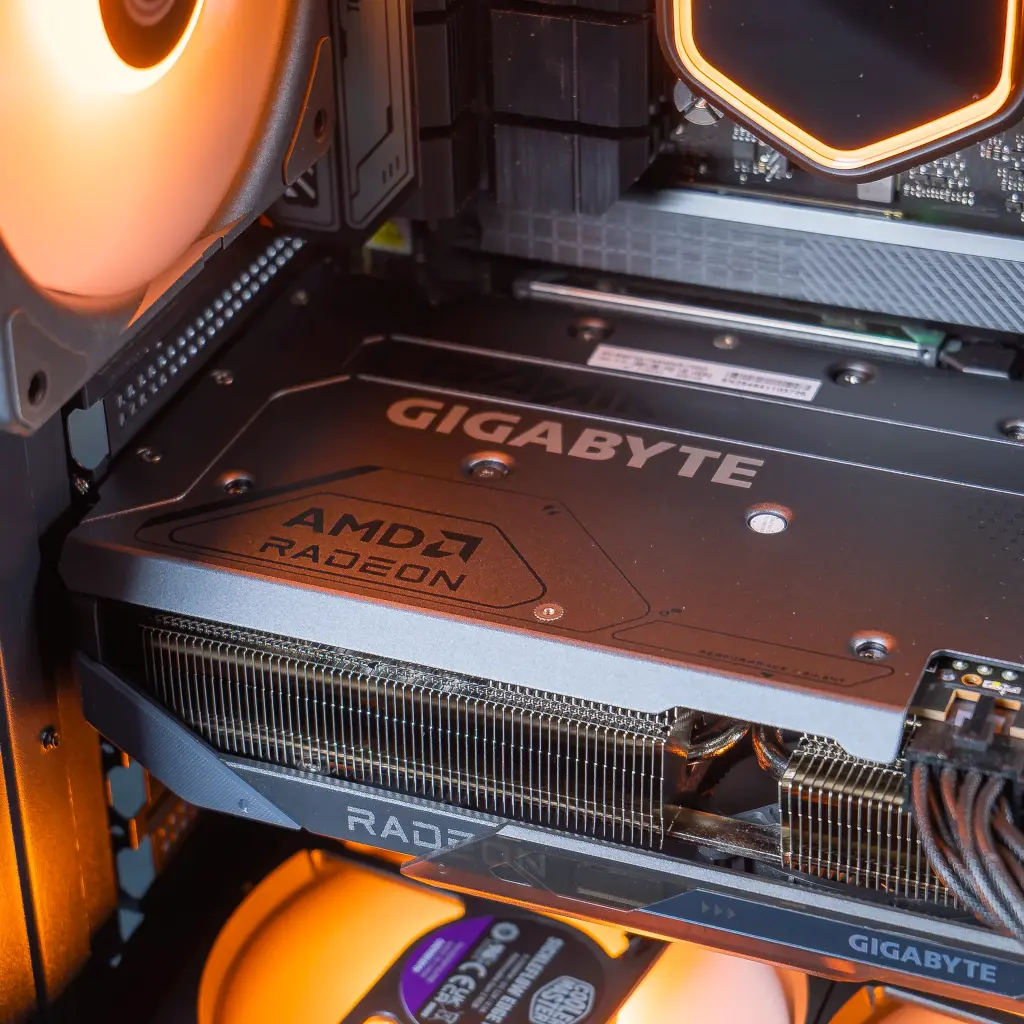
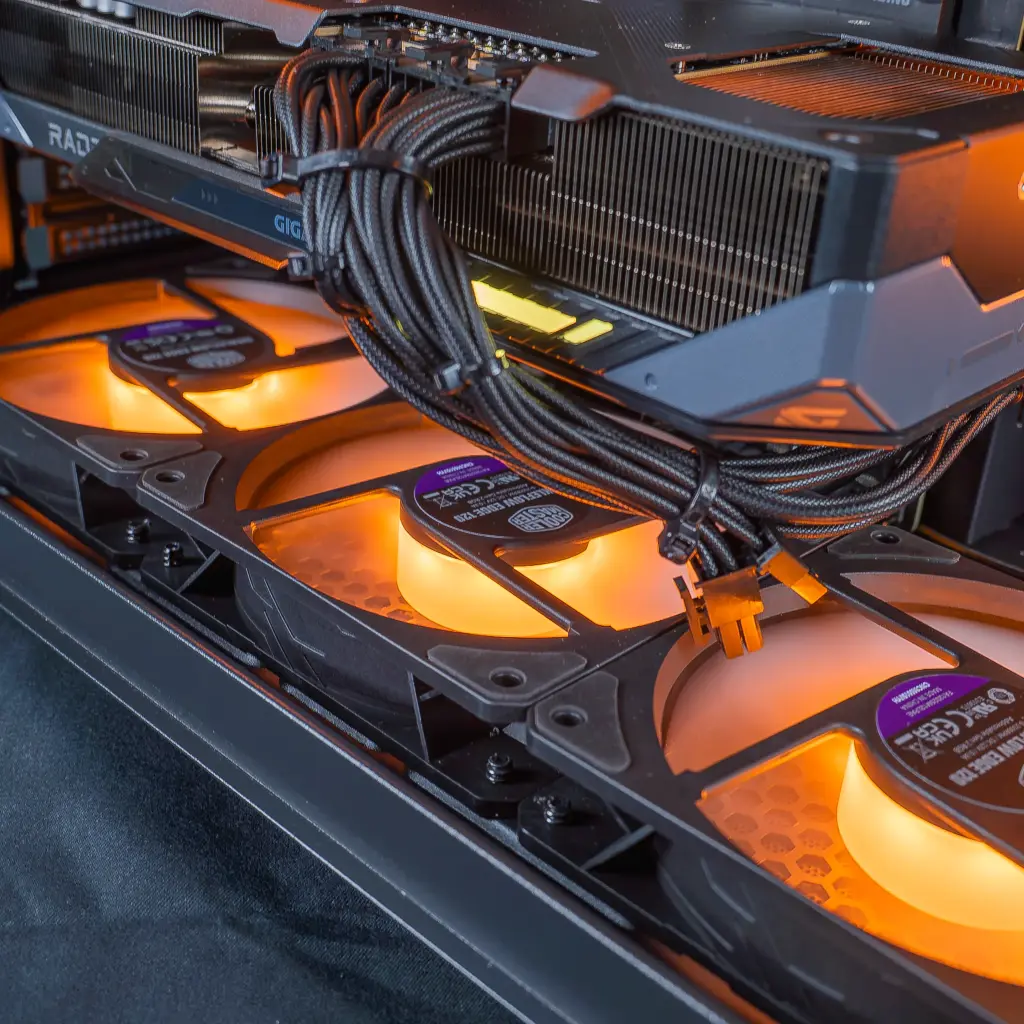
Graphics card: AMD Radeon RX 9070 XT 16 GB
The Radeon RX 9070 XT 16 GB gives the Phantom what it needs to go for 1440p at ultra settings.
On a PC at this level, it’s the graphics card that sets the bar: resolution, effects quality and frame rate depend on it first.
Built on AMD’s RDNA 4 architecture, it comes with 16 GB of GDDR6 and supports FSR 4 and ray tracing. It’s the heart of this 9070 XT gaming PC, with enough video memory for the heavy textures of recent games.
For who: the player who wants ultra 1440p today, with an open door to 4K.
Processor: Intel Core i7-14700KF
The Core i7-14700KF pairs 20 cores and 28 threads, a processor built to keep up with the RX 9070 XT.
During gameplay, the processor orchestrates everything that isn’t the image: physics, AI, sound, and the applications running in the background.
With its 8 performance cores and 12 efficient cores, it boosts up to 5.6 GHz. In this Intel gaming PC, it keeps plenty of headroom to stream or edit a video while a game is running. KF version is required: the display goes through the graphics card.
Memory: 32 GB of DDR5
32 GB of DDR5: comfort for gaming while keeping everything else open.
RAM acts as a workbench for the processor: the faster and more generous it is, the less the system has to fetch its data from the SSD.
With 32 GB, the Phantom handles big open-world games while running Discord, the browser and a capture software at the same time. DDR5 provides the expected throughput on the Z790 platform.
Storage: 1 TB M.2 SSD
1 TB of M.2 SSD for Windows and a good chunk of your game library.
The SSD determines the PC’s startup speed and the duration of each loading screen.
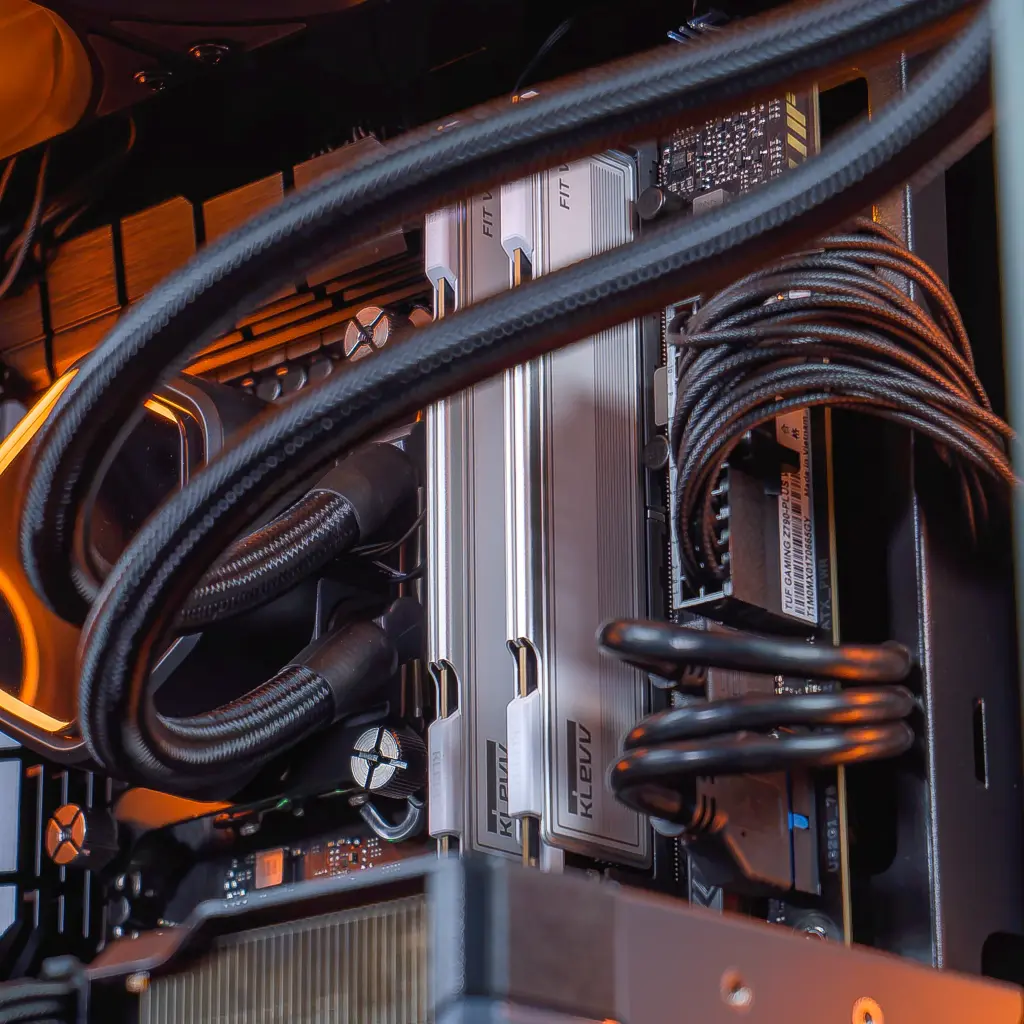
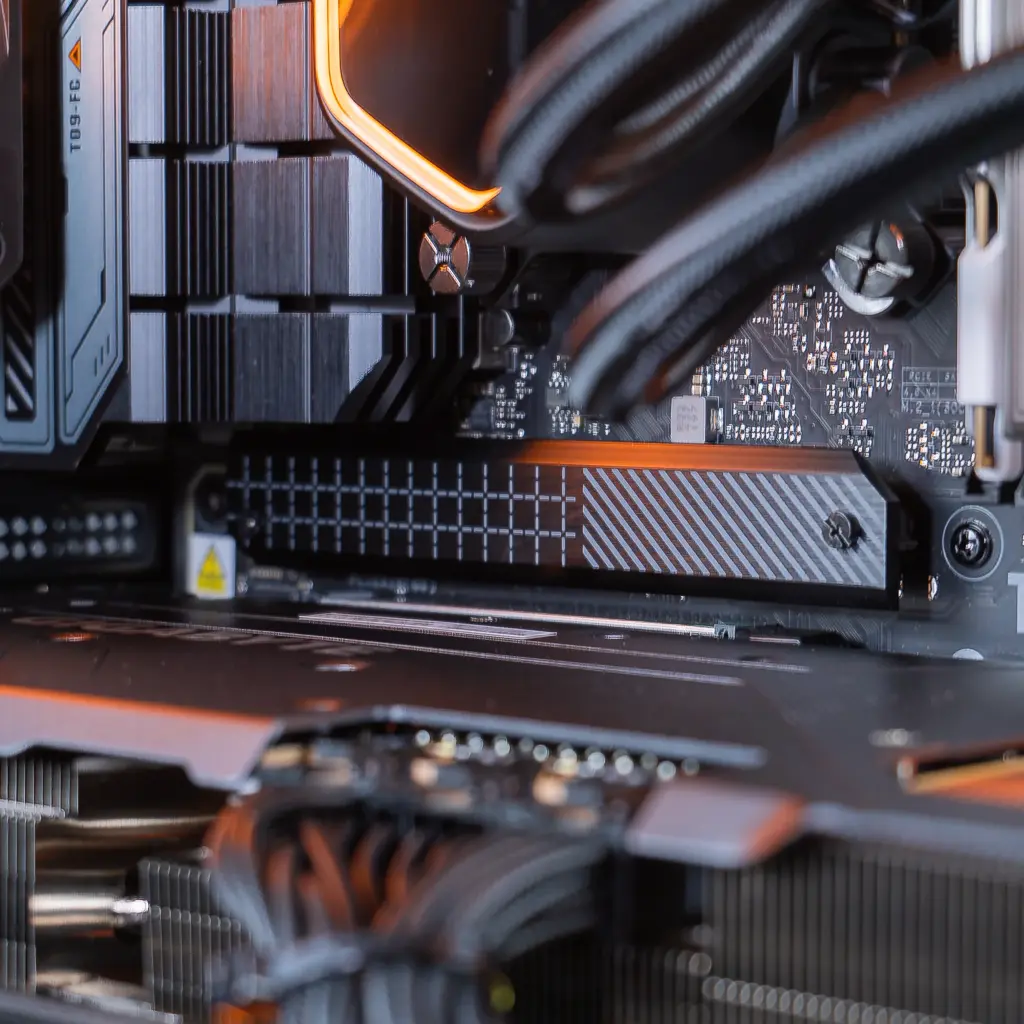
Mounted directly on the motherboard, it leaves the case clear. The ASUS motherboard keeps other M.2 slots available if your library grows.
Motherboard: ASUS TUF Gaming Z790-Plus WiFi
The ASUS TUF Gaming Z790-Plus WiFi: a robust Intel foundation for the Phantom.
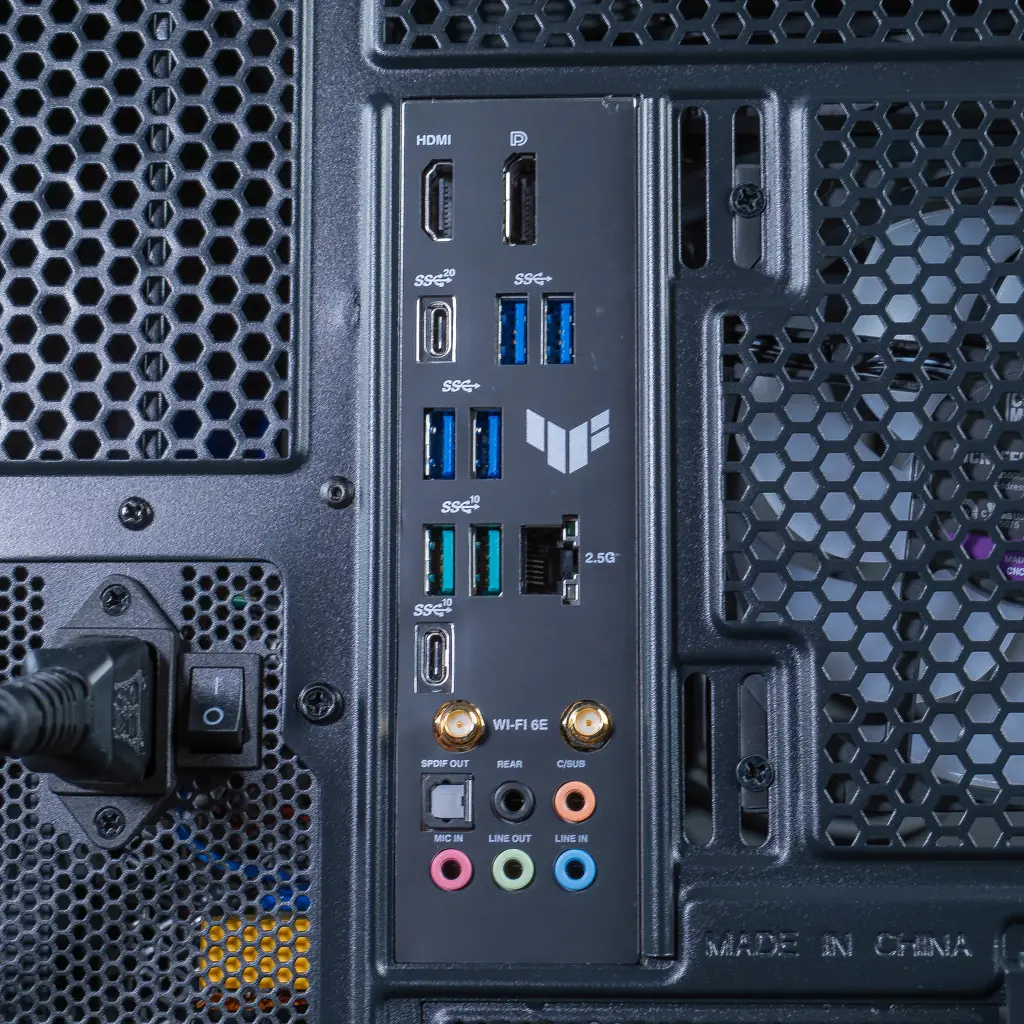
Processor, memory, storage and graphics card communicate through it; its range also determines what connectivity is available.
The Z790 chipset on LGA1700 socket supports the Core i7-14700KF and DDR5, with a PCIe 5.0 port for the graphics card and built-in Wi‑Fi. ASUS’s TUF line focuses on robustness.
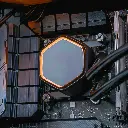
Cooling: Cooler Master MasterLiquid Core II water cooling
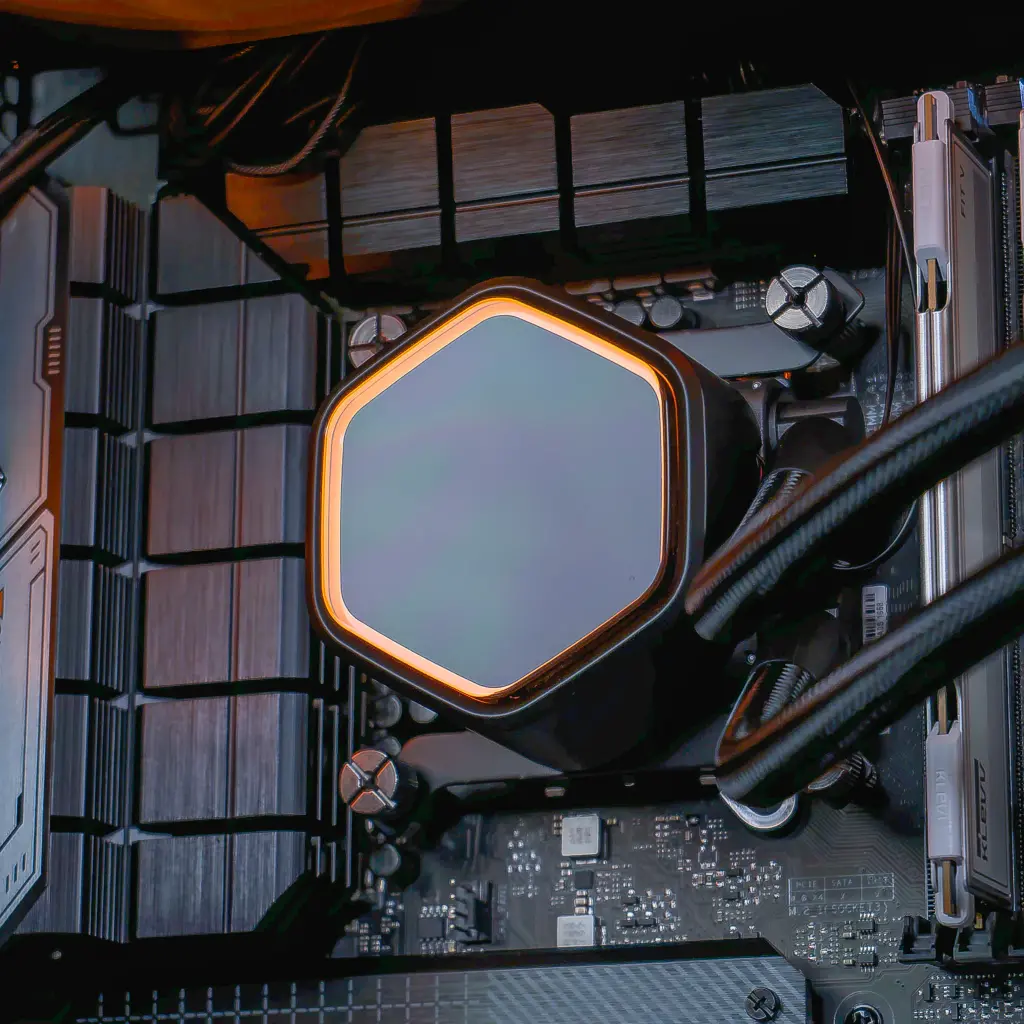
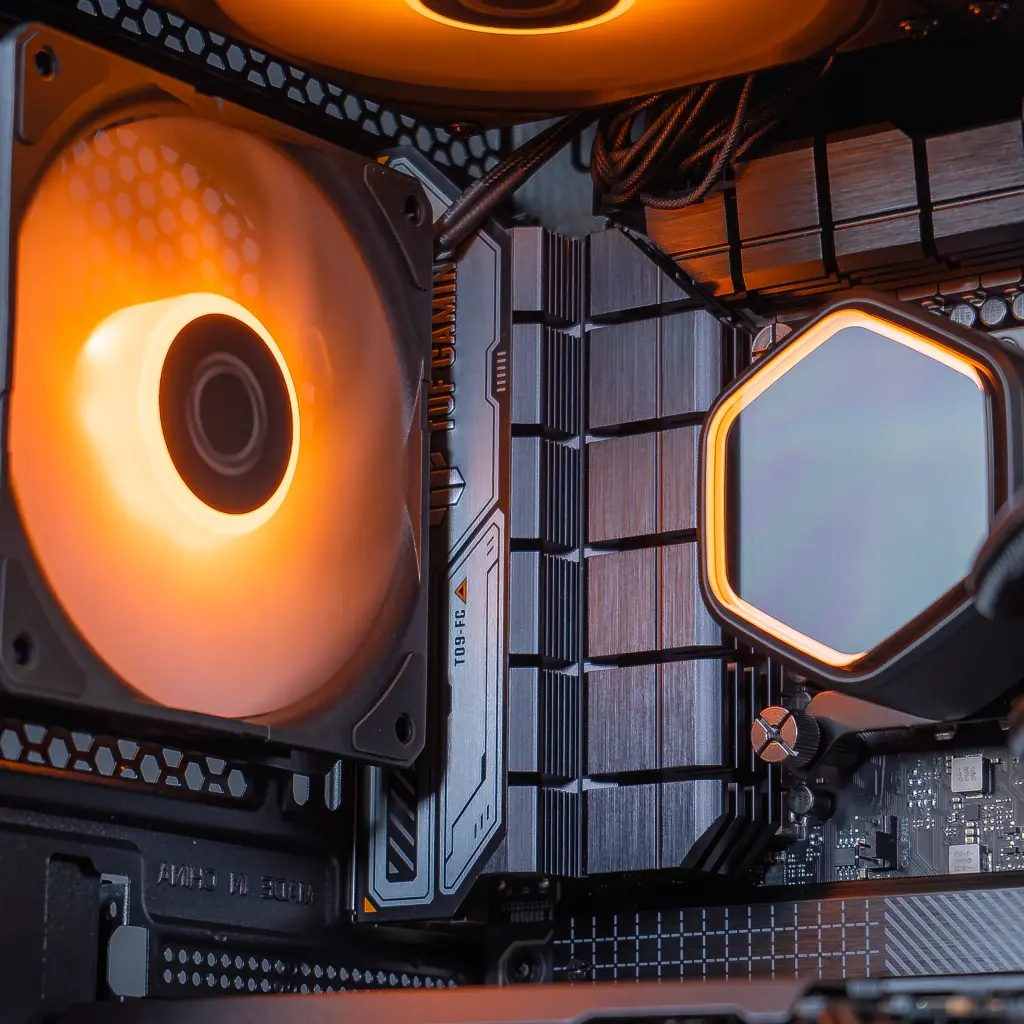
A Cooler Master AIO water cooler to keep the Core i7 under control.
The cooling removes heat from the processor; if it becomes saturated, clock speeds drop and performance suffers.
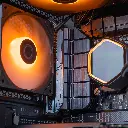
The 14700KF heats up when you push it: an AIO kit redirects that heat to a ventilated radiator and clears space around the socket. In a glass case like this one, everything stays tidy inside.
Power supply: Cooler Master MWE 750 W 80+ Bronze
750 W certified 80+ Bronze, by Cooler Master.
A properly sized power supply delivers stable, clean voltage even when the game suddenly drives up power consumption.
750 W is enough for the RX 9070 XT and the Core i7-14700KF combined. The 80+ Bronze certification ensures honest efficiency for everyday use.
Case: FlowUP H600 Aquavision
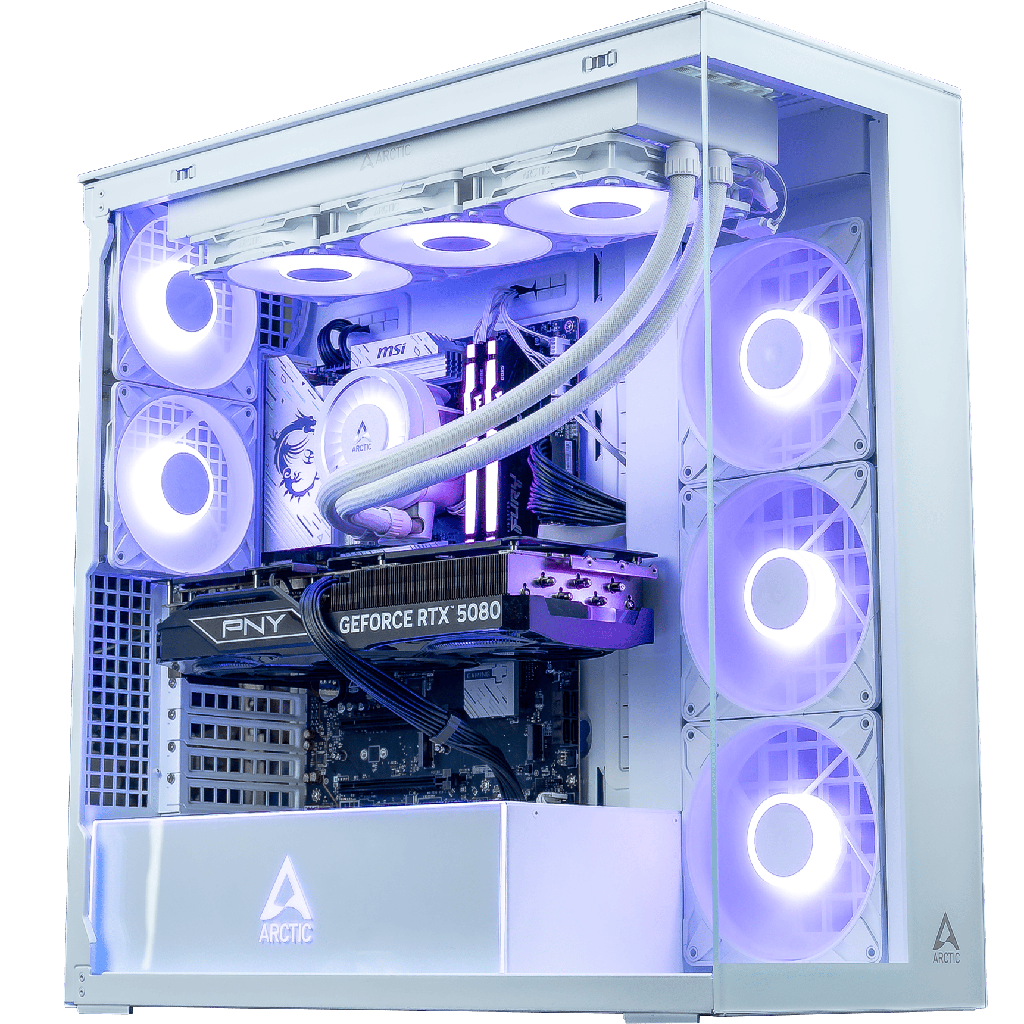
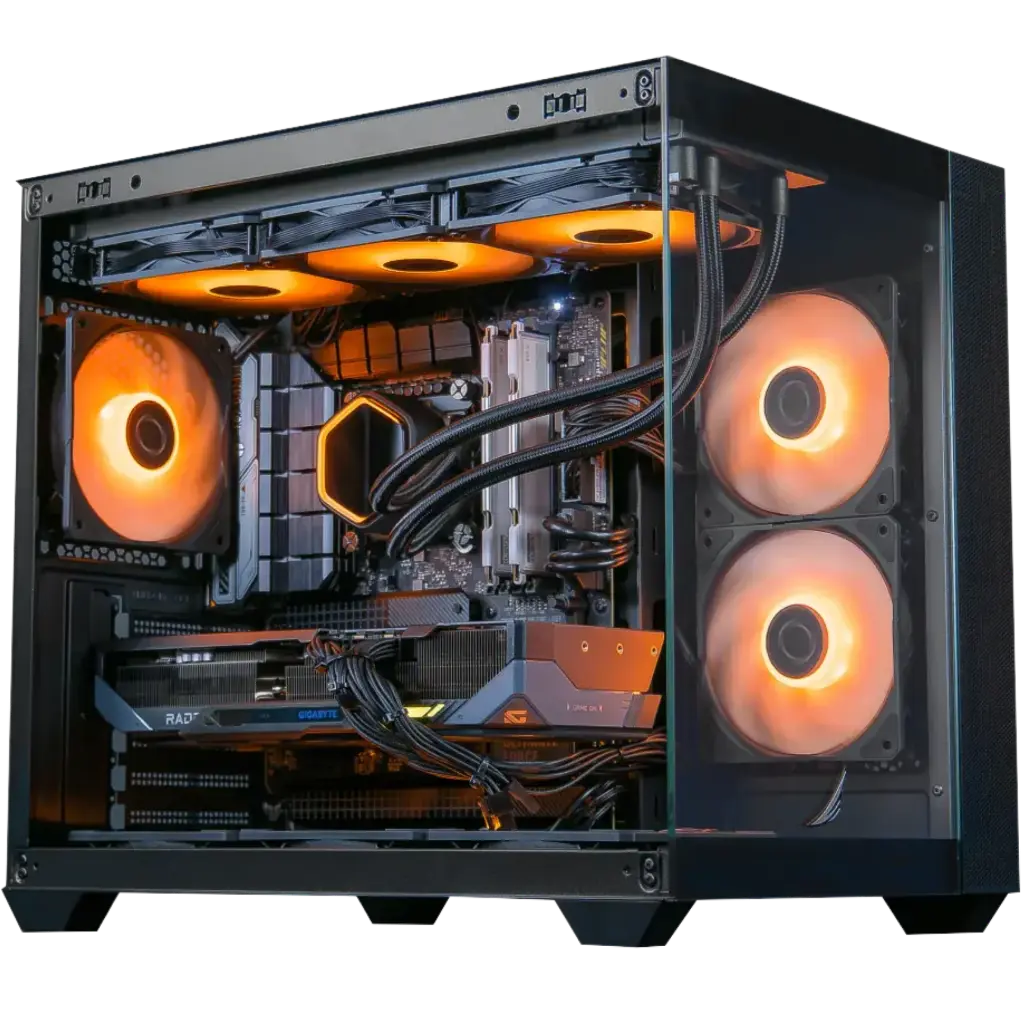
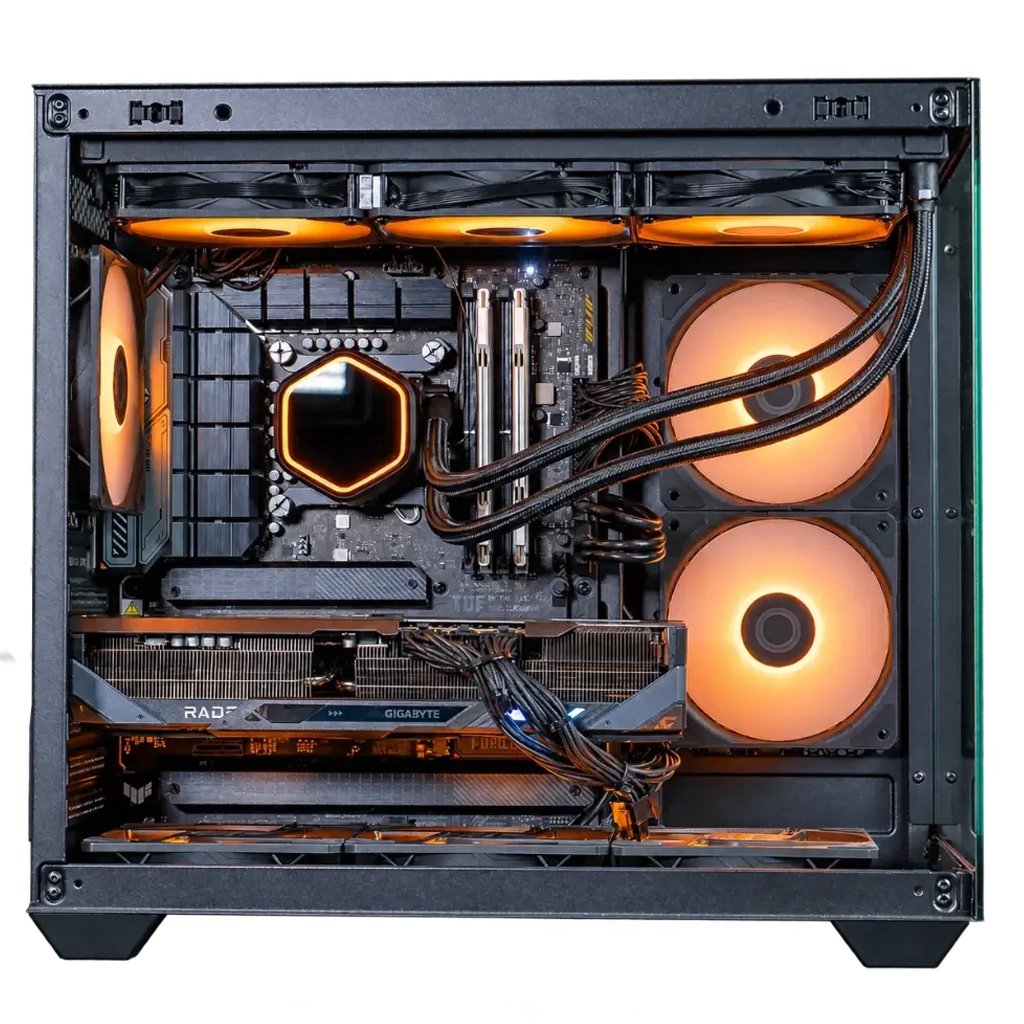
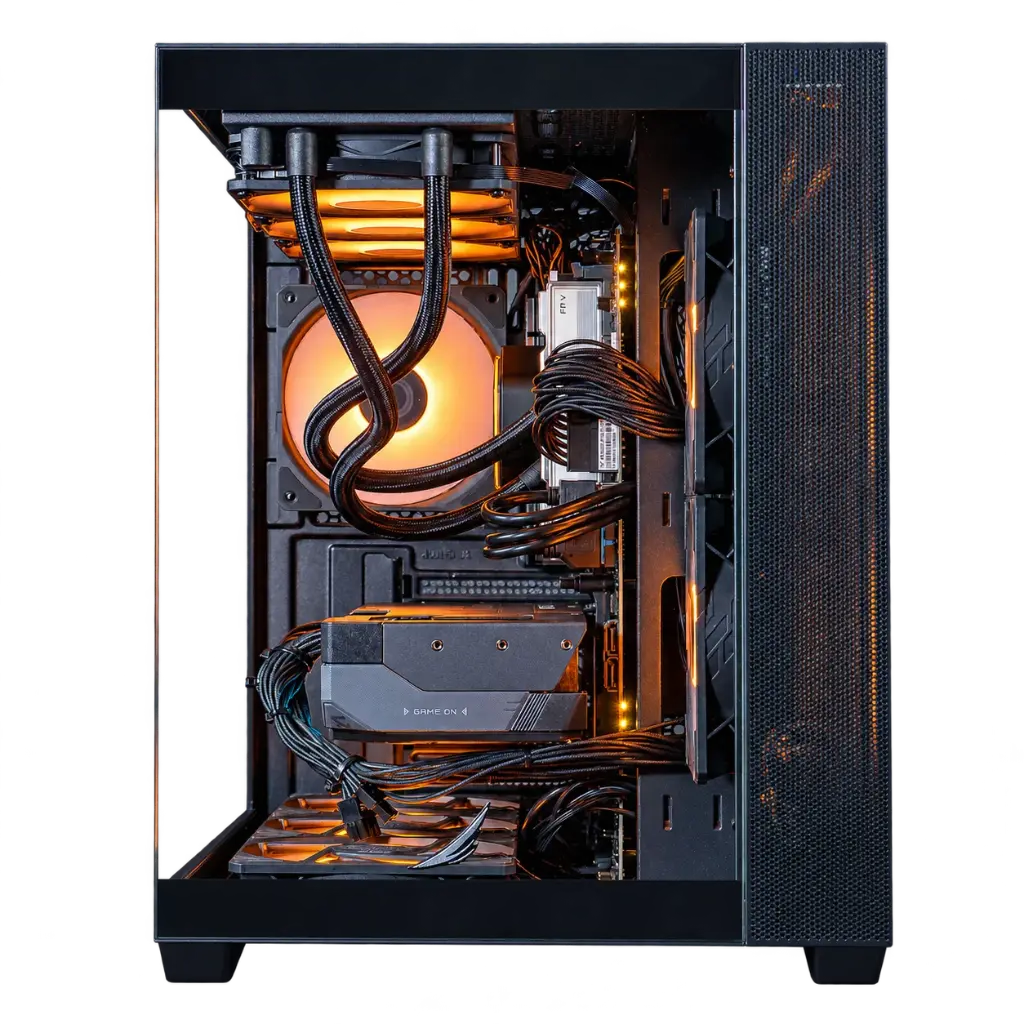
The H600 Aquavision: a FlowUP case with panoramic windows.
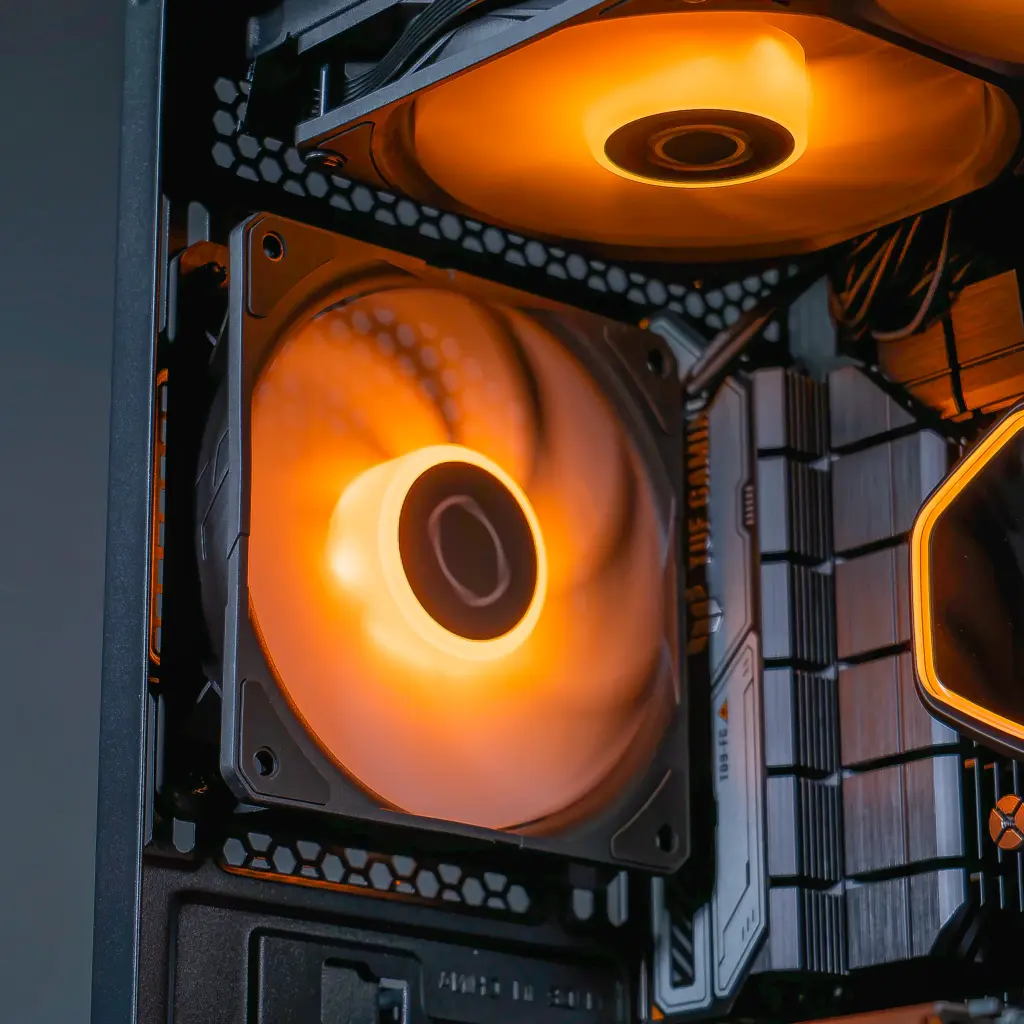
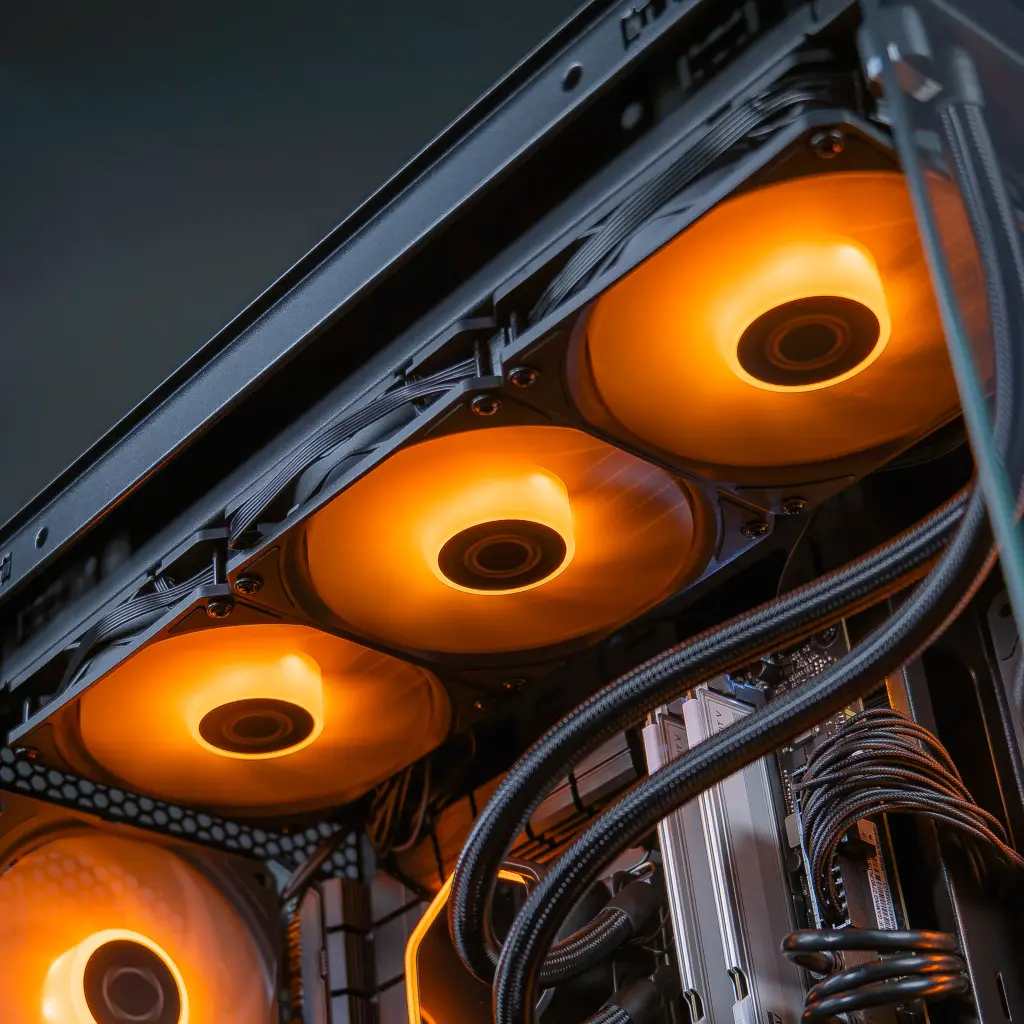
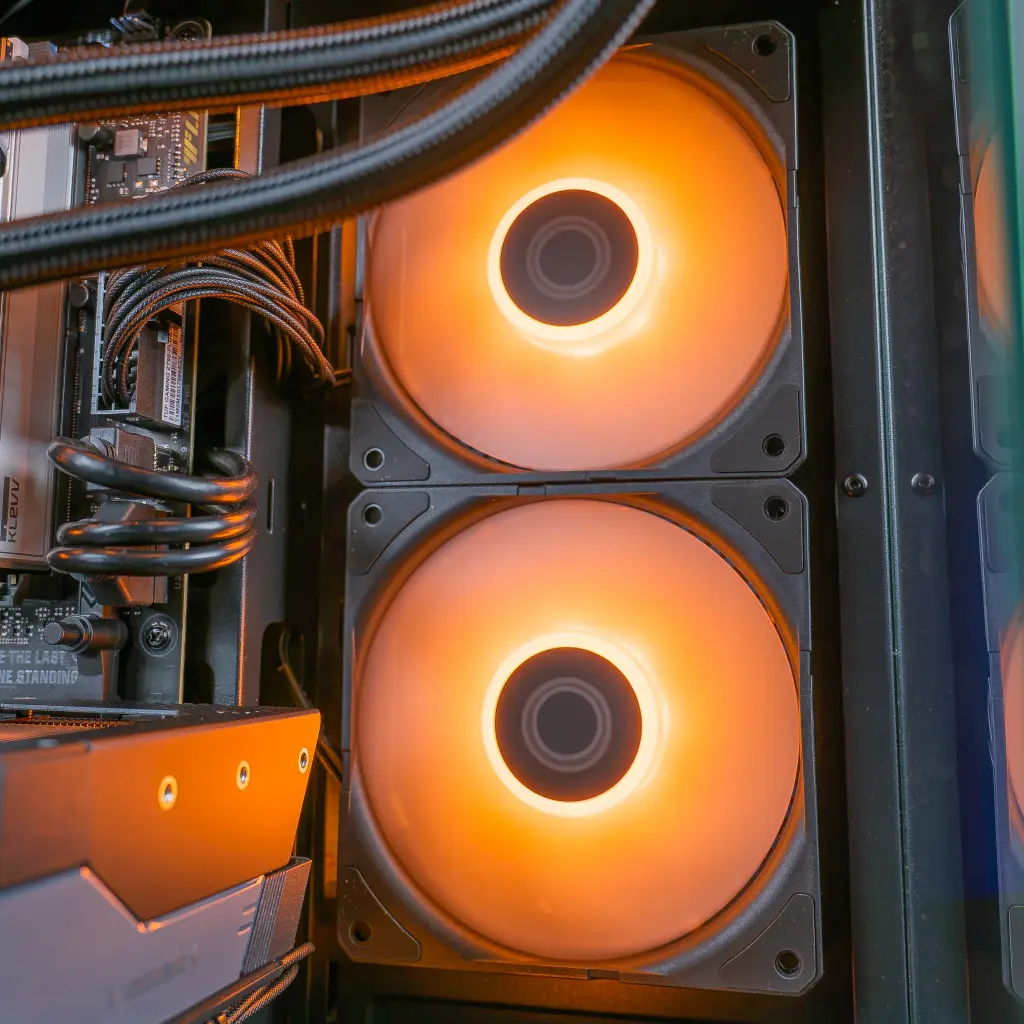
The case houses the setup and routes the flow of fresh air through it.
Its aquarium-style panoramic windows show the RX 9070 XT, the water cooling and the RGB lighting from every angle. That design is what makes the Phantom an aquarium gaming PC.