











 Add to cart
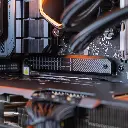
Installed graphics card
Graphics card reference
Understand this component
What this reference adds to the PC
Specific features only when they can be identified.
Gaming PC 9070 XT Phantom: the breakdown of every component
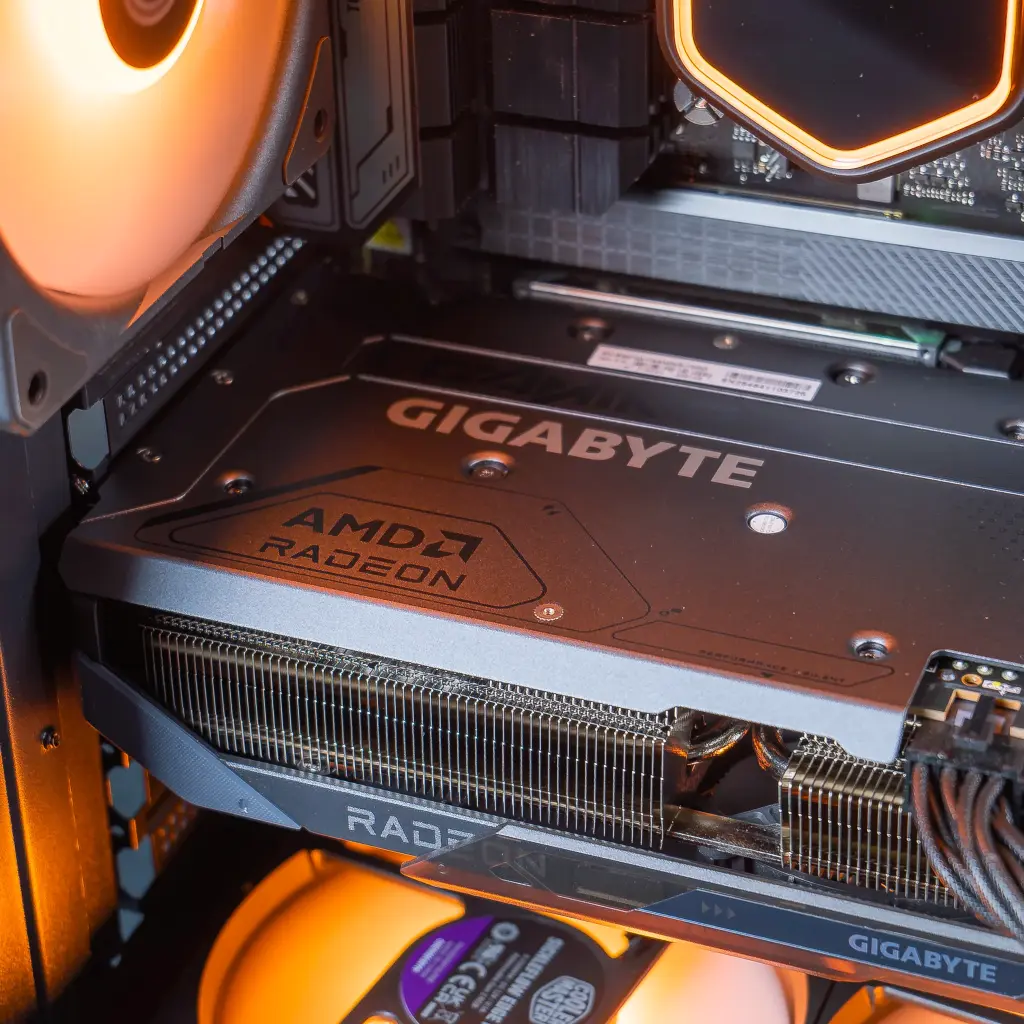
Graphics card: AMD Radeon RX 9070 XT 16 GB
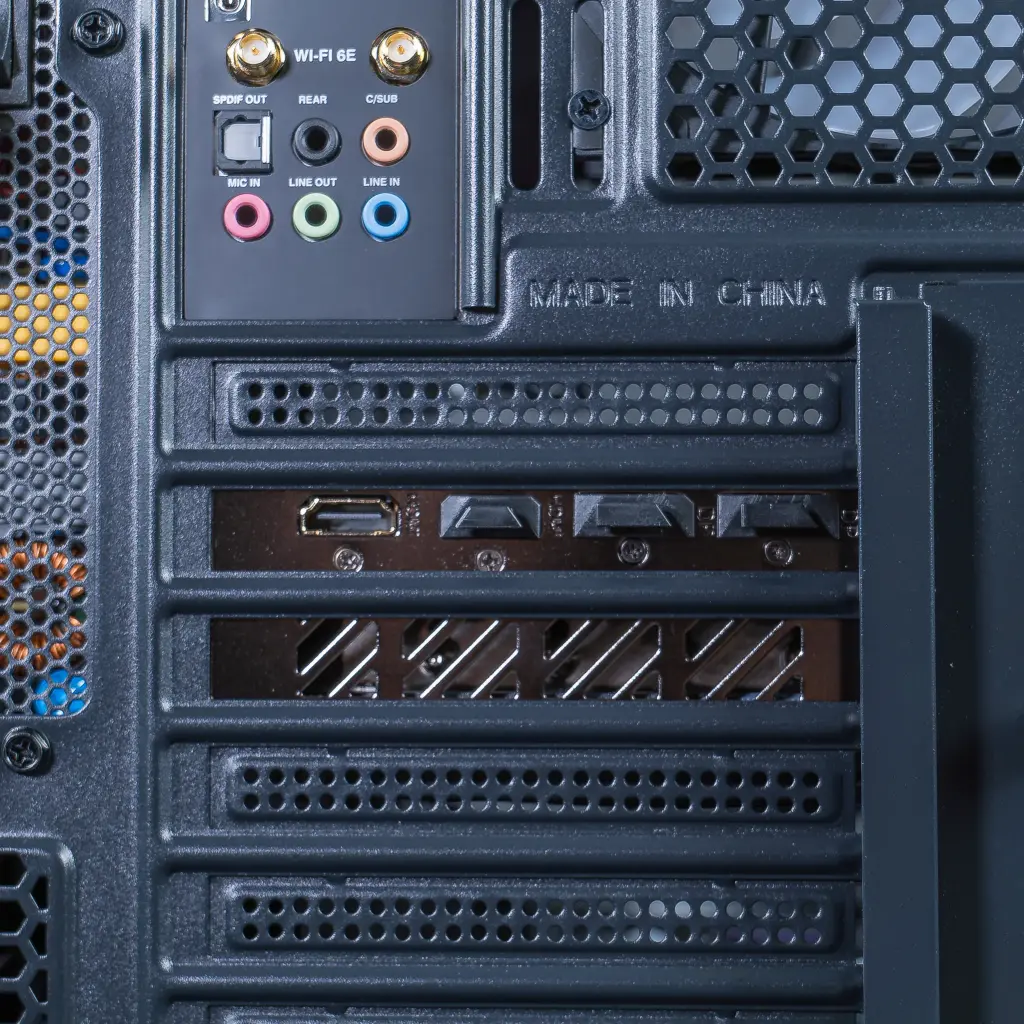
The Radeon RX 9070 XT 16 GB gives the Phantom what it needs to aim for 1440p in ultra settings.
On a PC at this level, the graphics card sets the bar: resolution, effects quality and frame rate depend on it first and foremost.
Built on AMD’s RDNA 4 architecture, it has 16 GB of GDDR6 and supports FSR 4 and ray tracing. It’s the core of this 9070 XT gaming PC, with enough video memory for the heavy textures of today’s games.
For whom: the player who wants ultra 1440p today, with an open door to 4K.
Processor: Intel Core i7-14700KF
The Core i7-14700KF packs 20 cores and 28 threads—a processor built to keep up with the RX 9070 XT.
During gameplay, the processor orchestrates everything that isn’t on screen: physics, AI, sound, and the applications running behind the scenes.
Its 8 performance cores and 12 efficiency cores can boost up to 5.6 GHz. In this Intel gaming PC, it keeps some headroom for streaming or editing a video while a game is running. KF version obliges: the display output goes through the graphics card.
Memory: 32 GB DDR5
32 GB of DDR5—the comfort to game and keep everything else running.
RAM acts as the processor’s workbench: the faster and more generous it is, the less the system has to fetch its data from the SSD.
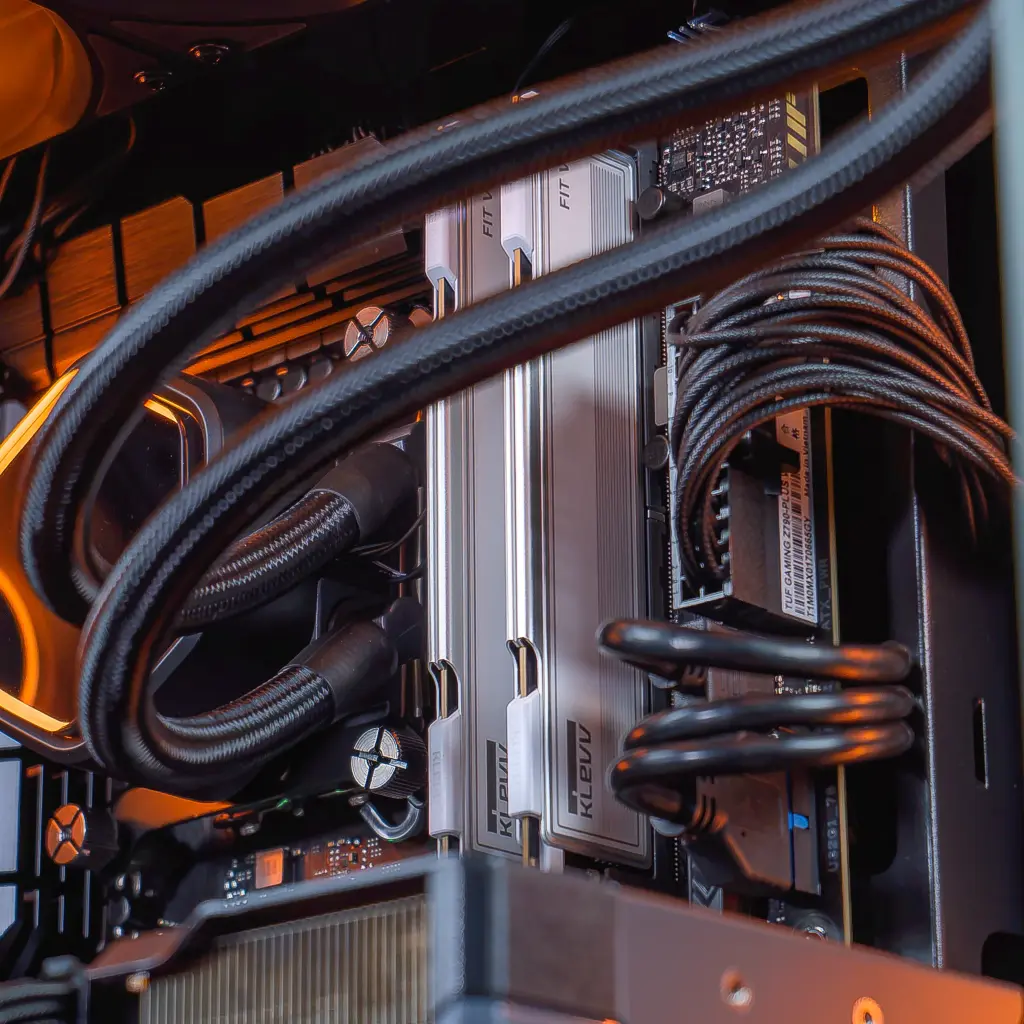
With 32 GB, the Phantom handles big open-world games while running Discord, the browser and a capture software at the same time. DDR5 provides the expected throughput on the Z790 platform.
Storage: 1 TB M.2 SSD
1 TB of M.2 SSD for Windows and a good chunk of your game library.
The SSD affects the PC’s boot speed and the duration of each loading screen.
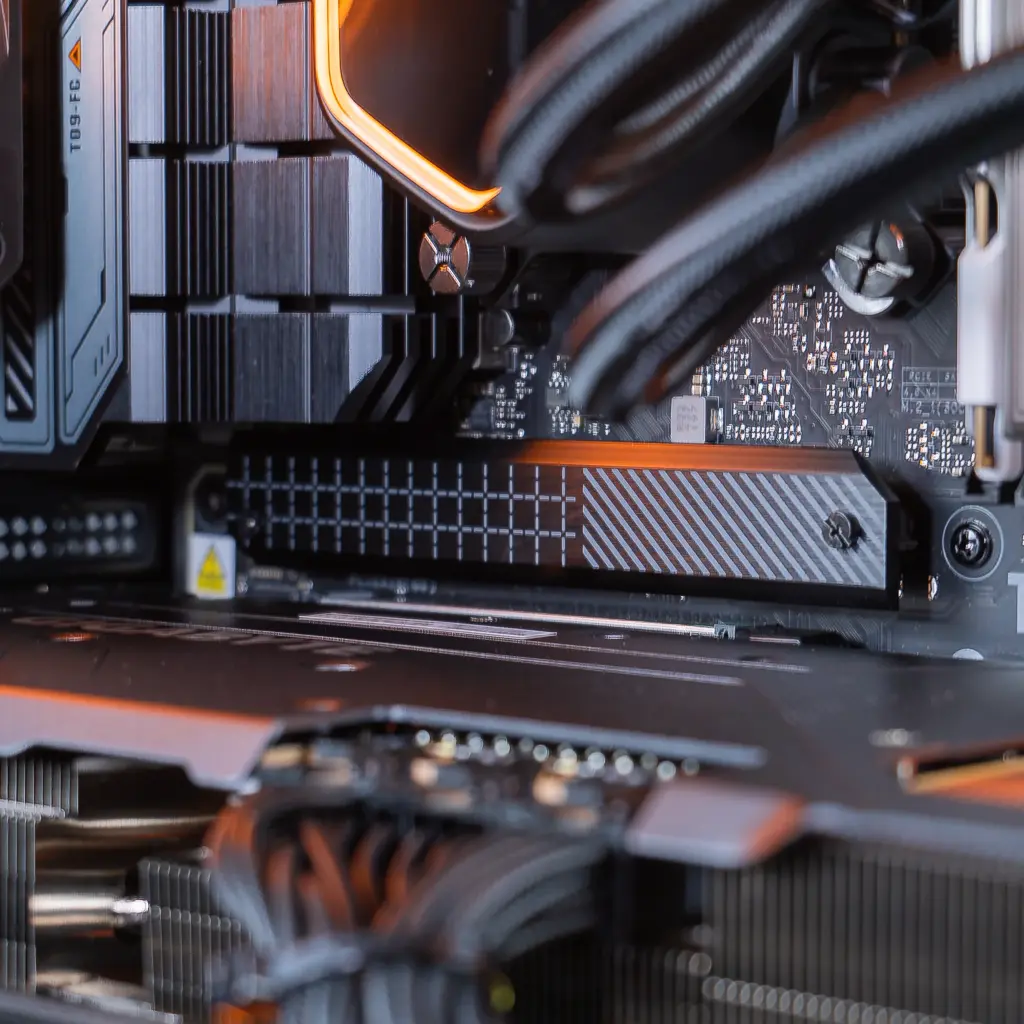
Mounted directly on the motherboard, it keeps the case clear. The ASUS motherboard leaves other M.2 slots free if your library grows.
Motherboard: ASUS TUF Gaming Z790-Plus WiFi
The ASUS TUF Gaming Z790-Plus WiFi: a robust Intel foundation for the Phantom.
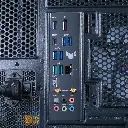
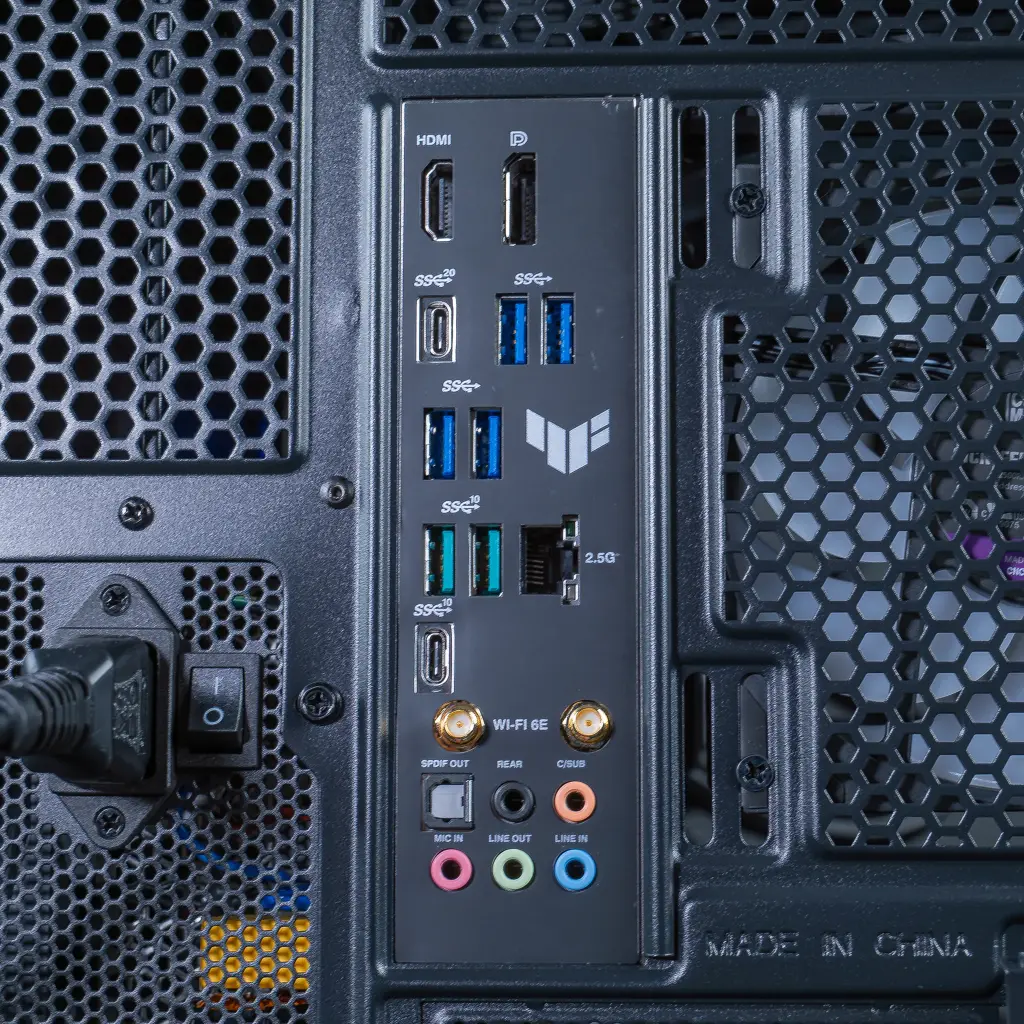
Processor, memory, storage and graphics card communicate through it; the range also determines what connectivity is available.
The Z790 chipset on LGA1700 socket supports the Core i7-14700KF and DDR5, with a PCIe 5.0 port for the graphics card and built-in Wi‑Fi. ASUS’s TUF range focuses on durability.
Cooling: Cooler Master MasterLiquid Core II water cooling
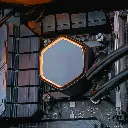
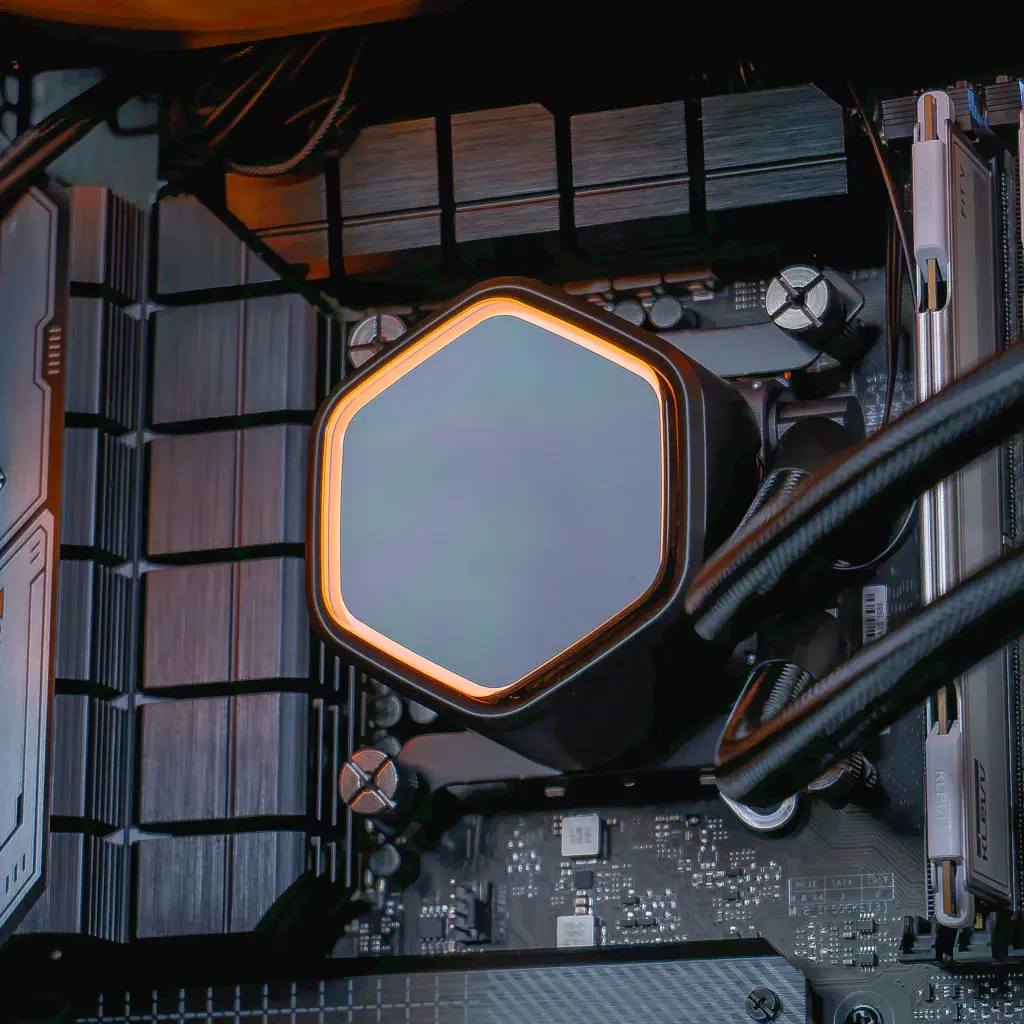
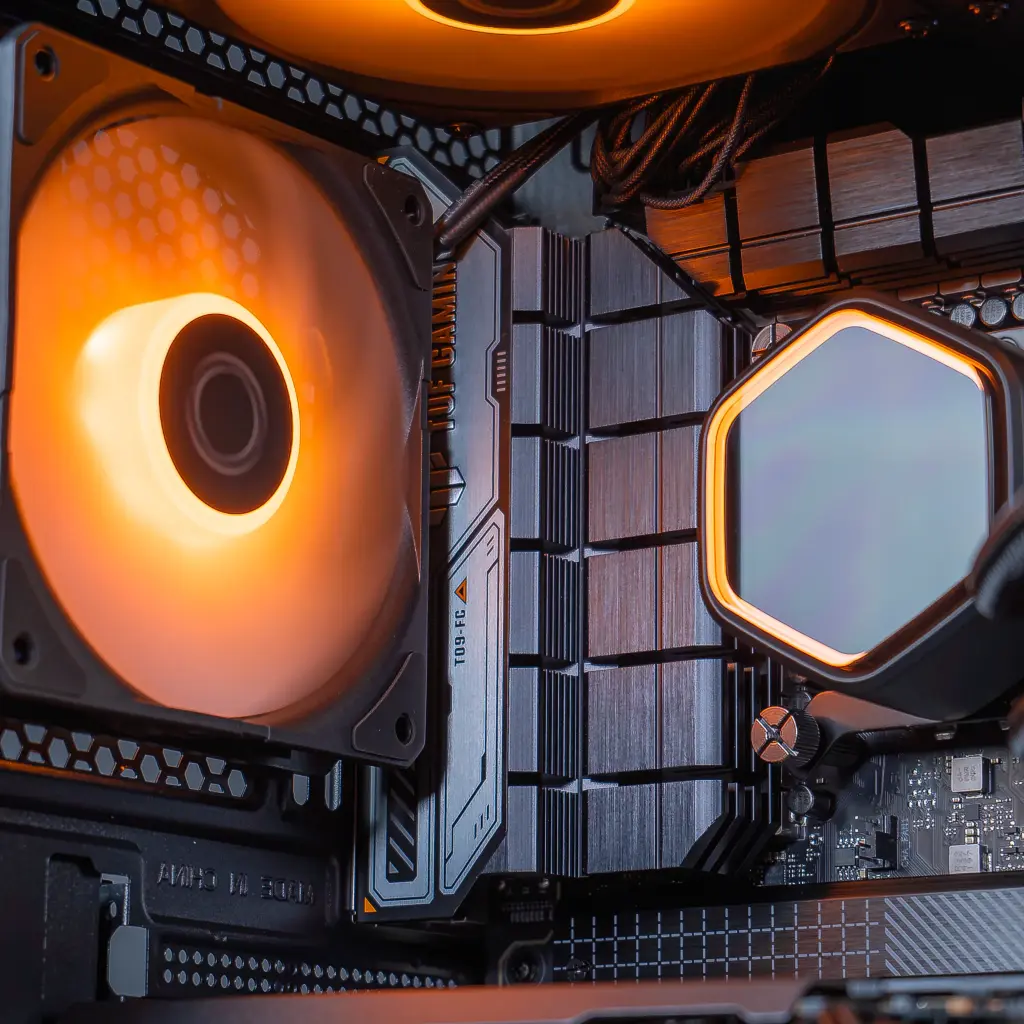
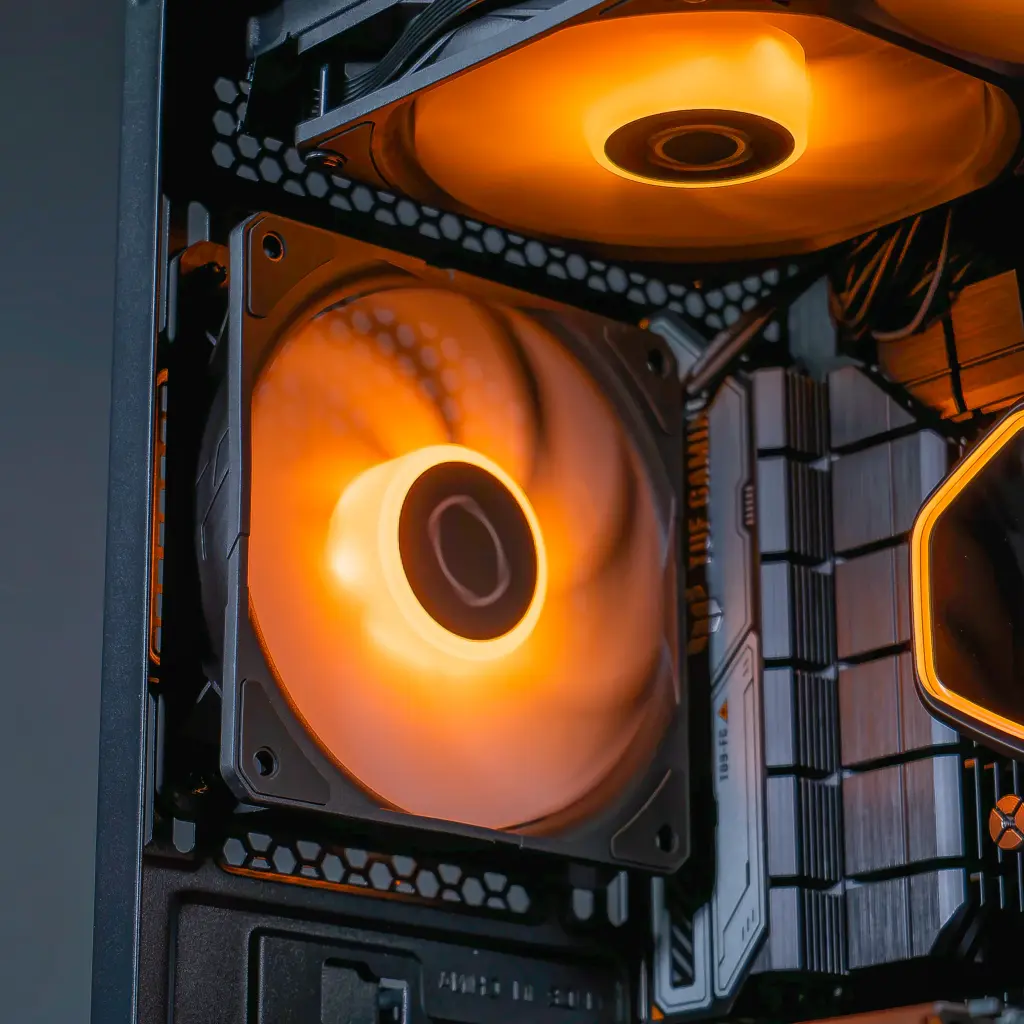
A Cooler Master AIO liquid cooler to keep the Core i7 in check.
The cooling removes heat from the processor; if it gets overwhelmed, frequencies drop and so do performance.
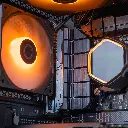
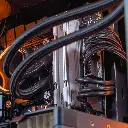
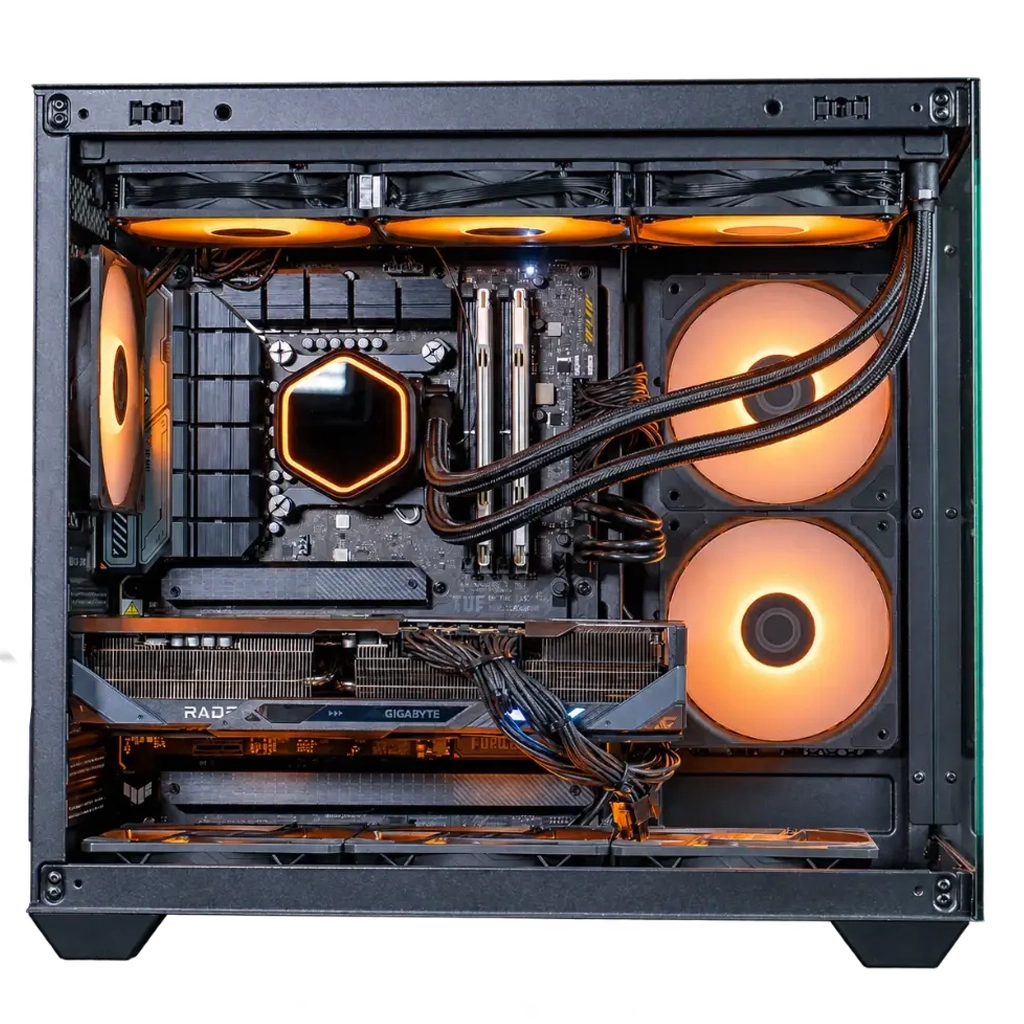
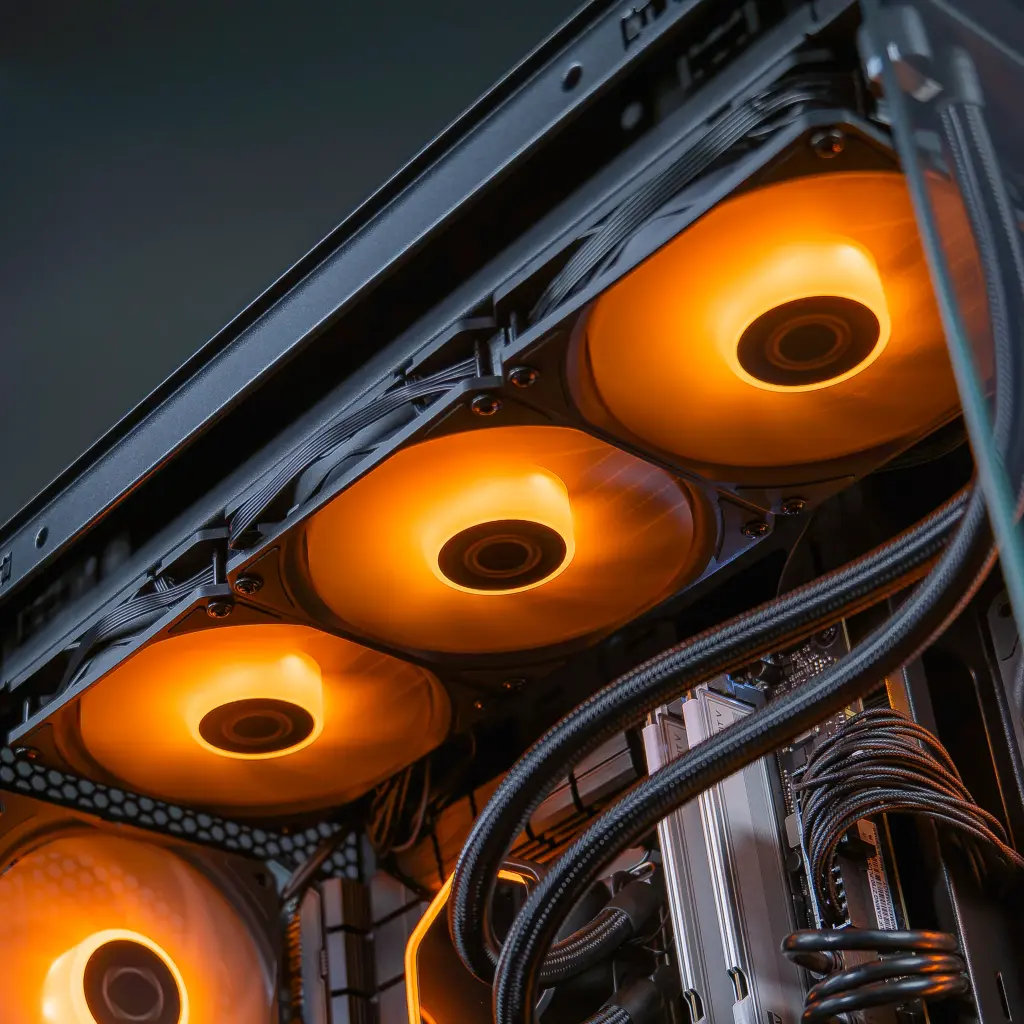
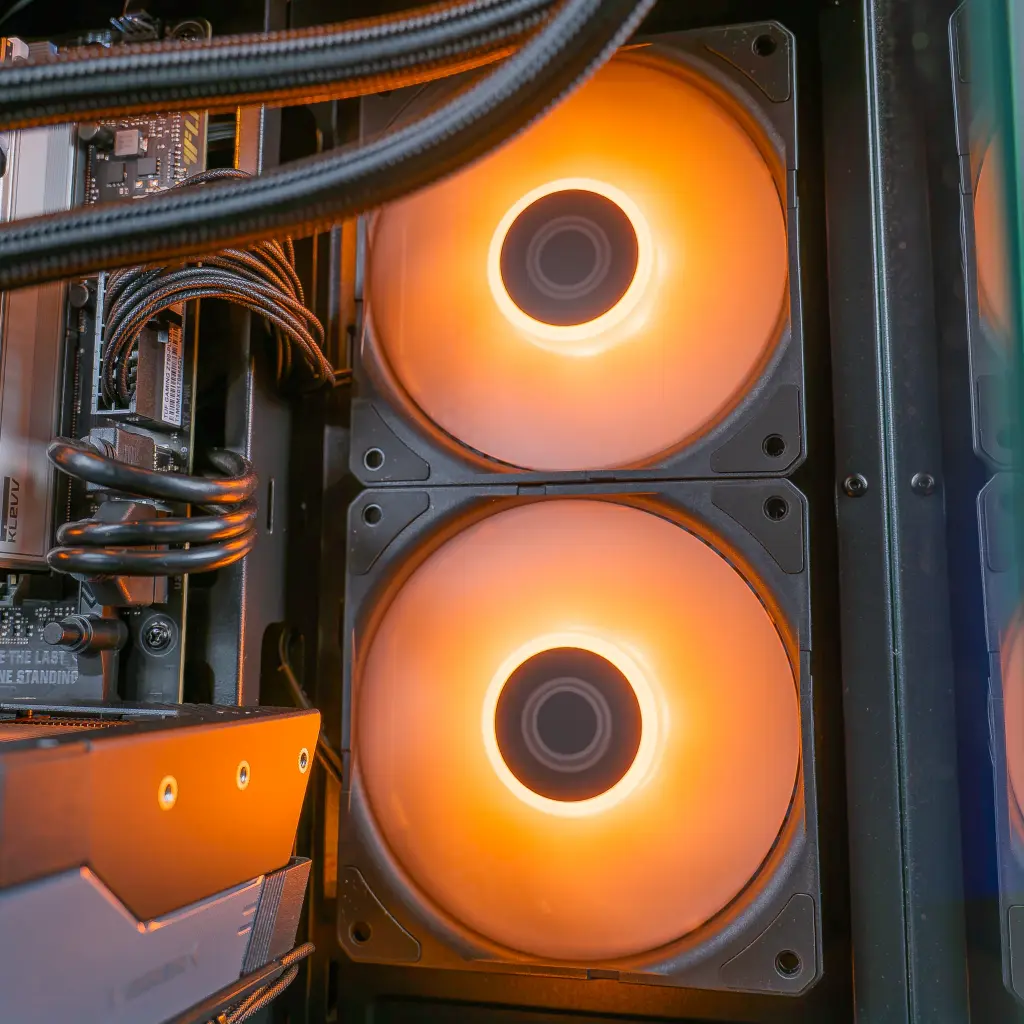
The 14700KF gets hot when you push it: an AIO kit shifts that heat to a ventilated radiator and frees up space around the socket. In a glass case like this one, the inside stays neat and tidy.
Power supply: Cooler Master MWE 750 W 80+ Bronze
750 W certified 80+ Bronze, by Cooler Master.
A properly sized power supply delivers clean voltage, even when the game suddenly spikes power consumption.
The 750 W are enough for the RX 9070 XT and the Core i7-14700KF together. The 80+ Bronze certification ensures a sensible efficiency day to day.
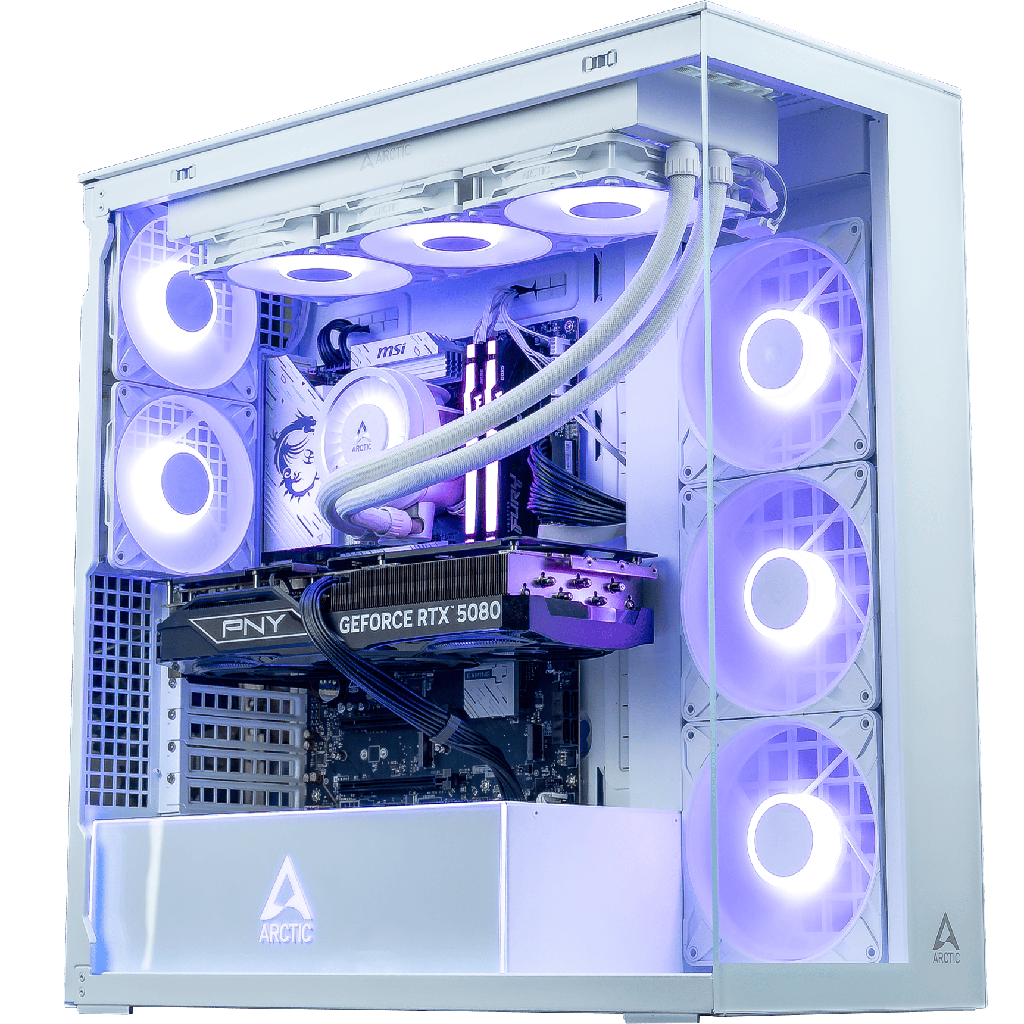
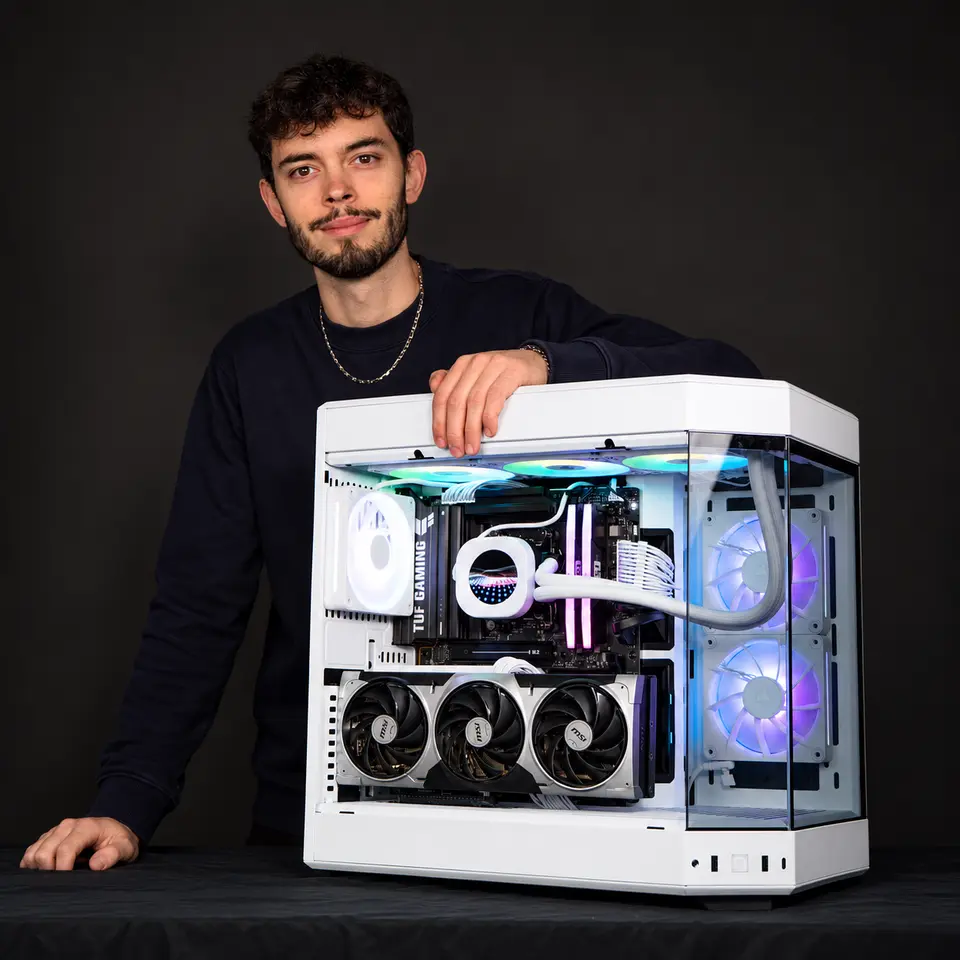
Case: FlowUP H600 Aquavision
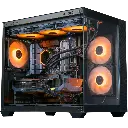
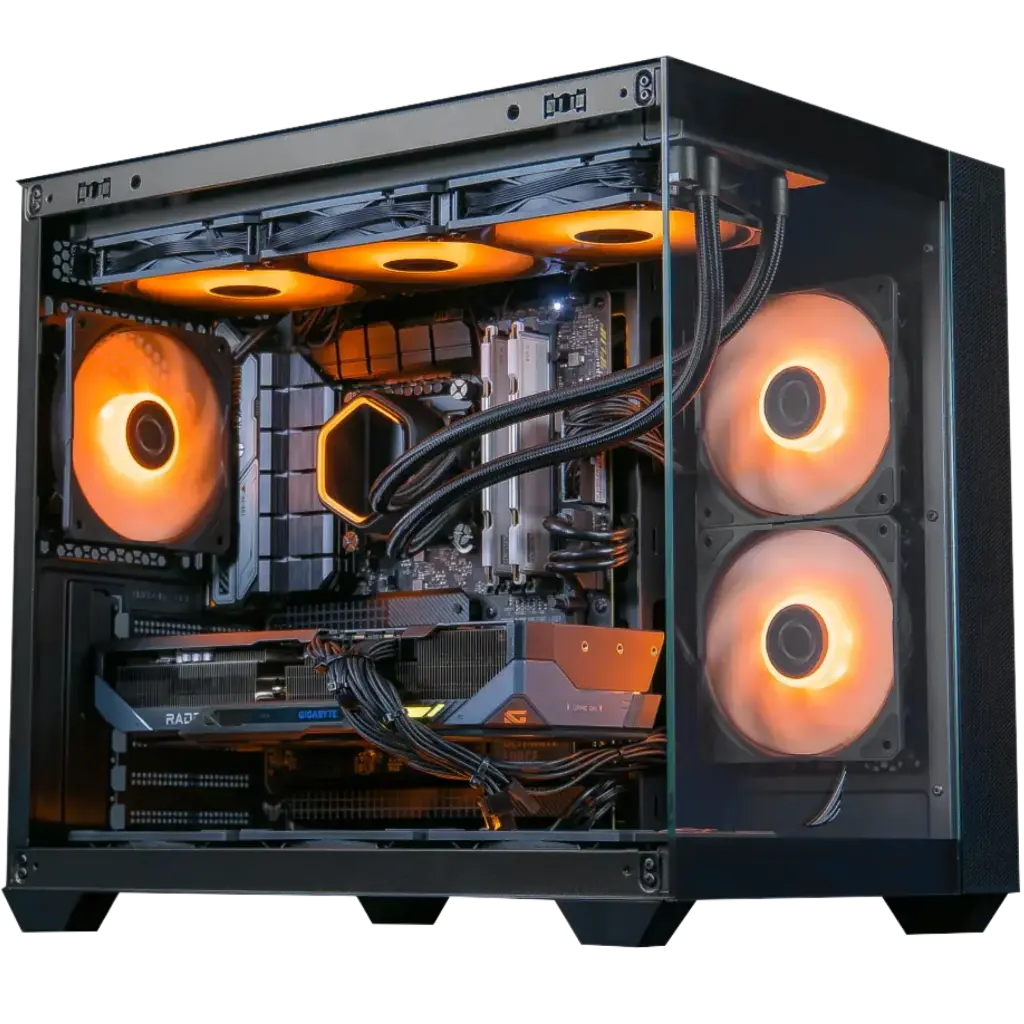
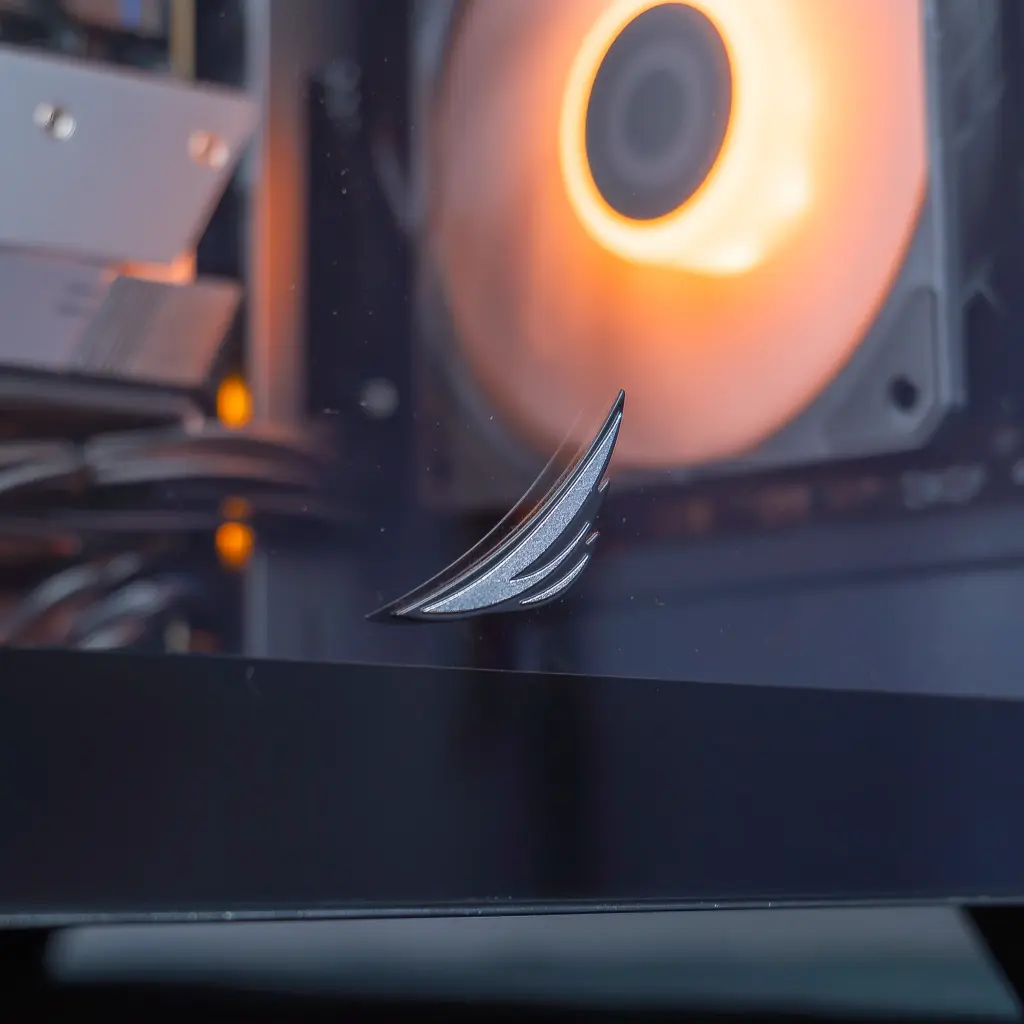
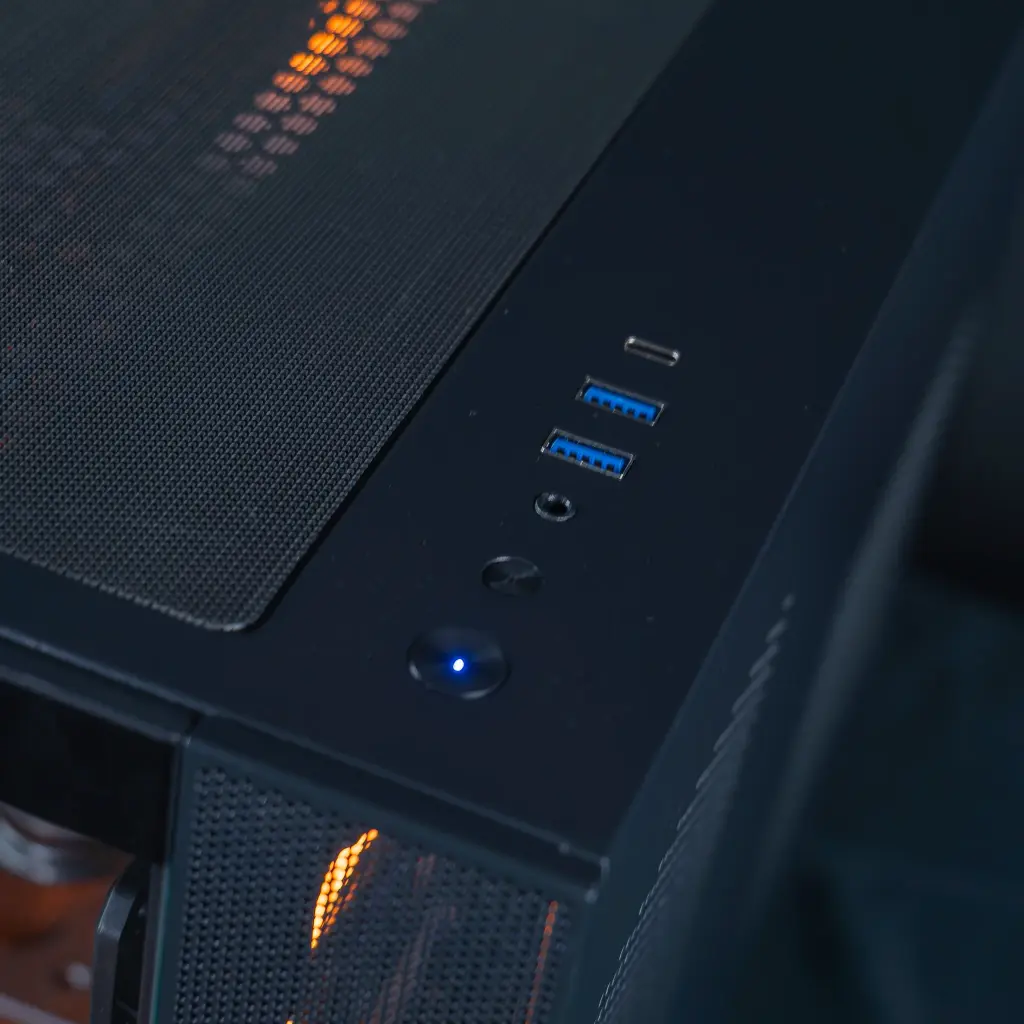
The H600 Aquavision, a FlowUP case with panoramic panels.
The case houses the setup and draws the route for fresh air through it.
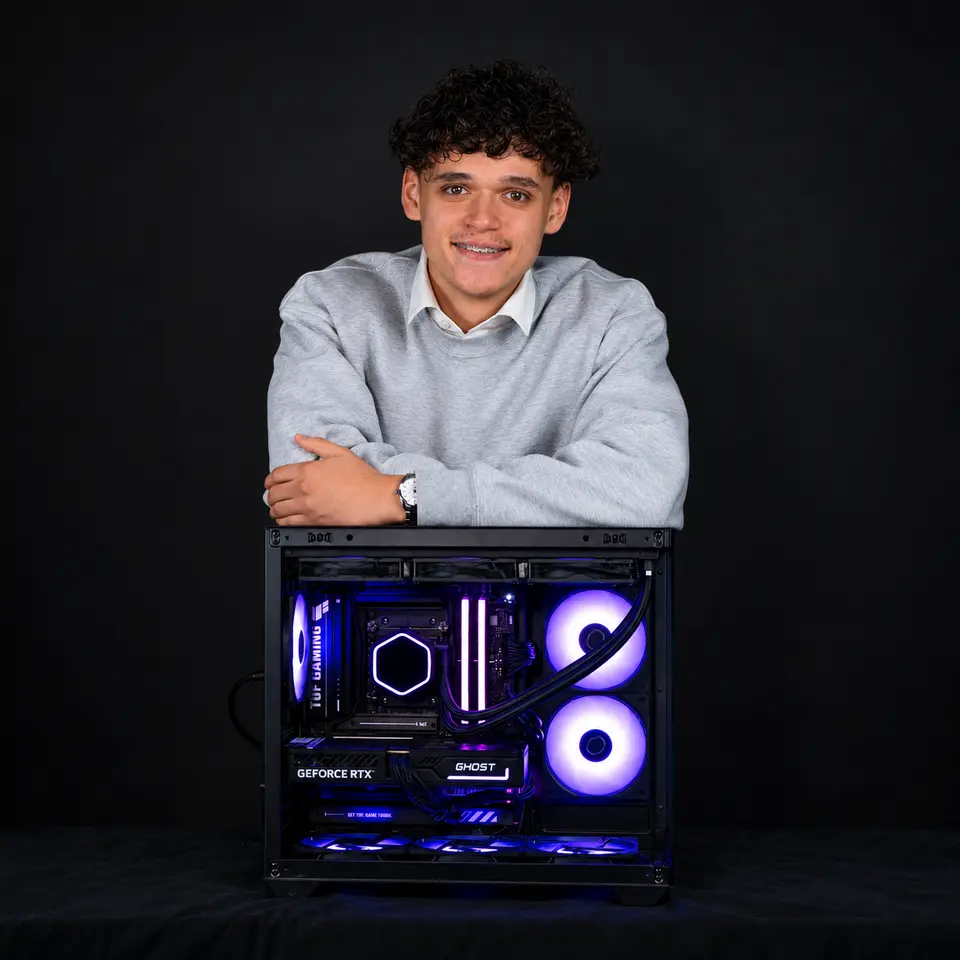
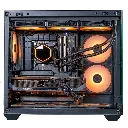
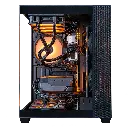
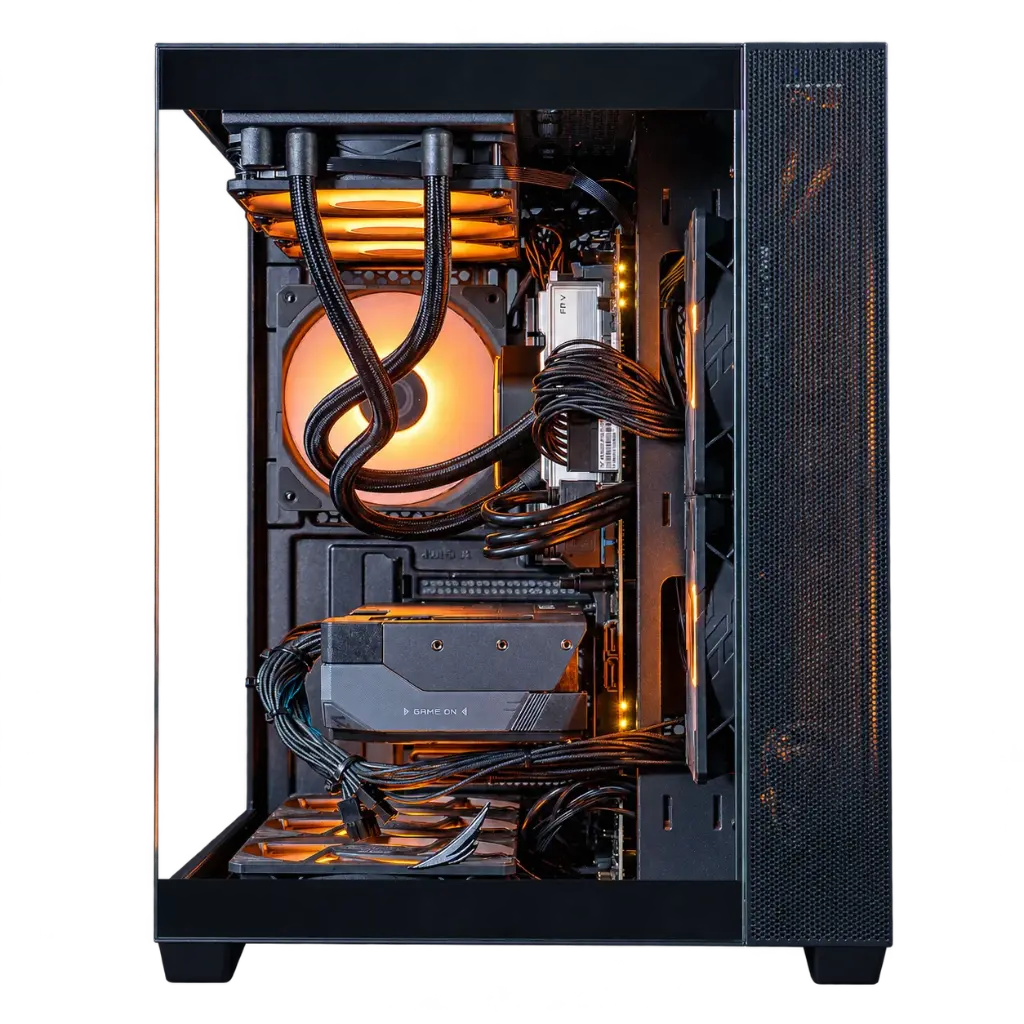
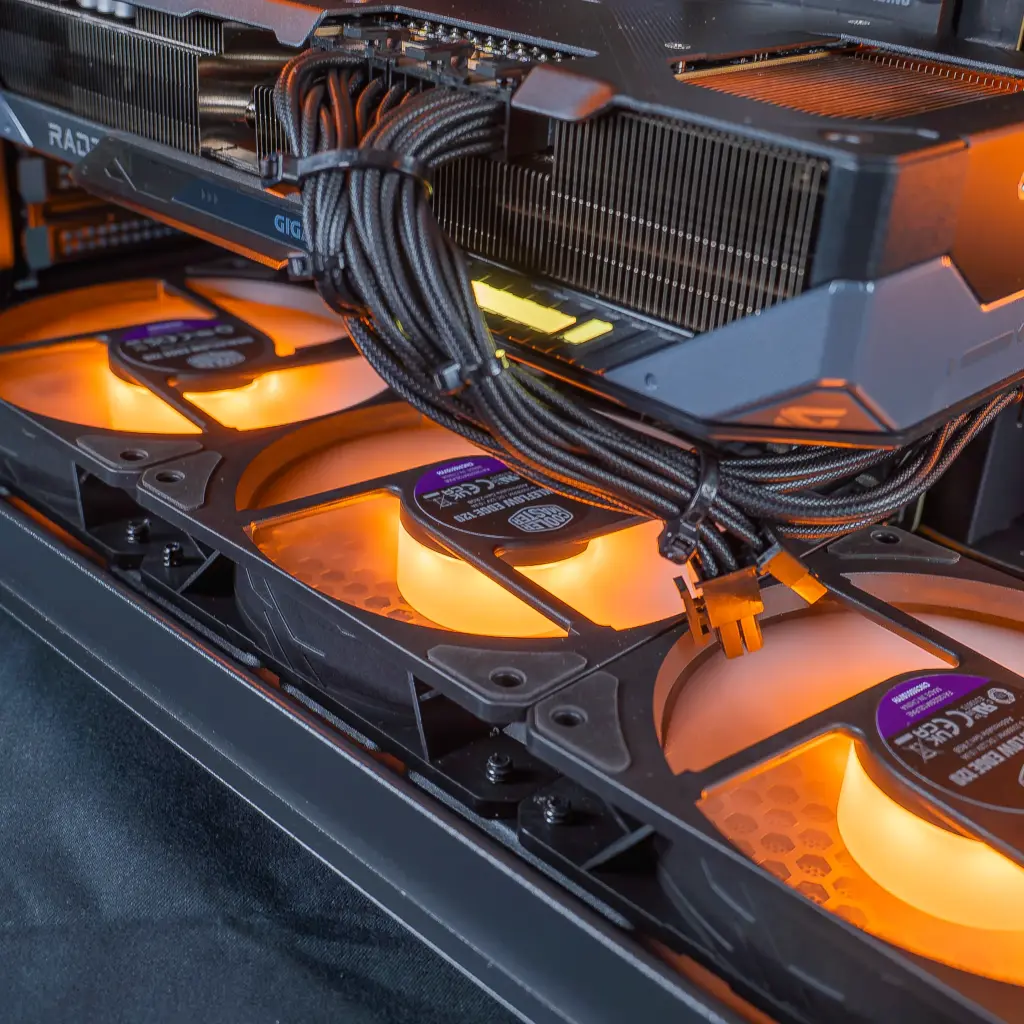
The panoramic aquarium-style panels show the RX 9070 XT, the water cooling and the RGB lighting from every angle. That’s the design that makes the Phantom an aquarium-style gaming PC.