 Your PC in instalments (up to 12x)
 Add to cart
Clear desk surface
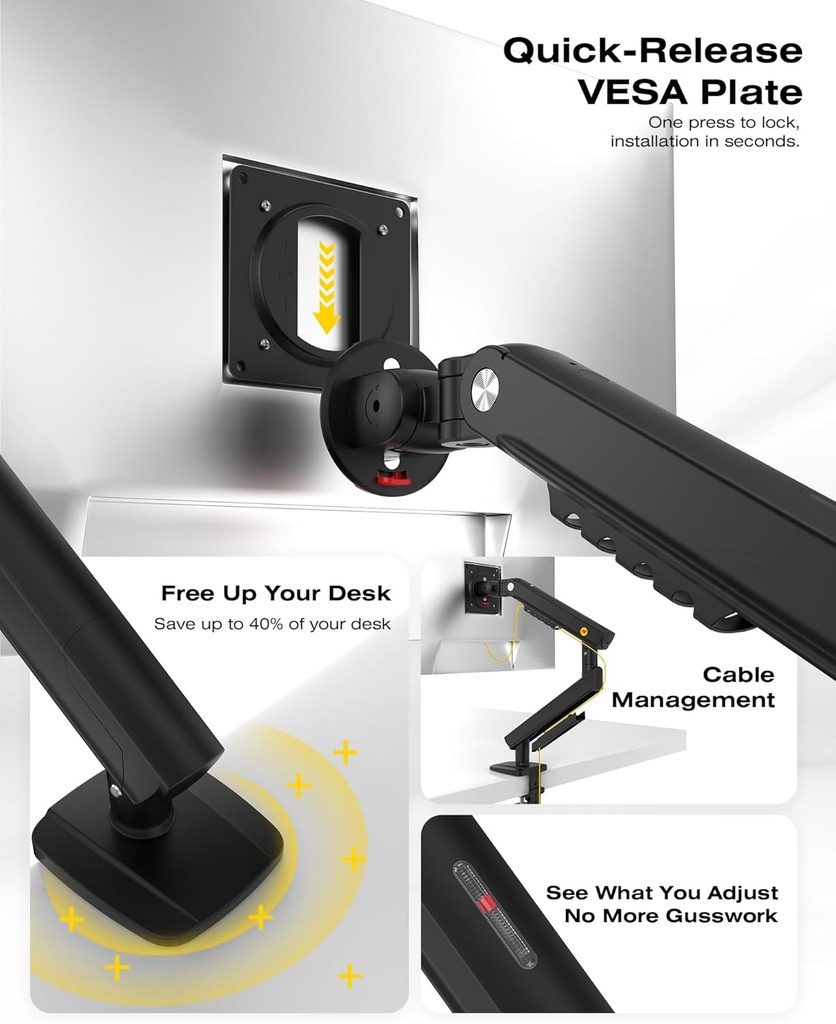
The original base disappears from the desk surface: more room for your keyboard, mouse, and the rest of your setup.
 (2283 reviews)

Free up desk space and position your screen exactly where you need it.
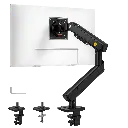
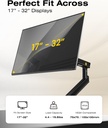
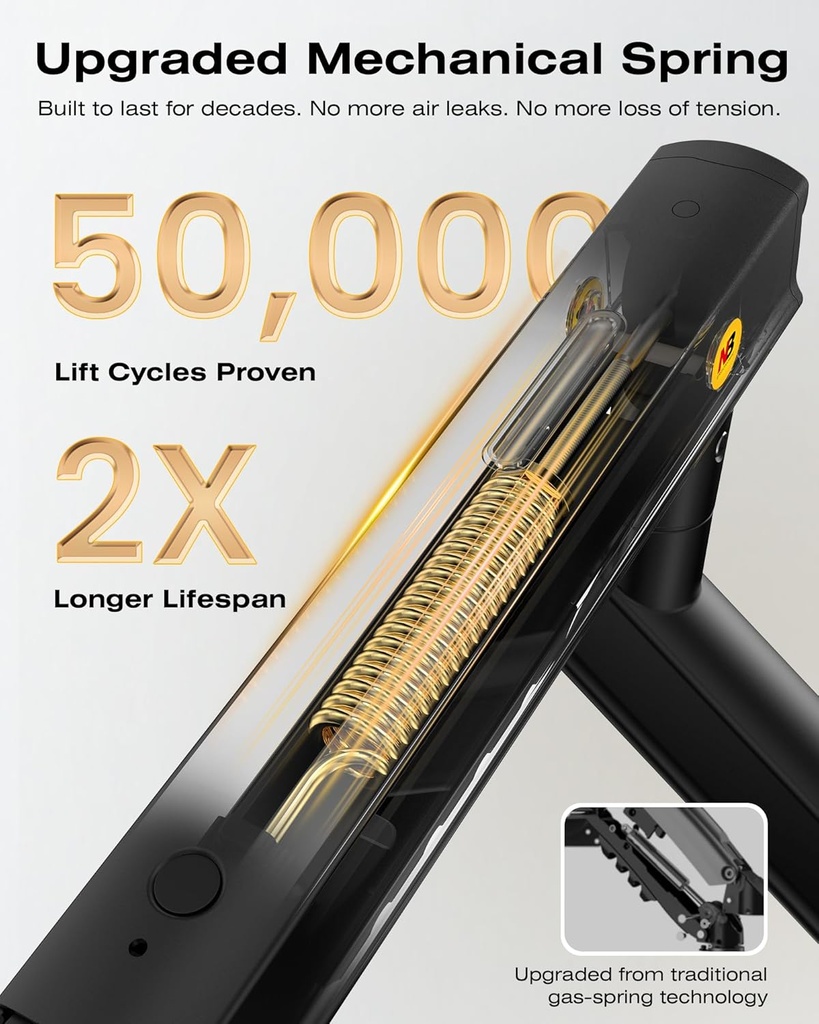
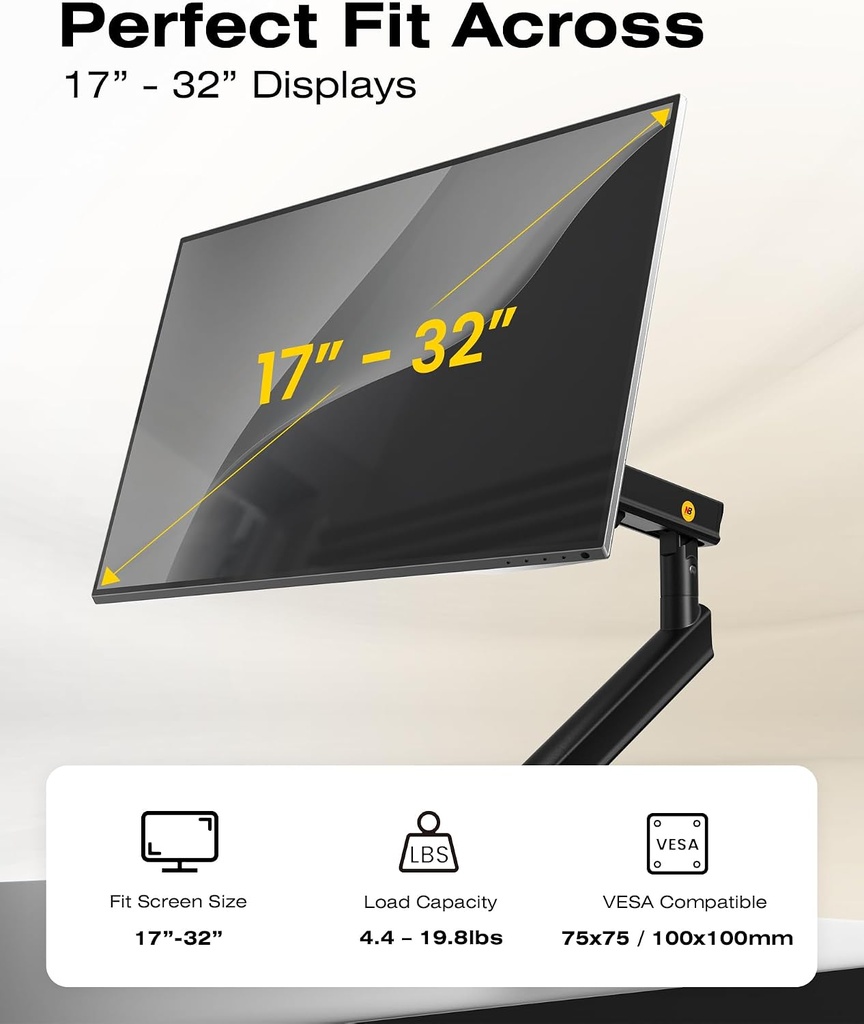
The NB Ergonomic A5-B accommodates monitors from 17 to 32 inches weighing 2 to 9 kg, with VESA 75 × 75 or 100 × 100 mm mounting. Its mechanical spring assists with height, tilt, swivel and rotation adjustments, while the cable routing keeps the setup neat.

Fast shipping
Payment in 2, 3, 4, 10 or 12X.

2 years of statutory seller warranty.

Responsive after-sales service and available
Right of withdrawal of 14 days
General Terms and Conditions of Sale (GTC)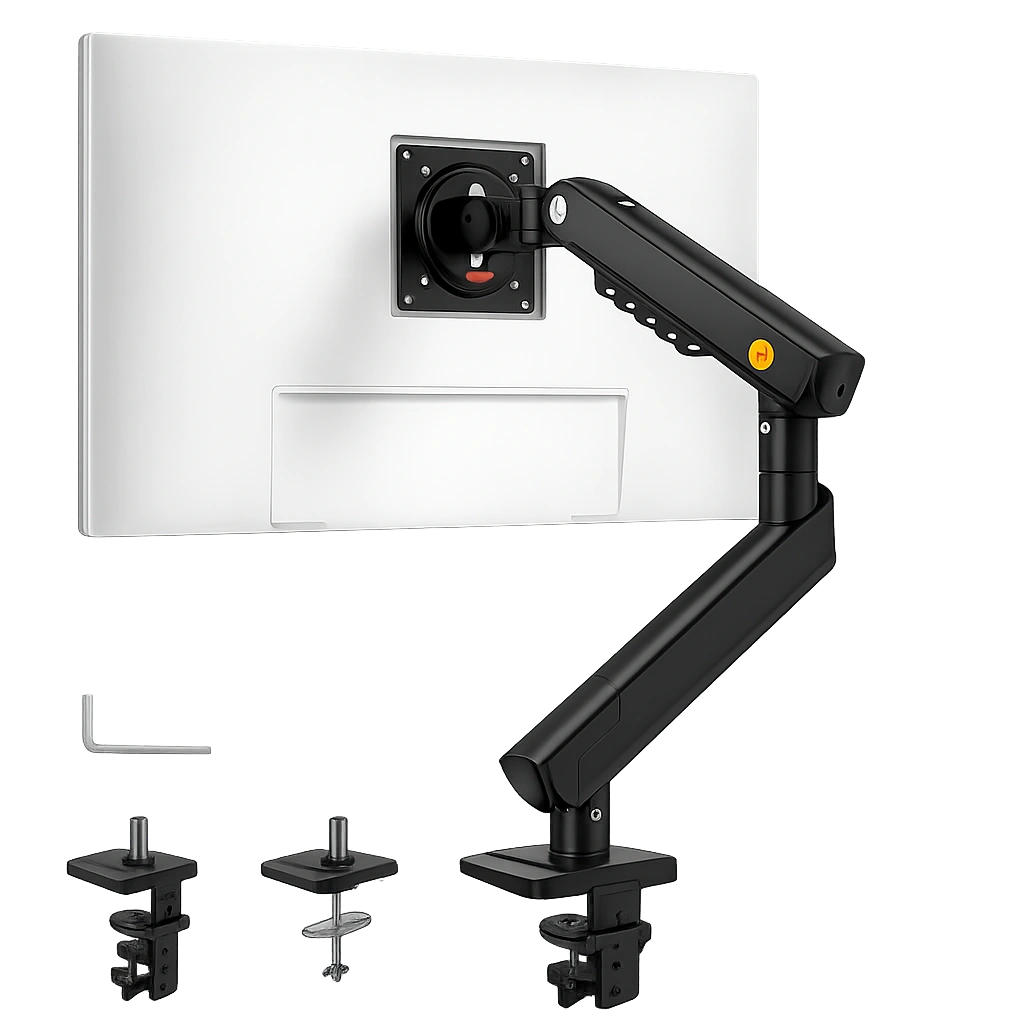
The A5-B lifts your monitor, clears the desk surface, and follows your gaming or working position. A small change that immediately transforms how your setup feels.
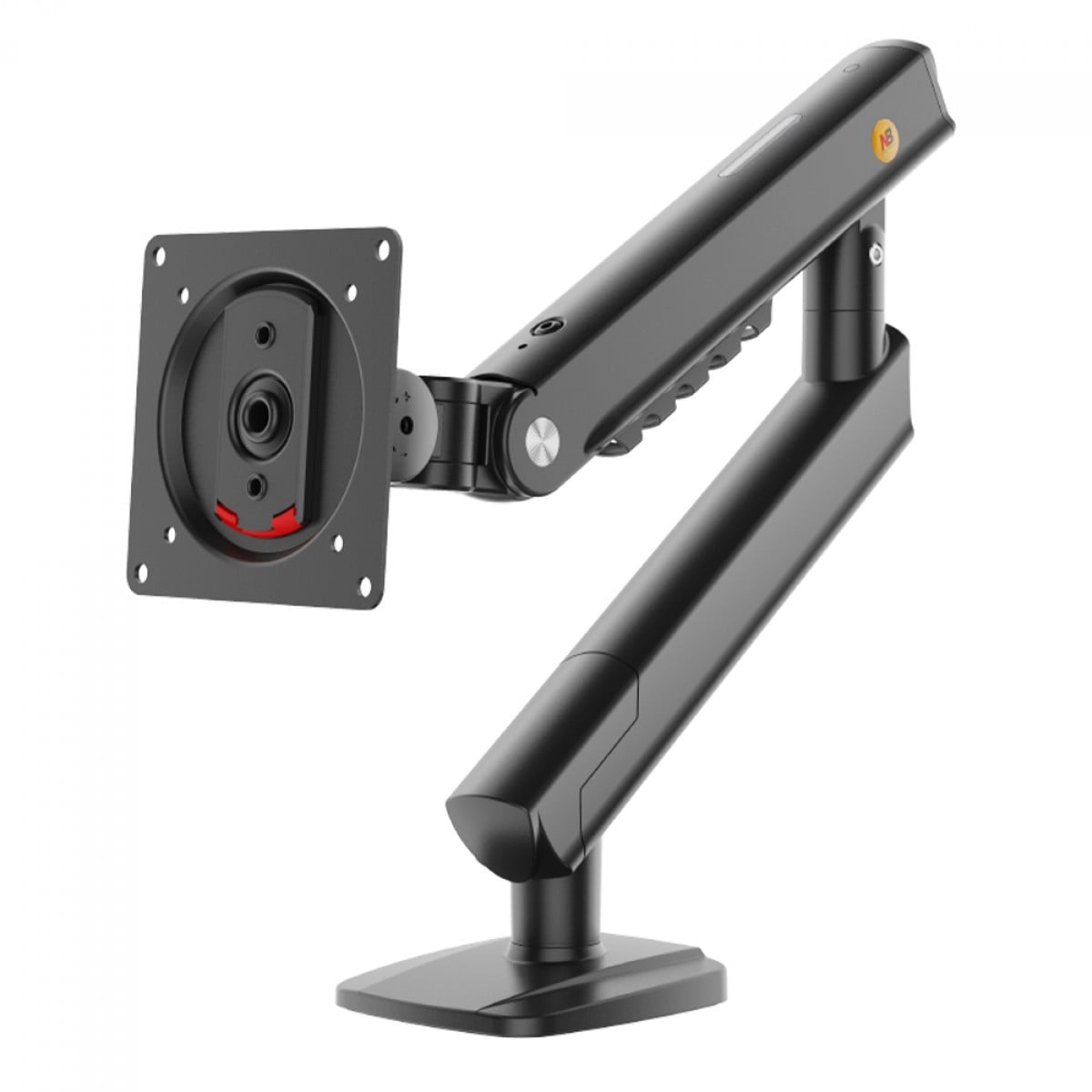
The original base disappears from the desk surface: more room for your keyboard, mouse, and the rest of your setup.
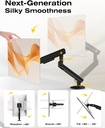
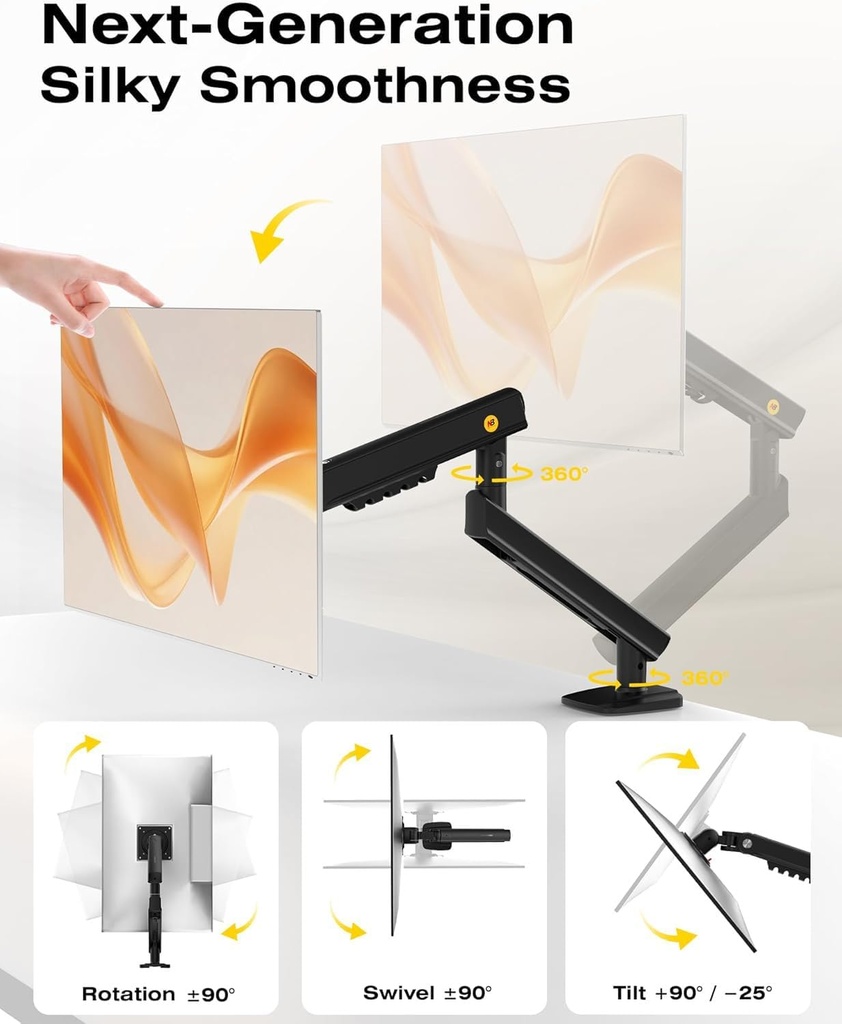
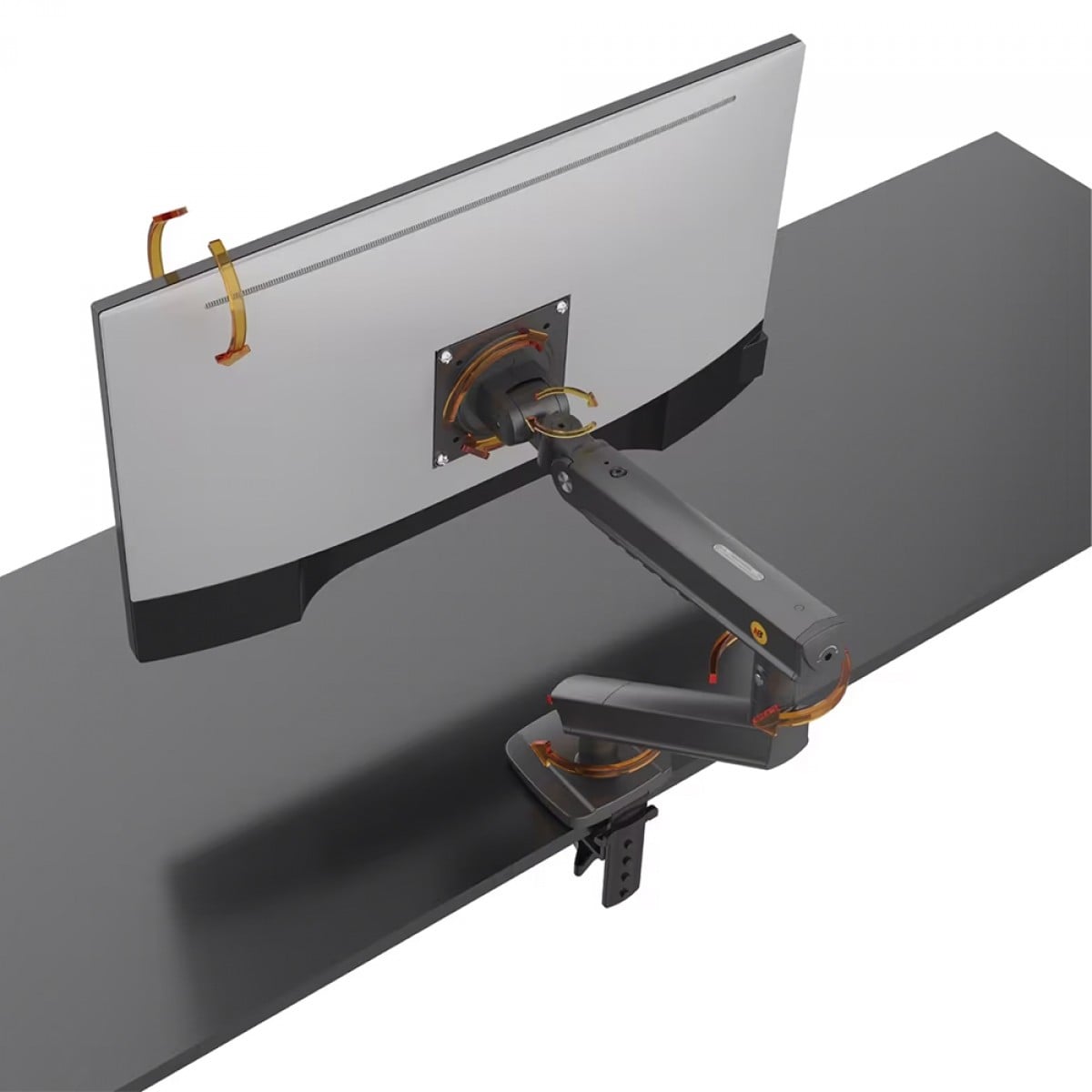
Height, tilt, swivel, and rotation are adjustable to bring the screen in front of you.
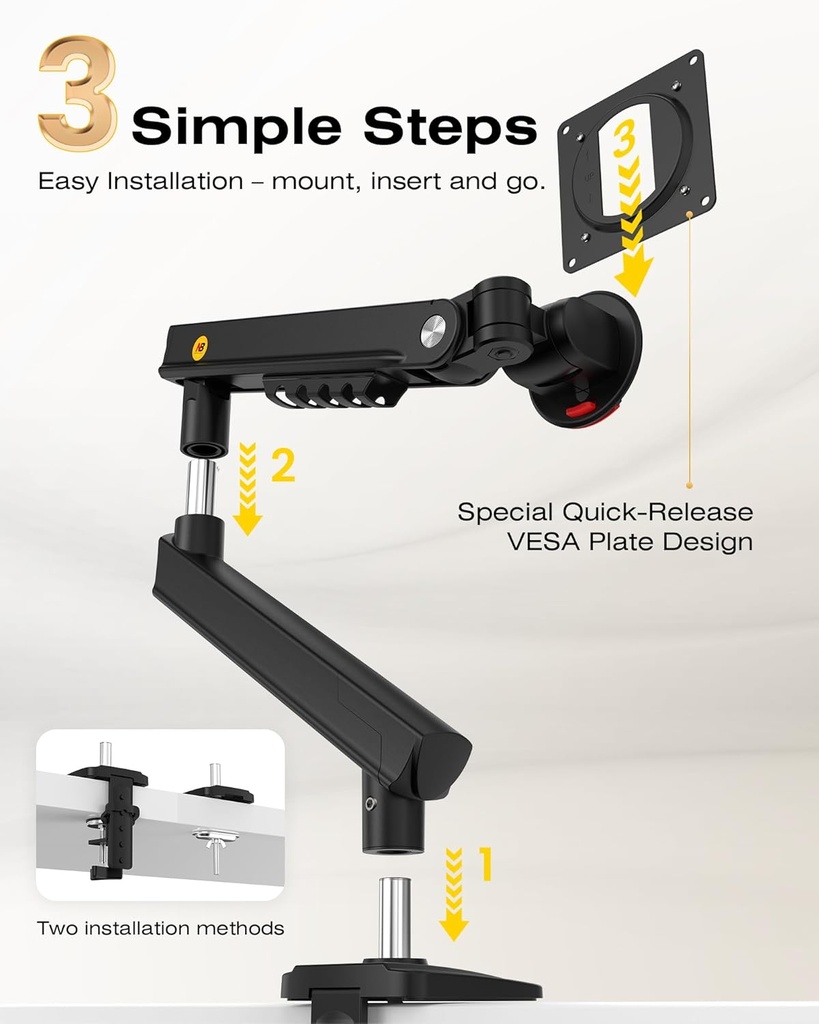
Clamp mounting to the edge of the desk or through a compatible cable pass-through.
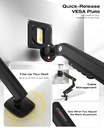
The built-in channels guide the cables along the arm instead of letting them hang loose.
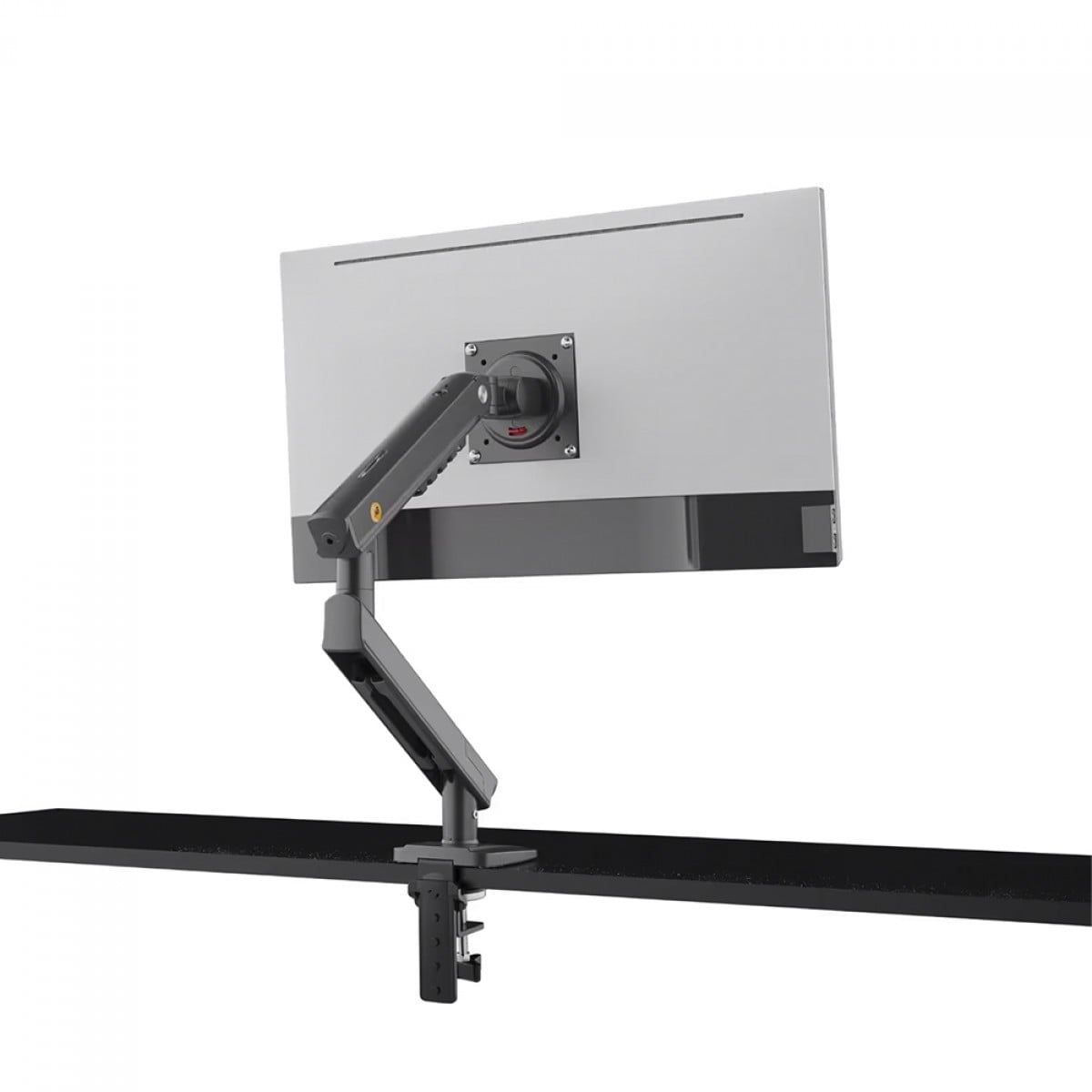
The right adjustment prevents you from gaming with your head turned or with the screen too low. Place the top of the panel around eye level, keep a comfortable distance, then adjust the arm’s spring tension to the monitor’s real weight.
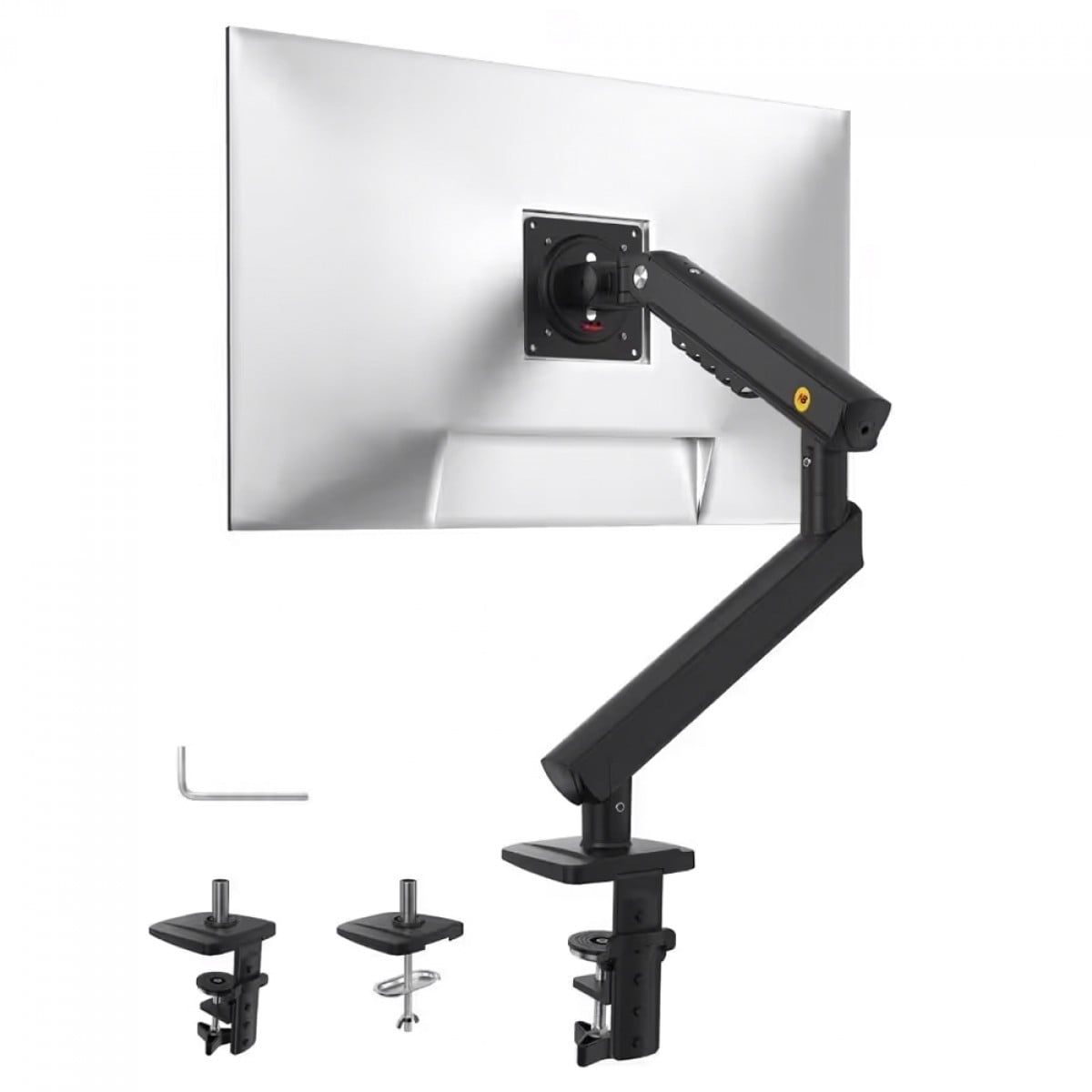
The specifications shown here include the data that is actually useful for checking compatibility and intended use before adding it to your setup.
Yes, as long as the monitor falls within the weight range and has a compatible VESA mounting. Weight remains the most important criterion.
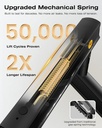
A screw lets you adjust the spring tension to the monitor’s weight. This adjustment must be carried out after mounting.
The desk surface must be stable, sufficiently strong, and compatible with the clamp or through-pass mounting. Avoid hollow or fragile areas.
Yes. The 360° rotation allows portrait orientation when the cabling and available clearance of the screen allow it.
A better-placed screen, a cleaner desk, and a position that finally suits you.
The A5-B lifts your monitor, clears the desk surface, and follows your gaming or working position. A small change that immediately transforms how your setup feels.
The original base disappears from the desk surface: more room for your keyboard, mouse, and the rest of your setup.
Height, tilt, swivel, and rotation are adjustable to bring the screen in front of you.
Clamp mounting to the edge of the desk or through a compatible cable pass-through.
The built-in channels guide the cables along the arm instead of letting them hang loose.
The right adjustment prevents you from gaming with your head turned or with the screen too low. Place the top of the panel around eye level, keep a comfortable distance, then adjust the arm’s spring tension to the monitor’s real weight.
The specifications shown here include the data that is actually useful for checking compatibility and intended use before adding it to your setup.
Yes, as long as the monitor falls within the weight range and has a compatible VESA mounting. Weight remains the most important criterion.
A screw lets you adjust the spring tension to the monitor’s weight. This adjustment must be carried out after mounting.
The desk surface must be stable, sufficiently strong, and compatible with the clamp or through-pass mounting. Avoid hollow or fragile areas.
Yes. The 360° rotation allows portrait orientation when the cabling and available clearance of the screen allow it.
A better-placed screen, a cleaner desk, and a position that finally suits you.