Your PC in instalments (up to 12x)
In 2026, a motherboard isn’t just a “platform”: it determines your CPU compatibility, your upgrade potential, the number of M.2 SSDs, the connectivity (USB-C/USB4/Thunderbolt), the network (2.5G / Wi‑Fi 7), and sometimes even stability on bigger CPUs.
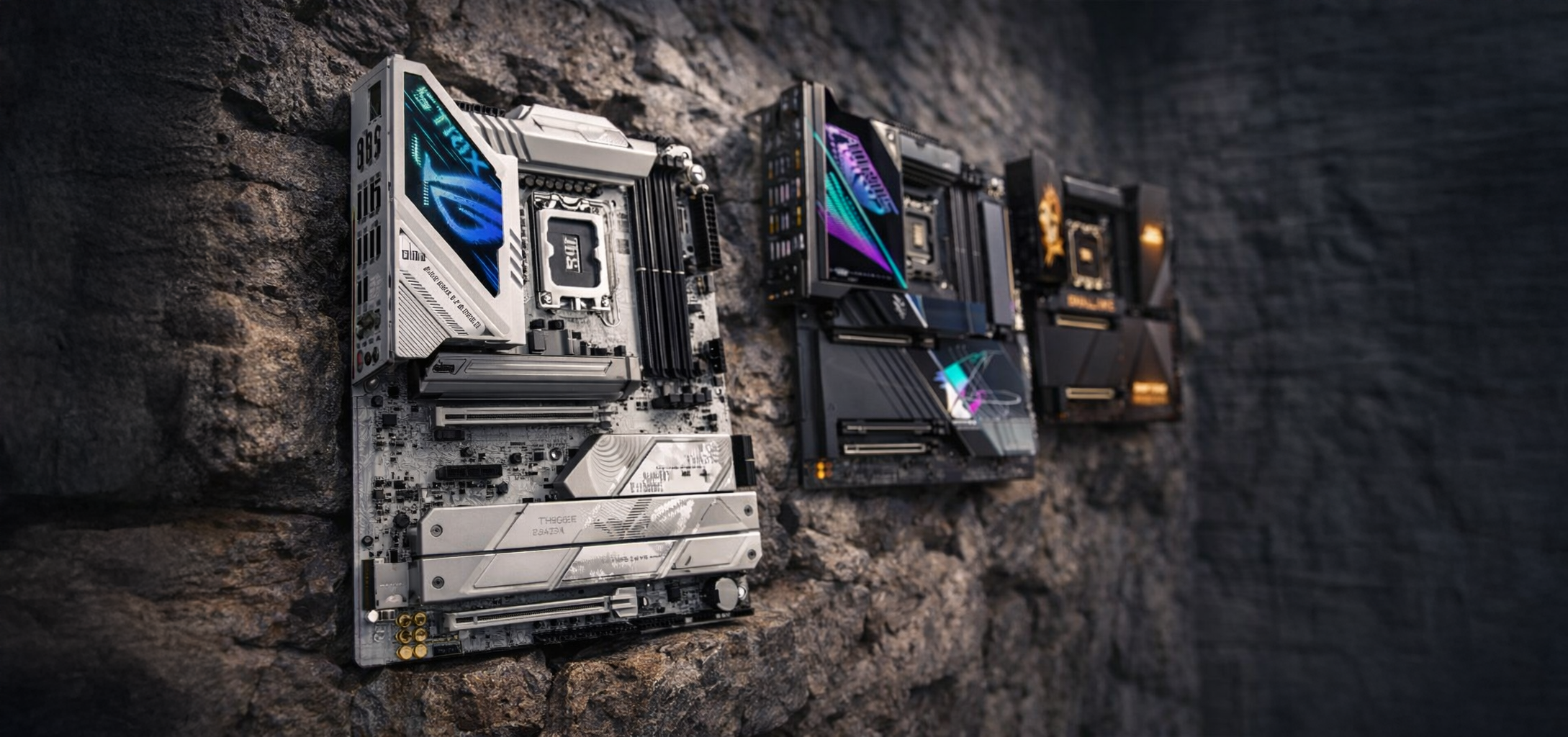
The right approach: (1) choose the platform, (2) choose the chipset, (3) choose the form factor, then (4) verify the connectivity.
Choose the platform (socket) first
| Platform | RAM | 2026 goal | Upgrade / long term | Typical profile |
|---|---|---|---|---|
| AMD AM5 | DDR5 | AMD’s modern standard | Very good | New PC, QHD/4K, future upgrade |
| AMD AM4 | DDR4 | Max performance/£ (budget) | Limited | Efficient build, low platform cost |
| Intel LGA1700 | DDR4 or DDR5 (depending on the motherboard) | Value + wide selection | Average | Good deal depending on promos / stock |
| Intel LGA1851 | DDR5 | Recent Intel, modern I/O | Good | “Future” new PC, rich connectivity |
Choose the chipset (what it really changes)
A) AMD AM5 : A620 vs B850 vs X870 vs X870E
A620 (entry-level)
Goal: AM5 “minimum viable”. In practice, you often find PCIe 4.0 for SSDs, decent connectivity, but not the “future‑proof Gen5” approach. A620 is often marketed as without PCIe 5.0 on the chipset/platform side, depending on the details published.
B850 (mainstream 2026)
This is the new AM5 “mid-range” base: better overall connectivity and more prominent PCIe Gen 5. Key point: analyses note that B850 requires PCIe 5.0 for at least one M.2 (and Gen5 on the x16 GPU port may be optional depending on the cards).
X870 / X870E (high-end / “full options” connectivity)
X870 is often seen as an evolution of B650, and X870E as the option with more lanes / more I/O (the “E = richer” logic, even if the naming can be confusing).
X870/X870E boards heavily emphasise USB4, PCIe 5.0, DDR5, Wi‑Fi 7 depending on the model.
👉 Simple AM5 recommendation (2026)
AM5 chipset | Positioning | PCIe Gen 5 (general) | USB & features | Recommended if… |
|---|---|---|---|---|
| A620 | Entry-level | Fairly limited (often Gen4-led) | Sufficient | You want AM5 at the lowest price |
| B850 | Sweet spot 2026 | Gen5 mostly on the M.2 (depending on the cards) | Very good | Balanced “new” gaming |
| X870 | High-end | Gen5 + richer I/O | Frequent USB4 | You want premium connectivity |
| X870E | Very high-end | Most complete Gen5 setup | Maximum options | Big CPU + upgrade + full I/O |
B) AMD AM4 : B450 / A520 / B550 (DDR4)
AM4 is still relevant if your goal is FPS/£, especially if you want to keep/reuse DDR4.
| AM4 chipset | Positioning | PCIe (useful) | What you gain | Recommended if… |
|---|---|---|---|---|
| B450 | Old but still useful | Often Gen3 | Low price, broad compatibility | You’re getting a solid AM4 base |
| A520 | Entry-level | Gen3 / reduced features | Simple, efficient | Ryzen 5 / typical use |
| B550 | Best AM4 choice for 2026 | Frequent M.2 Gen4 | A proper AM4 upgrade | Gaming performance/£ + fast SSDs |
C) Intel LGA1700 : H610 vs B760 vs Z790 (DDR4 or DDR5 depending on the board)
Here, the chipset mostly gives you (1) the number of PCIe/USB/SATA lanes, and (2) CPU overclocking.
| Chipset | Positioning | CPU OC | Lanes / connectivity | Recommended if… |
|---|---|---|---|---|
| H610 | Ultra budget | ❌ | Minimal | Office PC / extreme budget |
| B760 | Mainstream | ❌ | Good balance | 90% of gaming builds |
| Z790 | High-end | ✅ | Richer (USB/PCIe) | You want OC / full options |
Tweakers sums up the differences very well (PCIe, USB, SATA lanes, OC) between H610/B760/Z790.
Intel also notes that B760, in particular, provides PCIe lanes (Gen4/Gen3 via the chipset) and more comprehensive connectivity than the entry-level tier.
D) Intel LGA1851 : B860 vs Z890 (DDR5)
On LGA1851, the logic is similar:
| Chipset | Positioning | OC / options | I/O / lanes | Recommended if… |
|---|---|---|---|---|
| B860 | Mainstream 2026 | Standard | Very solid | Rational DDR5 configuration |
| Z890 | Enthusiast | Advanced | More lanes/USB | Big build + upgrade + I/O |
Form factor: E-ATX / ATX / mATX / ITX (and what you “give up”)
| Form factor | Size | Slots / expandability | Average price | Best for |
|---|---|---|---|---|
| E-ATX | Very large | Max slots + M.2 + VRM | +€ | Show build / high-end |
| ATX | Standard | Excellent balance | = | Most gamers |
| mATX | Compact | Very good value but fewer slots | -€ | Smart budget / compact cases |
| ITX | Mini | Limited expansion | +€ | SFF, show, premium mini PC |
The guides 2026 confirm that ITX offers a great format, but with natural limits (expansion/storage) depending on the models.
PCIe Gen 4 vs Gen 5: where it matters (and where it doesn’t)
GPU
Today, PCIe 4.0 x16 is more than enough for gaming. The PCIe 5.0 on the GPU slot is mainly a “future-proof” bet (or useful for certain professional uses / multi-card setups, depending on platforms).
M.2 SSD
PCIe 5.0 can deliver huge speeds… but for gaming use, the gap is often less “felt” than in heavy transfer workloads. What matters most is having enough M.2 slots + good heatsinks.
On AM5, the “safe” 2026 move is aiming for at least 1x M.2 Gen5 slot if your budget allows it (B850 and above).
RAM: maximum quantity, DDR4/DDR5, XMP/EXPO
Maximum quantity (in practice)
Many mainstream boards advertise up to 192GB (4×48GB) on DDR5.
On the Intel Core Ultra 200S, Intel also mentions support for DIMMs up to 48GB and a total up to 192GB.
And in 2025, G.SKILL announced kits 256GB (4×64GB) on DDR5-6000 EXPO, which opens the door to 256GB on some cards/BIOS… but it’s not “straightforward guaranteed” across all configurations (stability/compatibility).
XMP / EXPO
- XMP: memory profiles on the Intel side
-
EXPO: memory profiles on the AMD side (AM5 / DDR5)
Corsair sums up the difference nicely : XMP = Intel, EXPO = AMD (even if some boards support both depending on kits/BIOS).
The “connectivity” checklist (what makes a difference day to day)
Before buying, check black on white in the spec sheet:
Storage
- Number of M.2 (and Gen4/Gen5)
- Presence of M.2 heatsinks
- Number of SATA ports (if you’ve got 2.5/3.5-inch HDDs/SSDs)
USB & USB-C
- Rear USB-C (at least 10/20Gbps if possible)
- Internal USB-C header for the USB-C port on the front
- If you’re aiming for the high end: USB4 / Thunderbolt (depending on platforms/cards)
Example: some Z890 boards highlight a internal 20Gbps USB-C header (USB 3.2 Gen2x2) for the front panel.
And on Z890, some boards advertise Thunderbolt/USB4 (or even TB5 on creator models).
Networking
- At least 2.5GbE is recommended
- Wi-Fi 6E / Wi-Fi 7 if you game over Wi-Fi (or if you want very high throughput/lower latency, depending on your environment)
Internal headers (often forgotten)
- Enough fan headers + an AIO_PUMP header if you use a liquid cooler
- ARGB 5V (3-pin) / RGB 12V (4-pin) depending on your RGB/fans
- Audio front panel, internal USB 2.0 (often useful for AIOs, hubs, etc.)
The “VRM / CPU power” point: do you need a beast?
You don’t need to overpay if you’re building with a Ryzen 5 / i5 / Ultra 5. Most decent boards handle it without any issues.
On the other hand, for big CPUs (Ryzen 9 / i9 / Ultra 9) + long boost, a better-built board (VRM + heatsinks) is a real advantage.
Quick 2026 recommendations (super simple)
- Budget “value” gaming PC: AM4 B550 + DDR4, or Intel B760 DDR4 (if you want to keep your RAM).
- Best “new” AMD choice: AM5 B850 (balanced, more Gen5 presence, good for the future).
- Best “premium connectivity” AMD choice: X870/X870E if you want rich USB4/IO.
- Intel LGA1700: B760 for most, Z790 if you know you want overclocking/more lanes/more USB.
- Intel LGA1851: B860 for the sensible option, Z890 for full-fat (IO + possibilities).